Easy Email Verification vs RocketReach: 2026 Comparison
One tool cleans the list you already have. The other builds a list you don't. Here's how easy email verification stacks up against RocketReach on accuracy, pricing, and real outbound workflows in 2026.
TL;DR
- Easy email verification tools and RocketReach solve different halves of the same problem. Verification cleans a list you already own; RocketReach builds a list you don't have yet.
- If your bounce rate is the pain, a dedicated verifier is cheaper and more accurate. If your pain is "I have no contacts," a contact database wins.
- RocketReach's published entry plan sits around $39/user/mo billed annually (roughly $99 month-to-month at the Pro tier) and is priced per seat with lookup caps. Standalone verification is priced per credit and costs a fraction of that per record.
- Neither tool solves catch-all domains cleanly — and catch-alls are 20–30% of B2B domains. Ask about that before you sign anything.
- The cheapest working stack for most teams: one platform that does find and verify in the same API call, so you stop paying two vendors to touch the same record twice.
What are you actually comparing here?#
Start with the honest framing, because most "easy email verification vs RocketReach" comparisons blur it: these are not competitors in the strict sense. They sit at different points in the same pipeline.
Email verification is a validation service. You hand it an address — jane.doe@acme.com — and it tells you whether a message sent there will land, bounce, or disappear into a catch-all void. It does not know who Jane is. It does not find Jane. It confirms Jane's mailbox exists.
RocketReach is a contact discovery platform. You hand it a person or a company and it returns emails, phone numbers, and social profiles pulled from a large aggregated database. Verification is a feature inside it, not the point of it.
So the real question isn't "which is better." It's which failure mode is currently costing you money: sending to dead addresses, or not having addresses at all.

What is easy email verification and how does it actually work?#
"Easy email verification" describes any tool that takes a raw list and returns a clean one with minimal setup — usually a CSV upload, sometimes an API endpoint. Under the hood, a decent verifier runs a layered sequence, and the layers matter more than the marketing:
- Syntax check — Does the address conform to RFC 5322? Catches typos like
jane@acme..comand stray whitespace. Free, instant, and roughly 2% of the value. - Domain and MX record lookup — Does the domain resolve, and does it publish mail exchange records? A domain with no MX record cannot receive mail, period. This kills dead companies and parked domains.
- Disposable and role-based detection — Flags
mailinator.comthrowaways andinfo@,sales@,support@aliases. Role addresses aren't invalid, but they wreck reply rates and inflate complaint rates. - SMTP handshake — The verifier opens a conversation with the receiving mail server and asks whether the mailbox exists, without sending a message. This is where real accuracy comes from, and where cheap tools cut corners. See the SMTP protocol for what's happening at the wire level.
- Catch-all classification — Some servers accept every address at the domain, valid or not. A basic verifier returns "unknown" and shrugs. A serious one runs additional signals to make a probabilistic call.
- Reputation and risk scoring — Spam traps, known complainers, and abandoned mailboxes that still technically accept mail.
Steps 4, 5, and 6 are the ones that separate a $5 tool from a tool that actually protects your email deliverability. If a vendor won't tell you how they handle catch-alls, assume they don't.
What is RocketReach and who is it built for?#
RocketReach is a contact intelligence database with a claimed reach in the hundreds of millions of professionals. You search by name, company, title, or LinkedIn profile, and it returns contact details. Its browser extension is genuinely good — hover a LinkedIn profile, get an email and often a mobile number.
Where it fits well:
- Recruiters who need a specific person's personal email and cell, not a work address that routes through a company filter.
- Enterprise AEs chasing named accounts where you know exactly who you want and just need the coordinates.
- Teams that live in LinkedIn and want a one-click reveal rather than a batch workflow.
Where it gets expensive fast:
- Per-seat pricing. Every rep needs a license. A five-person SDR team multiplies the bill by five before you've looked up a single contact.
- Lookup caps. Credits are metered per seat and don't always pool across the team on lower tiers.
- Verification depth. RocketReach validates, but it is not a specialist verifier. If you're pushing a 50,000-record list, you'll still want a dedicated pass. Check the G2 reviews — bounce complaints on bulk exports are a recurring theme.
If you're evaluating it purely on cost per verified contact, it's worth reading a straight RocketReach alternative breakdown alongside this one.
How accurate is each approach in practice?#
Accuracy claims in this category are close to meaningless without knowing what's being measured. "98% accurate" can mean 98% of returned addresses are syntactically valid, which is a nearly worthless statistic.
Here's what to actually measure, and what to expect:
| Metric | What it means | Dedicated verifier | RocketReach-style database |
|---|---|---|---|
| Deliverability rate | % of sent emails that don't hard-bounce | 96–99% on cleaned lists | 85–93% on raw exports |
| Coverage / hit rate | % of your target list you get an address for | 0% — it doesn't find | 60–80% on well-known companies |
| Catch-all handling | Verdict on accept-all domains | Varies wildly; best-in-class give a scored guess | Usually returned as "valid" with no caveat |
| Data freshness | How recently the record was confirmed | Real-time at query | Cached; can be 3–12 months stale |
| False positive cost | Bounce that hits sender reputation | Low | Moderate to high on stale records |

The pattern is consistent across the category: databases optimize for coverage, verifiers optimize for precision, and you get burned when you assume one is doing the other's job. A contact platform that hands you an address flagged "verified" from a cached record captured eleven months ago is telling you the truth about the past, not the present. Roughly 22–30% of B2B contacts change roles annually, which means a static database decays whether or not the vendor updates its accuracy page.
The fix is to re-verify at send time, not at export time. That's a workflow decision, not a vendor decision — and it's the single highest-ROI change most outbound teams can make.
How do the two compare feature by feature?#
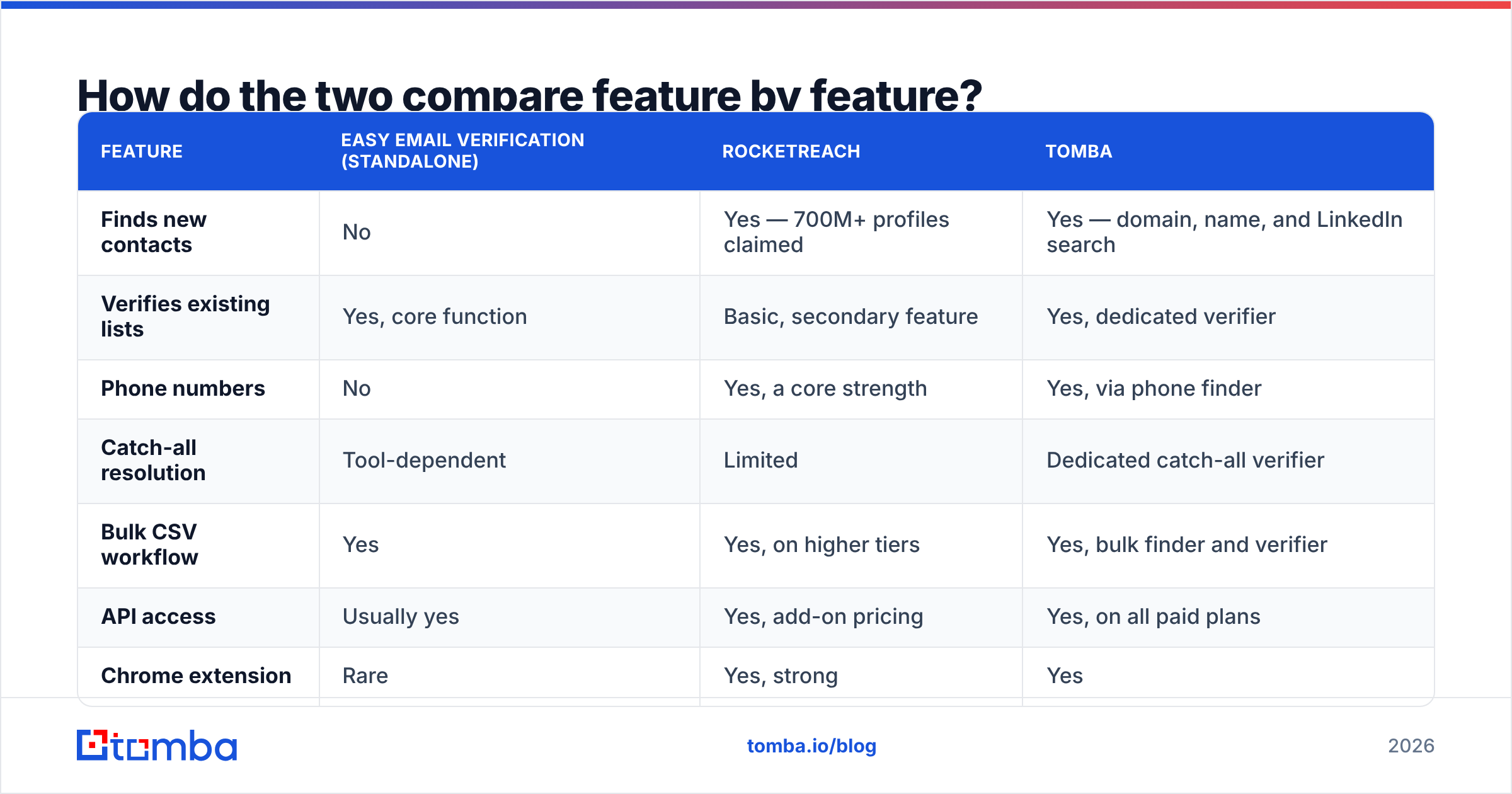
| Feature | Easy email verification (standalone) | RocketReach | Tomba |
|---|---|---|---|
| Finds new contacts | No | Yes — 700M+ profiles claimed | Yes — domain, name, and LinkedIn search |
| Verifies existing lists | Yes, core function | Basic, secondary feature | Yes, dedicated verifier |
| Phone numbers | No | Yes, a core strength | Yes, via phone finder |
| Catch-all resolution | Tool-dependent | Limited | Dedicated catch-all verifier |
| Bulk CSV workflow | Yes | Yes, on higher tiers | Yes, bulk finder and verifier |
| API access | Usually yes | Yes, add-on pricing | Yes, on all paid plans |
| Chrome extension | Rare | Yes, strong | Yes |
| Pricing model | Per credit | Per seat + credits | Per credit, seats included |
| Free tier | Often 100–250 credits | Limited trial lookups | 25 searches/mo |
| Entry paid price | $10–$30/mo typical | ~$39/user/mo annual | $49/mo |

The row that decides most deals is pricing model. Per-seat pricing punishes teams; per-credit pricing punishes volume. If you have three reps burning 500 lookups each, per-credit wins. If you have one operator running 20,000 lookups a month, do the arithmetic carefully — the answer flips.
What does each option actually cost?#
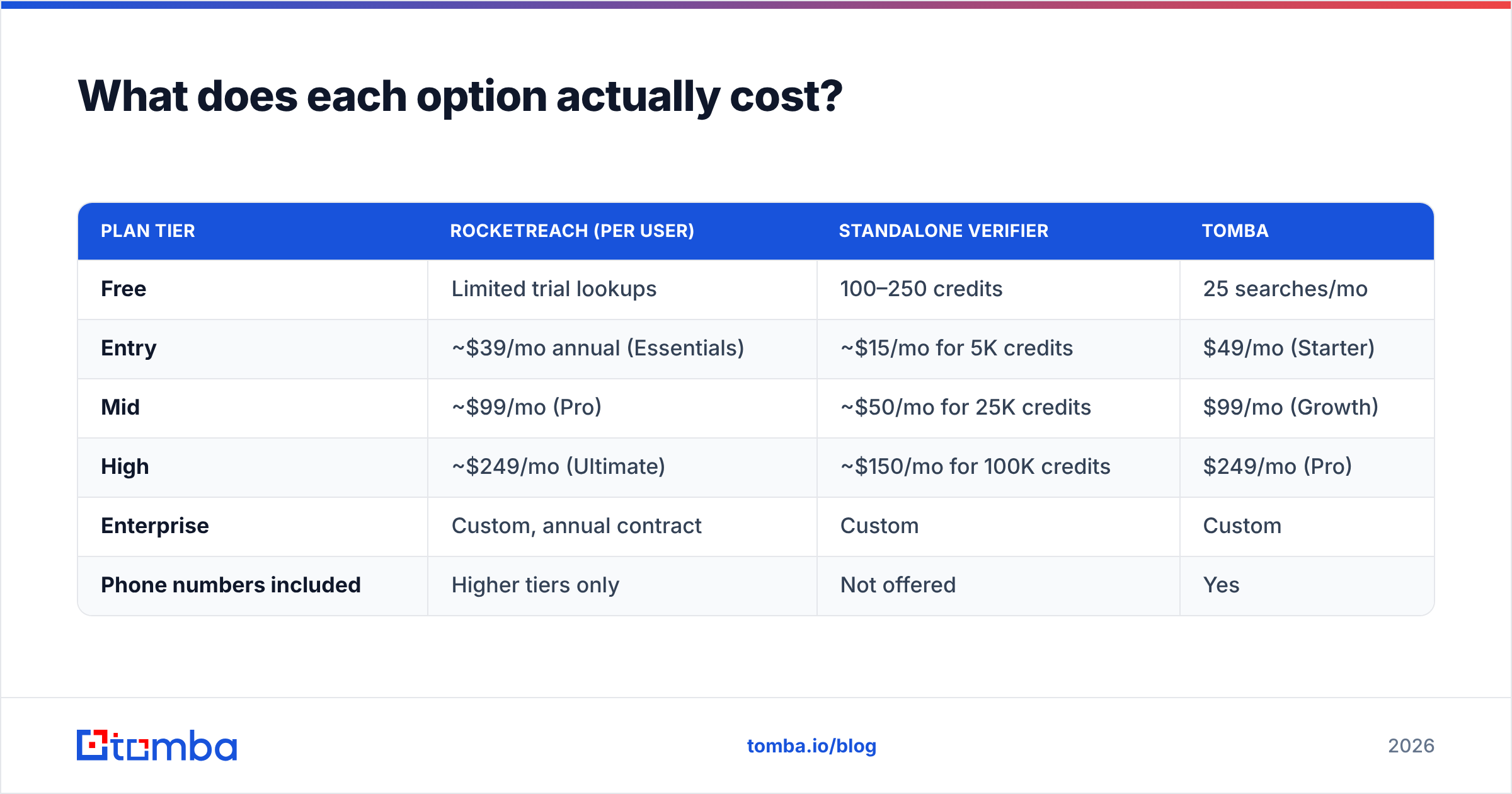
Published list prices, as of 2026. Always confirm on the vendor's own page before budgeting, since this category re-prices constantly.
| Plan tier | RocketReach (per user) | Standalone verifier | Tomba |
|---|---|---|---|
| Free | Limited trial lookups | 100–250 credits | 25 searches/mo |
| Entry | ~$39/mo annual (Essentials) | ~$15/mo for 5K credits | $49/mo (Starter) |
| Mid | ~$99/mo (Pro) | ~$50/mo for 25K credits | $99/mo (Growth) |
| High | ~$249/mo (Ultimate) | ~$150/mo for 100K credits | $249/mo (Pro) |
| Enterprise | Custom, annual contract | Custom | Custom |
| Phone numbers included | Higher tiers only | Not offered | Yes |
Two things jump out.
First, verification alone is cheap. If all you need is list hygiene, paying a contact-database price for it is a category error. Run a free email checker on a sample first to see whether your list even has a problem worth paying to fix.
Second, the combined cost is where teams get hurt. Buying RocketReach for discovery and a separate verifier for hygiene means two contracts, two credit pools, two integrations, and two records of the same contact that drift out of sync. That's the argument for consolidation, and it's the honest argument — not a pitch.

When should you choose one over the other?#
Choose a standalone verifier when:
- You already have a list — from a conference, a CRM export, a form, a partner — and you don't know how much of it is rotten.
- Your bounce rate has crept above 3% and your domain reputation is sliding.
- You're migrating ESPs and need a clean list before the new platform judges you on day one.
- You're doing a one-time cleanup, not building an ongoing motion.
Choose RocketReach when:
- Personal emails and mobile numbers matter more than work addresses — recruiting, executive search, high-value ABM.
- Your team works profile-by-profile in LinkedIn rather than list-by-list in a spreadsheet.
- You have budget for per-seat licensing and fewer than a handful of seats.
- Coverage on hard-to-find individuals matters more than cost per record.
Choose a combined find-and-verify platform when:
- You need both, at volume, and you don't want two vendors reconciling the same contact.
- You want the verification to happen at query time, so the address you get is confirmed now, not confirmed in Q3 of last year.
- Your workflow is API-driven or spreadsheet-driven rather than extension-driven.
That third case is the common one for outbound teams, which is why the email finder and email verifier sitting behind the same credit pool tends to beat stitching two subscriptions together. One Tomba API call returns the address with a verification status attached — no second round trip, no second invoice.
What about catch-all domains — the problem nobody advertises?#
This deserves its own section because it quietly ruins campaigns.
A catch-all domain accepts mail to every address. nonsense-string-9182@acme.com returns a positive SMTP response even though nobody reads it. Roughly 20–30% of B2B domains are configured this way, and the number is rising as companies adopt aggressive spam filtering front-ends.
Standard verifiers return "unknown" or "risky" and leave the decision to you. Contact databases frequently return "valid," which is technically true at the SMTP layer and functionally false in your inbox metrics.
Your options:
- Skip all catch-alls. Safe, but you're discarding a quarter of your addressable market.
- Send to them anyway. You'll find out empirically, and your sender reputation pays the tuition.
- Use a scored catch-all verdict. A catch-all verifier that layers pattern analysis, historical engagement, and format consistency to produce a confidence score rather than a shrug.
Option three is the only one that scales, and it's the sharpest differentiator between tools in this comparison. Ask any vendor directly: "What do you return for a catch-all domain, and how do you determine it?" The quality of the answer tells you more than any accuracy percentage on their homepage.
How do you test both without wasting a month?#
Run a controlled bake-off. It takes about two hours.
- Build a 200-row control list of contacts you can independently confirm — current customers, partners, people you've emailed successfully in the last 90 days.
- Salt it with 20 known-bad addresses — people who've left the company, typo'd domains, a couple of role accounts.
- Run the identical list through each tool. Record the verdict for every row.
- Score three numbers: true positive rate on the good list, catch rate on the salted bad rows, and the percentage returned as "unknown."
- Divide total cost by confirmed-valid records. Not by credits — by records you'd actually send to. That's your real unit price.
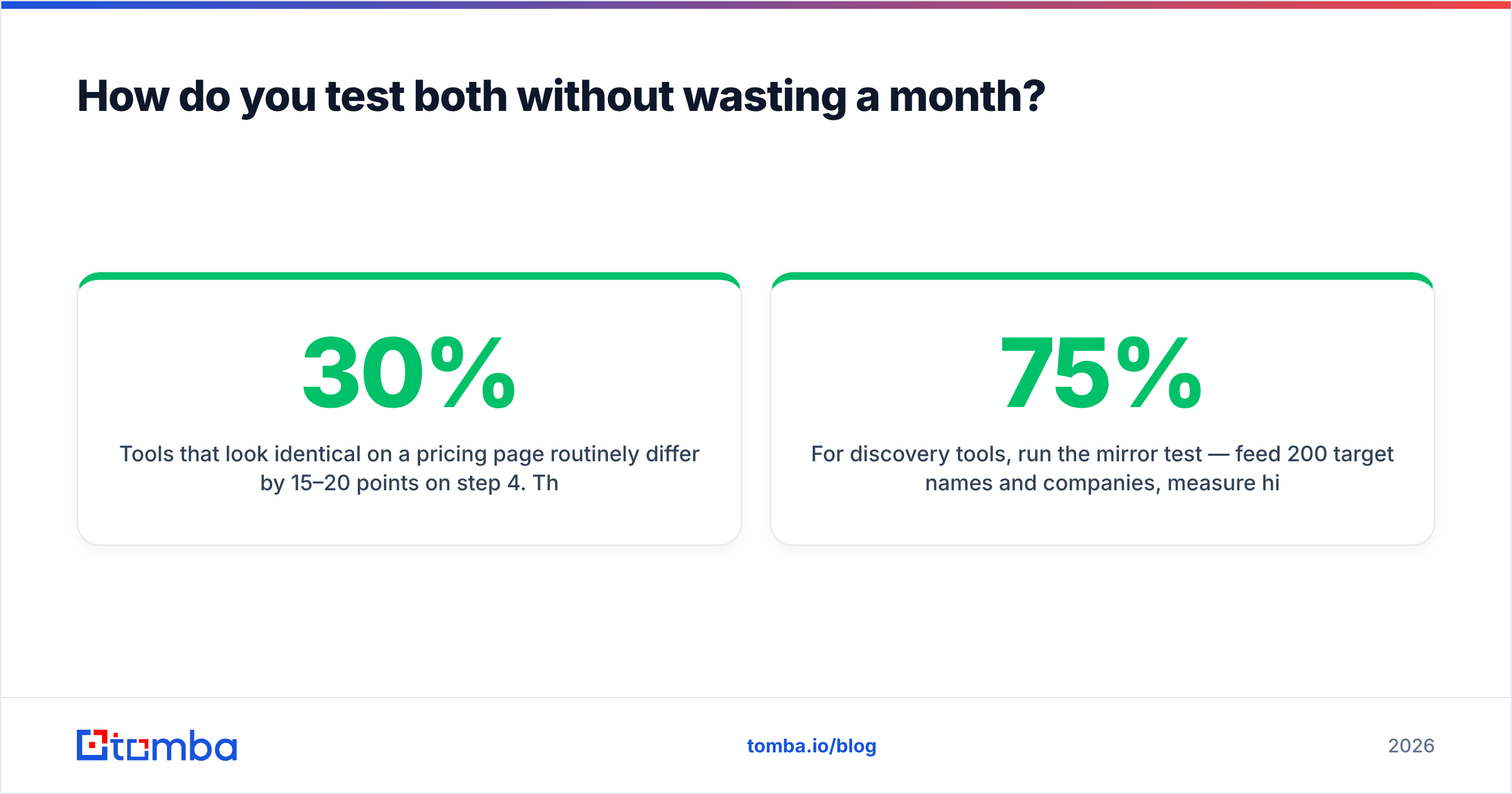
Tools that look identical on a pricing page routinely differ by 15–20 points on step 4. The "unknown" percentage is the sneaky one: a tool that returns 30% unknown has offloaded its job to you while still charging full freight.
For discovery tools, run the mirror test — feed 200 target names and companies, measure hit rate and how many of those hits survive an independent verification pass. A 75% hit rate where a third of the hits bounce is a 50% hit rate wearing a costume.
Frequently asked questions#
Does RocketReach verify emails before returning them? It applies validation, but it is not a specialist verification engine, and returned records may be served from cache. For bulk sends, run an independent verification pass regardless of source.
Is standalone verification enough on its own? Only if you already have contacts. Verification can't create a list. If your pipeline problem is "not enough names," a verifier won't fix it.
Can I use both together? Yes, and plenty of teams do — discovery in one tool, hygiene in another. The friction is cost and record drift. Consolidating to one platform with bulk verify and finding in the same credit pool removes both problems.
What bounce rate should I target? Under 2% hard bounces. Above 3%, mailbox providers start throttling. Above 5%, you're in reputation-damage territory that takes weeks to unwind.
How often should I re-verify a list? Every 60–90 days for active outbound, and always immediately before a send if the list is older than 30 days. B2B contact data decays at roughly 2–3% per month.
Which one should you actually buy?#
The decision collapses to one question: do you need addresses, or do you need confidence in the addresses you have?
If it's confidence — buy verification, pay per credit, and don't overspend on a seat-priced platform for a job that costs cents per record. If it's addresses, and specifically personal emails and mobile numbers for named individuals, RocketReach earns its price for the right team shape.
If it's both — and for most outbound teams running consistent volume, it is both — the two-vendor stack is the expensive way to get there.
That's the gap Tomba's Email Finder is built to close: find the address by domain, name, or company, get the verification verdict attached in the same response, and handle catch-alls with a scored confidence value instead of a shrug. Start on the free tier with 25 searches a month, run the 200-row bake-off above against whatever you're using now, and let the numbers pick the winner. Full Tomba pricing starts at $49/mo with seats included — no per-user math required.
Related guides#
Ready to find emails that actually work?
Join 150,000+ professionals who stopped guessing and started sending. Free credits on signup — no credit card required.
Get the Tomba newsletter
Practical outbound tactics and product updates — once every two weeks.
About the author