8 Best eGrabber Alternatives in 2026 (Tested & Compared)
eGrabber's desktop software and per-seat annual licenses don't fit every team. Here are 8 eGrabber alternatives compared on data accuracy, pricing model, API access, and how fast you can get a verified list out the door.
TL;DR
- eGrabber (LeadGrabber Pro, eMail-Prospector) is Windows desktop software sold as a per-seat annual license. That model is the single biggest reason teams look for alternatives — not the data quality.
- If you need an API, a Mac client, or usage-based pricing, almost any modern cloud tool beats it. Tomba starts free (25 searches/mo) and $49/mo on Starter with full API access.
- Apollo.io wins if you want prospecting data plus sequencing in one seat. Hunter and Tomba win on domain-level email discovery. BookYourData wins if you'd rather buy a verified list outright than run searches.
- The real switching cost is not the subscription — it's rebuilding your list-building workflow around an API or Chrome extension instead of a desktop grid.
- Verify everything you migrate. A list exported from any tool in 2024 is roughly 20-30% stale by now.
What is eGrabber, and why are teams looking for alternatives?#
eGrabber is one of the oldest names in B2B list building. The company's flagship products — LeadGrabber Pro and eMail-Prospector — run as Windows desktop applications that scrape profiles from LinkedIn, directories, and web pages into a spreadsheet-style grid, then append and verify business emails and phone numbers. You can see the current lineup on egrabber.com.
It works. Teams have shipped real pipeline with it for two decades. But three things push people to look elsewhere:
1. The licensing model. eGrabber sells per-seat annual licenses rather than metered credits, and quotes sit in the four-figure range per seat per year depending on product and tier. If you have one researcher building lists full-time, that math can work. If you have five reps who each need 200 emails a month, it usually doesn't. (Always request a current quote — published pricing changes.)
2. It's desktop-first and Windows-only. No Mac client, no native cloud app. Your data lives on one machine, which means no shared team workspace and no way for your CRM to call the tool directly.
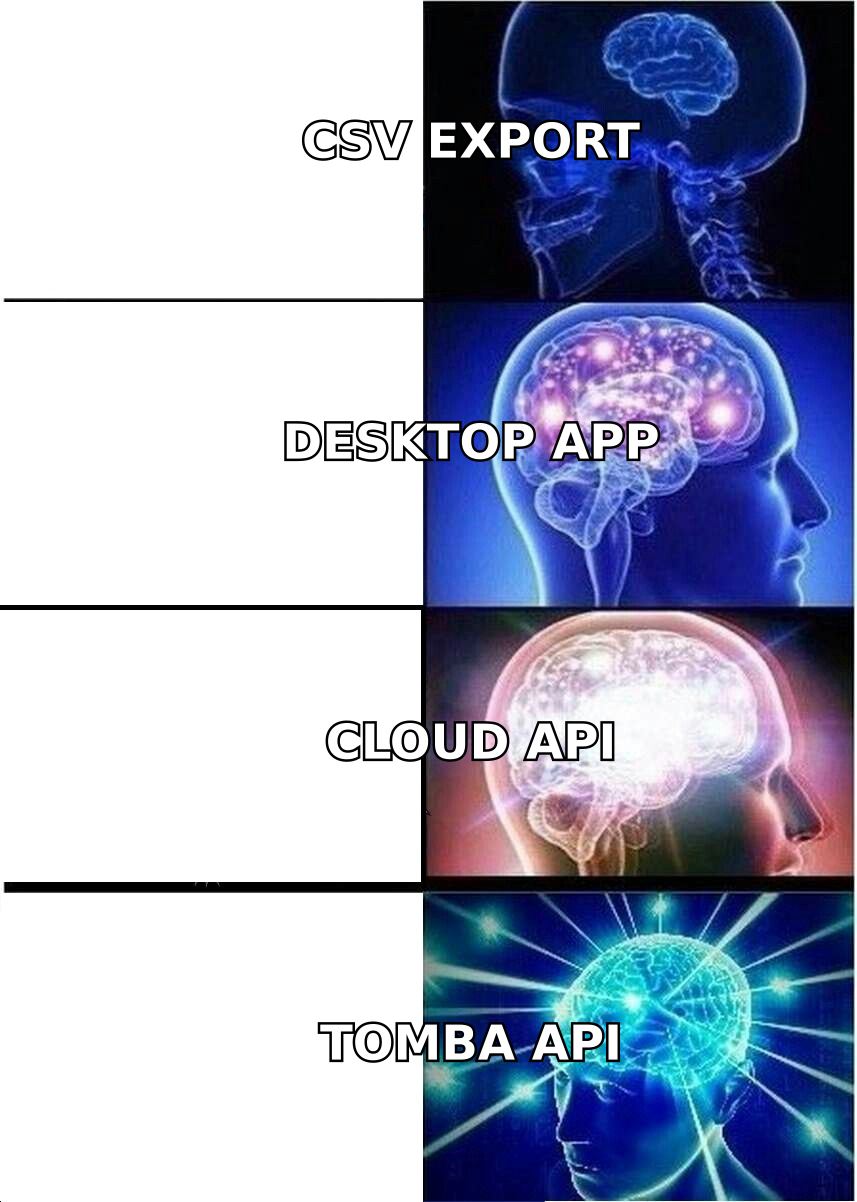
3. No modern API-first workflow. If your motion is "enrich rows in a warehouse table" or "resolve an email inside a Clay/n8n/Make automation," a desktop grid is the wrong shape. You end up exporting CSVs by hand.
None of that makes eGrabber bad software. It makes it a specific tool for a specific buyer: a dedicated list-building operator on Windows who wants everything local.
What should you look for in an eGrabber alternative?#
Score every candidate on these five dimensions before you look at price:
- Verification depth, not just find rate. A tool that returns 90% of your rows but ships 12% bounces is worse than one that returns 70% clean. Ask for the SMTP-level check and how it handles catch-all domains — most vendors quietly mark catch-alls as "valid."
- Pricing model fit. Per-seat annual licenses punish spiky usage. Credit-based or metered plans punish always-on enrichment. Match the model to your actual pattern, then compare unit cost per verified contact — not headline monthly price.
- API and integration surface. If you plan to enrich inside your CRM, warehouse, or an automation tool, you need a documented REST API, a Chrome extension, and native connectors. Check whether the API is on every paid plan or gated behind the top tier.
- Coverage where you actually sell. Most tools are strongest in US and Western European tech. If you sell into APAC, LATAM, or non-tech verticals like construction and manufacturing, run a 200-row sample from your own ICP before you commit.
- Compliance posture. GDPR/CCPA handling, opt-out processing, and documented data sourcing matter more than they did in 2020, especially if you sell into the EU. Ask where the data comes from and how deletion requests are handled.
Run a paid pilot on the same 200-row test file across two or three tools. It costs less than a month of the wrong subscription and it's the only benchmark that reflects your ICP.
How do the top eGrabber alternatives compare?#
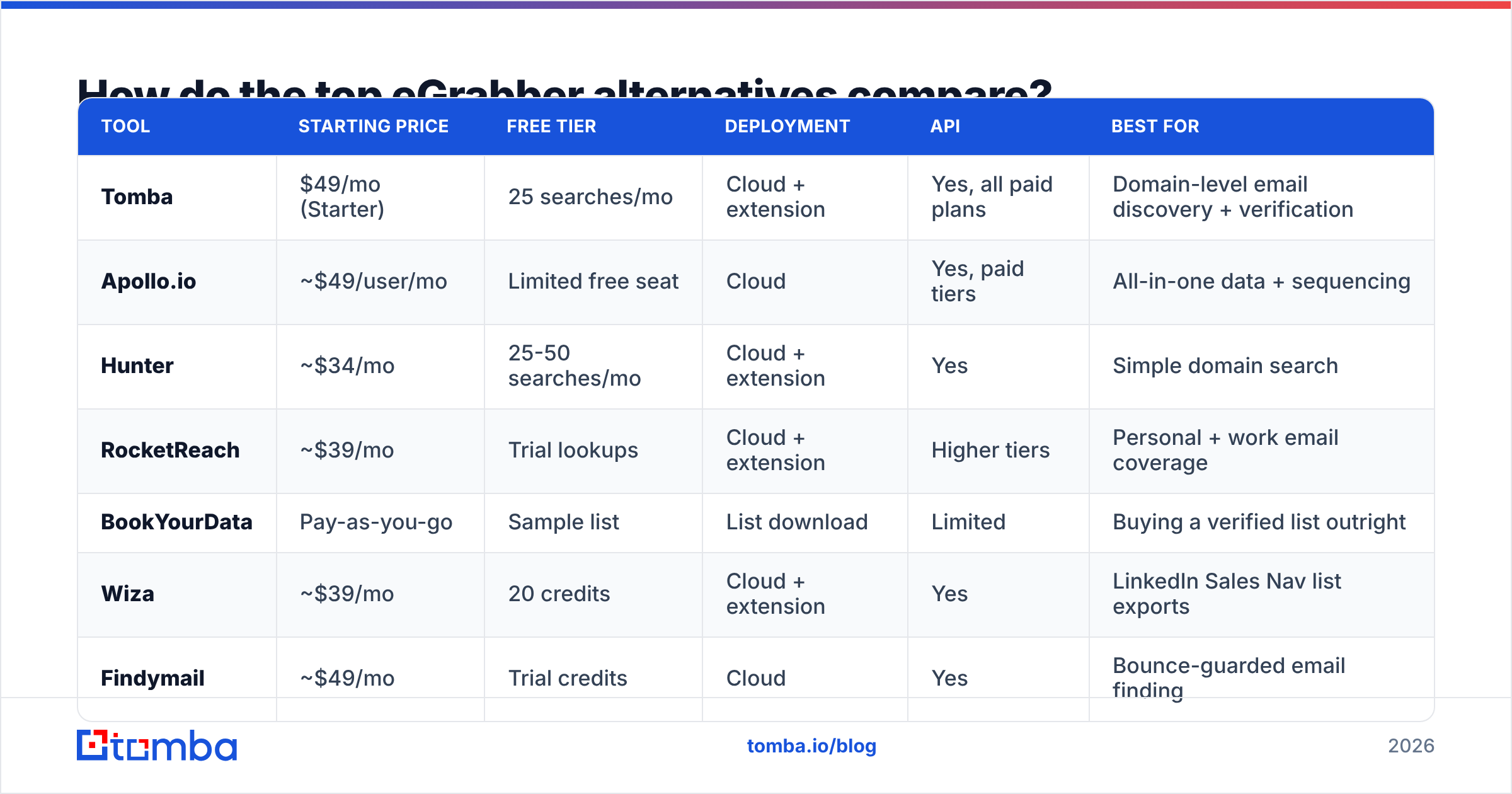
Here's the side-by-side. Prices are entry paid tiers checked in July 2026 — verify on each vendor's page, since tiers shift.
| Tool | Starting price | Free tier | Deployment | API | Best for |
|---|---|---|---|---|---|
| Tomba | $49/mo (Starter) | 25 searches/mo | Cloud + extension | Yes, all paid plans | Domain-level email discovery + verification |
| Apollo.io | ~$49/user/mo | Limited free seat | Cloud | Yes, paid tiers | All-in-one data + sequencing |
| Hunter | ~$34/mo | 25-50 searches/mo | Cloud + extension | Yes | Simple domain search |
| RocketReach | ~$39/mo | Trial lookups | Cloud + extension | Higher tiers | Personal + work email coverage |
| BookYourData | Pay-as-you-go | Sample list | List download | Limited | Buying a verified list outright |
| Wiza | ~$39/mo | 20 credits | Cloud + extension | Yes | LinkedIn Sales Nav list exports |
| Findymail | ~$49/mo | Trial credits | Cloud | Yes | Bounce-guarded email finding |
| ZoomInfo | Custom (annual) | No | Cloud | Enterprise tiers | Enterprise intent + org charts |
| eGrabber | Per-seat annual quote | No | Windows desktop | No public REST API | Offline desktop list building |

The pattern is clear: everything except eGrabber and ZoomInfo lets you start for under $50 and cancel next month. That optionality is worth a lot when you're still figuring out which segment responds.
Which eGrabber alternative fits your use case?#
Tomba — best for domain-first email discovery#
If your workflow starts with a company list rather than a person list, this is the closest functional replacement for eMail-Prospector. Drop in a domain and domain search returns the contacts and the company's email pattern; the email finder resolves a specific first name, last name, and domain into a verified address. Verification runs in the same platform, and the catch-all verifier handles the domains most tools guess on.
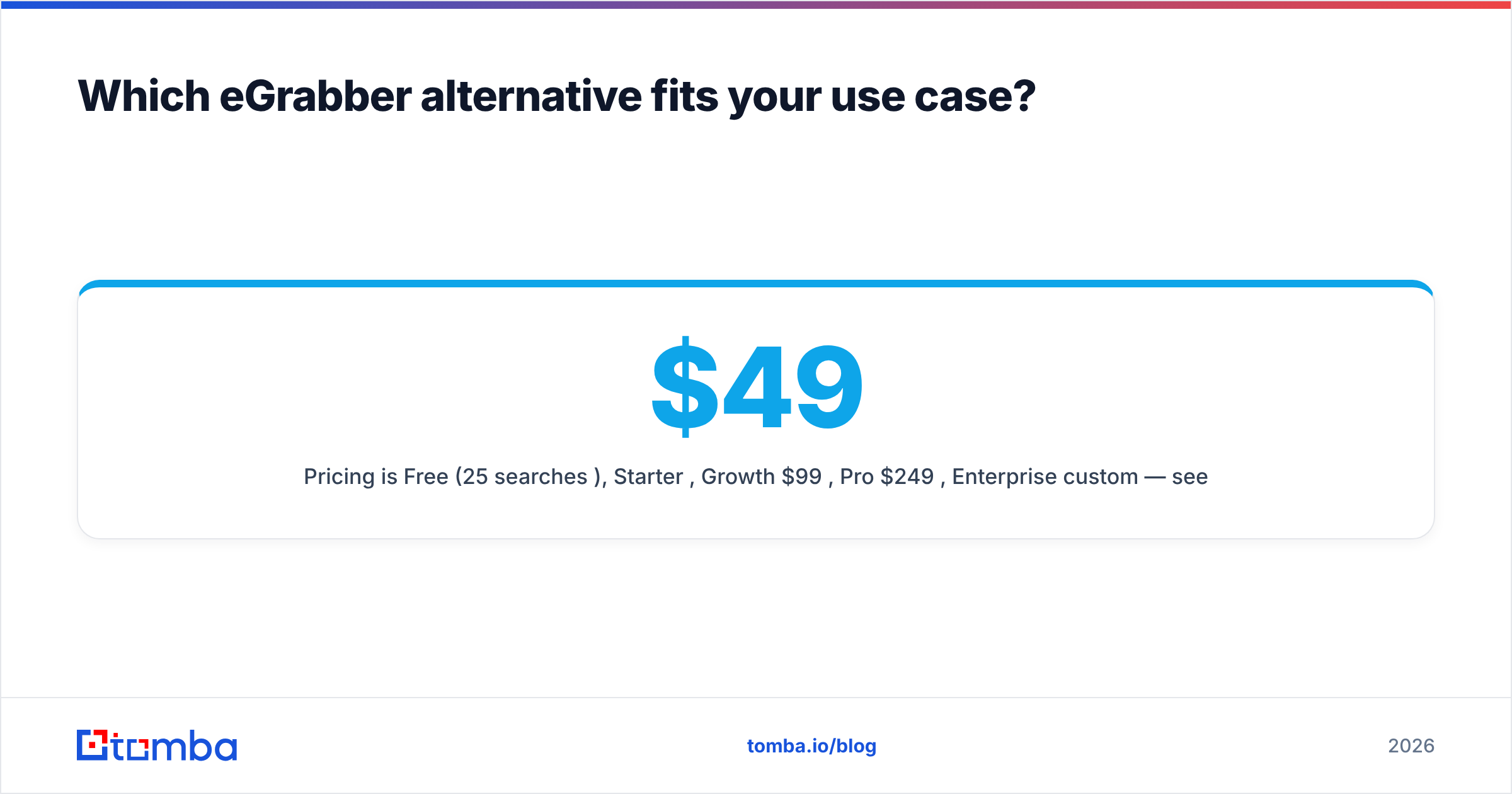
Pricing is Free (25 searches/mo), Starter $49/mo, Growth $99/mo, Pro $249/mo, Enterprise custom — see Tomba pricing for current credit allocations. The Tomba API is available on paid plans, which is the structural upgrade over a desktop grid: your CRM, warehouse job, or automation can request an email without a human exporting a CSV.
Weakness: it's a data and verification layer, not a sequencer. You still need an outbound sending tool.
Apollo.io — best all-in-one replacement#
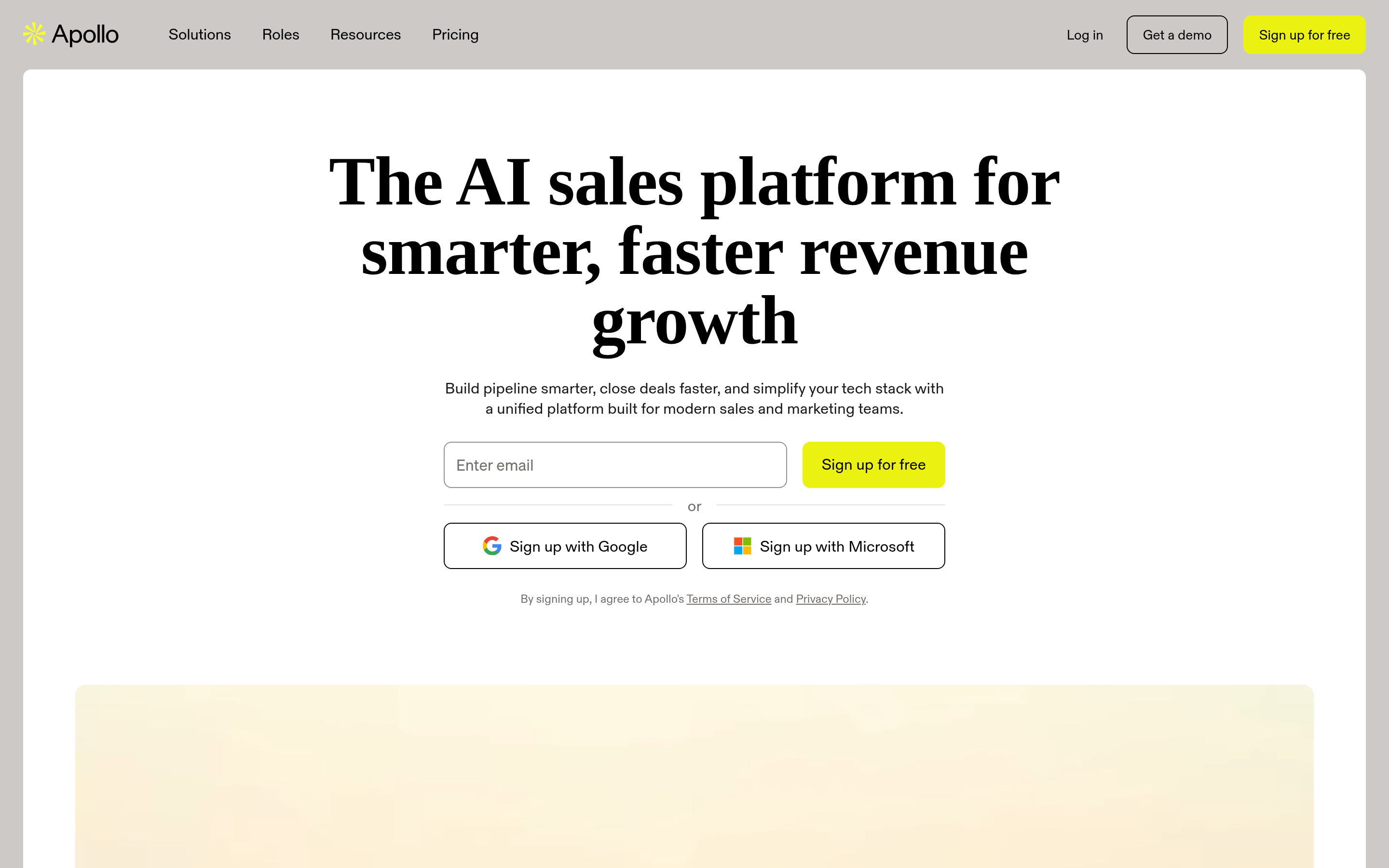
Apollo bundles a large contact database, filters, sequencing, and a dialer into one seat. If you're replacing eGrabber and a separate sending tool, this consolidates spend. Documentation and plan detail is at apollo.io.
Weakness: database-wide accuracy is inconsistent by segment, and reps often over-trust filtered lists without verifying. Budget for a verification pass. If you're evaluating it head to head, we keep a running Apollo alternative breakdown.
Hunter — best for simplicity#
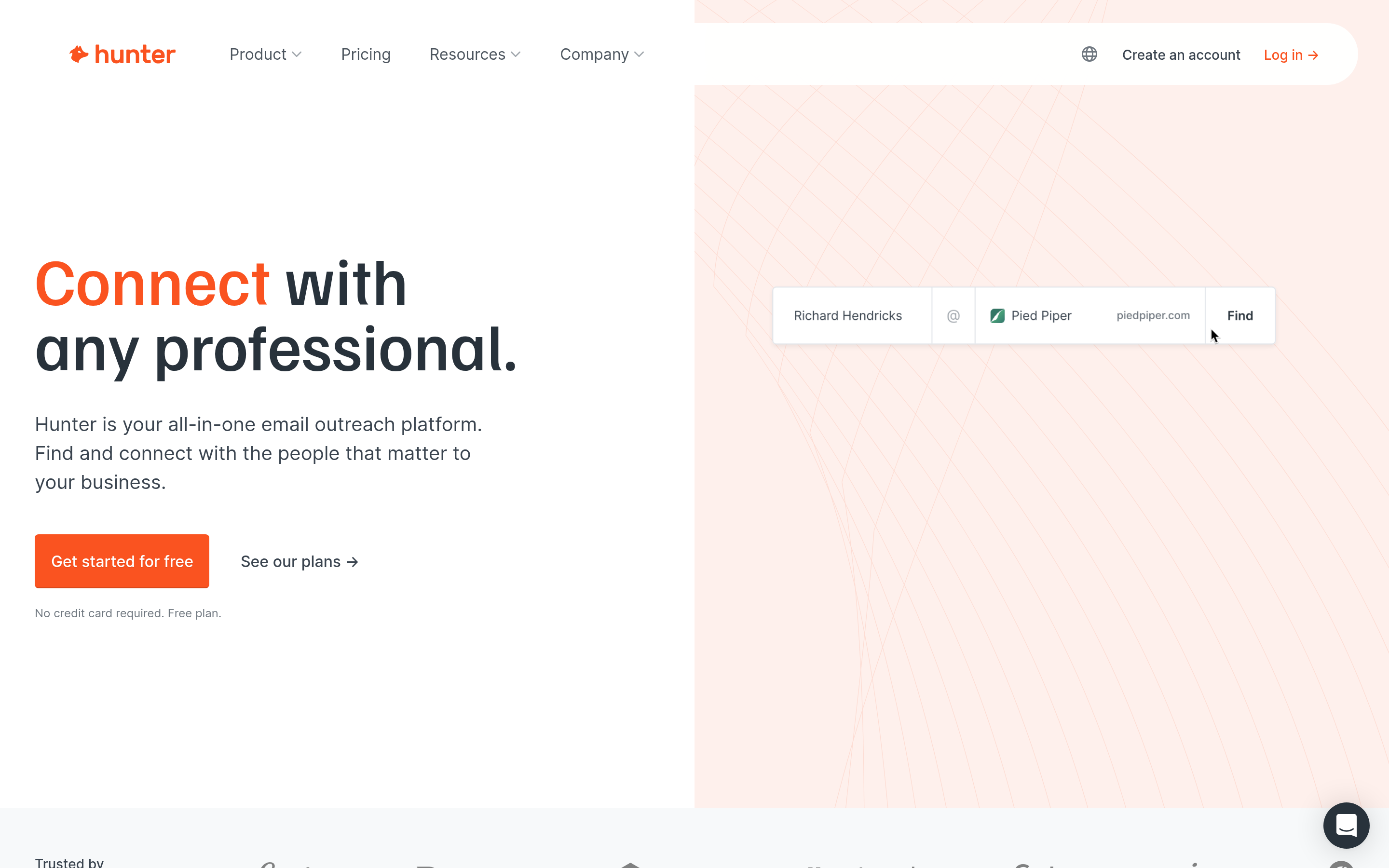
Hunter does domain search and email verification cleanly, with a low learning curve and a generous free tier. If your team's entire need is "give me emails at these 400 domains," it's hard to over-complicate.
Weakness: thinner on phone numbers and firmographic filters than eGrabber's appended data.
RocketReach — best for hard-to-find contacts#
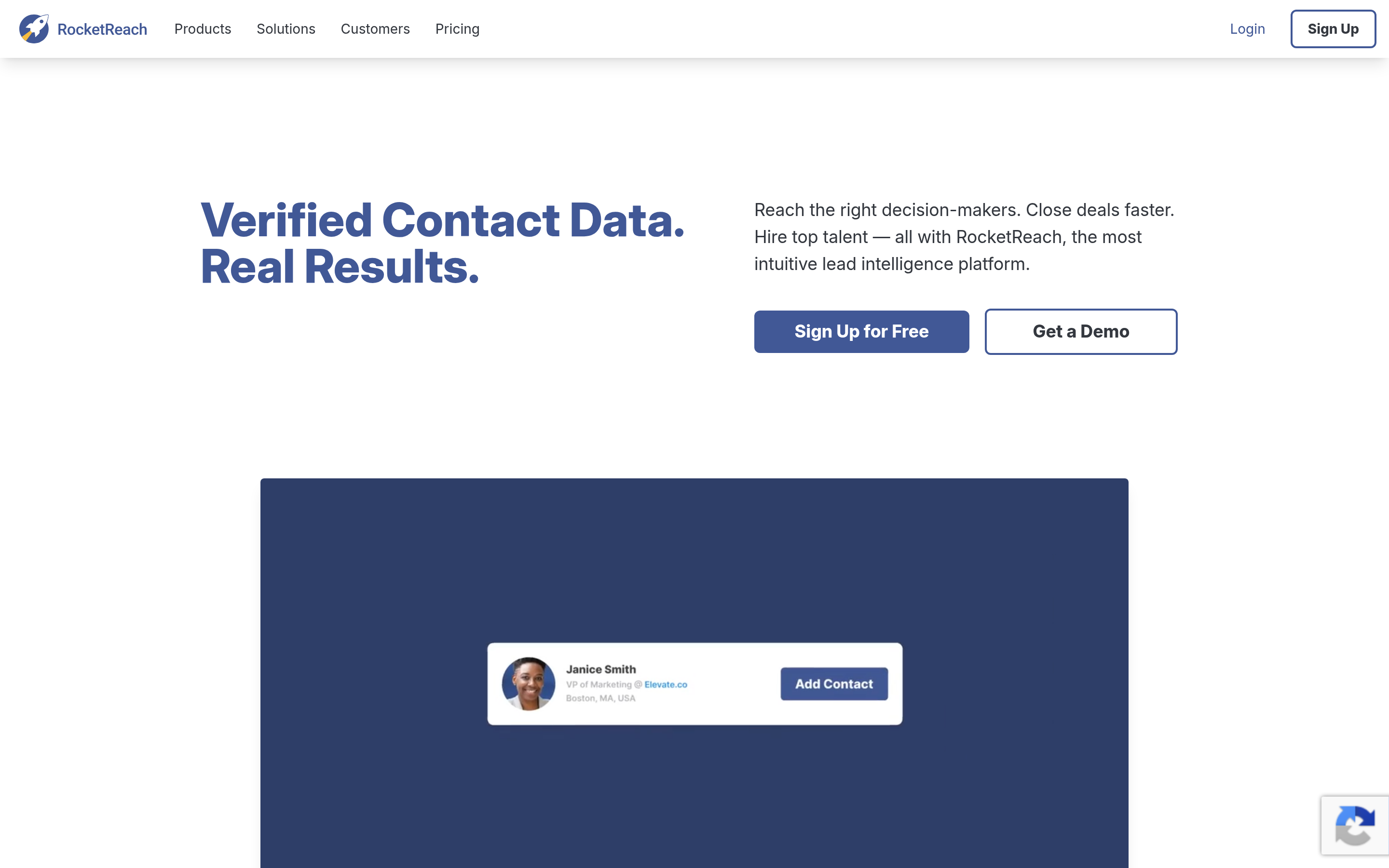
Strong on personal-email coverage and long-tail profiles, which helps when work emails are locked down. Useful for recruiting-adjacent motions, which is where a lot of eGrabber (and ResumeGrabber) usage sits. Compare notes on the RocketReach alternative page.
Weakness: API access is gated to higher tiers, and personal-email outreach carries more compliance risk.
BookYourData — best if you'd rather buy the list#
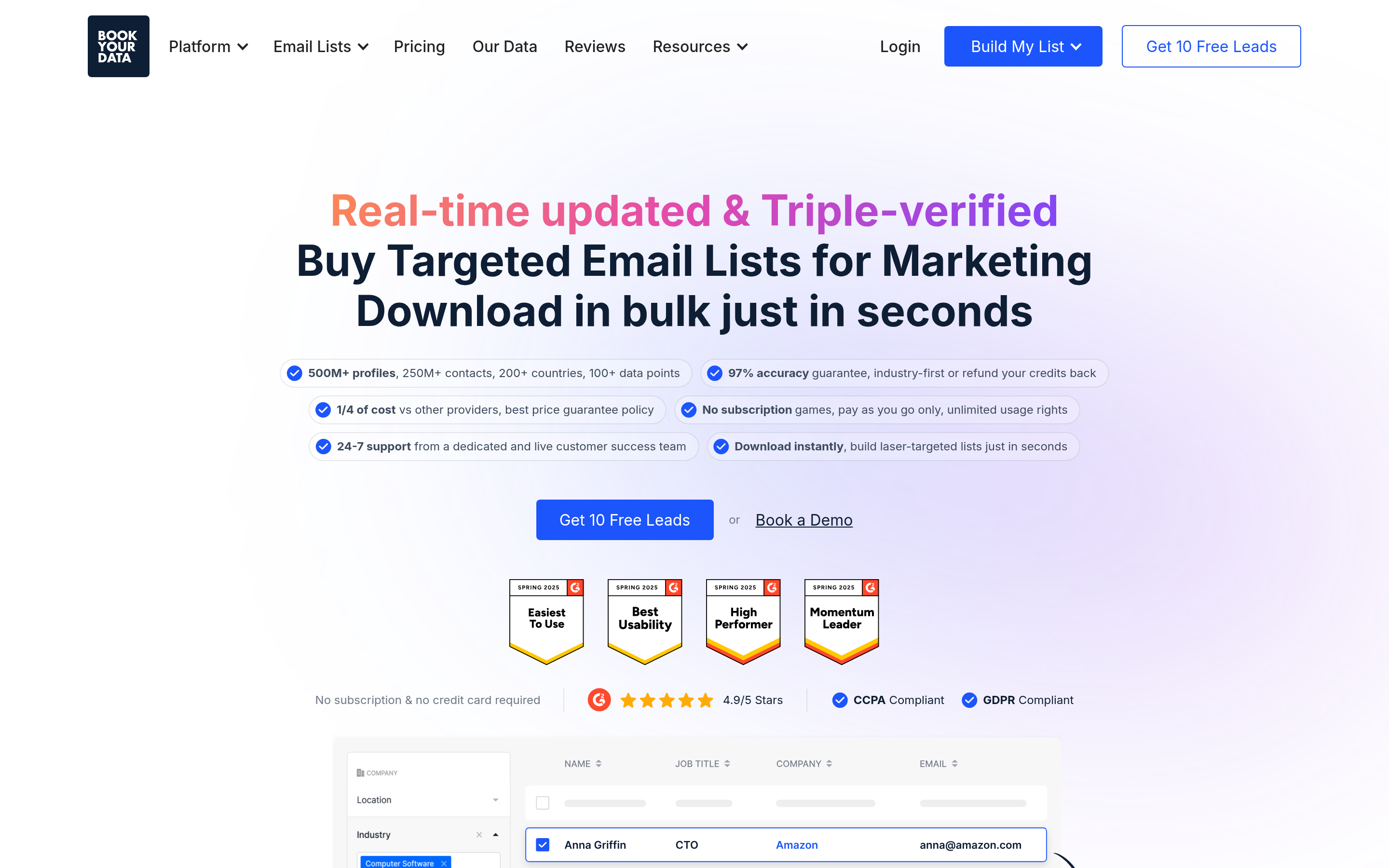
Different model entirely, and a legitimately good fit for some teams: instead of running searches, you filter a verified B2B database and purchase the contacts outright, pay-as-you-go, with an accuracy guarantee. If your motion is a quarterly campaign into a well-defined segment rather than continuous enrichment, buying a clean list beats renting search seats. It's a respected option and a genuinely different answer to the same problem.
Weakness: a purchased snapshot ages from the moment you download it. Re-verify before each send.
Wiza — best for Sales Navigator exports#
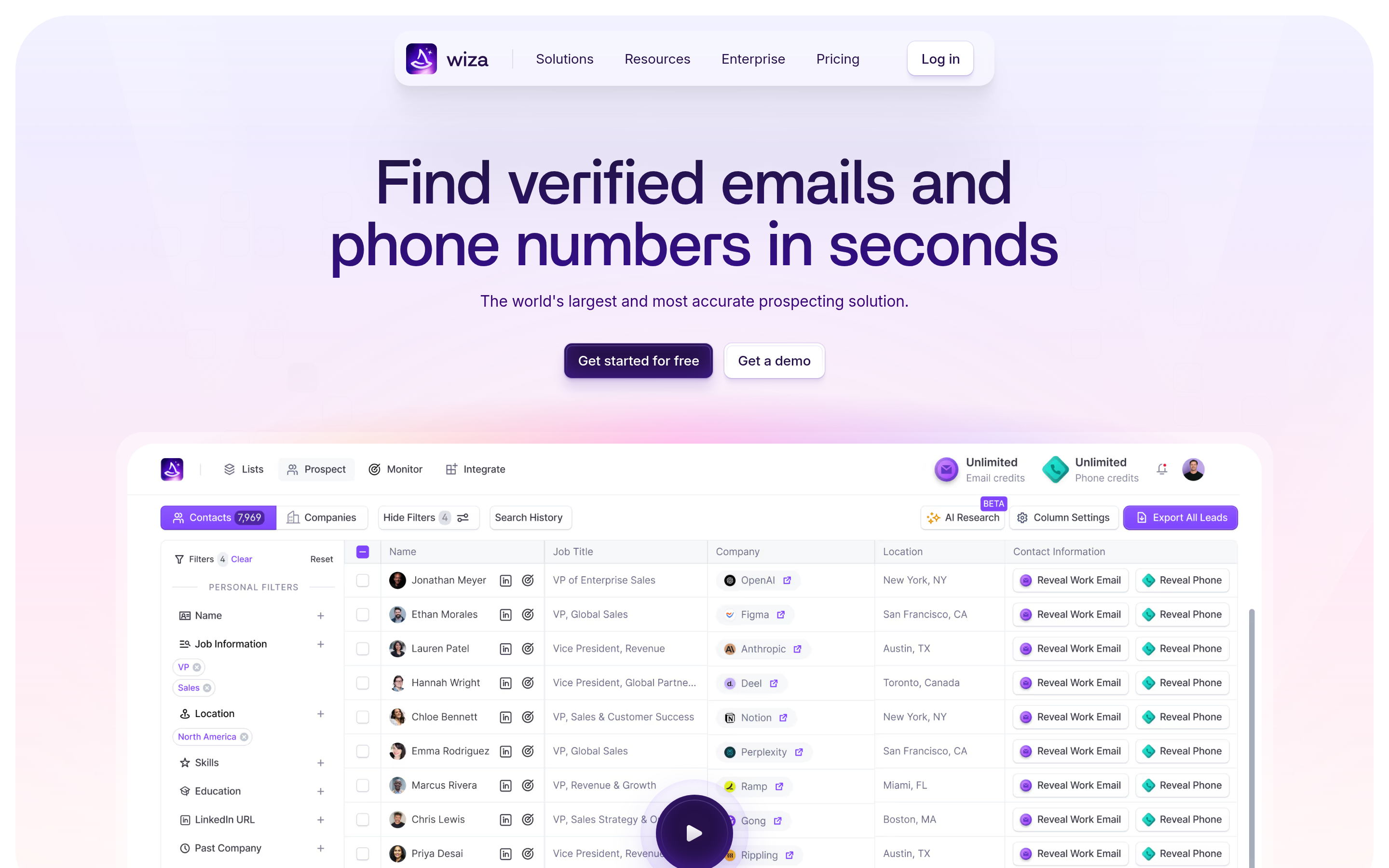
If your prospecting happens inside LinkedIn Sales Navigator, Wiza turns saved searches and lists into enriched exports with minimal fuss — the same job LeadGrabber Pro does, without a desktop install. See the Wiza alternative comparison for the trade-offs.
Weakness: LinkedIn-centric by design. Less useful for domain-first or directory-based sourcing.
Findymail — best for bounce protection#
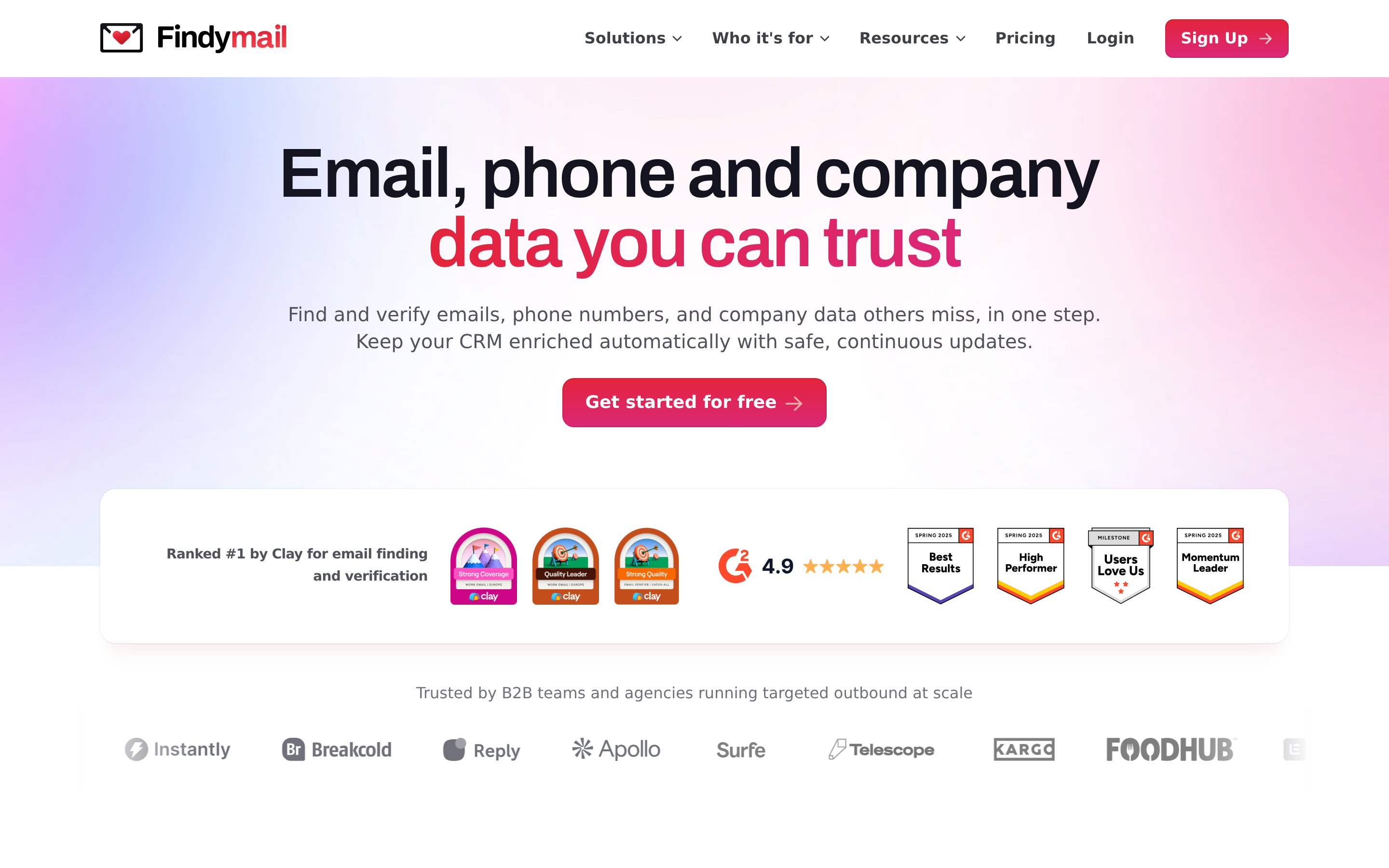
Positions itself around verified-only output and refunds for bad data. Good pick if your sending domain reputation is fragile and you'd rather find fewer emails than risk bounces.
Weakness: narrower feature set; no phone or deep firmographic data.
ZoomInfo — best for enterprise, worst for budget#
If you need org charts, intent signals, and technographics with procurement-grade support, ZoomInfo is still the reference point. Read the terms carefully: annual contracts, seat minimums, and auto-renewal clauses are standard. Third-party reviews on G2 are a useful reality check on both support and data freshness.
How accurate are these tools, really?#
Accuracy claims are marketing until you test them. Every vendor quotes 95%+ and defines "accurate" differently: some count a catch-all domain as valid, some exclude rows they couldn't find from the denominator, some report bounce rate on their own curated sample.

Three rules that survive contact with real data:
- Measure hit rate and bounce rate separately. Hit rate is "did it return something." Bounce rate is "was it real." A tool can win one and lose the other badly.
- Treat catch-all domains as their own bucket. They're roughly a fifth of B2B domains. Any tool that reports them as clean "valid" results is inflating its number. Use a dedicated catch-all finder and decide your own risk tolerance per domain.
- Re-verify anything older than 90 days. B2B contact data decays at roughly 2-3% per month through job changes alone. Run existing lists through an email verifier before a send, regardless of where they came from.
That last point applies to eGrabber exports too. Migrating a two-year-old local database into a new tool without verification imports the decay along with the contacts.
What does switching from eGrabber actually cost?#
Less than you'd expect on subscription, more than you'd expect in workflow. Here's the honest accounting.
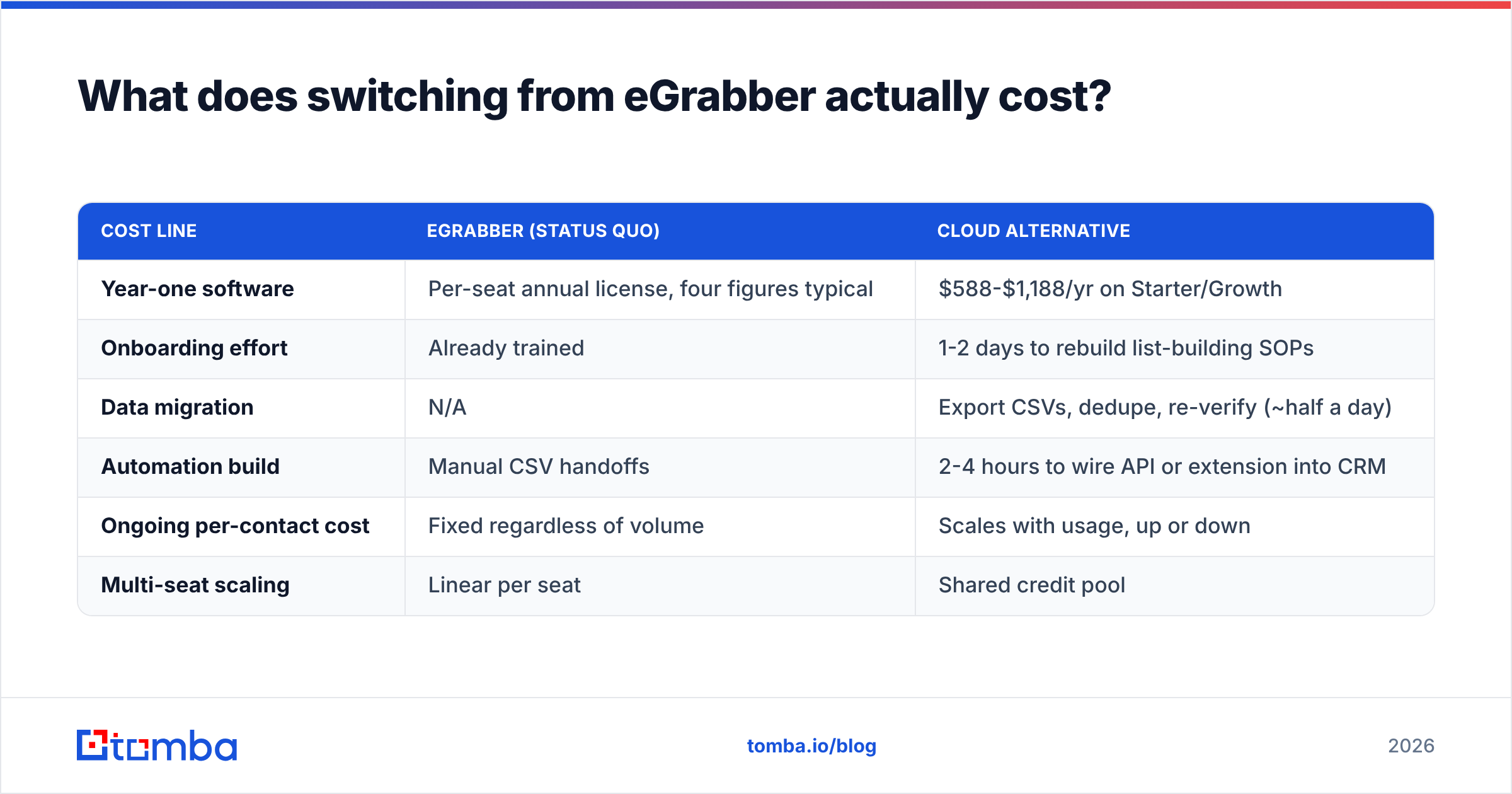
| Cost line | eGrabber (status quo) | Cloud alternative |
|---|---|---|
| Year-one software | Per-seat annual license, four figures typical | $588-$1,188/yr on Starter/Growth |
| Onboarding effort | Already trained | 1-2 days to rebuild list-building SOPs |
| Data migration | N/A | Export CSVs, dedupe, re-verify (~half a day) |
| Automation build | Manual CSV handoffs | 2-4 hours to wire API or extension into CRM |
| Ongoing per-contact cost | Fixed regardless of volume | Scales with usage, up or down |
| Multi-seat scaling | Linear per seat | Shared credit pool |
The hidden win is the last row. Credit pooling means a five-person team shares one budget instead of buying five licenses for wildly uneven usage. The hidden cost is the fourth row — someone has to actually build the integration, and if nobody owns that, you've just bought a cheaper CSV exporter.

One more line item people forget: if you're running bulk work, check how each vendor meters it. Processing 10,000 rows through a bulk email finder costs very differently from 10,000 one-off API calls on some platforms.
Is a cloud API better than desktop scraping software?#
For most teams in 2026, yes — with one real exception.
Cloud wins because your data becomes shared infrastructure. The same lookup that a rep triggers from a Chrome extension can be triggered by a HubSpot workflow, a nightly warehouse job, or an AI agent, against the same credit pool and the same verification logic. Nothing lives on one laptop. Nothing depends on one person remembering to export.
Desktop still wins in exactly one scenario: you have strict data residency or air-gap requirements and cannot send prospect identifiers to a third-party API. That's a genuine constraint in some regulated environments, and it's the strongest remaining argument for keeping eGrabber. If that's not you, the constraint you're paying for isn't buying you anything.
The practical middle path: keep the desktop license through its current term for the one operator who lives in it, move everyone else to a metered cloud tool, and compare unit economics at renewal with real numbers instead of vendor claims.
What's the fastest way to run a fair test?#
Do this in an afternoon:
- Pull 200 rows from your own CRM — real names, real domains, ideally contacts you already know are valid so you can score precision, not just recall.
- Run the same file through two or three candidates on free or trial credits.
- Score four numbers per tool: find rate, verified-valid rate, catch-all share, and cost per verified contact.
- Send a small real campaign to 100 addresses from the winner and record the actual bounce rate. Nothing predicts deliverability like deliverability.
- Check the integration path before you commit — connect it to your CRM via the integrations list or the API and confirm the round trip works end to end.
Whichever tool wins your test, that's the answer — not whichever one ranks highest on a listicle, including this one.
Where to start#
If your reason for leaving eGrabber is the per-seat annual license and the missing API, start with the piece that does the same core job at the lowest switching risk: run 25 free searches through the Tomba Email Finder, then push the same list through verification and compare the bounce rate against your last eGrabber export. Free tier covers the test, Starter is $49/mo when you're ready, and the API is there when you want enrichment to happen without anyone touching a spreadsheet.
Related guides#
Ready to find emails that actually work?
Join 150,000+ professionals who stopped guessing and started sending. Free credits on signup — no credit card required.
Get the Tomba newsletter
Practical outbound tactics and product updates — once every two weeks.
About the author