Email Address Lookup Tool: How to Find Any Work Email
Most email address lookup tools return something for every query. Far fewer return an address that actually accepts mail. Here is how the lookup works, what accuracy claims really mean, and which tool fits your volume.
TL;DR
- An email address lookup tool takes a name plus a company (or a domain, or a LinkedIn URL) and returns the professional email address behind it — then tells you how confident it is.
- Every vendor quotes a coverage number and an accuracy number. They are not the same metric, and only one of them protects your sender reputation.
- The single biggest differentiator in 2026 is not database size. It is what the tool does with catch-all domains, which now cover roughly a third of mid-market B2B companies.
- Free tiers are fine for one-off lookups (Tomba gives you 25 searches/month, Hunter gives you a similar taster). Anything above ~200 contacts a month needs a paid plan with bulk and API access.
- Budget for verification as part of the lookup, not as a separate line item. A "found" address that bounces costs you more than a blank cell.
What is an email address lookup tool?#
An email address lookup tool is software that resolves a person to their work email address. You give it identity signals — first name, last name, company domain, sometimes a LinkedIn profile — and it gives you back an address plus a confidence score.
Think of it like a reverse phone book for corporate email. In the old model you knew the number and looked up the person. Here you know the person and need the number. The tool does the mapping by combining two things: a large index of addresses it has already observed in the wild, and a pattern engine that reconstructs an address when it has never seen that exact person before.
That second half is why quality varies so much between vendors. Reconstruction is cheap. Anyone can generate first.last@company.com. Proving that the generated address is real is the expensive part, and it is where most of the price difference between tools comes from.
A modern lookup stack usually bundles several related jobs:
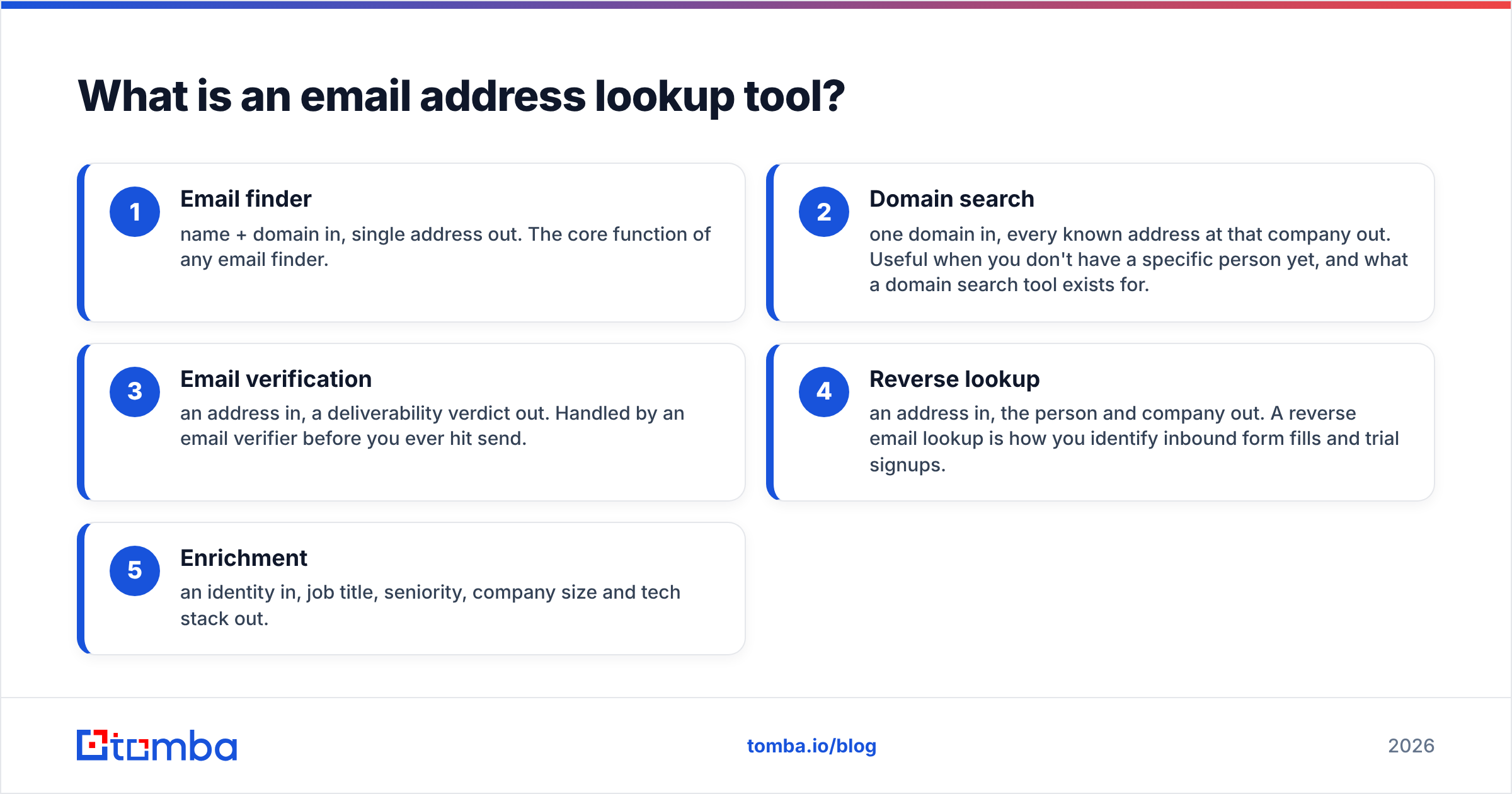
- Email finder — name + domain in, single address out. The core function of any email finder.
- Domain search — one domain in, every known address at that company out. Useful when you don't have a specific person yet, and what a domain search tool exists for.
- Email verification — an address in, a deliverability verdict out. Handled by an email verifier before you ever hit send.
- Reverse lookup — an address in, the person and company out. A reverse email lookup is how you identify inbound form fills and trial signups.
- Enrichment — an identity in, job title, seniority, company size and tech stack out.
You do not need all five on day one. You do need to know which ones your vendor actually performs versus which ones it resells.
How does an email address lookup tool actually find an address?#
Five mechanisms, roughly in order of reliability:
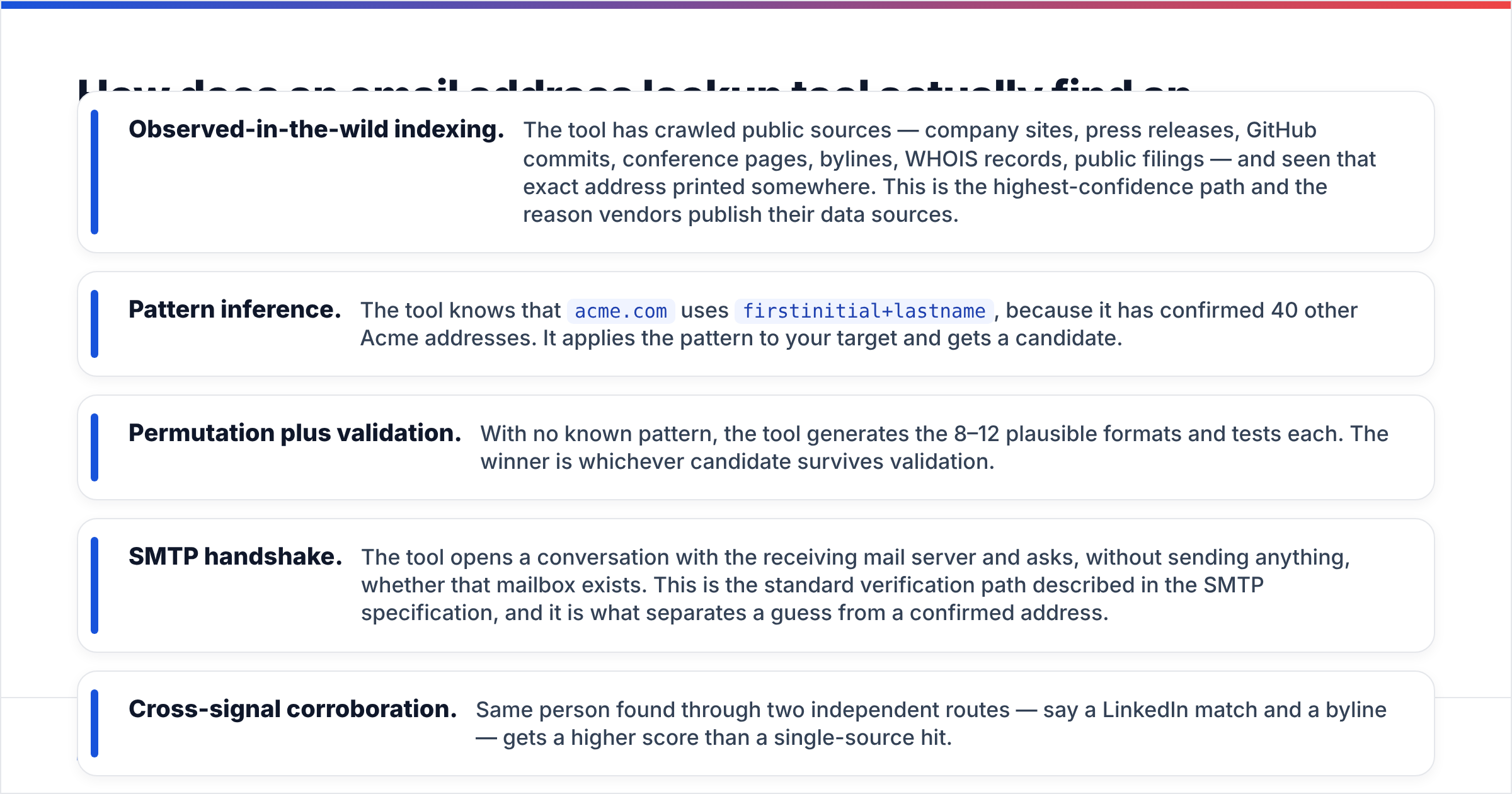
- Observed-in-the-wild indexing. The tool has crawled public sources — company sites, press releases, GitHub commits, conference pages, bylines, WHOIS records, public filings — and seen that exact address printed somewhere. This is the highest-confidence path and the reason vendors publish their data sources.
- Pattern inference. The tool knows that
acme.comusesfirstinitial+lastname, because it has confirmed 40 other Acme addresses. It applies the pattern to your target and gets a candidate. - Permutation plus validation. With no known pattern, the tool generates the 8–12 plausible formats and tests each. The winner is whichever candidate survives validation.
- SMTP handshake. The tool opens a conversation with the receiving mail server and asks, without sending anything, whether that mailbox exists. This is the standard verification path described in the SMTP specification, and it is what separates a guess from a confirmed address.
- Cross-signal corroboration. Same person found through two independent routes — say a LinkedIn match and a byline — gets a higher score than a single-source hit.

The practical takeaway: ask a vendor which of these five produced your result. Good tools tell you. A response labelled "pattern-based, unverified" deserves a very different treatment from one labelled "confirmed via SMTP, seen in 3 sources." If your provider gives you one undifferentiated confidence percentage with no provenance, you are flying blind.
Which email address lookup tools are worth testing in 2026?#
Pricing below reflects publicly listed entry plans at the time of writing. Vendors change tiers frequently — always confirm on the vendor's own pricing page before you commit.
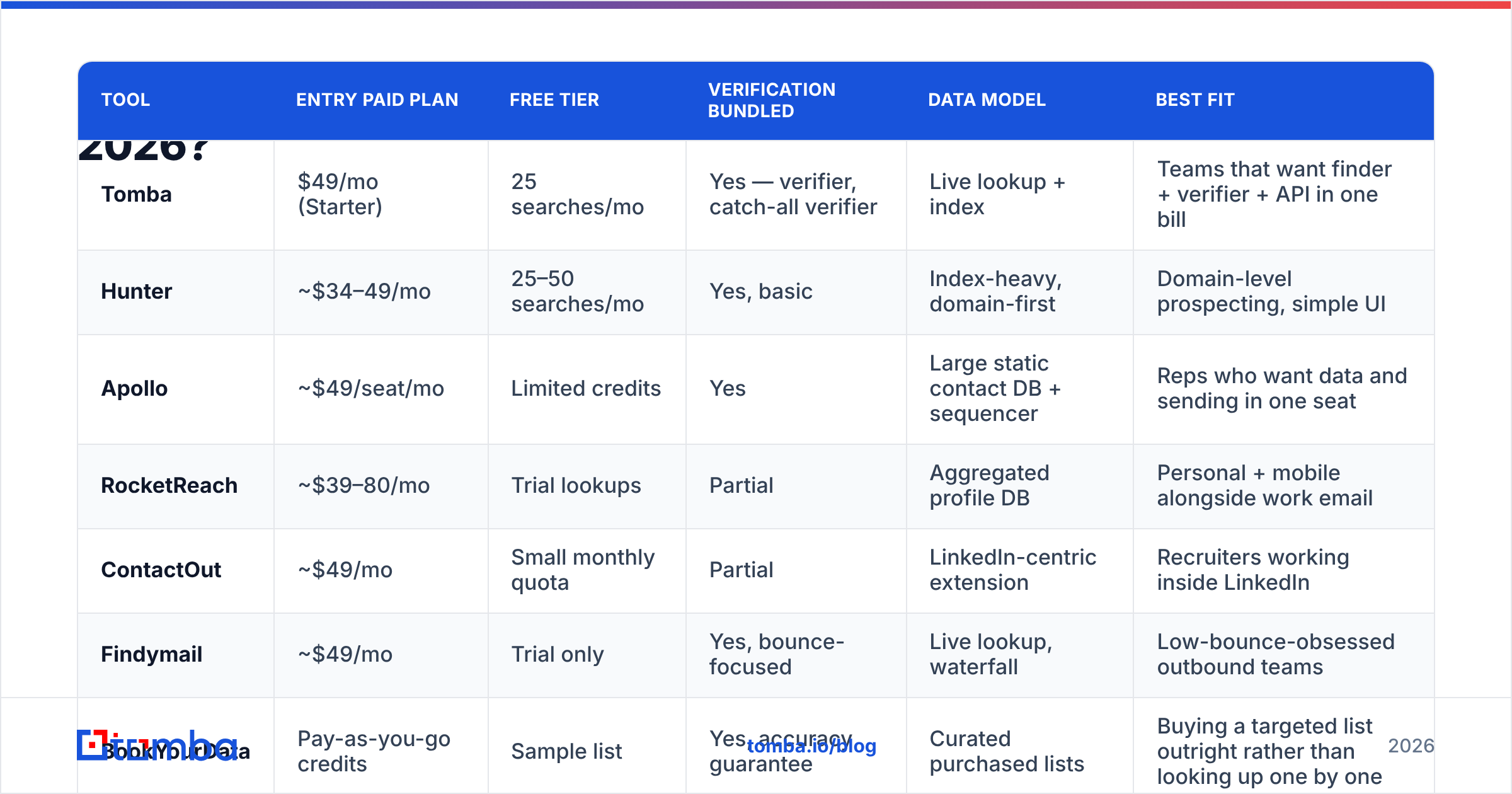
| Tool | Entry paid plan | Free tier | Verification bundled | Data model | Best fit |
|---|---|---|---|---|---|
| Tomba | $49/mo (Starter) | 25 searches/mo | Yes — verifier, catch-all verifier | Live lookup + index | Teams that want finder + verifier + API in one bill |
| Hunter | ~$34–49/mo | 25–50 searches/mo | Yes, basic | Index-heavy, domain-first | Domain-level prospecting, simple UI |
| Apollo | ~$49/seat/mo | Limited credits | Yes | Large static contact DB + sequencer | Reps who want data and sending in one seat |
| RocketReach | ~$39–80/mo | Trial lookups | Partial | Aggregated profile DB | Personal + mobile alongside work email |
| ContactOut | ~$49/mo | Small monthly quota | Partial | LinkedIn-centric extension | Recruiters working inside LinkedIn |
| Findymail | ~$49/mo | Trial only | Yes, bounce-focused | Live lookup, waterfall | Low-bounce-obsessed outbound teams |
| BookYourData | Pay-as-you-go credits | Sample list | Yes, accuracy guarantee | Curated purchased lists | Buying a targeted list outright rather than looking up one by one |

Two structural notes on that table.
The first is that these tools are not all solving the same problem. Apollo and ContactOut are workflow products with a lookup inside them; Tomba, Hunter and Findymail are lookup products with workflow attached. BookYourData sits in a third category entirely — instead of resolving people one at a time, you specify a segment and buy the verified list, which is a genuinely better fit when you already know the ICP and just want 5,000 rows of it today. If your bottleneck is "I have 3,000 named prospects and no addresses," a lookup tool wins. If your bottleneck is "I need every VP of Ops at 200–500 employee logistics firms in the Midwest," a curated list provider is the faster path.
The second is that seat-based pricing and credit-based pricing behave very differently as you scale. A $49/seat product with five reps is $245/month; a $99 credit pool shared across the same five reps is $99. If your team looks up in bursts rather than continuously, pooled credits win. Compare the actual math against Tomba pricing and whatever your incumbent charges per seat before renewal.
How accurate are these tools, really?#
Accuracy claims in this category are close to unfalsifiable unless you define the denominator. Three different numbers get marketed as "accuracy":
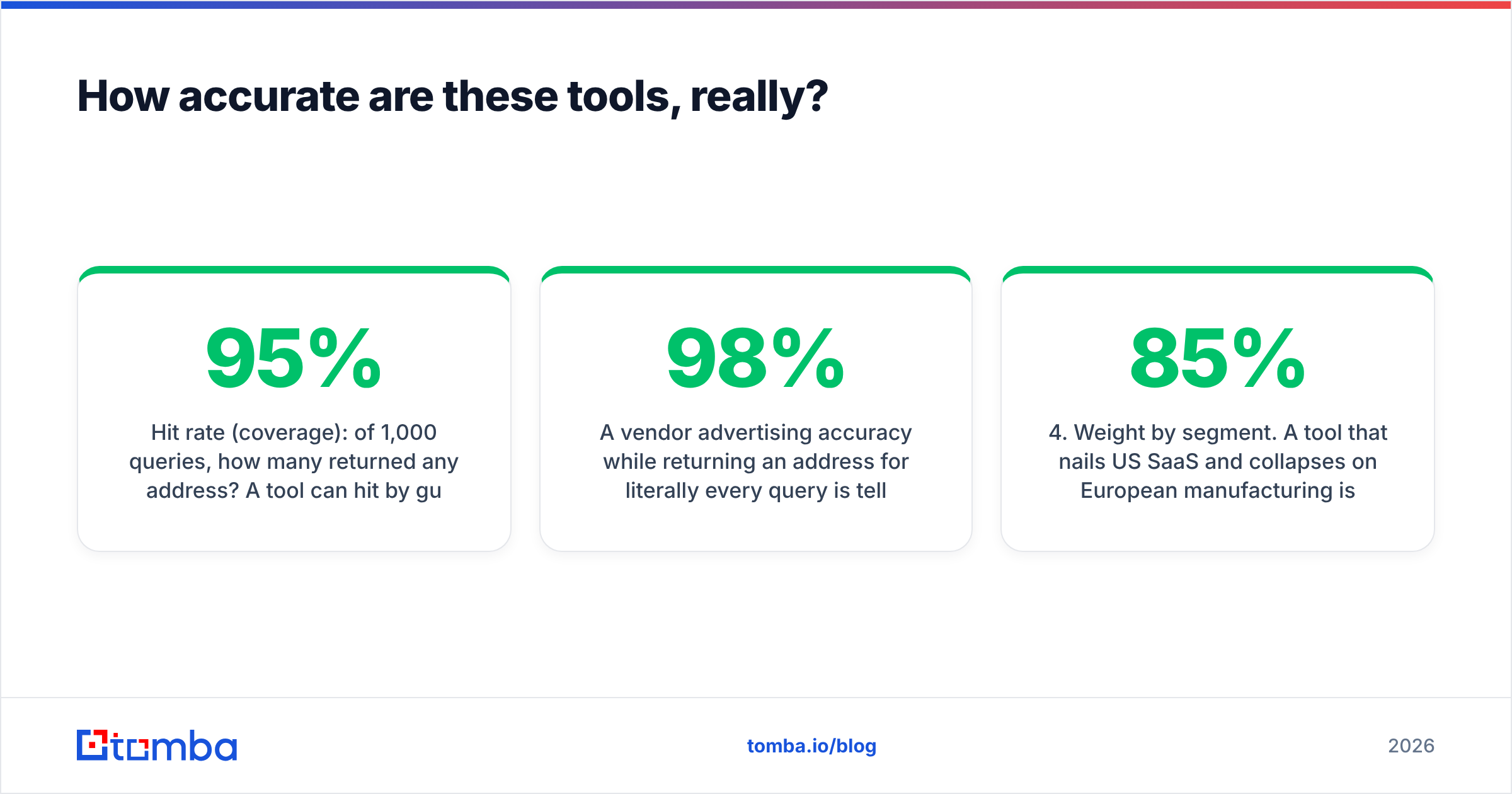
- Hit rate (coverage): of 1,000 queries, how many returned any address? A tool can hit 95% by guessing aggressively.
- Precision: of the addresses returned, how many are genuinely deliverable? This is the number that matters.
- Bounce rate: of the addresses you actually mailed, how many hard-bounced? This is precision measured after the fact, and it is the only version your ESP cares about.
A vendor advertising 98% accuracy while returning an address for literally every query is telling you about coverage, not precision. The honest version of the metric looks worse and serves you better.

Run your own test before you buy. The method takes an afternoon:
- Build a 100-row control list of people whose addresses you already know — past customers, partners, people who have emailed you.
- Strip the addresses. Feed name + domain into each tool's free tier.
- Score three columns: returned an address (yes/no), matched the known address (yes/no), confidence score reported.
- Weight by segment. A tool that nails US SaaS and collapses on European manufacturing is not "85% accurate" for you if you sell to European manufacturers.
Independent review aggregators like G2's email-finder category are useful for spotting support and billing complaints, less useful for accuracy — self-reported review scores don't measure bounce rates.
What happens when the domain is catch-all?#
This is where lookup tools separate. A catch-all domain accepts mail to any address, existing or not. Send to asdfgh@catchall-co.com and the server says yes. That breaks SMTP verification completely, because the handshake no longer distinguishes real mailboxes from invented ones.
Roughly a third of mid-market B2B domains are configured this way, and the share keeps climbing as companies route mail through security gateways. So "we verify every address via SMTP" quietly means "we verify every address except the third of your list where it matters most."
Vendors respond in one of three ways:
- Return and label. You get the address flagged
accept_allorrisky, and it's your problem. Most common. - Refuse. The tool drops catch-all results to protect its own bounce statistics. Clean numbers, worse coverage.
- Resolve with secondary signals. The tool corroborates against observed sightings, engagement history, and pattern confidence to produce a real verdict instead of a shrug. This is what a dedicated catch-all verifier does, and it is the single feature I would test hardest before signing anything.

Practical rule: never mail a catch-all address in the first touch of a cold sequence on a new domain. Warm the domain on confirmed-valid addresses first, establish a positive sender history, then layer in the risky segment. Sequencing your list by verification tier is free and it materially protects email deliverability.
Is a free email address lookup tool good enough?#
Depends entirely on volume and repeatability.
A free tier is genuinely sufficient when you need fewer than about 25 lookups a month, the lookups are ad hoc, and you can eyeball each result. Reaching out to ten podcast hosts, chasing a specific hiring manager, checking one address before a proposal goes out — a free email checker covers that without a credit card.
A free tier stops working the moment any of these appear:
- Volume above ~200/month. Manual entry becomes the bottleneck; you need bulk upload.
- Repeatable process. If the lookup happens on a trigger (new signup, new job change, new list), you need the API, not a web form.
- Team access. Shared credit pools, usage visibility, and one bill instead of five personal accounts.
- Compliance requirements. Paid plans carry data-processing terms, source disclosure and deletion workflows. Free tiers usually don't.
The migration path most teams take: free tier to validate accuracy on their own segment, then a $49–99/month plan once the process is proven, then API-first once lookup becomes part of the pipeline rather than a task someone does. If you're already at the third stage, look at the Tomba API and bulk email finder rather than the dashboard.
How do you build lookups into your workflow without breaking things?#
Three integration patterns, from lightest to heaviest.
Browser-based, per-prospect. You're on a company site or a LinkedIn profile, you need one address, you don't want to context-switch. A browser extension handles this. Fastest per-lookup, worst for volume, no audit trail.
Spreadsheet-based, per-batch. You have a list from a conference, a scrape, or a partner. Upload a CSV, get enriched rows back, or work directly in Google Sheets with a formula per row. Good middle ground — reviewable, repeatable, no engineering time.
API-based, event-driven. A contact enters your CRM without an email; a webhook fires; the lookup runs; the verified result writes back; unverifiable records route to a manual queue. This is the only pattern that scales past a few thousand a month, and it's where a HubSpot integration or a Zapier hop earns its keep. HubSpot's own data quality documentation is worth reading before you wire anything up — dedupe rules decide whether enrichment helps or creates chaos.
Whichever pattern you pick, log the confidence score and the verification verdict alongside the address in your CRM. Six months later, when your bounce rate spikes, that field is the difference between diagnosing the problem in ten minutes and guessing for a week.
What should you check before you commit to a vendor?#
- Provenance transparency. Can the tool tell you how it found each address? Vendors that won't say are usually reselling someone else's index.
- Catch-all strategy. Label, refuse, or resolve? Test on five known catch-all domains from your own segment.
- Credit refund policy. Are you charged for unfound queries? For results that later bounce? Both should be no.
- Pooled versus per-seat pricing. Model it at your actual team size, not at one seat.
- Verification included or extra. A cheap finder plus a separate verifier is often more expensive than a bundled plan and always slower.
- Export and deletion. You should be able to get your data out and have lookups deleted on request. This is a GDPR obligation, not a feature.
Where to start#
If your problem is straightforward — you have names and companies, you need deliverable addresses, and you want the verification built in rather than bolted on — start with the Tomba Email Finder on the free tier. Twenty-five searches is enough to run the 100-row control test described above on a meaningful sample, which tells you more about accuracy on your segment than any vendor benchmark will. If the precision holds up, Starter at $49/month gets you bulk lookups, the catch-all verifier and API access on the same bill. If it doesn't hold up on your data, you've lost an afternoon and learned something specific — which is exactly the outcome a free tier should give you.
Related guides#
Ready to find emails that actually work?
Join 150,000+ professionals who stopped guessing and started sending. Free credits on signup — no credit card required.
Get the Tomba newsletter
Practical outbound tactics and product updates — once every two weeks.
About the author