9 Best Email Astra Alternatives in 2026 (Tested & Compared)
Email Astra promises cheap bulk email finding, but coverage gaps and credit burn push most teams to switch. Here are 9 alternatives compared on accuracy, pricing, and API depth.

TL;DR
- Email Astra's appeal is price-per-credit, not data depth. Once you need catch-all resolution, phone data, or an API you can build on, the cheap credit stops being cheap.
- The single number that matters is cost per verified, deliverable email — not cost per search. A tool at $0.004/credit with 45% hit rate is more expensive than one at $0.012/credit with 88%.
- Best all-round replacement: Tomba ($49/mo Starter, free tier at 25 searches) for finder + verifier + catch-all + enrichment in one API.
- Best for huge static lists: BookYourData (pay-as-you-go, no subscription lock-in). Best for all-in-one sequencing: Apollo. Best pure verification: ZeroBounce.
- Run a 100-contact bake-off before you commit to any annual plan. Every vendor claims 95%+ accuracy; only your own list proves it.
What is Email Astra and why do people look for alternatives?#
Email Astra sits in the budget end of the email-finding market: bulk uploads, a domain-based lookup, and credit packs priced to undercut the established players. That positioning works for a specific job — someone hands you a 5,000-row list of company domains and first/last names, and you need addresses fast without a procurement conversation.
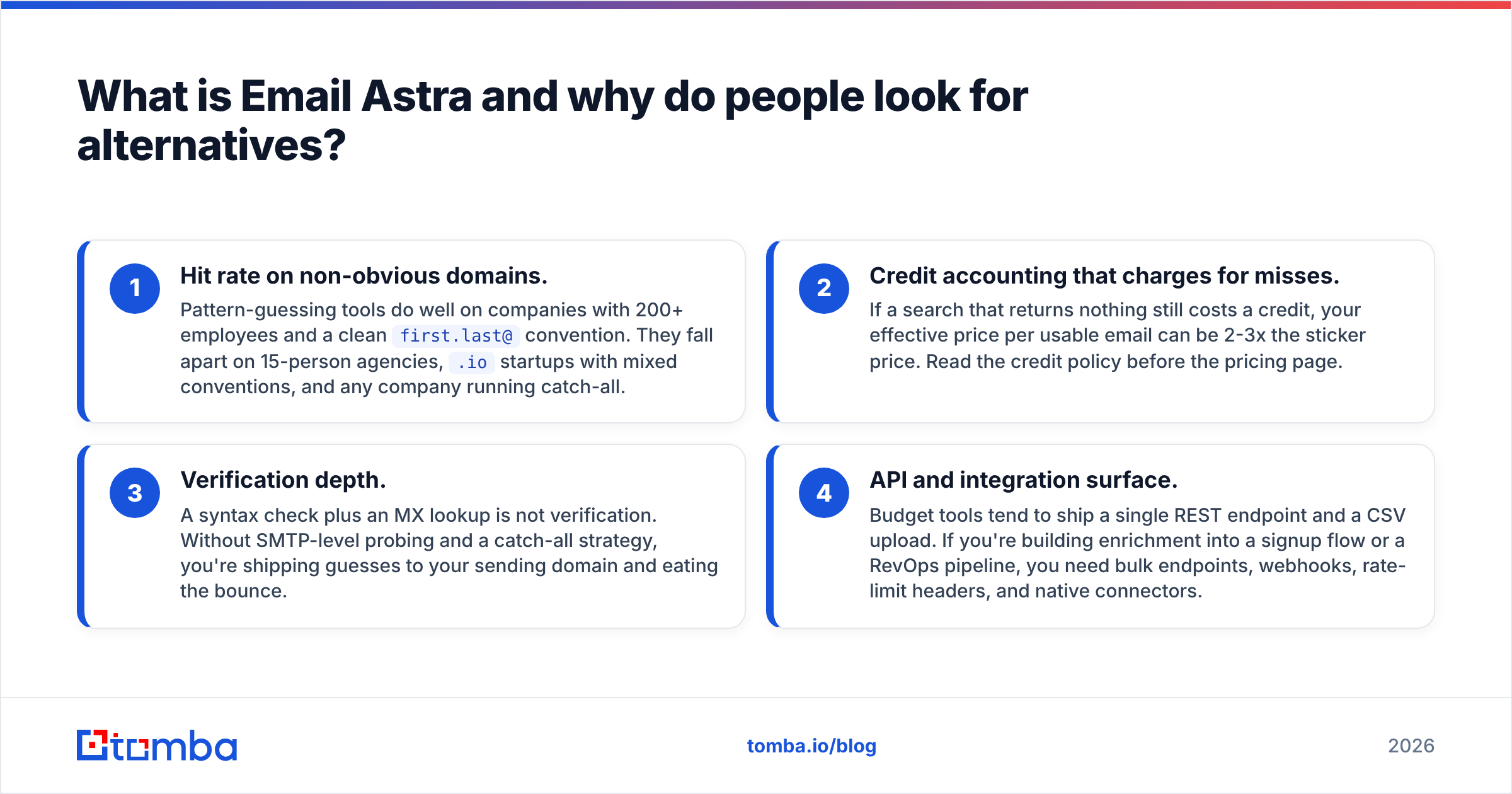
The friction shows up in four predictable places, and they're the reason people search for Email Astra alternatives in the first place:
- Hit rate on non-obvious domains. Pattern-guessing tools do well on companies with 200+ employees and a clean
first.last@convention. They fall apart on 15-person agencies,.iostartups with mixed conventions, and any company running catch-all. - Credit accounting that charges for misses. If a search that returns nothing still costs a credit, your effective price per usable email can be 2-3x the sticker price. Read the credit policy before the pricing page.
- Verification depth. A syntax check plus an MX lookup is not verification. Without SMTP-level probing and a catch-all strategy, you're shipping guesses to your sending domain and eating the bounce.
- API and integration surface. Budget tools tend to ship a single REST endpoint and a CSV upload. If you're building enrichment into a signup flow or a RevOps pipeline, you need bulk endpoints, webhooks, rate-limit headers, and native connectors.
None of this makes Email Astra a bad tool. It makes it a tool with a narrow fit. The question is whether your workflow lives inside that fit.
How should you evaluate an email finder in 2026?#
Score every candidate on six axes. Anything else is vendor marketing.
- Verified hit rate on your ICP — not the vendor's benchmark. Take 100 contacts you already know the answer for and measure.
- Cost per verified email — divide monthly cost by emails that survive verification and actually deliver. This is the only pricing metric that survives scrutiny.
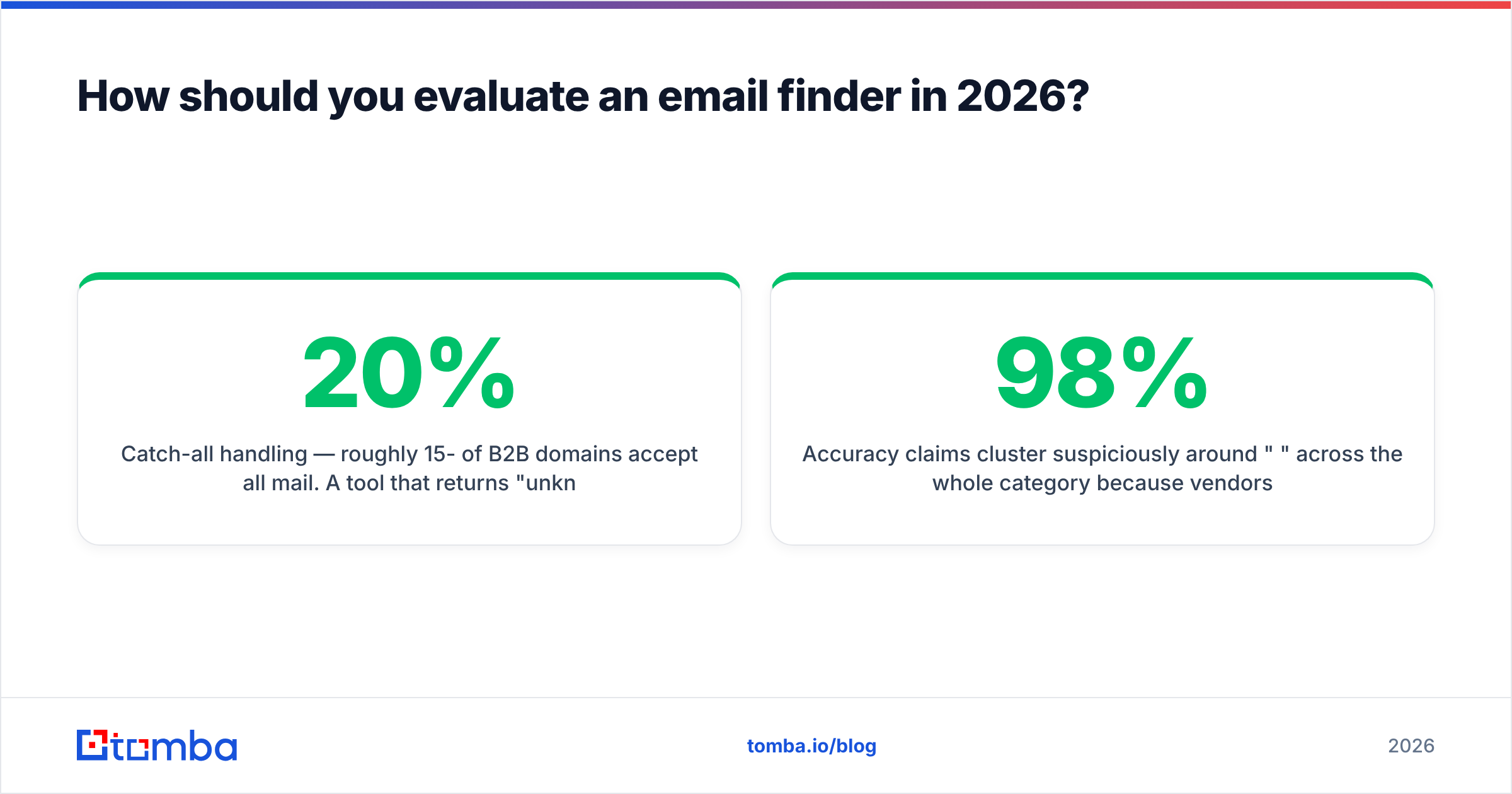
- Catch-all handling — roughly 15-20% of B2B domains accept all mail. A tool that returns "unknown" and charges you is dead weight; one that scores catch-all confidence is doing real work.
- Data provenance and compliance — GDPR/CCPA posture, opt-out handling, and whether the vendor will tell you where the data comes from.
- API depth — bulk endpoints, sane rate limits, idempotency, webhooks, SDKs.
- Workflow fit — Chrome extension, CRM sync, Sheets/Excel add-ins, Zapier.

Accuracy claims cluster suspiciously around "98%" across the whole category because vendors measure different things. Some report syntax validity. Some report non-bounce rate on their own test list. Very few report coverage — the share of requested contacts they returned an address for at all. A 99%-accurate tool that only finds 40% of your list is worse than a 92%-accurate tool that finds 85%.
Which Email Astra alternatives are actually worth testing?#
Nine tools, grouped by the job they're best at.
1. Tomba — best overall finder + verifier stack#
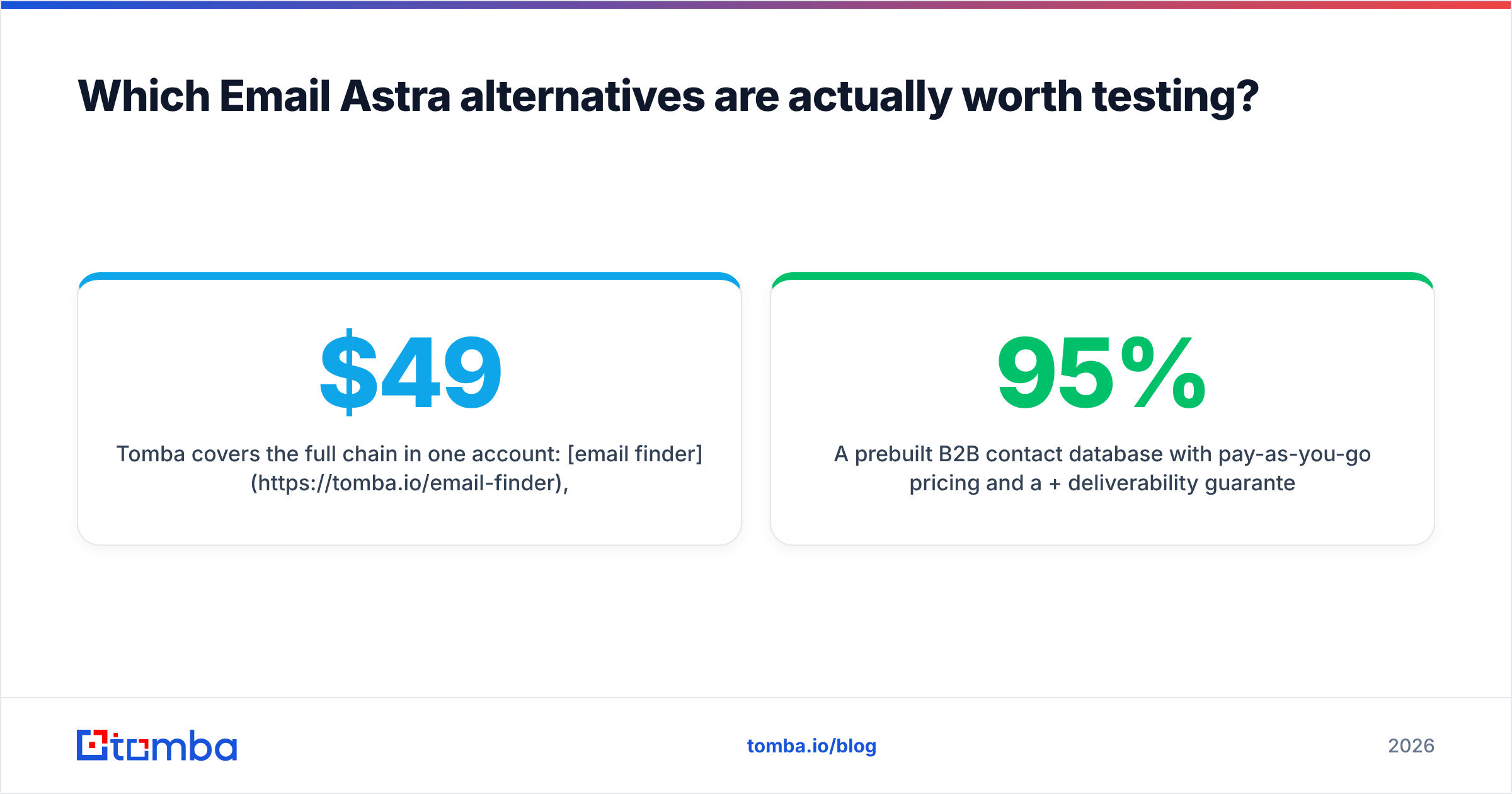
Tomba covers the full chain in one account: email finder, email verifier, domain search, catch-all resolution, phone finder, and enrichment. Pricing runs Free (25 searches/mo), Starter $49/mo, Growth $99/mo, Pro $249/mo, Enterprise custom. The API is the differentiator for engineering-led teams — bulk endpoints, a CLI, an MCP server, and native Sheets/Excel/Airtable add-ins mean you rarely need a middleware layer.
Best for: teams that want find + verify + enrich behind one key. Watch for: it's not a sequencer. Pair it with your existing sending tool.
2. BookYourData — best for pay-as-you-go bulk lists#
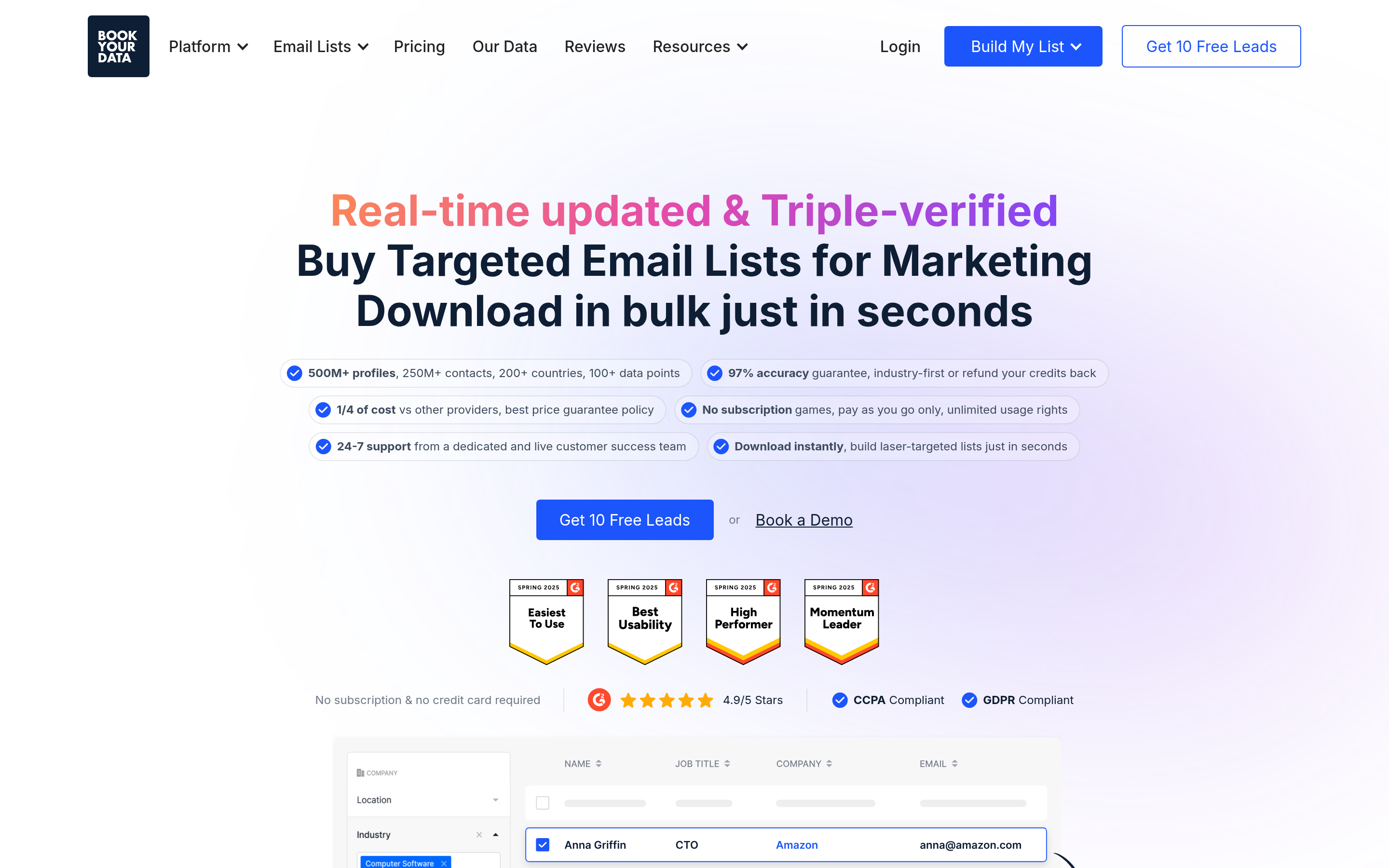
A prebuilt B2B contact database with pay-as-you-go pricing and a 95%+ deliverability guarantee. You filter by industry, title, geography, and company size, then buy the slice you need — no monthly commitment. That model is genuinely better than a subscription when your list-building is project-based rather than continuous, and the guarantee shifts bounce risk onto the vendor.
Best for: one-off campaign lists, agencies billing per project. Watch for: database-first means coverage depends on their index rather than live lookup.
3. Hunter — best-known brand, clean UX#
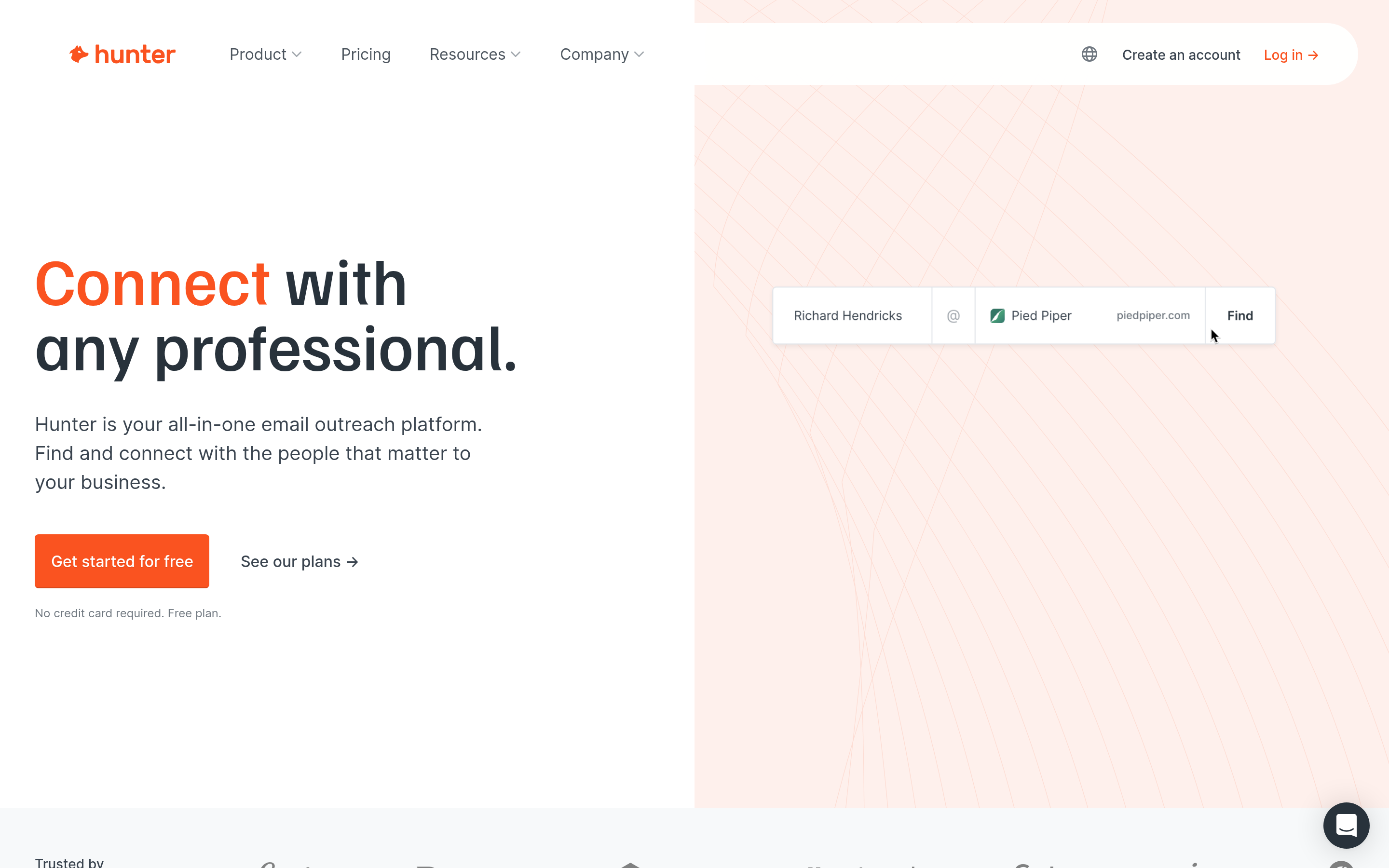
Hunter's domain search and Email Verifier are the category default for a reason: the interface is uncluttered, confidence scores are legible, and the free tier is workable. Coverage skews toward larger, well-indexed companies.
4. Apollo.io — best all-in-one GTM platform#

Contact database, sequencer, dialer, and basic CRM in one. If you want prospecting and sending in a single seat, Apollo is the obvious pick. The trade-off is data freshness on long-tail accounts and a UI that assumes you live inside Apollo all day.
5. Findymail — best for LinkedIn-sourced lists#
Built around exporting from LinkedIn and Sales Navigator, with a bounce guarantee. Narrow but excellent at its narrow thing. See how it stacks up as a Findymail alternative comparison.
6. ZeroBounce — best pure verification#
Not a finder. If your problem is "I have 200k addresses and no idea which bounce," ZeroBounce's scoring, abuse detection, and activity data are strong. Use it alongside a finder, not instead of one.
7. RocketReach — best for phone + email together#
Wide contact coverage including mobile numbers. Credit consumption is aggressive and the per-seat model gets expensive fast for small teams.
8. Clearbit (Breeze Intelligence) — best for firmographic enrichment#
Now inside HubSpot, so it's the natural choice if your CRM is already HubSpot. It's an enrichment layer, not a prospecting list builder — you bring the domain, it returns the company graph.
9. Icypeas — best low-cost European option#
Cheap bulk finding with EU data-residency positioning. Coverage is thinner than the leaders, but the price point makes it a reasonable Email Astra swap if budget is the binding constraint.
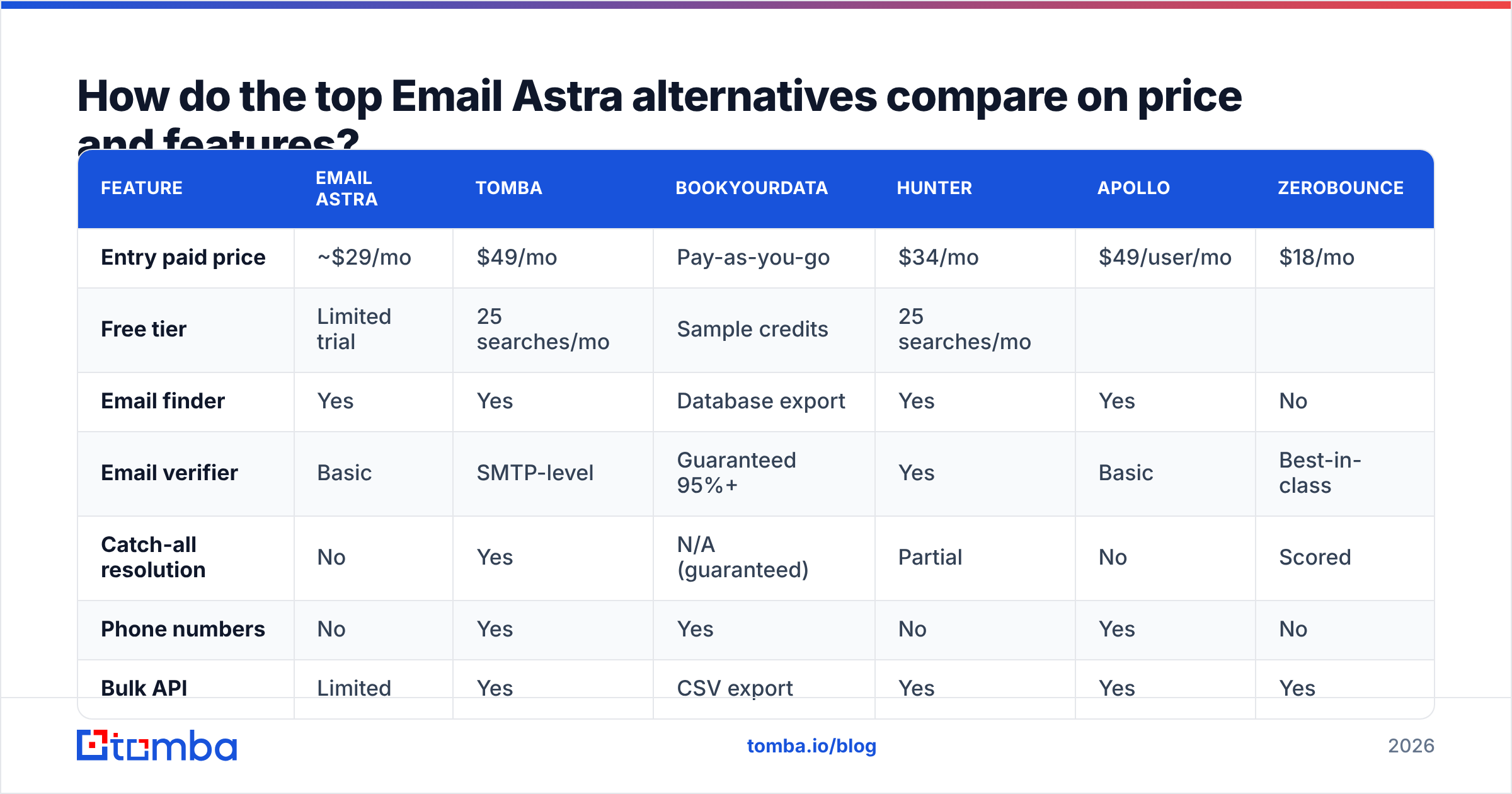
How do the top Email Astra alternatives compare on price and features?#
| Feature | Email Astra | Tomba | BookYourData | Hunter | Apollo | ZeroBounce |
|---|---|---|---|---|---|---|
| Entry paid price | ~$29/mo | $49/mo | Pay-as-you-go | $34/mo | $49/user/mo | $18/mo |
| Free tier | Limited trial | 25 searches/mo | Sample credits | 25 searches/mo | ||
| Limited credits | 100 verifies | |||||
| Email finder | Yes | Yes | Database export | Yes | Yes | No |
| --- | --- | --- | --- | --- | --- | --- |
| Email verifier | Basic | SMTP-level | Guaranteed 95%+ | Yes | Basic | Best-in-class |
| Catch-all resolution | No | Yes | N/A (guaranteed) | Partial | No | Scored |
| Phone numbers | No | Yes | Yes | No | Yes | No |
| Bulk API | Limited | Yes | CSV export | Yes | Yes | Yes |
| Native integrations | Few | Sheets, Excel, Airtable, HubSpot, Salesforce, Zapier | CRM exports | Many | Many | Many |
| Best for | Cheap bulk guessing | Find + verify + enrich | Project-based lists | Simple domain search | All-in-one GTM | List hygiene |

Two things to read out of that table. First, the entry prices are close enough that price should not decide this — a $15/mo delta is noise against one closed deal. Second, the row that actually separates the tools is catch-all resolution. Everything else is table stakes in 2026.
Why does catch-all handling decide the winner?#
Because that's where 15-20% of your list lives, and it's the one problem cheap tools cannot solve.
A catch-all domain accepts mail to any address at the domain, then quietly discards what doesn't resolve internally. SMTP verification returns "accepted" for asdfgh@company.com just as readily as for the CEO. So a verifier that trusts the SMTP handshake marks catch-all addresses valid, you send, and the bounce arrives days later — or worse, never arrives while the message goes nowhere.
The tools that handle this well combine three signals: observed historical deliverability for that domain, pattern confidence from other confirmed contacts at the company, and role-account detection. Tomba's catch-all verifier returns a confidence band rather than a binary, which lets you route high-confidence catch-alls into your main sequence and park the rest.
Practically: segment catch-all addresses into their own send, keep the volume under 10% of daily output, and watch bounce rate per segment. If you're not tracking bounces by confidence band, you're guessing about your own email deliverability.
How do you run a fair bake-off before switching?#
Four steps, about ninety minutes of work, and it beats any review you'll read — including this one.
- Build a 100-row ground-truth list. Pull contacts whose real addresses you already have from closed-won deals, inbound replies, or your CRM. Mix company sizes: 40 under 50 employees, 40 mid-market, 20 enterprise. Strip the email column into a separate answer key.
- Run the same list through every candidate's free tier. Every tool on this list has one. Record: address returned (yes/no), address matches answer key (yes/no), confidence score, credits consumed.
- Compute three numbers per tool. Coverage = addresses returned ÷ 100. Precision = correct ÷ returned. Cost per correct email = credits consumed × credit price ÷ correct. That third number is your decision.
- Send a 50-address test campaign from a secondary domain and measure actual bounce rate. Verification scores are predictions; bounces are facts.
Teams that run this consistently find a 20-40 point coverage spread across vendors on the same list — far wider than any published benchmark suggests, because coverage depends entirely on which industries and company sizes each vendor's index favors. Your list is not the vendor's test list.
For ongoing hygiene once you've picked, batch your monthly re-verification through a bulk verify run rather than verifying one address at a time — it's cheaper per record and gives you a clean decay rate for your database.
What about compliance and data sourcing?#
Ask three questions and get answers in writing.
- Where did this record come from? Public web crawl, opt-in submission, partner data, or contributed contact books? Contributed-contact-book models (the "install our extension, we take your address book" pattern) carry real GDPR exposure in the EU.
- What's the opt-out path? A vendor with no suppression mechanism is a vendor whose data will eventually cost you a complaint.
- Is there a DPA? If you're processing EU personal data, you need one. Vendors without a standard DPA are not enterprise-ready regardless of what the pricing page says.
The G2 email verification category is a reasonable place to sanity-check vendor claims against unfiltered user reviews, and HubSpot's guide to GDPR-compliant prospecting covers the outreach side. For definitions of the underlying mechanics, Wikipedia's SMTP article explains why verification is probabilistic rather than certain.
Which alternative should you pick?#
Match the tool to the constraint, not to the review score:
- You need find + verify + enrich behind one API key → Tomba. Start on the free tier, upgrade to Starter at $49/mo when 25 searches stops covering it.
- You buy lists per project, not per month → BookYourData. The pay-as-you-go model with a deliverability guarantee removes both subscription waste and bounce risk.
- You want prospecting and sending in one seat → Apollo, accepting weaker long-tail coverage.
- Your list is already built and bouncing → ZeroBounce for hygiene, then a finder for net-new.
- Budget is the hard constraint → Icypeas, with the understanding that you're trading coverage for price.
- You're LinkedIn-first → Findymail, or Tomba's LinkedIn finder if you also need the rest of the stack.
The mistake to avoid is buying an annual plan on the strength of a demo. Every vendor demos well on a list they chose.
Ready to test it on your own list?#
Take the 100-contact ground-truth list from the bake-off section and run it through the Tomba Email Finder free tier — 25 searches, no card, enough to see your real coverage and precision numbers on the accounts you actually sell to. If the numbers hold, Tomba pricing starts at $49/mo for Starter with the verifier, catch-all resolution, domain search, and full API access in the same key. If they don't hold, you've spent twenty minutes and learned something no comparison post can tell you.
Related guides#
Ready to find emails that actually work?
Join 150,000+ professionals who stopped guessing and started sending. Free credits on signup — no credit card required.
Get the Tomba newsletter
Practical outbound tactics and product updates — once every two weeks.
About the author