Email Finder API in 2026: How to Choose and Build With One
An email finder API turns a name and domain into a verified work email in under a second. Here's how the endpoints work, what accuracy claims really mean, and how the major providers compare on price per lookup.

TL;DR
- An email finder API takes a person's name plus a company domain and returns the most likely work email, usually with a confidence score and SMTP verification status, in 300–900ms.
- The four endpoints that actually matter: email finder, domain search, email verifier, and enrichment. Everything else is packaging.
- Pricing is the trap. Vendors quote monthly credits, not cost per successful lookup — and hit rates between providers vary from roughly 50% to 80% on the same list.
- Never trust a raw "found" response. Chain finder → verifier, drop anything below your confidence floor, and handle catch-all domains as a separate bucket.
- Tomba's API starts free (25 searches/mo) and moves to $49/mo Starter, with the same endpoints available via CLI, MCP, and spreadsheet add-ons.
What is an email finder API?#
An email finder API is a REST endpoint that converts identity signals you already have — a first name, a last name, a company domain, sometimes a LinkedIn URL — into a deliverable business email address.
Think of it like a phone directory that rebuilds itself every night. You don't ask it "what is Sarah Chen's email," you ask it "what does stripe.com's email pattern look like, and does the resulting address for Sarah Chen accept mail?" The API does two jobs behind one response: pattern inference from a corpus of known addresses at that domain, and live validation that the inferred address exists.
A typical request looks like this:
GET https://api.tomba.io/v1/email-finder/stripe.com?full_name=Sarah+Chen
X-Tomba-Key: ta_xxxxx
X-Tomba-Secret: ts_xxxxx
And a typical response gives you the address, a confidence score (0–100), the pattern that produced it ({first}.{last}), the number of sources the address was seen in, and a verification block telling you whether the mail server accepted the recipient.
That last part is what separates an API from a guesser. Anyone can concatenate first.last@domain.com. The value is in knowing whether that string resolves to a real mailbox before you send.
Which endpoints do you actually need?#
Most vendors ship 10–20 endpoints. In practice, four carry the load:
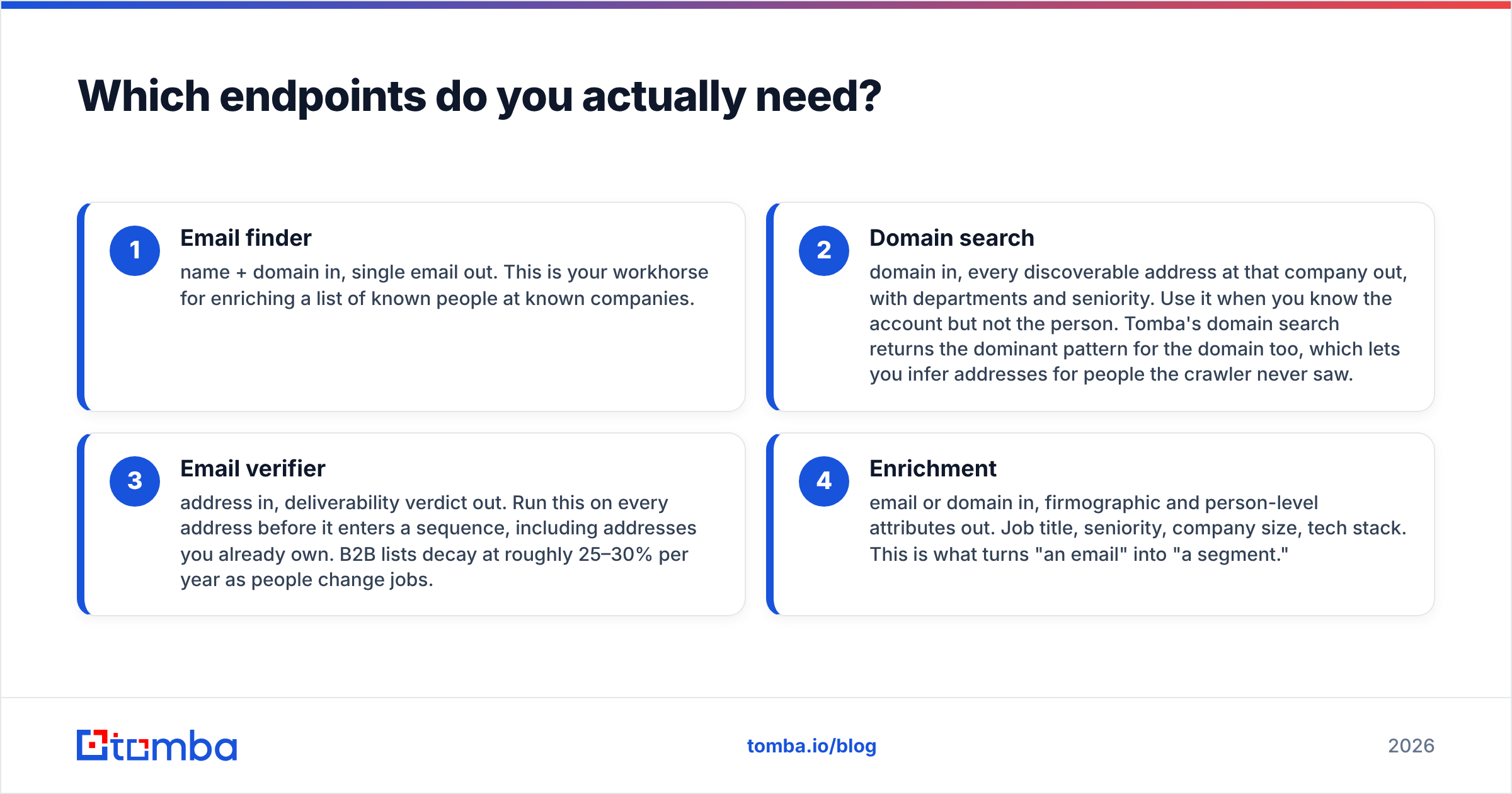
- Email finder — name + domain in, single email out. This is your workhorse for enriching a list of known people at known companies.
- Domain search — domain in, every discoverable address at that company out, with departments and seniority. Use it when you know the account but not the person. Tomba's domain search returns the dominant pattern for the domain too, which lets you infer addresses for people the crawler never saw.
- Email verifier — address in, deliverability verdict out. Run this on every address before it enters a sequence, including addresses you already own. B2B lists decay at roughly 25–30% per year as people change jobs.
- Enrichment — email or domain in, firmographic and person-level attributes out. Job title, seniority, company size, tech stack. This is what turns "an email" into "a segment."
Two more are worth knowing about even if you use them rarely: reverse email lookup (address in, person out — useful for identifying inbound signups from a raw form submission) and catch-all handling, which we'll cover below because it breaks more pipelines than anything else.

How accurate is an email finder API, really?#
Accuracy claims in this category are close to meaningless without a definition, so here's the one that matters: bounce rate on addresses the API returned as valid. Not hit rate. Not coverage. Bounce rate on confirmed results.
Vendors conflate three separate numbers:
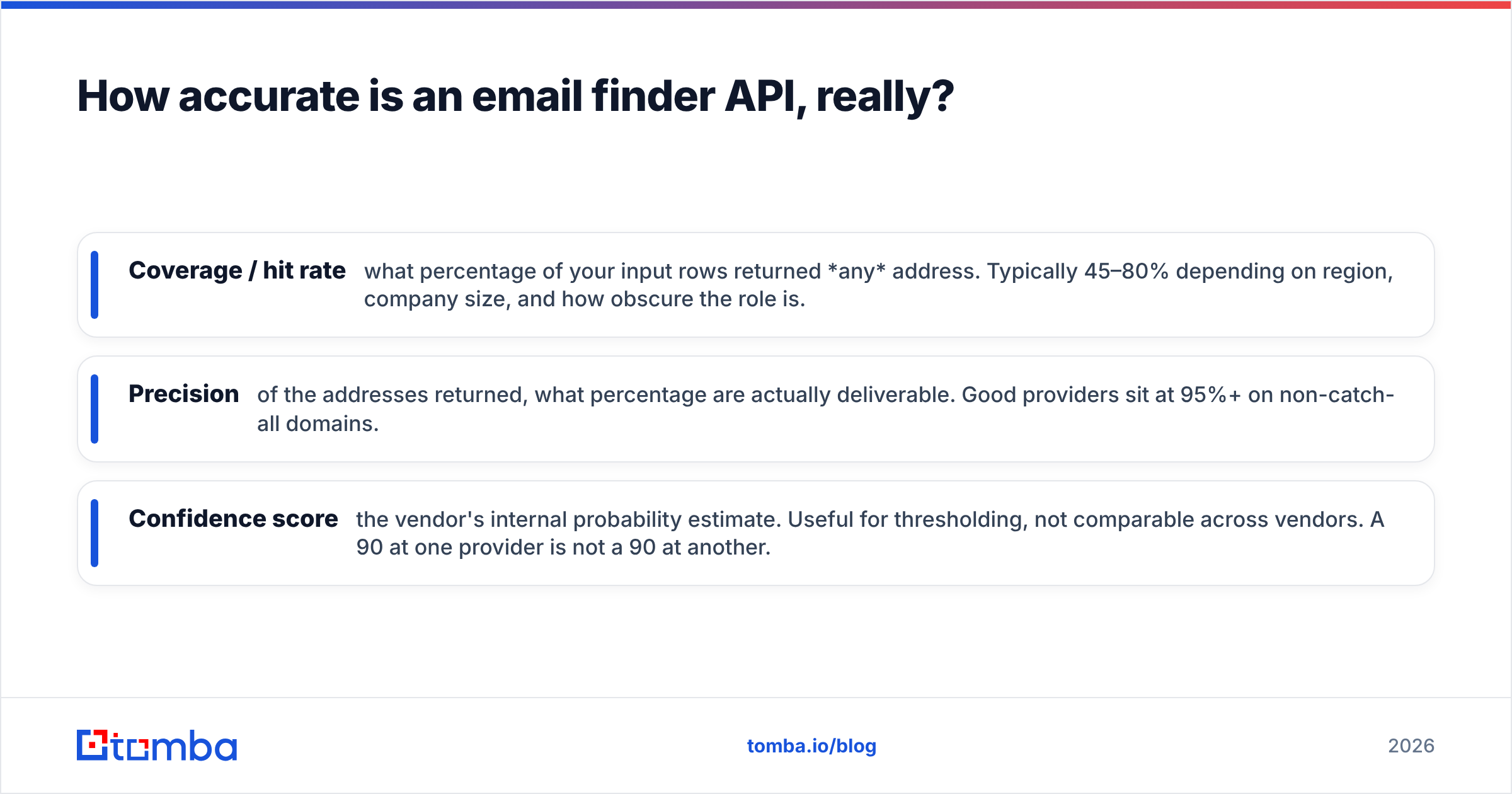
- Coverage / hit rate — what percentage of your input rows returned any address. Typically 45–80% depending on region, company size, and how obscure the role is.
- Precision — of the addresses returned, what percentage are actually deliverable. Good providers sit at 95%+ on non-catch-all domains.
- Confidence score — the vendor's internal probability estimate. Useful for thresholding, not comparable across vendors. A 90 at one provider is not a 90 at another.
Run your own benchmark before you commit. Take 200 rows where you already know the correct email — export them from your CRM — strip the email column, and feed the names and domains through each provider's trial. Score three things: how many rows returned an address, how many returned the correct address, and how many returned a confidently wrong one. That last category is the expensive one, because a confidently wrong address goes straight into your sequence and burns sender reputation.

Regional variation is the thing nobody warns you about. Hit rates on US SaaS companies with 50–500 employees are the best case for every vendor. Drop to European mid-market manufacturing, Japanese enterprises, or anything under 20 employees, and coverage can halve. If your ICP is not US tech, benchmark on your ICP, not the vendor's demo list.
How do the major email finder APIs compare?#
Here's the practical comparison across the providers most teams shortlist. Prices reflect published entry-level plans as of mid-2026; always confirm on the vendor's own pricing page before you buy.
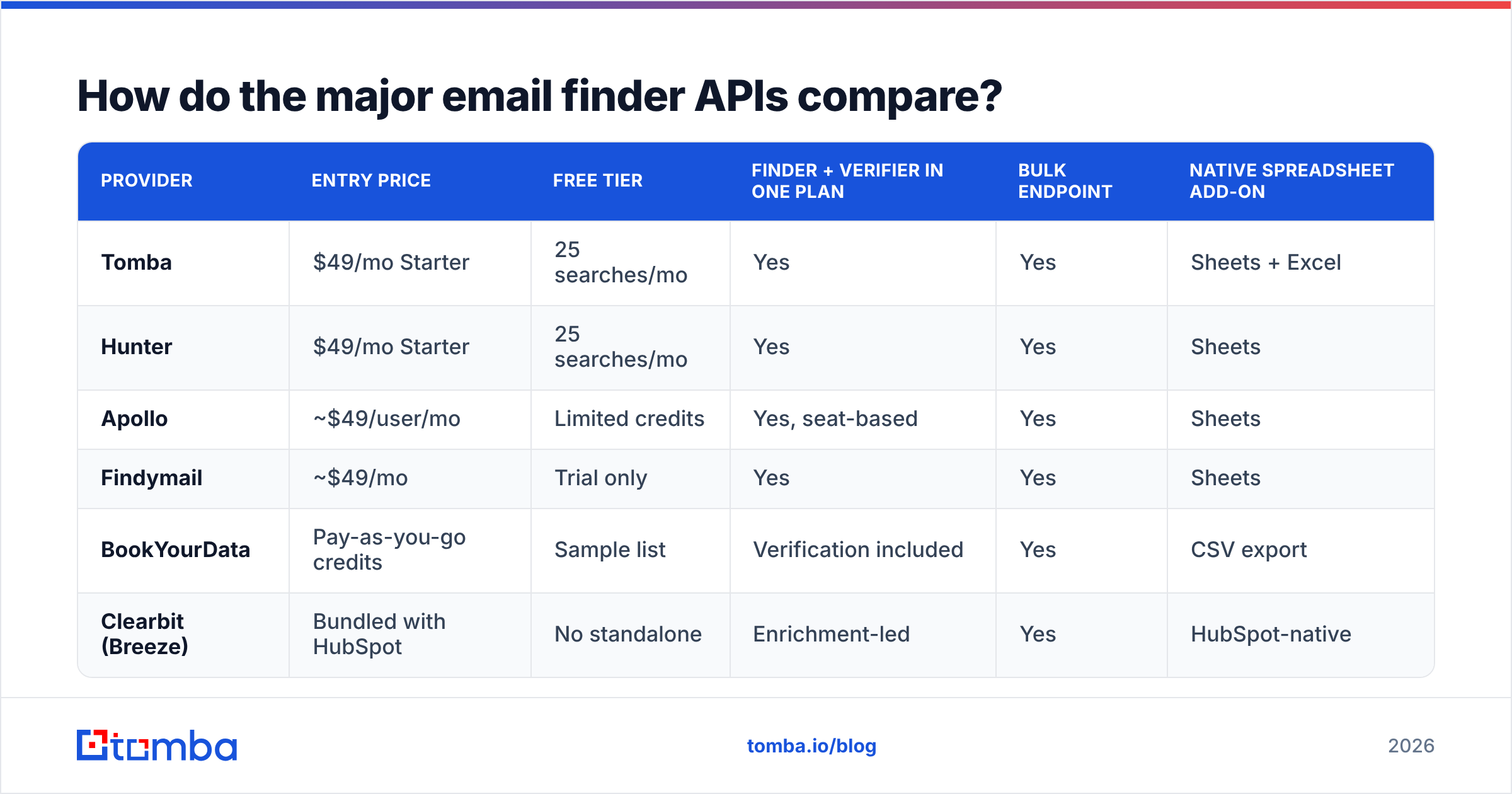
| Provider | Entry price | Free tier | Finder + verifier in one plan | Bulk endpoint | Native spreadsheet add-on |
|---|---|---|---|---|---|
| Tomba | $49/mo Starter | 25 searches/mo | Yes | Yes | Sheets + Excel |
| Hunter | $49/mo Starter | 25 searches/mo | Yes | Yes | Sheets |
| Apollo | ~$49/user/mo | Limited credits | Yes, seat-based | Yes | Sheets |
| Findymail | ~$49/mo | Trial only | Yes | Yes | Sheets |
| BookYourData | Pay-as-you-go credits | Sample list | Verification included | Yes | CSV export |
| Clearbit (Breeze) | Bundled with HubSpot | No standalone | Enrichment-led | Yes | HubSpot-native |
A few notes on how to read that table. Seat-based pricing (Apollo) is fine if you have a large SDR team using the UI, and expensive if you only want programmatic access from a backend job. Pay-as-you-go credits (BookYourData) suit spiky, project-based buying — you're not paying for months you don't prospect, and their verification-included model means fewer separate line items. Bundled enrichment (Clearbit inside HubSpot's Breeze) is the right answer only if HubSpot is already your system of record.

The credit-counting rules matter more than the headline price. Ask every vendor these four questions in writing:
- Do you charge a credit for a search that returns no result?
- Do you charge separately for finding and then verifying the same address?
- Does a domain search returning 40 addresses cost 1 credit or 40?
- Do unused credits roll over, and do they expire mid-plan?
Two providers with identical $49 tiers can differ by 3x in cost per usable email once you answer those. Tomba's pricing runs Free (25 searches/mo), Starter $49/mo, Growth $99/mo, Pro $249/mo, and Enterprise custom — check the credit mechanics against your own expected mix of finder vs. verifier calls.
What breaks when you go to production?#
Four things, reliably.
Catch-all domains. A catch-all mail server accepts every address at the domain, including asdkjh@company.com. Standard SMTP verification returns "valid" for all of them, which is useless. Roughly 15–25% of B2B domains are catch-all, and they skew toward larger enterprises — exactly the accounts you care about. Handle them as a third bucket, not as valid. A dedicated catch-all verifier uses pattern confidence and historical engagement signals rather than SMTP alone. Route catch-all hits into a lower-volume, higher-personalization sequence instead of your main blast.
Rate limits and concurrency. Most APIs cap you somewhere between 10 and 50 requests/second, and SMTP verification is inherently slow — you're waiting on someone else's mail server. Don't build a synchronous loop that calls the API per row in a UI request path. Use the bulk endpoint for anything over a few hundred rows, poll for completion, and treat any per-row call as a background job.
Retry and idempotency. A 429 or a 502 is not a "not found." If your code treats every non-200 as an empty result, you'll silently discard leads and blame the vendor's coverage. Retry with exponential backoff, distinguish transport errors from genuine misses, and cache results by (name, domain) so a re-run doesn't re-bill you.
Data freshness and compliance. An email found 14 months ago is a coin flip today. Re-verify anything older than 90 days before it enters a sequence. On the legal side, GDPR permits B2B outreach under legitimate interest in most EU jurisdictions, but you still need a documented lawful basis, a real opt-out, and a source of record for where each contact came from. Ask your vendor for their data sources documentation and keep it on file — "we bought a list" is not a defensible answer during a data subject access request.

How should you architect the pipeline?#
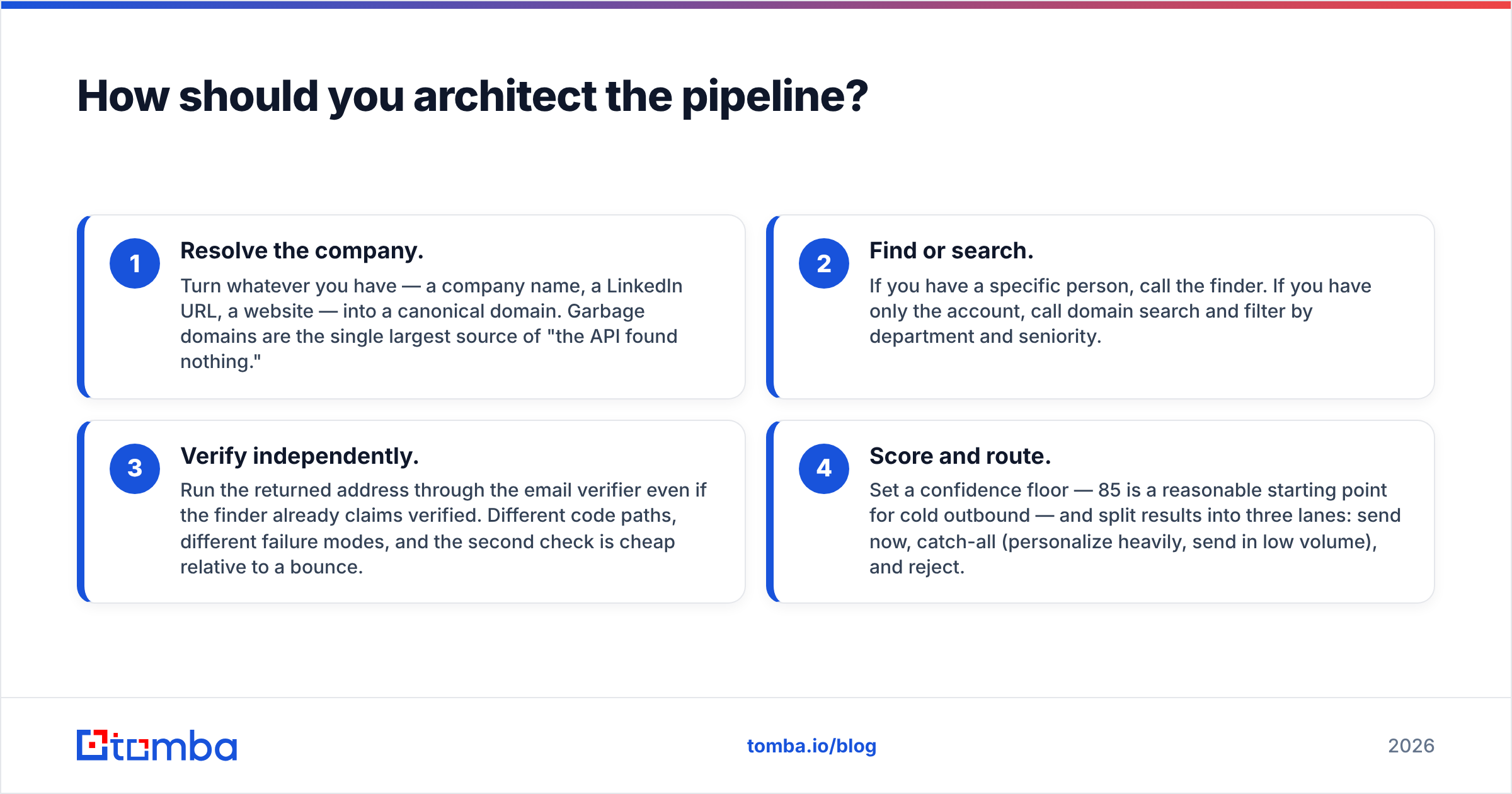
The pattern that survives contact with reality is a four-stage chain, not a single call:
- Resolve the company. Turn whatever you have — a company name, a LinkedIn URL, a website — into a canonical domain. Garbage domains are the single largest source of "the API found nothing."
- Find or search. If you have a specific person, call the finder. If you have only the account, call domain search and filter by department and seniority.
- Verify independently. Run the returned address through the email verifier even if the finder already claims verified. Different code paths, different failure modes, and the second check is cheap relative to a bounce.
- Score and route. Set a confidence floor — 85 is a reasonable starting point for cold outbound — and split results into three lanes: send now, catch-all (personalize heavily, send in low volume), and reject.
Stage 4 is where most teams under-invest and then wonder why their email deliverability degrades over a quarter. A 3% bounce rate is the informal ceiling before mailbox providers start throttling you; at 5% you're in trouble. Every point of bounce rate you shave by thresholding harder is worth more than the incremental volume you gave up.
For teams that don't want to write this orchestration themselves, the same logic is available without code: the bulk email finder runs the chain over an uploaded list, and the Google Sheets add-on runs it row-by-row inside a spreadsheet. There's also an MCP server if you want an AI agent calling these endpoints directly rather than a cron job.
Which integration surface should you use?#
You have more options than "write a client library," and picking the right surface saves weeks.
- Raw REST — right when the API call lives inside your product or a data pipeline you already operate. Full control, you own retries and rate limiting.
- Official SDK — right for typical backend work. Handles auth headers and pagination for you.
- No-code automation — Zapier or Make, right when the trigger is a form submission or a CRM record change and volume is under a few thousand a month. See the available integrations for the connector list.
- Spreadsheet add-on — right for analysts and one-off list builds. No engineering ticket required.
- Browser extension — right for reps working account-by-account inside LinkedIn or a company site, not for volume.
- MCP / agent tooling — right when an LLM agent is doing the account research and needs to resolve contacts as part of a longer task.
The honest guidance: start with the spreadsheet or no-code path to validate that the data quality clears your bar, then invest engineering time in the REST integration. Teams routinely build a beautiful async pipeline against a provider whose hit rate on their ICP turns out to be 40%.
What does a good implementation checklist look like?#
Before you ship:
- Benchmark on your own ICP with 200 known-correct rows, scoring hit rate, precision, and confidently-wrong rate separately.
- Confirm credit mechanics in writing — no-result charges, finder-plus-verifier double billing, domain search pricing, rollover.
- Set a confidence floor and log every rejected address so you can tune it later against actual bounce data.
- Separate catch-all into its own lane with different sending rules.
- Cache by (name, domain) with a 90-day TTL, then force re-verification.
- Instrument bounce rate by source so you can attribute deliverability problems to the provider, the age of the data, or your copy.
The last one is the difference between a team that improves and a team that switches vendors every six months on vibes.
Getting started#
If you're evaluating an email finder API, the fastest honest test is to run your own list through a free tier and check the results against contacts you already know are correct. The Tomba Email Finder gives you 25 searches a month at no cost — enough to sanity-check pattern accuracy on your ICP before you spend anything — and the same endpoints scale through the Tomba API when you're ready to wire it into a pipeline. Start with the free tier, benchmark against your CRM, and only then argue about price per credit.
Sources and further reading: HubSpot's B2B data hygiene guidance, G2's email verification category reviews, Gartner's B2B sales technology research.
Related guides#
Ready to find emails that actually work?
Join 150,000+ professionals who stopped guessing and started sending. Free credits on signup — no credit card required.
Get the Tomba newsletter
Practical outbound tactics and product updates — once every two weeks.
About the author