Email Subject Line Spam Checker: Test Before You Hit Send
Spam-word scanners give you a score in two seconds. Inbox placement takes more than that. Here's what an email subject line spam checker actually catches, what it misses, and the test order that fixes real deliverability problems.
TL;DR
- An email subject line spam checker scores wording against known filter patterns. It is a copy-editing tool, not a deliverability tool.
- Modern filters (Gmail, Outlook, Yahoo) weight sender reputation, authentication, and engagement far above the words in your subject line.
- Words alone rarely land you in spam. Words plus a cold domain, a 12% bounce rate, and no SPF/DKIM alignment absolutely will.
- Test in this order: authentication → list hygiene → full-message spam score → subject line score → seed inbox placement → live A/B.
- The cheapest deliverability fix is not rewording "free" — it is removing invalid addresses before you send.
What is an email subject line spam checker?#
An email subject line spam checker is a tool that takes your proposed subject line, runs it against a list of known spam-trigger patterns, and returns a risk score plus flagged terms. Most also grade length, capitalisation, punctuation, emoji density, and personalisation tokens.
Think of it like a spell-checker for risk. A spell-checker tells you a word looks wrong; it cannot tell you whether the essay is any good. A subject line checker tells you a phrase looks risky; it cannot tell you whether Gmail trusts your domain.
That distinction matters because the two things are constantly confused. Teams spend an afternoon rewriting "Quick question about {{company}}" into something safer, send from a two-week-old domain to a list scraped from a conference PDF, and land in spam anyway. The subject line was never the problem.
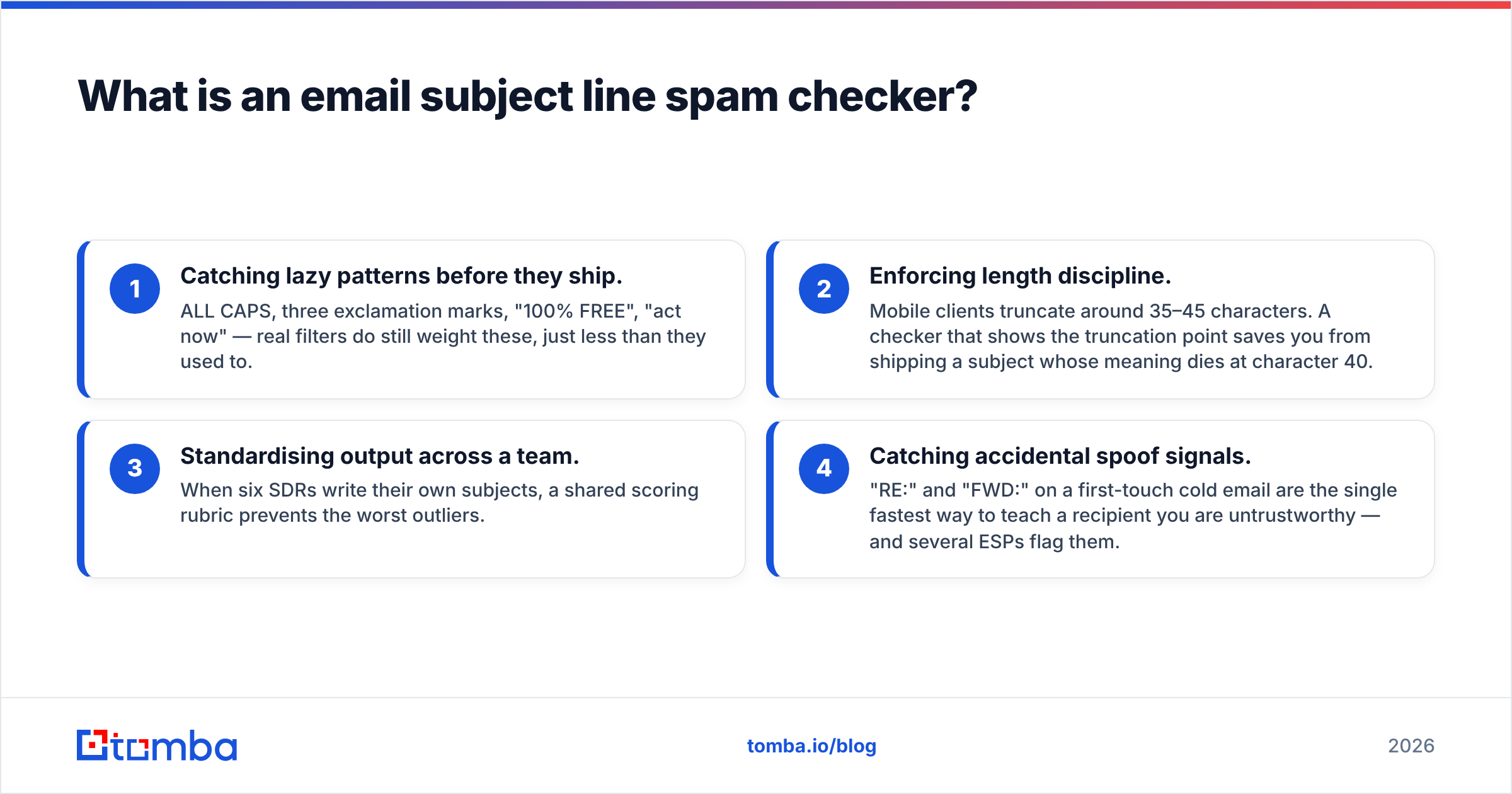
Use a checker for what it is good at:
- Catching lazy patterns before they ship. ALL CAPS, three exclamation marks, "100% FREE", "act now" — real filters do still weight these, just less than they used to.
- Enforcing length discipline. Mobile clients truncate around 35–45 characters. A checker that shows the truncation point saves you from shipping a subject whose meaning dies at character 40.
- Standardising output across a team. When six SDRs write their own subjects, a shared scoring rubric prevents the worst outliers.
- Catching accidental spoof signals. "RE:" and "FWD:" on a first-touch cold email are the single fastest way to teach a recipient you are untrustworthy — and several ESPs flag them.
Do spam filters actually score subject lines in 2026?#
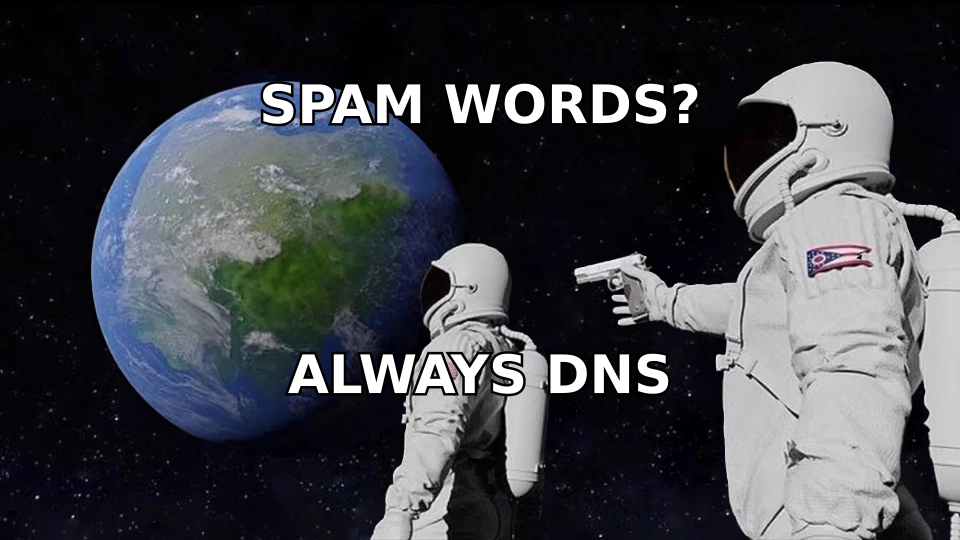
Yes, but as a minor input. Google's own bulk sender guidelines spend almost all their word count on authentication (SPF, DKIM, DMARC), one-click unsubscribe, and keeping spam complaints under 0.3%. Subject line wording does not appear as a requirement at all.
Rule-based scoring — the lineage of Apache SpamAssassin — is where "spam words" came from. SpamAssassin assigns small point values to hundreds of tests, and a message needs to accumulate roughly 5 points to be flagged. A subject line term might be worth 0.5. A missing DKIM signature plus a blacklisted sending IP will get you there without any help from your copy.
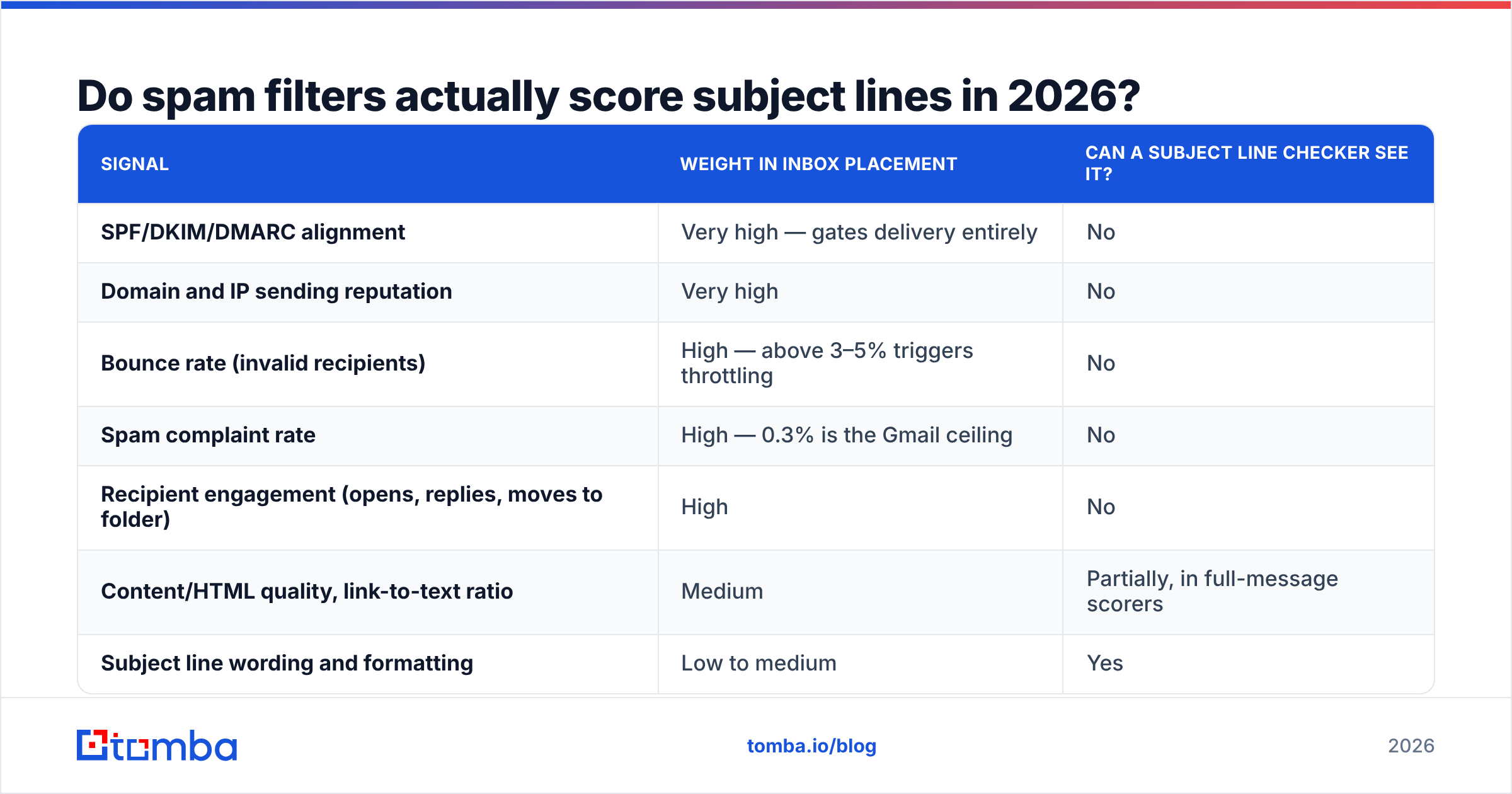
What actually moves the needle at the big mailbox providers:
| Signal | Weight in inbox placement | Can a subject line checker see it? |
|---|---|---|
| SPF/DKIM/DMARC alignment | Very high — gates delivery entirely | No |
| Domain and IP sending reputation | Very high | No |
| Bounce rate (invalid recipients) | High — above 3–5% triggers throttling | No |
| Spam complaint rate | High — 0.3% is the Gmail ceiling | No |
| Recipient engagement (opens, replies, moves to folder) | High | No |
| Content/HTML quality, link-to-text ratio | Medium | Partially, in full-message scorers |
| Subject line wording and formatting | Low to medium | Yes |
| Emoji and punctuation density | Low | Yes |
The honest reading of that table: a subject line spam checker inspects the last two rows of an eight-row problem. Useful, but never the first thing to fix.
Which subject line patterns still trigger filters?#
These are the patterns that still carry measurable weight in rule-based scoring and in mailbox-provider heuristics. None of them will sink a well-authenticated domain by themselves; all of them compound.
- Financial urgency stacking. "Free", "guaranteed", "no cost", "risk-free", "limited time" are each low-risk alone. Three in one line reads like a template that thousands of senders already burned.
- Formatting shouting. Full capitalisation, more than one exclamation mark, or a
$$$/!!!run. Filters weight character-class anomalies, not just vocabulary. - Fake-thread prefixes.
RE:orFWD:on a first contact. Some filters test for a missingIn-Reply-Toheader against aRE:subject — a direct deception signal. - Broken merge tags.
Hi {{first_name}}shipping literally is not a spam rule, but it destroys engagement, and engagement is a real ranking input. This is where bad data becomes a deliverability problem. - Excessive length. Beyond ~70 characters you gain nothing and lose mobile readability. A handful of scorers penalise very long subjects outright.
- Emoji in cold B2B. Not a filter trigger in most systems, but a strong pattern match against promotional bulk mail in the recipient's own mental filter. Reply-rate cost usually exceeds any open-rate lift.
Notice how many of those are copy problems rather than filter problems. That is the correct framing. Rewrite because the line is weak, not because a scorer showed amber.
How do the main spam-checking tools compare?#
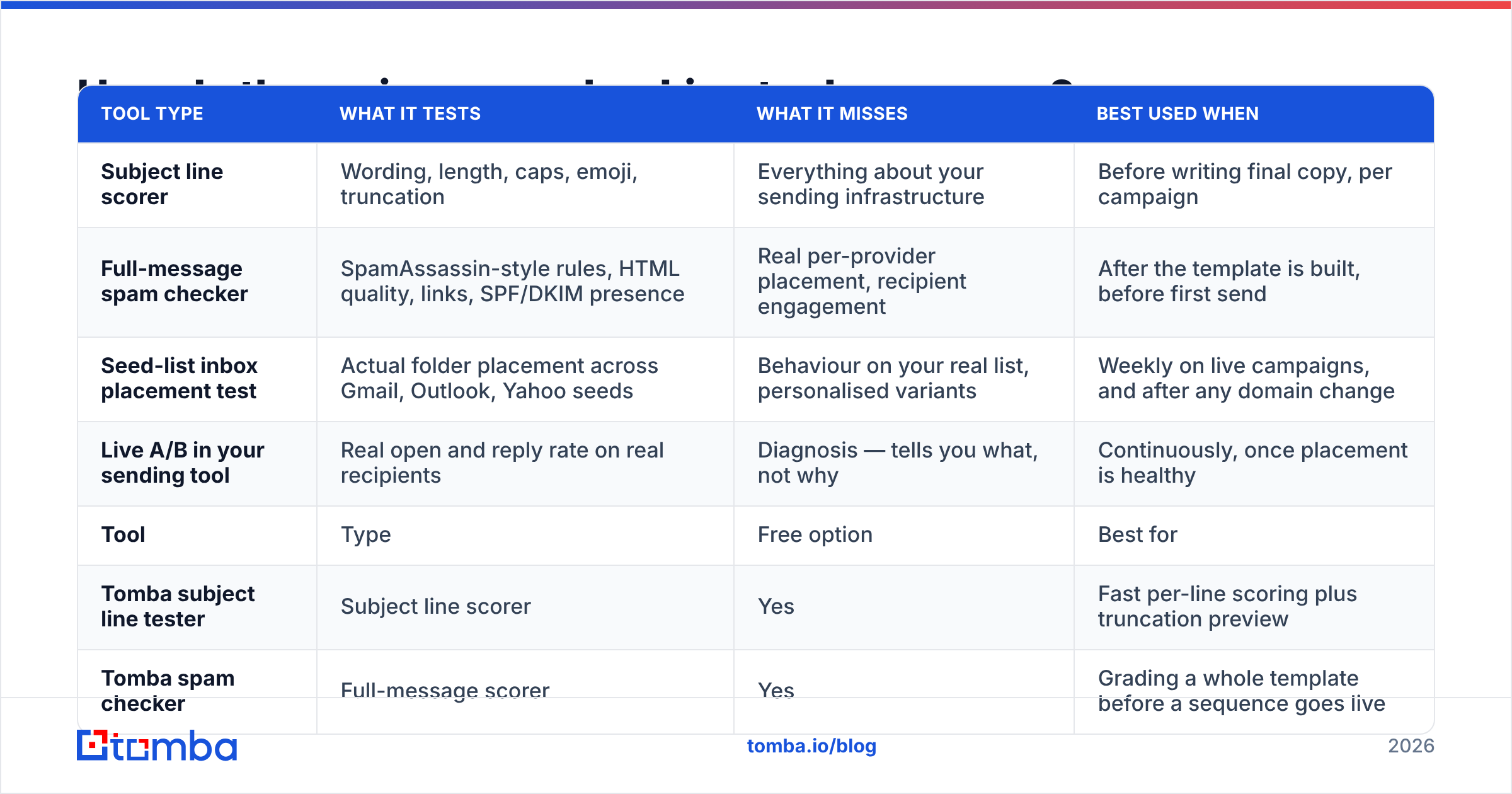
There are four distinct categories of tool, and most people buy the wrong one for the problem they have.
| Tool type | What it tests | What it misses | Best used when |
|---|---|---|---|
| Subject line scorer | Wording, length, caps, emoji, truncation | Everything about your sending infrastructure | Before writing final copy, per campaign |
| Full-message spam checker | SpamAssassin-style rules, HTML quality, links, SPF/DKIM presence | Real per-provider placement, recipient engagement | After the template is built, before first send |
| Seed-list inbox placement test | Actual folder placement across Gmail, Outlook, Yahoo seeds | Behaviour on your real list, personalised variants | Weekly on live campaigns, and after any domain change |
| Live A/B in your sending tool | Real open and reply rate on real recipients | Diagnosis — tells you what, not why | Continuously, once placement is healthy |
And the specific tools you are likely to reach for:
| Tool | Type | Free option | Best for |
|---|---|---|---|
| Tomba subject line tester | Subject line scorer | Yes | Fast per-line scoring plus truncation preview |
| Tomba spam checker | Full-message scorer | Yes | Grading a whole template before a sequence goes live |
| Mail-Tester | Full-message scorer | Yes, limited daily runs | A quick SpamAssassin-style second opinion |
| GlockApps | Seed inbox placement | Trial only | Per-provider folder placement across seeds |
| Your ESP's own A/B test | Live testing | Included | Statistical winners on real recipients |
Nothing in that list is a substitute for the row above it. A green score in a subject line tester and a 9/10 in a full-message checker still tell you nothing about whether Gmail files you under Promotions.
What is the correct order to test in?#
Run these in sequence. Stop at the first one that fails and fix it before moving on — later tests produce meaningless results on a broken foundation.
Step 1 — Authentication. Confirm SPF, DKIM, and DMARC are published and aligned for the exact sending domain. A missing SPF record is a hard gate, not a nudge. Check it, do not assume your ESP did it.
Step 2 — List validity. Bounces are the fastest reputation killer available. Run the list through an email verifier and cut anything that returns invalid. If a meaningful share of your domains are catch-all, handle them separately with a catch-all verifier rather than guessing — catch-alls accept everything at the SMTP layer and then silently discard, which shows up as engagement collapse rather than bounces.
Step 3 — Full-message spam score. Now run the complete template through a spam checker: HTML weight, link count, image-to-text ratio, unsubscribe presence, tracking domain reputation.
Step 4 — Subject line score. Only now does the subject line checker earn its place. You are polishing, not diagnosing.
Step 5 — Seed placement. Send to a seed list across Gmail, Outlook, and Yahoo. Record folder placement, not just delivery.
Step 6 — Live A/B. Two subject variants, one variable, enough volume for the result to mean something. Reply rate is the metric; open rate has been unreliable since Apple Mail Privacy Protection began pre-fetching images.

Why does list quality beat subject line wording?#
Because bounces and complaints are measured signals with published thresholds, and wording is not.
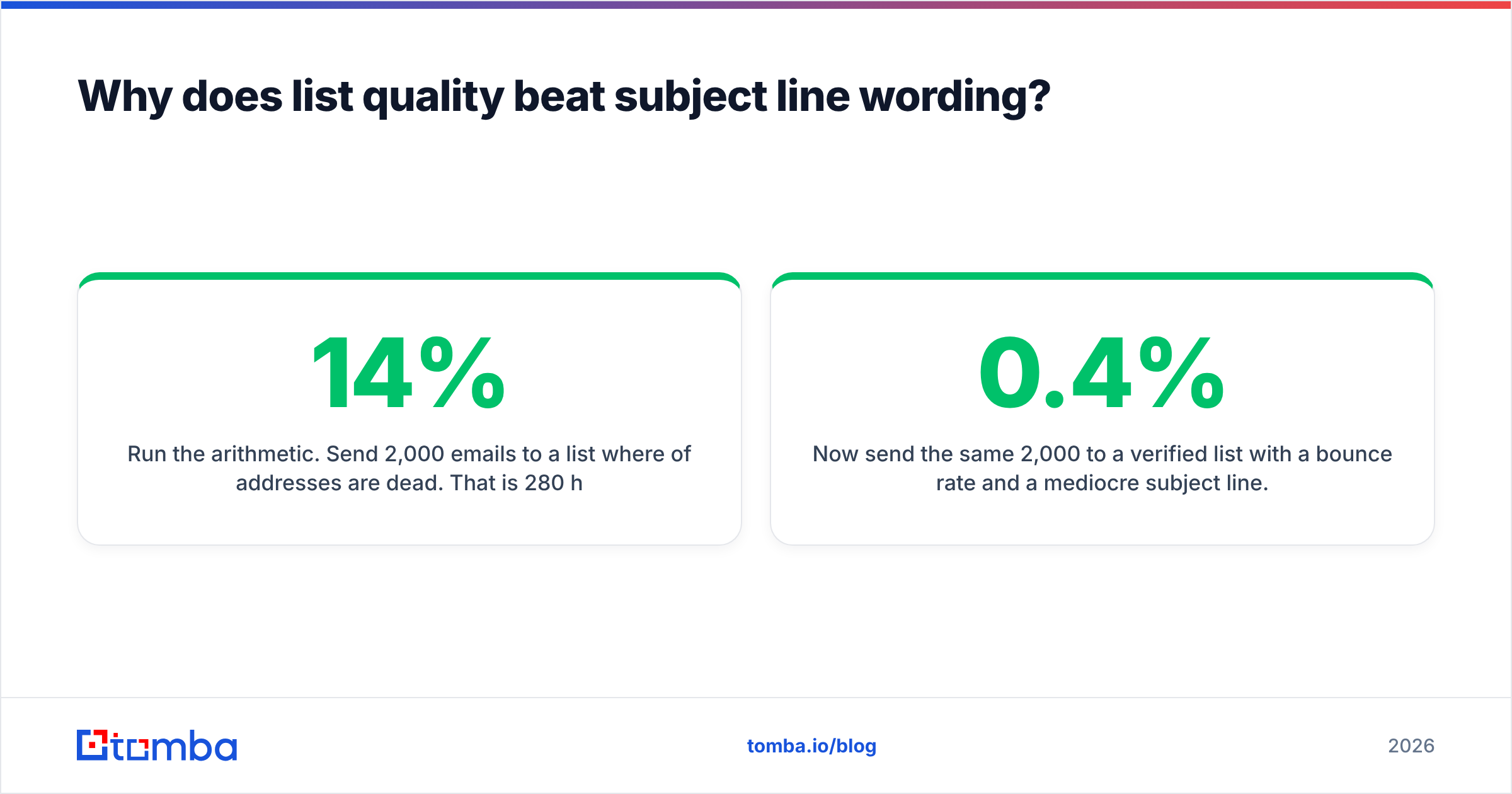
Run the arithmetic. Send 2,000 emails to a list where 14% of addresses are dead. That is 280 hard bounces, an 14% bounce rate against a 3–5% tolerance ceiling. Your domain reputation drops within one campaign, and every subsequent send — including the ones with a perfectly scored subject line — inherits the damage.
Now send the same 2,000 to a verified list with a 0.4% bounce rate and a mediocre subject line. You stay in the inbox. The mediocre subject costs you some opens. The dead list costs you the channel.
This is the part a subject line spam checker structurally cannot help with, and it is why sender reputation sits above copy in every deliverability framework worth reading. Independent review data on G2 reflects the same priority order: buyers evaluate verification tools on accuracy and bounce reduction, not on content scoring.
Practical implication for prospecting: find the address correctly the first time. Sourcing verified contacts through a domain search or a bulk workflow produces a list you can send to confidently, rather than a permutated guess list you then have to defend against.
What subject line rules actually raise reply rate?#
Once placement is healthy, subject lines matter again — for humans, not filters.
- Under 45 characters. It survives mobile truncation and reads as a person, not a campaign.
- Lowercase or sentence case. Title Case reads like a newsletter. Sentence case reads like a colleague.
- One concrete noun from their world. A product name, a job posting, a competitor, a metric. Specificity is the only real differentiator left.
- No question marks on the first touch, usually. "Quick question?" has been burned by volume. A statement fragment tends to outperform.
- Zero merge-tag risk. If personalisation can break, it will. Verify the underlying data before you templatise it.
If you want a starting bank of variants rather than a blank page, a subject line generator will give you the raw material, and the tester will grade it. Both are faster than committee.
What should you actually do this week?#
Audit in this order, once: authentication records, then list validity, then template score, then subject lines. Most teams find their problem in step one or two, which means the afternoon they were about to spend rewording subject lines gets returned to them.
Then keep the subject line checker in the loop permanently — as a copy-quality gate on every campaign, not as a deliverability diagnosis.
If step two is where you land, start at the source. The Tomba Email Finder returns professional addresses with a confidence score and verification built in, so your list starts clean instead of getting cleaned after the damage. The free tier covers 25 searches per month, and paid plans start at $49/mo — full Tomba pricing is public. A verified list will do more for your inbox placement than any subject line rewrite you will ever ship.
Related guides#
Ready to find emails that actually work?
Join 150,000+ professionals who stopped guessing and started sending. Free credits on signup — no credit card required.
Get the Tomba newsletter
Practical outbound tactics and product updates — once every two weeks.
About the author