Email Template for Sales Prospecting: 9 That Get Replies
Most prospecting templates fail because they are filled out, not thought through. Here are nine sales prospecting email templates that still earn replies in 2026, plus the personalization and data checks that make them work.
TL;DR
- A good email template for sales prospecting is a structure, not a script: one observation, one claim, one ask, under 120 words.
- The nine templates below cover the realistic entry points — trigger event, competitor switch, referral-down, content-based, re-engagement, and four more.
- Template choice matters less than list quality. A brilliant template sent to a 22% invalid list still bounces into spam folders.
- Personalization that works is research-shaped, not merge-tag-shaped. First line about their world, not "Hi {{first_name}}, hope you're well."
- Benchmark honestly: 5–8% reply on cold, 15–25% on warm/referral, 30%+ on inbound follow-up. Anything above that in a vendor case study deserves suspicion.
What makes an email template for sales prospecting actually work?#
A prospecting template earns replies when it does three jobs in under 20 seconds of reading: proves you know who they are, states a specific consequence they care about, and asks for something small enough to say yes to without a meeting-scheduling debate.
Everything else — clever subject lines, GIFs, "just bumping this to the top of your inbox" — is decoration on a structure that either holds or collapses.
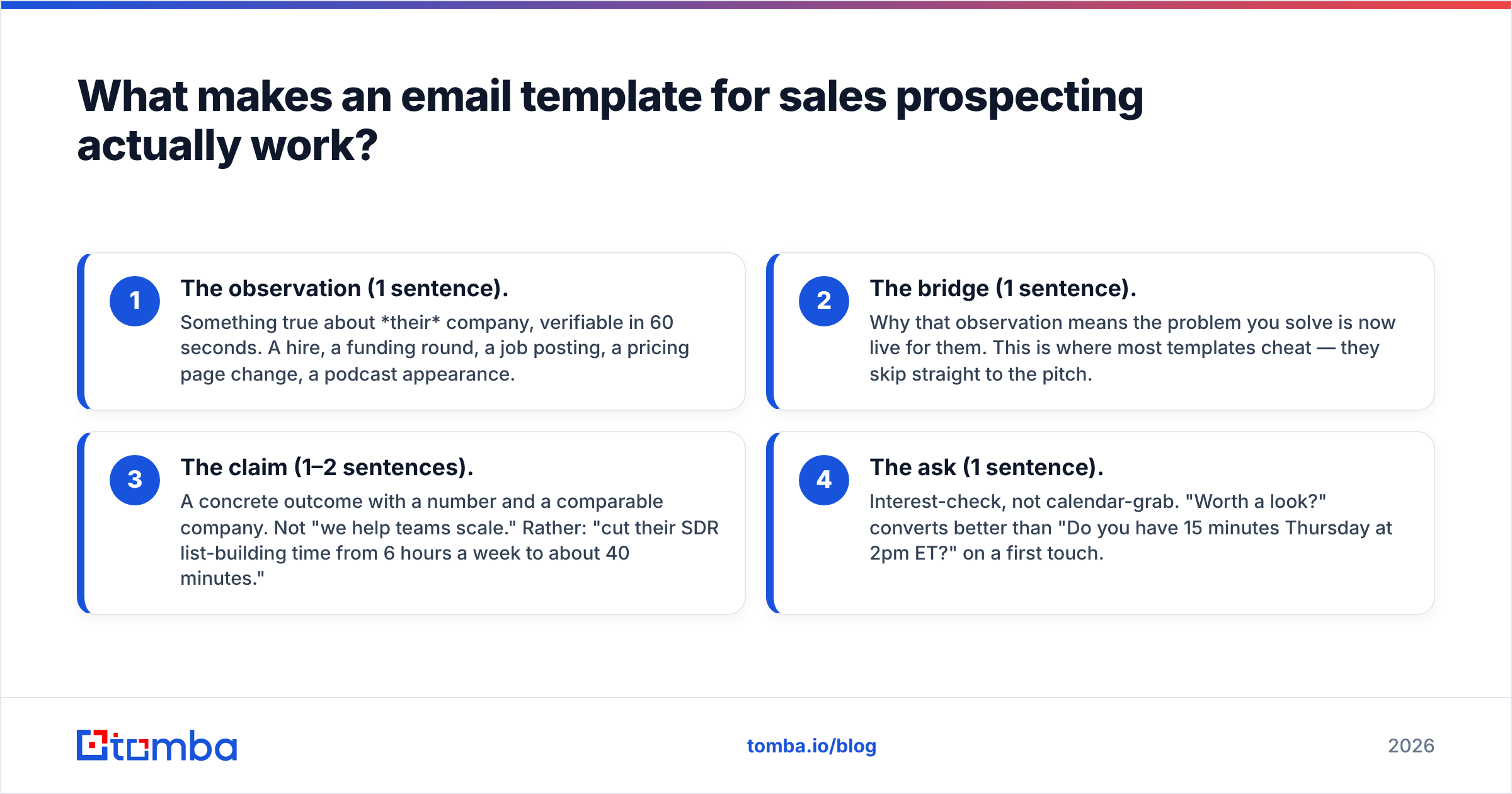
The structure that holds looks like this:
- The observation (1 sentence). Something true about their company, verifiable in 60 seconds. A hire, a funding round, a job posting, a pricing page change, a podcast appearance.
- The bridge (1 sentence). Why that observation means the problem you solve is now live for them. This is where most templates cheat — they skip straight to the pitch.
- The claim (1–2 sentences). A concrete outcome with a number and a comparable company. Not "we help teams scale." Rather: "cut their SDR list-building time from 6 hours a week to about 40 minutes."
- The ask (1 sentence). Interest-check, not calendar-grab. "Worth a look?" converts better than "Do you have 15 minutes Thursday at 2pm ET?" on a first touch.
Word budget: 50–120. Anything past 150 words reads as a proposal, and proposals get archived.
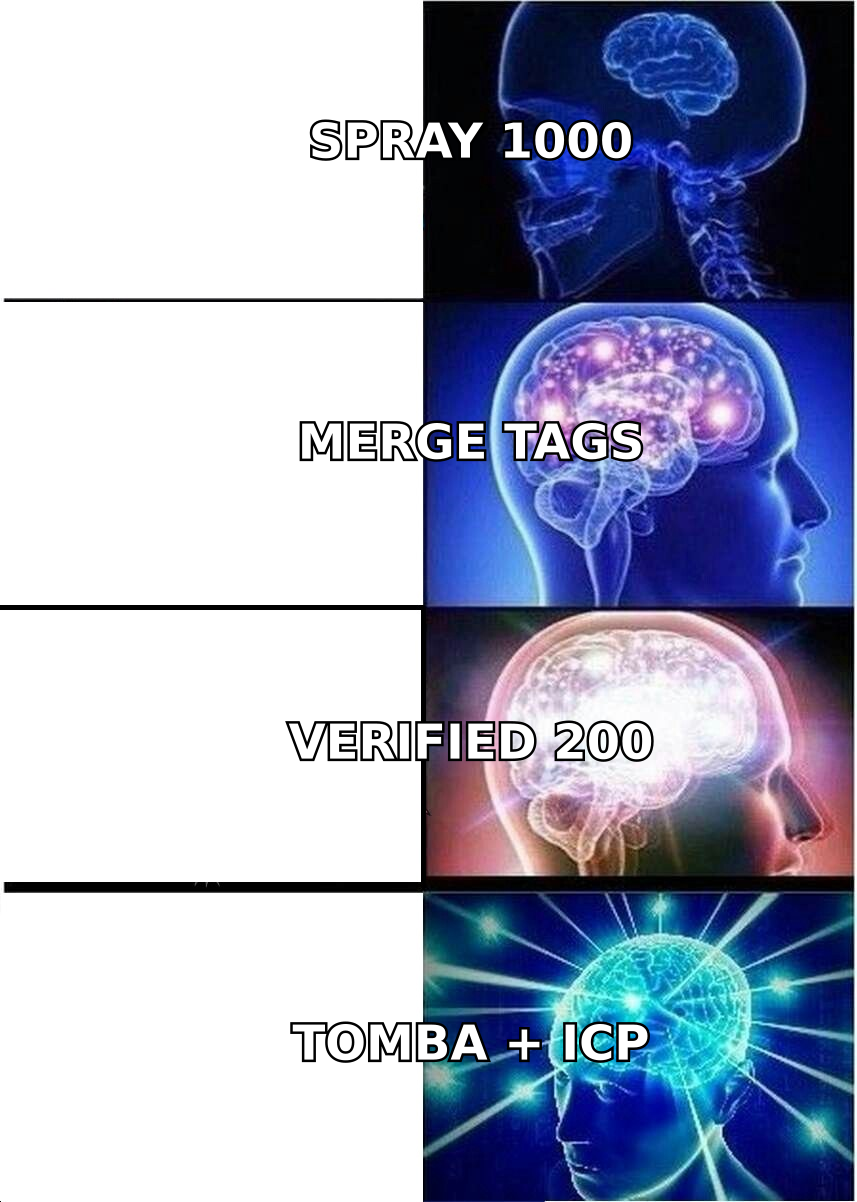
Note the thing that template libraries never mention: your email only exists if it lands. Google and Microsoft both tightened bulk-sender enforcement, and hard bounces above roughly 2–3% degrade your domain's standing fast. Templates do not fix that. Clean data does. Run your list through an email verifier before the first send, not after the first bounce report.
What are the nine prospecting email templates worth using in 2026?#
1. The trigger event#
Best for: recent funding, new exec hire, expansion announcement.
Subject: your new VP Sales

Saw you brought on Marta as VP Sales last month — usually
means the SDR team is about to double.

Most teams at that stage lose 5-6 hours a rep per week
just building lists by hand. We got Northloop's team down
to under an hour by pulling verified contacts straight
into their CRM.

Worth a quick look at how that'd map to your setup?
2. The competitor switch#
Best for: prospects using a tool you displace regularly.
Subject: switching off {competitor}

Noticed {company} is running {competitor}. The teams that
move to us usually do it for one reason: the credit model.
{competitor} charges per lookup whether or not the email
is deliverable — we only bill on verified results.

For a team your size that's typically a 30-40% drop in
data spend. Want the side-by-side?
Keep this one factual. If you overstate the competitor's weakness, the prospect forwards your email to their rep and you look sloppy.
3. The referral-down#
Best for: when you got a name from someone senior. Highest reply rate of any cold format.
Subject: {referrer} suggested I reach out

{referrer} mentioned you own lead data quality at
{company} and said the bounce-rate problem was on your
list for this quarter.

We fixed exactly that for {similar company} — 12% bounce
down to under 2% in three weeks, no rip-and-replace.

Should I send the two-minute version or is this someone
else's call now?
4. The job-posting signal#
Best for: hiring signals that imply budget and pain.
Subject: the 3 SDR reqs

You're hiring three SDRs. Before they start, the thing
that usually decides ramp time is whether the list is
ready on day one.

We build that list — verified, ICP-filtered, in your CRM
before onboarding week. {Company} did this and their new
reps hit quota a month earlier than the previous cohort.

Want the checklist we gave them?
5. The content hook#
Best for: prospects who publish. Genuinely reciprocal.
Subject: your post on outbound attribution

Your point about last-touch attribution punishing top-of-
funnel is the argument I've been trying to make internally
for a year.

One thing we've seen that reinforces it: teams that
measure reply-to-meeting instead of reply-to-close cut
their SDR churn noticeably.

I've got the data if it's useful for a follow-up piece.
6. The one-line question#
Best for: senior prospects, high-volume inboxes.
Subject: quick one

Is verified contact data something your team buys, or is
it bundled into your sequencer?
That's the whole email. Reply rates on this format are volatile — very good with VPs, very bad with practitioners who want context.
7. The re-engagement#
Best for: closed-lost or gone-quiet from 6+ months ago.
Subject: revisiting

We spoke in March — you passed because the API didn't
support bulk enrichment. That shipped in June.

Not asking for a meeting. If it's still relevant, say
"send it" and I'll forward the docs.
8. The problem-first cold open#
Best for: markets where your category isn't well known.
Subject: bounce rates on purchased lists

Most teams buying B2B lists see 15-25% of addresses bounce
within the first send. It's not the vendor being dishonest
— B2B contact data decays roughly 2-3% a month.

The fix is verification at send time, not purchase time.
We do that automatically. Want the 90-second explanation?
9. The breakup#
Best for: the fourth or fifth touch. Do not use it as a guilt trip.
Subject: closing the loop

I'll stop here — clearly not a priority right now, which
is fair.

If list quality ever becomes the bottleneck, my inbox is
open. Good luck with the quarter.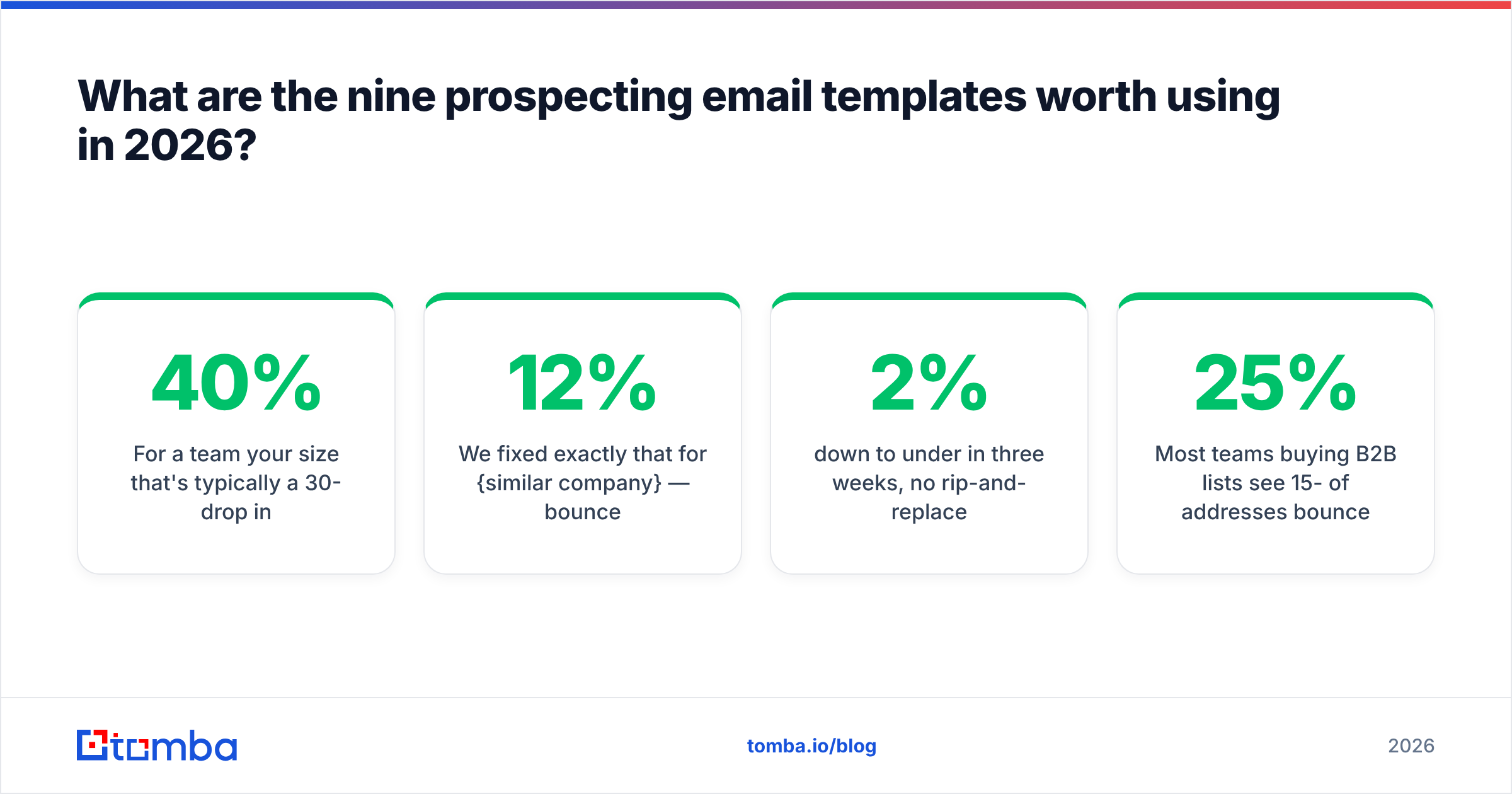
Which sales prospecting template fits which prospect?#
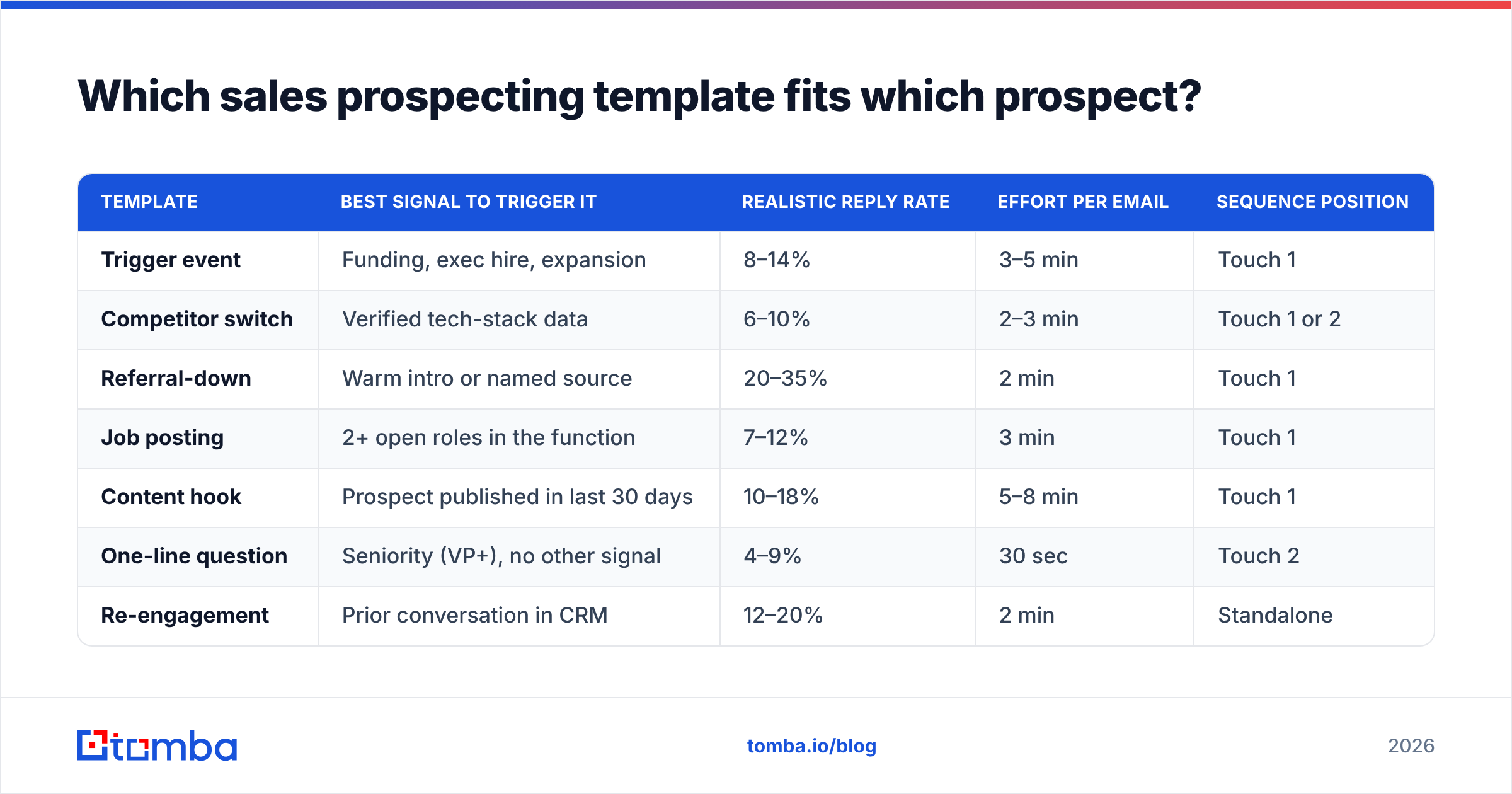
Match the template to the signal you have, not to the one you liked reading. This is the single highest-leverage decision in the whole sequence.
| Template | Best signal to trigger it | Realistic reply rate | Effort per email | Sequence position |
|---|---|---|---|---|
| Trigger event | Funding, exec hire, expansion | 8–14% | 3–5 min | Touch 1 |
| Competitor switch | Verified tech-stack data | 6–10% | 2–3 min | Touch 1 or 2 |
| Referral-down | Warm intro or named source | 20–35% | 2 min | Touch 1 |
| Job posting | 2+ open roles in the function | 7–12% | 3 min | Touch 1 |
| Content hook | Prospect published in last 30 days | 10–18% | 5–8 min | Touch 1 |
| One-line question | Seniority (VP+), no other signal | 4–9% | 30 sec | Touch 2 |
| Re-engagement | Prior conversation in CRM | 12–20% | 2 min | Standalone |
| Problem-first | No signal, category unknown | 3–6% | 1 min | Touch 2 or 3 |
| Breakup | Silence after 3+ touches | 5–9% | 30 sec | Final touch |
Two honest caveats on those numbers. First, they assume a verified list and a warmed domain — the same templates on a cold domain with a 15% bounce rate will land in the 1–2% range regardless of copy. Second, reply rate includes negative replies, which is correct: a fast "not us, try Priya" is a better outcome than silence.
Why do most prospecting email templates fail?#
Because the template gets treated as the deliverable. Here is what actually breaks, ranked by how often it does:
- The list is dirty. Invalid addresses, role accounts, and catch-all domains you never checked. This is the number-one killer and it has nothing to do with copy. Verify before you send, and use a catch-all verifier for the domains that return ambiguous SMTP responses instead of guessing.
- The personalization is cosmetic.
{{first_name}}and{{company}}are not personalization — every vendor emailing your prospect uses them too. The first sentence has to contain a fact a competitor couldn't have merged in. - The ask is too big. "15 minutes on Thursday" asks a stranger to open their calendar. "Worth a look?" asks them to type two words.
- The email is about you. Count the instances of "we/our/I" versus "you/your". If the first number is larger, rewrite.
- The sequence has no variation. Five touches of the same structure reads as automation. Vary length, format, and ask — one of your touches should be under 20 words.
- Nobody measured anything past open rate. Open rate has been unreliable since privacy-protection features started prefetching images. Track replies, positive replies, and meetings booked.

How do you personalize a template without spending ten minutes per lead?#
Tier your effort. Not every prospect deserves the same research budget, and pretending otherwise is why SDRs burn out.
- Tier 1 (top 50 accounts): 5–8 minutes each. Read a recent post or earnings note, reference something specific, write the first line manually. Use the trigger-event or content-hook template.
- Tier 2 (next 300): 90 seconds each. Pull one structured signal — headcount change, tech stack, job posting — and use it as the observation line. Everything else is templated.
- Tier 3 (volume): 0 seconds of manual work. Fully templated, segmented by industry and role only. Use the problem-first or one-line-question template and accept a lower reply rate.
The unlock for Tier 2 is having the signal already attached to the contact record before the rep opens their inbox. That's an enrichment job, not a writing job. Pulling firmographics, role, and verified email in one pass via data enrichment turns a 10-minute research task into a filter on a spreadsheet column.
For the writing itself, a starting library helps more than a blank page — Tomba's free cold email templates collection and a subject line tester are enough to skip the first three drafts. HubSpot's sales blog and Salesforce's resource library are also reasonable places to pressure-test your assumptions against how other teams structure outreach, and the email marketing fundamentals still apply even when the send volume is one-to-one.
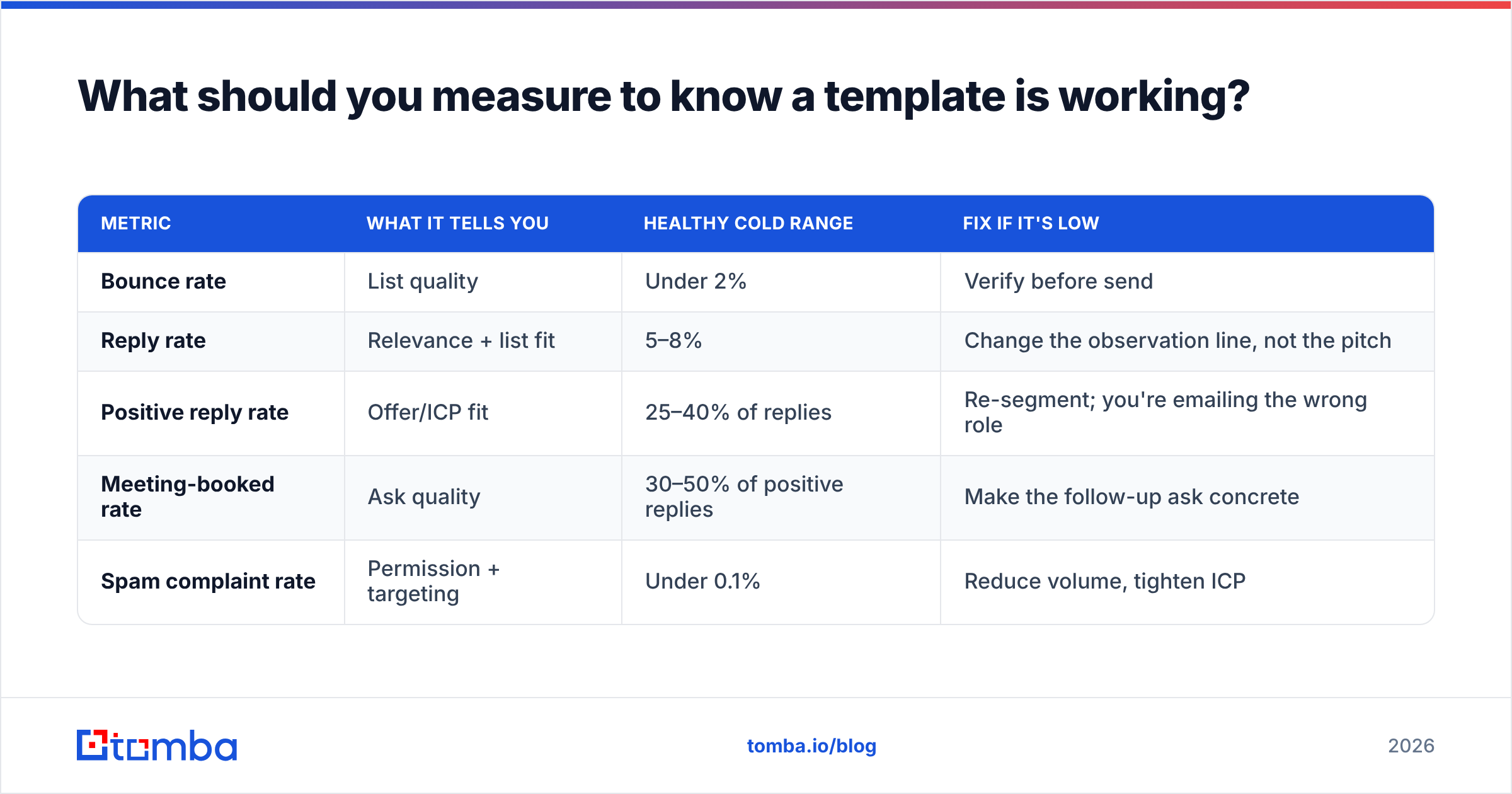
What should you measure to know a template is working?#
Reply rate alone is misleading. A template that generates lots of "unsubscribe" replies looks identical to one generating interest if you only count responses.
| Metric | What it tells you | Healthy cold range | Fix if it's low |
|---|---|---|---|
| Bounce rate | List quality | Under 2% | Verify before send |
| Reply rate | Relevance + list fit | 5–8% | Change the observation line, not the pitch |
| Positive reply rate | Offer/ICP fit | 25–40% of replies | Re-segment; you're emailing the wrong role |
| Meeting-booked rate | Ask quality | 30–50% of positive replies | Make the follow-up ask concrete |
| Spam complaint rate | Permission + targeting | Under 0.1% | Reduce volume, tighten ICP |
Test one variable at a time and give each variant at least 200 sends before you call it. Below that, the difference you're seeing is noise. And when you're comparing data providers for the underlying list — whether that's a self-serve finder, a purchased database like BookYourData, or a hybrid — hold the template constant so you're actually measuring the data, not the copy.
Do you still need cold email templates if you have AI writing tools?#
Yes, and more than before. Generated copy converges on the same rhythms across every tool, which means the "personalized" AI email your prospect got from you reads like the four they got from your competitors that morning.
Use generation for the boring 70% — the bridge sentence, the claim, the tidy-up — and write the observation line yourself. That one sentence carries most of the reply-rate variance. A template plus a real observation beats a fully generated email consistently, and it costs you 40 seconds.
The other reason templates survive: they're auditable. When reply rate drops 3 points, you can diff a template. You cannot diff a prompt's output across 400 sends.
Where should you start?#
Pick two templates from the list above — one trigger-based, one problem-first — and run them against 200 verified contacts in a single segment. Do not run nine templates at once; you'll learn nothing.
Before you send anything, fix the input. Build the list with the Tomba Email Finder to get verified professional addresses by domain, name, or company, then push the whole batch through verification so your bounce rate stays under 2% and your domain reputation stays intact. The free tier gives you 25 searches a month to test the workflow, and paid plans start at $49/mo on Starter — see Tomba pricing for the full breakdown across Growth and Pro.
The best email template for sales prospecting is the one sent to a real person, at a real address, about something real. Get the data right and average copy performs. Get the data wrong and no template saves you.
Related guides#
Ready to find emails that actually work?
Join 150,000+ professionals who stopped guessing and started sending. Free credits on signup — no credit card required.
Get the Tomba newsletter
Practical outbound tactics and product updates — once every two weeks.
About the author