Email Templates for Lead Generation: 9 That Convert in 2026
Most lead gen templates fail before the first word is read. Here are nine templates that still book meetings in 2026, when to send each one, and the personalization layers that make a copy-paste email feel written for one person.
TL;DR
- A lead generation email is not a sales email. Its only job is to earn one reply — not to sell, demo, or close.
- The nine templates below cover the four situations that actually produce pipeline: trigger events, referrals, content signals, warm inbound, and the follow-ups that carry them.
- Template quality is maybe 30% of your result. List quality is the other 70%. A brilliant email to a bounced address scores zero.
- Keep first touches under 90 words, ask for a reply and not a calendar slot, and cut every sentence that starts with "I wanted to reach out."
- Benchmark yourself against 5–12% reply rates on cold, 25–40% on warm. If you're under 2%, the problem is your data or your targeting, not your adjectives.
What makes an email a lead generation template, not just outreach?#
Think of it like a doorbell versus a sales pitch on the porch. Outreach emails try to do the whole conversation in one message. Lead generation emails just ring the bell and see who answers.
That distinction changes the copy in three concrete ways. First, the ask shrinks: "worth a reply?" instead of "here's my Calendly." Second, the proof shrinks: one number, not a case-study paragraph. Third, the length shrinks: 50–90 words, because you're testing for interest, not delivering value yet.
Every template in this post is built for that single job. If you're writing nurture sequences or post-demo follow-ups, you want a different shape entirely — those earn the right to be longer.
Why do most email templates for lead generation stop working?#
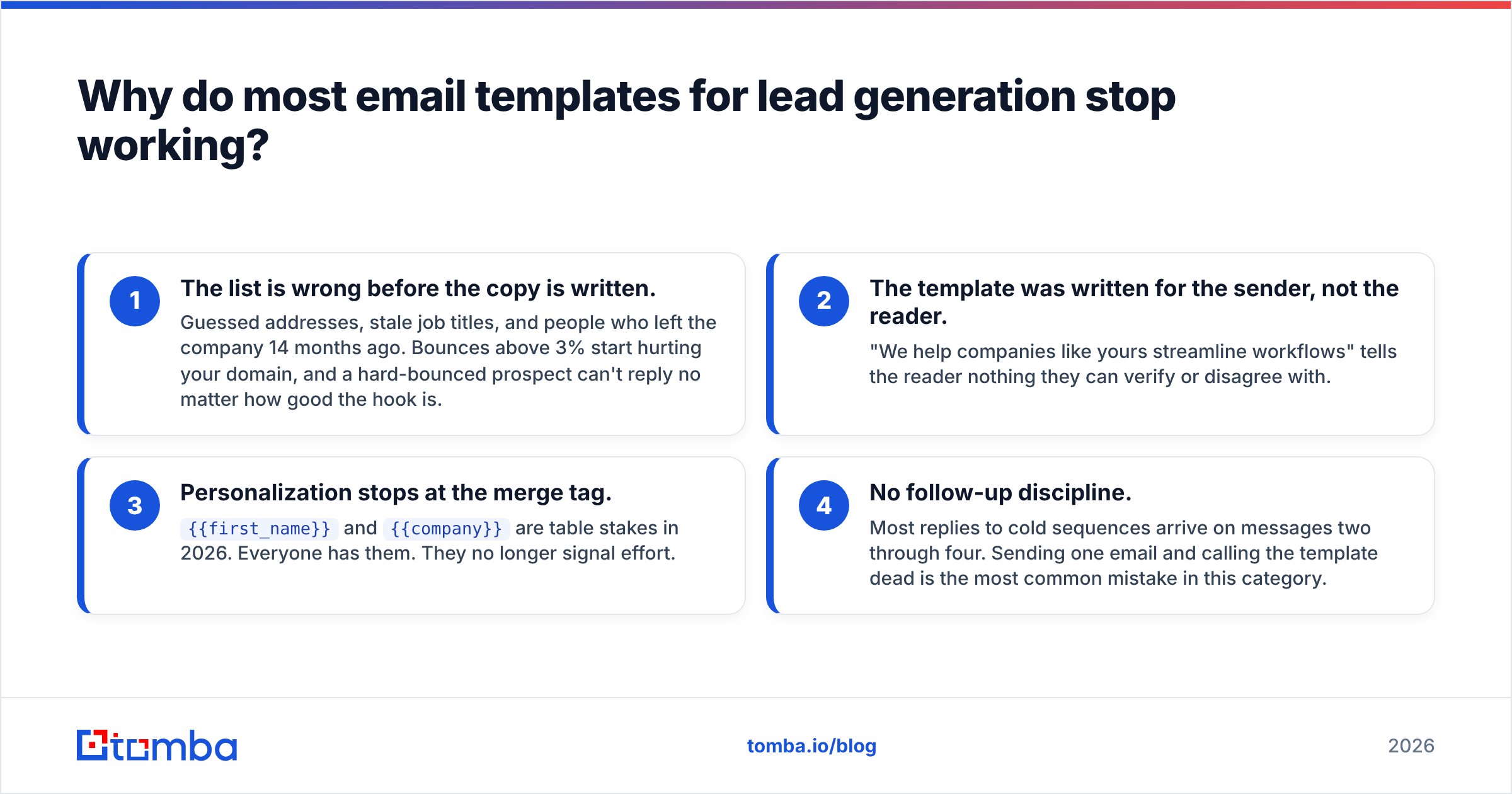
Four failure modes, in order of how often they show up in audits:
- The list is wrong before the copy is written. Guessed addresses, stale job titles, and people who left the company 14 months ago. Bounces above 3% start hurting your domain, and a hard-bounced prospect can't reply no matter how good the hook is.
- The template was written for the sender, not the reader. "We help companies like yours streamline workflows" tells the reader nothing they can verify or disagree with.
- Personalization stops at the merge tag.
{{first_name}}and{{company}}are table stakes in 2026. Everyone has them. They no longer signal effort. - No follow-up discipline. Most replies to cold sequences arrive on messages two through four. Sending one email and calling the template dead is the most common mistake in this category.

Fix the list first. Run your prospect set through an email verifier before a single template goes out, and treat anything above a 3% bounce rate as a data problem rather than a copy problem.
What are the nine email templates for lead generation that still work?#
Copy these, then rewrite the bracketed parts in your own words. A template you paste verbatim reads like a template.
1. The trigger-event opener#
Best for: funding rounds, new hires, product launches, office openings.
Subject: your [new VP of Ops] hire

Hi [Name],

Saw [Company] brought on [New Hire] to run ops last week. Usually
that means the next 90 days are about fixing [specific process]
before headcount grows again.

We handled that for [Similar Company] — cut their onboarding
time from 9 days to 2.

Worth a reply, or is this already sorted?

[You]
Why it works: the trigger proves you're paying attention, and the timing is genuinely relevant instead of random.
2. The referral-request template#
Best for: when you can't identify the right buyer, or you landed on someone senior.
Subject: wrong person?

Hi [Name],

I think I've got the wrong inbox. Who owns [specific area] at
[Company] these days?

Context: we cut [metric] by [number] for [Company Type], and I'd
rather bother the right person than keep guessing.

Happy to go away if it's not relevant.

[You]
Why it works: it's a low-cost favor, not a pitch. Referral forwards convert far better than cold first touches because the introduction does the credibility work for you.
3. The content-signal template#
Best for: prospects who published, presented, or commented on something you can quote.
Subject: your take on [topic]

Hi [Name],

Your point about [specific claim] in [article/talk] matched what
we see: [one contrasting or confirming data point].

Where it gets messy is [related problem]. We built something for
exactly that — [one clause].

Curious whether you've hit that wall yet.

[You]
Pair this with an author finder when you're prospecting people who write publicly; the byline is the trigger and the contact route at once.
4. The competitor-switch template#
Best for: prospects visibly using a tool you replace or complement.
Subject: [Competitor Tool] + [pain]

Hi [Name],

Noticed [Company] runs [Competitor Tool]. Most teams on it tell
us the same thing: [specific limitation].

We're usually the layer that fixes that without ripping anything
out. [One proof number.]

Is that limitation actually annoying you, or a non-issue?

[You]
The closing question matters. Giving the prospect an easy "non-issue" exit raises reply rates because you're asking for an opinion, not a meeting.
5. The problem-first cold open#
Best for: cold lists with no obvious trigger.
Subject: [specific problem], quick question

Hi [Name],

Teams your size usually lose [X hours / Y%] to [problem]. When we
looked at [Similar Company], it was [number].

If that's roughly true at [Company], I can show you what they
changed in about 10 minutes.

If it's not, tell me and I'll stop.

[You]
6. The one-line follow-up#
Send two to three business days after the first touch.
Subject: (reply to original thread)

Any thoughts on this, [Name]?
Unreasonably effective. Do not add new pitch material to follow-up one; it dilutes the original message that the prospect may not have read yet.
7. The new-angle follow-up#
Send four to five business days after follow-up one.
Hi [Name],

Different angle: [Company Type] teams usually care about
[secondary outcome] more than [primary outcome] I led with.

If [secondary outcome] is on your list this quarter, worth 10
minutes. If not, I'll close the loop.

[You]
8. The breakup email#
Send after three to four unanswered touches.
Subject: closing the loop

Hi [Name],

Assuming [problem] isn't a priority right now — makes sense.

I'll stop emailing. If it moves up the list in Q[next], reply to
this thread and I'll pick it back up.

[You]
Breakups generate replies precisely because they remove pressure. Do not fake-close and then email again three weeks later; that burns the relationship and your domain.
9. The warm-inbound response#
Best for: demo requests, content downloads, pricing-page visitors.
Subject: re: your [download / pricing visit]

Hi [Name],

You grabbed [asset] yesterday. Most people who do are trying to
solve one of these:

1. [Problem A]
2. [Problem B]
3. Something I haven't listed

Which one? I'll send the relevant thing, no call needed.

[You]
Speed matters more than copy here. Warm leads decay fast, and the team that replies within an hour usually wins the conversation.
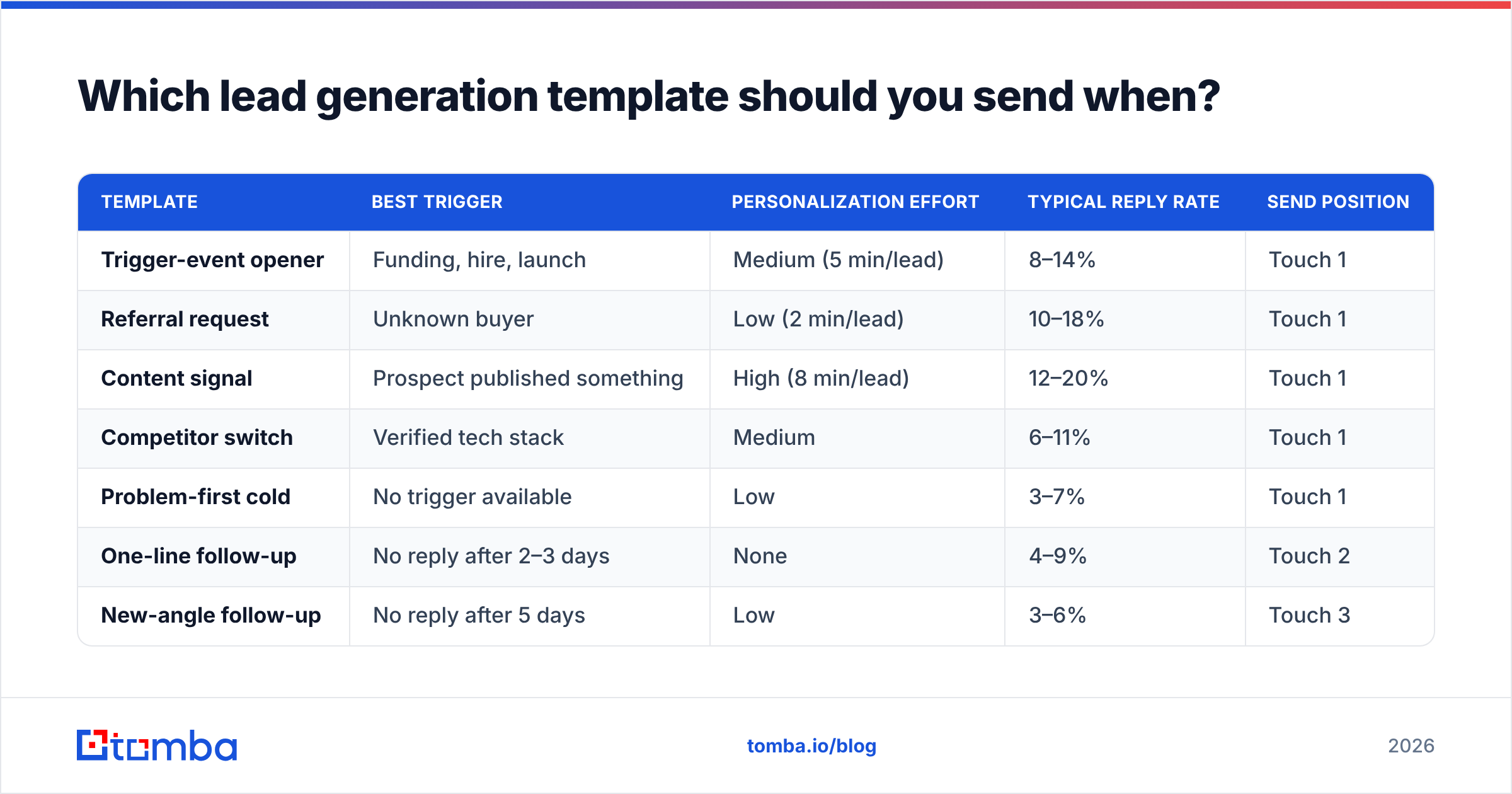
Which lead generation template should you send when?#
| Template | Best trigger | Personalization effort | Typical reply rate | Send position |
|---|---|---|---|---|
| Trigger-event opener | Funding, hire, launch | Medium (5 min/lead) | 8–14% | Touch 1 |
| Referral request | Unknown buyer | Low (2 min/lead) | 10–18% | Touch 1 |
| Content signal | Prospect published something | High (8 min/lead) | 12–20% | Touch 1 |
| Competitor switch | Verified tech stack | Medium | 6–11% | Touch 1 |
| Problem-first cold | No trigger available | Low | 3–7% | Touch 1 |
| One-line follow-up | No reply after 2–3 days | None | 4–9% | Touch 2 |
| New-angle follow-up | No reply after 5 days | Low | 3–6% | Touch 3 |
| Breakup | 3–4 touches, silence | None | 5–10% | Touch 4 |
| Warm inbound | Download, pricing visit | Low | 25–40% | Immediate |
Reply rates assume a verified list, a warmed sending domain, and fewer than 60 sends per mailbox per day. Treat them as directional targets to beat, not guarantees — your ICP and offer move these numbers more than wording does.
How do you personalize a template without spending 20 minutes per lead?#
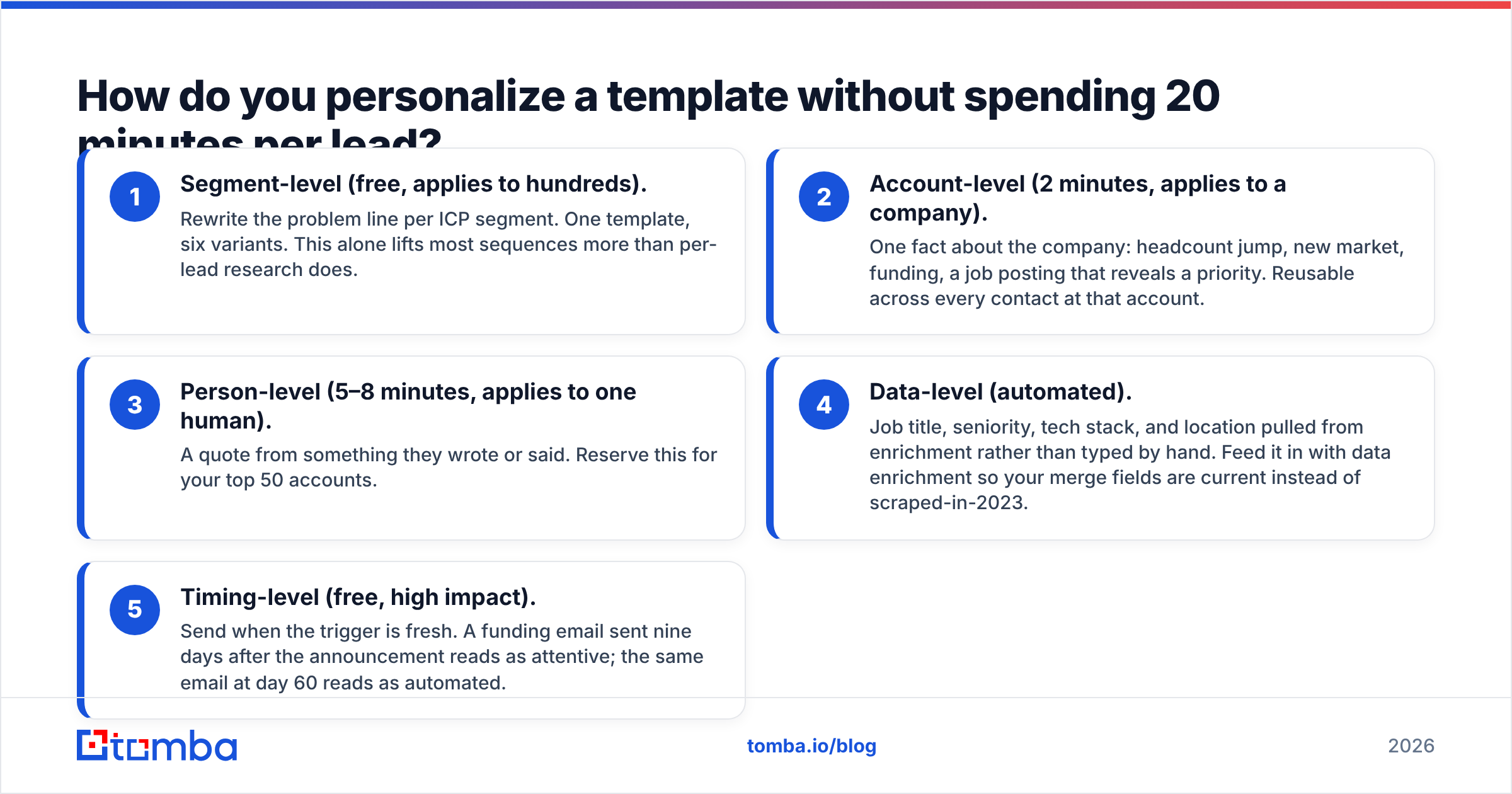
Layer personalization by cost, and only spend the expensive kind on accounts that deserve it.
- Segment-level (free, applies to hundreds). Rewrite the problem line per ICP segment. One template, six variants. This alone lifts most sequences more than per-lead research does.
- Account-level (2 minutes, applies to a company). One fact about the company: headcount jump, new market, funding, a job posting that reveals a priority. Reusable across every contact at that account.
- Person-level (5–8 minutes, applies to one human). A quote from something they wrote or said. Reserve this for your top 50 accounts.
- Data-level (automated). Job title, seniority, tech stack, and location pulled from enrichment rather than typed by hand. Feed it in with data enrichment so your merge fields are current instead of scraped-in-2023.
- Timing-level (free, high impact). Send when the trigger is fresh. A funding email sent nine days after the announcement reads as attentive; the same email at day 60 reads as automated.
The honest version: if you're sending 500 emails a week, per-person research doesn't scale and pretending otherwise wastes your reps' time. Get layers one, two, four, and five right, and spend layer three only where the deal size justifies it. HubSpot's sales email research lands in roughly the same place — relevance beats flattery.
What subject lines actually pair with these templates?#
Short, lowercase, and specific beats clever. Three to five words is the sweet spot, because that's what fits in a mobile preview.
- Trigger:
your [new VP] hire - Referral:
wrong person? - Content:
your take on [topic] - Competitor:
[Tool] + [pain] - Follow-up: reply on the existing thread, no new subject
Avoid anything that reads like a marketing broadcast: "Unlock 10x growth," "Quick question?" with no context, or all-caps urgency. Run candidates through a subject line tester before you commit a sequence to 2,000 sends.
How do you know a template is working?#
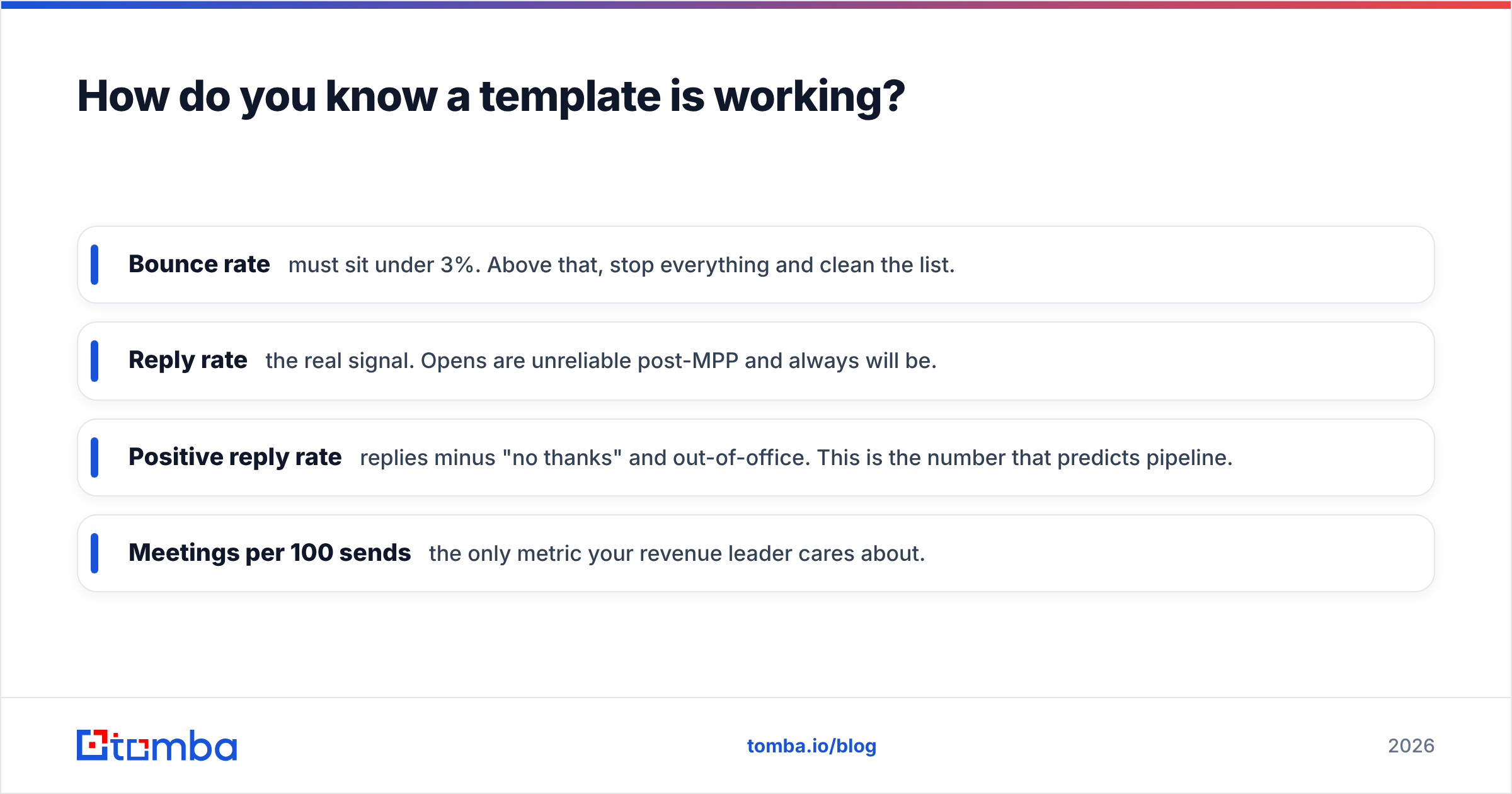
Track four metrics per template variant, in this order:
- Bounce rate — must sit under 3%. Above that, stop everything and clean the list.
- Reply rate — the real signal. Opens are unreliable post-MPP and always will be.
- Positive reply rate — replies minus "no thanks" and out-of-office. This is the number that predicts pipeline.
- Meetings per 100 sends — the only metric your revenue leader cares about.
Run one variable at a time, and give each variant at least 200 sends before you judge it. Anything under that is noise. If you're comparing sending platforms and their reporting depth, the sales engagement category on G2 is a reasonable neutral starting point.
What compliance rules apply to cold lead generation emails?#
Short version: identify yourself, tell the truth, and honor opt-outs.
In the US, the CAN-SPAM Act requires accurate headers, a non-deceptive subject line, a physical postal address, and a working unsubscribe mechanism honored within 10 business days. It does not require prior consent for B2B email.
In the EU and UK, GDPR and PECR are stricter. Business-to-business email to a corporate address can rest on legitimate interest, but you need a documented basis, a clear opt-out, and a source you can point to. Buying an unsourced list and blasting it is where teams get into trouble — which is another reason to know where your data comes from before it enters a sequence.
None of this is legal advice. If you sell into regulated industries or the EU at volume, have counsel review your sequence once. It's cheaper than the alternative.
Which template should you start with tomorrow?#
If you have trigger data, start with template one. If you don't know who the buyer is, start with template two — the referral request is the highest-yield low-effort message in this list. If you have neither, fix your targeting before you write anything.
And in every case, verify before you send. The best-written email in this post produces exactly zero pipeline if the address bounces.
Build the list the templates deserve: use the Tomba Email Finder to pull verified, role-matched addresses by domain or name, check them with the built-in verifier, and push them straight into your sequence tool. The free tier gives you 25 searches a month to test the workflow; paid plans start at $49/mo on Starter, with Growth at $99/mo when you're running volume — full Tomba pricing is public, no sales call required.
Related guides#
Ready to find emails that actually work?
Join 150,000+ professionals who stopped guessing and started sending. Free credits on signup — no credit card required.
Get the Tomba newsletter
Practical outbound tactics and product updates — once every two weeks.
About the author