Emailchaser vs GrowMeOrganic (2026): Full Feature Comparison
One tool sends plain-text cold email extremely well. The other tries to own your entire prospecting stack. Here is where each one actually wins — and where both leave a gap you still have to fill.
TL;DR
- Emailchaser is a sending tool. It does plain-text cold email sequences, inbox rotation, and warmup — and deliberately does not try to be a database.
- GrowMeOrganic is an all-in-one platform. LinkedIn scraping, a contact database, an email finder, and drip campaigns in one subscription.
- The "unlimited" pricing model is the real difference. GrowMeOrganic sells volume; Emailchaser sells simplicity and inbox hygiene. Pick based on which bottleneck you actually have.
- Neither is a great data-quality layer. Both bundle finding and sending, which means bad addresses flow straight into your sequences unless you verify separately.
- Best combined setup for most teams: a dedicated finder/verifier for the list, then whichever sender fits your workflow.
What is Emailchaser?#
Emailchaser is a cold email outreach tool built around a single opinion: cold email works best when it looks like a normal email a human typed. No HTML templates, no tracking pixels shoved into every message, no elaborate visual builder. You connect Gmail, Google Workspace, Microsoft 365, or a generic SMTP account, write a plain-text sequence, and let it send on a schedule.
The feature set is intentionally narrow:
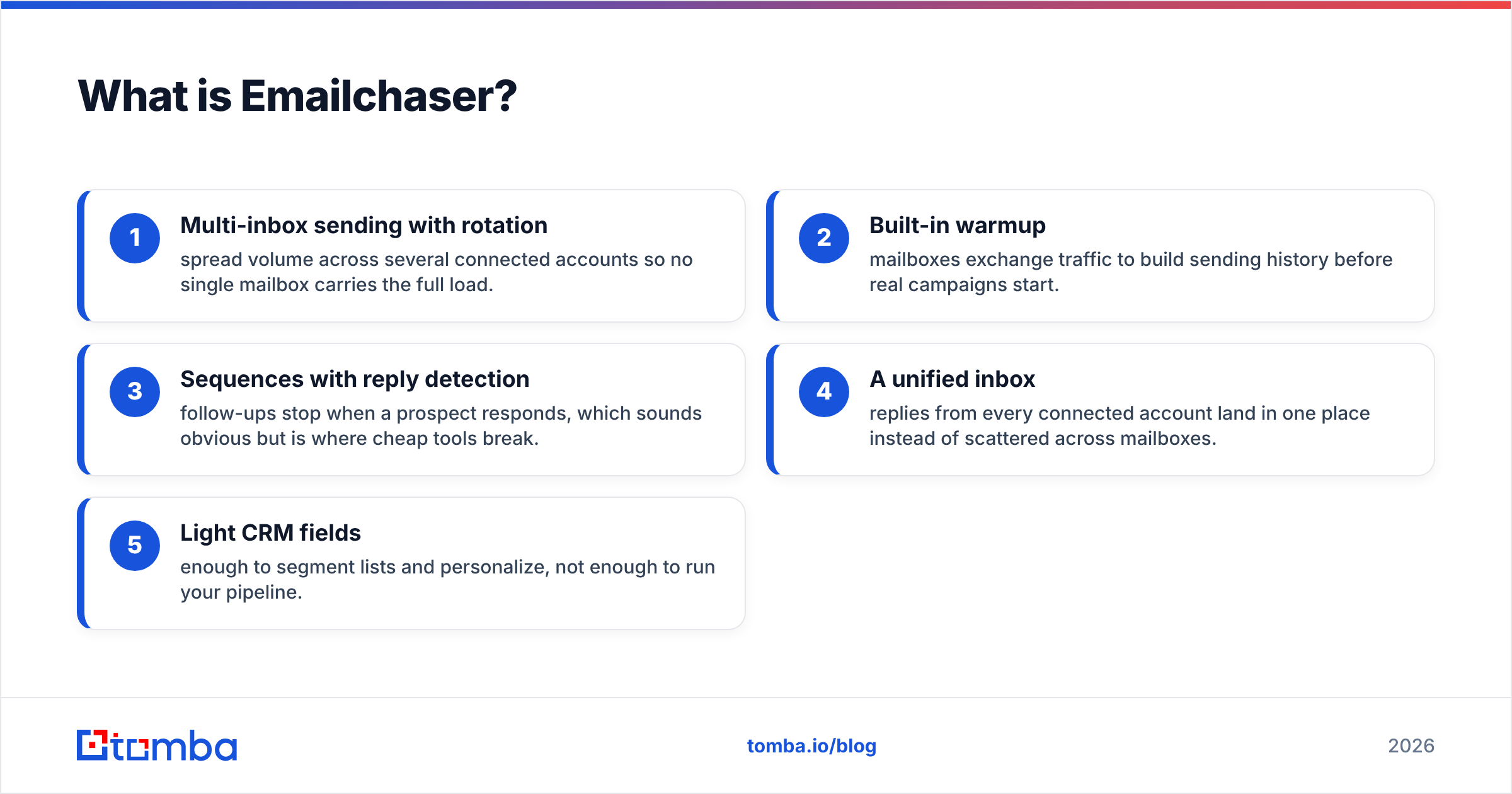
- Multi-inbox sending with rotation — spread volume across several connected accounts so no single mailbox carries the full load.
- Built-in warmup — mailboxes exchange traffic to build sending history before real campaigns start.
- Sequences with reply detection — follow-ups stop when a prospect responds, which sounds obvious but is where cheap tools break.
- A unified inbox — replies from every connected account land in one place instead of scattered across mailboxes.
- Light CRM fields — enough to segment lists and personalize, not enough to run your pipeline.
What Emailchaser does not have is a contact database. You bring your own list. That is a design decision, not an oversight — and it is exactly why the comparison with GrowMeOrganic is interesting rather than trivial.
What is GrowMeOrganic?#
GrowMeOrganic sits at the opposite end. It markets itself as an all-in-one B2B prospecting and outreach platform: a Chrome extension that pulls profiles and companies out of LinkedIn and Sales Navigator, an email finder layered on top, a large contact database, drip email campaigns, and basic CRM-style pipeline tracking.
The pitch is that you never leave the tool. Search LinkedIn, extract a list, find emails for that list, push it into a sequence, and watch replies — all under one login. For a solo founder or a small agency doing a bit of everything, that consolidation is genuinely appealing. One bill, one interface, one thing to learn.
The trade-off is depth. A platform that covers scraping, enrichment, verification, sending, and light CRM will not match a specialist in any single one of those categories. That is not a knock on GrowMeOrganic specifically; it is the arithmetic of building an all-in-one at a $50–$100 price point.
How do Emailchaser and GrowMeOrganic compare head-to-head?#
Here is the practical breakdown. Pricing moves — check both vendor pages before you buy — but the shape of each offer has been stable.
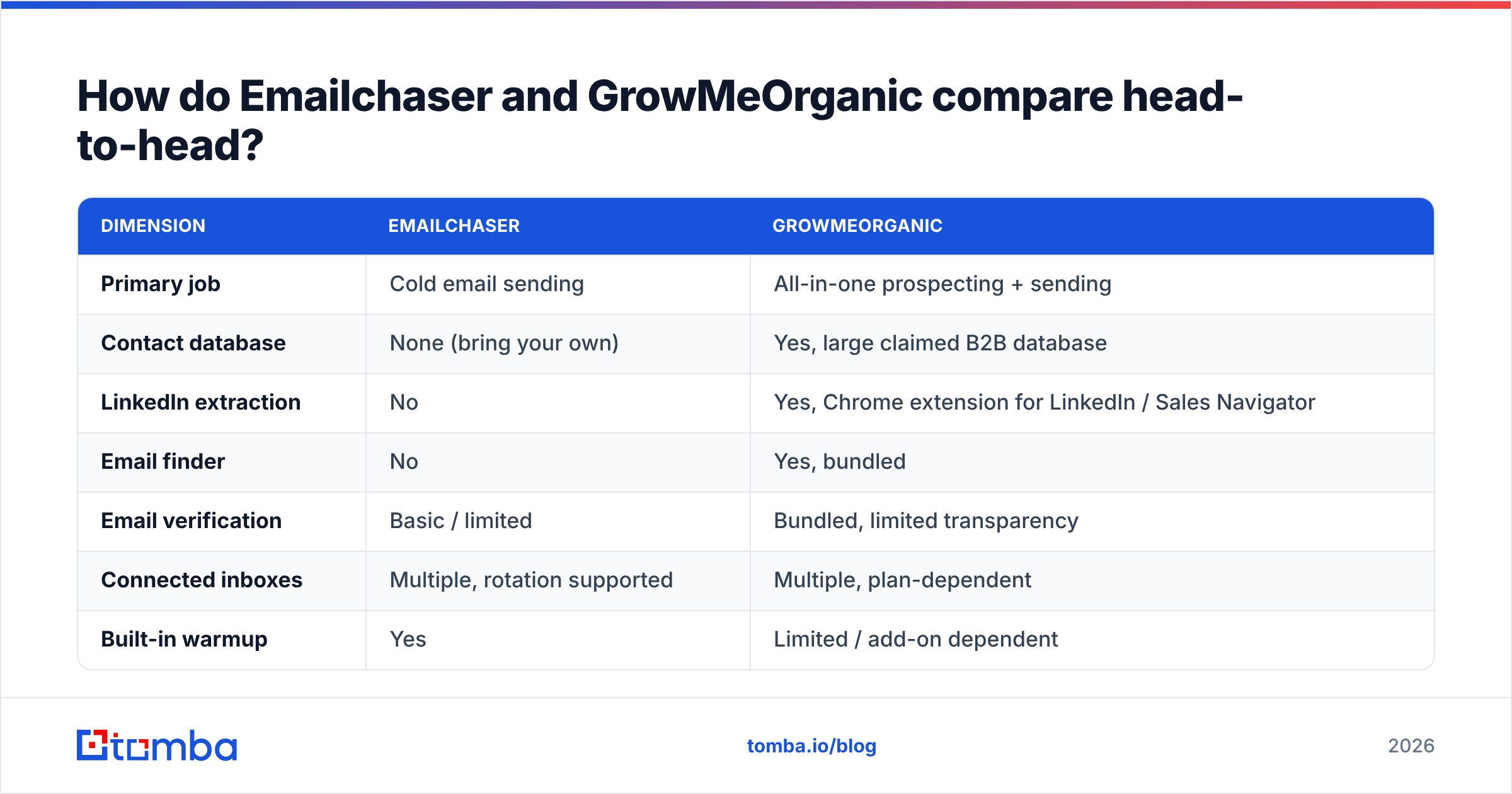
| Dimension | Emailchaser | GrowMeOrganic |
|---|---|---|
| Primary job | Cold email sending | All-in-one prospecting + sending |
| Contact database | None (bring your own) | Yes, large claimed B2B database |
| LinkedIn extraction | No | Yes, Chrome extension for LinkedIn / Sales Navigator |
| Email finder | No | Yes, bundled |
| Email verification | Basic / limited | Bundled, limited transparency |
| Connected inboxes | Multiple, rotation supported | Multiple, plan-dependent |
| Built-in warmup | Yes | Limited / add-on dependent |
| Sending style | Plain-text first | HTML + plain text |
| Unified reply inbox | Yes | Yes |
| CRM depth | Minimal by design | Light pipeline features |
| Typical entry price | ~$29–$49/mo range | ~$49–$79/mo range |
| Best for | Teams with a list who need replies | Teams with no list who need everything |
| Weakest point | You must source data elsewhere | Data accuracy and verification depth |
Read that table twice, because it explains the whole decision. These tools are not really competitors in the way "Apollo vs Lusha" is. One is a sender that assumes you have data. The other is a data platform that also sends. If you already have a clean list and a data vendor you trust, Emailchaser is the cleaner buy. If you are starting from an empty spreadsheet and cannot stomach a second subscription, GrowMeOrganic covers more ground.
Which tool gives you better email data?#
GrowMeOrganic wins by default here, because Emailchaser does not compete. But "wins by default" is not the same as "good enough."
Bundled finders inside all-in-one platforms tend to share three problems:
- Opaque sourcing. You rarely get a clear answer on where a given address came from — pattern guess, scraped signature, partner data, or third-party license. That matters when a domain bounces and you need to know whether to retry.
- Confidence scores that don't map to reality. A "verified" label inside a sending platform often means the address passed a syntax and MX check, not a full SMTP handshake with catch-all handling.
- No incentive to reject. A tool that charges per credit and also charges for sending has weak motivation to tell you a lead is unreachable.
That last point is the one that costs money. If your platform hands you 1,000 addresses and 180 of them bounce, you do not just lose 180 leads. You take a reputation hit that suppresses inbox placement for the other 820. Google and Microsoft both tightened bulk-sender requirements in the last two years, and the widely cited safe threshold is a bounce rate under 2–3%. Anything above that and you are actively damaging the asset you spent weeks warming.
This is why a lot of teams running either tool still keep a dedicated data layer. A specialist email finder plus a standalone email verifier gives you a second opinion that is not financially motivated to say yes. If you are pulling prospects out of LinkedIn — which is GrowMeOrganic's main acquisition motion — a purpose-built LinkedIn finder resolves profiles to work addresses without the browser-extension fragility that plagues scrapers every time LinkedIn ships a DOM change.
Which one is better for deliverability?#
Emailchaser, and it is not especially close.
Deliverability is a discipline, not a feature checkbox, but a few things in Emailchaser's design push in the right direction:
Plain-text default. HTML email with embedded images, tracking pixels, and link wrapping is a well-known spam signal in one-to-one cold outreach. Emailchaser's insistence on plain text removes an entire category of self-inflicted damage.
Inbox rotation as a first-class feature. Sending 300 emails a day from one mailbox is a fast route to a suppressed domain. Rotating across six mailboxes at 50/day each keeps every account inside normal human volume.
Native warmup. Warming is not optional in 2026. New domains and new mailboxes need weeks of gradual ramp before they can carry campaign volume. Having it in the same tool means the ramp schedule and the campaign schedule do not fight each other.
Reply-based stop conditions that actually work. Nothing torches a reply rate faster than sending follow-up #3 to someone who answered follow-up #1.
GrowMeOrganic can send perfectly well, but its center of gravity is prospecting. Warmup and reputation tooling are thinner, and because the platform makes it trivially easy to generate a huge list, it also makes it trivially easy to blast that list before anyone checked whether the addresses are real. The tool is not the problem — the workflow it encourages is.
If you want to sanity-check your setup independent of either vendor, run your domain through an SPF checker and score a draft with a spam checker before you launch. Both take under a minute and catch the authentication mistakes that no sending tool will warn you about.
How does the pricing actually compare?#
Both tools price in the same neighborhood, but they are selling different units.
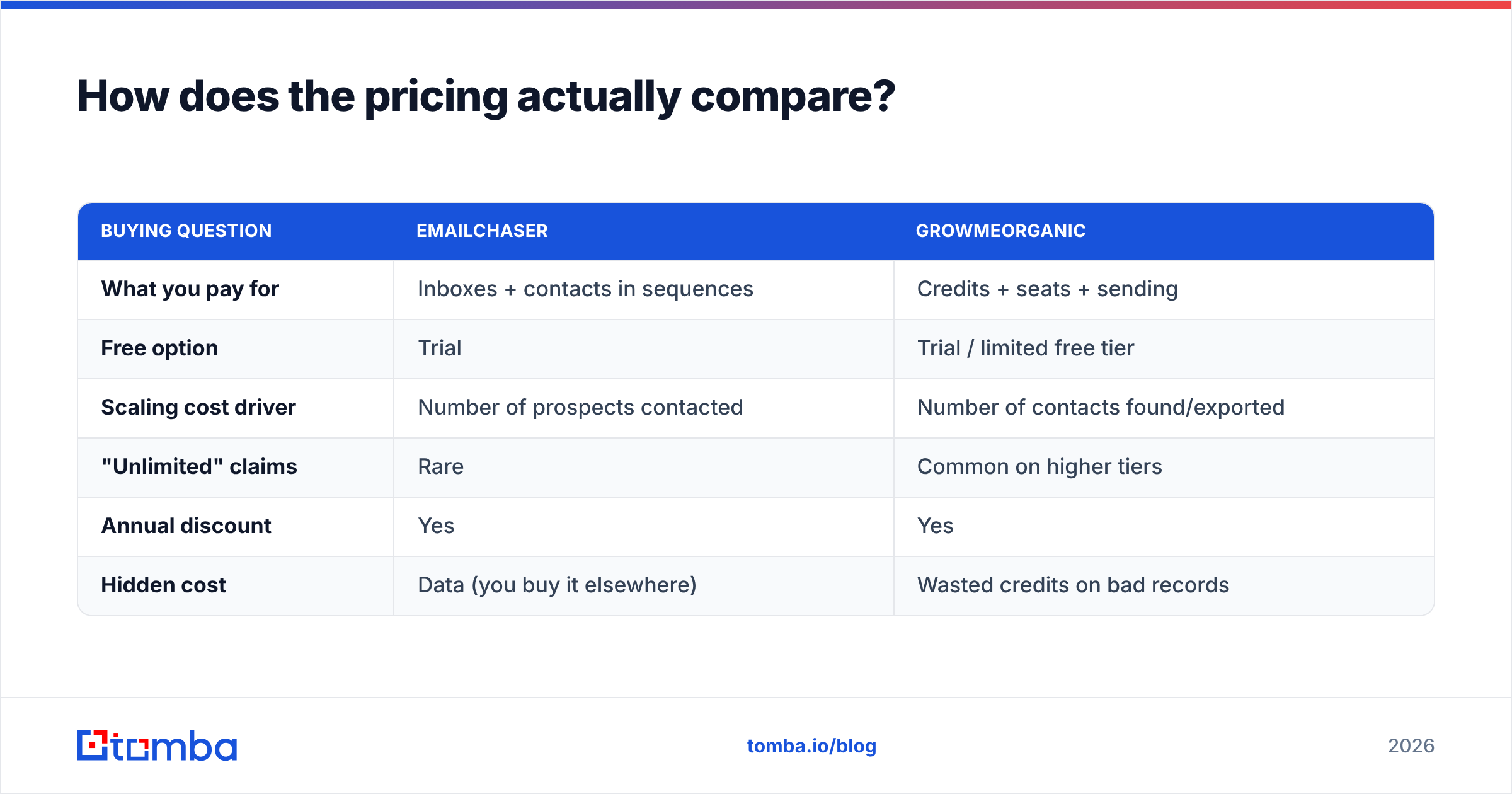
| Buying question | Emailchaser | GrowMeOrganic |
|---|---|---|
| What you pay for | Inboxes + contacts in sequences | Credits + seats + sending |
| Free option | Trial | Trial / limited free tier |
| Scaling cost driver | Number of prospects contacted | Number of contacts found/exported |
| "Unlimited" claims | Rare | Common on higher tiers |
| Annual discount | Yes | Yes |
| Hidden cost | Data (you buy it elsewhere) | Wasted credits on bad records |
The word to interrogate is unlimited. All-in-one platforms lean on it hard, and it is usually true in a narrow sense — unlimited exports, unlimited searches — while the thing you actually care about, unique deliverable addresses, is gated by fair-use limits or simply by how much valid data exists in the index. Unlimited access to a database is worth exactly as much as the database is accurate.
Compare that to how a specialist prices. Tomba's pricing runs a free tier at 25 searches a month, Starter at $49/mo, Growth at $99/mo, and Pro at $249/mo, with credits that map to actual lookups. Fewer nouns, easier math. And because a finder-only tool has no sending product to protect, invalid results are a straightforward cost rather than a revenue line.
The honest framing: Emailchaser's total cost of ownership includes a data subscription you buy separately. GrowMeOrganic's total cost of ownership includes the bounces and burned domains you pay for in reputation instead of dollars. Neither is free.
Who should choose Emailchaser?#
Pick Emailchaser if you recognize yourself in most of these:
- You already have a data source. An enrichment vendor, a scraped-and-verified list, an exported CRM segment, or a partner feed.
- Deliverability is your bottleneck, not volume. You are sending, but landing in Promotions or spam.
- You want plain-text, one-to-one style outreach. Founder-led sales, agency outreach, recruiting.
- You value a tool that does one thing. Fewer settings, faster onboarding, less to misconfigure.
- You run multiple mailboxes. Rotation and a unified inbox are the core value here.
Emailchaser is a poor fit if you have no list and no budget for one. It will happily send zero emails to your empty database.
Who should choose GrowMeOrganic?#
Pick GrowMeOrganic if:
- You are starting from nothing. No list, no data vendor, no scraping setup.
- LinkedIn is your primary source. The extension is the product's strongest surface.
- You need one bill. Solo founders and small agencies genuinely benefit from consolidation.
- Your volume is moderate. A few thousand contacts a month, not tens of thousands.
- You are comfortable adding verification. Budget for a second tool to clean the list before it hits a sequence.
It is a weaker fit for teams with existing data infrastructure, or for anyone whose domain reputation is already fragile — the platform's ease of bulk export is a loaded gun in that situation.
Do you still need a third tool?#
Usually, yes — and the reason is structural rather than a criticism of either product.
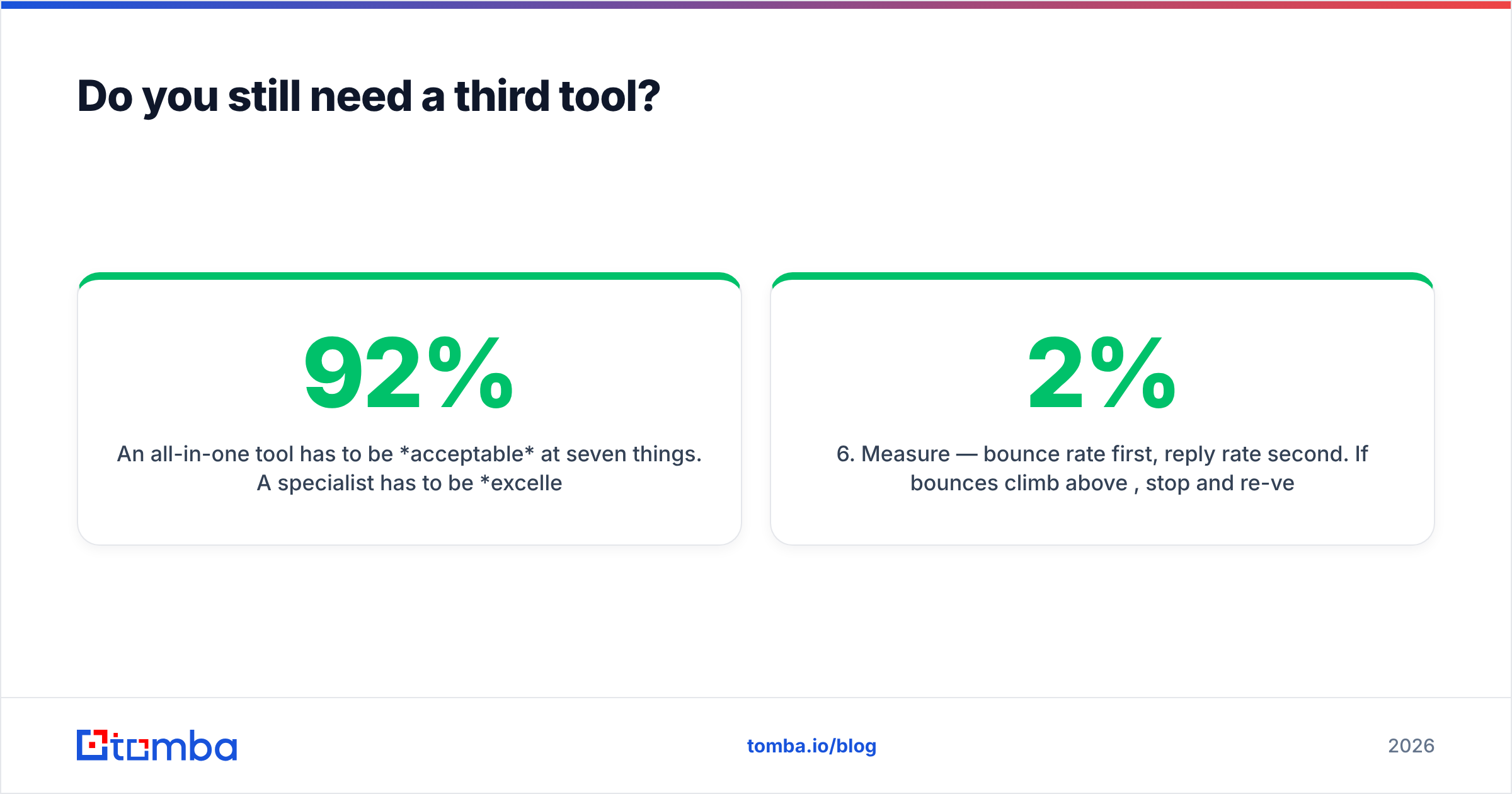
An all-in-one tool has to be acceptable at seven things. A specialist has to be excellent at one. When the specialist's job is the input to everything else — the email address itself — the quality difference compounds through the entire funnel. A 92% valid list and a 74% valid list do not produce a 20% difference in meetings booked. They produce a much larger one, because the bad list also degrades placement for the good addresses that follow.
A practical stack that works with either sender:
- Source — LinkedIn, conference lists, job boards, website visitors, or a B2B database.
- Find — resolve names and domains to work addresses with a dedicated finder. Use domain search when you want every reachable contact at an account rather than one named person.
- Verify — SMTP-level validation with explicit catch-all handling. Drop anything that is not clearly deliverable.
- Enrich — add title, seniority, and company data so personalization is not a mail-merge of first names.
- Send — Emailchaser, GrowMeOrganic, or whatever your team already lives in.
- Measure — bounce rate first, reply rate second. If bounces climb above 2%, stop and re-verify before you optimize copy.
For teams running this at scale, the Tomba API lets you slot steps 2–4 into the pipeline programmatically, so verification happens on ingest rather than as a manual pre-launch chore that somebody eventually forgets. If you would rather see how buyers rate each tool independently, both have public review profiles on G2 worth ten minutes of reading before you commit to an annual plan.
What is the verdict on Emailchaser vs GrowMeOrganic?#
Emailchaser wins on sending. GrowMeOrganic wins on sourcing. Neither wins on data quality.
If you are choosing purely between the two and you must pick one, the deciding question is what you already own. Have a list? Emailchaser will get more of it into inboxes, and its plain-text, rotation-first design will keep your domain healthier for longer. Have no list? GrowMeOrganic gets you from zero to a running campaign in an afternoon, which has real value when you are the entire go-to-market team.
What neither answers is whether the addresses you are sending to exist. That is the input every other metric depends on, and it is the cheapest thing in the stack to fix.
Start there. Run your next list through the Tomba Email Finder — the free tier covers 25 searches a month, enough to benchmark accuracy against whatever your current tool returns before you renew anything. Compare the bounce rates side by side after one campaign. The numbers will make the decision for you.
FAQ#
Is Emailchaser cheaper than GrowMeOrganic? Entry tiers are close, but the comparison is misleading. Emailchaser's real cost includes a separate data source; GrowMeOrganic bundles data but charges in credits. Model three months of actual usage, not sticker price.
Can I use both together? Yes, and some teams do — GrowMeOrganic for LinkedIn extraction, Emailchaser for sending. Verify the list between the two steps or you inherit the worst of both.
Does GrowMeOrganic's email finder need separate verification? Treat any bundled finder's output as unverified until you have measured its bounce rate on your own domains. Run a sample of 200 through an independent verifier and check the disagreement rate.
Which is better for agencies? Emailchaser, generally, because client work means many domains and many mailboxes, and rotation plus warmup are its strongest features. Agencies also tend to have their own data process already.
Related guides#
Ready to find emails that actually work?
Join 150,000+ professionals who stopped guessing and started sending. Free credits on signup — no credit card required.
Get the Tomba newsletter
Practical outbound tactics and product updates — once every two weeks.
About the author