EmailListVerify vs ListKit: Which Tool Wins in 2026?
EmailListVerify cleans lists. ListKit builds them. They get compared constantly, but they solve opposite halves of the same problem — here is the honest breakdown of pricing, accuracy and fit.
TL;DR
- They are not the same category. EmailListVerify is a bulk email verification service. ListKit is a B2B contact database that sells you pre-verified leads. Comparing them head-to-head is like comparing a water filter to a well.
- Pick EmailListVerify if you already have lists — scraped, exported from a CRM, bought, inherited — and you need bounce rates under 2% before you hit send.
- Pick ListKit if you have no list at all and want filtered contacts plus sending in one subscription, and you are comfortable with per-seat, credit-metered pricing.
- Neither one finds emails at a specific company on demand. That gap is where a domain-first email finder belongs in the stack.
- The cheapest working setup for most teams in 2026 is: find and verify at the source, then only pay a standalone verifier for lists that came from somewhere else.
What is EmailListVerify?#
EmailListVerify is a bulk email verification platform. You upload a CSV, it runs each address through a chain of checks — syntax, MX record lookup, disposable-domain detection, role-account flags, spam-trap heuristics, and an SMTP-level mailbox check — and hands you back a scored list split into valid, invalid, catch-all/accept-all, and unknown.
That is the whole product. It has an API and integrations for the usual ESPs, but there is no prospecting layer, no database of companies, no filters for "VP of Marketing at 50-200 person SaaS companies in Texas." You bring the addresses; it tells you which ones are real.
Its pitch has always been price. EmailListVerify sells pay-as-you-go credits that never expire alongside monthly subscriptions, and the per-thousand cost at volume is among the lowest of the established verifiers. Reviews on G2 consistently praise cost and speed and consistently flag the same weakness: the catch-all bucket. Like every verifier, it cannot definitively resolve addresses on domains configured to accept all mail — it can only mark them.
Where it fits: you are a lead-gen agency processing 200k scraped rows a month, or an ecommerce team hygiening a five-year-old Mailchimp list before a re-engagement campaign, or an ops person who inherited a spreadsheet of unknown provenance and does not want to torch the sending domain.
What is ListKit?#
ListKit is a B2B lead database built specifically for cold email operators. You filter by title, industry, headcount, technology, location, and intent-style signals, then pull contacts — email plus, on higher tiers, mobile numbers — directly into a campaign. In 2024–2026 it expanded from "data vendor" toward "data plus sending," so a single subscription can cover list building, enrichment, and outbound sequencing.
Its selling point is that the data is verified before it reaches you. Instead of exporting a raw list and paying a second vendor to clean it, you export contacts that have already been run through verification, and the platform generally does not charge credits for addresses that fail.
The tradeoffs are the ones every database has. Coverage is deep in the segments the vendor invests in — North American SaaS, agencies, ecommerce, mid-market B2B — and thinner in long-tail geographies, non-English markets, tiny local businesses, and any company that does not show up in the sources aggregators buy from. And the pricing model is a subscription with monthly credit allotments plus seats, which is a different financial shape than "pay $0.004 per verification, use it whenever."

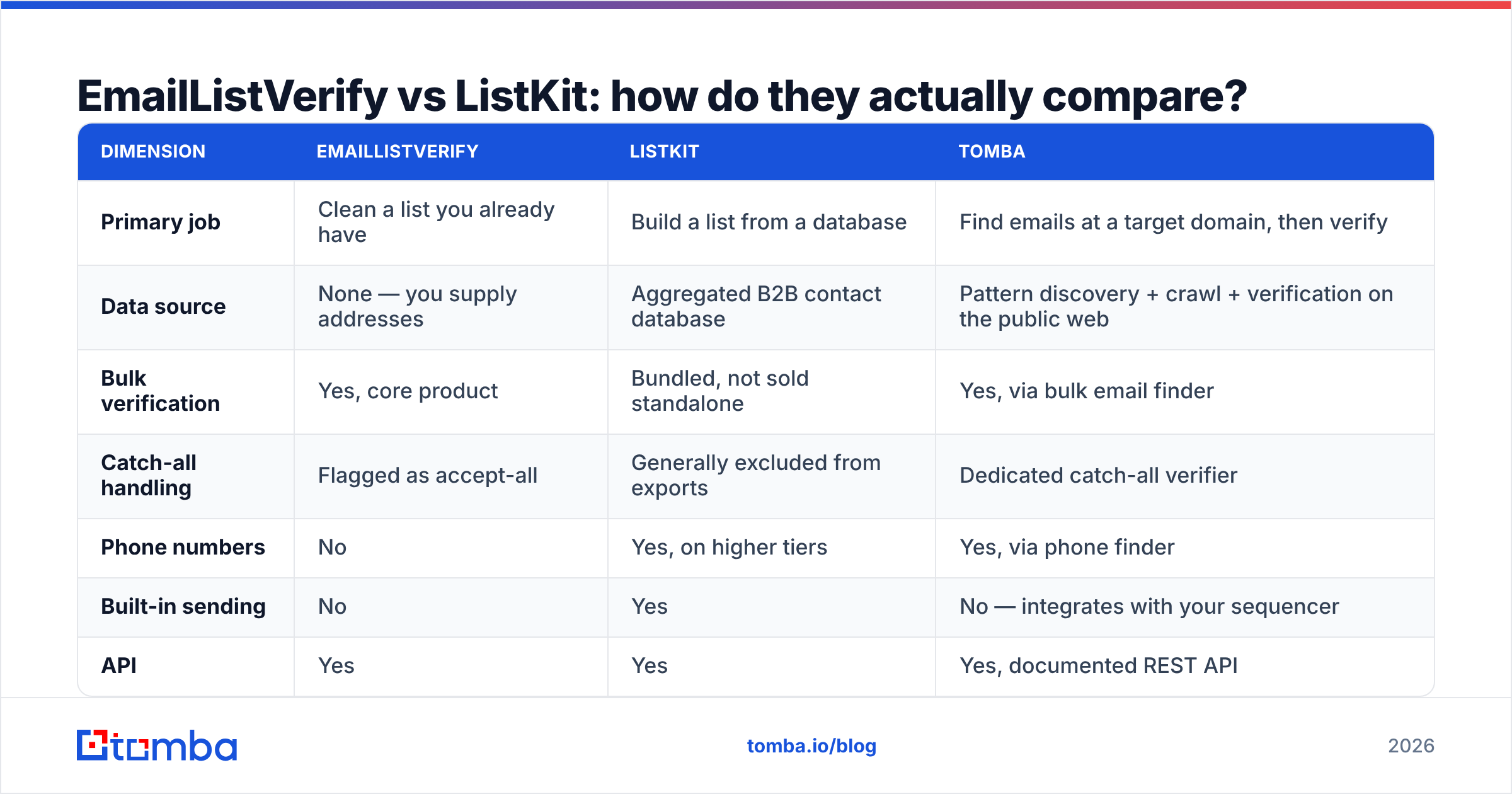
EmailListVerify vs ListKit: how do they actually compare?#
Here is the practical breakdown. Treat the pricing rows as directional — both vendors adjust plans, and you should confirm current numbers on their sites before you buy.

| Dimension | EmailListVerify | ListKit | Tomba |
|---|---|---|---|
| Primary job | Clean a list you already have | Build a list from a database | Find emails at a target domain, then verify |
| Data source | None — you supply addresses | Aggregated B2B contact database | Pattern discovery + crawl + verification on the public web |
| Bulk verification | Yes, core product | Bundled, not sold standalone | Yes, via bulk email finder |
| Catch-all handling | Flagged as accept-all | Generally excluded from exports | Dedicated catch-all verifier |
| Phone numbers | No | Yes, on higher tiers | Yes, via phone finder |
| Built-in sending | No | Yes | No — integrates with your sequencer |
| API | Yes | Yes | Yes, documented REST API |
| Entry price | Pay-as-you-go credits, no expiry | Monthly subscription + seats | Free tier (25 searches/mo), then $49/mo |
| Best for | Agencies, list hygiene, migrations | Operators who want data + sending in one tab | Teams targeting named accounts |
The row that matters most is the first one. If you already have 80,000 addresses and no idea which are alive, ListKit does nothing for you — it is not a verification service you can point at an external file. If you have zero contacts and a defined ICP, EmailListVerify does nothing for you either, because it has no data to give.
Most teams that ask "EmailListVerify vs ListKit" are actually asking a different question: where should my contacts come from, and who is responsible for making sure they are real?
How much do they actually cost?#
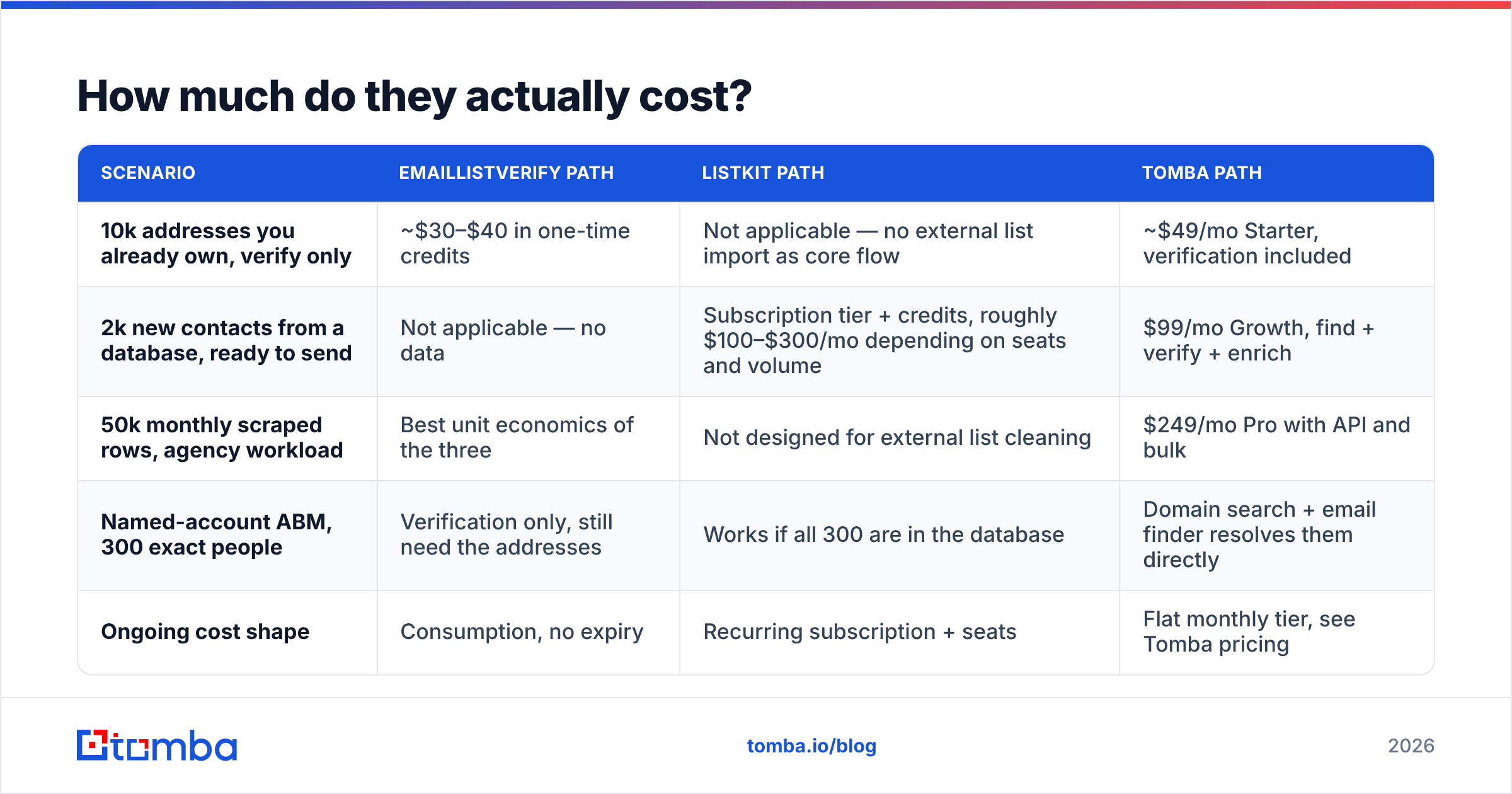
Verification is priced per address. Databases are priced per seat plus credits. That difference makes list-price comparisons misleading, so model it against a real monthly volume instead.
| Scenario | EmailListVerify path | ListKit path | Tomba path |
|---|---|---|---|
| 10k addresses you already own, verify only | ~$30–$40 in one-time credits | Not applicable — no external list import as core flow | ~$49/mo Starter, verification included |
| 2k new contacts from a database, ready to send | Not applicable — no data | Subscription tier + credits, roughly $100–$300/mo depending on seats and volume | $99/mo Growth, find + verify + enrich |
| 50k monthly scraped rows, agency workload | Best unit economics of the three | Not designed for external list cleaning | $249/mo Pro with API and bulk |
| Named-account ABM, 300 exact people | Verification only, still need the addresses | Works if all 300 are in the database | Domain search + email finder resolves them directly |
| Ongoing cost shape | Consumption, no expiry | Recurring subscription + seats | Flat monthly tier, see Tomba pricing |
Two cost traps worth naming.
The first is double-paying for verification. Teams routinely buy a database subscription that already verifies contacts, then run those same contacts through a standalone verifier "to be safe." If your data source verifies at export, that second pass is mostly wasted spend — unless the list has been sitting in your CRM for six months, in which case re-verification is genuinely worth it. B2B contact data decays roughly 25–30% per year as people change jobs, so anything older than a quarter deserves a fresh check.
The second is seat inflation. Consumption-priced verification stays flat when your team grows. Seat-priced databases do not. A three-person SDR team on a per-seat platform can quietly cost more per month than the entire sending stack around it.

Which one is more accurate — and what does accuracy even mean here?#
They measure different things, so a single accuracy number does not transfer between them.
For EmailListVerify, accuracy means: of the addresses it marked valid, how many actually accepted mail? Mature verifiers land in the 95–98% range on standard mailboxes. The number drops on catch-all domains, on providers that deliberately obscure SMTP responses, and on servers that greylist aggressive checkers. No verifier is exempt from this — anyone claiming 99.9% across all domain types is measuring their easy cases.
For ListKit, accuracy means two things stacked: is the person still in that role, and is the address deliverable? A database can hand you a technically valid mailbox belonging to someone who left the company eight months ago. That email will not bounce. It will also never convert, and it may sit in an unmonitored inbox that eventually becomes a spam trap. Deliverability and relevance are not the same metric, and databases are judged on both.

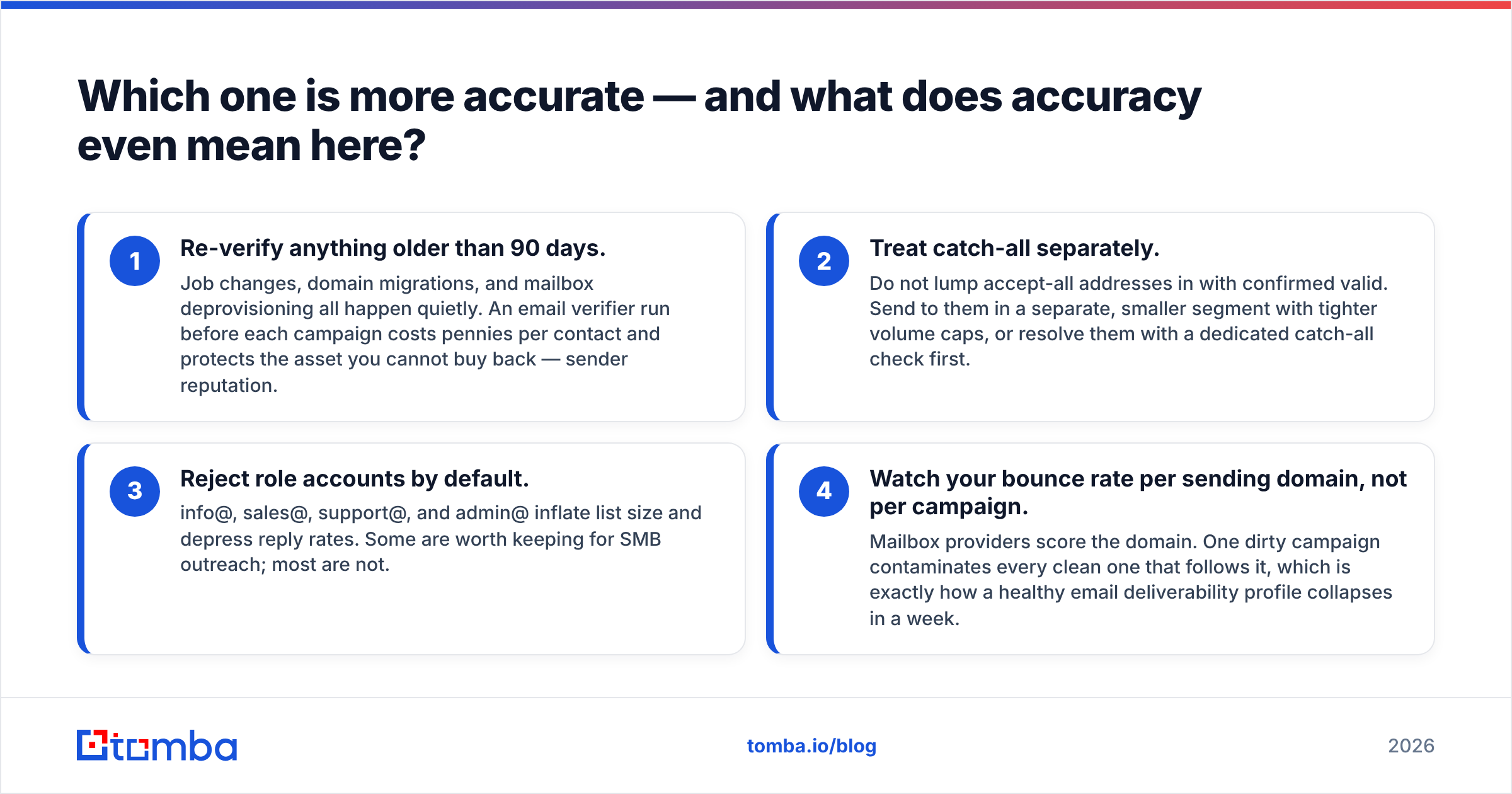
Three habits that improve real-world accuracy no matter which tool you pick:
- Re-verify anything older than 90 days. Job changes, domain migrations, and mailbox deprovisioning all happen quietly. An email verifier run before each campaign costs pennies per contact and protects the asset you cannot buy back — sender reputation.
- Treat catch-all separately. Do not lump accept-all addresses in with confirmed valid. Send to them in a separate, smaller segment with tighter volume caps, or resolve them with a dedicated catch-all check first.
- Reject role accounts by default. info@, sales@, support@, and admin@ inflate list size and depress reply rates. Some are worth keeping for SMB outreach; most are not.
- Watch your bounce rate per sending domain, not per campaign. Mailbox providers score the domain. One dirty campaign contaminates every clean one that follows it, which is exactly how a healthy email deliverability profile collapses in a week.
Who should choose EmailListVerify?#
Choose it when verification is a recurring, high-volume, standalone job:
- You run an agency and clean client lists you did not source
- You are migrating ESPs and need to hygiene before import
- You scrape or buy data and need a cheap, fast quality gate
- You want consumption pricing with no seats and no expiry
- You need an API that does one thing predictably
Do not choose it expecting prospecting features. It has none, and it does not pretend to.
Who should choose ListKit?#
Choose it when you have no data and want the shortest path from ICP definition to first send:
- You are a solo founder or a small outbound team without a data budget for multiple vendors
- Your ICP sits squarely in well-covered segments — North American B2B, SaaS, agencies, ecommerce
- You want filtering, contacts, and sequencing without stitching three subscriptions together
- Mobile numbers matter to your motion
Be honest about coverage before committing. Pull a sample against ten accounts you know cold. If the database misses your niche, no amount of filtering fixes it, and you will end up paying for a database plus a finder anyway.
Where does an email finder fit between them?#
There is a third job neither tool does well: resolving a specific person at a specific company on demand.
That is the ABM case. You have a target account list from sales. You know the company and you know the title. You do not need a filtered database export, and you do not have an address to verify yet. You need to go from acme.com + "Head of RevOps" to a confirmed, deliverable mailbox.
That is what Tomba's email finder is built for. Point it at a domain and it returns the addresses it can confirm, along with the company's email pattern, then verifies before returning a result — so finding and verifying are one step instead of two vendors and a CSV round trip. Domain search does the same at company scale, returning every discoverable mailbox on a domain with confidence scores and sources.
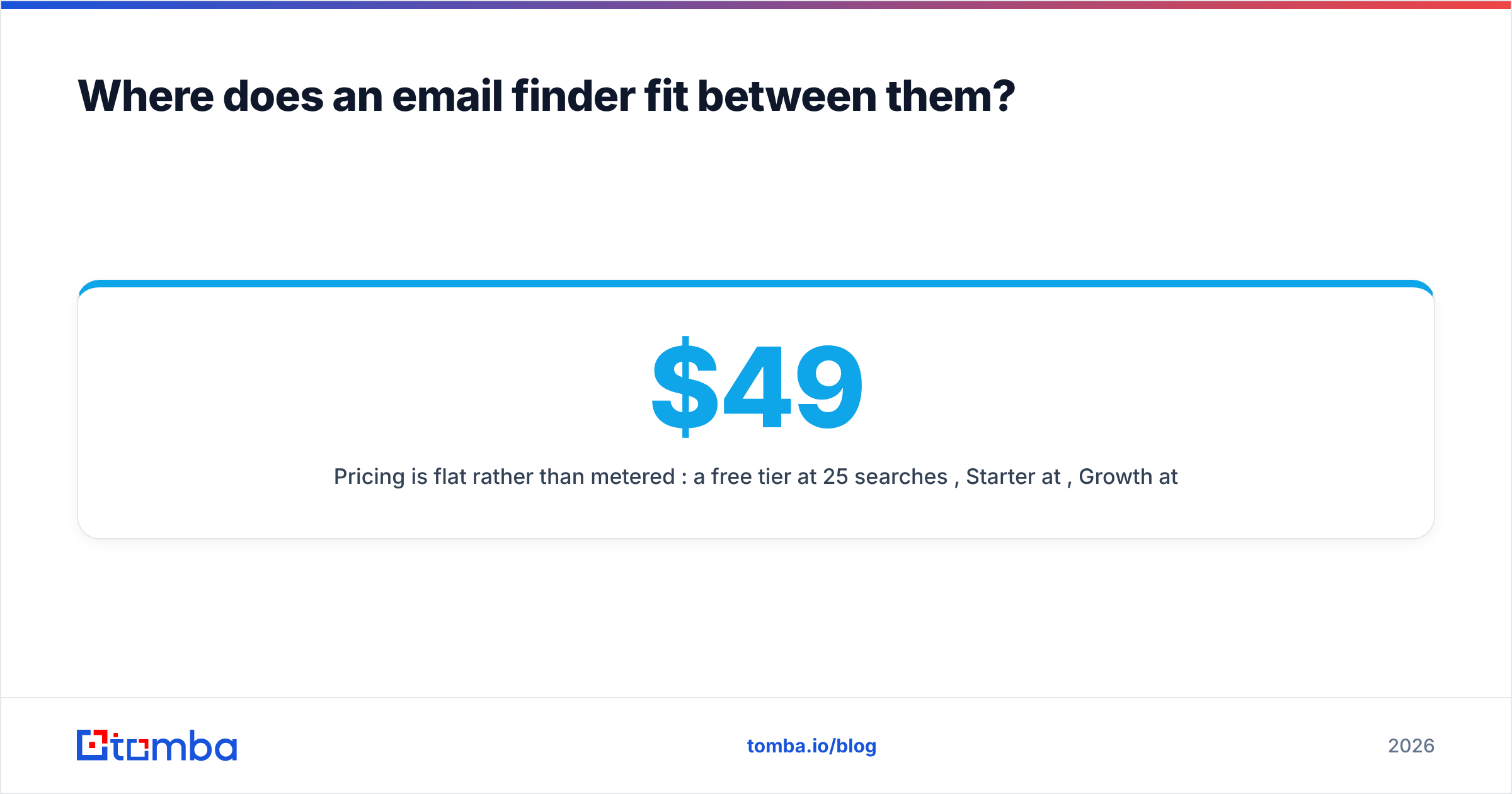
Pricing is flat rather than metered per seat: a free tier at 25 searches/month, Starter at $49/mo, Growth at $99/mo, Pro at $249/mo, and Enterprise custom. Verification is included rather than billed as a separate product, and the same credits work across data enrichment, phone finder, and bulk jobs.
What does a sensible 2026 stack actually look like?#
Stop thinking about it as EmailListVerify vs ListKit and start thinking about it as three distinct jobs:
- Sourcing — decide where contacts come from. A database like ListKit for broad filtered volume, or a finder like Tomba for named accounts you already picked. Many teams run both: database for top-of-funnel breadth, finder for the accounts that matter.
- Resolution — turn a person plus a company into an address. This is where finders earn their keep and where databases fail silently on long-tail companies.
- Verification — confirm deliverability immediately before sending, not at the moment of export. If your source verifies at export and you send within days, you are covered. If the list has aged, re-verify.
- Hygiene — periodically clean the CRM itself. This is the recurring, high-volume job where a cheap standalone verifier like EmailListVerify is genuinely the right buy.
- Sending — a dedicated sequencer with proper warmup, domain rotation, and reply detection. Bundled sending is convenient; dedicated tools still win on deliverability controls.
The most common expensive mistake is buying one tool and expecting it to cover all five. The second most common is buying five tools when three would do. Map your actual monthly volume against each job, then buy only what has a number next to it.
The verdict#
EmailListVerify wins on cost per verification and is the better buy if you already have lists. It is a focused, cheap, fast utility, and it does not try to be anything else.
ListKit wins if you are starting from nothing and want data plus sending in one subscription — provided your ICP falls inside its coverage. Test the sample before you commit.
Neither is a substitute for a finder when your target list is defined by account name rather than by filter. If your pipeline runs on named accounts, a domain-first tool sits upstream of both.
Ready to fill the gap between "I know the company" and "I have a verified address"? Start with the Tomba Email Finder — the free tier gives you 25 searches a month with verification built in, so you can benchmark hit rate against your current source before you move any budget. Run 50 of your hardest target domains through it, compare what comes back to what your database returns, and let the numbers decide.
Related guides#
Ready to find emails that actually work?
Join 150,000+ professionals who stopped guessing and started sending. Free credits on signup — no credit card required.
Get the Tomba newsletter
Practical outbound tactics and product updates — once every two weeks.
About the author