EmailValidationio vs Jet Leads Pro: Honest 2026 Comparison
One is a verification API you bolt onto a pipeline. The other sells you a lead list with contacts attached. Here is how EmailValidation.io and Jet Leads Pro actually differ — and which one belongs in your stack.
Short answer first: emailvalidationio vs jet leads pro is not a fair fight, because the two tools do different jobs. EmailValidation.io checks addresses you already have. Jet Leads Pro sells you addresses you do not have yet. Pick based on which problem you actually have.
TL;DR
- They are not the same product. EmailValidation.io is a verification API. You bring the addresses, it tells you which ones are real.
- Jet Leads Pro is a lead-sourcing platform. It hands you contacts you did not have before.
- A head-to-head only makes sense for one question: "why is my bounce rate so high?" If that is the problem, verification wins.
If the problem is "I have no list," verification does nothing for you. Two more things are worth knowing before you buy.
- Verification leaves a gap. It cannot tell you an address exists in the first place. You still need a discovery step, and that is where an email finder fits.
- Pricing models differ. Verification is usually per credit and cheap at volume. Lead platforms bundle credits, seats, and exports. What matters is cost per usable contact, not the sticker price.
The pragmatic 2026 stack is simple. One tool finds, one verifies, and one place holds both. Tomba does all three from a single credit pool, starting at $49/mo.
What is EmailValidation.io and who is it for?#
EmailValidation.io is a real-time email verification API. You send it an address. It returns a clear verdict: is the syntax valid, does the domain have MX records, does the mailbox accept mail, does the address look disposable or role-based, and a quality score.
That is the whole product, and the narrow focus is a feature. Teams that pick a tool like this fall into three buckets:
- Signup-form guards — you want to reject
asdf@gmial.comat registration, before it lands in your database. - Pre-send hygiene — you have a CRM export or a webinar list, and you need to strip dead addresses before an ESP flags your account.
- Developers — you want a REST endpoint, predictable JSON, and no dashboard to learn.
What it does not do is find anyone. Hand it an empty spreadsheet and you get an empty spreadsheet back. That gap is the whole reason this comparison exists.

What is Jet Leads Pro and how does it position itself?#
Jet Leads Pro sits in the lead-generation category, not the pure verification category. Tools in this bracket sell access to a contact database, filters by industry, title and geography, an export feature, and often a light outreach layer on top.
Be careful here. This part of the market has a lot of churn, loud marketing, and pricing pages that change every quarter. Do three things before you commit budget:
- Check reviews on a neutral site instead of the vendor's own testimonial carousel. G2's email verification category and its lead-intelligence neighbours are a fair starting point.
- Ask for a sample export of 100 records in your exact ICP. A generic demo list proves nothing. Database depth varies a lot by country and company size.
- Verify that sample yourself. Never accept a vendor's own claim about its own data. Run the sample through a third-party verifier and count the bounces.
That third point is where most buyers get burned, so it deserves its own section.
Is a 98% accuracy claim actually meaningful?#
Short answer: not on its own. Accuracy claims here are nearly impossible to check unless the vendor tells you the denominator. Two things the number usually hides:
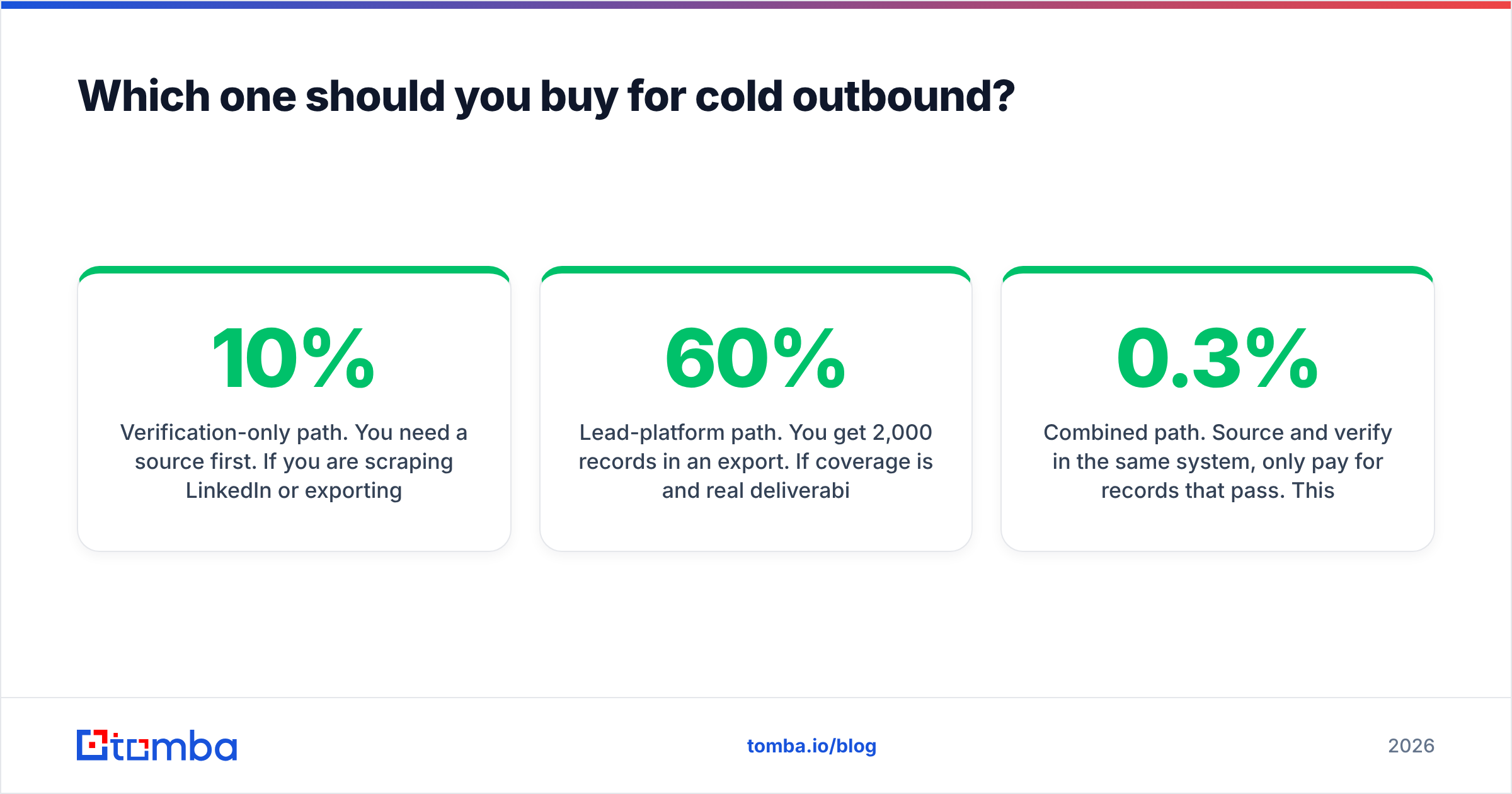
- Coverage is not accuracy. A tool that returns an address for 30% of your rows can be 99% accurate on what it returns and still be useless. The metric you want is usable contacts per 100 rows submitted. That is coverage multiplied by accuracy.
- "Unknown" is not "valid." Catch-all domains accept everything at SMTP time and bounce later. They are the biggest source of inflated accuracy numbers. Some vendors count them as valid. Others drop them from the sample. Both choices flatter the headline figure. A dedicated catch-all verifier treats them as their own class instead of guessing.
Two more distortions are easy to miss:
- Sample bias. Accuracy on
@microsoft.comaddresses says nothing about a 40-person agency on Google Workspace with greylisting on. - Freshness decay. B2B contact data rots at roughly 20–30% per year from job changes alone. A verdict from six months ago is a guess today.

The only accuracy figure worth trusting is the one you produce. Take 200 addresses, send a real campaign, and count hard bounces at the ESP. Everything else is marketing.
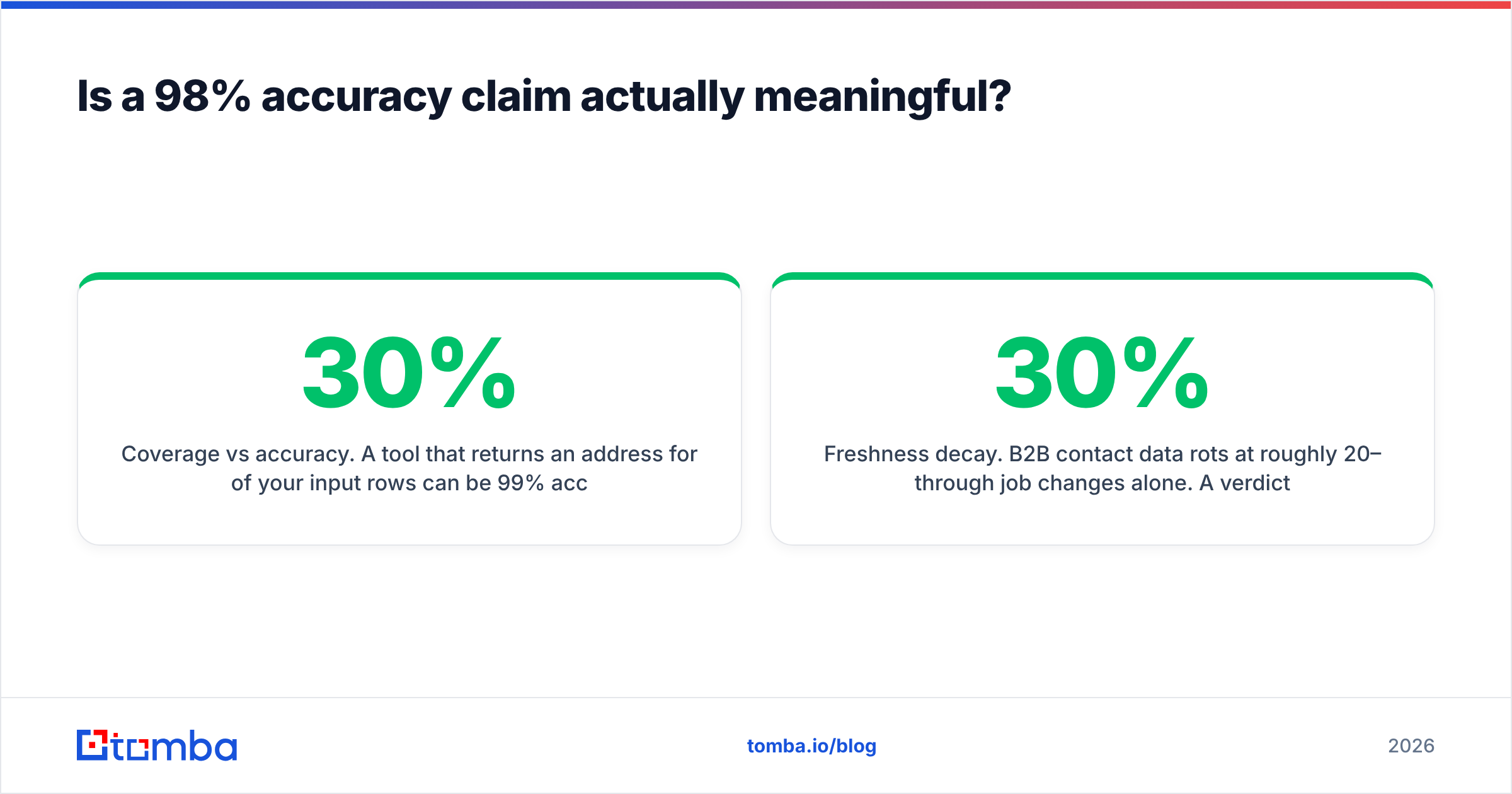
EmailValidationio vs Jet Leads Pro: how the features compare#
| Capability | EmailValidation.io | Jet Leads Pro | Tomba |
|---|---|---|---|
| Primary job | Verify addresses you already have | Source new contacts from a database | Find, verify, and enrich |
| Finds emails from name + domain | No | Yes (database lookup) | Yes (pattern + source matching) |
| Real-time verification API | Yes | Varies by plan | Yes |
| Catch-all handling | Flagged as risky/unknown | Often counted as valid | Dedicated catch-all verifier |
| Bulk CSV processing | Yes | Yes | Yes, via bulk email finder |
| Domain-wide search | No | Partial | Yes, domain search |
| Phone numbers | No | Sometimes bundled | Yes, separate phone finder |
| Spreadsheet add-ons | No | Varies | Google Sheets, Excel, Airtable |
| Published entry price | Per-credit, low | Not consistently published — confirm on the vendor site | $49/mo Starter |
| Free tier | Limited trial credits | Varies | 25 searches/mo, no card |
One honest caveat about that table. Only the Tomba column is stated from first-party facts.
Verification vendors tend to publish clear per-credit pricing. Lead platforms in this bracket often hide pricing behind a demo call and change tiers without notice. Treat any number you read in a blog post, this one included, as a prompt to check the live pricing page.

Which one should you buy for cold outbound?#
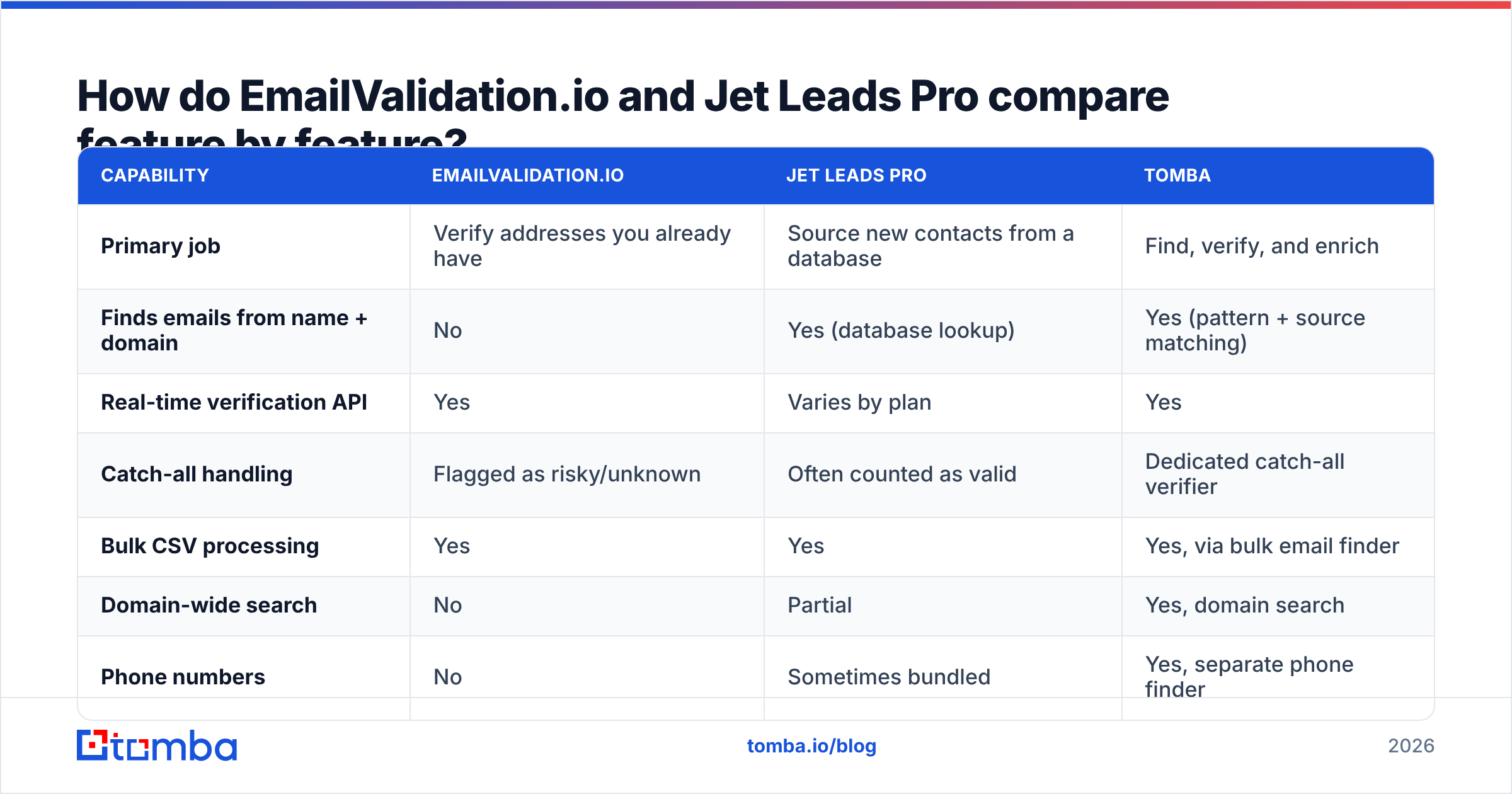
Neither, alone. That is the uncomfortable answer. Run the numbers on a real outbound month. Say you need 2,000 qualified contacts.
- Verification-only path. You need a source first. If you scrape LinkedIn or export from a data provider, you already pay for that somewhere. Verification then costs a fraction of a cent per record. Cheap, but it is only the last 10% of the workflow.
- Lead-platform path. You get 2,000 records. If coverage is 60% and deliverability on what comes back is 80%, you can mail 960 of them. Your real cost per usable contact is the plan price divided by 960. That is often 3–5× the headline cost per credit.
The third path is the one most teams land on.
- Combined path. Source and verify in the same system, and pay only for records that pass. This model became standard once mailbox providers tightened bulk-sender rules. Google and Yahoo now hold spam complaints under 0.3% as a hard threshold, which makes unverified sending expensive rather than merely wasteful.
If you want the mechanics of why bounces hurt inbox placement, the email deliverability primer covers the reputation loop.

What does each tool actually cost per usable contact?#
Sticker price is the wrong unit. Run this model before you sign anything. Start with the two rates that decide everything:
- Coverage rate. Of 100 target rows you submit, how many come back with an address at all? Test with your own ICP, not the vendor's demo list.
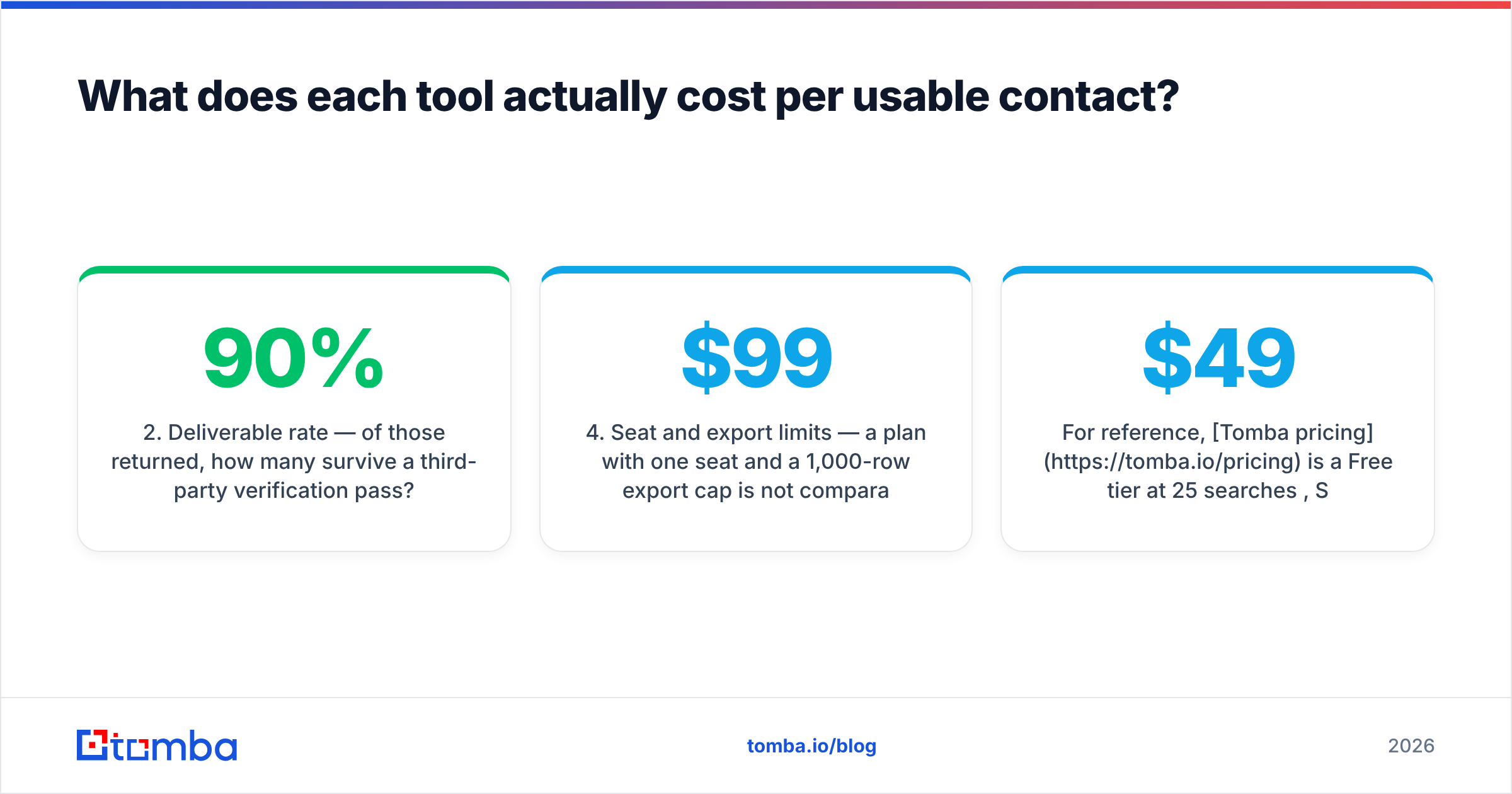
- Deliverable rate. Of those returned, how many survive a third-party verification pass? Under 90% means the vendor is shipping you guesses.
Then check the four terms that quietly move the bill:
- Credit burn on failures. Does the tool charge for a "not found" result? Many verification APIs bill every lookup. Better finders bill only on a match.
- Seat and export limits. A $99/mo plan with one seat and a 1,000-row export cap is not the same as a $99/mo plan with unlimited seats and API access.
- Overage behaviour. Do you get throttled, auto-upgraded, or hard-stopped mid-campaign?
- Contract terms. Annual lock-in with no data portability is a real cost, not a footnote.
Multiply the first two rates, then divide the monthly price by the result. Now you have a number you can compare across categories. This exercise often flips the ranking. The cheapest per-credit tool loses to a mid-priced one with double the coverage.
For reference, Tomba pricing runs a Free tier at 25 searches/mo, Starter at $49/mo, Growth at $99/mo, Pro at $249/mo, and custom Enterprise. Finding, verification, and enrichment draw from the same pool, so you are not buying two subscriptions to finish one workflow.
How do the developer experiences compare?#
If you are wiring this into a product rather than clicking through a dashboard, the criteria narrow. Three of them decide most integrations:
- Latency under load. Verification with an SMTP handshake is slower than syntax and MX checks. Ask for p95 latency, not average. If you gate a signup form, anything over 800ms costs you conversions.
- Rate limits and bursts. A 10 req/s cap is fine for a form. It is painful for a nightly batch of 200k rows. Bulk endpoints with async callbacks matter more than raw QPS.
- Schema stability. Enum values that change without versioning will break your pipeline. Look for explicit API versioning in the URL path.
Two more separate the mature APIs from the rest:
- SDK and tooling coverage. Official libraries, a CLI, and an MCP server for agent workflows all cut integration time. The Tomba API ships client libraries plus CLI and MCP access for that reason.
- Idempotency and caching. Re-verifying the same address next week should be a choice, not an accidental double charge.
Verification APIs usually do well here. It is a narrow problem with a clean interface. Lead platforms tend to be dashboard-first, with API access reserved for higher tiers. Check that before you architect around one.
What is the honest verdict?#
The emailvalidationio vs jet leads pro verdict comes down to which gap you are filling.
Use EmailValidation.io if your only problem is hygiene. You already have lists, you want a cheap, fast, well-documented API to strip dead addresses, and you have no interest in a dashboard. It is a good tool for a narrow job, and narrow tools that work deserve respect.
Consider Jet Leads Pro if your problem is the opposite. You have no list, you want a self-serve database with ICP filters, and you are ready to verify whatever it exports before you mail it. Run a paid pilot on a small tier first. Measure coverage and bounce rate against your own ICP, then scale.
Use a combined tool if you run outbound at any real volume. A two-vendor split creates work you do not need: exports, deduplication, credit reconciliation across two billing cycles, and a seam where records slip through unverified.
The wider point holds for 2026. The bottleneck in outbound is rarely the sending tool. It is the quality of the rows going in. Mailbox providers punish sloppy lists fast and quietly. A 25% bounce rate does more than waste sends. It degrades your sender reputation for every later campaign, including the ones going to people who would have replied. You cannot copywrite your way out of that.
Where should you start?#
Test before you commit. Take 100 target companies in your real ICP and run them through the tools you are weighing. Compare three numbers: how many addresses came back, how many survived independent verification, and how many bounced on a real send. That thirty-minute test tells you more than any review site.
Want to run it without a sales call? Start with Tomba's Email Finder. The free tier gives you 25 searches a month, no card required. That is enough to benchmark coverage on your own list before you decide between a verification-only API, a lead database, or a single find-and-verify stack. Find the address, verify it in the same pass, and export something your ESP will not punish you for.
Related guides#
Ready to find emails that actually work?
Join 150,000+ professionals who stopped guessing and started sending. Free credits on signup — no credit card required.
Get the Tomba newsletter
Practical outbound tactics and product updates — once every two weeks.
About the author