ExactVerify vs ListKit (2026): Which B2B Email Tool Wins?
ExactVerify verifies addresses you already have. ListKit sells you addresses you don't. Comparing them head-to-head only makes sense once you know which half of the pipeline is actually broken — here's the breakdown.
ExactVerify vs ListKit is a common shortlist, but the two tools do different jobs. One cleans the email list you own. The other sells you a new one. Here is how to pick — and when you need neither.
TL;DR
- ExactVerify and ListKit are not real rivals. ExactVerify checks emails. ListKit sells B2B contact data and runs outbound.
- Picking between them is like picking between a water filter and a well.
- Bounce rate climbing on a list you already own? Buy a verifier. No list at all? Buy a data source.
- ListKit bundles data and sending. That is handy, but you inherit their record quality.
- ExactVerify sells cleanup credits. Cheap — but it never finds a new contact.
- Most teams pay for three layers: a finder, a verifier, and a sender. One tool that finds and verifies (Tomba starts at $49/mo, free tier of 25 searches) removes a line item.
- The metric that matters is not price per credit. It is cost per replied-to contact. Bad data hurts that number far more than a pricier tool does.
What is ExactVerify?#
ExactVerify is an email verification tool. You hand it a list — a CSV, an API call, or an integration. It returns a status for each address: valid, invalid, risky, unknown, or catch-all.
Under the hood, a verifier runs a stack of checks. It parses the syntax. It looks up the MX record. It matches known throwaway domains. It flags role accounts like info@, sales@, and admin@. Last, it opens an SMTP handshake and asks the mail server whether the mailbox exists, without sending a message.
That last step is where verifiers split apart. Many mail servers — Google Workspace and Microsoft 365 above all — now give away far less at the handshake. Some say yes to every address, then bounce the mail later. Others rate-limit or block tools that probe too hard.
So a verifier is only as good as the way it handles doubt. Does it mark a murky address "unknown" and let you decide? Or does it guess, and pad its own accuracy claim?
ExactVerify sits in the value tier: pay-as-you-go credits, bulk uploads, an API, and no long contract. That is the normal shape here. The category has gone commodity, and prices cluster in fractions of a cent per email once you buy volume.
What ExactVerify does not do is hand you contacts. It is a filter, not a faucet.
What is ListKit?#
ListKit is a B2B contact database built for cold email teams. You build a list with filters: job title, industry, headcount, tech stack, and location. Then you export verified emails, often with phone numbers and LinkedIn URLs.
Newer versions also send and sequence mail. So it competes less with verifiers and more with data platforms like Apollo, ZoomInfo, and BookYourData, a well-liked pay-as-you-go B2B list provider.
ListKit sells speed. You go from filter to campaign without gluing four tools together. The trade-off is dependence. When your data, your checks, and your sending all come from one vendor, nothing grades record quality but that vendor. If ListKit calls an address valid and it bounces, ListKit is marking its own homework.
That is not a knock on ListKit alone. It is baked into every all-in-one data and sending platform. It is still worth saying out loud, because it is the main reason seasoned outbound teams run a second, independent verifier over any list they buy.

ExactVerify vs ListKit: is one actually better?#
Wrong question, and asking it burns budget. Here is the better frame:
| Dimension | ExactVerify | ListKit | Tomba |
|---|---|---|---|
| Primary job | Clean lists you already own | Build lists from scratch | Find + verify in one pass |
| Contact discovery | None | Database search with filters | Domain search, name lookup, LinkedIn, bulk |
| Verification | Core product | Bundled, vendor-graded | Independent verifier + catch-all handling |
| Phone numbers | No | Yes, on higher tiers | Yes, via phone finder |
| Entry price | Credit packs, low per-email | Subscription, mid-to-high | Free (25 searches), $49/mo Starter |
| API access | Yes | Yes | Yes, on all paid tiers |
| Best for | Agencies cleaning client lists | Solo founders wanting one tool | Teams that want data + verification separated but not duplicated |
| Biggest weakness | Can't source contacts | Vendor grades its own data | Not a sending platform |
Read that table as a routing decision, not a scoreboard. Three cases:
- You inherited a 40,000-row CRM export of unknown age. You need checks, not data. A verifier is the right buy, and ExactVerify's credit model fits a one-time cleanup.
- You are opening a new market with zero contacts. A verifier is useless here. You need a database or a finder. ListKit fits. So does a domain-first approach: pick the target firms, then resolve the people.
- You have target accounts but no contacts inside them. This is the most common B2B case, and both tools handle it poorly. ExactVerify has nothing to check yet. ListKit works only if those accounts sit in its database. A domain search — feed the domain, get back the people and the email pattern — is usually faster and cheaper than a full database plan.
How accurate is each one, really?#
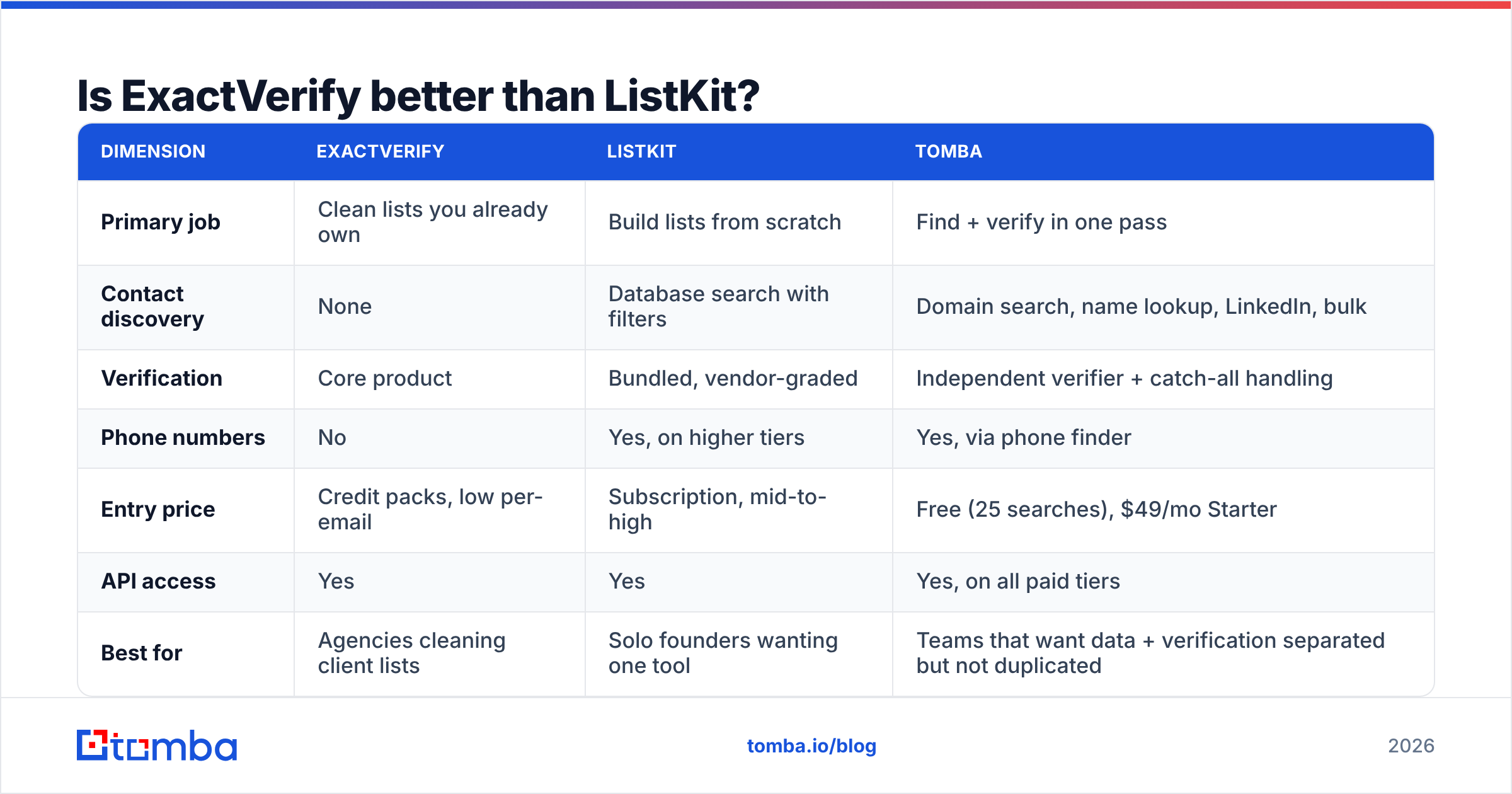
Accuracy claims in this category mean little without a denominator. A vendor that sells "99% accuracy" usually means one thing: of the addresses we called valid, 99% did not hard bounce. That is a survivor's number. It says nothing about the addresses the tool refused to return, marked risky, or never had.
Two numbers matter more:
- Coverage rate — of your target contacts, how many did the tool find at all? A tool with perfect aim and 30% coverage leaves 70% of your pipeline on the table.
- Bounce rate in production — what happened when you actually sent. This is the only number your ESP and your sender reputation care about.

Run your own test before you commit. It takes an afternoon:
- Gather 200 contacts you can confirm yourself — customers, partners, or people whose address sits on a public page.
- Strip the emails. Feed names and domains to each tool.
- Score coverage (how many came back with an address) and precision (how many matched the known-good one).
- Send a small, warmed batch to the addresses each tool called valid but you could not confirm. Measure the real bounces.
You will almost always find two things. The vendor with the loudest accuracy claim rarely has the best coverage. And results swing hard by country and company size. Data quality for a 5,000-person US SaaS firm is not data quality for a 30-person German manufacturer.
How does the pricing actually compare?#
The honest answer: checks are cheap, data is dear, and bundles hide which one you pay for.
Verification vendors, ExactVerify included, fight over fractions of a cent per email at volume. That market has bottomed out. Nobody wins a deal on check price alone. The gap between the cheapest and priciest credible verifier rarely moves your P&L.
Database platforms are the reverse. You pay for coverage, refresh rate, and filter depth. Prices climb steeply with seats and export caps. ListKit uses a subscription with credit limits, so your real cost per contact rides on how much of the plan you burn. A team that exports 500 contacts on a 5,000-contact plan pays 10x the sticker rate per usable record.
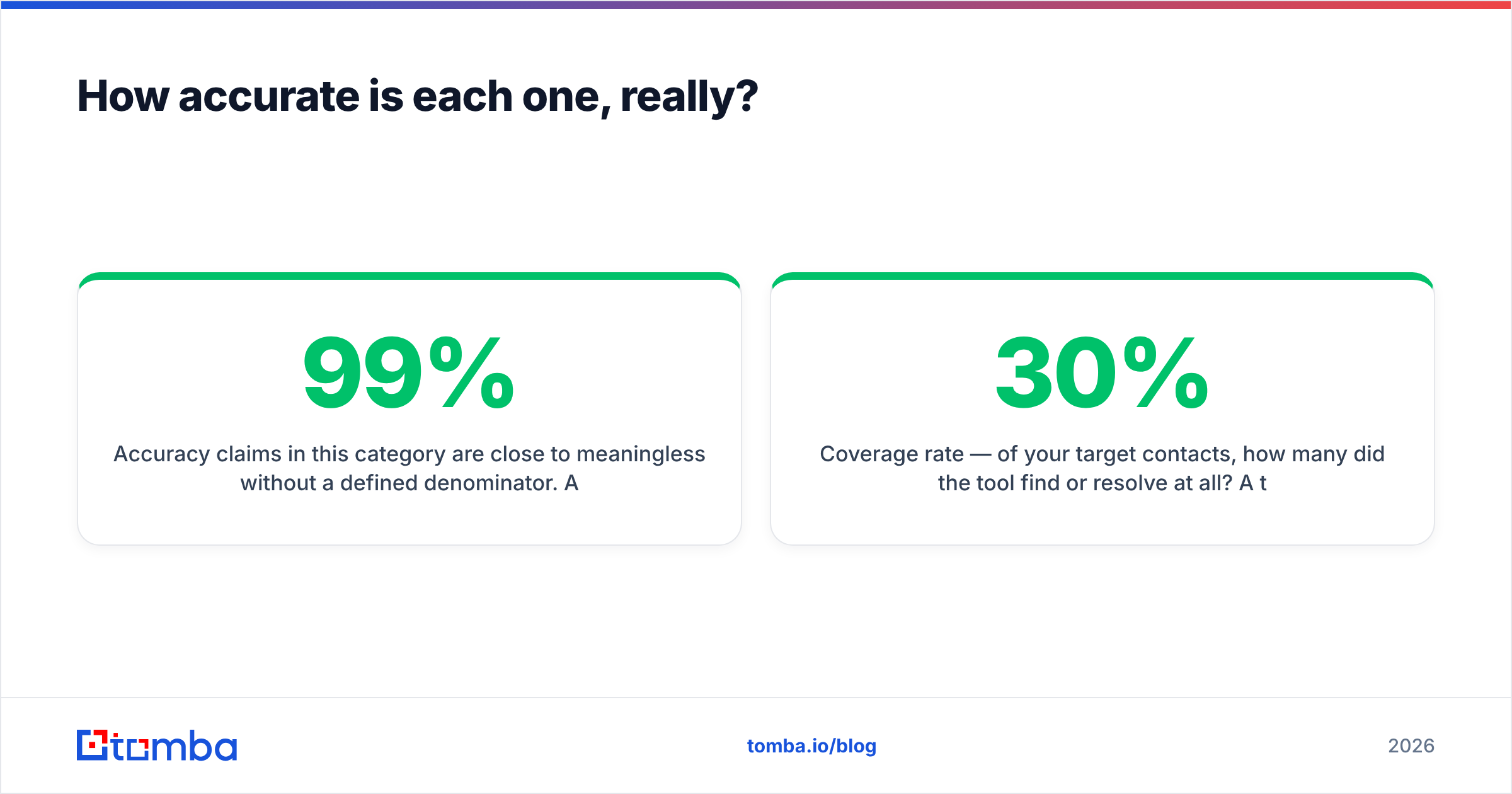
For a finder-side reference, Tomba's pricing starts free at 25 searches a month, then $49/mo Starter, $99/mo Growth, $249/mo Pro, and custom Enterprise. Checks are included, not billed apart. That bundling matters more than the headline number. The other path is paying for a database plan and a verification plan to do one job.
Three cost traps to check before you sign anything:
- Do credits roll over? Most don't. Unused credits are pure margin for the vendor.
- Does a "no result" burn a credit? On some platforms it does. If coverage is 60%, you pay 40% overhead you never budgeted for.
- Are exports capped apart from searches? Finding 10,000 contacts you can only export 1,000 of is a common, costly surprise.

What about catch-all domains?#
This is where verifiers pull apart. It is also where bundled, ListKit-style checks quietly fall short.
A catch-all domain accepts mail for any name at that domain, real or not, and sorts it out later. An SMTP probe cannot tell a real mailbox from a fake one, because the server says yes to everything. Catch-alls can be 20–40% of your list, and they skew toward large firms and European domains.
Vendors deal with this in three ways:
- Mark every catch-all as "risky" and move on. Safe and honest, but it throws away a big block of real contacts.
- Mark catch-alls as valid. This pads the accuracy stat and quietly lifts your bounce rate.
- Add more signals — pattern confidence, past engagement, source corroboration — to grade each address on a catch-all domain instead of labelling the whole domain.
Only the third way really improves outcomes, and it is what a dedicated catch-all verifier is built for. Before you pick either tool, upload a sample list that is heavy on catch-all domains. Compare how each one labels it. If a tool returns almost nothing as catch-all, it is not spotting them. It is ignoring them.

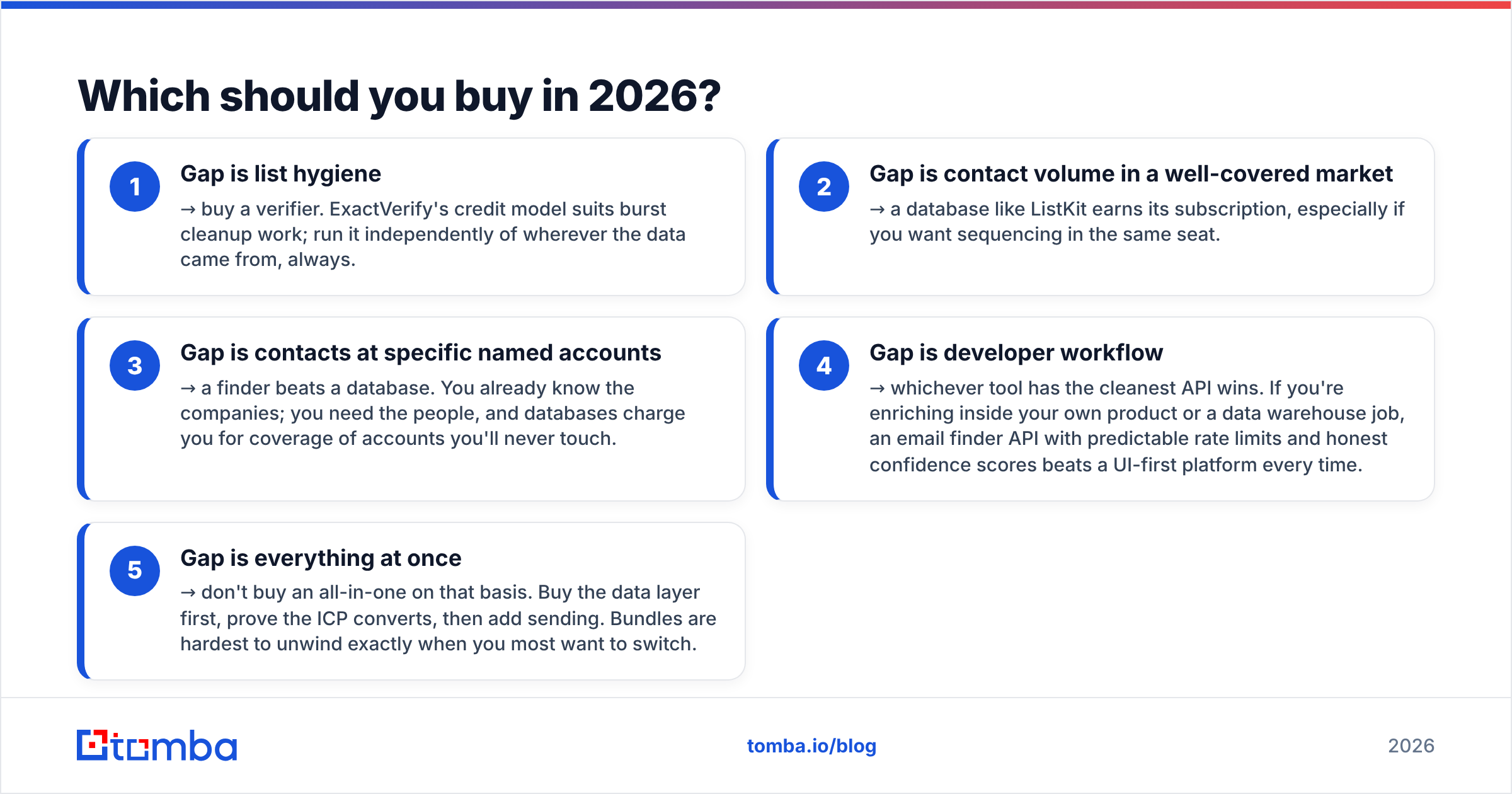
ExactVerify vs ListKit: which should you buy in 2026?#
Match the tool to the real gap in your pipeline:
- Gap is list hygiene → buy a verifier. Credits suit burst cleanup work. Always run it apart from wherever the data came from.
- Gap is contact volume in a well-covered market → a database like ListKit earns its fee, above all if you want sequencing in the same seat.
- Gap is contacts at named accounts → a finder beats a database. You know the firms already. Databases charge you for coverage you will never touch.
- Gap is developer workflow → the cleanest API wins. For enrichment inside your own product, an email finder API with steady rate limits and honest confidence scores beats a UI-first platform.
- Gap is everything at once → do not buy an all-in-one on that basis. Buy the data layer first. Prove the market converts. Then add sending.
One caution is worth repeating. Never let the same vendor both source and grade your data if bounce rate is a number you answer for. Run an independent email verifier over every bought list, from every provider. It costs a rounding error, and it is the cheapest insurance on your domain reputation. Buyer reviews on G2 help you spot vendors whose real bounce reports drift from their marketing. HubSpot's deliverability guidance is a fair baseline for the limits your ESP will enforce.
What does a sane stack look like?#
Teams with the best cost-per-reply numbers usually run three separate layers:
- Sourcing — a finder or database that turns firms and people into contact records. Swappable.
- Validation — an independent verifier that grades every record before it enters a sequence, catch-alls included. Swappable.
- Sending — a sequencer with its own warmup and inbox rotation. Swappable.
Separate is the key word. When each layer stands alone, a quality drop in one is easy to spot and fix. You do not rebuild the whole motion. When the three are fused into one plan, a data problem looks just like a copy problem, a targeting problem, or a delivery problem. You can burn a quarter working out which one it is.
For high-volume work, doing sourcing and validation in one pass is the exception worth making. Both steps share the same input. A bulk email finder that resolves and verifies in one upload removes a hand-off, a CSV round-trip, and a vendor invoice.
The bottom line#
ExactVerify and ListKit answer different questions. If you have contacts and they bounce, buy verification. If you have no contacts, buy data. If you have target accounts but no people at them — the most common B2B case — neither is the natural fit. A finder-first approach gets you there faster and cheaper.
Before you commit budget, run the 200-contact test above against every candidate, free tiers included. An afternoon of testing beats a year of guessing at a flat reply rate.
If sourcing verified contacts at named accounts is your real bottleneck, start with the Tomba Email Finder. The free tier gives you 25 searches a month to run your own test — no card, no sales call. Paid plans start at $49/mo with verification built in, not billed apart. Test it against your current tool, compare coverage and real bounce rates on your own market, and let the numbers pick the winner.
Related guides#
Ready to find emails that actually work?
Join 150,000+ professionals who stopped guessing and started sending. Free credits on signup — no credit card required.
Get the Tomba newsletter
Practical outbound tactics and product updates — once every two weeks.
About the author