Extension Email Finder by Snov io: 2026 Review and Guide
Snov.io's browser extension promises one-click emails from LinkedIn and company sites. Here's what it really pulls, what each lookup costs you in credits, and when a domain search or API beats clicking around.
TL;DR — the extension email finder by Snov io, in short
- The extension email finder by Snov io (the brand writes it Snov.io) is a Chrome and Edge add-on. It pulls work emails while you browse LinkedIn profiles, LinkedIn search results, and company websites.
- It is a front end for the same database and credit pool as the web app. Nothing more, nothing less.
- It is good at one job: single-prospect lookups during manual research. It is a poor fit for a 2,000-row list, because every click burns a credit.
A few cost and quality notes before the detail:
- Credits are shared across finding and verifying. So a "500 credits/month" plan is not 500 usable contacts.
- Accuracy on common domains is competitive. On catch-all domains and small companies, every tool in this class drops off, Snov.io included. Plan for a separate catch-all verifier step.
- If most of your work is bulk or scripted, a domain-first tool with a real API often costs less per verified contact. Tomba's Starter is $49/mo and Growth is $99/mo.
What is the extension email finder by Snov io?#
It is a browser add-on that adds a "find email" button to pages you already have open. Install it in Chrome or Edge, then log into your Snov.io account.
The extension reads the page for context. That means a person's name plus their employer, or a company's domain. It then queries Snov.io's server-side index and returns the most likely work address with a confidence score.
Think of it like a translator standing next to you at a conference. You point at a badge, and they whisper the person's email. That is fast and useful for one person at a time. It is a bad way to get the whole attendee list. For that you want the registration database, not the translator.
Snov.io ships this as two closely related surfaces:
- The LinkedIn prospect finder — it works on profiles and on search or Sales Navigator result pages. You can select several people and push them into a Snov.io list.
- The website email finder — it runs on any company site. You get addresses tied to that domain, plus the detected email pattern (
first.last@,finitial+last@, and so on).
Both write into the same Snov.io lists. Both spend from the same credit balance. Both sit under the same plan limits.
How does the Snov.io extension actually work under the hood?#
Every tool in this class does some mix of four things. Knowing which one gave you the result tells you how much to trust it.
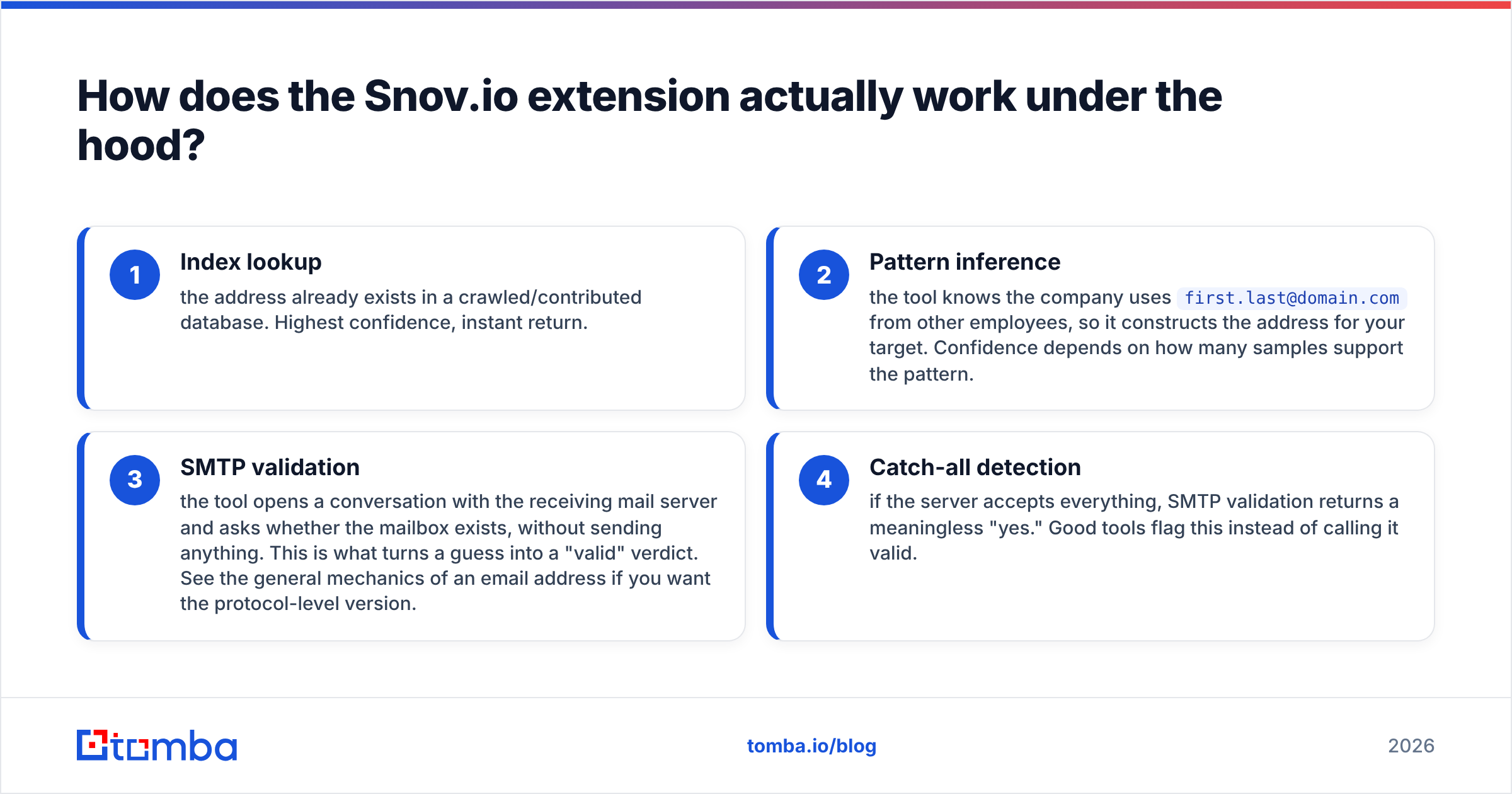
- Index lookup — the address is already in a crawled or contributed database. Highest confidence, instant return.
- Pattern inference — the tool sees
first.last@domain.comon other staff, so it builds the address for your target. Confidence depends on how many samples back the pattern. - SMTP validation — the tool asks the receiving mail server whether the mailbox exists. It sends nothing. This is what turns a guess into a "valid" verdict. For the protocol-level version, see the basics of an email address.
- Catch-all detection — some servers accept every address. There, SMTP validation returns a useless "yes." Good tools flag that instead of calling it valid.
The Snov.io extension shows step 1 and step 2 results directly. It runs step 3 on most domains, and it labels catch-alls on their own.
That last label matters more than people think. A catch-all "valid" is not a verified mailbox. It is an open question. Tomba splits this out with a dedicated catch-all finder instead of folding it into one green checkmark. Whatever vendor you use, treat catch-all results as a separate risk bucket.

What does the Snov.io extension cost in 2026?#
The extension itself is free to install. What costs money is the credit balance behind it.
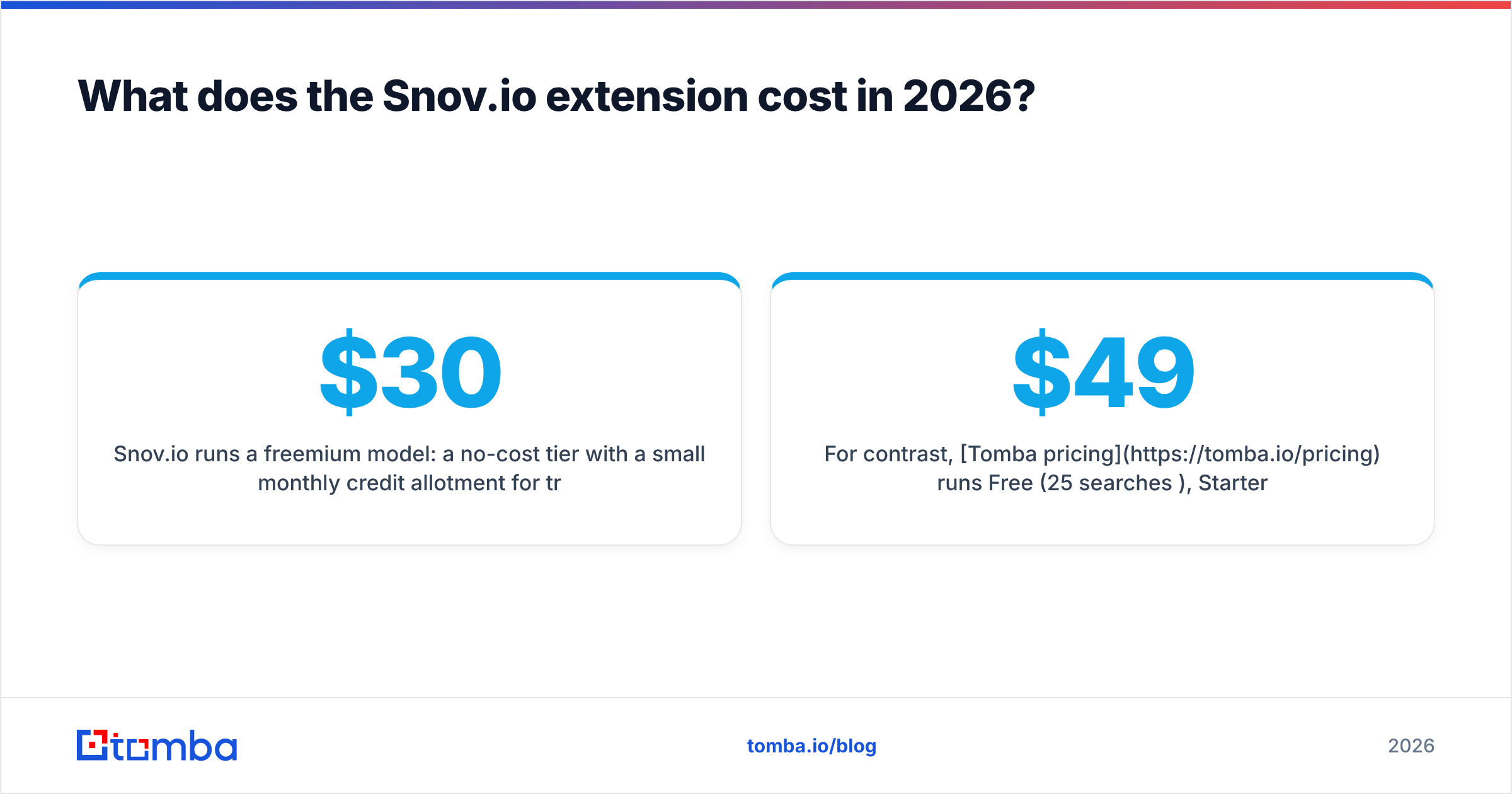
Snov.io runs a freemium model. The free tier gives you a small monthly credit allowance for testing. Paid tiers then scale by credits: a Starter plan in the high-$30s to low-$40s per month, and Pro tiers from roughly $99/month, based on volume and billing cycle. Snov.io changes these often. Treat any number in a blog post, this one included, as a rough guide and check their pricing page before you buy.
Two structural details matter more than the sticker price:
- Credits pay for both finding and verifying. Find 300 emails and verify all 300, and you have spent well over 300 credits.
- Credits usually reset each month instead of rolling over. Bursty prospecting fits this model badly. Think three quiet weeks, then a 1,500-contact campaign.
For contrast, Tomba pricing runs Free (25 searches/mo), Starter $49/mo, Growth $99/mo, Pro $249/mo, and Enterprise custom. The API is included on every paid level, not locked behind the top tier. Whether that is better depends on one thing: are you clicking, or are you scripting?
How accurate is the extension email finder by Snov io?#
Accuracy here is not one number. It is four numbers that vendors tend to blur together:
- Hit rate — of 100 prospects you search, how many return any address.
- Precision — of the addresses returned, how many are real mailboxes.
- Bounce rate — what your ESP reports after you send.
- Catch-all share — how many results cannot be verified by design.
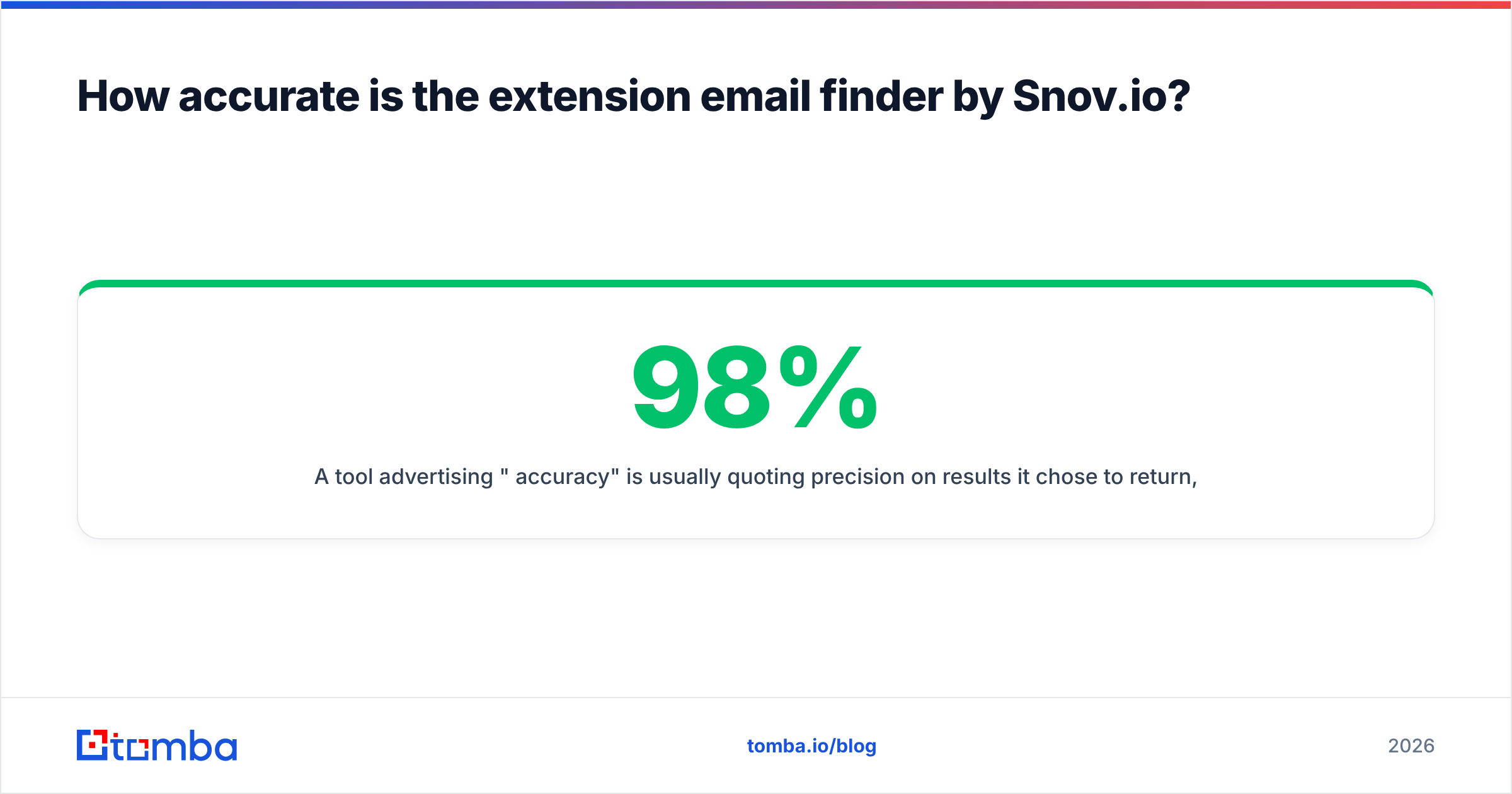
A tool that claims "98% accuracy" is usually quoting precision. That figure covers only the results it chose to return, after it dropped everything it was unsure about. It is a fair metric, but it says nothing about hit rate.
Do the math. A tool with a 40% hit rate and 98% precision leaves you 39 usable contacts per 100 prospects. A tool with a 70% hit rate and 93% precision leaves you 65. The second one is better for your pipeline, even though the headline number looks worse.

In practice, the Snov.io extension does well on mid-market and enterprise domains with public email patterns. It drops off on firms under ~20 staff, on personal-brand domains, and on any org that runs Google Workspace with a catch-all rule. That profile fits every extension in this space. The limit is data supply, not vendor cleverness.
The one thing you fully control is what you do with an unverified result. Run every export through a real email verifier before it touches a sending tool. That holds whether the address came from Snov.io, Tomba, or a spreadsheet a colleague handed you.
How does it compare to other email finder extensions?#
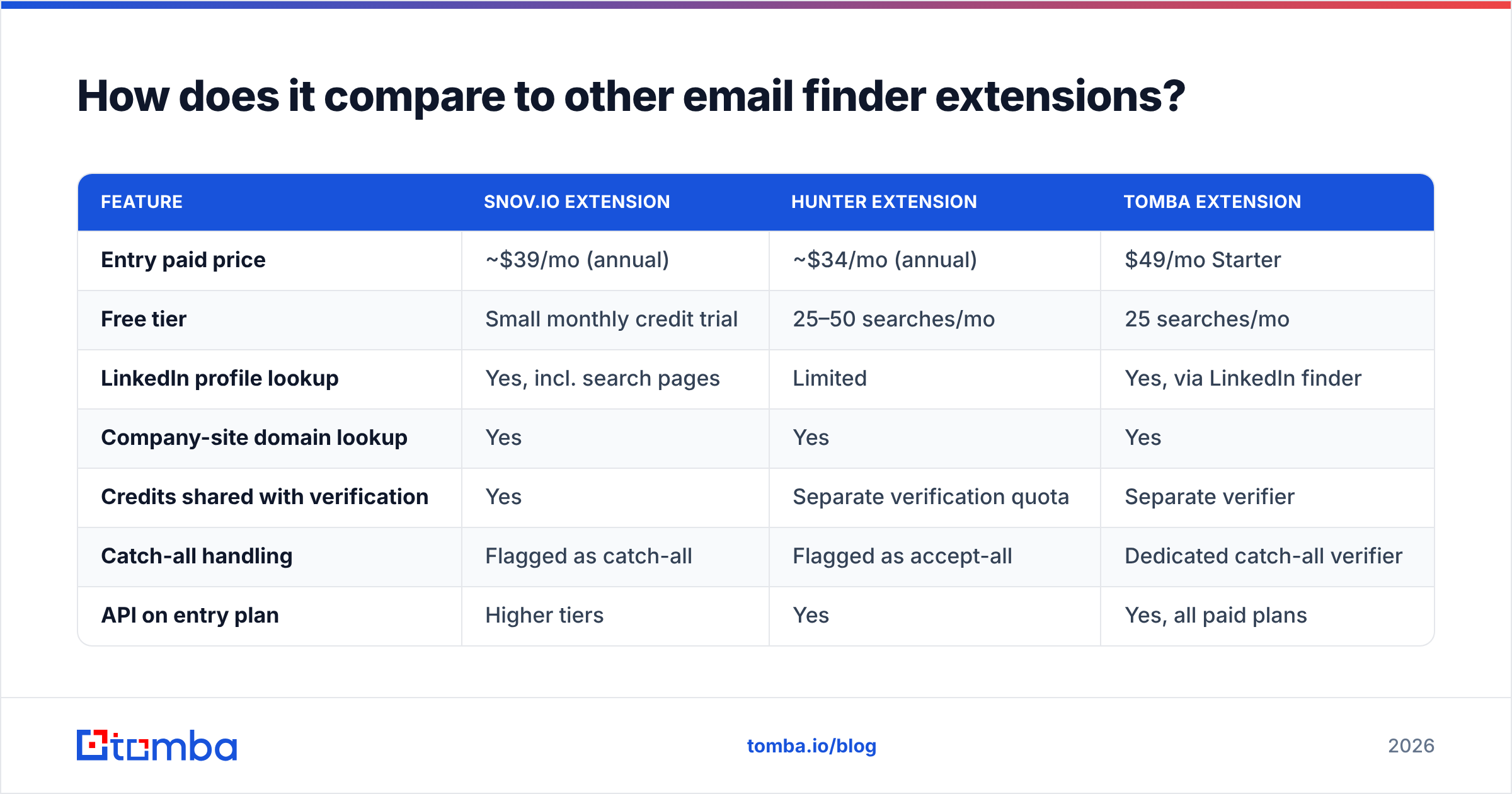
Here is the practical side-by-side. Prices are the vendors' published entry tiers at time of writing, and they change often.
| Feature | Snov.io extension | Hunter extension | Tomba extension |
|---|---|---|---|
| Entry paid price | ~$39/mo (annual) | ~$34/mo (annual) | $49/mo Starter |
| Free tier | Small monthly credit trial | 25–50 searches/mo | 25 searches/mo |
| LinkedIn profile lookup | Yes, incl. search pages | Limited | Yes, via LinkedIn finder |
| Company-site domain lookup | Yes | Yes | Yes |
| Credits shared with verification | Yes | Separate verification quota | Separate verifier |
| Catch-all handling | Flagged as catch-all | Flagged as accept-all | Dedicated catch-all verifier |
| API on entry plan | Higher tiers | Yes | Yes, all paid plans |
| Built-in email sequences | Yes (native drip campaigns) | No | No — integrations instead |
| Bulk CSV enrichment | In web app | In web app | Bulk + Sheets/Excel add-ins |

The honest summary: Snov.io's edge is not the extension. It is that the extension feeds a native sending engine.
If you want find, verify, and sequence inside one login, that is a real advantage. It is also why Snov.io scores well on G2 for all-in-one outbound. If you already send from Instantly, Smartlead, Outreach, or HubSpot, you are paying for a sequencer you will not use. In that case a data-first tool with a cleaner API is the better buy. To test that trade, the Tomba Chrome extension and the domain search cover the finding half without bundling a sender.

When should you use an extension instead of domain search or an API?#
Match the tool to the shape of the job.
- Use the extension for account-based research. Think 5 to 50 named people, each one judged on its own. Exporting to a CSV costs more time than it saves.
- Use domain search when you want the org chart, not one person. Give it
acme.comand get every address it can find, with roles and departments. One query, dozens of results.
For anything larger, move up a level:
- Use bulk enrichment when you already have names and companies in a sheet. Upload once, get a file back. A bulk email finder clears a 3,000-row list while an extension user is still on row 40.
- Use the API when no human is present at lookup time. That covers inbound form fills, new CRM records, and nightly jobs on stale contacts.
- Use a verifier as its own stage, always. Finding and verifying are different jobs. One shared credit pool hides how much checking you are skipping.
Here is the failure mode I see most. A team buys an extension-first tool, then tries to build a 5,000-contact list with it. Six weeks later they have spent 40 hours clicking, and their bounce rate is 9% because they skipped checks to save credits.
What are the limits and gotchas worth knowing?#
LinkedIn rate limits are LinkedIn's, not the vendor's. Any extension that reads profile pages at scale runs into LinkedIn's bot detection. Snov.io does not control that, and neither does any rival. Pace your work on search pages. Do not run it on an account you cannot afford to lose.
Credit math is where budgets break. Before you commit, work out the cost per verified, non-catch-all contact. Take the plan price and divide by (credits × hit rate × verified share). That number is usually 2–4× the naive per-credit figure. It is also the only one you can compare across vendors.
Free tiers are for testing accuracy, not for production. Run the same 25 known-good contacts through two or three tools. Compare them against truth you already hold, such as CRM contacts you have mailed. Fifteen minutes of that beats any vendor benchmark, this post included.
Extension results still need enrichment. An email alone does not qualify a lead. Job title, seniority, company size, and tech stack make the email worth sending. That is why data enrichment sits downstream of finding in any mature stack.
Watch what happens on renewal. Annual pricing here runs 20–40% below monthly. That is fine if your volume is steady, and costly if it is not. Start monthly, measure two full cycles, then commit.
Is the Snov.io extension worth installing in 2026?#
Yes, if your outbound is human-paced and you want one vendor for finding and sending. It is a solid, well-kept extension with a real database behind it. The native sequencer also removes an integration you would otherwise build and pay for.
No, if you build lists at volume, feed a CRM by script, or already run a separate sending platform. There you pay for surface area you never touch. The click-by-click model becomes the bottleneck long before data quality does.
The most common good answer is "both, briefly". Install two or three extensions on the free tier. Test the extension email finder by Snov io against contacts you can verify yourself, and let your own hit-rate numbers decide. Vendor accuracy claims, this blog included, are measured on samples that flatter the vendor. Yours will not be.
Ready to test against your own list? Start with the Tomba Email Finder — 25 free searches a month, no card. The same lookups run through the browser extension, domain search, bulk upload, or API on every paid plan from $49/mo. Run your 25 known-good contacts through it. Compare the hit rate against whatever you use now, and decide on evidence instead of a pricing page.
Related guides#
Ready to find emails that actually work?
Join 150,000+ professionals who stopped guessing and started sending. Free credits on signup — no credit card required.
Get the Tomba newsletter
Practical outbound tactics and product updates — once every two weeks.
About the author