FinalScout vs Kaspr (2026): Which Contact Finder Wins?
FinalScout finds LinkedIn emails with AI. Kaspr pulls mobile numbers off the same profiles. We break down accuracy, credits, export limits, and GDPR posture so you can pick the one your pipeline actually needs.
TL;DR
- FinalScout is an email-first LinkedIn scraper with AI outreach writing baked in. If your entire motion is "profile in, verified email out, sequence written," it's the tighter fit.
- Kaspr is phone-first. It's owned by Cognism, leans hard on European mobile numbers, and is the better pick if your SDRs actually dial.
- Both are Chrome-extension tools bolted to LinkedIn. Neither is a real database you can query by firmographics without a browser open.
- Credit models differ in a way that bites: FinalScout charges per email revealed, Kaspr charges separately for phone credits, email credits, and export credits.
- If you need domain-wide coverage, API access, or bulk enrichment outside LinkedIn, both fall short — that's where a dedicated email finder with an API belongs in the stack.
What are FinalScout and Kaspr, exactly?#
Both tools solve the same surface problem — you're staring at a LinkedIn profile and you don't have a way to reach that person — but they solve it from opposite ends.
FinalScout is a Chrome extension plus web app that scrapes LinkedIn profiles, Sales Navigator lists, Recruiter searches, and group/event member lists, then finds business email addresses for those people. Its differentiator is the AI layer: it drafts personalized outreach copy from the scraped profile data, so you leave with a contact list and a first-touch draft in the same session.
Kaspr is also a Chrome extension, but its center of gravity is phone numbers. Kaspr was acquired by Cognism in 2022, which matters more than a footnote — it means Kaspr sits inside a company whose entire reputation is built on mobile-number coverage and GDPR compliance in EMEA. When you hit a profile with Kaspr, you typically get email plus one or more direct-dial or mobile numbers.
That's the whole comparison in one line: FinalScout optimizes for email + AI copy. Kaspr optimizes for phone + compliance. Everything below is detail on how that plays out in a real workflow.
How do FinalScout and Kaspr compare head to head?#
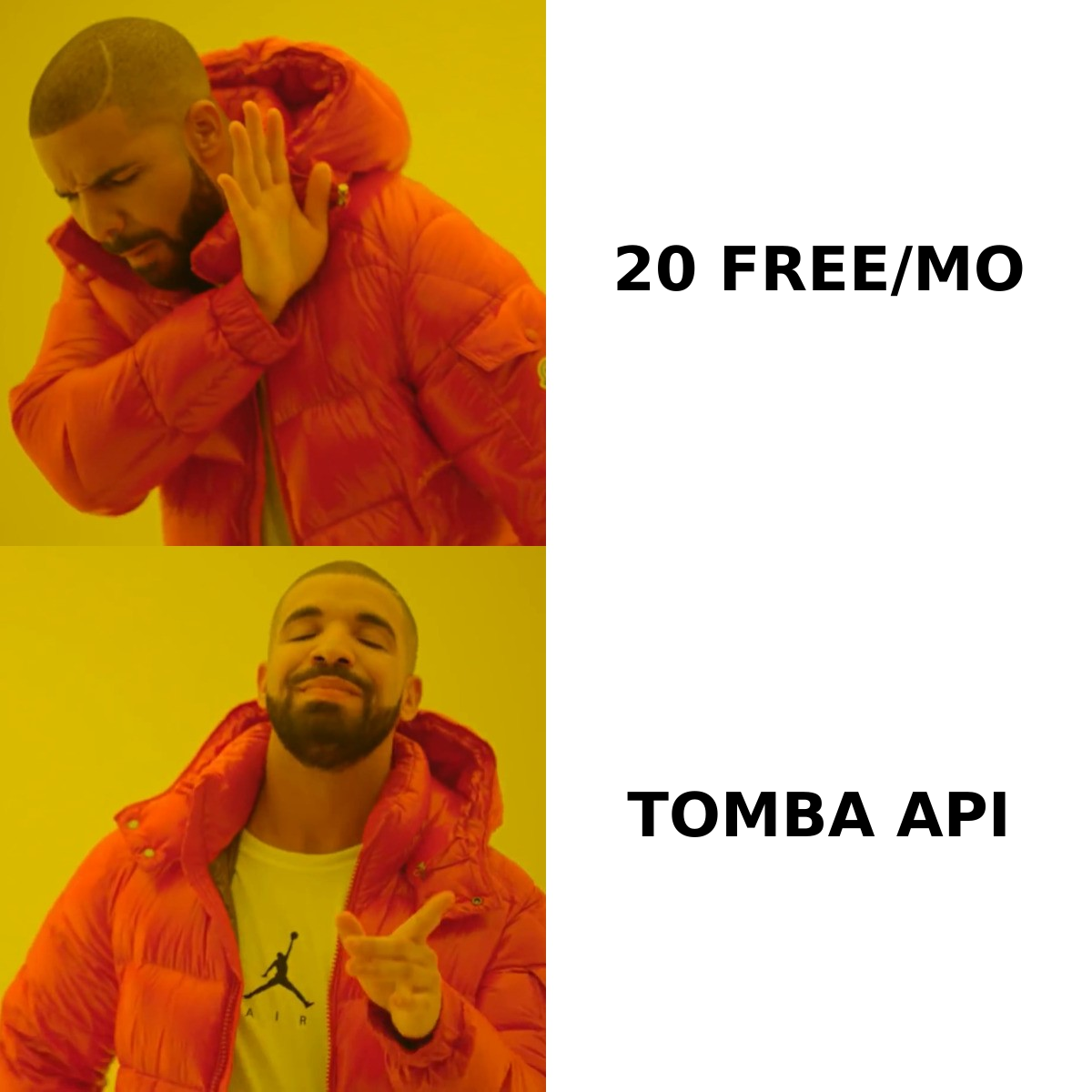
Here's the practical breakdown. Prices move — check both vendors' pricing pages before you commit, and treat these as directional tiers rather than quotes.
| Dimension | FinalScout | Kaspr | Tomba |
|---|---|---|---|
| Primary data type | Business emails | Mobile + direct-dial phones, emails | Emails (+ phones, enrichment) |
| Free tier | ~20 email credits/mo | Limited free credits, LinkedIn-gated | 25 searches/mo |
| Entry paid tier | ~$35–$45/mo | ~€45–€65/user/mo | $49/mo Starter |
| Works without LinkedIn open | Partially (web app lists) | No — extension-driven | Yes — domain, name, API |
| Bulk / CSV upload | Yes, list-based | Yes, on higher tiers | Yes, bulk email finder |
| Public API | Limited | Yes (paid tiers) | Yes — full REST API |
| AI outreach writing | Yes (core feature) | No (integrations instead) | No (finder/verifier focus) |
| Email verification included | Claimed deliverability filter | Basic validation | Dedicated email verifier |
| Best for | Recruiters, solo founders, AI-assisted outreach | SDR teams that dial, EU markets | Data teams, agencies, developers |

Two rows deserve a second look.
"Works without LinkedIn open." Kaspr is fundamentally a LinkedIn overlay. That's a design choice, not a bug — it means every contact you pull is anchored to a profile you actually looked at. But it also means your prospecting throughput is capped by how fast a human can browse. FinalScout's list-based scraping loosens this a little. A domain-search-based tool removes the constraint entirely: you give it acme.com and get the addressable contacts back without touching a browser.
"Public API." Kaspr exposes an API on paid tiers, which is genuinely useful if you're piping contacts into a CRM automatically. FinalScout is much more of a point-and-click product. If your enrichment lives inside a workflow — Clay, n8n, a Python job, a nightly CRM sync — the extension-only model becomes the bottleneck fast.
Which one finds more accurate emails?#
Neither vendor will hand you an independently audited accuracy number, and you should be suspicious of any blog post that claims to have one. What you can evaluate is methodology.
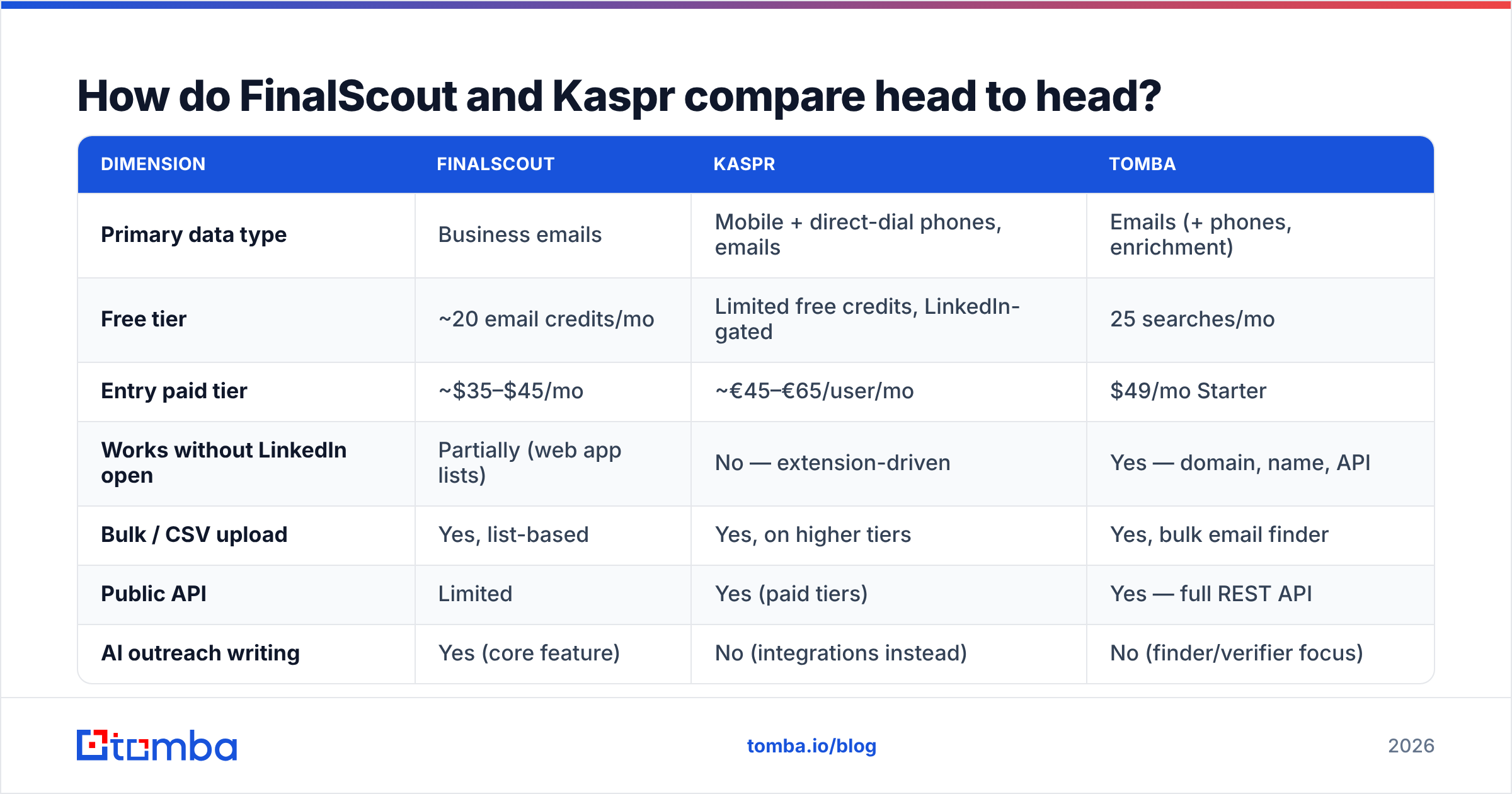
FinalScout markets a "98% deliverability guarantee," which is a claim about bounce rate on the emails it returns, not about coverage. Those are two different metrics and conflating them is the oldest trick in this category:
- Coverage (hit rate) — of 100 prospects you look up, how many come back with an address at all? This is where tools diverge most.
- Accuracy (validity) — of the addresses returned, how many are real, deliverable inboxes?
- Freshness — how recently was that address seen active? A 2021 address at a company with 40% annual churn is a coin flip.
- Catch-all handling — does the tool return a guessed address on a catch-all domain and count it as "valid"? This inflates accuracy stats enormously.
A tool can hit 98% "deliverability" by simply refusing to return anything it isn't certain about — which tanks coverage. A tool can hit 80% coverage by pattern-guessing every address — which tanks accuracy. Read every vendor number with that trade-off in mind.

The catch-all issue is the one most teams get wrong. Roughly a third of B2B domains are configured to accept mail at any address, so standard SMTP validation returns "valid" for asdfgh@company.com. If your tool doesn't distinguish catch-all from confirmed, your list has a hidden failure rate you won't discover until your sender reputation is already damaged. Run anything ambiguous through a dedicated catch-all verifier before it enters a sequence.
How to actually test this yourself: build a 100-row control list of prospects you already have verified emails for — past customers, inbound leads, people who've replied to you. Run that list through both trials. Measure hit rate and match rate against ground truth. It takes an afternoon and it beats every comparison post on the internet, including this one.
Is Kaspr worth it just for phone numbers?#
Often, yes — and this is the cleanest reason to pick Kaspr over FinalScout.
Kaspr's phone coverage in Europe, particularly France, the UK, DACH, and Benelux, is a real asset. Cognism's compliance infrastructure sits underneath it, including notified-contact processing against EU do-not-call registries. If you're running an outbound team in the EU that has to dial, that combination is hard to replicate by stitching together cheaper tools.
The caveats are real too:
- Mobile coverage drops sharply outside Europe. North American mobile hit rates from EU-centric providers are consistently weaker than the marketing implies. Test your specific ICP geography.
- Phone credits are consumed fast. Every reveal burns a credit whether the number is a mobile, a switchboard, or wrong.
- Per-seat pricing scales unpleasantly. Kaspr charges per user. A five-rep team on a mid tier crosses into meaningful monthly spend quickly, and the credits often don't pool the way you'd expect.
If dialing is a secondary channel for you — you email first and only call the engaged accounts — paying a per-seat premium for phone-first infrastructure is the wrong shape. In that case, an email-first stack with a separate phone finder for the small subset of accounts you actually dial is materially cheaper.
What does each tool cost in practice?#
The sticker price is the least interesting number. What matters is cost per usable contact, which depends on three things vendors don't advertise loudly.
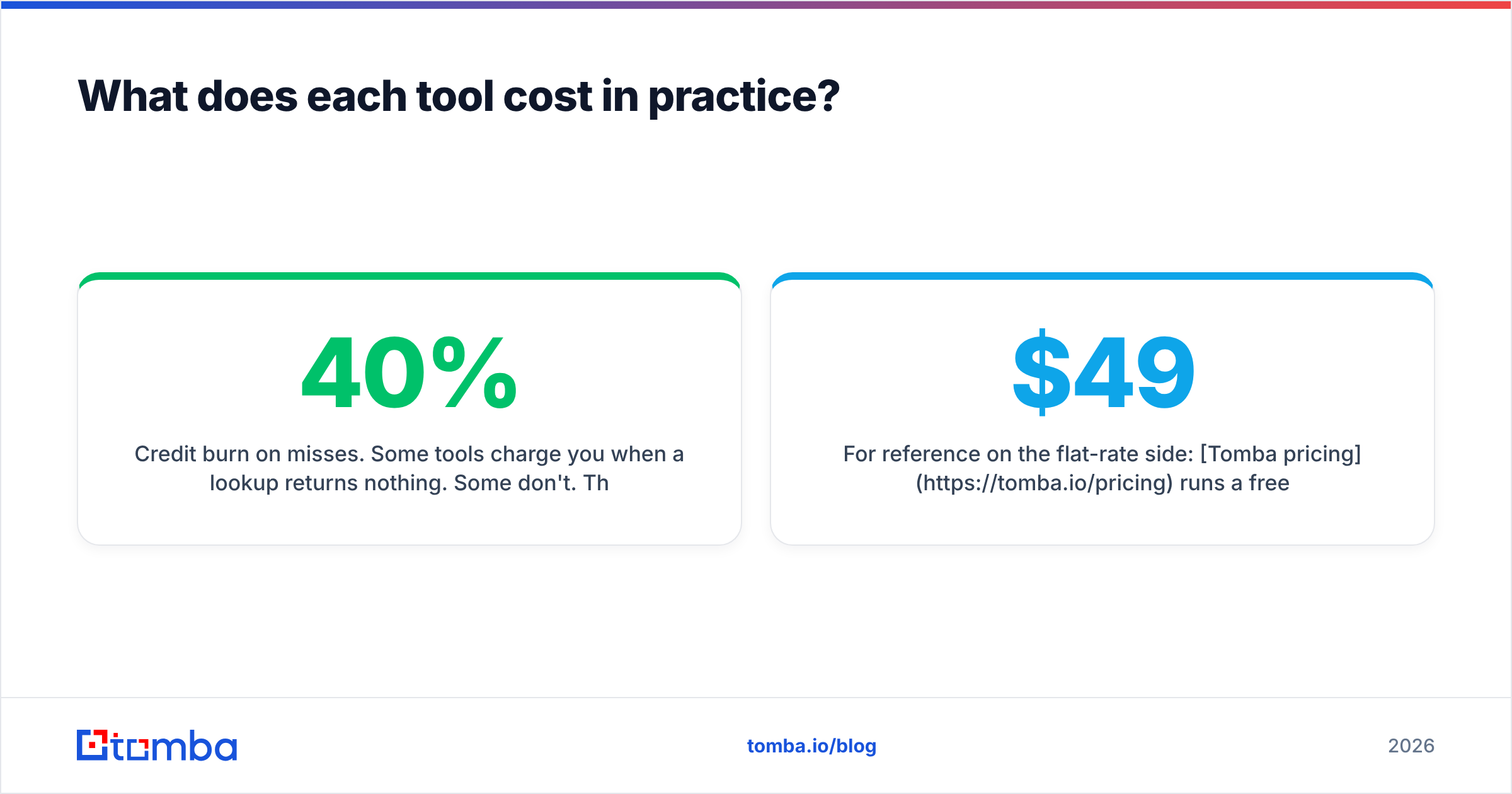
Credit burn on misses. Some tools charge you when a lookup returns nothing. Some don't. This single policy can swing your effective cost by 30–40% on hard ICPs like SMB owners or non-English-speaking markets. Ask directly, in writing, before you buy.
Export limits separate from reveal limits. A tool can give you generous reveal credits and then gate CSV export behind a higher tier. You end up with data you can see but can't move.
Seat multiplication. Per-user pricing means a growing team's cost scales with headcount rather than data volume — even when three of those reps pull twenty contacts a month.
For reference on the flat-rate side: Tomba pricing runs a free tier at 25 searches/month, Starter at $49/mo, Growth at $99/mo, Pro at $249/mo, and custom Enterprise — with credits pooled at the account level rather than split per seat. That structure suits teams where one ops person does the bulk of the pulling and reps consume the output.

When should you pick FinalScout?#
FinalScout earns its place in a few specific situations:
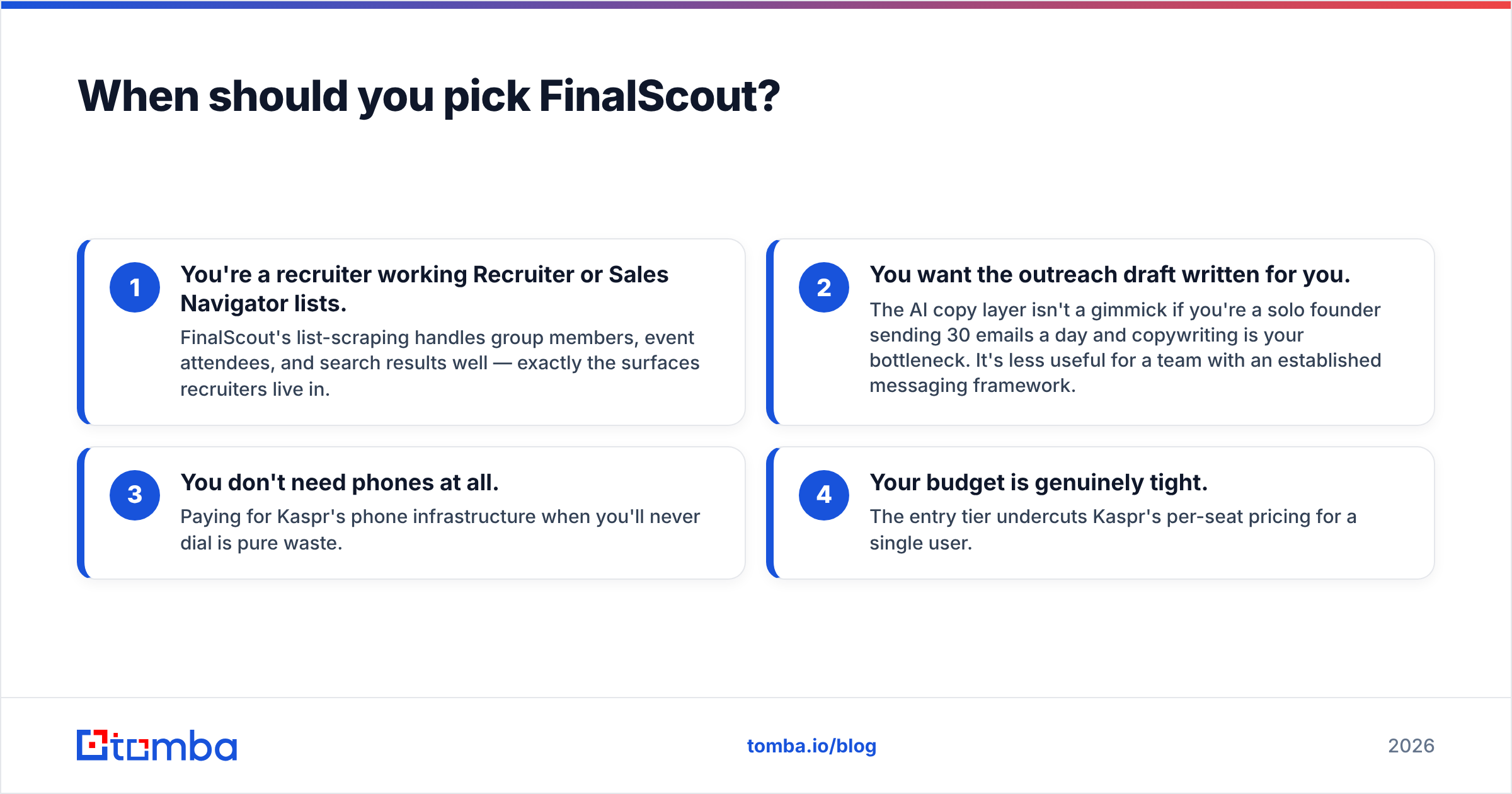
- You're a recruiter working Recruiter or Sales Navigator lists. FinalScout's list-scraping handles group members, event attendees, and search results well — exactly the surfaces recruiters live in.
- You want the outreach draft written for you. The AI copy layer isn't a gimmick if you're a solo founder sending 30 emails a day and copywriting is your bottleneck. It's less useful for a team with an established messaging framework.
- You don't need phones at all. Paying for Kaspr's phone infrastructure when you'll never dial is pure waste.
- Your budget is genuinely tight. The entry tier undercuts Kaspr's per-seat pricing for a single user.
Where it struggles: no serious API story, no domain-wide search, and the AI-written copy tends toward the same cadence every other AI outreach tool produces — which prospects now recognize instantly. Treat generated drafts as a first pass, not a send-ready email.
When should you pick Kaspr?#
- Multi-channel sequences with real dialing. Email plus a call plus a LinkedIn touch, all from one reveal.
- EU-focused outbound. The compliance posture and the EMEA mobile coverage are the strongest arguments for the product.
- You're already in the Cognism ecosystem. Kaspr as a lightweight front-end to a stack you already run makes integration sense.
- Your reps prospect inside LinkedIn all day anyway. If the browser is already open on a profile, the extension workflow costs nothing extra.
Where it struggles: it's fundamentally manual. You cannot ask Kaspr for "every marketing director at these 400 domains" without someone clicking through 400 sets of search results. And North American phone coverage is the weakest part of the offering relative to its reputation in Europe.
Do you need a third option?#
Frequently, yes — because the FinalScout vs Kaspr framing assumes LinkedIn is your only source of truth. For a lot of teams it isn't.
Three common gaps neither tool closes well:
- Domain-first prospecting. You have a target account list from your CRM, not a LinkedIn search. You need every reachable contact at those domains. That's a domain search job, not an extension job.
- Programmatic enrichment. Contacts arriving from a form, a webhook, or a scraped list need enriching without a human in the loop. That requires an API, and it's why the Tomba API and integrations with HubSpot, Salesforce, and Zapier exist as first-class paths rather than add-ons.
- Verification as a separate discipline. Finding an address and confirming it's deliverable are different operations with different failure modes. Teams that treat verification as a checkbox on their finder eventually discover their bounce rate the hard way — after a domain gets throttled. If you want the background on why this compounds, email deliverability is worth twenty minutes of reading.
There's no shame in running two tools. Plenty of good stacks pair a LinkedIn extension for opportunistic one-off reveals with a domain/API tool for the systematic bulk work. The mistake is paying enterprise money for one tool to do a job it was never designed for.
What's the verdict?#
Pick Kaspr if your reps dial and you sell into Europe. The phone data and compliance infrastructure justify the per-seat cost, and nothing FinalScout offers replaces a working mobile number.
Pick FinalScout if you're email-only, working LinkedIn lists, and want AI drafts included. It's cheaper for a single operator and the list-scraping is well built for recruiting workflows.
Pick neither as your primary if your prospecting starts from an account list rather than a LinkedIn search. Extension-driven tools cap out at human browsing speed, and no amount of credits fixes that.
Before you buy either, run the 100-row control test described above. Vendor accuracy claims are marketing artifacts; your own hit rate on your own ICP is the only number that predicts your pipeline.
Ready to test the alternative? If your bottleneck is finding verified business emails at scale — by domain, by name, or through an API that plugs into whatever you've already built — start with the Tomba Email Finder. The free tier gives you 25 searches a month with no card, which is enough to run a proper side-by-side against whichever of these two you're currently evaluating. Check where Tomba gets its data first if you want to understand the methodology before you spend a credit.
Related guides#
Ready to find emails that actually work?
Join 150,000+ professionals who stopped guessing and started sending. Free credits on signup — no credit card required.
Get the Tomba newsletter
Practical outbound tactics and product updates — once every two weeks.
About the author