FinalScout vs Mattermark: Which B2B Data Tool Wins in 2026?
FinalScout pulls contacts off LinkedIn. Mattermark tracks company growth signals. They are not the same product, and picking the wrong one costs you a quarter. Here is the honest breakdown, plus the third option most teams end up using.
TL;DR
- FinalScout and Mattermark are not real competitors. FinalScout gives you person-level contact data scraped and inferred from LinkedIn profiles. Mattermark gives you company-level growth signals — funding, headcount trends, web traffic momentum.
- If your job is "send 500 cold emails this week," FinalScout is the closer match. If your job is "build a target account list of Series-A fintechs hiring RevOps," Mattermark is the closer match.
- FinalScout's headline "98% deliverability" claim is a guarantee on its verification pass, not an independent benchmark. Treat it as a marketing number and verify externally before you send.
- Mattermark has changed ownership more than once since 2017. Confirm the product is actively sold and supported before you sign an annual contract.
- Most teams buying either tool actually need two things: a reliable email finder with an API, and a verifier that handles catch-all domains. That is where a general-purpose tool like Tomba ($49/mo Starter, free tier at 25 searches) usually beats buying both.
What are FinalScout and Mattermark, and why compare them?#
They get compared because they show up in the same shortlist searches — "B2B data tool," "prospecting database," "lead gen software" — not because they do the same job.
FinalScout is a LinkedIn-first contact finder. You install the Chrome extension, browse LinkedIn or Sales Navigator, and it extracts profiles plus a best-guess business email for each one. It also bolts on AI email drafting, so you can go from profile to first-touch copy without leaving the tab.
Mattermark came out of the startup-data world in 2012 and built its name on company intelligence: funding rounds, employee growth curves, mindshare scores, and filterable lists of companies matching those signals. It was acquired by FullContact in 2017 and has changed hands since — worth knowing before you plan a two-year data stack around it.
So the real question is not "which is better." It is: do you need to know who to email, or which companies deserve the effort?
What does FinalScout actually do well?#
FinalScout's strength is speed at the individual-profile level.
- LinkedIn extraction at scale. Run a Sales Navigator search, hit the extension, and pull hundreds of profiles with name, title, company, and an inferred email into a list. This is the core use case and it works.
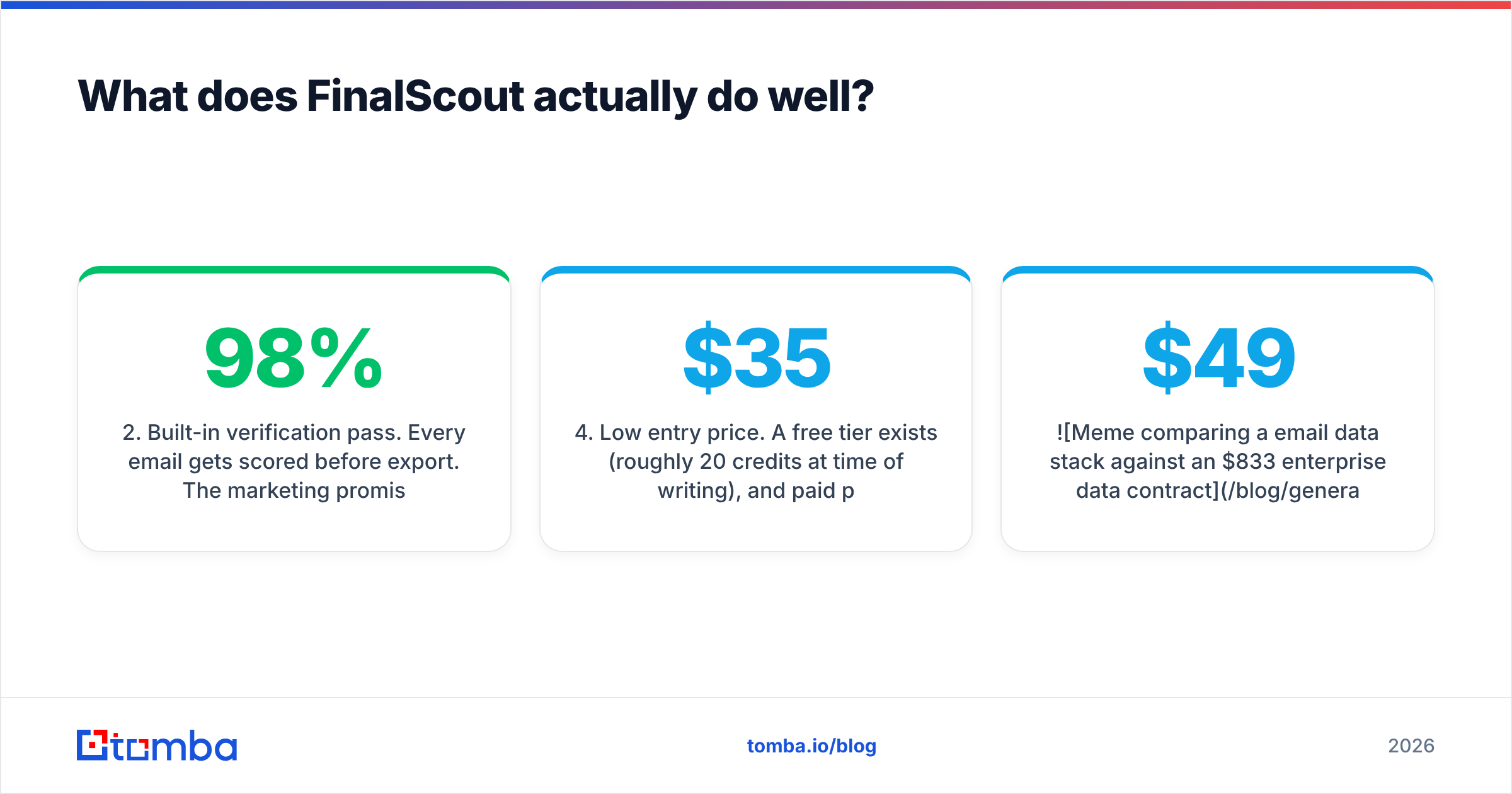
- Built-in verification pass. Every email gets scored before export. The marketing promises 98% deliverability on validated results.
- AI email drafting. GPT-backed templates that pull from the profile you just scraped — role, company, recent activity — to write a first draft.
- Low entry price. A free tier exists (roughly 20 credits/month at time of writing), and paid plans start in the $35–$45/month band for a couple of thousand emails. Confirm current numbers on their pricing page; this vendor changes tiers often.
- Zero learning curve. If your rep can use LinkedIn, they can use FinalScout on day one.
The trade-off: it is LinkedIn-shaped. If a prospect has no LinkedIn presence, or you want every contact at a domain regardless of who is on LinkedIn, FinalScout has nothing to give you. That is a different job — closer to a domain search, which starts from the company website rather than a profile URL.

What does Mattermark actually do well?#
Mattermark answers a question FinalScout cannot: is this company worth prospecting at all?
- Growth signals over static firmographics. Headcount deltas, funding velocity, web traffic trend — the stuff that tells you a company is expanding, not just that it exists.
- List building by momentum. Filter for "companies that grew headcount 30%+ in the last two quarters in this vertical" and get a target account list, not a contact list.
- Investor and market research heritage. VCs and corp-dev teams were the original audience, and it shows in the data model.
- Account-based motion fit. If you run ABM and your bottleneck is account selection rather than contact discovery, this is the right shelf.
The trade-off is equally sharp: Mattermark does not reliably hand you deliverable email addresses. You get companies and, at best, sparse contact coverage. You will still need an email finder to turn an account list into an outbound sequence. Budget for both, or accept that your SDRs will spend their morning guessing at name@company.com.
How accurate is the data on each side?#
Accuracy means two different things here, which is exactly why the comparison confuses people.
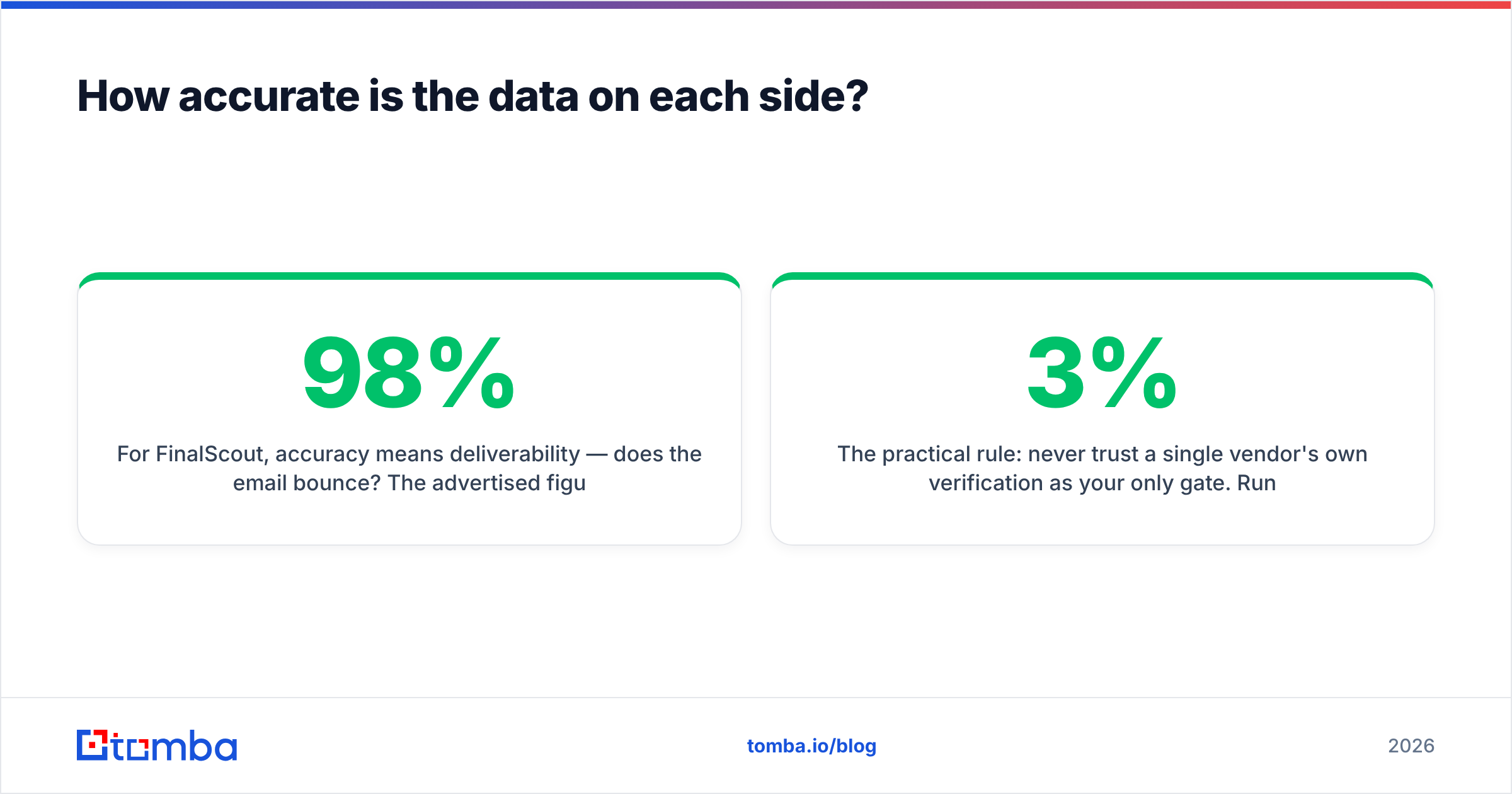
For FinalScout, accuracy means deliverability — does the email bounce? The advertised 98% figure is a vendor-side guarantee tied to their own validation step, and it applies to results the tool marks as verified. It is not an independent audit, and it says nothing about the emails it fails to find. The metric that actually hits your budget is hit rate on a real list: out of 1,000 LinkedIn profiles you scraped, how many produced a verified, sendable address? In practice, LinkedIn-derived finders land somewhere between 55% and 75% depending on how enterprise-heavy your ICP is.
For Mattermark, accuracy means freshness of company signals — is the headcount number from this quarter or from 2023? Stale funding data is the classic failure mode for company-intelligence tools that have gone through ownership changes and reduced crawl budgets.

The practical rule: never trust a single vendor's own verification as your only gate. Run exports through an independent email verifier before they reach your sending domain. A 3% bounce rate that you discovered in your inbox placement reports instead of before send has already cost you sender reputation.

Catch-all domains are the other trap. Roughly one in five B2B domains accepts everything at the SMTP layer, so any verifier — FinalScout's included — will return "accept all" or an optimistic "valid." Those addresses are a coin flip. A dedicated catch-all verifier is the only way to split the real mailboxes from the black holes.
How do FinalScout and Mattermark compare on features and pricing?#
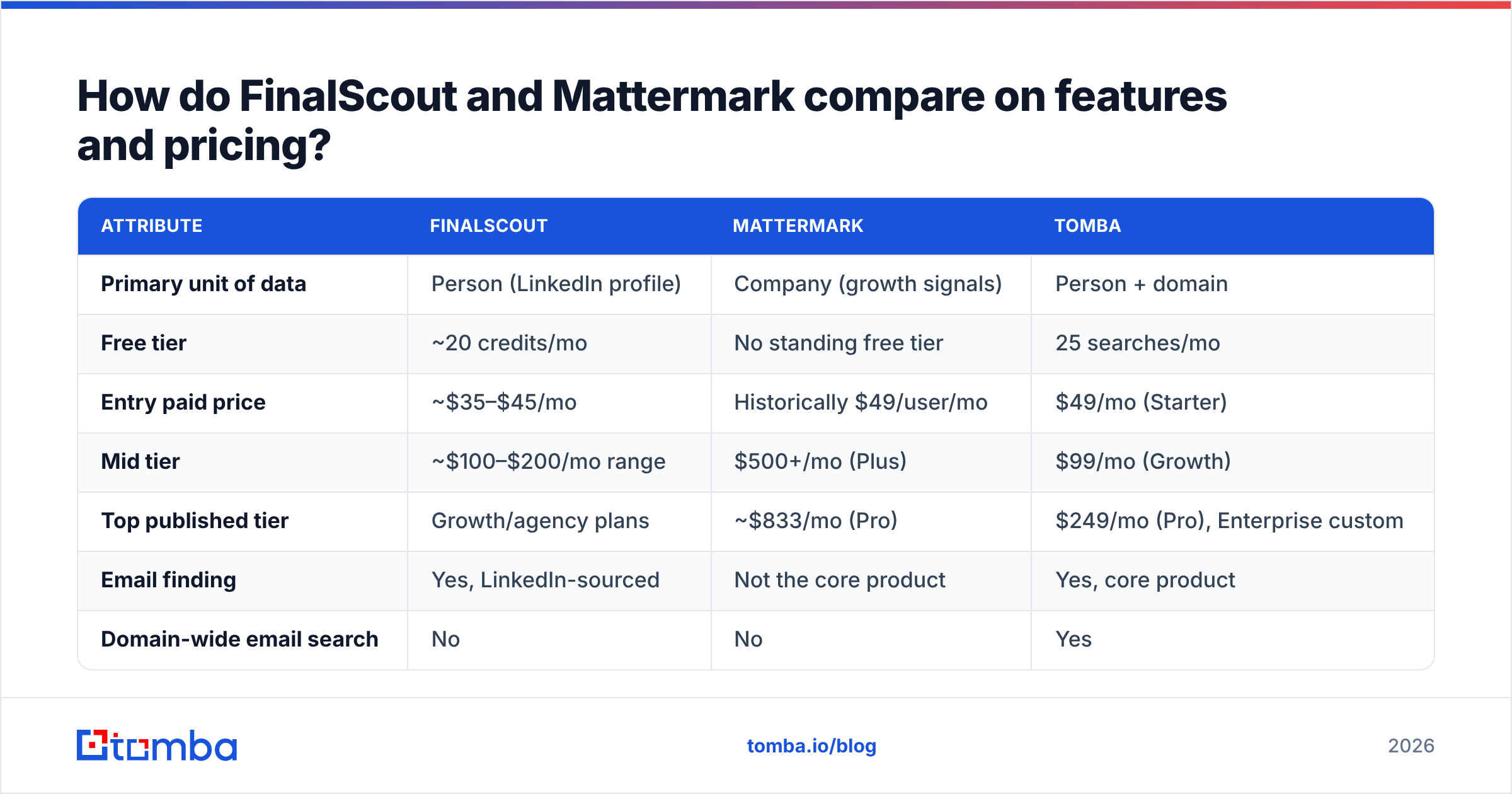
Here is the head-to-head, with Tomba included as the neutral third reference point since most buyers end up evaluating a general-purpose finder alongside these two.
| Attribute | FinalScout | Mattermark | Tomba |
|---|---|---|---|
| Primary unit of data | Person (LinkedIn profile) | Company (growth signals) | Person + domain |
| Free tier | ~20 credits/mo | No standing free tier | 25 searches/mo |
| Entry paid price | ~$35–$45/mo | Historically $49/user/mo | $49/mo (Starter) |
| Mid tier | ~$100–$200/mo range | $500+/mo (Plus) | $99/mo (Growth) |
| Top published tier | Growth/agency plans | ~$833/mo (Pro) | $249/mo (Pro), Enterprise custom |
| Email finding | Yes, LinkedIn-sourced | Not the core product | Yes, core product |
| Domain-wide email search | No | No | Yes |
| Standalone verification | Bundled, vendor-scored | No | Yes, incl. catch-all |
| Public API | Limited | Yes (historically) | Yes, documented |
| Company growth signals | No | Yes, core product | Firmographic enrichment |
| AI email drafting | Yes | No | Via separate tools |
| Best for | SDRs living in Sales Navigator | ABM / investor research | Data ops, agencies, developers |

Prices move. Check each vendor's own page and cross-reference recent reviews on G2 before you commit — published tiers and what sales will actually quote you are frequently different numbers, especially in the ABM tier where per-seat pricing is standard.
Speaking of which: Mattermark's historical model was per user, FinalScout's is per credit, and Tomba's is per search volume. Those three billing shapes fail in three different ways. Per-seat punishes you for adding a junior SDR. Per-credit punishes you for a bad ICP with low hit rates. Per-volume punishes you for sloppy bulk jobs. Pick the one that matches how your team actually wastes resources.
Which one fits your workflow?#
Match the tool to the bottleneck, not to the feature list.
- Your bottleneck is contact discovery. You already know the 400 accounts. You need the VP of Engineering at each. → FinalScout, or a dedicated finder with a LinkedIn finder plus domain fallback.
- Your bottleneck is account selection. You have unlimited contact data but no idea which companies are in-market. → Mattermark, or another signals platform.
- Your bottleneck is list hygiene. Your bounce rate crossed 4% and your domain is getting throttled. → Neither. You need verification and catch-all handling, which is a separate purchase from both.
- Your bottleneck is engineering time. You are enriching a CRM or a product signup flow programmatically. → Neither tool's extension helps. You need a documented email finder API with predictable rate limits.
- Your bottleneck is budget. You need one tool that covers 80% of the above. → A general-purpose finder + verifier at the $49–$99 tier beats stacking a $45 scraper and a $500 signals subscription.
Most teams under 20 reps sit in bucket 1, 3, or 5 — which is why the "FinalScout vs Mattermark" framing usually resolves into "neither, actually."
What are the hidden costs on each side?#
FinalScout: credit burn on low-hit-rate searches. If you scrape 2,000 profiles and only 1,100 return verified emails, you likely still paid for the attempts. Enterprise ICPs, non-US markets, and senior titles all drag the hit rate down. There is also LinkedIn platform risk — any extension that automates browsing sits inside LinkedIn's terms of service, and account restrictions on a rep's personal profile are a real, recurring cost that never shows up on the invoice.
Mattermark: seats and contract length. Signals platforms are priced for teams, and the useful tiers historically started around $500/month with annual commitments. Add the second tool you will inevitably buy to convert accounts into contacts, and your real cost of "Mattermark" is Mattermark plus a finder plus a verifier. Also factor the continuity question: a product that has been sold twice deserves a shorter contract and a data-export clause.
Both: the CSV round trip. Export from tool A, upload to verifier B, dedupe in a spreadsheet, import to CRM C. That is 3–5 hours per rep per month of unpriced labor. Tools with native integrations or a bulk API remove it; tools without one quietly charge you in headcount.
Is there a better third option for most teams?#
For the majority of outbound teams: yes — a single finder-plus-verifier that works from domains and profiles, exposes an API, and does not price per seat.
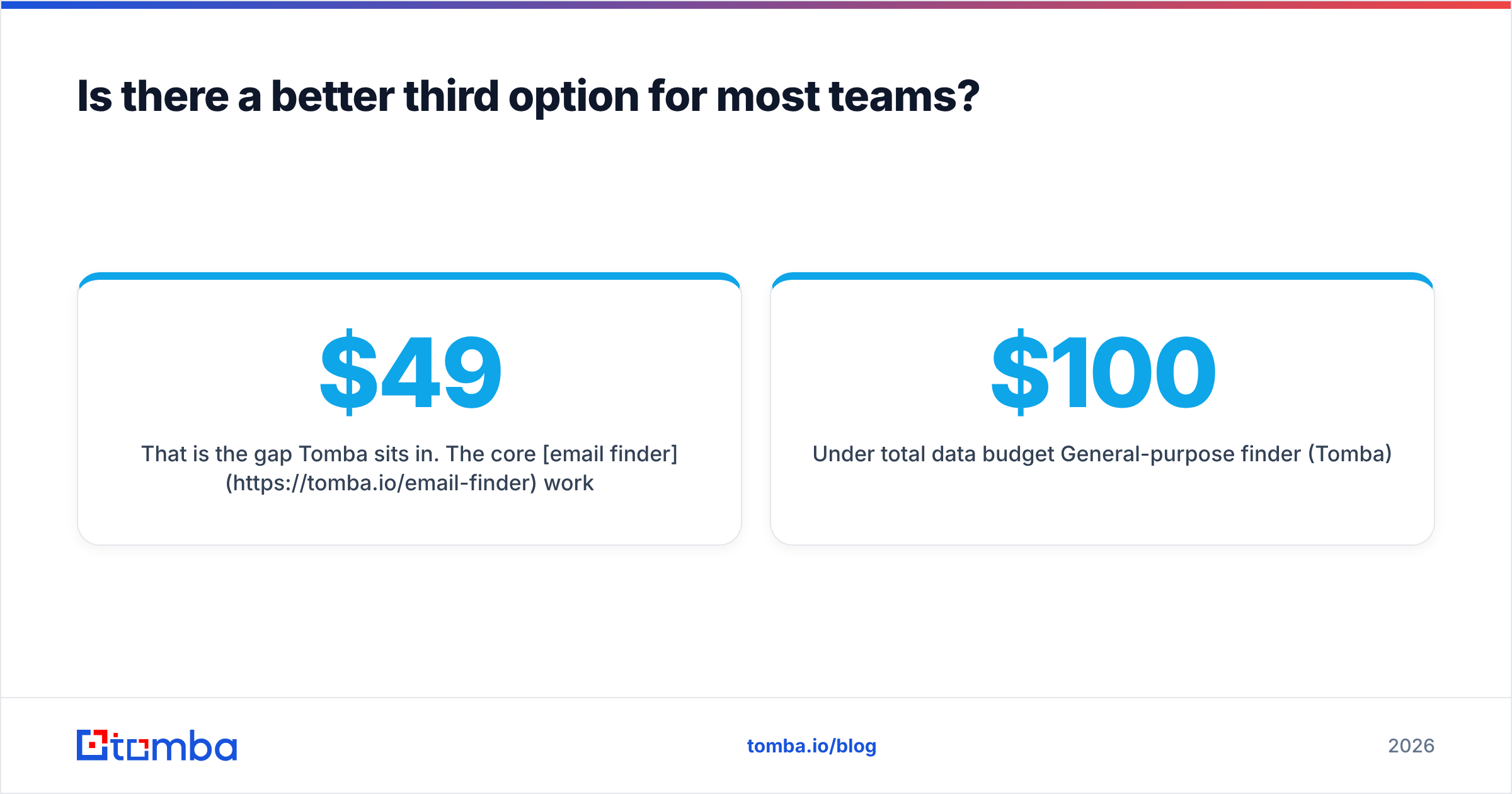
That is the gap Tomba sits in. The core email finder works from a domain, a name, or a company, so you are not dependent on whether a person maintains a LinkedIn profile. Verification, catch-all checking, and bulk processing are in the same account rather than a second vendor. And Tomba pricing runs Free (25 searches/month), Starter $49/mo, Growth $99/mo, Pro $249/mo, with Enterprise custom — volume-based, not seat-based, so adding a rep costs nothing.
What it does not do is replace Mattermark. If your differentiator is genuinely timing — catching companies in the 90-day window after a raise — a signals platform earns its price and you should buy one. Just do not expect it to also hand you deliverable inboxes.
The honest scoring, then:
| Scenario | Winner |
|---|---|
| Sales Nav power user, 500 contacts/week | FinalScout |
| ABM account selection, enterprise budget | Mattermark |
| Agency running lists for 10 clients | General-purpose finder (Tomba) |
| Developer enriching a signup flow | API-first tool (Tomba) |
| Under $100/mo total data budget | General-purpose finder (Tomba) |
| Investor / market research | Mattermark |
Ready to stop paying for two tools that each do half the job?#
If your actual problem is turning company names into verified, sendable contacts — not tracking funding rounds — start with the Tomba Email Finder. It searches by domain, name, or company, verifies before export, flags catch-all domains instead of pretending they are valid, and ships with a documented API and Chrome, Sheets, and CRM integrations. The free tier gives you 25 searches a month, which is enough to run your own hit-rate test against whatever FinalScout or Mattermark quoted you. Run that test before the contract, not after.
Related guides#
Ready to find emails that actually work?
Join 150,000+ professionals who stopped guessing and started sending. Free credits on signup — no credit card required.
Get the Tomba newsletter
Practical outbound tactics and product updates — once every two weeks.
About the author