FinalScout vs OutreachBin: Full 2026 Comparison and Verdict
FinalScout finds LinkedIn emails. OutreachBin sends and warms up cold email. Here's how the two actually compare on data quality, deliverability, pricing, and where a dedicated email finder beats both.
TL;DR
- FinalScout and OutreachBin are not really competitors. FinalScout is a LinkedIn-first contact finder with AI email drafting. OutreachBin is a cold email sending platform with inbox warmup and sequences.
- If you searched "FinalScout vs OutreachBin," you probably need one of each — or a stack that does data properly and sending properly, instead of one tool doing both at 70%.
- FinalScout's ceiling is its data source: it works best when you already have a LinkedIn profile in front of you. It struggles when you want coverage across a whole domain or an ABM list.
- OutreachBin's warmup and sequencing are its strength; its built-in prospecting is thin, so you'll import lists from somewhere else regardless.
- The cheapest reliable setup for most teams in 2026: a dedicated finder plus verifier for data, and a sending tool you actually trust with your domain reputation.
What is FinalScout and what does it actually do?#
FinalScout is a LinkedIn-centric contact data tool. You browse a profile or a Sales Navigator search, run the extension, and it returns a work email for that person plus some profile context. It layers an AI writer on top that drafts a first-touch email using the scraped profile — job title, headline, recent activity.
That flow is genuinely fast when your prospecting motion is LinkedIn. You find a person, you get an address, you get a draft. The whole loop happens in one tab.
The constraint is baked into the design. FinalScout is built around profiles, not domains. If your target list is "every RevOps lead at 200 mid-market SaaS companies," you're clicking through profiles or exporting a Sales Navigator search and hoping the match rate holds. If your target list is "every decision maker at these 40 accounts, including the ones with no LinkedIn presence," profile-first tooling leaves gaps you can't see.
You can check the current feature set at finalscout.com, and cross-reference real user complaints on G2 rather than the marketing page — the review volume tells you more about export limits and credit burn than any comparison post will.
What is OutreachBin and where does it fit?#
OutreachBin sits on the other side of the pipeline. It's a cold email sending platform: multi-step sequences, inbox rotation, automatic follow-ups that stop on reply, and an email warmup network that trickles seed messages between real inboxes to build sending history.
Warmup is the headline feature, and it's the right headline. In 2026, Google and Microsoft's bulk-sender enforcement means a cold domain sending 200 messages on day one is a domain you're about to lose. Warmup schedules are not a nice-to-have anymore. If you want the underlying mechanics, our email deliverability primer covers what actually moves the needle versus what's cargo cult.
What OutreachBin is not is a data provider. It ships some basic contact lookup, but nobody is running an outbound program on it as their primary source of email addresses. You import a CSV. Where that CSV comes from is your problem — and it's the problem that determines whether the whole campaign works.

How do FinalScout and OutreachBin compare head-to-head?#
Here's the honest side-by-side. Note how few rows actually overlap — that's the finding, not a formatting accident.
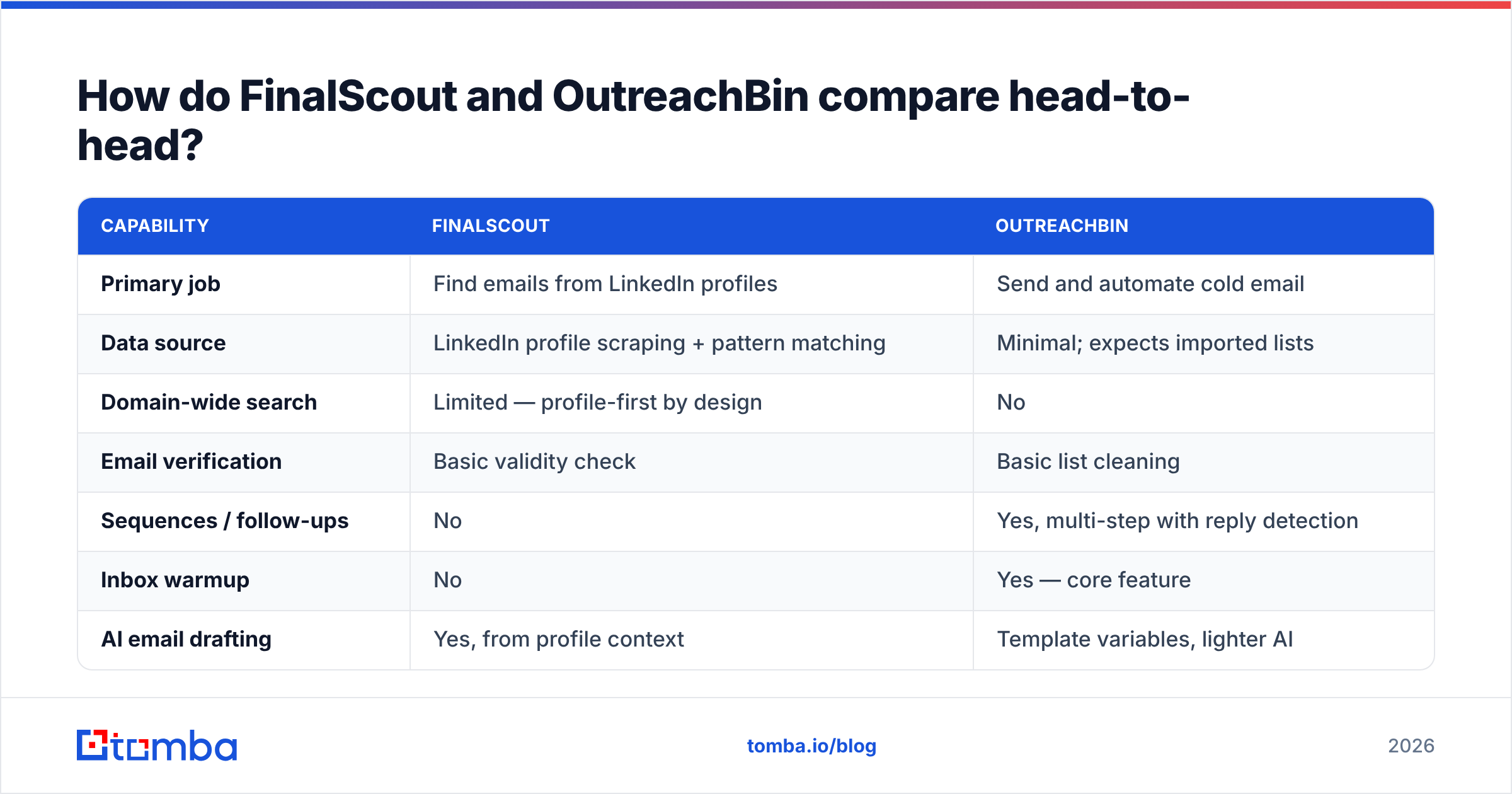
| Capability | FinalScout | OutreachBin |
|---|---|---|
| Primary job | Find emails from LinkedIn profiles | Send and automate cold email |
| Data source | LinkedIn profile scraping + pattern matching | Minimal; expects imported lists |
| Domain-wide search | Limited — profile-first by design | No |
| Email verification | Basic validity check | Basic list cleaning |
| Sequences / follow-ups | No | Yes, multi-step with reply detection |
| Inbox warmup | No | Yes — core feature |
| AI email drafting | Yes, from profile context | Template variables, lighter AI |
| Chrome extension | Yes | No meaningful equivalent |
| API access | Limited | Limited |
| Best for | Recruiters, 1:1 LinkedIn prospecting | SDR teams running volume sequences |
Read that table again and the "vs" framing collapses. There is one row where they genuinely compete — email finding — and FinalScout wins it easily, because OutreachBin barely tries. Everywhere else they're doing different jobs.
So the real question isn't which one wins. It's whether either one is strong enough at its job to anchor your stack.
Which tool gives you better email accuracy?#
FinalScout, by default — but the more useful framing is how each tool gets to an address, because that determines where it fails.
Profile-scraping tools infer. They take a name, a company, and a known pattern, then guess first.last@company.com and run a light check. That works well for mid-size companies with predictable formats and a real MX record. It degrades badly in three places:
- Catch-all domains. The server accepts everything, so a basic SMTP check returns "valid" for an address that bounces or lands nowhere. You need a catch-all verifier to separate real mailboxes from the domain's default accept behavior.
- Non-standard formats. Companies using
flast@,f.last@, or initials-plus-number break naive permutation logic. - Role and shared inboxes.
info@,sales@, andteam@inflate your list and tank reply rates while looking like wins in the export.
None of that is unique to FinalScout — it's the structural limit of a profile-first approach. The fix is verification as a separate, deliberate step. Run every list through an email verifier before it touches a sending tool, regardless of which finder produced it. A 4% bounce rate is the difference between a warm domain and a burned one, and no warmup schedule saves you from a dirty list.
OutreachBin's list cleaning is a hygiene pass, not a verification engine. Treat it as a last line of defense, not the first.
What does each one cost in 2026?#
Pricing on both tools moves, and credit definitions differ enough that headline numbers mislead. Check the vendor pages before you commit — finalscout.com and outreachbin.com both publish current tiers. What matters is the shape of the cost, not the sticker.
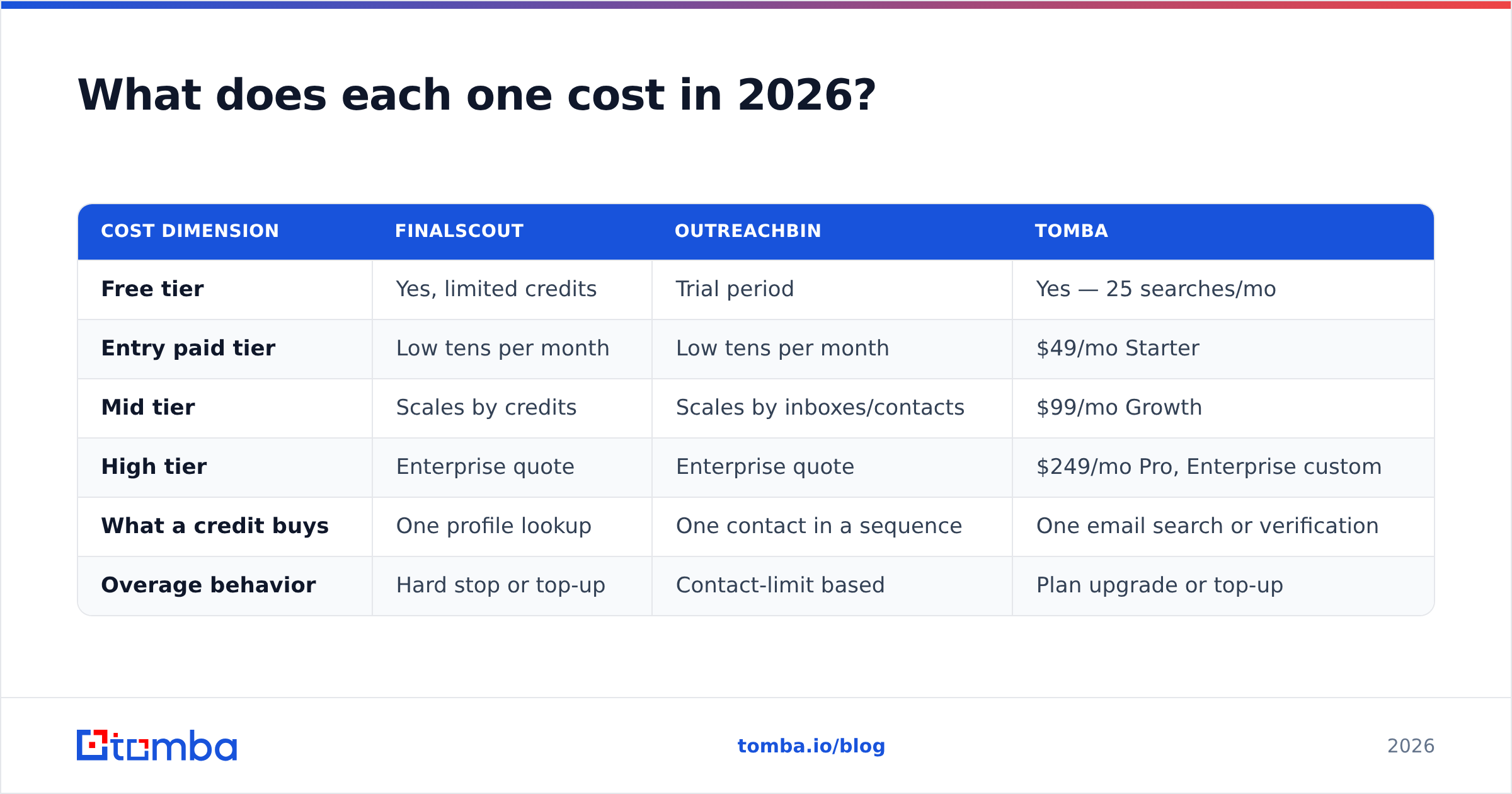
| Cost dimension | FinalScout | OutreachBin | Tomba |
|---|---|---|---|
| Free tier | Yes, limited credits | Trial period | Yes — 25 searches/mo |
| Entry paid tier | Low tens per month | Low tens per month | $49/mo Starter |
| Mid tier | Scales by credits | Scales by inboxes/contacts | $99/mo Growth |
| High tier | Enterprise quote | Enterprise quote | $249/mo Pro, Enterprise custom |
| What a credit buys | One profile lookup | One contact in a sequence | One email search or verification |
| Overage behavior | Hard stop or top-up | Contact-limit based | Plan upgrade or top-up |
The trap in this category is credit definition. A "credit" that gets consumed on a failed lookup costs you real money for zero data. Before you buy anything — FinalScout, OutreachBin, or us — ask one question: do I get charged when you find nothing? Vendors that charge for misses have a structural incentive not to improve match rates.
Full Tomba pricing is public with no sales call gate, which is the standard you should hold every tool in this stack to.
Who should pick FinalScout, and who should pick OutreachBin?#
Pick based on which half of the pipeline is currently broken.
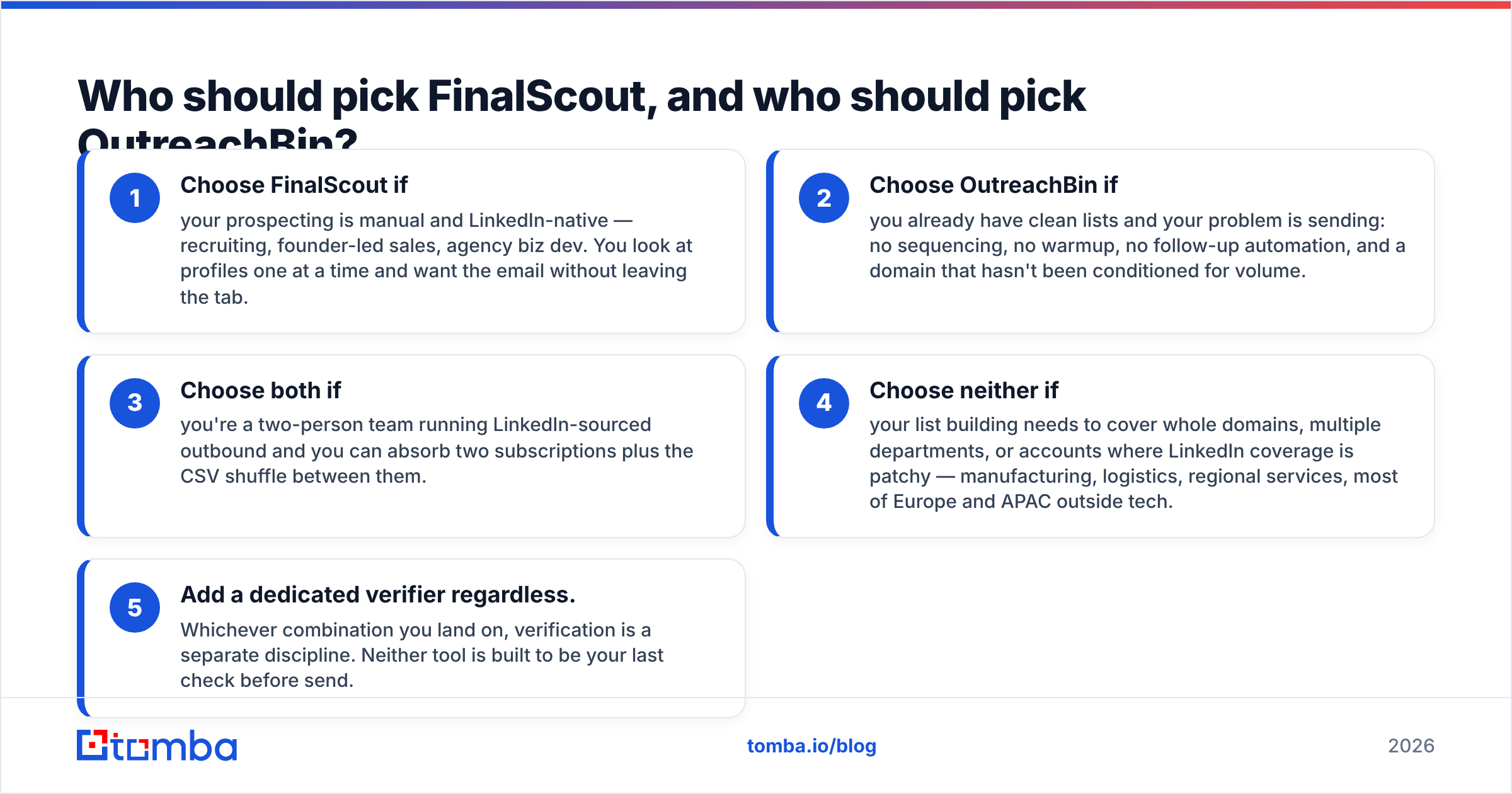
- Choose FinalScout if your prospecting is manual and LinkedIn-native — recruiting, founder-led sales, agency biz dev. You look at profiles one at a time and want the email without leaving the tab.
- Choose OutreachBin if you already have clean lists and your problem is sending: no sequencing, no warmup, no follow-up automation, and a domain that hasn't been conditioned for volume.
- Choose both if you're a two-person team running LinkedIn-sourced outbound and you can absorb two subscriptions plus the CSV shuffle between them.
- Choose neither if your list building needs to cover whole domains, multiple departments, or accounts where LinkedIn coverage is patchy — manufacturing, logistics, regional services, most of Europe and APAC outside tech.
- Add a dedicated verifier regardless. Whichever combination you land on, verification is a separate discipline. Neither tool is built to be your last check before send.

Do you need a third option instead?#
Often, yes — and specifically on the data side.
The gap both tools share is domain-level coverage. FinalScout answers "what's this person's email?" OutreachBin answers "how do I send to this list?" Neither answers "who works at this company and how do I reach all of them?" — which is the actual question when you're building an account list rather than picking off individuals.
That's what domain search does: point it at a company domain and get back the people, their roles, the detected email pattern, and confidence scores. It's a different primitive from profile scraping, and it doesn't inherit LinkedIn's blind spots — private profiles, stale titles, people who simply aren't on the platform.
The other gap is scale mechanics. Profile-by-profile lookup does not scale past a few hundred contacts without a browser automation setup you'll spend a weekend maintaining. A proper email finder API turns list building into a job your ops person runs on a schedule, feeding directly into your CRM or your sending tool.
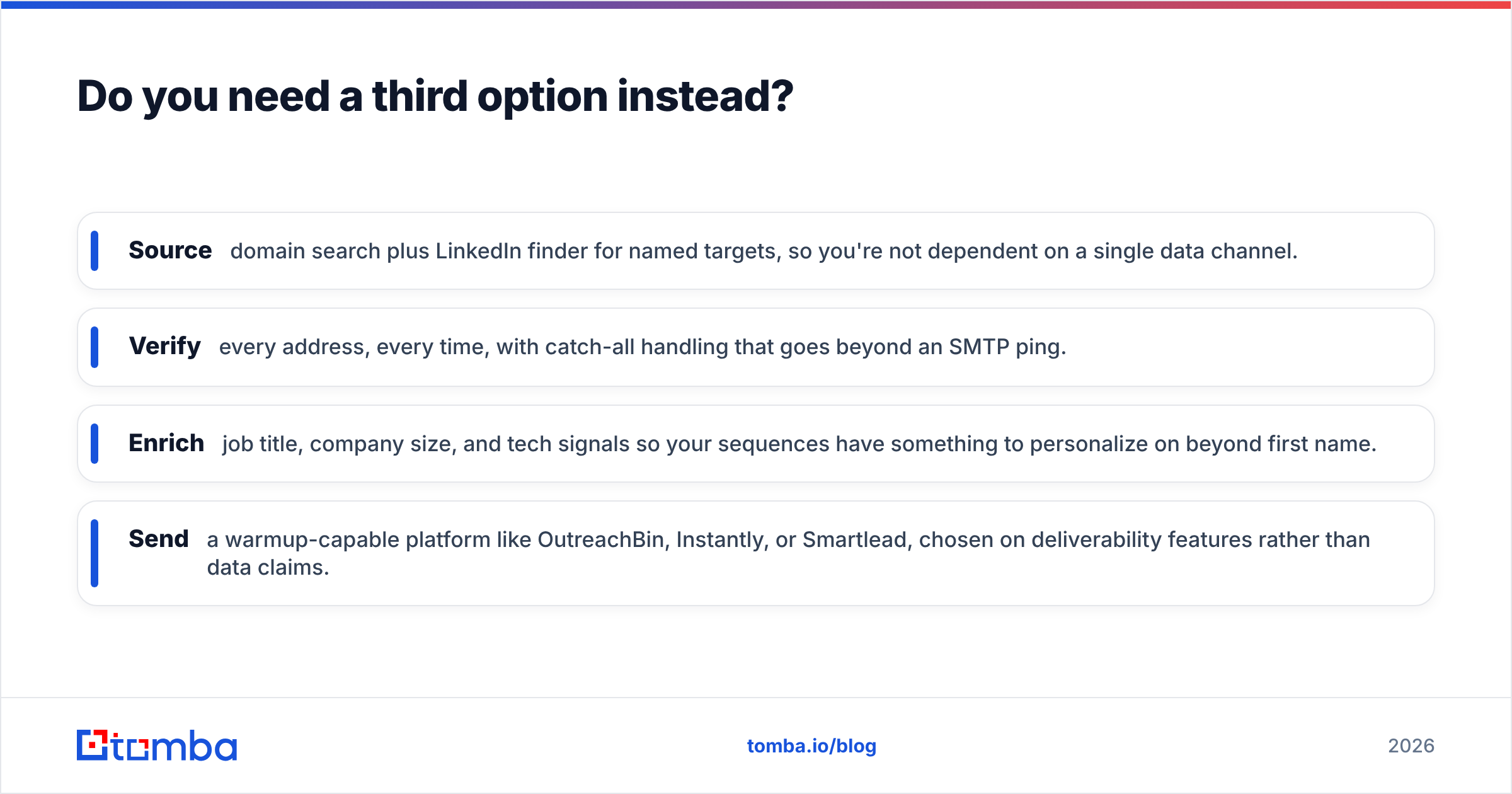
A stack that holds up under volume looks like this:
- Source — domain search plus LinkedIn finder for named targets, so you're not dependent on a single data channel.
- Verify — every address, every time, with catch-all handling that goes beyond an SMTP ping.
- Enrich — job title, company size, and tech signals so your sequences have something to personalize on beyond first name.
- Send — a warmup-capable platform like OutreachBin, Instantly, or Smartlead, chosen on deliverability features rather than data claims.
Split those responsibilities and each layer gets replaceable. Bundle them and you're one vendor pricing change away from rebuilding your whole motion.
What about deliverability — does the finder matter?#
More than the sending tool does, which surprises people.
Warmup builds reputation slowly. A bad list destroys it fast. If 8% of your sends bounce, mailbox providers read that as list-buying behavior and start routing you to spam regardless of how patient your warmup schedule was. The finder you choose sets the bounce rate. The sender only manages the pace.
Practical sequence, in order:
- Verify before import, not after. Sending tools that clean on import are catching problems too late in the process.
- Segment catch-all addresses into their own campaign at lower volume. Don't mix them with confirmed valid addresses.
- Suppress role accounts entirely unless you have a specific reason to hit them.
- Watch your bounce rate per domain, not per campaign. One bad account can carry a whole list.
- Keep sending volume per inbox conservative even after warmup completes. Warmup is not a permission slip.
Google's own bulk sender guidelines are the source of truth here, and they're stricter than most vendor blog posts admit. Read them directly.
The verdict: FinalScout vs OutreachBin#
They're not alternatives to each other. FinalScout is the better tool if you need emails and your workflow is LinkedIn. OutreachBin is the better tool if you need to send at volume without torching your domain. Comparing them head-to-head is comparing a drill to a saw.
The decision that actually matters is upstream of both: where does your contact data come from, and can you trust it at scale? A LinkedIn extension is a fine answer for 50 prospects a month. It's a bad answer for 5,000, and it's the wrong answer entirely when your ICP lives outside the platform.
If you're rebuilding your prospecting layer this quarter, start with the data source and pick the sender second. The sender is easy to swap. Bad data compounds.
Start with data you can trust. The Tomba Email Finder covers name-based lookup, domain-wide search, and pattern detection in one place — with verification built into the same workflow, so nothing reaches your sending tool unchecked. The free tier gives you 25 searches a month to test match rates against your own account list before you commit to anything. Run your last 50 known-good contacts through it, measure the hit rate yourself, and let the numbers decide.
Related guides#
Ready to find emails that actually work?
Join 150,000+ professionals who stopped guessing and started sending. Free credits on signup — no credit card required.
Get the Tomba newsletter
Practical outbound tactics and product updates — once every two weeks.
About the author