7 Best Findemails.com Toofr Alternatives for 2026
Toofr became Findemails.com, and the credit math changed with it. Here are seven alternatives compared on accuracy, verification depth, API access, and what you actually pay per usable email.
Toofr is now Findemails.com. If you are weighing Findemails.com Toofr alternatives in 2026, this guide ranks seven of them on accuracy, credits, and real cost per usable email.
TL;DR
- Toofr rebranded to Findemails.com years ago. The engine is still a name-and-domain guesser with a verification pass bolted on, and the roadmap has been quiet next to newer finders.
- Teams leave for three reasons: no serious bulk or API workflow, thin coverage outside US tech, and credit burn on results that come back "risky" or catch-all.
- Tomba is the closest like-for-like swap. You get finder, verifier, and API in one place, from $49/mo, with a free tier of 25 searches.
- Hunter, Findymail, Snov.io, Apollo, RocketReach, and BookYourData each win a different job. Pick by whether you need a database, a scraper companion, or pure per-lookup accuracy.
- Judge every option on verified deliverable emails per dollar, not on advertised credits. The two numbers are rarely close.
What happened to Toofr, and what is Findemails.com today?#
Toofr was one of the original email-guessing tools. You fed it a first name, a last name, and a company domain. It returned the most probable address plus a confidence score. Ryan Buckley built it, and it ran for years as a scrappy, developer-friendly option next to enterprise data vendors.
The product later rebranded to Findemails.com. Same core mechanic, cleaner interface, subscription credits. It still does the basic job: pattern inference plus a verification pass. For a solo founder doing 200 lookups a month, it is still fine.
The problem is that the category moved. In 2020, "guess the pattern and ping the SMTP server" was the whole product. In 2026, buyers expect catch-all resolution, waterfall enrichment, native bulk processing, a documented API, and CRM sync. Price comes after all of that. That gap is why so many teams now search for Findemails.com Toofr alternatives.
Why do teams look for Findemails.com Toofr alternatives?#
Support threads, review sites, and our own onboarding calls point to five churn reasons. The first three are about cost and volume.
- Credit burn on unusable results. You pay for a lookup whether the address comes back confirmed, catch-all, or a coin flip. If 30% of your results are unverifiable, your real cost per usable contact is 1.4x the sticker price.
- Bulk workflow friction. Uploading a 5,000-row list and re-downloading it is fine now and then. It is not a pipeline. Weekly list builds need an email finder API or a native spreadsheet add-on.
- Coverage outside US tech. Pattern-guessing works when a company has thousands of public email samples on the open web. It degrades fast for European mid-market firms, Japanese enterprises, and anyone who never publishes staff addresses.
The last two are about data quality and plumbing.
- No catch-all handling. Roughly one in five B2B domains accepts all mail at the server level. That makes standard SMTP verification useless. Tools without a catch-all strategy label these "unknown" and charge you anyway.
- Integration gaps. No HubSpot object mapping, no Airtable sync, no Chrome extension that works on a LinkedIn search page. So the data ends up in a CSV graveyard.
If none of those five hit you, stay where you are. Switching tools costs a week of workflow rebuild.
How do the top Findemails.com Toofr alternatives compare?#
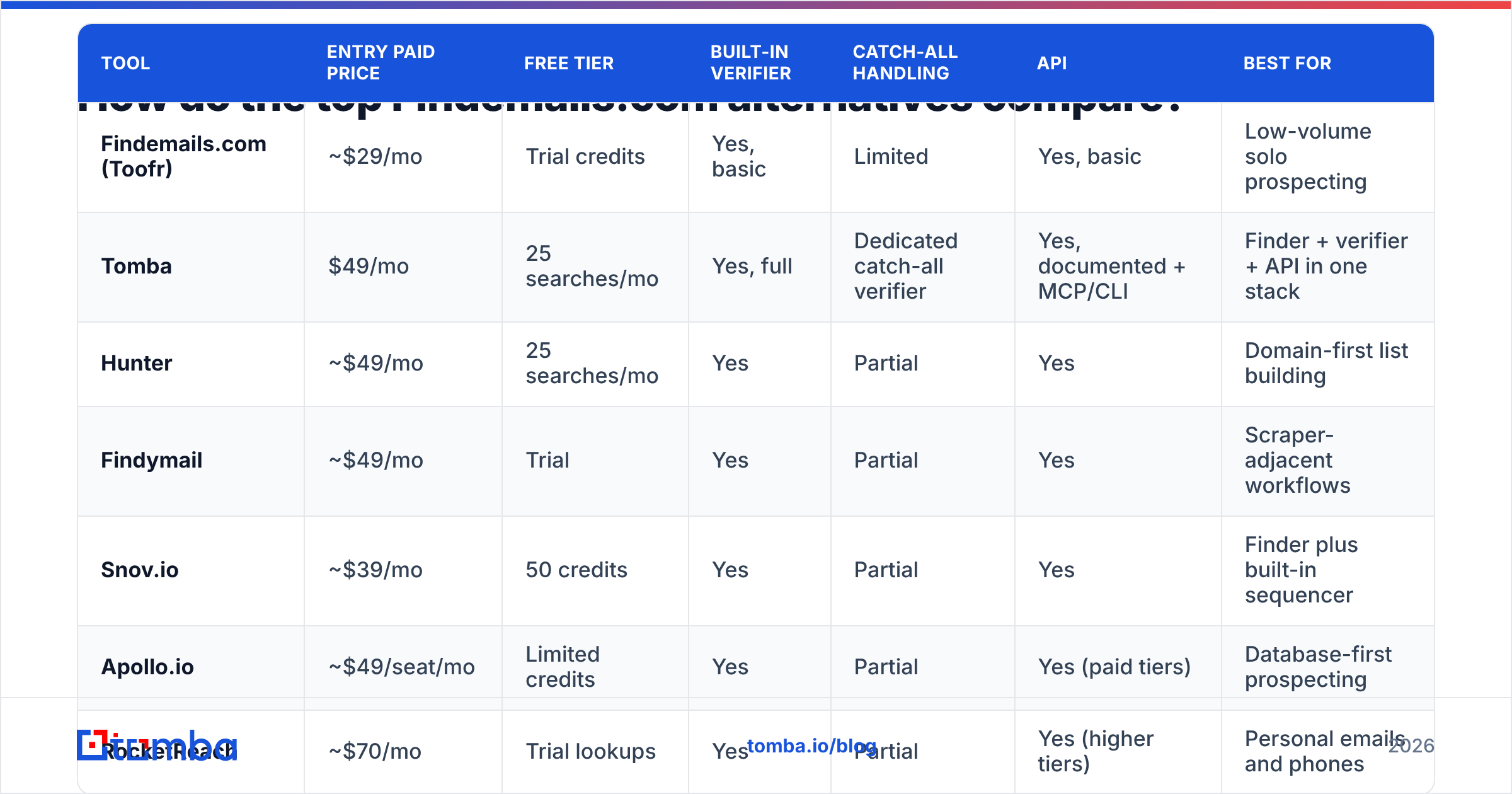
Here is the head-to-head. Prices are entry paid tiers as published at the time of writing. Every vendor moves them, so confirm on the vendor page before you buy.
| Tool | Entry paid price | Free tier | Built-in verifier | Catch-all handling | API | Best for |
|---|---|---|---|---|---|---|
| Findemails.com (Toofr) | ~$29/mo | Trial credits | Yes, basic | Limited | Yes, basic | Low-volume solo prospecting |
| Tomba | $49/mo | 25 searches/mo | Yes, full | Dedicated catch-all verifier | Yes, documented + MCP/CLI | Finder + verifier + API in one stack |
| Hunter | ~$49/mo | 25 searches/mo | Yes | Partial | Yes | Domain-first list building |
| Findymail | ~$49/mo | Trial | Yes | Partial | Yes | Scraper-adjacent workflows |
| Snov.io | ~$39/mo | 50 credits | Yes | Partial | Yes | Finder plus built-in sequencer |
| Apollo.io | ~$49/seat/mo | Limited credits | Yes | Partial | Yes (paid tiers) | Database-first prospecting |
| RocketReach | ~$70/mo | Trial lookups | Yes | Partial | Yes (higher tiers) | Personal emails and phones |
| BookYourData | Pay-as-you-go | Free samples | Yes, 97%+ guarantee | Yes | Yes | Buying pre-verified lists outright |

Two structural differences matter more than any single row above.
Finder-first vs database-first. Tomba, Hunter, Findymail, and Findemails.com resolve an address on demand from a name and a domain. Apollo, RocketReach, and BookYourData hand you a record from a stored contact database. On-demand tools return fresher data on obscure companies. Database tools return a full profile (title, phone, LinkedIn) in one call. Neither wins outright. It depends on whether you already know who you want to reach.
Charge-on-find vs charge-on-attempt. Some vendors bill only when they return a result they will stand behind. Others bill the attempt. Over 10,000 lookups, that difference is worth more than a $20/mo gap in list price.
Which Findemails.com Toofr alternatives should you actually pick?#
Each of the seven Findemails.com Toofr alternatives below wins a different job. Read the "skip it if" line first. It saves more time than the pitch.
Tomba — the closest full-stack replacement#
Tomba is the swap that needs the least workflow rewriting. It covers the same primitive (name plus domain to email) and then keeps going. The email finder handles single lookups. Domain search pulls every discoverable address at a company. The email verifier runs a full validation pass, including a dedicated catch-all verifier instead of shrugging at accept-all domains.
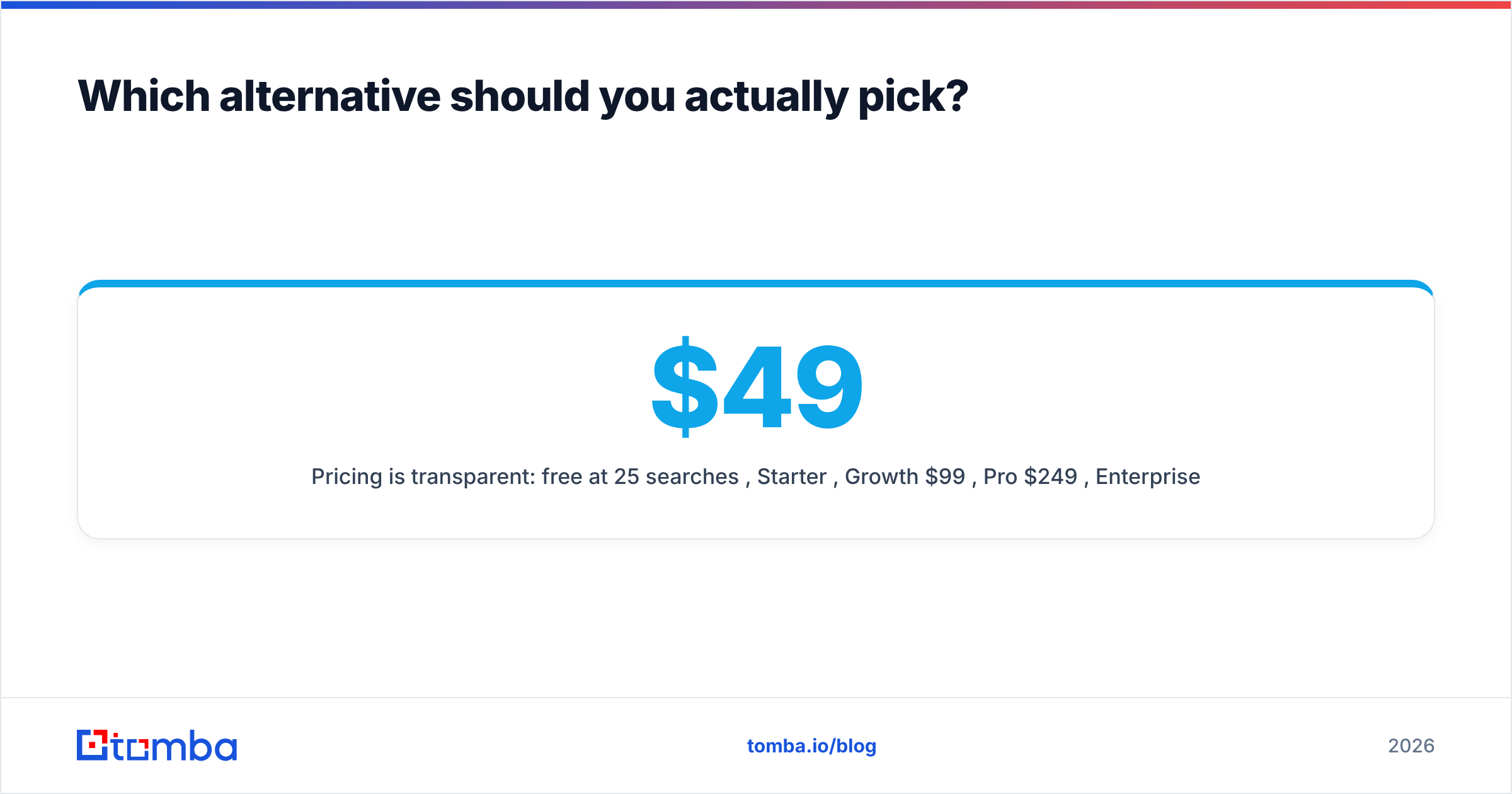
Pricing is public: free at 25 searches/mo, Starter $49/mo, Growth $99/mo, Pro $249/mo, Enterprise custom. See the full Tomba pricing page. Every tier includes API access, so it is not gated behind an enterprise call. There is also a CLI, an MCP server for LLM agents, Chrome and Sheets extensions, and bulk processing for CSV workloads.
Choose it if: you want one vendor for finding, verifying, and enriching, with programmatic access from day one. Skip it if: you want a pre-built contact database to browse rather than a resolution engine you point at known targets.
Hunter — the domain-first veteran#
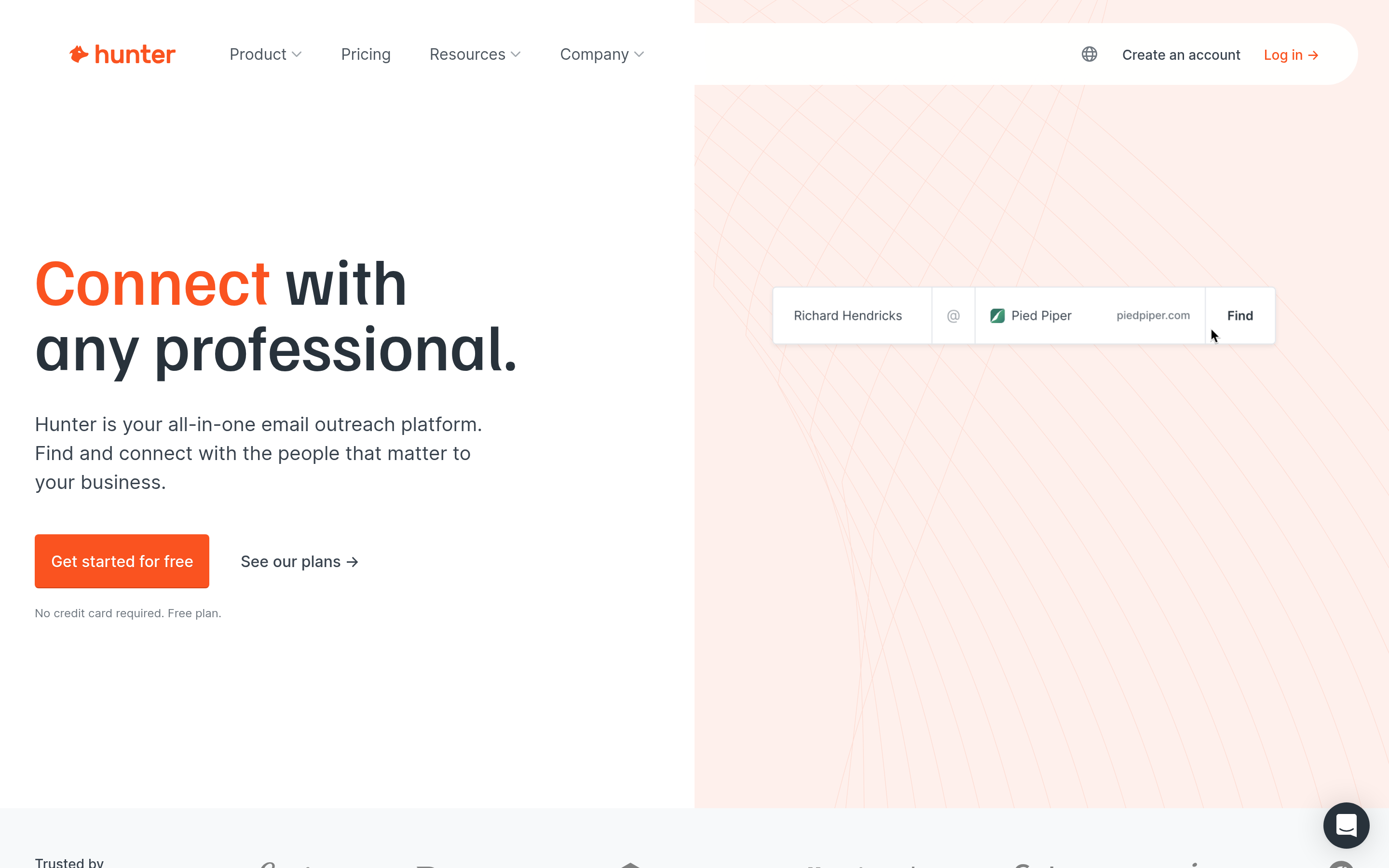
Hunter is the best-known name in this category, and it does one thing very well. Type a domain and you get the company's email pattern plus every public address it has indexed, with source URLs. The confidence scoring is well calibrated, and the free tier is genuinely usable.
Choose it if: your workflow starts with a list of companies, not a list of people. Skip it if: you need phone numbers or deep enrichment. That is not Hunter's lane.
Findymail — built for the scraper crowd#
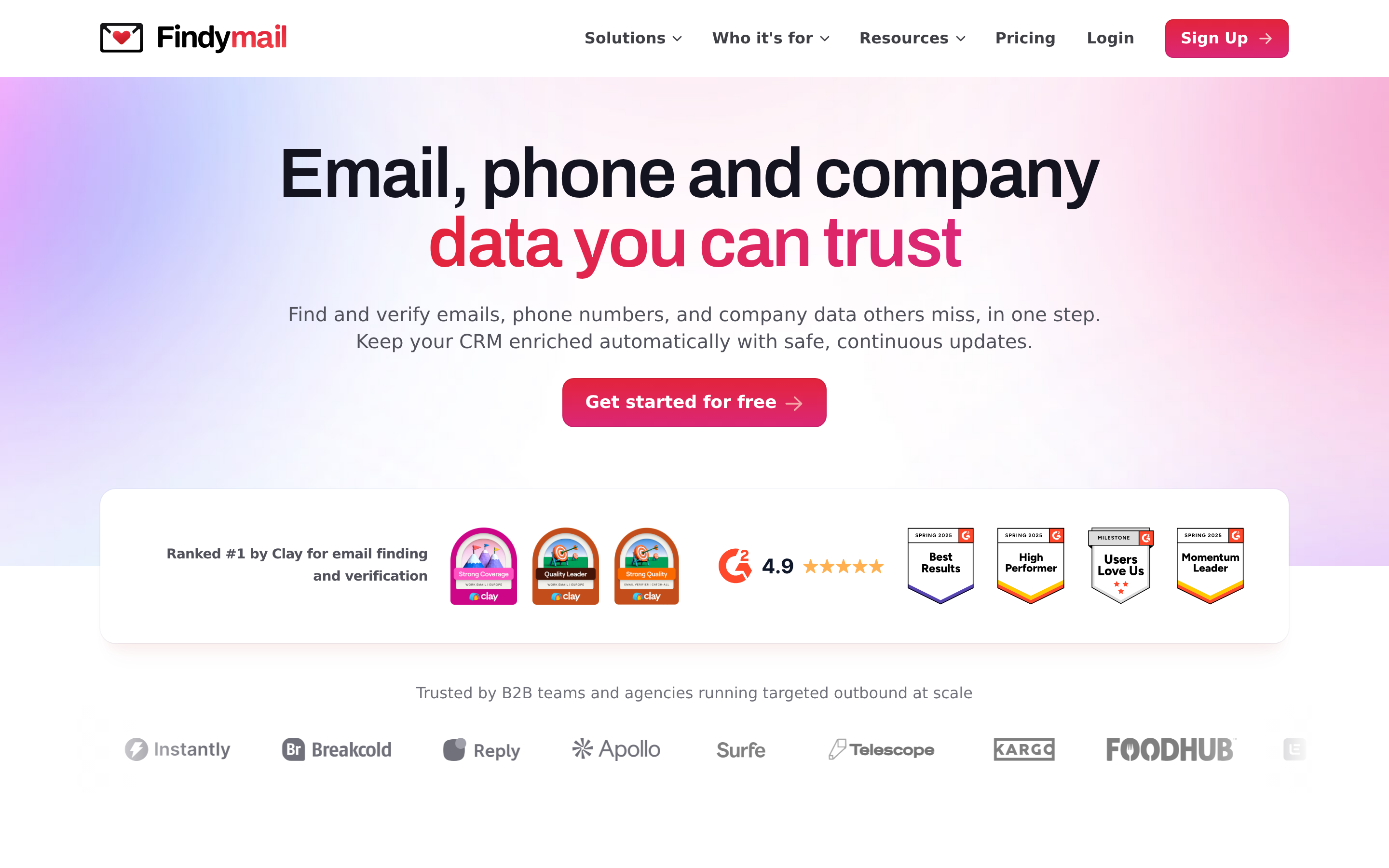
Findymail grew up alongside Sales Navigator scrapers and LinkedIn automation. It charges only for emails it finds, it plugs into the tools agencies already run, and it leans on verification quality over raw volume.
Choose it if: you scrape LinkedIn lists and want the enrichment step to be invisible. Skip it if: you need broad firmographic data attached to each contact.
Snov.io — finder plus sending in one seat#
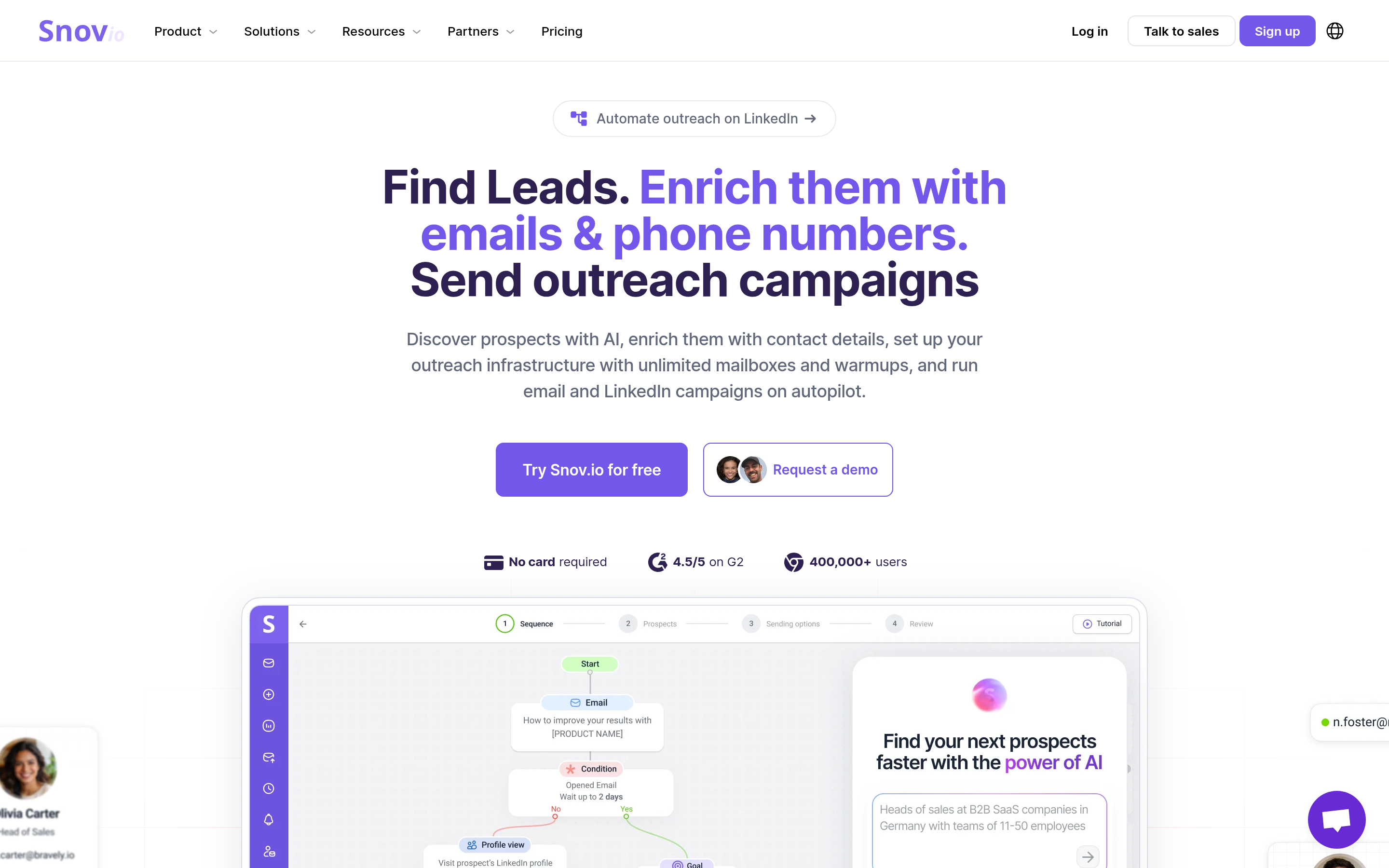
Snov.io bundles finding, verification, and a cold email sequencer. That bundle is real money saved if you were paying for a finder and a sending tool separately. The trade-off is that no single component is best in class.
Choose it if: you are a small team and want one bill instead of three. Skip it if: you already run Instantly, Smartlead, or Lemlist for sending.
Apollo.io — the database with a sequencer attached#
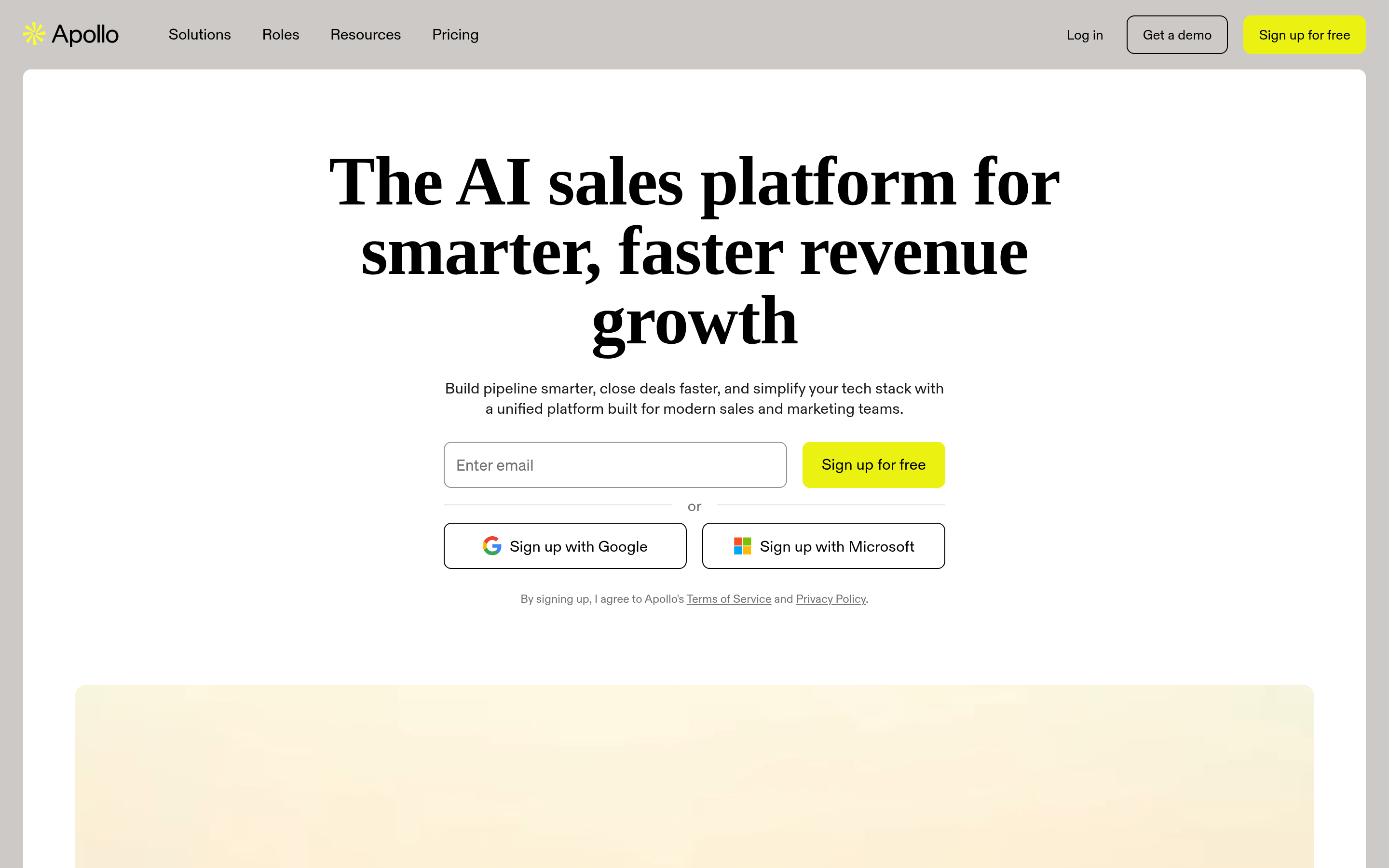
Apollo gives you a searchable database of hundreds of millions of contacts, plus filters, intent signals, and sequencing. It is the most feature-dense option here. The complaints are consistent too: seat-based pricing scales painfully, and data freshness on smaller companies varies. If that is your sticking point, look at Apollo alternatives that price per lookup instead of per seat.
Choose it if: you want to discover accounts you have never heard of. Skip it if: you already know your target accounts and just need addresses.
RocketReach — when you need the personal line#
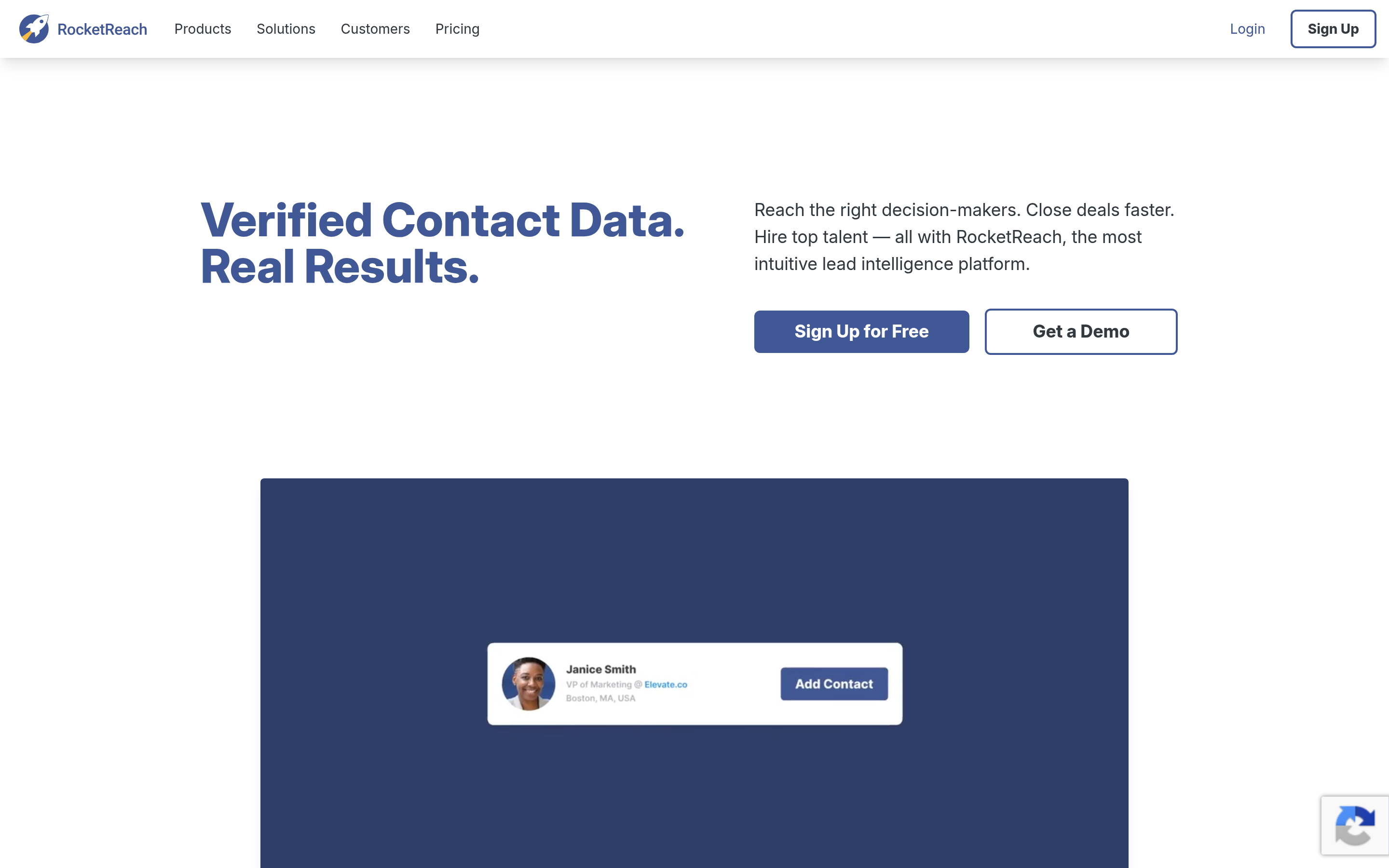
RocketReach indexes personal emails and direct dials more aggressively than the finder-first tools. For recruiting and executive outreach, that is the whole value. It is also the priciest per lookup in this comparison at entry tiers.
Choose it if: you need to reach people outside their work inbox. Skip it if: work email is enough. You would be overpaying for capability you will not use.
BookYourData — buy the list, verified#
BookYourData sits in a different category. Instead of resolving contacts one at a time, you filter a database and buy the resulting list outright, pay-as-you-go, with a published accuracy guarantee and free samples first. If you need 5,000 verified contacts in one industry today, that model is cleaner than a subscription.
Choose it if: you want a one-off, pre-verified list with no monthly commitment. Skip it if: your prospecting is continuous and target-specific rather than list-based.
How accurate are these tools really?#
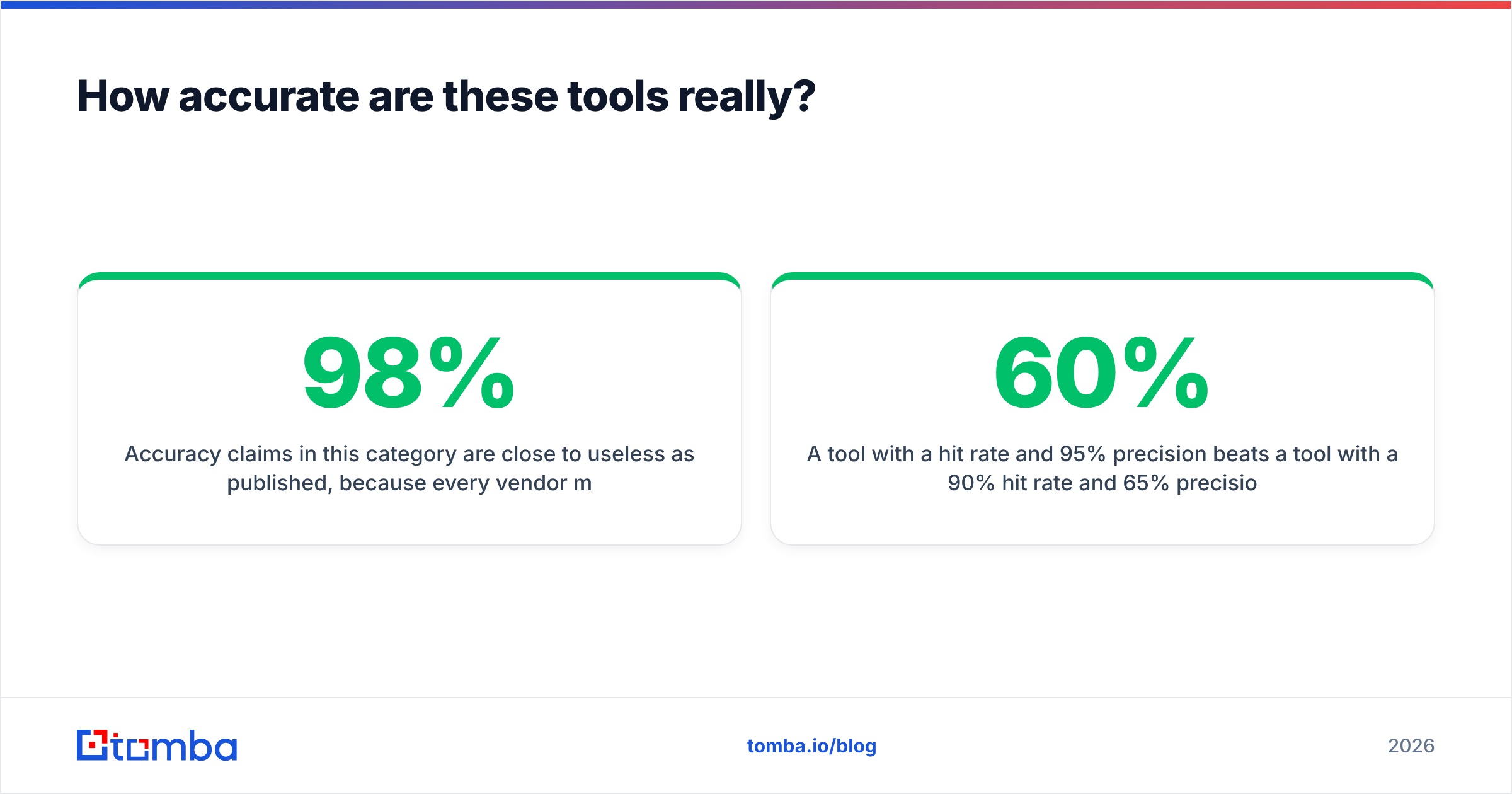
Every one of these Findemails.com Toofr alternatives publishes an accuracy number, and all of them are close to useless as published. Each vendor measures a different denominator. "98% accurate" usually means "98% of the addresses we chose to return passed our own check." That says nothing about the 40% of your list they returned nothing for.

Measure it yourself. Take 100 contacts whose addresses you already have, from closed-won deals, webinar signups, or your CRM. Strip the emails. Run the names and domains through each trial. Then score three numbers:
- Hit rate: how many returned any address at all.
- Precision: of those, how many matched your known-good address exactly.
- Cost per correct email: total credits used divided by precision hits.
A tool with a 60% hit rate and 95% precision beats one with a 90% hit rate and 65% precision, every time. The second one quietly fills your sequence with bounces. Bounces damage sender reputation, and a damaged domain costs far more to repair than any subscription you saved on.
What should you check before you switch?#
Run this checklist against the Findemails.com Toofr alternatives on your shortlist during the trial. It takes about an hour. It also prevents the classic mistake: migrating for a lower headline price and paying more per usable contact. Start with the three money questions.
- Billing trigger. Do you pay per attempt or per successful find? Ask support directly and get it in writing. The pricing page rarely spells it out.
- Catch-all policy. What happens when a domain accepts all mail? A vendor that returns "unknown" and still charges is worse than one that returns nothing and charges nothing. Tools with a real catch-all verifier can often resolve these instead of punting.
- API and rate limits. Is the API included in your tier or upsold? What is the requests-per-minute ceiling? Can you batch? If you plan to automate, this sets the ceiling on your volume.
The next three are about risk and support.
- Data provenance. Where does the data come from, and can the vendor tell you? Vendors that publish their data sources also tend to have solid GDPR and CCPA answers when procurement asks.
- Export and lock-in. Can you export everything you have found, in full, without a plan upgrade? Some tools gate export behind higher tiers. That turns your own data into a hostage.
- Real support response time. Message support during the trial with a specific technical question. The reply speed you get as a prospect is the ceiling of what you get as a customer.
Review aggregation on G2 helps you spot patterns across dozens of reviews. Treat any single review as anecdote. The 100-contact benchmark above outweighs all of it.
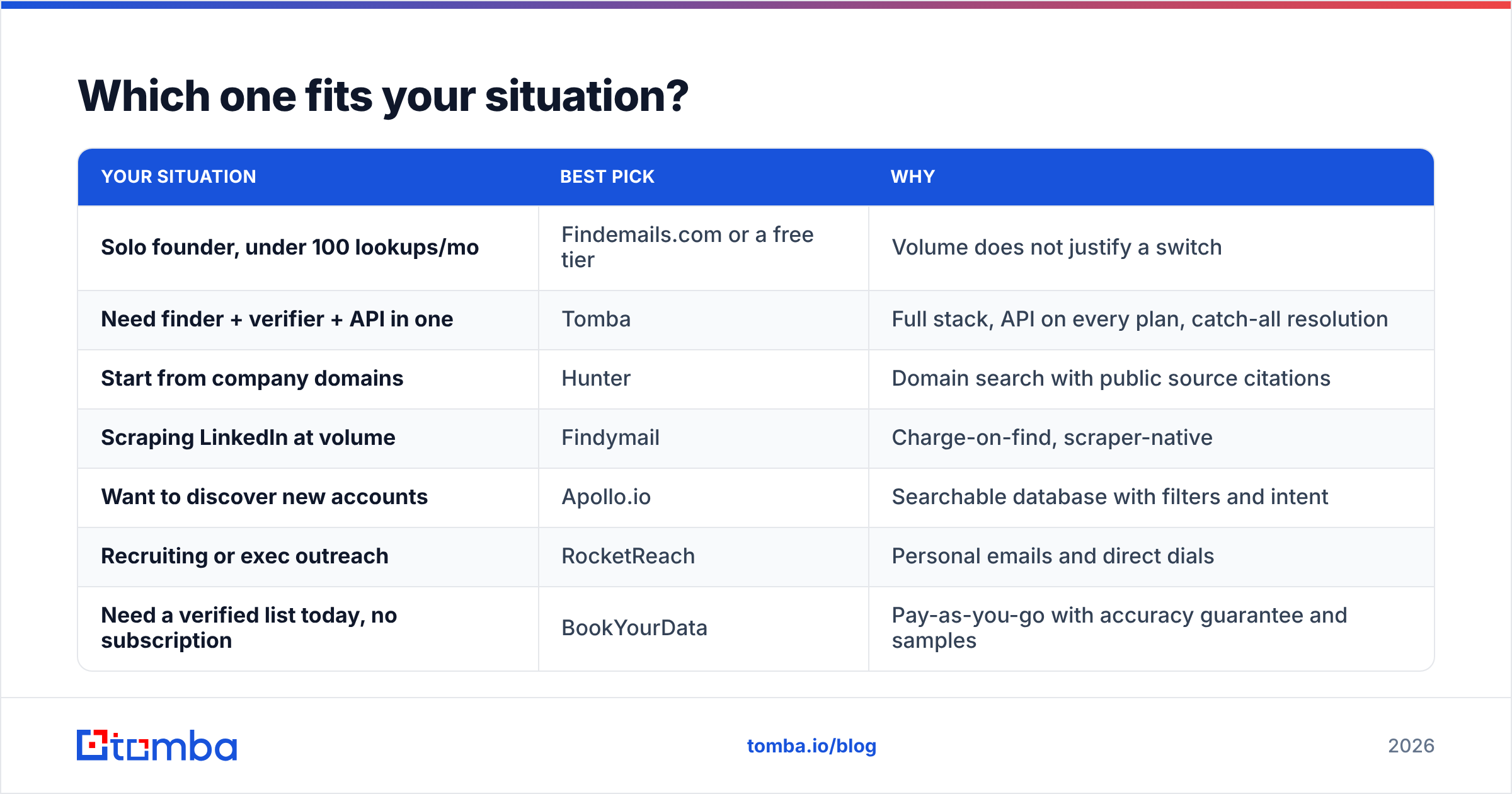
Which Findemails.com Toofr alternatives fit your situation?#
| Your situation | Best pick | Why |
|---|---|---|
| Solo founder, under 100 lookups/mo | Findemails.com or a free tier | Volume does not justify a switch |
| Need finder + verifier + API in one | Tomba | Full stack, API on every plan, catch-all resolution |
| Start from company domains | Hunter | Domain search with public source citations |
| Scraping LinkedIn at volume | Findymail | Charge-on-find, scraper-native |
| Want to discover new accounts | Apollo.io | Searchable database with filters and intent |
| Recruiting or exec outreach | RocketReach | Personal emails and direct dials |
| Need a verified list today, no subscription | BookYourData | Pay-as-you-go with accuracy guarantee and samples |
| Running your own outbound sequencer already | Tomba or Findymail | Enrichment only, no sending features you would double-pay for |
What is the honest verdict on Findemails.com?#
It is not a bad tool. It is a 2015 tool with a 2020 coat of paint, priced for the volume a solo operator does. If your outbound is one person sending 50 emails a week, the switching cost probably beats the benefit.
Add a second SDR, a weekly list build, or any automation, and the math flips. You need charge-on-find billing, catch-all resolution, and an API you can call from a script. The better Findemails.com Toofr alternatives give you all three. Findemails.com gives you a thinner version of each.
Start your evaluation with a benchmark, not a demo. Pull 100 contacts you already know the answer for, run them through two or three trials, and let cost-per-correct-email pick the winner.
Want the full-stack option in that test? Start with the Tomba Email Finder. The free tier gives you 25 searches a month with no card, which is enough to run the 100-contact benchmark on a representative sample and see the hit rate on your real target accounts. Paid plans start at $49/mo and include API access on every tier, so whatever you validate by hand today scales into your pipeline tomorrow.
Related guides#
Ready to find emails that actually work?
Join 150,000+ professionals who stopped guessing and started sending. Free credits on signup — no credit card required.
Get the Tomba newsletter
Practical outbound tactics and product updates — once every two weeks.
About the author