FindEmails.com (Toofr) vs ZoomInfo: Which One Should You Buy?
FindEmails.com (Toofr) sells cheap email credits. ZoomInfo sells an enterprise data platform on a five-figure contract. Here's which one actually fits your pipeline, and when neither is the right answer.
TL;DR
- They are not the same category. FindEmails.com (the tool formerly branded Toofr) is a low-cost email lookup service. ZoomInfo is a full B2B data platform with intent signals, org charts, phone numbers, and CRM sync.
- Price gap is roughly 100x. FindEmails.com publishes plans in the tens of dollars per month. ZoomInfo is quote-only, and buyers on review sites routinely report annual contracts in the $15,000–$40,000+ range.
- Neither wins on accuracy alone. FindEmails.com leans on pattern guessing plus verification; ZoomInfo leans on scale plus contributory data. Both decay at roughly 2–3% per month on job-change-heavy segments.
- Most teams under 20 reps overbuy. If you only need work emails for a named list of prospects, an API-first email finder costs a fraction and integrates faster.
- Our pick depends on one question: do you need contacts you already identified, or do you need to discover who to contact? That single question decides this comparison.
What is FindEmails.com (formerly Toofr)?#
FindEmails.com is the current name of the service that launched as Toofr back in 2013. The original product was simple and honest about it: give it a first name, last name, and company domain, and it returns the most likely work email plus a confidence score. It cross-references public sources, applies known company email patterns, and runs SMTP-level checks before handing you a result.
The rebrand to findemails.com kept that model intact. You buy credits, you spend credits on lookups, and unused work simply doesn't cost you anything. There's a bulk CSV upload, a basic list verification feature, and a small API. That's about the whole surface area.
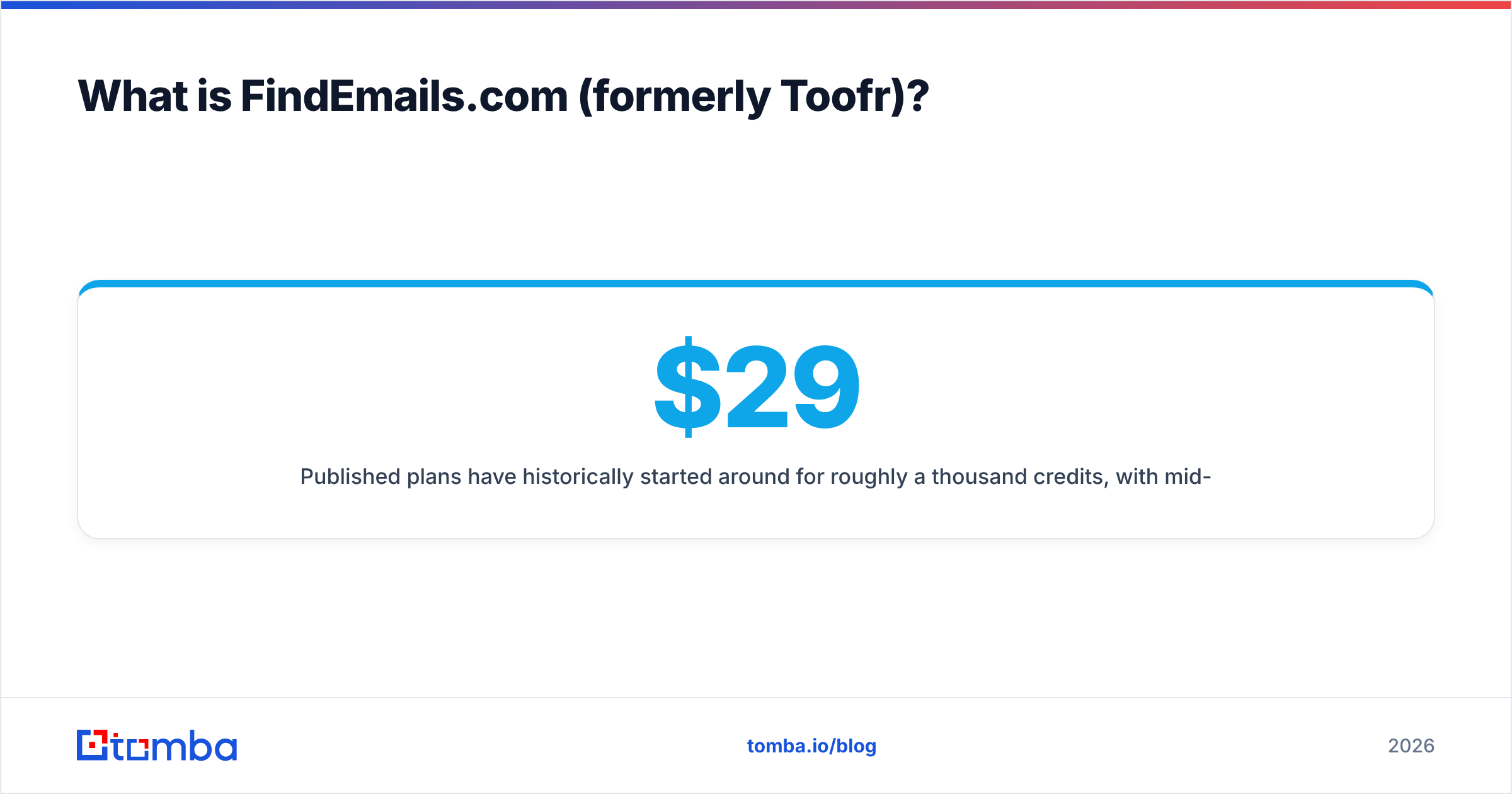
Published plans have historically started around $29/month for roughly a thousand credits, with mid-tiers in the $49–$99 range for larger bundles. Check the current page before you budget, because credit bundles on tools in this bracket change without much announcement.
What FindEmails.com does not do: it won't tell you who works at a company, it won't score buying intent, it won't push records into Salesforce with field mapping, and it won't give you a mobile number. You bring the names. It finds the addresses.
What is ZoomInfo, and why does it cost so much more?#
ZoomInfo is a go-to-market data platform. Contact discovery is one feature among many. The platform bundles a company and contact database in the hundreds of millions of records, technographics, funding and hiring signals, website visitor identification, conversation intelligence, and — increasingly — AI agents that assemble target lists for you.
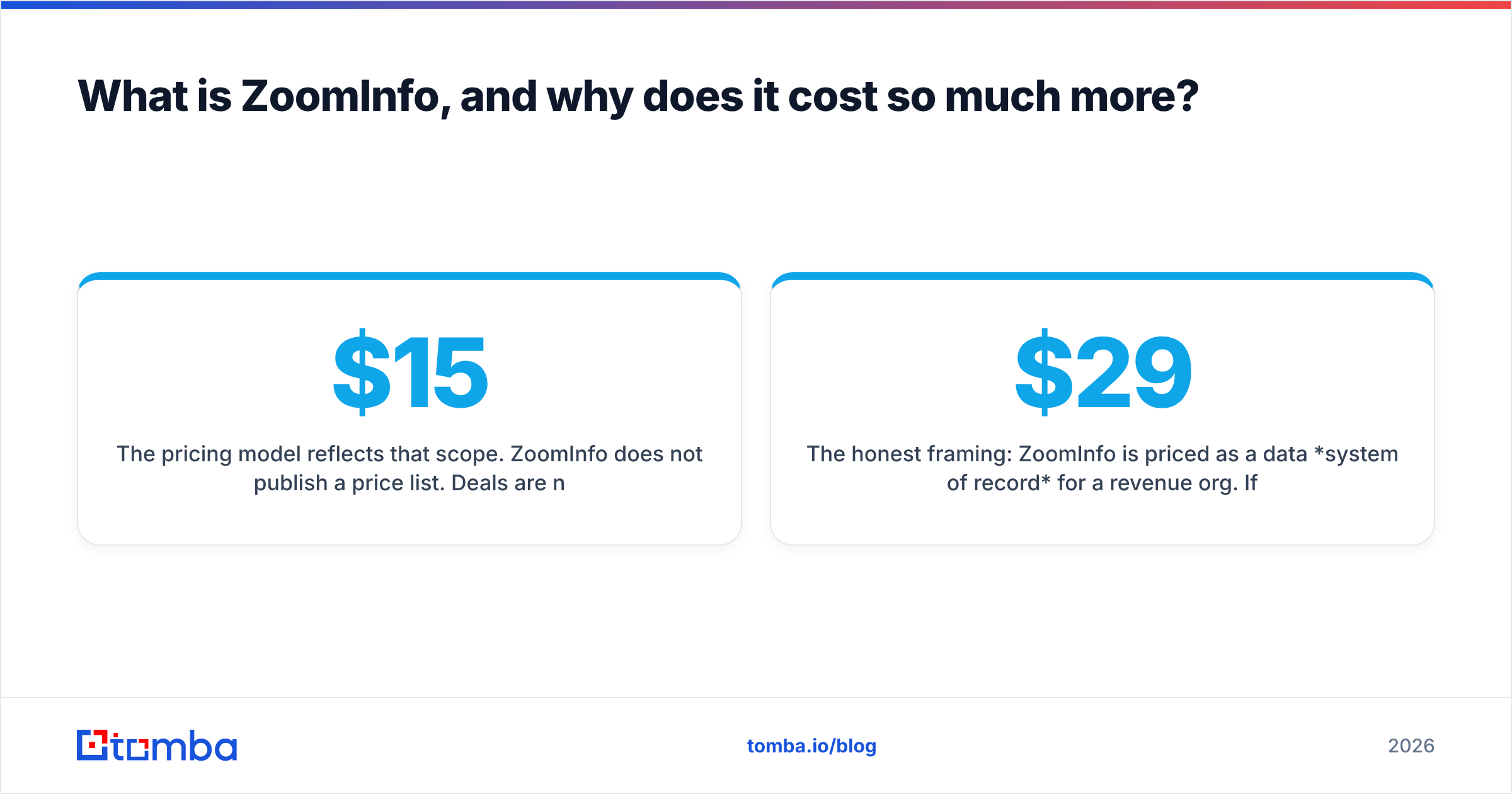
The pricing model reflects that scope. ZoomInfo does not publish a price list. Deals are negotiated per seat, per credit block, and per module, usually on annual terms with a platform fee on top. Buyer reviews on G2 consistently describe five-figure annual commitments, with mid-market packages clustering in the $15,000–$40,000 range and enterprise deployments going well past that. Credits for exports are metered separately from the seat licenses, which is where most first-year budget surprises come from.
The honest framing: ZoomInfo is priced as a data system of record for a revenue org. If you compare it line-for-line against a $29/month lookup tool, you will conclude it is absurdly expensive, and you will be comparing the wrong things.

How do FindEmails.com and ZoomInfo compare head to head?#
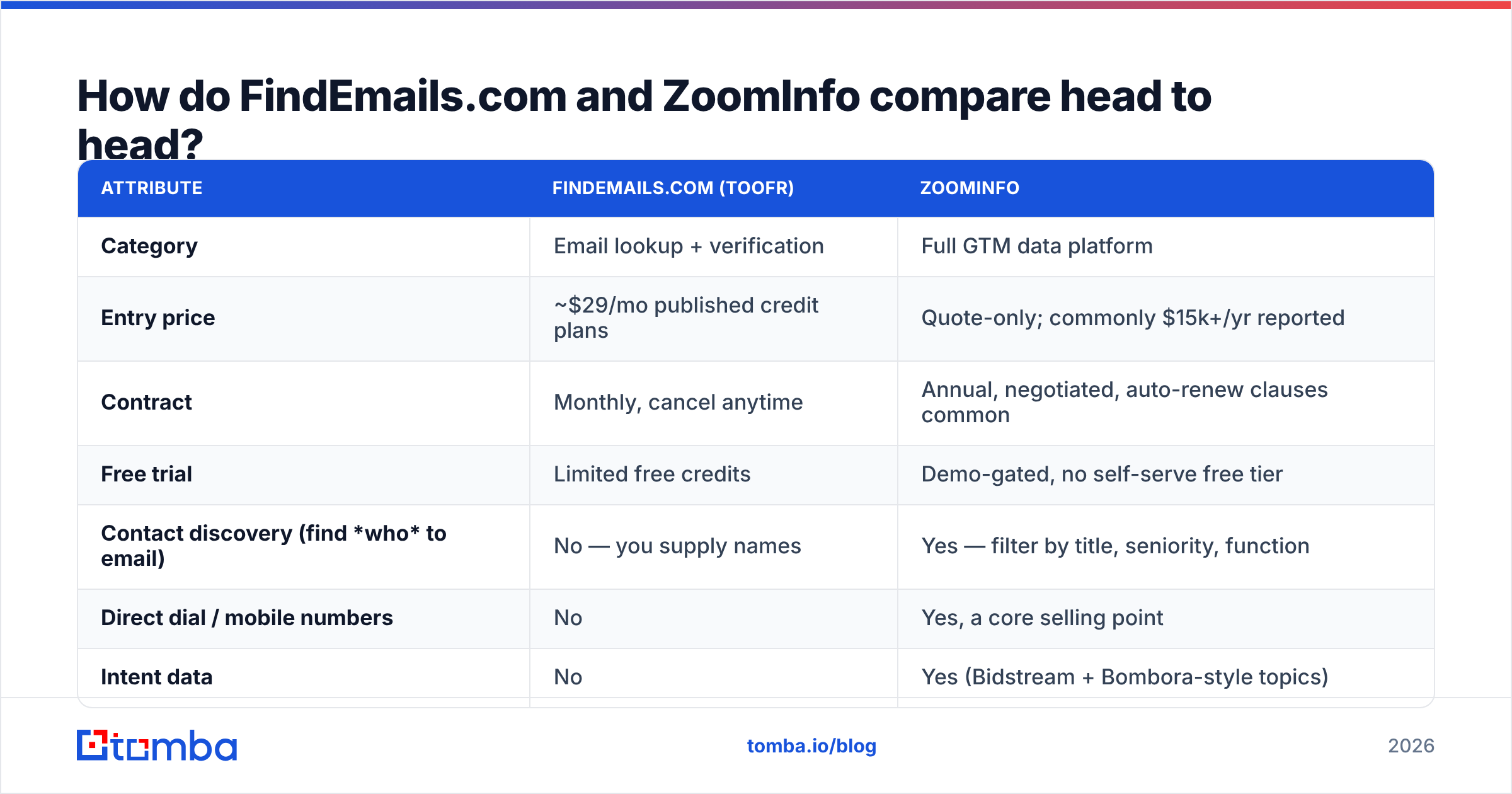
| Attribute | FindEmails.com (Toofr) | ZoomInfo |
|---|---|---|
| Category | Email lookup + verification | Full GTM data platform |
| Entry price | ~$29/mo published credit plans | Quote-only; commonly $15k+/yr reported |
| Contract | Monthly, cancel anytime | Annual, negotiated, auto-renew clauses common |
| Free trial | Limited free credits | Demo-gated, no self-serve free tier |
| Contact discovery (find who to email) | No — you supply names | Yes — filter by title, seniority, function |
| Direct dial / mobile numbers | No | Yes, a core selling point |
| Intent data | No | Yes (Bidstream + Bombora-style topics) |
| CRM sync | Manual export | Native Salesforce, HubSpot, Dynamics |
| API | Basic lookup endpoints | Full enterprise API, credit-metered |
| Best for | Solo founders, agencies, small SDR teams | 20+ rep revenue orgs with RevOps support |
The table makes the shape of the decision obvious. These products overlap on exactly one job — returning a valid work email — and diverge on everything else.
Which one finds more accurate emails?#
Accuracy is where the marketing gets slippery, so define the metric first. There are two numbers that matter and vendors love to blur them:
- Coverage (hit rate) — of the contacts you searched, what percentage returned any address? A tool can post a fantastic accuracy figure by simply refusing to answer whenever it isn't sure.
- Precision (bounce rate) — of the addresses returned, what percentage actually accept mail? This is the number your deliverability depends on.
FindEmails.com optimizes for precision on a narrow input: known person, known domain. Its pattern-plus-verification approach does well on companies with a consistent format (first.last@, f.last@) and struggles on catch-all domains, where SMTP checks can't distinguish a real mailbox from a wildcard accept.
ZoomInfo optimizes for coverage across an enormous universe. When you filter for "VP Marketing at 500–1000 employee SaaS companies in Germany," it will hand you hundreds of rows. Some of those rows carry addresses last confirmed a while ago. Independent testing has repeatedly shown that large aggregated databases carry meaningfully higher stale-record rates than on-demand finders — because a database has to store a guess, while a finder can generate a fresh one at query time.

The practical takeaway: whichever you pick, run a separate verification pass before you send. Treat the source tool's confidence score as a hypothesis, not a fact. A dedicated email verifier run over the export costs pennies per thousand and is the single highest-ROI step in the whole workflow. If a chunk of your list sits on catch-all domains, add a catch-all verifier pass too, since standard SMTP checks are effectively blind there.
What are the hidden costs on each side?#
Sticker price is not total cost. Here's what actually shows up on the invoice and in your team's calendar:
- Credit burn on failed lookups. FindEmails.com's model is generous here — no result, no charge. ZoomInfo meters exports, and a poorly-built filter can burn a month's credit allocation in one afternoon of list-building.
- Annual lock-in and auto-renewal. ZoomInfo contracts commonly include renewal windows that require written notice. Buyers who miss the window report being held to another year. Read the clause before signing; this is the most-cited complaint in public reviews.
- Seat minimums. ZoomInfo pricing scales by seat, and vendors typically resist small deployments. A three-person team often can't buy in at a sane number.
- Onboarding and admin time. A platform with intent scoring, CRM field mapping, and dedupe rules needs an owner. Budget RevOps hours, not just license dollars.
- Verification you'll pay for anyway. Neither tool eliminates the need for a pre-send verification step if you care about email deliverability. Assume that line item exists regardless.
- The switching cost of a wrong bet. A monthly $29 tool you outgrow costs you nothing to leave. A five-figure annual contract you outgrow — or under-use — costs you the remaining term.

Is ZoomInfo worth it over a cheap email finder?#
Yes — under specific conditions, and no otherwise. ZoomInfo earns its price when discovery is your bottleneck. If your team's daily question is "who should we even be talking to at these 4,000 accounts," a filterable database with org charts and intent signals replaces dozens of hours of manual research per rep per month. At 20+ reps, that math closes quickly.
ZoomInfo does not earn its price when your target list already exists. Plenty of teams have a defined ICP, a known account list, and a LinkedIn or conference-attendee source for names. In that case you're paying platform fees for a lookup you can buy for two orders of magnitude less. That's the scenario where FindEmails.com — or a modern API-first finder — is the correct answer, not the budget compromise.
There's also a middle path a lot of teams miss: keep discovery cheap (scraped lists, LinkedIn exports, conference rosters, domain search across your target accounts) and spend your money on contact resolution and verification instead of on a subscription to someone else's database.
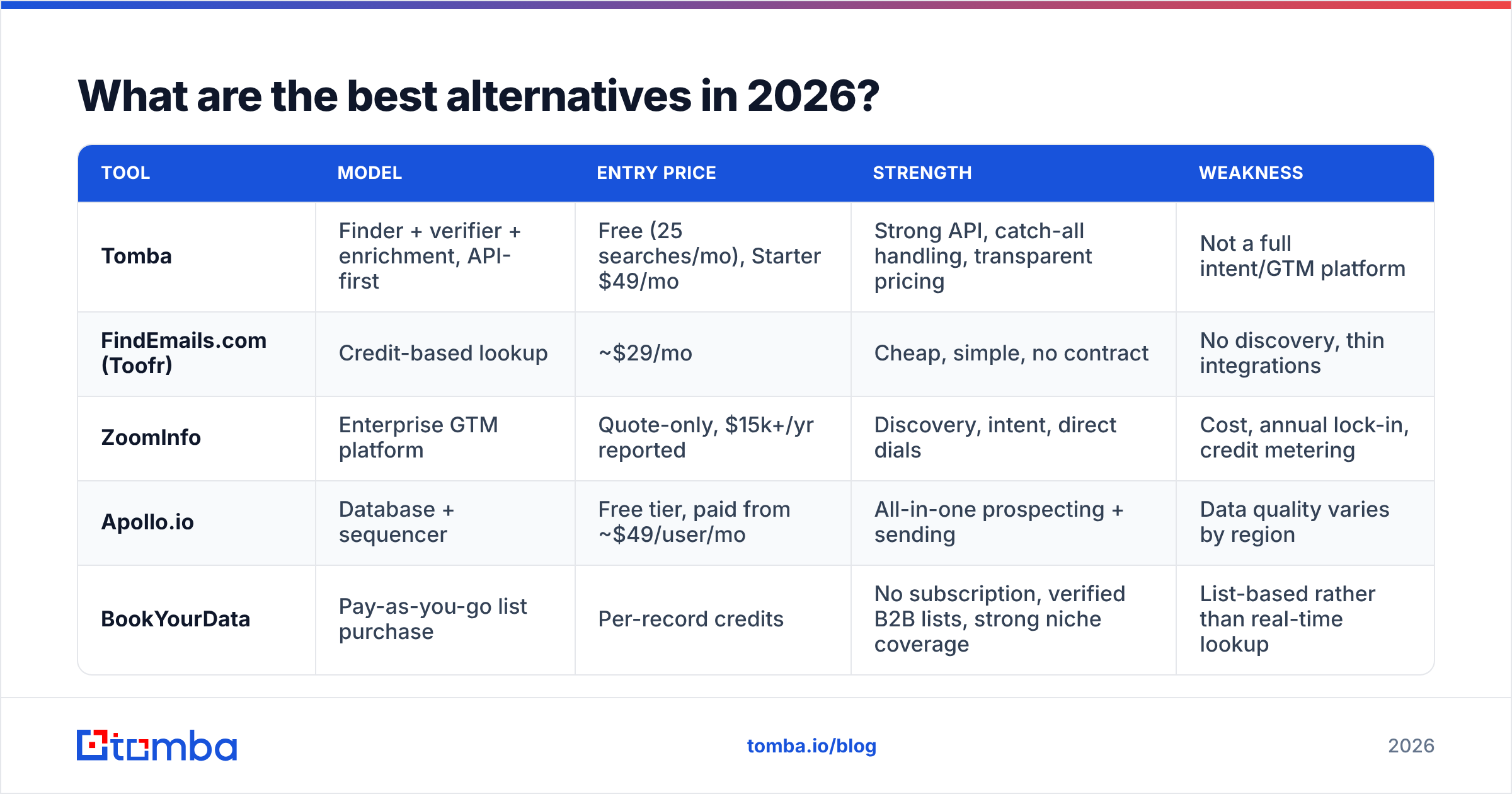
What are the best alternatives in 2026?#
The market between "$29 lookup tool" and "$25,000 platform" is now crowded, which is good news for buyers.
| Tool | Model | Entry price | Strength | Weakness |
|---|---|---|---|---|
| Tomba | Finder + verifier + enrichment, API-first | Free (25 searches/mo), Starter $49/mo | Strong API, catch-all handling, transparent pricing | Not a full intent/GTM platform |
| FindEmails.com (Toofr) | Credit-based lookup | ~$29/mo | Cheap, simple, no contract | No discovery, thin integrations |
| ZoomInfo | Enterprise GTM platform | Quote-only, $15k+/yr reported | Discovery, intent, direct dials | Cost, annual lock-in, credit metering |
| Apollo.io | Database + sequencer | Free tier, paid from ~$49/user/mo | All-in-one prospecting + sending | Data quality varies by region |
| BookYourData | Pay-as-you-go list purchase | Per-record credits | No subscription, verified B2B lists, strong niche coverage | List-based rather than real-time lookup |

A note on the pay-as-you-go option: BookYourData is worth a look specifically when you want a defined, verified list without committing to a monthly seat. It solves a different problem than a real-time finder — you're buying records, not query capacity — and for one-off campaign builds that's often the cleaner purchase.
If you want an API-first middle path, Tomba pricing runs Free (25 searches/month), Starter $49/mo, Growth $99/mo, Pro $249/mo, and custom Enterprise — all self-serve, no annual commitment required. The Tomba API covers finding, verification, and enrichment from one key, which matters if you're building the workflow into your own stack rather than clicking through a UI. For teams processing lists rather than one-offs, the bulk email finder handles CSV in, verified CSV out.
How should you actually decide?#
Run this test before you talk to any sales rep:
- Take 200 real prospects from your current ICP. Not a vendor-supplied sample — your own list, with the names and companies you'd genuinely reach out to.
- Run them through each tool's trial or entry plan. Record hit rate and, separately, the bounce rate after you actually send.
- Count the manual steps. How many exports, reformats, and copy-pastes stand between "search" and "email in the sequencer"? That friction compounds daily.
- Price it at your real volume. Not the volume you hope for in Q4. If you find 1,200 emails a month, price both options at 1,200 — the per-contact cost will look very different than the headline plan.
- Check the exit. How hard is it to leave in six months? Monthly billing is worth a real premium over annual lock-in when you're still learning your motion.
Most teams that run this test discover their bottleneck was never contact data — it was list quality and sending discipline. Fixing those with a $49/month tool beats fixing them with a $25,000 platform every time.
The verdict#
Choose ZoomInfo if you have 20+ quota-carrying reps, a RevOps owner, a real need for direct dials and intent signals, and a budget where a five-figure line item doesn't require board approval. It's a serious platform and it does what it says.
Choose FindEmails.com (Toofr) if you're a founder, a small agency, or a one-to-three-person sales team that already knows exactly who to contact and just needs the address. It's cheap, it's honest about its scope, and there's no contract to escape.
Choose neither if you want the middle: API-level access to finding, verification, and enrichment without a database subscription you'll only half use.
That middle is where most 2026 outbound teams actually live. If that's you, start with the Tomba Email Finder — the free tier gives you 25 searches a month to test against your own list, Starter is $49/mo when you're ready to scale, and every result runs through verification before it reaches your sequencer. Test it on the same 200 prospects you'd hand to a ZoomInfo demo rep, and let the bounce rate pick the winner.
Related guides#
Ready to find emails that actually work?
Join 150,000+ professionals who stopped guessing and started sending. Free credits on signup — no credit card required.
Get the Tomba newsletter
Practical outbound tactics and product updates — once every two weeks.
About the author