9 Best Findymail Alternatives in 2026 (Tested & Ranked)
Findymail built its name on verified B2B emails and LinkedIn exports. But credit rollover limits, pricing jumps, and thin phone data push teams to look elsewhere. Here are 9 alternatives worth testing.
TL;DR
- Findymail is a strong, verification-first email finder — its appeal is that unverified results don't burn credits. The friction is pricing that scales steeply, limited phone data, and a narrow toolset beyond email.
- If you need an API, bulk enrichment, and verification under one roof, Tomba is the closest like-for-like swap at a lower entry price ($49/mo vs Findymail's $49 starter with fewer supporting tools).
- If you need contact data plus a sequencing engine, Apollo or Amplemarket cover more ground — but you pay for the platform, not the data quality.
- For pure list-buying with firmographic filters, BookYourData and similar database vendors solve a different problem than a real-time finder. Know which one you actually have.
- Test every alternative on your ICP domains, not on the vendor's demo list. Accuracy claims are averages; your niche is not average.
Why do teams look for Findymail alternatives?#
Findymail earned its reputation honestly. It launched with a clear promise — you only pay for emails it can verify — and that credit model felt fair compared to tools that charged for every guess. For LinkedIn Sales Navigator exports and straightforward B2B prospecting, it works.
The reasons people start shopping around are consistent:
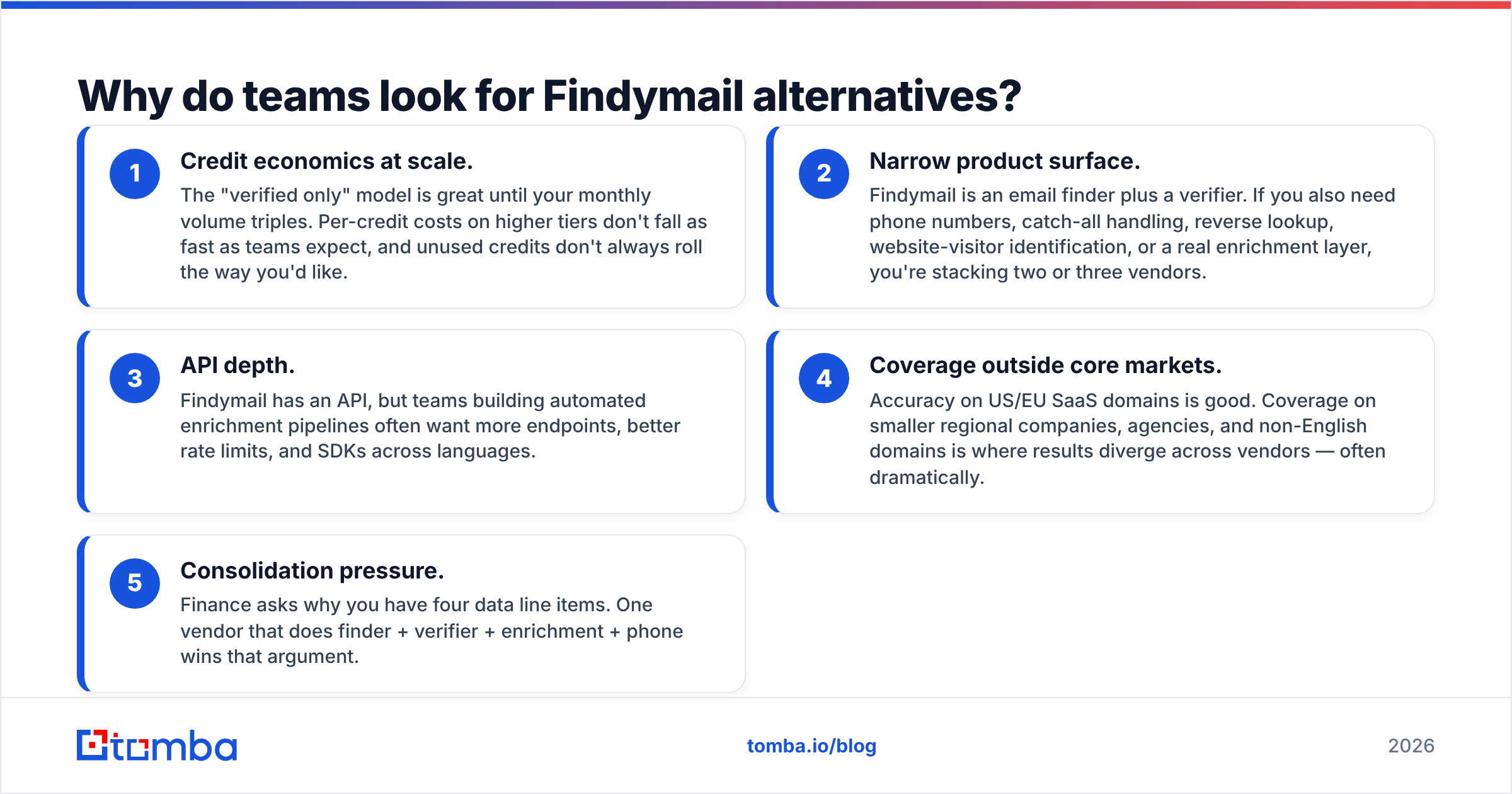
- Credit economics at scale. The "verified only" model is great until your monthly volume triples. Per-credit costs on higher tiers don't fall as fast as teams expect, and unused credits don't always roll the way you'd like.
- Narrow product surface. Findymail is an email finder plus a verifier. If you also need phone numbers, catch-all handling, reverse lookup, website-visitor identification, or a real enrichment layer, you're stacking two or three vendors.
- API depth. Findymail has an API, but teams building automated enrichment pipelines often want more endpoints, better rate limits, and SDKs across languages.
- Coverage outside core markets. Accuracy on US/EU SaaS domains is good. Coverage on smaller regional companies, agencies, and non-English domains is where results diverge across vendors — often dramatically.
- Consolidation pressure. Finance asks why you have four data line items. One vendor that does finder + verifier + enrichment + phone wins that argument.
None of these make Findymail a bad tool. They make it a specific tool. The question is whether your workflow still fits its shape.
How accurate are B2B email finders really?#
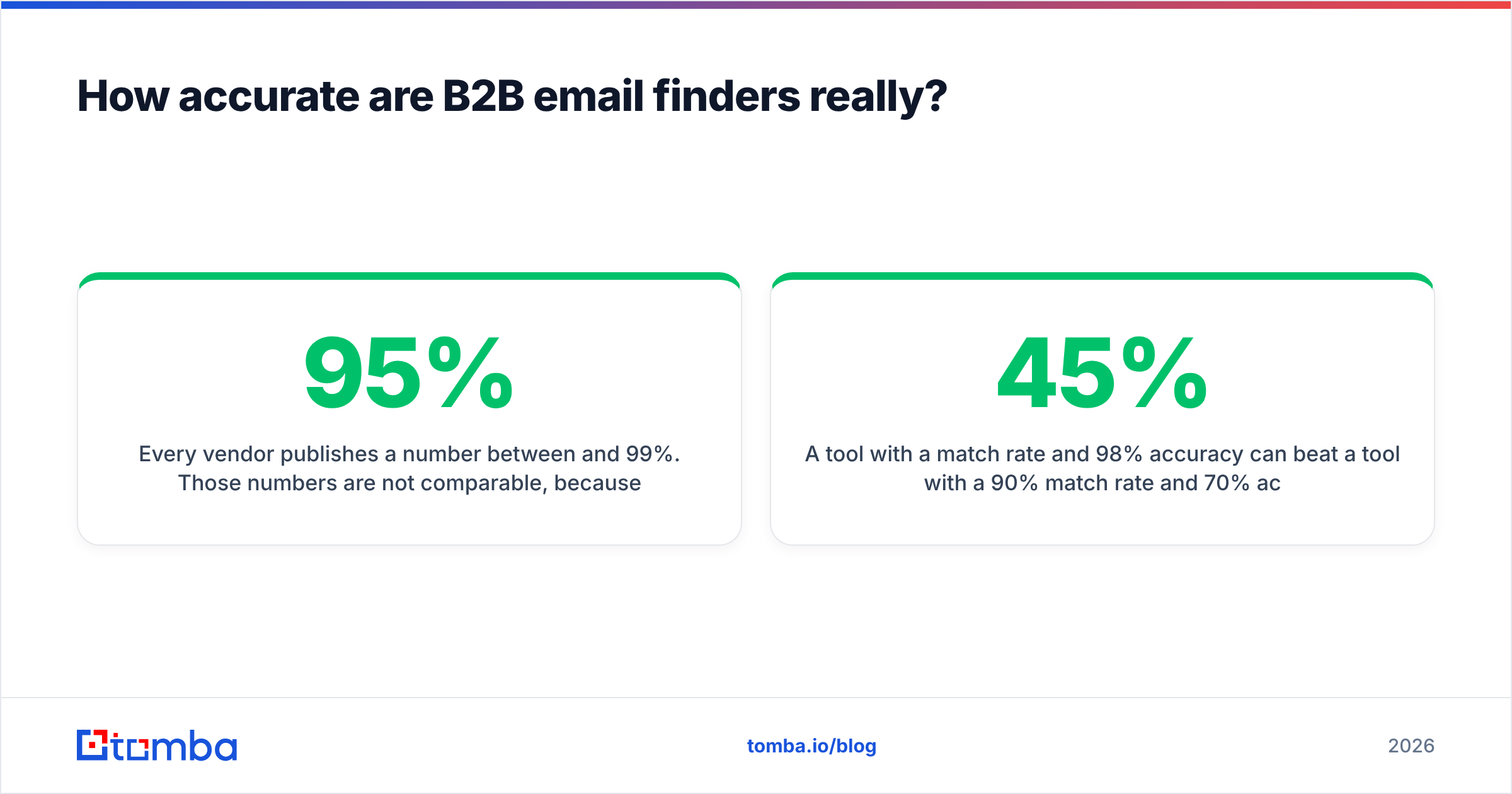
Every vendor publishes a number between 95% and 99%. Those numbers are not comparable, because vendors measure different things:
- Match rate — of the contacts you submitted, how many returned any email. High match rates are easy to inflate by returning guessed patterns.
- Accuracy / deliverability — of the emails returned, how many actually accept mail. This is the number that matters, and it's the harder one to fake.
- Verified-only rate — the share of returns the vendor is willing to charge you for. Findymail's model leans here.
A tool with a 45% match rate and 98% accuracy can beat a tool with a 90% match rate and 70% accuracy, because bounces cost you more than misses. A 5% bounce rate is the threshold where inbox providers start throttling you, and repairing sender reputation takes weeks.

The honest test is boring: pull 200 contacts from your own CRM where you already know the real email, strip the emails, and run the list through each trial. Score match rate and accuracy separately. This takes an afternoon and beats every review site.
Whatever you pick, run the output through an email verifier before it hits a sequencer. Finder-side verification and dedicated verification are not the same depth of check, especially on catch-all domains.
What are the best Findymail alternatives in 2026?#
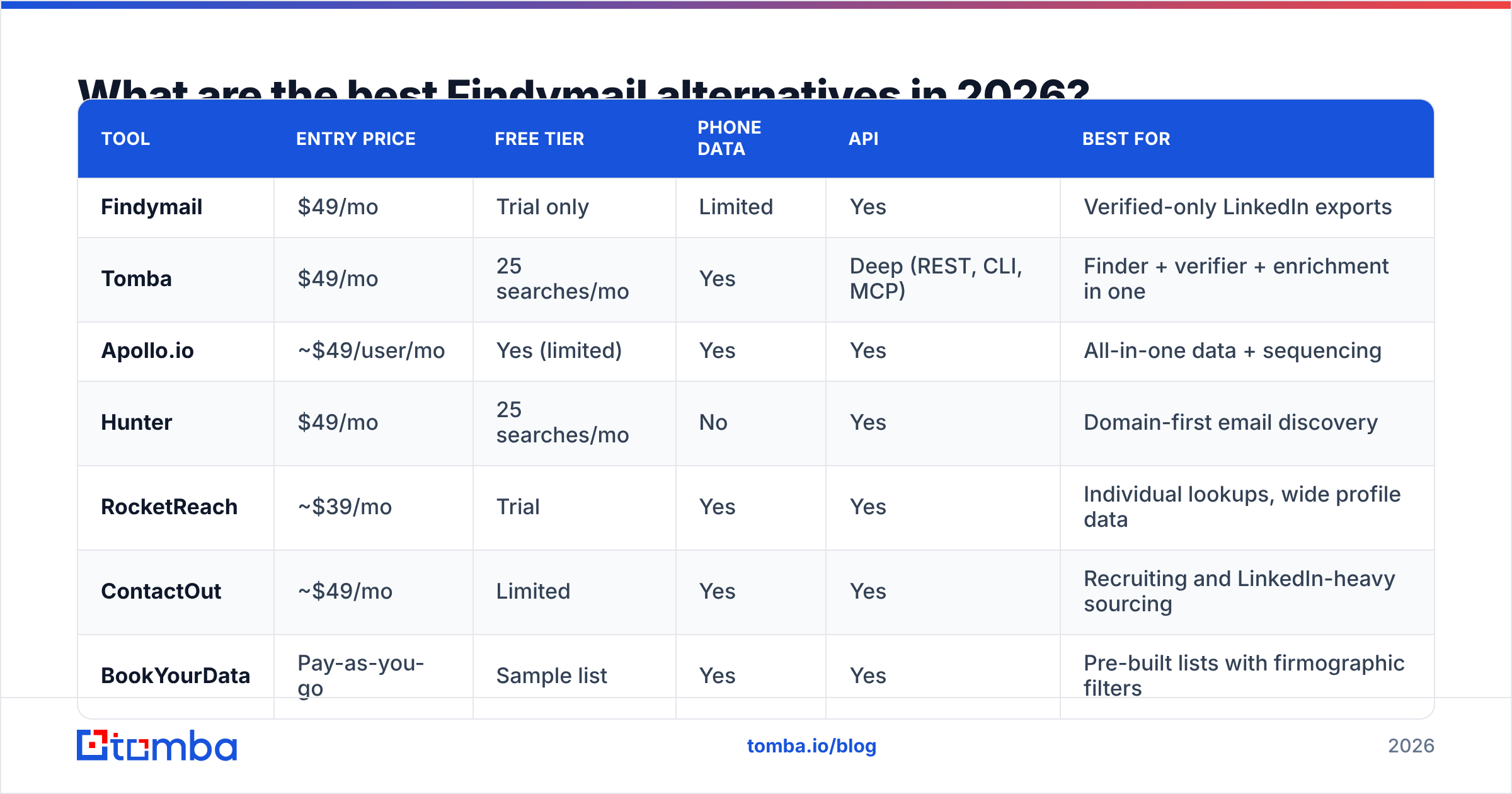
Here's the head-to-head. Prices are entry paid tiers as published at the time of writing — check each vendor's page before you commit, since B2B data pricing moves quarterly.

| Tool | Entry price | Free tier | Phone data | API | Best for |
|---|---|---|---|---|---|
| Findymail | $49/mo | Trial only | Limited | Yes | Verified-only LinkedIn exports |
| Tomba | $49/mo | 25 searches/mo | Yes | Deep (REST, CLI, MCP) | Finder + verifier + enrichment in one |
| Apollo.io | ~$49/user/mo | Yes (limited) | Yes | Yes | All-in-one data + sequencing |
| Hunter | $49/mo | 25 searches/mo | No | Yes | Domain-first email discovery |
| RocketReach | ~$39/mo | Trial | Yes | Yes | Individual lookups, wide profile data |
| ContactOut | ~$49/mo | Limited | Yes | Yes | Recruiting and LinkedIn-heavy sourcing |
| BookYourData | Pay-as-you-go | Sample list | Yes | Yes | Pre-built lists with firmographic filters |
| Amplemarket | Custom (annual) | No | Yes | Yes | Enterprise outbound with AI workflows |
| Clay | ~$149/mo | Yes (limited) | Via providers | Yes | Waterfall enrichment across many sources |
1. Tomba — the closest like-for-like replacement#
Tomba covers the same core job as Findymail — find a professional email from a name and domain, verify it, do it in bulk — but ships a wider surface around it: domain search, catch-all verifier, phone finder, reverse email lookup, and data enrichment.
The practical differences that matter:
- Free tier that's actually usable for evaluation — 25 searches/month, no card, so you can run a sample of your ICP before paying anything.
- Pricing ladder: Free, Starter $49/mo, Growth $99/mo, Pro $249/mo, Enterprise custom. Full Tomba pricing is public — no "book a demo to see numbers."
- Developer depth: a documented Tomba API, a CLI, an MCP server, plus Sheets, Excel, and Airtable add-ins. If your enrichment runs inside a script or a Clay-style pipeline, this is the difference between a two-hour build and a two-day one.
- Catch-all handling: catch-all domains are where most finders quietly fail. A dedicated catch-all verifier gives you a real signal instead of a shrug.
Where Findymail still wins: its verified-only credit model is simpler to reason about if you hate thinking about credit accounting.
Best for: teams that want one vendor for finding, verifying, and enriching, with an API they'll actually build on.
2. Apollo.io — data plus sequencing#
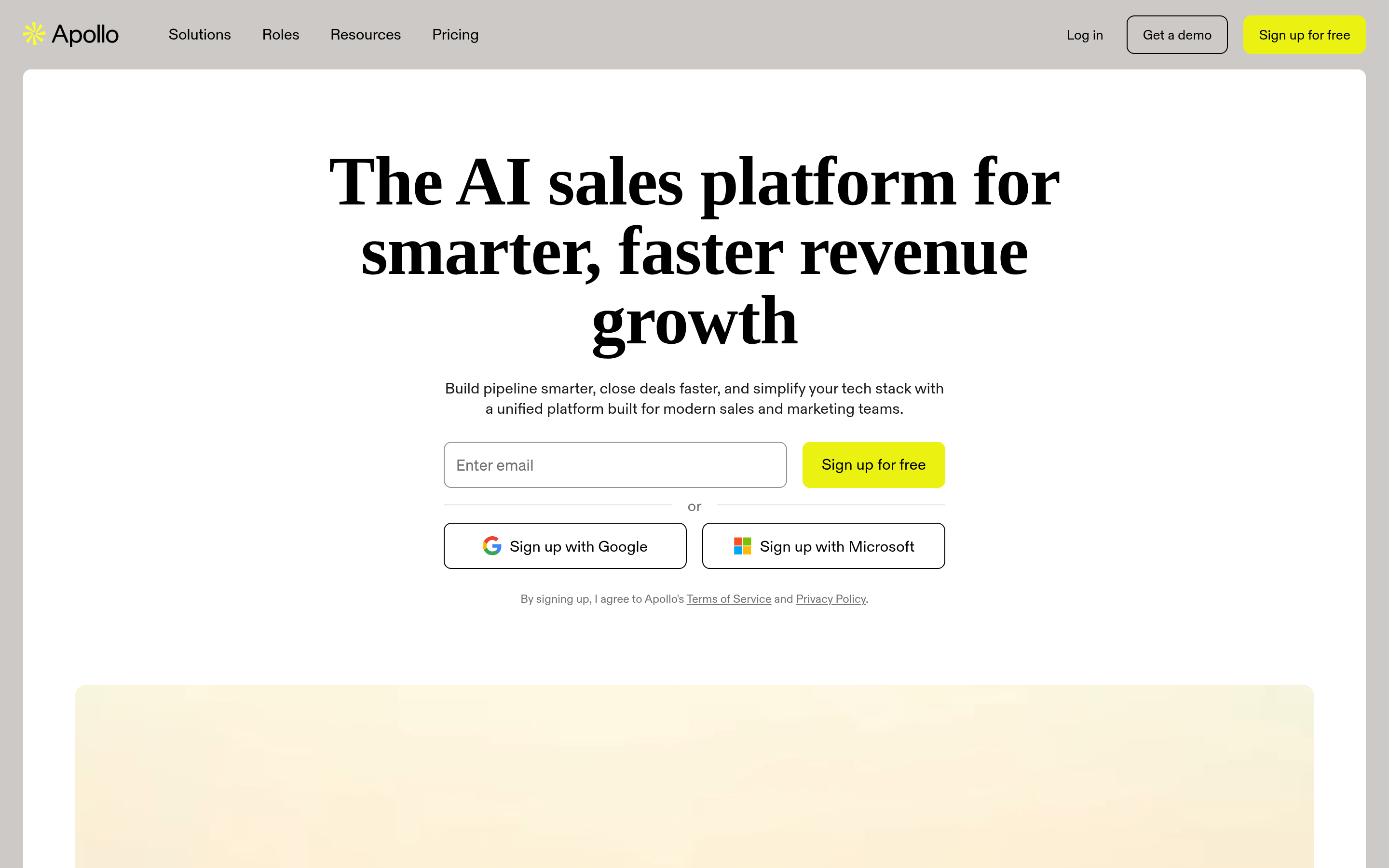
Apollo bundles a large contact database with a sequencer, dialer, and basic CRM. If you're replacing both Findymail and a separate outreach tool, the math can work.
The tradeoff is data freshness. Apollo's database is broad but crowd-contributed in parts, and stale records show up more often than with a real-time finder. Many teams run Apollo for discovery and a dedicated finder for verification before send. If you're weighing that specific swap, see the deeper Apollo alternative breakdown.
Best for: SDR teams that want one login for prospecting and sending.
3. Hunter — the domain-first veteran#
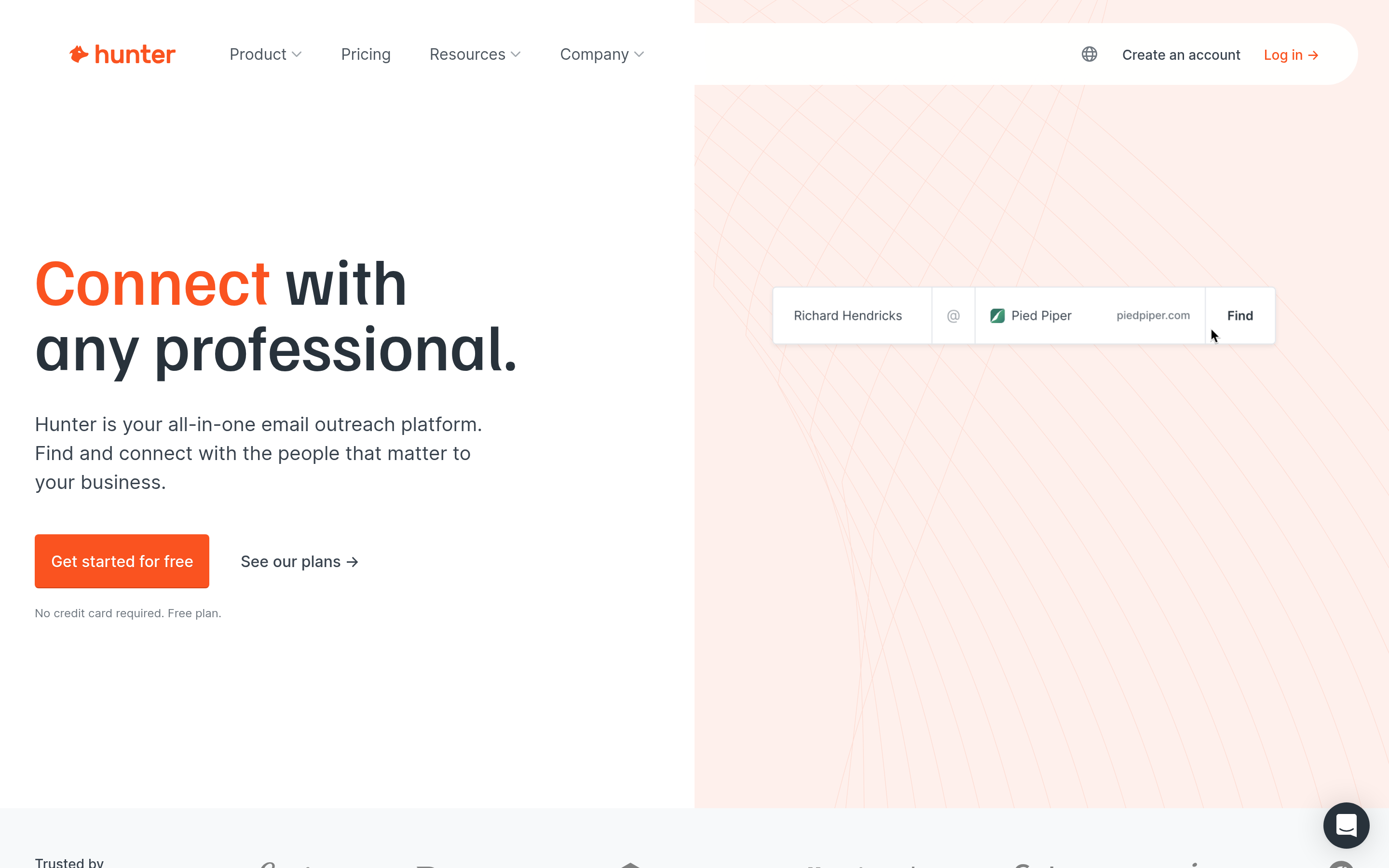
Hunter has been doing this longer than almost anyone. Its domain search is excellent for the "give me everyone at acme.com" motion, and its confidence scoring is transparent.
Limits: no phone data, and its per-contact enrichment is thinner than newer entrants. Pricing at the entry tier is comparable to Findymail.
Best for: content, PR, and link-building teams working domain-by-domain.
4. RocketReach — breadth over depth#
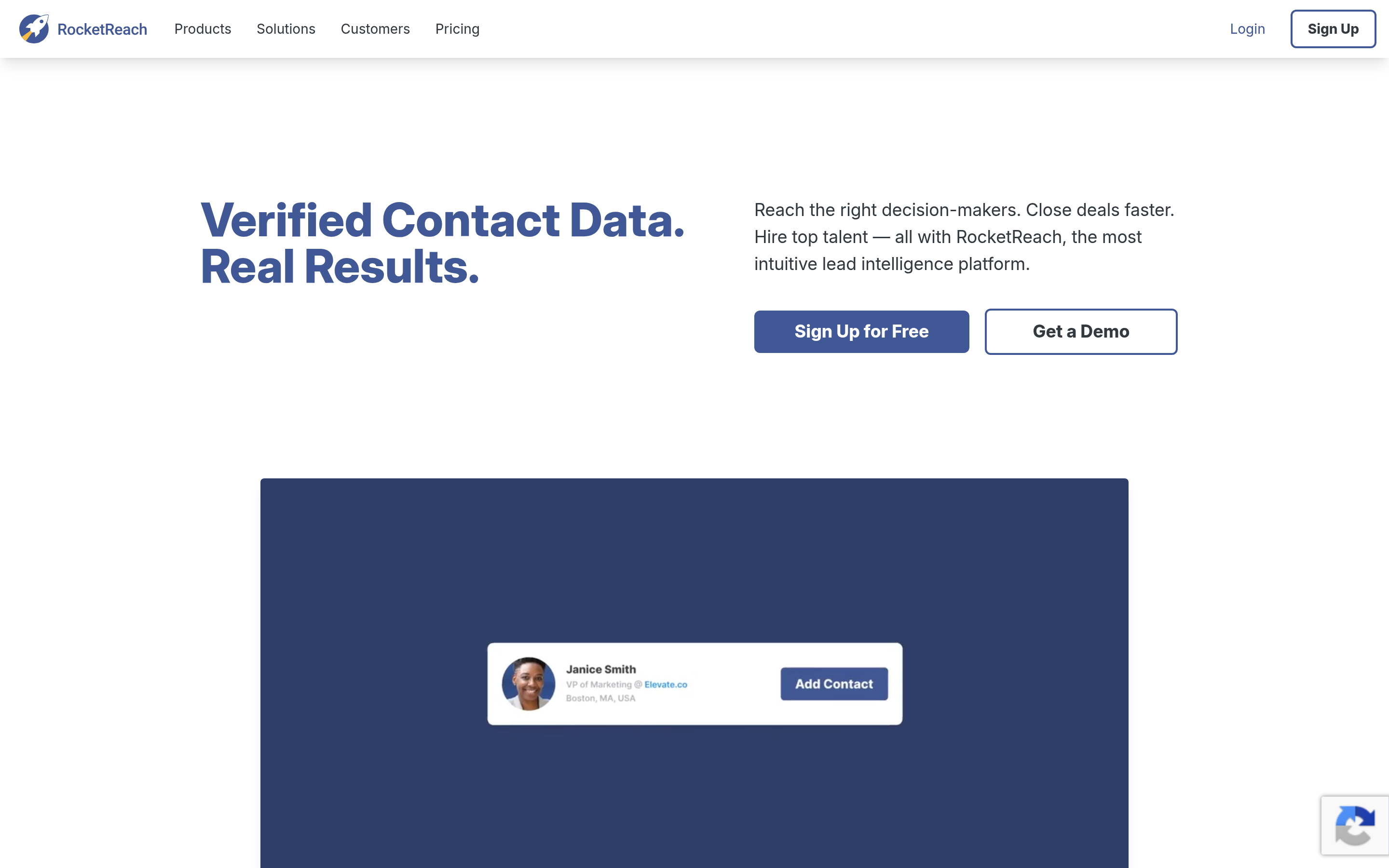
RocketReach indexes a very large number of profiles and is strong for one-off lookups on people who are hard to find elsewhere. The interface is built for individual searches rather than bulk pipelines.
Bounce rates vary more than with verification-first tools, so budget for a verification pass. Full comparison at RocketReach alternative.
Best for: recruiters and BD folks doing targeted, low-volume research.
5. ContactOut — recruiting-first#
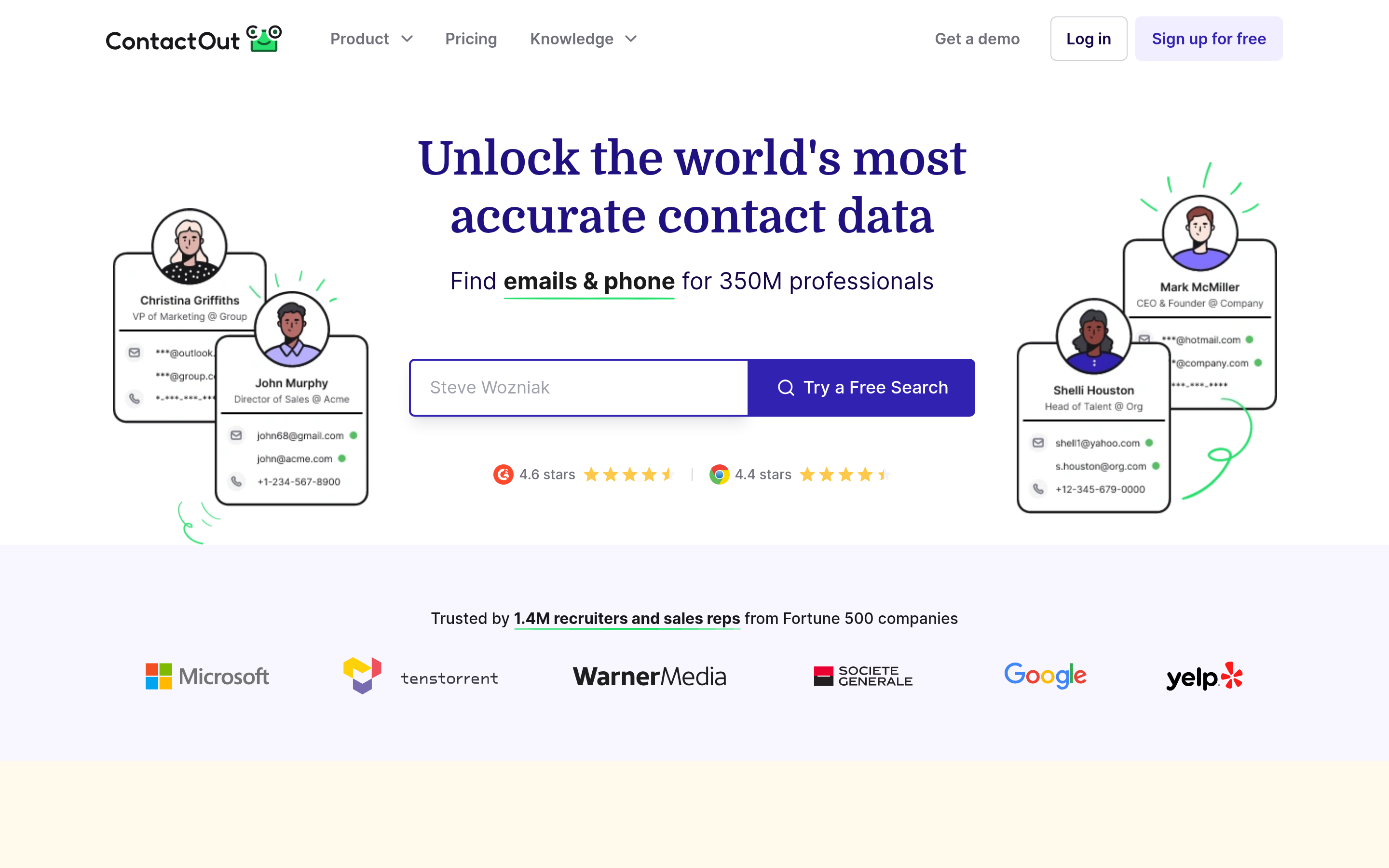
ContactOut is built around LinkedIn sourcing and personal email discovery. For recruiting, that personal-email coverage is genuinely differentiated. For B2B sales, personal emails are usually the wrong channel.
Best for: talent teams, not sales teams.
6. BookYourData — pre-built lists, different job#
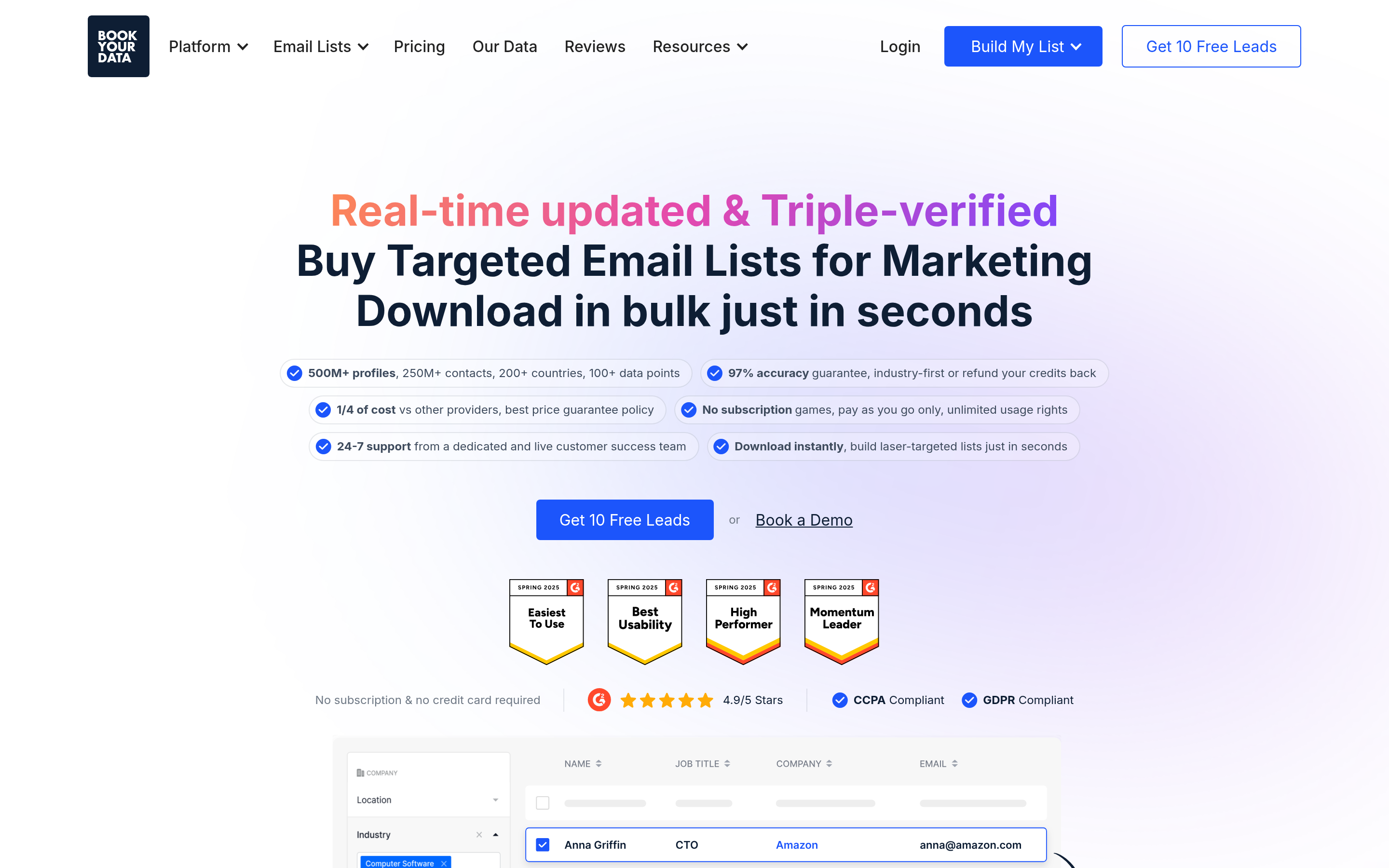
BookYourData is worth understanding clearly because it solves an adjacent problem well. Instead of resolving a contact you already identified, it sells filtered lists — by industry, title, geography, company size — on a pay-as-you-go basis with a stated accuracy guarantee.
That's a legitimate and often faster route when you need volume in a defined segment and don't have a source list yet. It's a poor fit when your input is a specific set of accounts you've already chosen, because you're buying breadth you didn't ask for. Many teams use both: a list vendor to seed a new segment, a real-time finder to resolve named targets from their CRM.
Best for: launching into a new vertical where you have no existing account list.
7. Amplemarket — enterprise outbound#
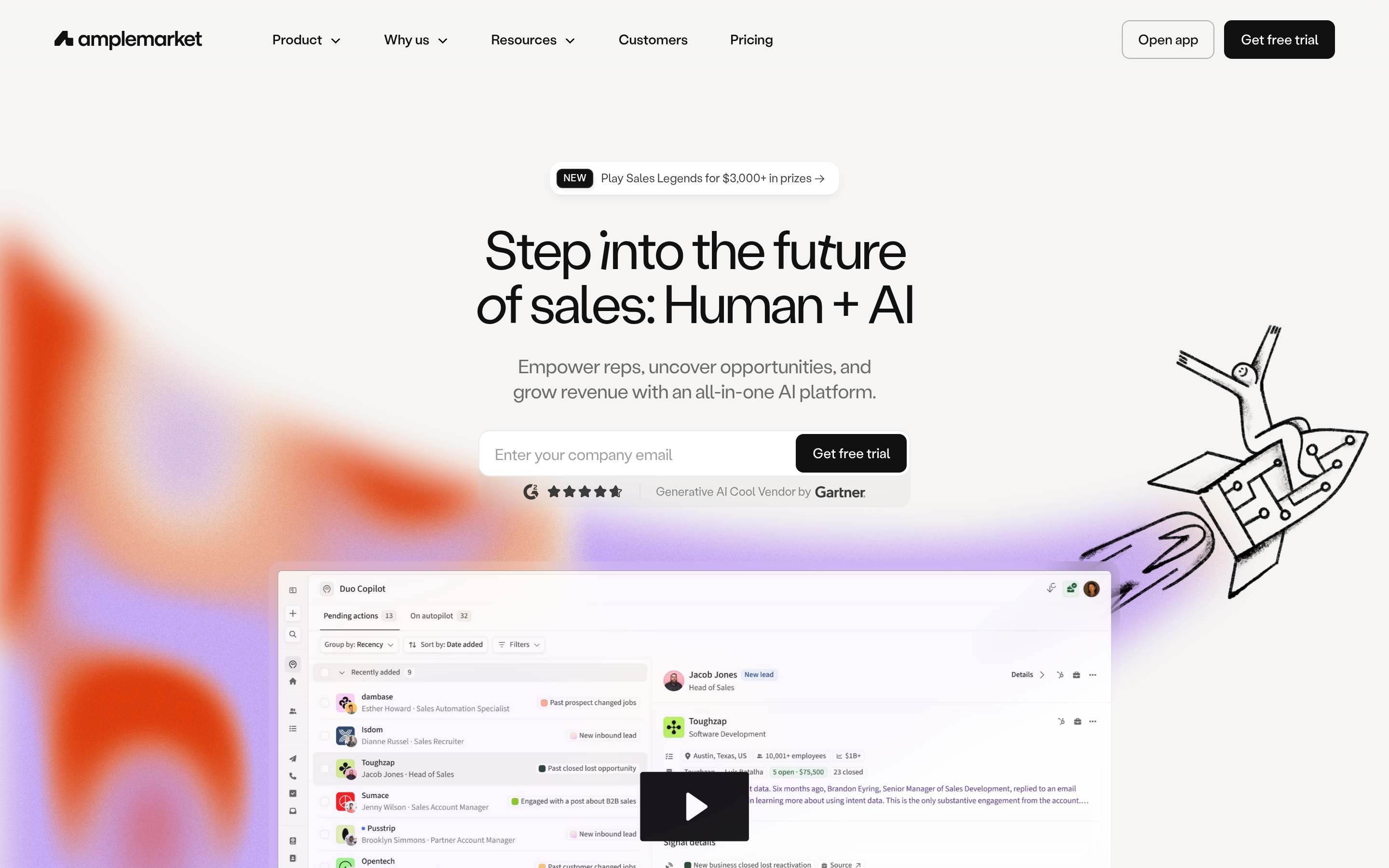
Amplemarket layers AI-driven signals, intent, and multichannel sequencing over its data. It's a platform purchase with annual contracts, not a per-seat swap for a $49/mo finder. Read the Amplemarket alternative comparison if enterprise procurement is in play.
Best for: teams with budget and a dedicated ops function.
8. Clay — the waterfall approach#
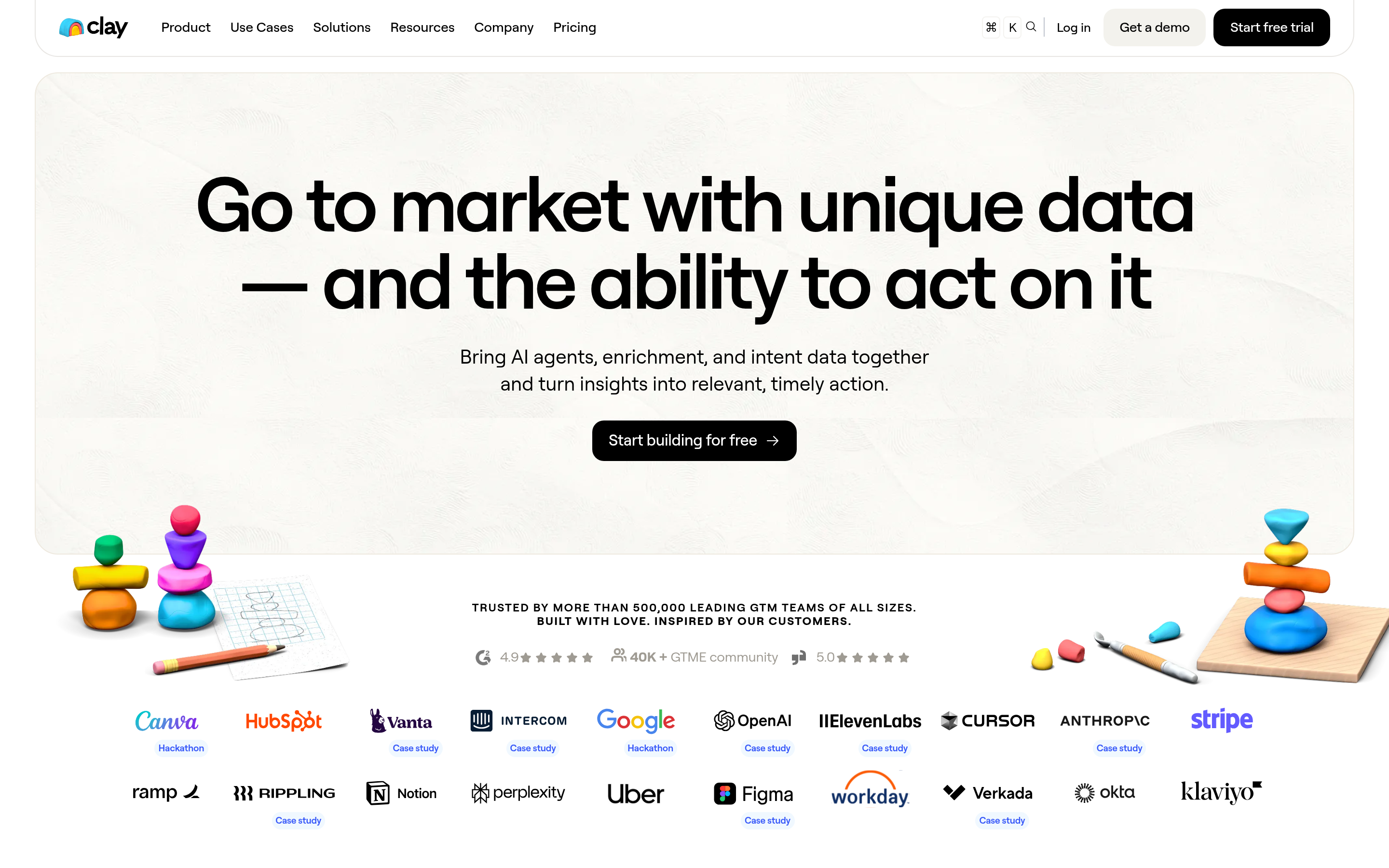
Clay doesn't own much data. It orchestrates dozens of providers, trying them in sequence until one returns a hit. Coverage is excellent; cost per record is higher and the setup is genuinely technical.
Clay is complementary to this list, not competitive with it — most Clay users plug a finder API in as one of the waterfall steps.
Best for: RevOps teams building custom enrichment logic.
9. Findymail itself (when to stay)#
If your entire workflow is Sales Navigator export → verified email → Instantly, and you're under a few thousand credits a month, switching costs may exceed savings. Staying is a valid answer.
How should you evaluate a Findymail alternative?#
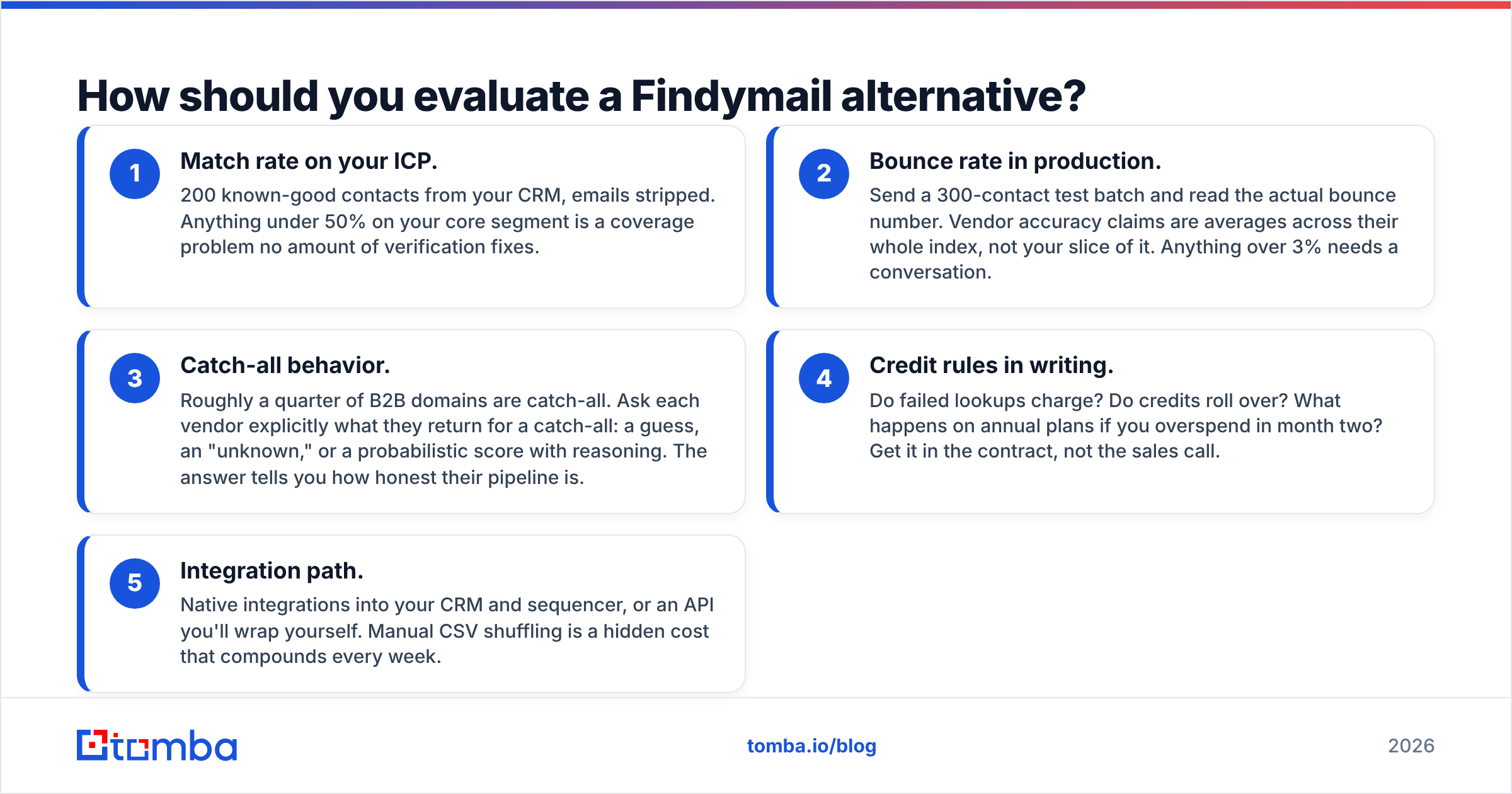
Run the same five checks on every trial. Don't skip any of them — each one catches a different failure mode.
- Match rate on your ICP. 200 known-good contacts from your CRM, emails stripped. Anything under 50% on your core segment is a coverage problem no amount of verification fixes.
- Bounce rate in production. Send a 300-contact test batch and read the actual bounce number. Vendor accuracy claims are averages across their whole index, not your slice of it. Anything over 3% needs a conversation.
- Catch-all behavior. Roughly a quarter of B2B domains are catch-all. Ask each vendor explicitly what they return for a catch-all: a guess, an "unknown," or a probabilistic score with reasoning. The answer tells you how honest their pipeline is.
- Credit rules in writing. Do failed lookups charge? Do credits roll over? What happens on annual plans if you overspend in month two? Get it in the contract, not the sales call.
- Integration path. Native integrations into your CRM and sequencer, or an API you'll wrap yourself. Manual CSV shuffling is a hidden cost that compounds every week.
Add a sixth if you're sending real volume: run the survivors through a spam checker and confirm your email deliverability setup is clean before you blame the data vendor for poor reply rates. Bad data and bad infrastructure produce identical-looking symptoms.
What about compliance and data sourcing?#
This is the question most comparison posts skip, and it's the one that gets companies fined.
Under GDPR and similar regimes, B2B contact data sourced from public professional channels can be processed under legitimate interest — but you owe transparency about the source, an easy opt-out, and a defensible record of where the data came from. Vendors differ enormously in how clearly they document this. Check each candidate's data-sourcing page before you buy; if it doesn't exist, that's the answer. Tomba publishes its data sources openly.
For vendor-neutral validation, G2 and Capterra reviews are useful for spotting patterns in support quality and billing complaints — the things that don't show up in a two-week trial. Read the two-star reviews, not the five-star ones.
Which alternative should you actually pick?#
Short version, by situation:
| Your situation | Pick |
|---|---|
| Want one vendor for find + verify + enrich, with a real API | Tomba |
| Need prospecting and sequencing in one login | Apollo.io |
| Domain-by-domain research, no phone needed | Hunter |
| Recruiting, need personal emails | ContactOut |
| Entering a brand-new vertical with no account list | BookYourData |
| Enterprise budget, want AI signals and intent | Amplemarket |
| Building custom waterfall enrichment | Clay |
| Under 2k credits/mo, workflow already works | Stay on Findymail |
The pattern across every successful migration: teams that switched for a specific, named reason were happy. Teams that switched because a competitor's landing page looked better churned again in six months.
Ready to test a replacement?#
Start with the free tier and score it against your own data — not a demo list. The Tomba Email Finder gives you 25 searches a month at no cost, covers name-and-domain lookups, bulk jobs, verification, and catch-all handling from one account, and exposes all of it through a documented API when you're ready to automate.
Pull 100 contacts you already know the answers to, run them through, and count. If the numbers beat what you're paying for now, you have your answer. If they don't, you've spent an afternoon and nothing else — which is the cheapest data decision you'll make this quarter.
Related guides#
Ready to find emails that actually work?
Join 150,000+ professionals who stopped guessing and started sending. Free credits on signup — no credit card required.
Get the Tomba newsletter
Practical outbound tactics and product updates — once every two weeks.
About the author