Findymail vs Unwrapemail 2026: Accuracy, Pricing, Verdict
Two email finders, two very different bets. We break down accuracy claims, credit math, LinkedIn workflows, and where each one quietly costs you more than the sticker price.
Findymail vs Unwrapemail is a choice between a polished LinkedIn-first finder and a cheap, no-frills lookup tool. Here is the short version.
TL;DR
- Findymail is the more mature product: LinkedIn and Sales Navigator export, a bounce-rate guarantee, and credit refunds on unverified results. You pay for that polish.
- Unwrapemail is the lighter, cheaper option — fine for one-off lookups and small lists, thinner on API depth, integrations, and public documentation.
- Neither tool is priced per usable contact. Both charge credits; what matters is how many of those credits return a deliverable address.
- If your list is mostly LinkedIn-sourced and you send at volume, Findymail's guarantee is worth the premium. If you enrich from domains and CSVs, a domain-first finder is cheaper per contact.
- Tomba sits in the middle: email finder, verification, and catch-all handling on one plan from $49/mo. A free tier lets you test it first.
What are Findymail and Unwrapemail?#
Both tools solve the same problem. They turn a name and a company into a working email address. But they were built for different buyers.
Findymail launched as an accuracy-first email finder for outbound teams who live inside LinkedIn Sales Navigator. The pitch is simple. Every email it returns has already been verified, and if it bounces, you get the credit back. It ships a Chrome extension, list export from Sales Navigator and Apollo, an API, and native pushes into common sequencers. You can see the current feature set on findymail.com.
Unwrapemail is the newer, smaller entrant. It targets sellers, recruiters, and founders who need a handful of addresses per week, not a 10,000-row enrichment job. The interface is stripped down and the free tier is generous for the price. The feature set is small on purpose: search, verify, export. But the docs and the third-party reviews are much thinner than Findymail's. That matters if you plan to build a workflow on top of it.
So this is not a fight between two equals. It is a mature mid-market tool against a light utility. The real question is whether you need the mature one.
How accurate is each one in practice?#
Accuracy claims here mean little until you know what is being measured. Vendors report three different numbers and call them all "accuracy":
Hit rate — of 100 contacts you submit, how many come back with any email. High hit rates are easy to fake by returning pattern guesses.
Deliverability rate — of the emails returned, how many actually accept mail. This is the number that protects your domain.
Bounce rate — the inverse, and the only one your ESP cares about.
Findymail optimizes for #2 and #3. It holds back results it cannot verify instead of guessing, and it does not charge you for those misses. The trade-off is a lower hit rate. You will see more "not found" replies on small companies, obscure domains, and regions with unusual naming rules.
Unwrapemail leans the other way and tries to return something. That is the right call for a tool used by hand, where a person checks the result before sending. It is the wrong call for a bulk job that feeds straight into a sequencer. So if you use it at volume, run the output through a separate email verifier first. Non-negotiable.

One problem sits behind all of this: the catch-all domain. Some mail servers accept every address you throw at them. SMTP checks — the handshake protocol every verifier leans on — then return "valid" for junk. Roughly a fifth to a quarter of B2B domains work this way, and most of them are enterprise Microsoft 365 tenants. Tools handle it three ways:
- Withhold — return nothing on catch-all domains (safe, low coverage)
- Return with a flag — hand back the address marked "risky" and let you decide
- Return silently — the worst option, and the source of most surprise bounces
Findymail withholds or flags. Unwrapemail's behavior is not documented, which is itself a finding. So if you prospect into enterprise accounts, add a catch-all verifier as a second pass, whichever finder you pick.
Findymail vs Unwrapemail: features and price#
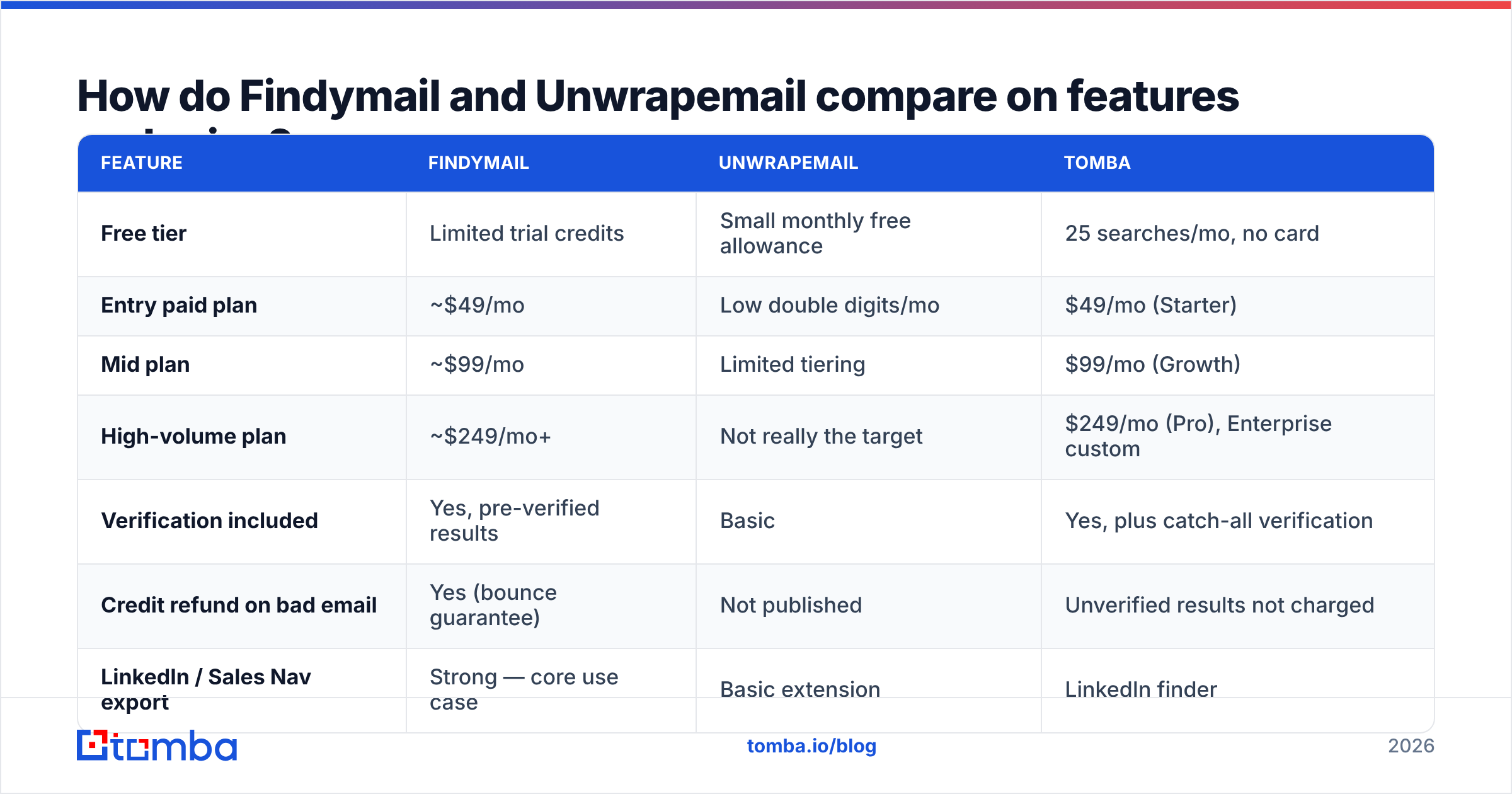
Pricing in this category moves constantly. Treat the figures below as directional and check each vendor's page before you buy. Tomba is included as a reference point because its plan structure is public and stable.
| Feature | Findymail | Unwrapemail | Tomba |
|---|---|---|---|
| Free tier | Limited trial credits | Small monthly free allowance | 25 searches/mo, no card |
| Entry paid plan | ~$49/mo | Low double digits/mo | $49/mo (Starter) |
| Mid plan | ~$99/mo | Limited tiering | $99/mo (Growth) |
| High-volume plan | ~$249/mo+ | Not really the target | $249/mo (Pro), Enterprise custom |
| Verification included | Yes, pre-verified results | Basic | Yes, plus catch-all verification |
| Credit refund on bad email | Yes (bounce guarantee) | Not published | Unverified results not charged |
| LinkedIn / Sales Nav export | Strong — core use case | Basic extension | LinkedIn finder |
| Domain search (all emails at a company) | Yes | Limited | Yes — domain search |
| Bulk CSV enrichment | Yes | Small batches | Yes — bulk jobs |
| Public API | Yes | Limited | Yes, documented REST API |
| Spreadsheet add-ons | Partial | No | Google Sheets, Excel, Airtable |
| Phone numbers | No | No | Yes, separate product |
| Best fit | LinkedIn-heavy outbound teams | Solo users, low volume | Teams wanting finder + verifier on one plan |

Two things jump out of that table.
First, the entry price gap is smaller than it looks. Unwrapemail is cheaper per month, but its plans cap out fast. If you need 3,000 contacts a month, you are not comparing a $15 plan with a $49 plan. You are comparing a plan that cannot do the job with one that can.
Second, Findymail and Tomba land at similar price points with different bundles. Findymail spends its budget on LinkedIn workflow depth and the bounce guarantee. Tomba spends it on breadth: finder, verifier, catch-all handling, domain search, enrichment, and phone data under one pricing structure. Which one wins depends on where your leads come from.
Which workflow does each tool actually fit?#
Pick based on your lead source, not on feature counts.
You build lists in Sales Navigator and export them. Findymail is the strongest fit here. The export flow is the product, not a bolt-on, and the guarantee de-risks large exports. This is the one case where paying the premium is clearly rational.
You work from a target-account list of domains. Neither LinkedIn tool is ideal. You want domain-first enrichment: feed a domain, get every published contact with a role and a confidence score. That is what domain search is built for, and it costs less per contact than person-by-person lookups.
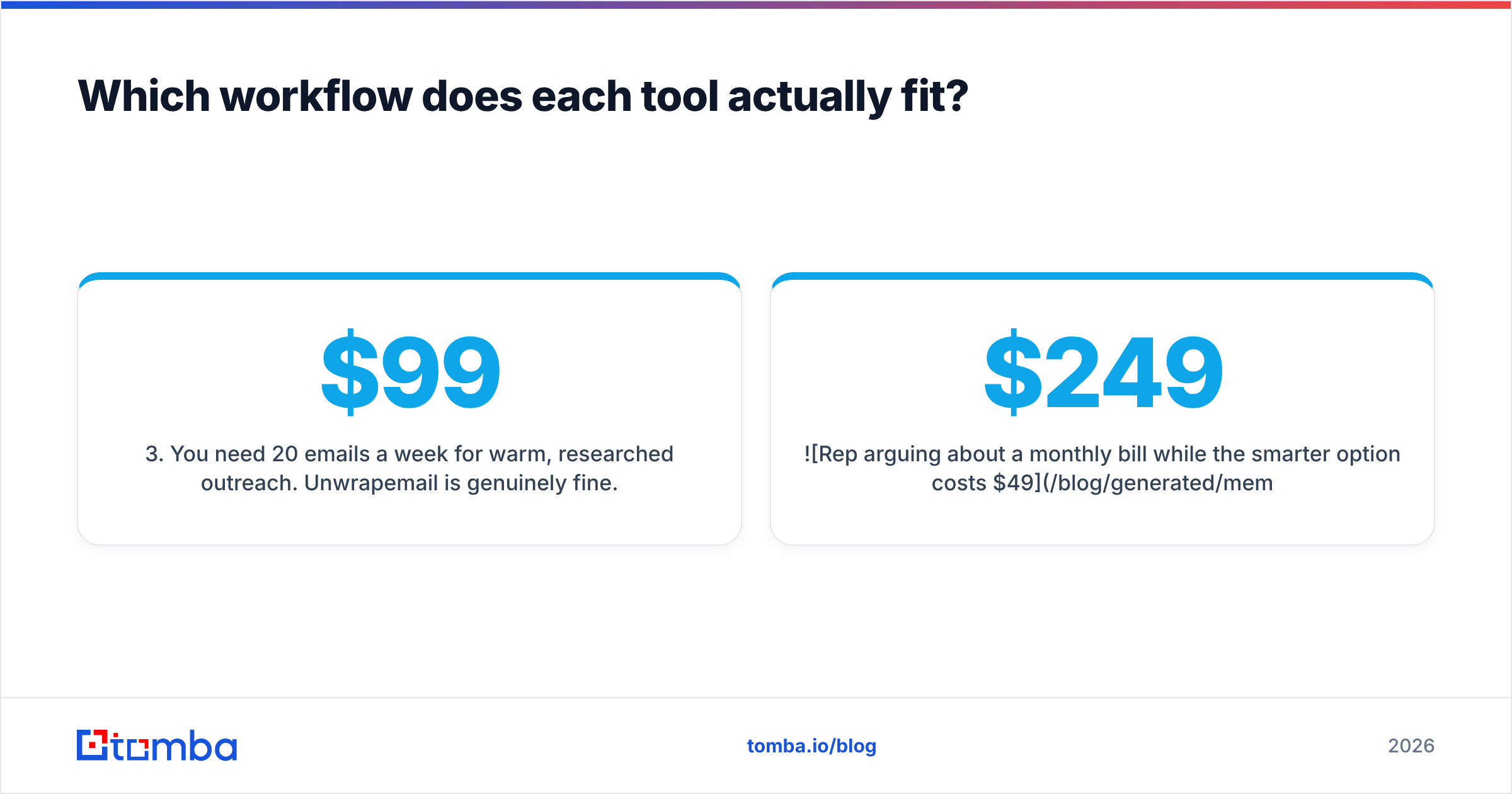
You need 20 emails a week for warm, researched outreach. Unwrapemail is genuinely fine. So is a free tier. Do not buy a $99/mo seat to send 80 emails a month.
You are enriching an existing CRM of 50,000 stale records. You need bulk processing, an API, and a verification pass. Findymail can do it; Unwrapemail cannot at that scale. Budget for the verification step on its own, because old records fail at a much higher rate than net-new prospects.
You are building a product or an internal tool on the data. API quality, rate limits, and docs decide this, not the UI. Check response schemas and error handling before you commit. A thin API is where "cheap" gets expensive in engineering hours.
You need phone numbers alongside email. Neither tool covers this. You will add a third vendor, or use a platform where phone finder sits on the same plan.
What does each tool really cost per usable contact?#
Sticker price is the wrong metric. Run this calculation before you sign anything:
Cost per usable contact = (monthly price ÷ credits) ÷ (hit rate × deliverability rate)
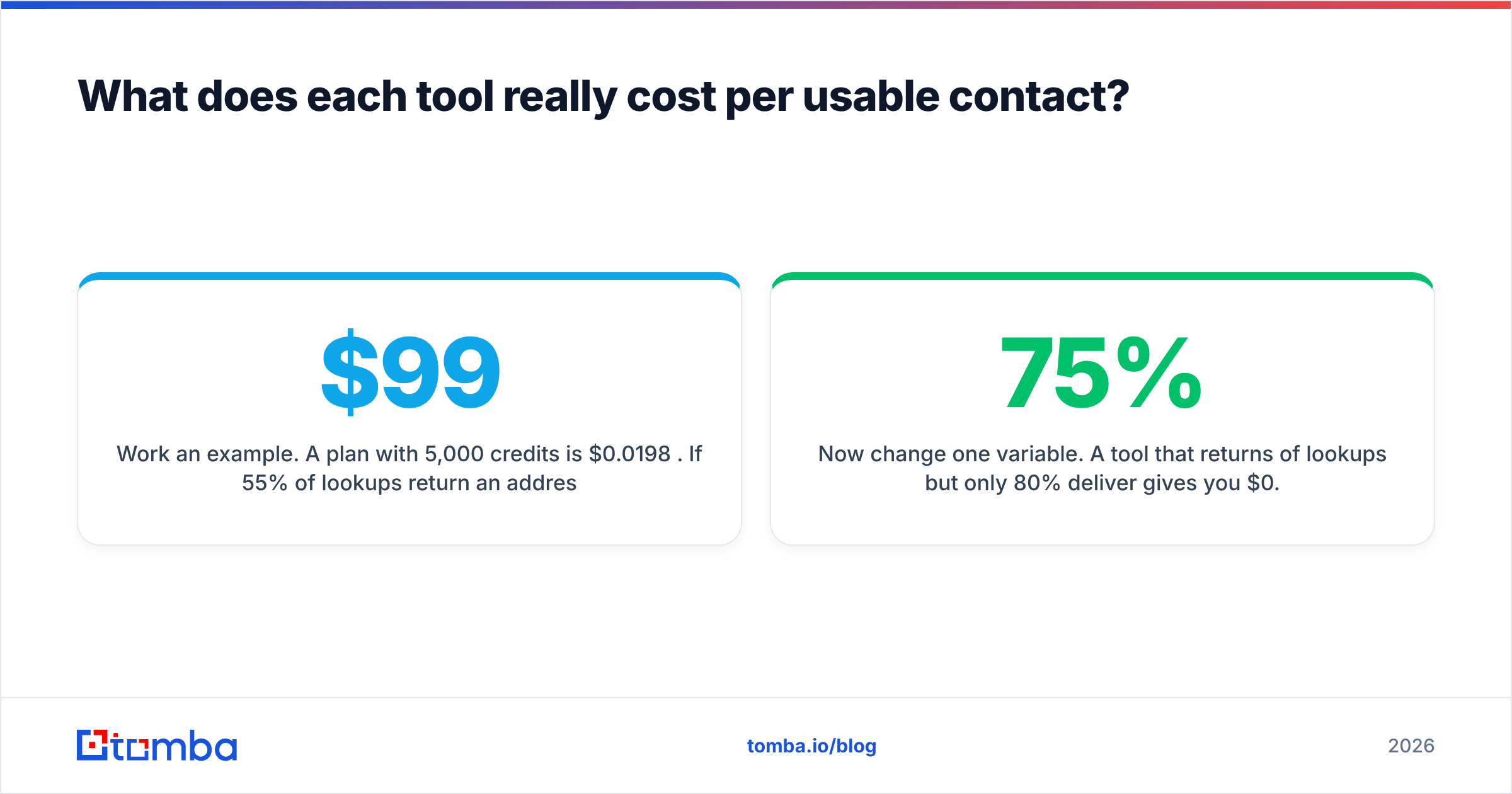
Work an example. A $99/mo plan with 5,000 credits is $0.0198 per credit. Say 55% of lookups return an address, and 92% of those are deliverable. Your real cost is $0.0198 ÷ (0.55 × 0.92) = $0.039 per usable contact — double the headline rate.
Now change one variable. A tool that returns 75% of lookups, of which only 80% deliver, gives you $0.0198 ÷ 0.60 = $0.033. That looks cheaper on paper. But you just mailed 20% invalid addresses. At a 20% bounce rate, mailbox providers throttle your domain. Rebuilding sender reputation costs far more than you saved on credits.
This is why refund policies matter more than credit counts. Findymail's guarantee moves the deliverability risk onto the vendor. Tools with no published refund policy move it onto you.
Three things to check on any trial, and free tiers are enough to do it:
- Run the same 50 contacts through both tools. Same names, same domains, same day. Anything else is a marketing comparison, not a test.
- Send to the results from a throwaway domain and record actual bounces. Vendor-reported accuracy is a claim; your bounce log is evidence.
- Include 10 known-hard cases — a catch-all enterprise domain, a hyphenated surname, a non-Latin name, a recently acquired company. That is where the gap between tools shows up, and it is exactly the segment missing from every vendor benchmark.
How does Tomba compare to both?#
Straight answer: Tomba competes on bundle breadth and price stability, not on LinkedIn workflow depth.
Findymail is a specialist. LinkedIn in, verified emails out. Tomba covers the whole contact-data chain on one plan instead. Find by name or domain, verify, resolve catch-alls, add company and role data, and pull phone numbers. That matters when your prospecting is not LinkedIn-shaped. Think of technical buyers who never log in, or regional markets with low LinkedIn use. Or content leads where you have a byline but no profile.
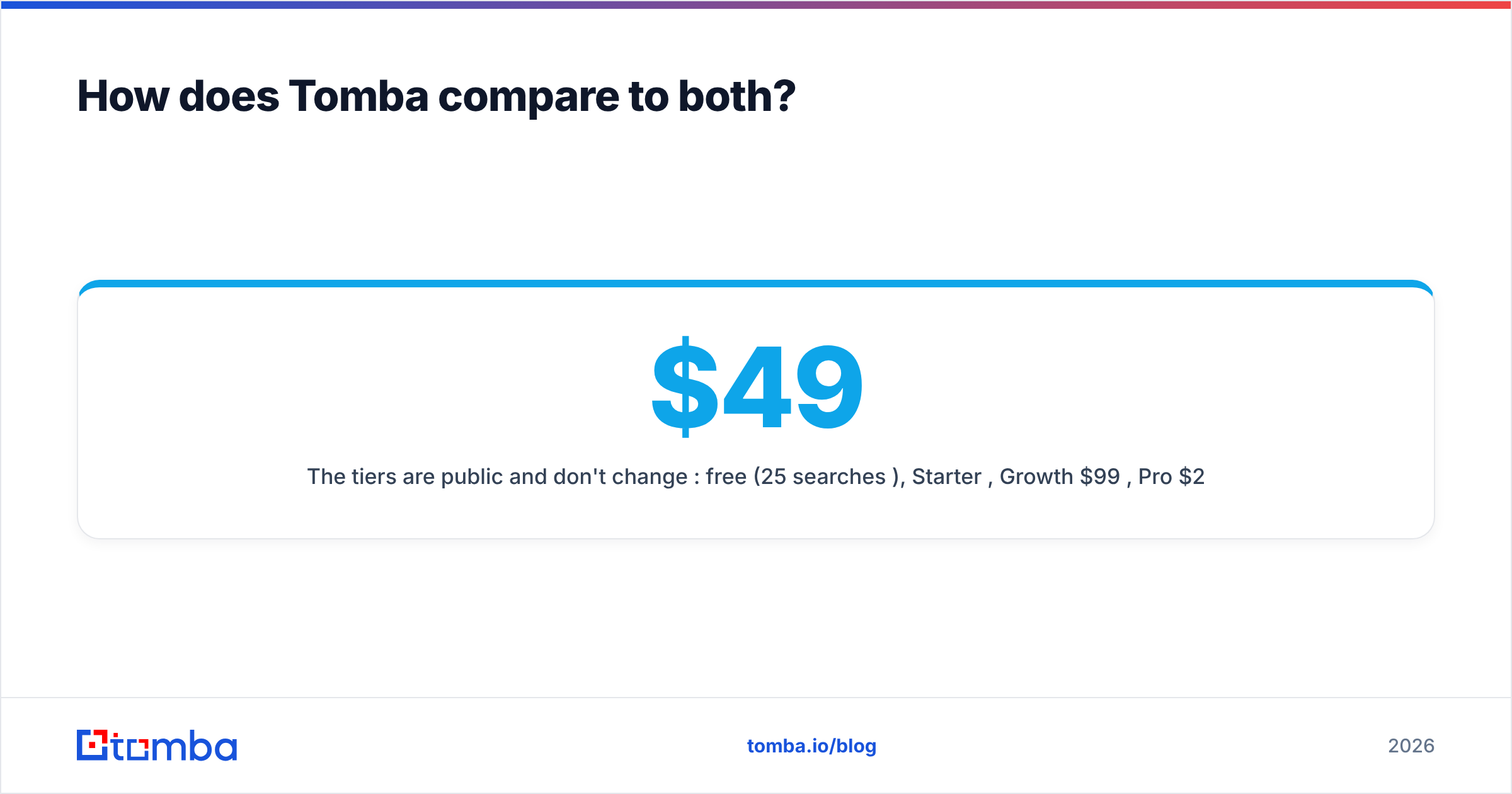
The tiers are public and do not change per seat: free (25 searches/mo), Starter $49/mo, Growth $99/mo, Pro $249/mo, Enterprise custom. Every tier includes the verifier, which removes the second vendor most teams end up buying anyway. If you are weighing a Findymail alternative, that bundling is the main structural difference.
Where Tomba does not win: say your whole motion is Sales Navigator list export. If you have already built process around Findymail's Chrome extension, switching costs are real. The accuracy gap on LinkedIn-sourced contacts is narrow. Do not churn for a rounding error.
Findymail vs Unwrapemail: which should you choose in 2026?#
- Choose Findymail if LinkedIn and Sales Navigator are your main lead source and you send at real volume. The guarantee shifts bounce risk to the vendor, which makes it the safest pick for an SDR team.
- Choose Unwrapemail if you need a handful of addresses per week, you are price-sensitive, and a human reviews every send. Do not scale it into a bulk pipeline without adding verification.
- Choose a broader platform if your leads come from domains, content, CRM records, or web traffic. Same if you would rather not pay two vendors to find and verify.
Whatever you pick, test it on your own 50 contacts. Every vendor benchmark, including the charts above, runs on a sample that flatters somebody. Yours is the only one that predicts your bounce rate.
Ready to check the numbers yourself? Run your hardest 25 contacts through the Tomba Email Finder on the free tier. No card, and the verifier is included. Then compare the deliverable results with whatever you use today. If the bundle math works out, Starter is $49/mo and the verifier comes with it.
Related guides#
Ready to find emails that actually work?
Join 150,000+ professionals who stopped guessing and started sending. Free credits on signup — no credit card required.
Get the Tomba newsletter
Practical outbound tactics and product updates — once every two weeks.
About the author