9 Best Floik Alternatives in 2026 for Interactive Demos
Floik bundles interactive demos, videos, and step-by-step guides into one editor — but it is not the only option. Here are nine Floik alternatives compared on price, output formats, analytics, and the buyer stage each one actually serves.
TL;DR
- Floik is a solid all-in-one for teams that want video, GIF, and interactive demos from a single capture — but it is a young product, and pricing scales by editor seat.
- If you want the cheapest per-editor interactive demos, look at Supademo and Guidde. If you want website-embedded demo experiences with pipeline attribution, look at Navattic and Storylane.
- Scribe and Tango are not demo tools at all — they are documentation tools. Do not buy them expecting a marketing asset.
- Analytics is the real dividing line. Most tools show views. Only a few tie a demo session to a named account and push it to your CRM.
- A demo nobody opens is worth zero. Pair whichever tool you pick with verified contact data so the demo actually reaches a real inbox.
What is Floik and who is it built for?#
Floik is an interactive demo platform. You record a workflow once inside its browser capture extension, and it produces three outputs from that single recording: a narrated video, an animated GIF, and a clickable interactive demo ("flo"). You can then edit steps, add voiceover, blur sensitive fields, and share via a public link or an embed.
The pitch is consolidation. Instead of paying for Loom and Scribe and an interactive demo tool, you capture once and ship three formats. That resonates with small product-marketing and customer-education teams who are producing help-center content, onboarding walkthroughs, and sales leave-behinds out of the same two-person team.
Where it fits well:
- Product-led SaaS with a self-serve onboarding flow to explain
- Support and success teams replacing long written KB articles
- Founders who need a "show, don't tell" asset on the pricing page before hiring a demand-gen lead
Where teams start shopping for Floik alternatives is usually the second year: when demo volume grows, when marketing wants attribution instead of view counts, or when the seat math stops working.
Why do teams look for Floik alternatives?#
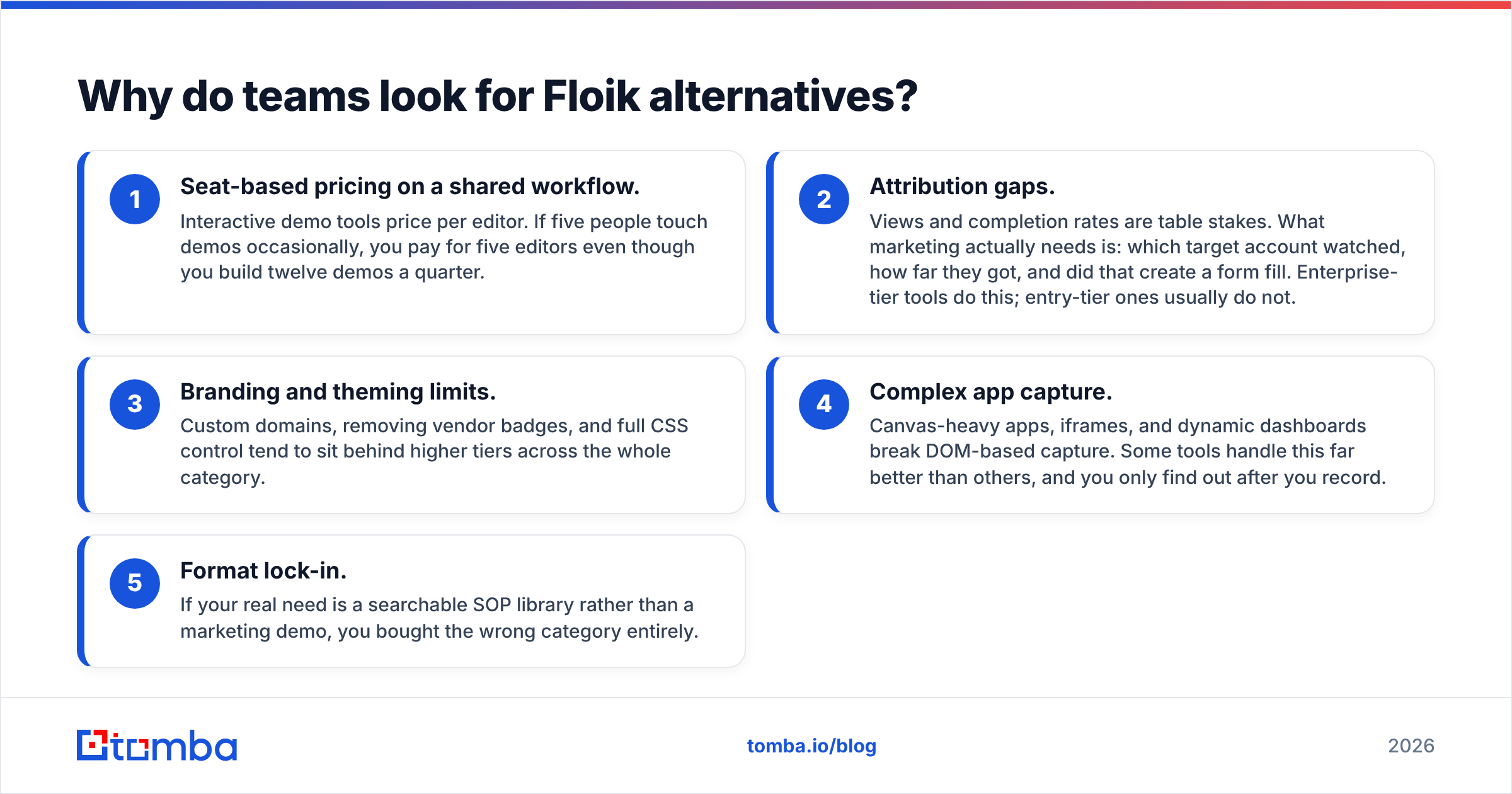
Five recurring reasons, based on what shows up in review threads on G2 and in RevOps communities:
- Seat-based pricing on a shared workflow. Interactive demo tools price per editor. If five people touch demos occasionally, you pay for five editors even though you build twelve demos a quarter.
- Attribution gaps. Views and completion rates are table stakes. What marketing actually needs is: which target account watched, how far they got, and did that create a form fill. Enterprise-tier tools do this; entry-tier ones usually do not.
- Branding and theming limits. Custom domains, removing vendor badges, and full CSS control tend to sit behind higher tiers across the whole category.
- Complex app capture. Canvas-heavy apps, iframes, and dynamic dashboards break DOM-based capture. Some tools handle this far better than others, and you only find out after you record.
- Format lock-in. If your real need is a searchable SOP library rather than a marketing demo, you bought the wrong category entirely.
What should you look for in a Floik alternative?#
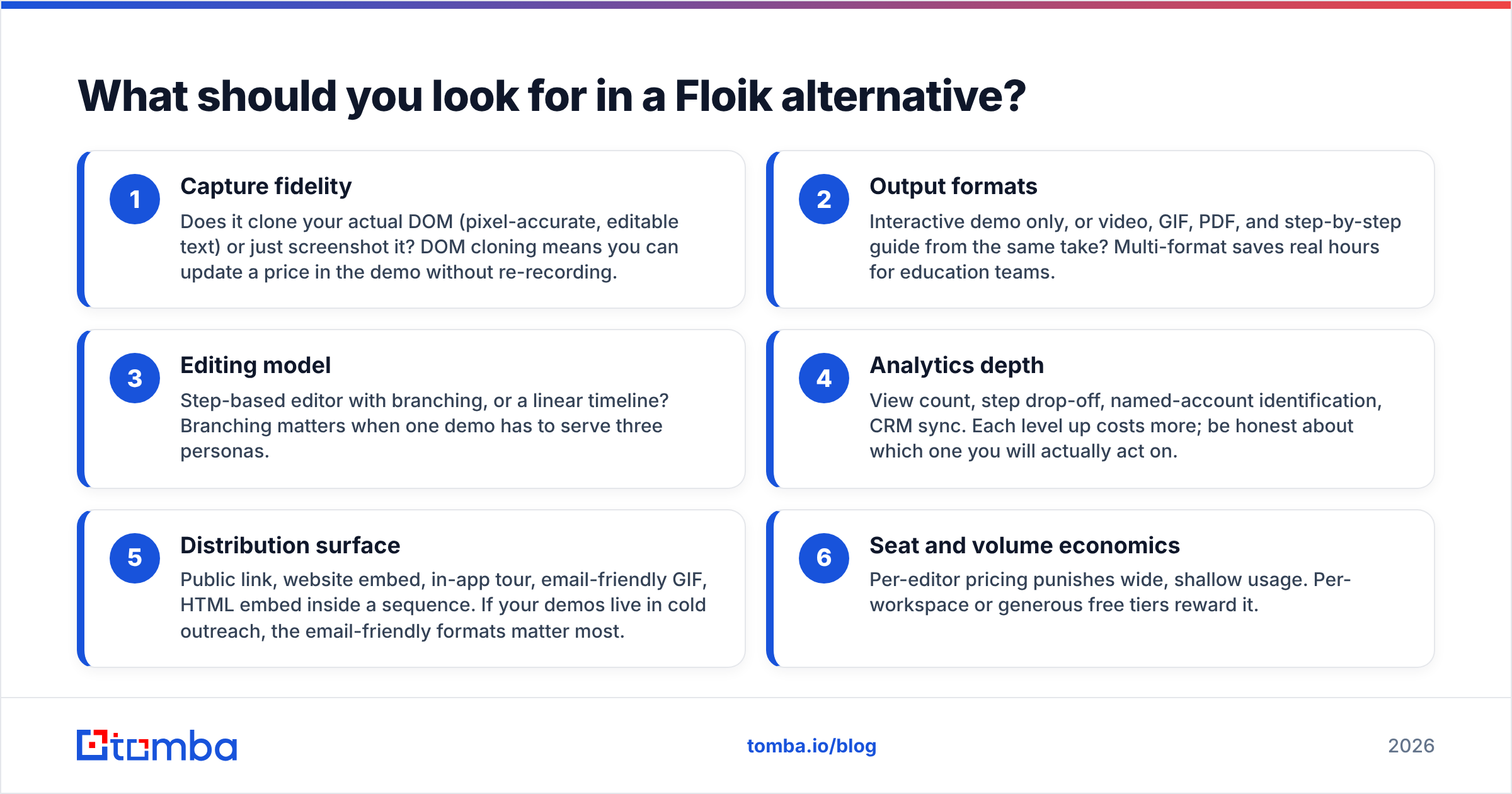
Score every candidate on these six dimensions before you look at price. This is the checklist that separates a tool you keep from a tool you churn from in 90 days.
- Capture fidelity — Does it clone your actual DOM (pixel-accurate, editable text) or just screenshot it? DOM cloning means you can update a price in the demo without re-recording.
- Output formats — Interactive demo only, or video, GIF, PDF, and step-by-step guide from the same take? Multi-format saves real hours for education teams.
- Editing model — Step-based editor with branching, or a linear timeline? Branching matters when one demo has to serve three personas.
- Analytics depth — View count, step drop-off, named-account identification, CRM sync. Each level up costs more; be honest about which one you will actually act on.
- Distribution surface — Public link, website embed, in-app tour, email-friendly GIF, HTML embed inside a sequence. If your demos live in cold outreach, the email-friendly formats matter most.
- Seat and volume economics — Per-editor pricing punishes wide, shallow usage. Per-workspace or generous free tiers reward it.
Which Floik alternatives are worth testing in 2026?#
Here is the shortlist, grouped by what each one is actually best at.
1. Supademo — best cheap interactive demos#
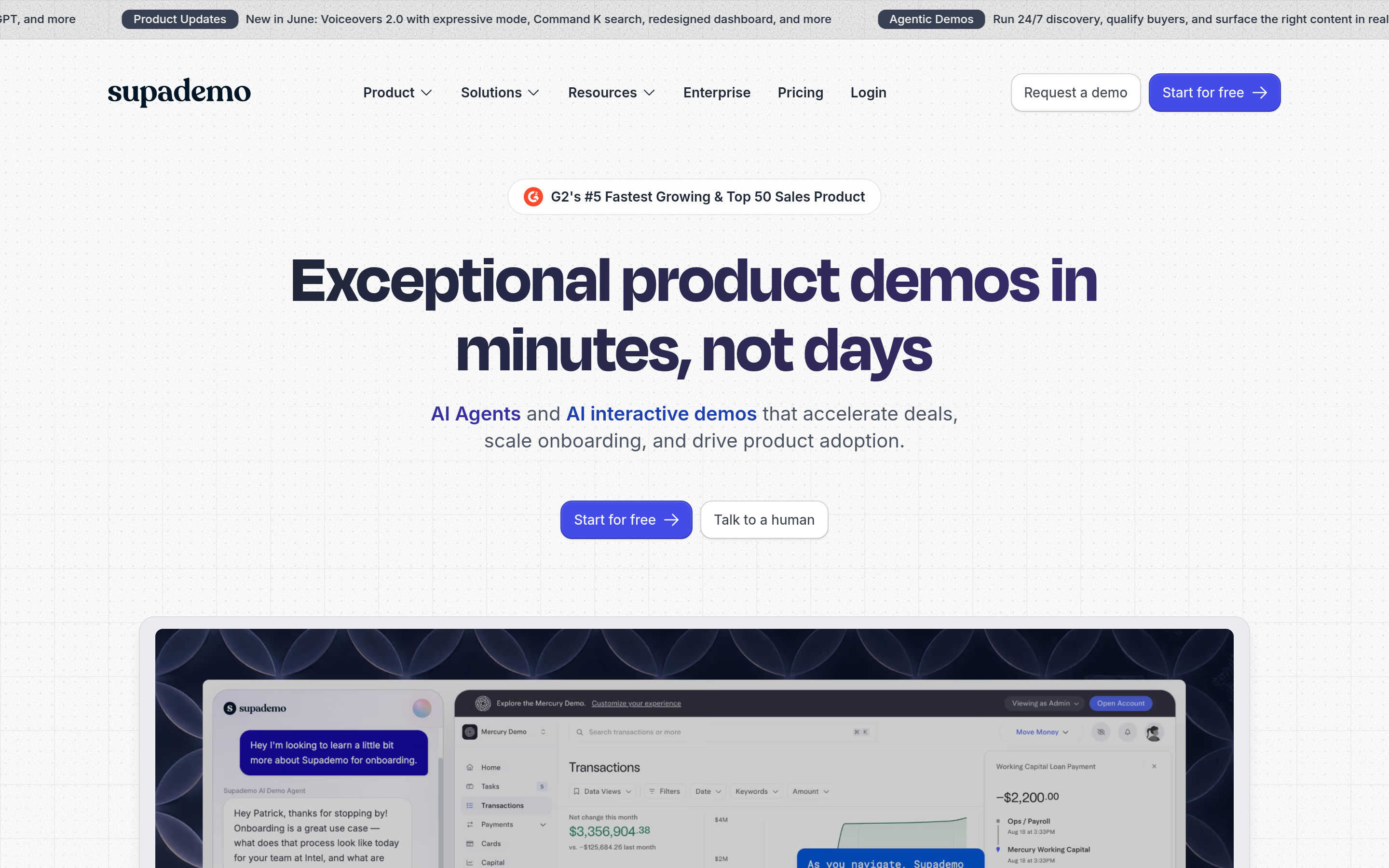
The closest philosophical match to Floik: fast capture, clean step editor, generous free tier, and AI voiceover in multiple languages. Supademo is where most small teams land when they want interactive demos without an enterprise conversation. Weakness: analytics are functional rather than deep, and complex canvas apps can need manual step cleanup.
2. Arcade — best polish per minute of effort#
Arcade built its reputation on demos that look designed, not recorded. Chapters, hotspot styling, and a strong embed experience. It has become the default for product marketers who publish demos on the website and in launch posts. Weakness: cost scales quickly past two or three editors.
3. Storylane — best middle ground on attribution#
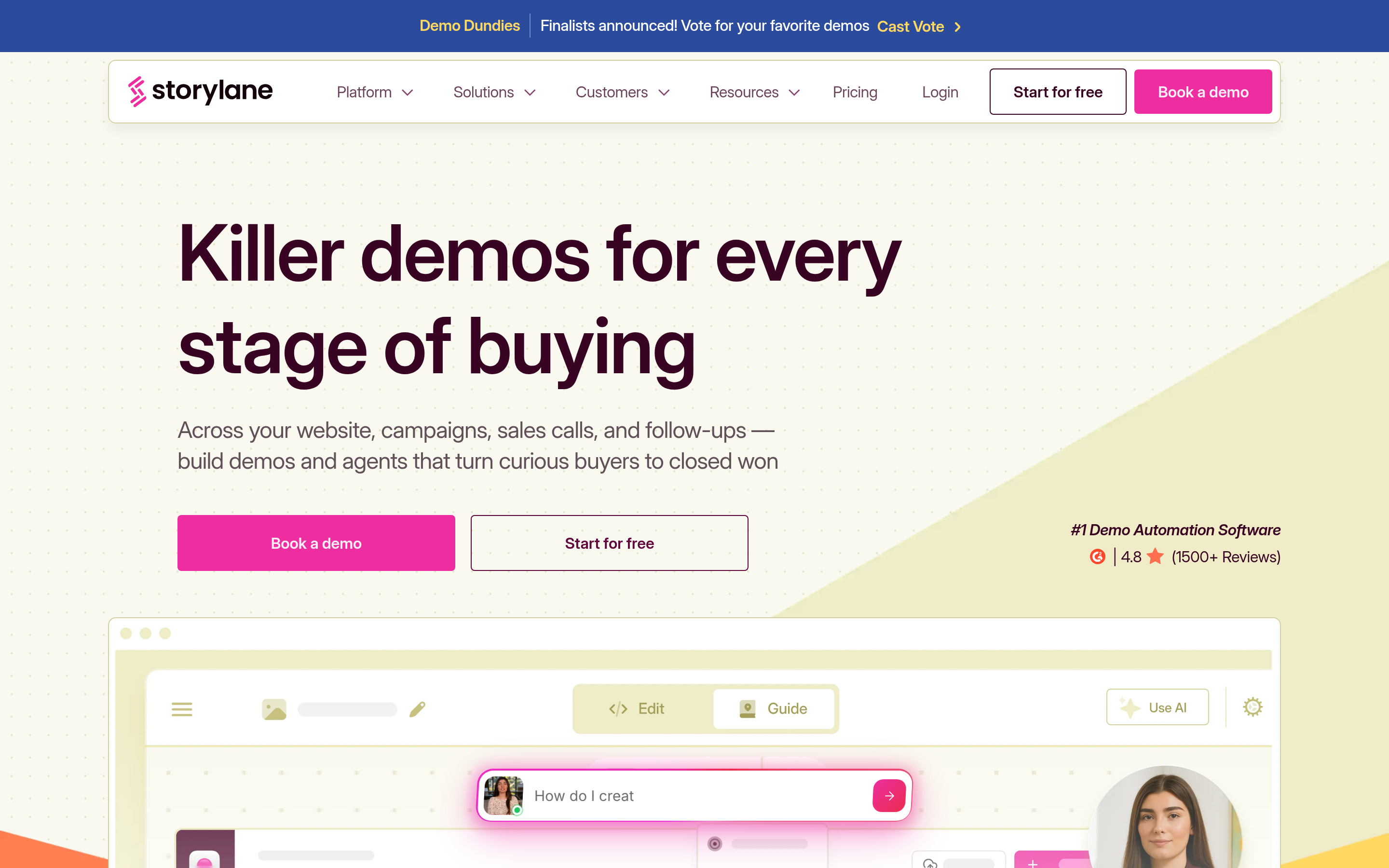
Storylane sits between the cheap self-serve tools and full enterprise demo automation. It offers HTML capture, personalization tokens, lead forms mid-demo, and CRM integrations on paid tiers. Strong pick when demand gen owns the budget and wants demos as a lead-capture surface.
4. Navattic — best for demo-led website conversion#
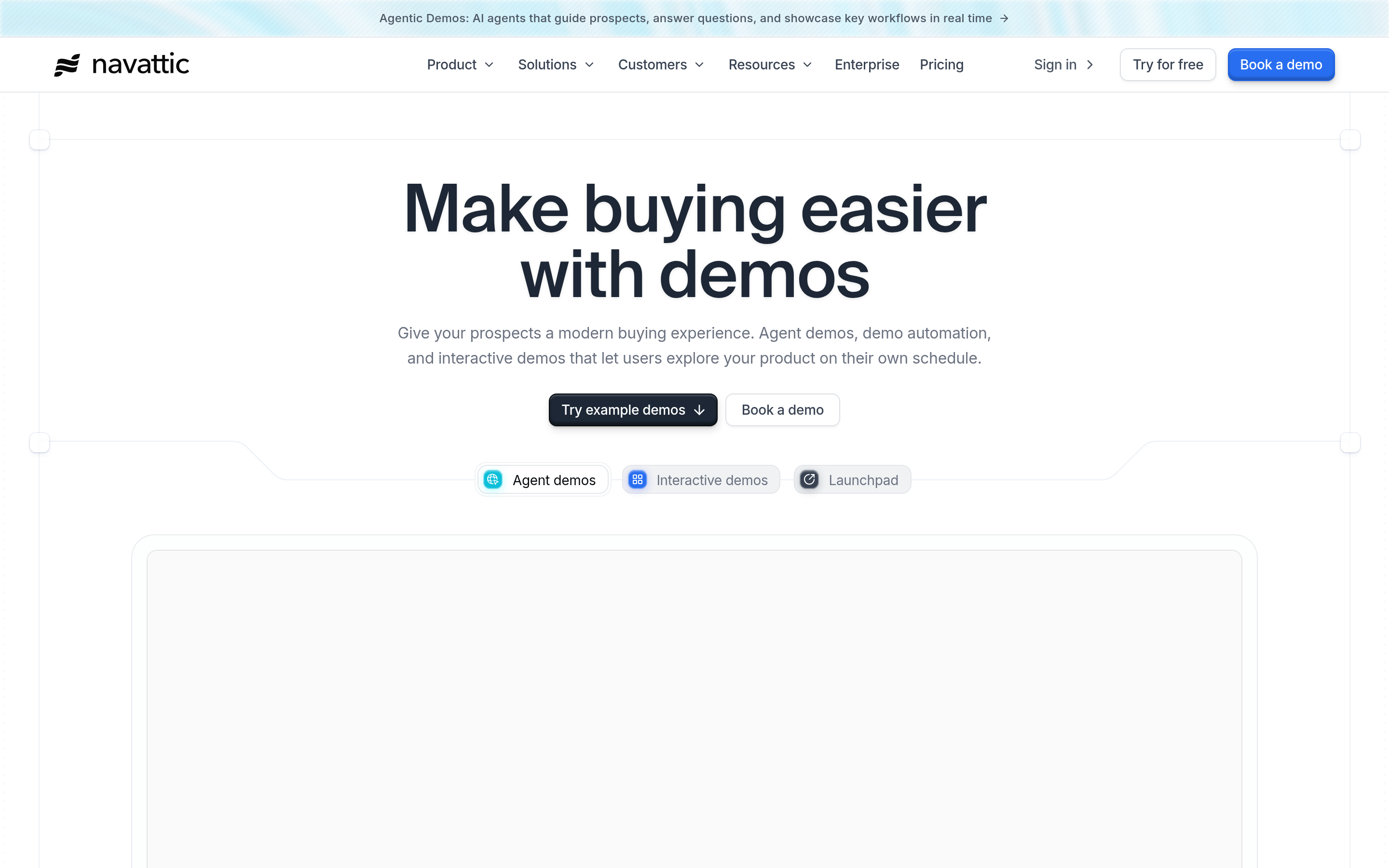
Navattic is aimed squarely at marketing teams treating the interactive demo as a top-of-funnel conversion asset. Account-level identification and pipeline reporting are the differentiators. It is priced accordingly, so it is not a fit for a two-person startup.
5. Walnut — best for enterprise sales demo environments#
Walnut targets AE-facing use cases: personalized demo environments per prospect, templated demo libraries, and usage governance. It replaces a sandbox, not a Loom video. Expect an annual contract and onboarding.
6. Guidde — best video-first knowledge base#
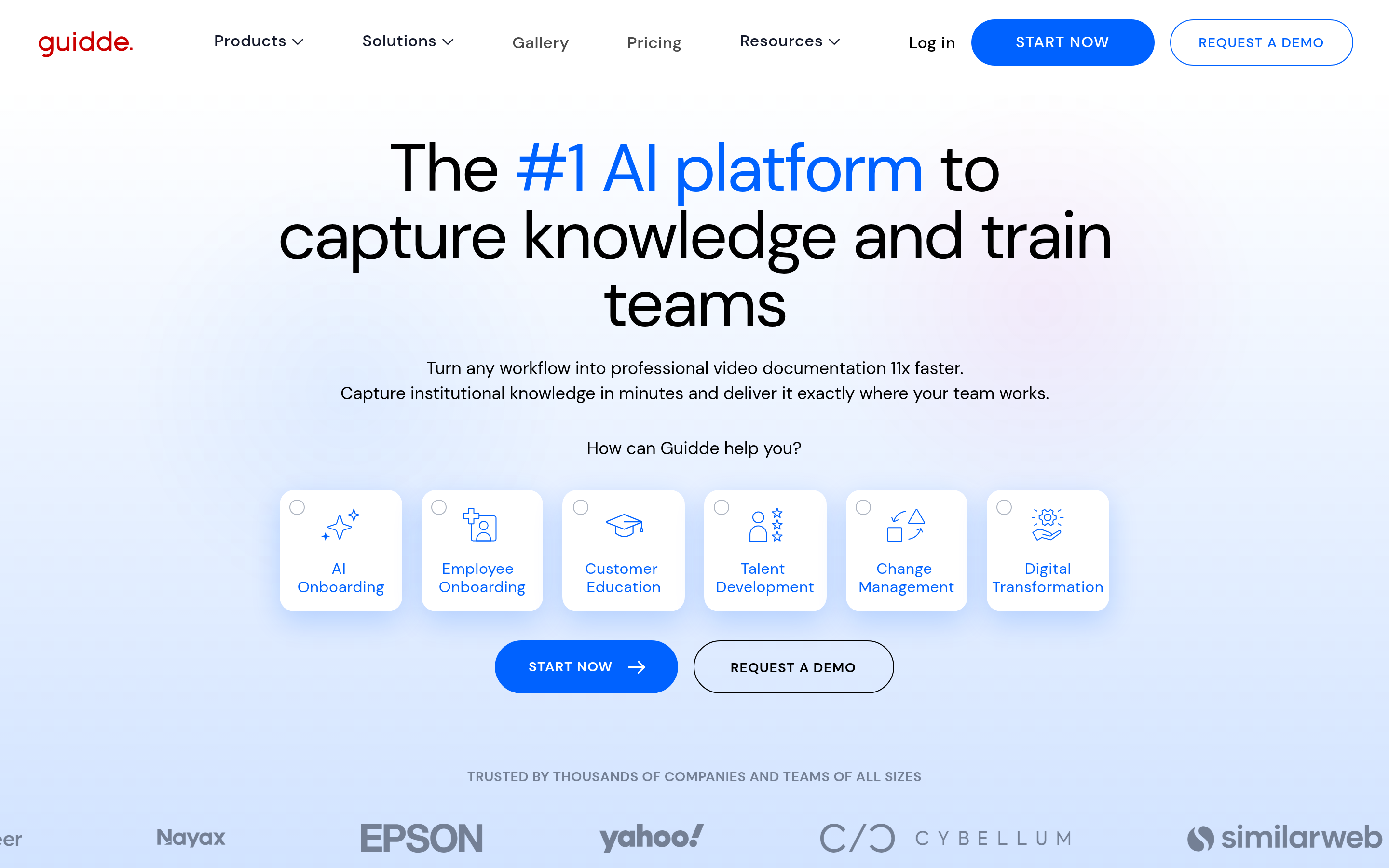
Guidde's core output is a narrated how-to video with AI voice and automatic step text. If your primary asset is a help center rather than a marketing demo, it does that job cheaply and quickly.
7. Scribe — best for SOPs and internal process docs#
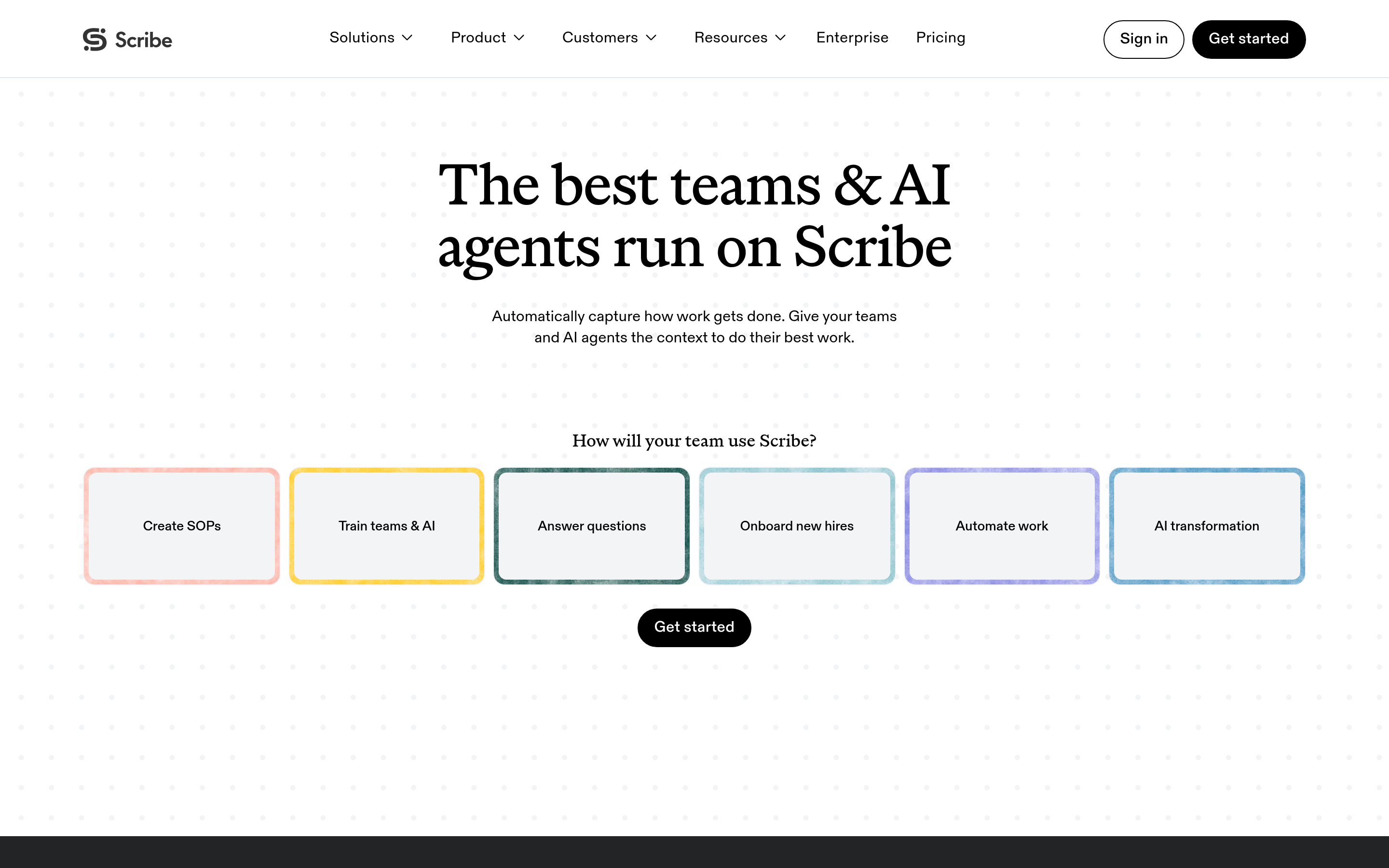
Scribe auto-generates a written, screenshotted step guide the moment you finish a workflow. It is not an interactive demo tool. It is the best in class at what it does, which is turning tribal knowledge into a document in 40 seconds.
8. Tango — best lightweight documentation alternative to Scribe#

Same category as Scribe with a cleaner in-app guidance layer on higher tiers. Choose between the two on editor feel and pricing rather than capability.
9. Trainn — best for structured customer academies#
Trainn bundles video creation with a course/academy layer, so customer education teams can sequence content and track completion. Overkill if you only need one-off demos.
How do the Floik alternatives compare on price and features?#
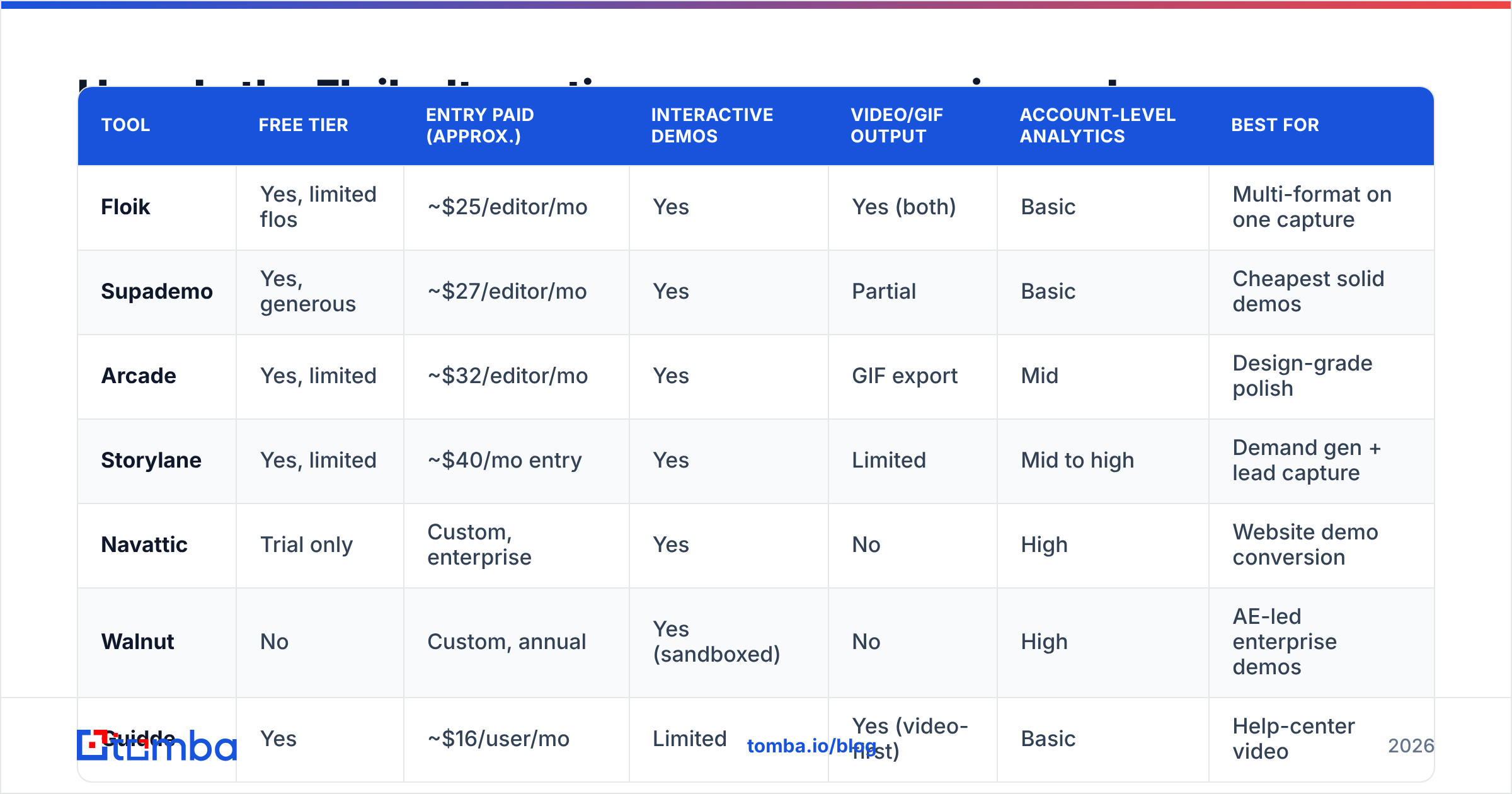
List pricing moves constantly in this category, so treat the table below as a directional snapshot for 2026 planning and confirm on each vendor's page before you buy. "Editor" means a person who builds demos; viewers are almost always unlimited.
| Tool | Free tier | Entry paid (approx.) | Interactive demos | Video/GIF output | Account-level analytics | Best for |
|---|---|---|---|---|---|---|
| Floik | Yes, limited flos | ~$25/editor/mo | Yes | Yes (both) | Basic | Multi-format on one capture |
| Supademo | Yes, generous | ~$27/editor/mo | Yes | Partial | Basic | Cheapest solid demos |
| Arcade | Yes, limited | ~$32/editor/mo | Yes | GIF export | Mid | Design-grade polish |
| Storylane | Yes, limited | ~$40/mo entry | Yes | Limited | Mid to high | Demand gen + lead capture |
| Navattic | Trial only | Custom, enterprise | Yes | No | High | Website demo conversion |
| Walnut | No | Custom, annual | Yes (sandboxed) | No | High | AE-led enterprise demos |
| Guidde | Yes | ~$16/user/mo | Limited | Yes (video-first) | Basic | Help-center video |
| Scribe | Yes | ~$29/seat/mo | No | No (doc output) | Basic | SOPs and internal docs |
| Tango | Yes | ~$20/user/mo | In-app guidance tier | No | Basic | Lightweight process docs |
Two things jump out. First, the free tiers are genuinely usable at the low end — you can validate a workflow before spending anything. Second, the price cliff between "self-serve demo tool" and "demo platform with attribution" is steep. There is very little in between, so decide early which side of that line you are on.
Which one should you pick for your specific use case?#
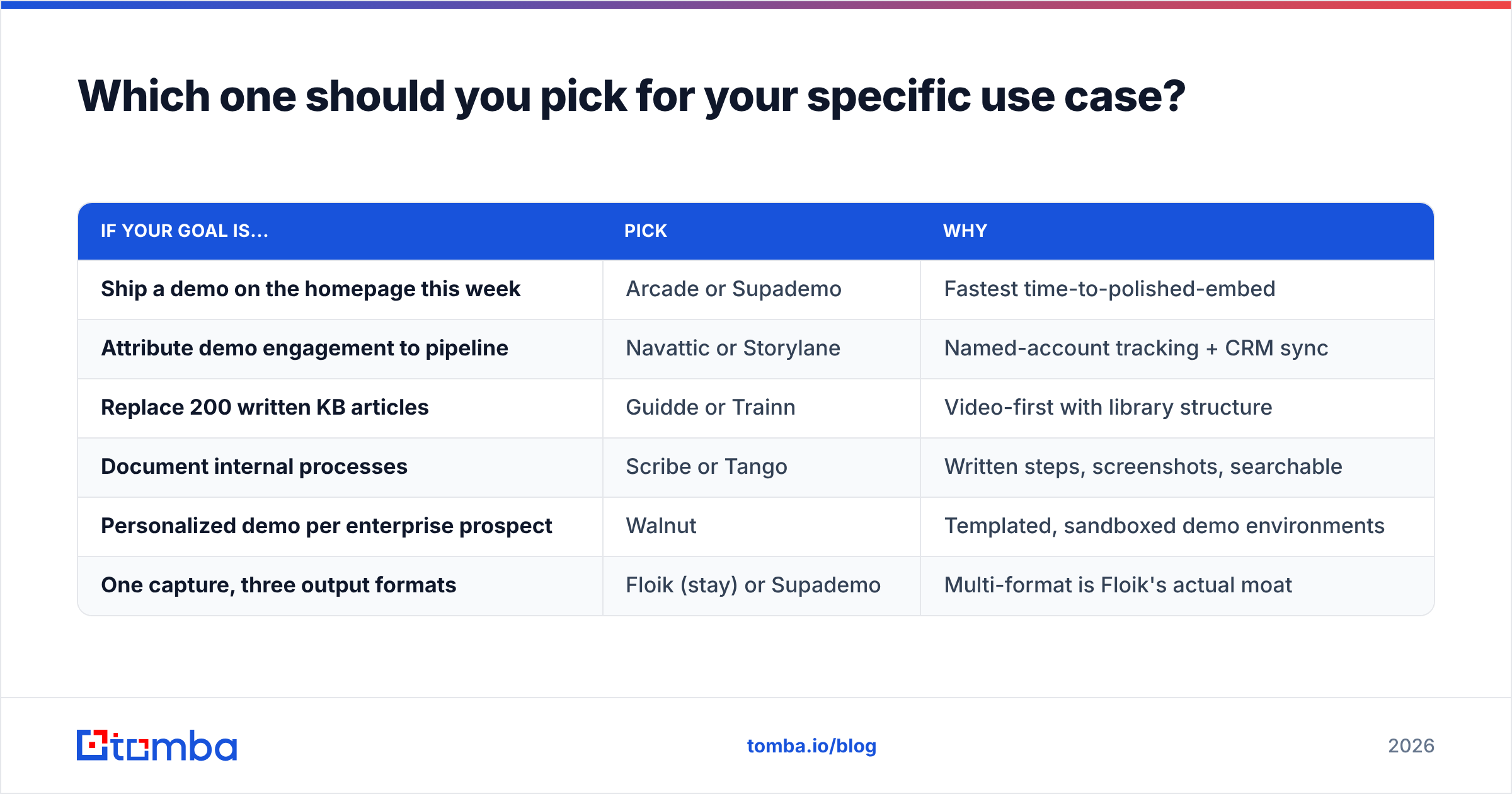
| If your goal is... | Pick | Why |
|---|---|---|
| Ship a demo on the homepage this week | Arcade or Supademo | Fastest time-to-polished-embed |
| Attribute demo engagement to pipeline | Navattic or Storylane | Named-account tracking + CRM sync |
| Replace 200 written KB articles | Guidde or Trainn | Video-first with library structure |
| Document internal processes | Scribe or Tango | Written steps, screenshots, searchable |
| Personalized demo per enterprise prospect | Walnut | Templated, sandboxed demo environments |
| One capture, three output formats | Floik (stay) or Supademo | Multi-format is Floik's actual moat |
If you find yourself wanting two rows at once, buy the cheaper self-serve tool now and revisit in two quarters. Attribution features you do not act on are the most common wasted line item in this category.
Do interactive demos actually move pipeline?#
They move it when they are placed where a buying decision is happening, and they do nothing when they are treated as a content checkbox. The pattern that works consistently:
- Website demo, ungated, above the fold. Lets a self-serve buyer qualify themselves in 90 seconds. Track completion, not views.
- Demo link inside outbound email, replacing the "quick call?" ask. A 40-second interactive demo is a lower-friction ask than 30 minutes on a calendar.
- Post-call leave-behind for the champion. Your champion has to sell internally to people who never met you. A demo they can forward is the asset that does that.
- Onboarding sequence step. Reduces support tickets, which shows up in retention rather than pipeline.
The third and fourth cases are why multi-format capture matters. An interactive link works in a browser; an inline GIF works in an email client that strips embeds.
How do you get the demo in front of the right person?#
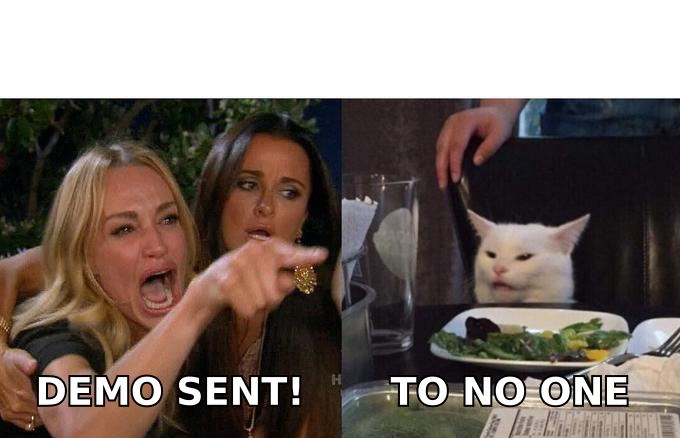
Here is the failure mode nobody selling demo software mentions: you can build a beautiful, branded, branching interactive demo and send it to info@company.com, where it dies. The demo tool controls the asset. It does not control the audience.
The distribution side needs three things:
- The right person. Job title matters more than company fit. A demo of an admin workflow lands with an ops lead, not a CMO.
- A deliverable address. Bounces do not just fail — they damage sender reputation and drag down every other campaign you run from that domain.
- Enough context to personalize the first line. Generic demo blasts get ignored regardless of production value.
That is what a contact-data layer handles. Use an email finder to resolve a name and company domain into a professional address, run the list through an email verifier before your first send, and use domain search when you know the target account but not the individual. For a launch push where you need a few hundred contacts at once, a bulk email finder does the same job against an uploaded CSV.
A practical sequencing rule: build the demo second. Build the list first, look at the titles you actually pulled, then record the demo that speaks to those titles. Teams that reverse this end up with a polished demo for a persona they cannot reach.
What does a realistic switching plan look like?#
If you are leaving Floik (or any incumbent), do not migrate the library. Most demos in any library are dead weight.
- Week 1. Pull view data. Rank every existing demo by engagement. Anything with fewer than 10 meaningful sessions in six months does not get rebuilt.
- Week 2. Rebuild your top three demos in two candidate tools on free tiers. Same workflow, same script. Compare capture fidelity on your hardest screen, not your easiest one.
- Week 3. Test distribution. Embed one on a live page, send one in outbound, put one in an onboarding email. Measure completion, not clicks.
- Week 4. Decide on seats. Count how many people genuinely need edit access — it is usually half of what you assumed.
That four-week loop costs nothing but time and will save you from an annual contract you regret in month three.
The bottom line on Floik alternatives#
Floik is a reasonable multi-format tool and there is no dramatic reason to leave it unless one of the five triggers above applies to you. If seat cost is the trigger, go to Supademo or Guidde. If attribution is the trigger, go to Storylane or Navattic. If you actually needed documentation rather than demos, go to Scribe or Tango and stop paying for interactivity you never use.
And whichever one you land on: the tool builds the asset, not the audience. Before your next demo launch, get the contact list right — find and verify decision-maker addresses with the Tomba Email Finder, starting free with 25 searches a month, with paid plans from $49/mo on the Tomba pricing page. Build the list first, then record the demo that list deserves.
Related guides#
Ready to find emails that actually work?
Join 150,000+ professionals who stopped guessing and started sending. Free credits on signup — no credit card required.
Get the Tomba newsletter
Practical outbound tactics and product updates — once every two weeks.
About the author