Follow Up Email After Meeting To Recap: Templates That Work
The recap email is the only artifact of your meeting the buyer will actually reread. Here is the timing rule, the six-block structure, seven copy-paste templates, and the mistakes that quietly kill deals.
TL;DR
- A follow up email after meeting to recap is not a courtesy note. It is the written record the buyer forwards internally, so it should read like a decision document, not a thank-you card.
- Send within 4 to 24 hours. After 48 hours the meeting has been overwritten by everything else on the buyer's calendar and your recall advantage is gone.
- Use six blocks: context line, decisions, open questions, owners and dates, one attachment or link, one specific next step with a proposed time.
- Never end with "let me know your thoughts." End with a binary or a calendar option. Vague closes are the single biggest reply killer.
- The best-written recap fails if it lands in a dead inbox. Verify the addresses of everyone who joined — especially the people added mid-call whose email you never actually captured.
What is a follow up email after meeting to recap?#
A recap email is a short written summary sent after a call or meeting that restates what was decided, what is still open, who owns what, and what happens next. It has three audiences at once: the person you met, the people they will forward it to, and future-you six weeks later when someone asks why the timeline slipped.
That third audience is why recap emails outperform meeting notes stored in your own CRM. Your notes are private. The recap is shared. Anything the buyer does not correct in writing becomes the agreed version of events, which is exactly how meeting minutes have worked in formal settings for a century. You are just doing it in an inbox instead of a boardroom.
The commercial stakes are higher than most reps assume. Gartner's research on the B2B buying journey has consistently found that buying groups now involve six to ten stakeholders, and most of them were not on your call. Your recap email is the only version of your pitch those people will ever read. Write it for the absent, not the attendees.
Why does the recap email decide whether the deal moves?#
Three mechanics do the work.
First, it forces specificity. If you cannot write down what was decided, nothing was decided, and you just discovered that before your manager did in pipeline review.
Second, it creates a documented commitment. "You'll confirm the security review timeline by Friday" sitting in someone's inbox is meaningfully stickier than the same sentence spoken on a Zoom call.
Third, it travels. When your champion needs budget sign-off, they will not rewrite your value proposition. They will forward your email. If your recap is a wall of gratitude and no substance, your champion is now selling on your behalf with no ammunition.

The failure mode is quiet. Deals do not die because you sent a bad recap. They die because nobody wrote down who owned the next step, and three weeks of polite check-ins later the buyer has moved on to a vendor who did.
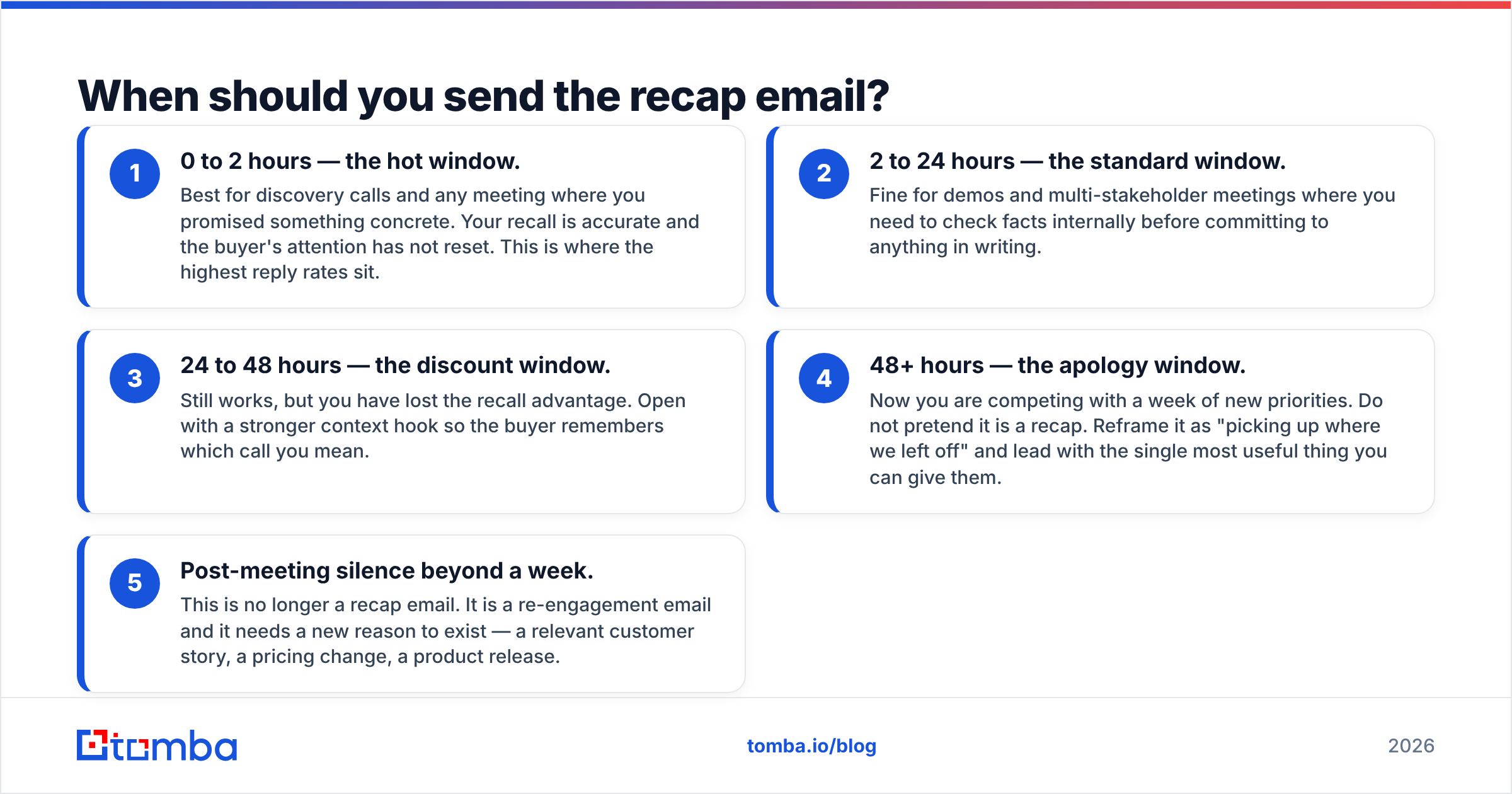
When should you send the recap email?#
Inside 24 hours, and ideally the same working day. Here is the practical timing model:
- 0 to 2 hours — the hot window. Best for discovery calls and any meeting where you promised something concrete. Your recall is accurate and the buyer's attention has not reset. This is where the highest reply rates sit.
- 2 to 24 hours — the standard window. Fine for demos and multi-stakeholder meetings where you need to check facts internally before committing to anything in writing.
- 24 to 48 hours — the discount window. Still works, but you have lost the recall advantage. Open with a stronger context hook so the buyer remembers which call you mean.
- 48+ hours — the apology window. Now you are competing with a week of new priorities. Do not pretend it is a recap. Reframe it as "picking up where we left off" and lead with the single most useful thing you can give them.
- Post-meeting silence beyond a week. This is no longer a recap email. It is a re-engagement email and it needs a new reason to exist — a relevant customer story, a pricing change, a product release.
One exception: if the meeting ended with a disagreement or an unresolved objection, slow down. Send it same-day but write it, leave it for an hour, then reread it for tone. Recaps sent while irritated read like legal filings.
What goes into a recap email that actually gets a reply?#
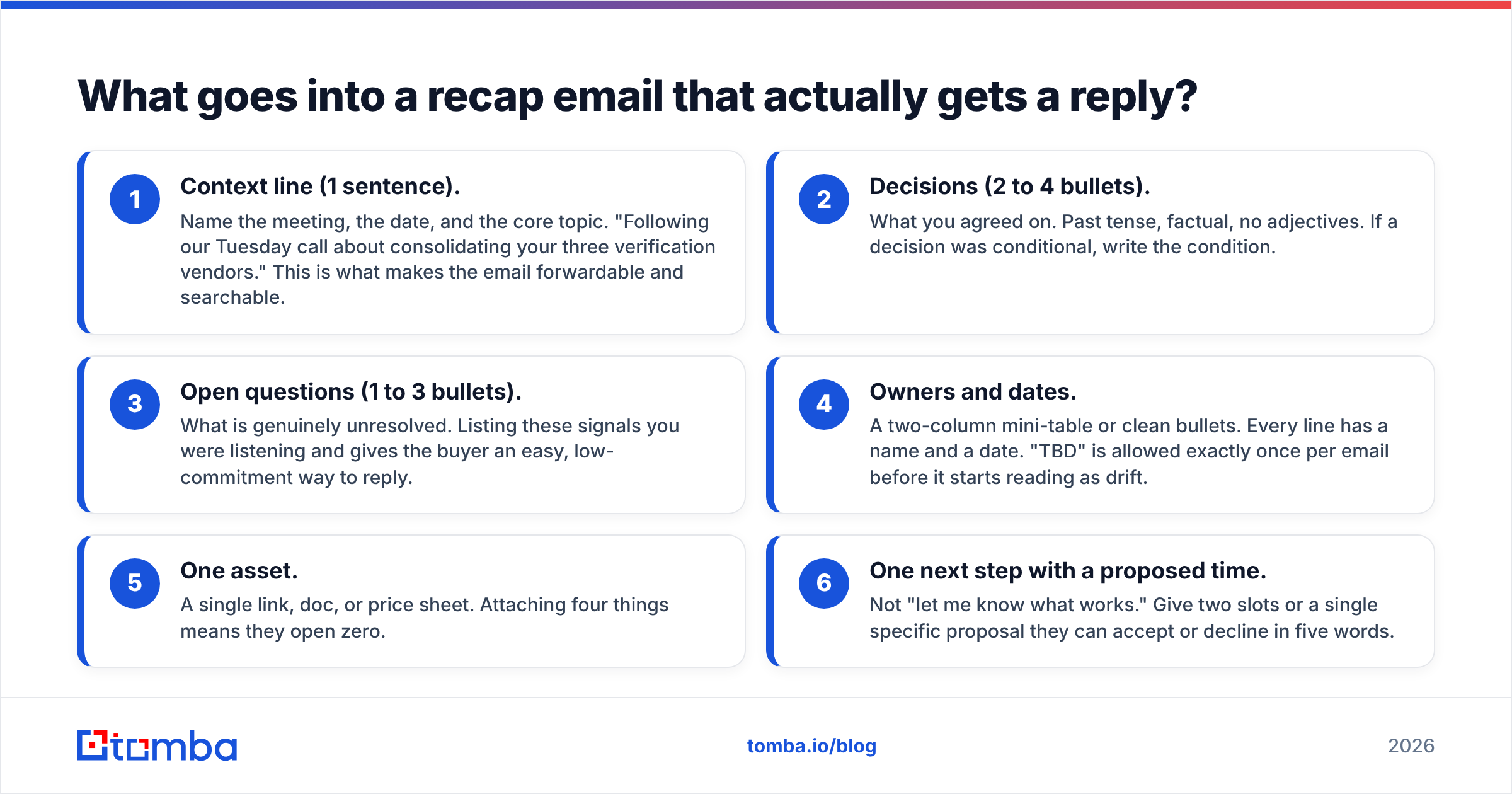
Six blocks, in this order. Keep the whole thing under 200 words.
- Context line (1 sentence). Name the meeting, the date, and the core topic. "Following our Tuesday call about consolidating your three verification vendors." This is what makes the email forwardable and searchable.
- Decisions (2 to 4 bullets). What you agreed on. Past tense, factual, no adjectives. If a decision was conditional, write the condition.
- Open questions (1 to 3 bullets). What is genuinely unresolved. Listing these signals you were listening and gives the buyer an easy, low-commitment way to reply.
- Owners and dates. A two-column mini-table or clean bullets. Every line has a name and a date. "TBD" is allowed exactly once per email before it starts reading as drift.
- One asset. A single link, doc, or price sheet. Attaching four things means they open zero.
- One next step with a proposed time. Not "let me know what works." Give two slots or a single specific proposal they can accept or decline in five words.
Subject line matters more than reps think, because your champion's forward inherits it. "Recap: [Company] × [Your Company] — next step [date]" beats "Great meeting today!" every time. If you want variations to test, a subject line generator will get you to a shortlist faster than staring at a blank field.
Which recap format fits which meeting type?#
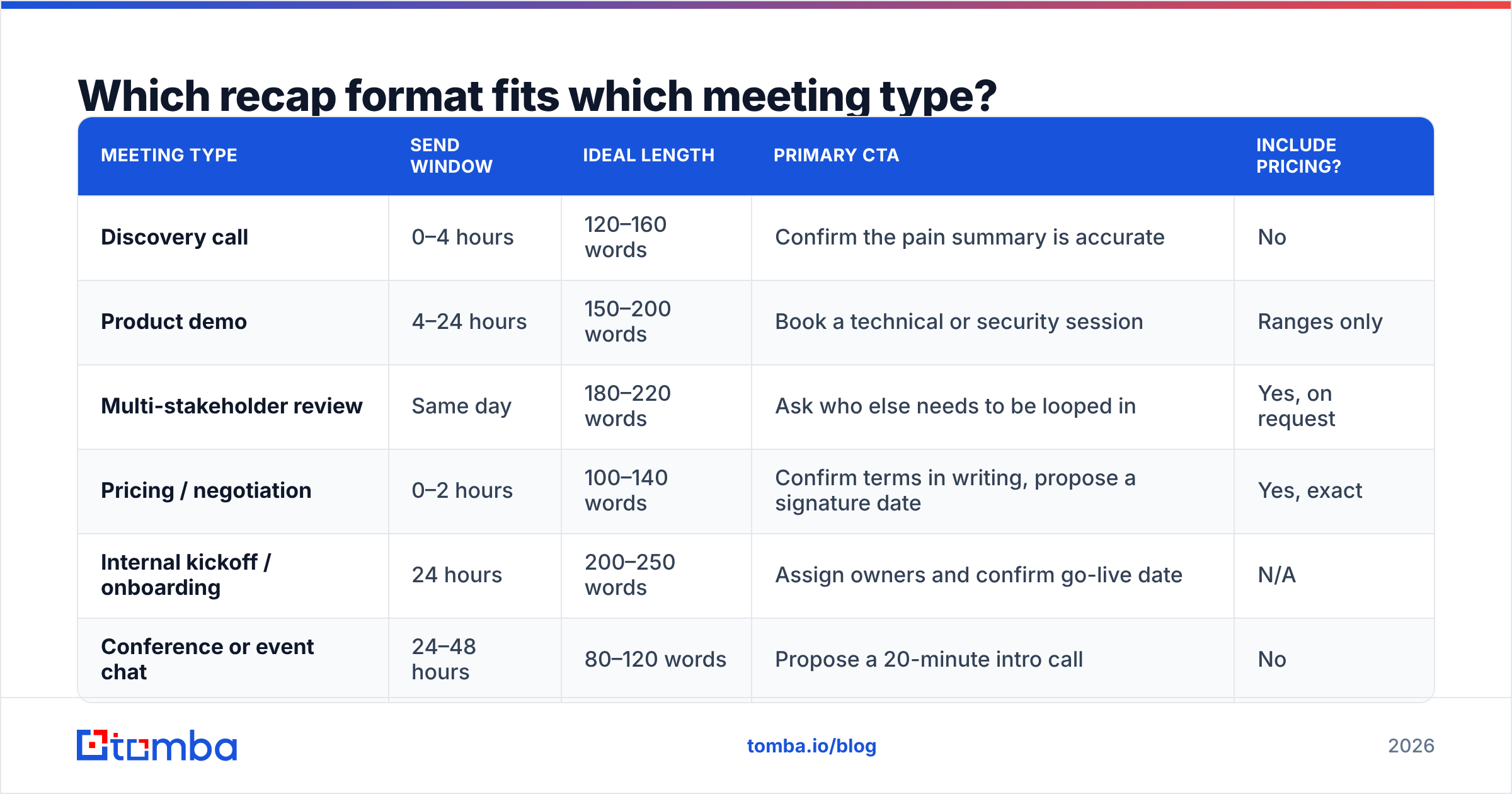
Not every meeting deserves the same email. Match the format to the stage.
| Meeting type | Send window | Ideal length | Primary CTA | Include pricing? |
|---|---|---|---|---|
| Discovery call | 0–4 hours | 120–160 words | Confirm the pain summary is accurate | No |
| Product demo | 4–24 hours | 150–200 words | Book a technical or security session | Ranges only |
| Multi-stakeholder review | Same day | 180–220 words | Ask who else needs to be looped in | Yes, on request |
| Pricing / negotiation | 0–2 hours | 100–140 words | Confirm terms in writing, propose a signature date | Yes, exact |
| Internal kickoff / onboarding | 24 hours | 200–250 words | Assign owners and confirm go-live date | N/A |
| Conference or event chat | 24–48 hours | 80–120 words | Propose a 20-minute intro call | No |
The pattern: the later the stage, the shorter and more specific the email. Discovery recaps can afford to summarize. Negotiation recaps should contain almost nothing except numbers, dates, and names.
What do the templates actually look like?#
1. Discovery call recap
Subject: Recap: Acme × Tomba — verification volume + next step
Hi Dana — following Tuesday's call about the duplicate-contact issue in your Salesforce instance.
What we agreed:
- Roughly 38% of inbound contacts fail on first send.
- The cost is mostly SDR time, not tooling spend.
- You want a fix live before the Q3 outbound push.
Still open: whether procurement needs to review a $99/mo tool or only annual contracts.
Next: I've attached the accuracy methodology doc. Can we put 25 minutes on Thursday at 11:00 or Friday at 14:00 for your ops lead to see the API flow?
2. Demo recap
Same skeleton, but replace "what we agreed" with "what you saw," and list the two or three features that got the strongest reaction. Do not list all twelve. Your champion will present the two you highlighted.
3. Multi-stakeholder recap
Add an explicit line: "Should I include anyone from security or finance on the next thread?" This is the highest-ROI sentence in B2B follow-up. It converts a single champion into a mapped buying group.
4. No-decision recap
When the meeting ended without a decision, say so plainly. "We didn't land on a timeline, and that's fine — the useful next step is probably X." Buyers trust reps who can name an awkward outcome more than reps who paper over it.
5. Ghost-risk recap
If the buyer went quiet during the call, keep the recap to four lines and end with a one-question close: "Is this still a Q3 priority, yes or no?" Binary questions get answered. Open ones get archived.
6. Post-event recap
Lead with something only you two discussed — the specific thing they complained about at the booth. Generic conference follow-ups have among the worst reply rates in outbound, and the fix is one sentence of proof you were actually there.
7. Internal handoff recap
When you pass a closed deal to onboarding, the recap becomes the contract-adjacent record. Include commercial terms, promised integrations, and any exception you granted. Every "we'll figure it out later" you skip here becomes a churn conversation in month five.
Need a broader library to adapt from? The cold email templates collection covers adjacent formats, and HubSpot's sales blog publishes reply-rate benchmarks worth checking your own numbers against.
How does a recap email compare to notes, CRM logs, and AI summaries?#
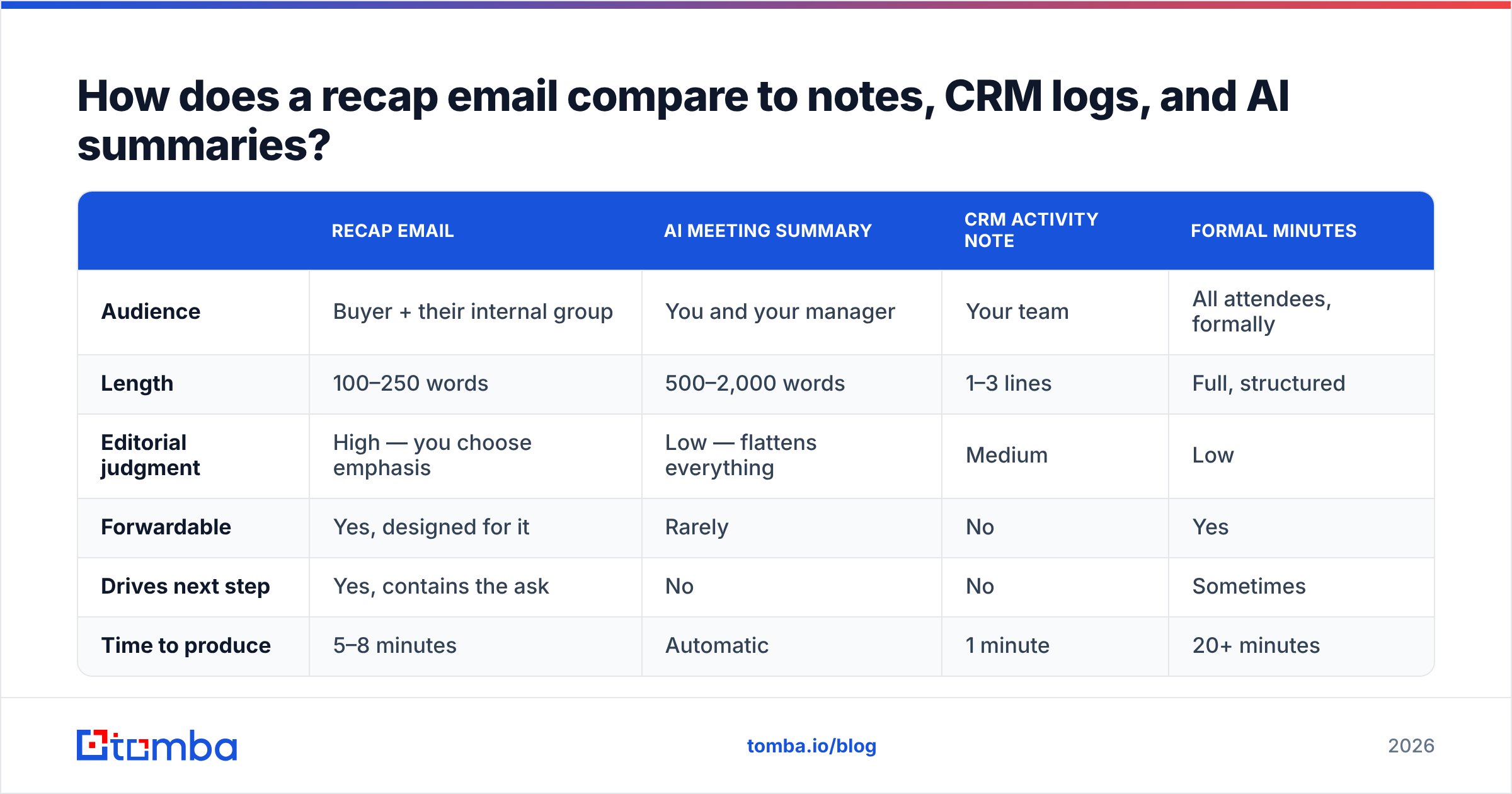
AI notetakers have made transcripts free, which changed what a recap email is for. It is no longer about capturing information. It is about deciding what matters.
| Recap email | AI meeting summary | CRM activity note | Formal minutes | |
|---|---|---|---|---|
| Audience | Buyer + their internal group | You and your manager | Your team | All attendees, formally |
| Length | 100–250 words | 500–2,000 words | 1–3 lines | Full, structured |
| Editorial judgment | High — you choose emphasis | Low — flattens everything | Medium | Low |
| Forwardable | Yes, designed for it | Rarely | No | Yes |
| Drives next step | Yes, contains the ask | No | No | Sometimes |
| Time to produce | 5–8 minutes | Automatic | 1 minute | 20+ minutes |
Use the AI summary as raw material. Never paste it into an email. A 1,400-word transcript summary tells the buyer you did not care enough to decide what was important. That editorial act — cutting nine things to highlight two — is the entire value of the recap.
Log the outcome in your CRM too, and if you run HubSpot, the HubSpot integration will keep contact records current so your recap thread and your pipeline data do not drift apart.
What mistakes quietly kill recap emails?#
Gratitude inflation. "Thanks so much for your valuable time" costs you the first line, which is the only line half your readers see in preview.
The everything attachment. Case study, pricing sheet, security doc, and a deck. Pick one.
No owner on the next step. "We'll circle back" has no subject. Someone must be named.
Rewriting the objection. If they said your onboarding sounded slow, do not summarize it as "you raised some questions about implementation." Buyers notice, and it costs you credibility for the rest of the cycle.
Sending to one person when four were on the call. This is the most common and most expensive one. If you only recap to your champion, the economic buyer never sees your framing.
Sending to a stale or guessed address. Reply rate is capped by delivery. A recap that bounces is worse than no recap, because you now believe you followed up.
How do you make sure the recap reaches everyone who was in the room?#
Meetings add people. Someone joins twenty minutes in, an assistant forwards the invite, a technical lead is pulled in for one question. You almost never end the call with a clean, verified address list.
Three practical fixes:
- Reconstruct the attendee list from the domain. A domain search returns the published addresses and the company's dominant email pattern, so you can resolve "Priya from security" into a real, verified address in seconds.
- Verify before you send, not after you bounce. Run the list through an email verifier so a hard bounce does not chip away at your sender reputation — recap emails are usually sent from your primary mailbox, which is exactly the domain you cannot afford to damage.
- Enrich the record while it is fresh. Titles and seniority captured the day after a meeting are far more accurate than titles guessed a month later during a pipeline review.
For the one contact you genuinely cannot find, guessing formats manually is a waste of a good afternoon. An email finder resolves name plus company to a verified address, and if you are doing this across a whole event attendee list, bulk verify handles the volume in one pass.
Ready to send recaps that actually land?#
Great recap copy is worth nothing against an invalid address. Use the Tomba Email Finder to resolve every attendee — including the ones who joined halfway through — into a verified, deliverable address before you hit send. Start free with 25 searches a month, or move to the Starter plan at $49/mo when your meeting volume outgrows it; full Tomba pricing is on the site. Write the recap once, and make sure everyone who needs to read it actually can.
Related guides#
Ready to find emails that actually work?
Join 150,000+ professionals who stopped guessing and started sending. Free credits on signup — no credit card required.
Get the Tomba newsletter
Practical outbound tactics and product updates — once every two weeks.
About the author