Follow Up Email Software in 2026: Tools, Costs, and Limits
Most reply rate problems are follow-up problems. Here is how follow up email software actually works in 2026, what the seven main tools cost, and where automation quietly kills your deliverability.
TL;DR
- Between 40% and 60% of replies to a cold sequence arrive after the first email, so follow up email software is not a nice-to-have — it is the part of the stack that recovers revenue you already paid to source.
- The category splits into three tiers: lightweight senders ($30–$60/mo), mid-market sequencers ($60–$100/user/mo), and enterprise sales engagement platforms ($100–$165/user/mo). The features that separate them are conditional branching, inbox rotation, and CRM write-back — not "AI".
- Automated follow-ups amplify whatever list you feed them. A 12% bounce rate across a 5-step sequence is 5 chances to burn your domain instead of 1.
- Reply detection, sending windows, and per-inbox volume caps matter more for deliverability than any subject line you will write.
- Pick by sending model: shared inbox and simple cadences → lightweight; multi-domain outbound at scale → dedicated cold-email platforms; account-based selling with a CRM system of record → sales engagement platforms.
What is follow up email software?#
Follow up email software is any tool that sends a pre-planned series of emails to a contact and stops automatically when that contact replies. That is the whole definition. Everything else — AI rewriting, multichannel steps, A/B testing — is a layer on top of those two mechanics: scheduled sending and reply-triggered exit.
Think of it like a dishwasher. The value is not that it scrubs better than you do; it is that it runs the same cycle at 9:03 a.m. on day 3 whether or not you remembered. Sales reps do not forget follow-ups because they are lazy. They forget because a 60-contact cadence with 5 steps each is 300 timed events, and human working memory tops out around seven.
The category overlaps three adjacent ones, which is why buying is confusing:
- Cold email platforms (Instantly, Smartlead, Saleshandy) — built for volume, multiple sending domains, and inbox rotation. Follow-ups are the core loop.
- Sales engagement platforms (Outreach, Salesloft, Reply.io) — built around the rep's day. Follow-ups sit inside tasks, call steps, and LinkedIn touches, with the CRM as the system of record.
- CRM-native sequencers (HubSpot Sales Hub, Pipedrive campaigns) — fewer sending controls, but zero data sync problems because the contact record never leaves the CRM.
If you buy from tier 1 expecting tier 3 reporting, you will be unhappy. That mismatch is the single most common source of "this tool didn't work for us" reviews on G2's sales engagement category.
Why do follow-ups decide your reply rate?#
Because the first email is a coin flip on timing, and follow-ups buy you more flips.
A prospect who ignores your Tuesday email is not rejecting your offer. They are in a QBR, or they have 340 unread messages, or your email landed at 4:50 p.m. on a Friday. Follow-ups convert a single timing bet into four or five. Across outbound teams we have looked at, the shape is consistent: step 1 produces the largest single block of replies, but steps 2 through 4 combined usually match or beat it. HubSpot's sales research has made a similar point for years — persistence within a bounded window outperforms a single perfect touch.
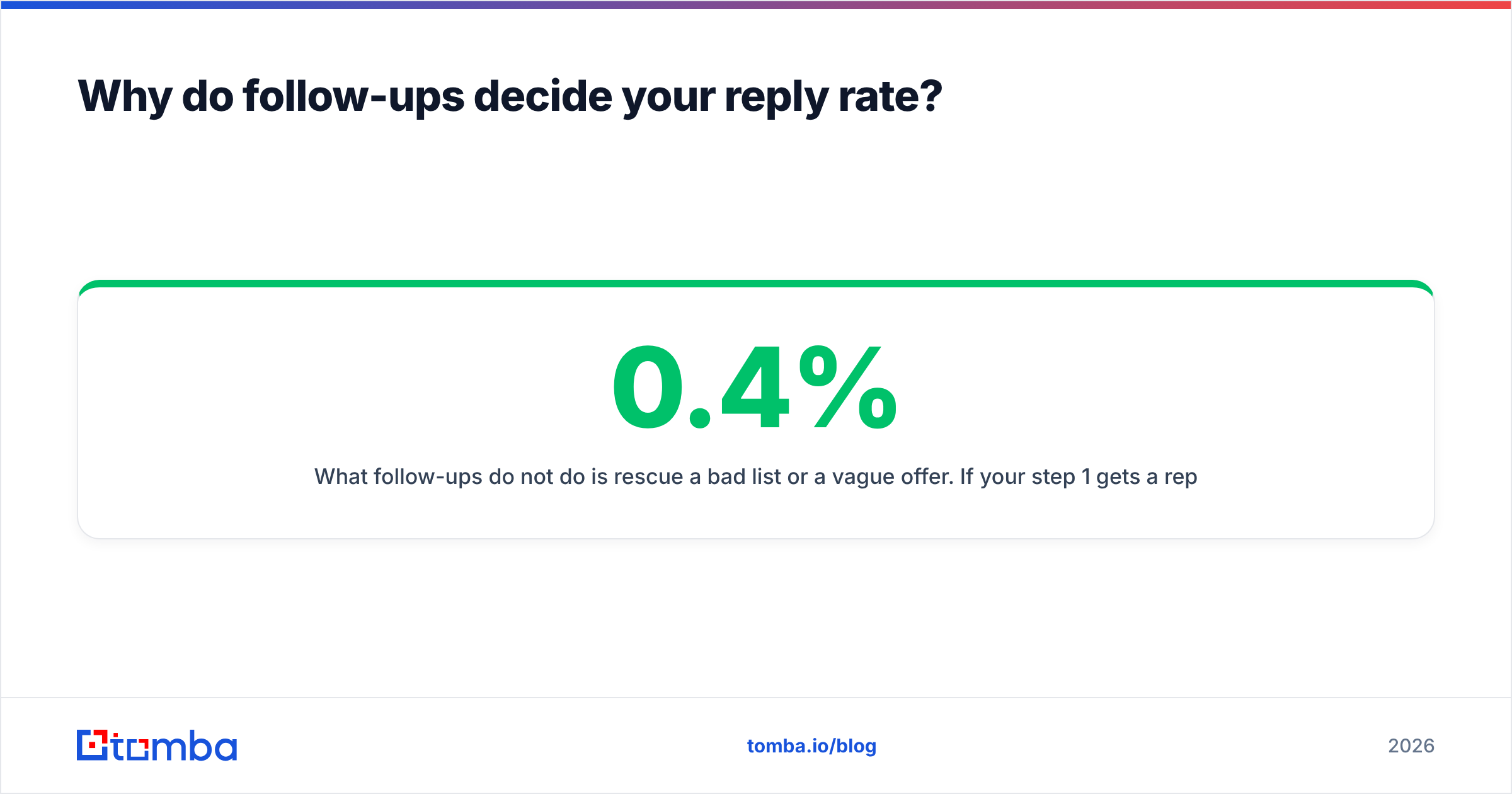
What follow-ups do not do is rescue a bad list or a vague offer. If your step 1 gets a 0.4% reply rate, four more steps will get you to roughly 1%, not 8%. Sequencing multiplies a positive number; it cannot fix a zero.
What features actually matter in follow up email software?#
Ignore the feature grids. These six decide whether the tool works in month three:
- Reply and bounce detection that actually stops the sequence. Test this before you buy. Send yourself a reply from an alias, from a mobile client, and as an out-of-office auto-responder. Tools that treat OOO as a real reply will silently drop live prospects out of your cadence for two weeks.
- Per-inbox volume caps and sending windows. You want hard limits per mailbox (30–50/day for a warmed domain), randomized intervals, and timezone-aware windows based on the recipient's timezone, not yours.
- Inbox rotation across domains. Only matters above ~200 sends/day. Below that, it adds complexity and splits your sender reputation across mailboxes that never build one.
- Conditional branching. "If opened but no reply → send version B. If clicked pricing → notify rep." Open tracking is unreliable post-Apple MPP, so weight click and reply conditions higher than open conditions.
- CRM write-back at the activity level. Not "syncs contacts" — writes each sent email, reply, and sequence exit onto the contact timeline. Without this, your pipeline reporting has a hole in it.
- Native verification or a verification API hook. Every send against a dead address is a deposit into the wrong account. The tool should either verify inline or accept a verified list without re-uploading CSVs by hand.
Notice what is missing: AI copy generation. Every tool has it, every tool's output sounds the same, and it is not a differentiator in 2026. If you want a starting point for structure rather than a generator, a library of cold email templates does the same job without the token cost.
Which follow up email software should you choose in 2026?#
Prices below are list prices from vendor pages as of early 2026 and move often — treat them as a bracket, not a quote.
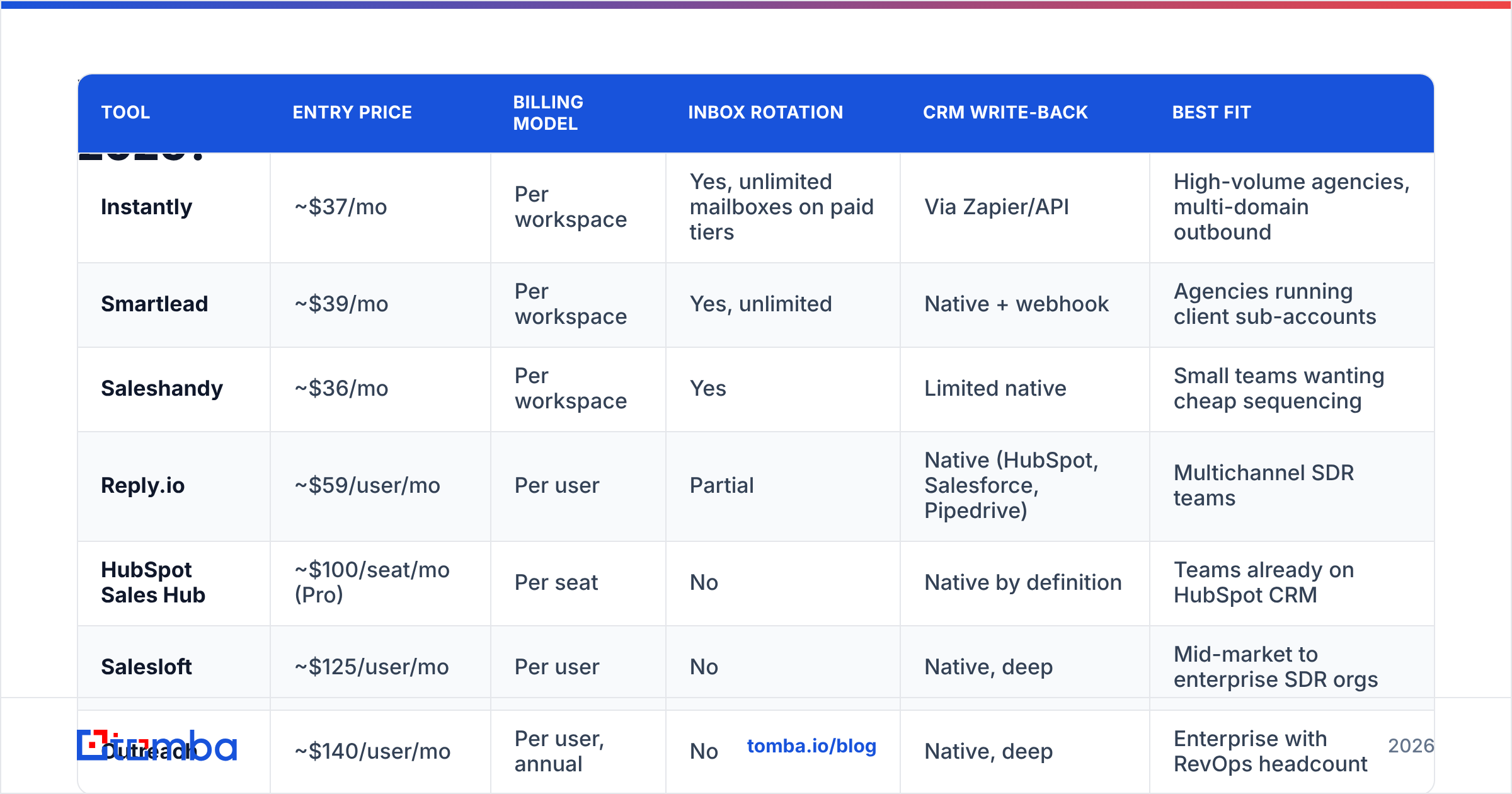
| Tool | Entry price | Billing model | Inbox rotation | CRM write-back | Best fit |
|---|---|---|---|---|---|
| Instantly | ~$37/mo | Per workspace | Yes, unlimited mailboxes on paid tiers | Via Zapier/API | High-volume agencies, multi-domain outbound |
| Smartlead | ~$39/mo | Per workspace | Yes, unlimited | Native + webhook | Agencies running client sub-accounts |
| Saleshandy | ~$36/mo | Per workspace | Yes | Limited native | Small teams wanting cheap sequencing |
| Reply.io | ~$59/user/mo | Per user | Partial | Native (HubSpot, Salesforce, Pipedrive) | Multichannel SDR teams |
| HubSpot Sales Hub | ~$100/seat/mo (Pro) | Per seat | No | Native by definition | Teams already on HubSpot CRM |
| Salesloft | ~$125/user/mo | Per user | No | Native, deep | Mid-market to enterprise SDR orgs |
| Outreach | ~$140/user/mo | Per user, annual | No | Native, deep | Enterprise with RevOps headcount |
The pattern is clean once you see it: workspace-priced tools are built for volume, seat-priced tools are built for reps. If you have three SDRs sending 150 emails a day each, seat pricing is cheaper and gives you better reporting. If you have one growth marketer sending 2,000 a day across eight domains, workspace pricing is the only model that survives contact with your CFO.
A note on switching costs that vendors do not advertise: seat-priced platforms hold your sequence templates, your activity history, and often your task logic. Exporting from Outreach or Salesloft after two years is a project, not an afternoon. Workspace tools are far easier to leave, which is itself a feature.
How much does follow up email software really cost?#
Add three line items that never appear on the pricing page.
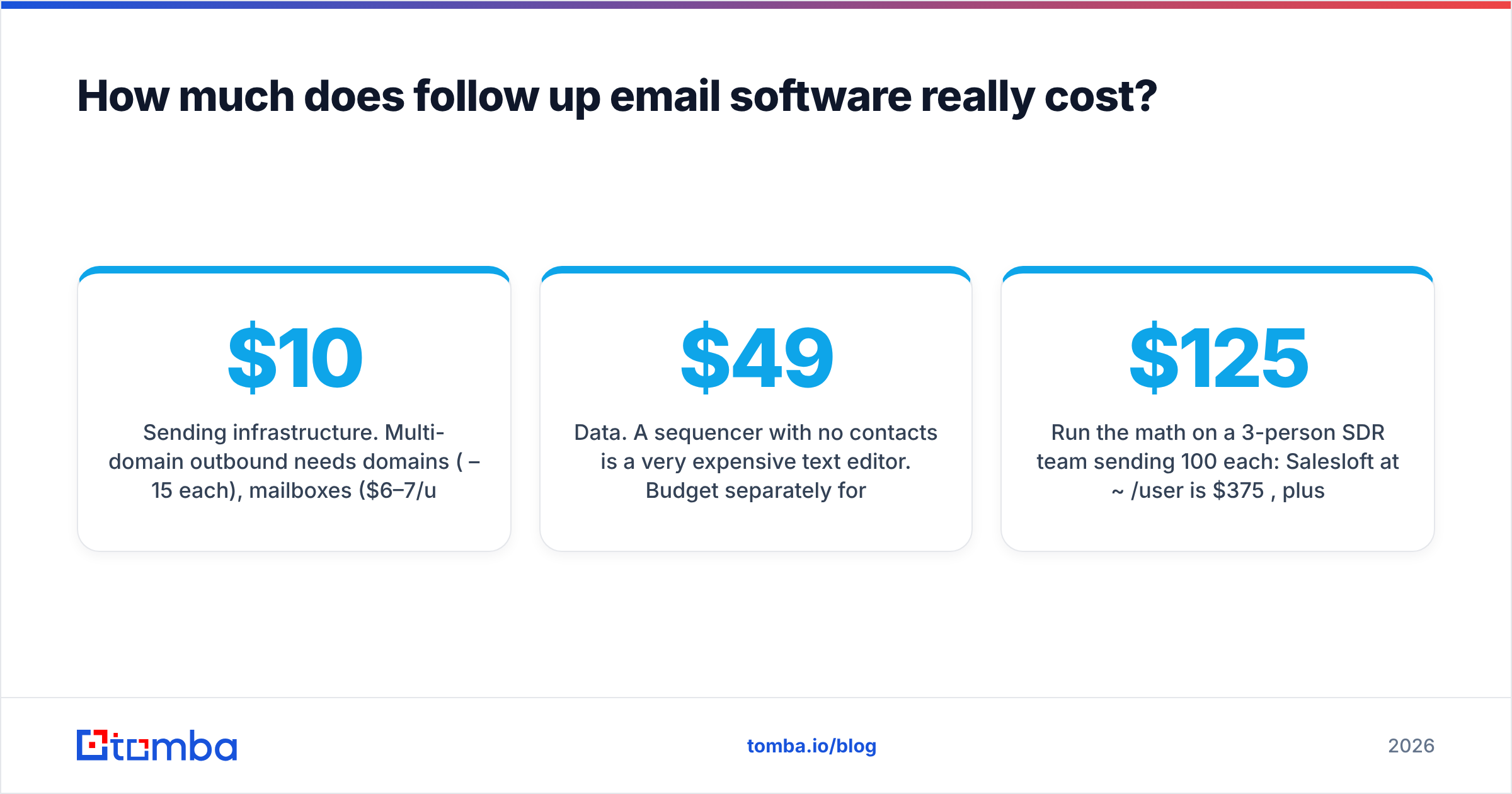
Sending infrastructure. Multi-domain outbound needs domains ($10–15/yr each), mailboxes ($6–7/user/mo on Google Workspace or Microsoft 365), and warmup. Ten sending mailboxes is roughly $70/mo before your sequencer costs a cent.
Data. A sequencer with no contacts is a very expensive text editor. Budget separately for finding and verifying addresses — this is where Tomba pricing sits alongside your sending tool rather than replacing it: Free (25 searches/mo), Starter $49/mo, Growth $99/mo, Pro $249/mo, Enterprise custom.
Cleanup. Bounces, spam complaints, and re-warming a burned domain cost time you will not have budgeted. The cheapest version of this line item is verifying before you send.
Run the math on a 3-person SDR team sending 100/day each: Salesloft at ~$125/user is $375/mo, plus data at $99/mo, plus mailboxes. Compare that to Smartlead at $39/mo plus the same data — a $336/mo delta that buys you CRM depth, task management, and call logging. Whether that is worth it depends entirely on whether anyone will actually use those features.
Does automated follow-up hurt deliverability?#
It hurts deliverability exactly as much as your list quality allows it to.
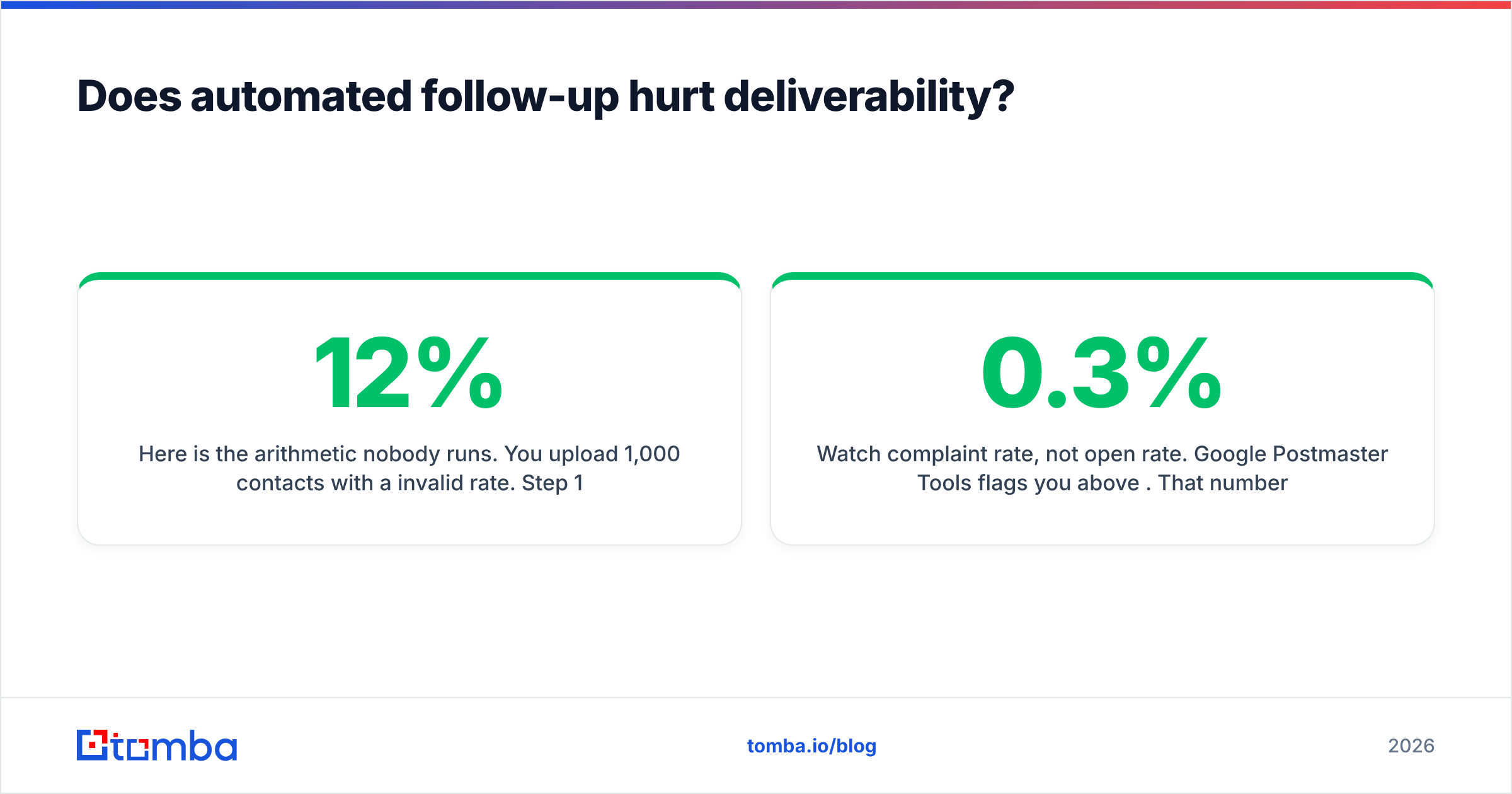
Here is the arithmetic nobody runs. You upload 1,000 contacts with a 12% invalid rate. Step 1 generates 120 hard bounces. Most tools will suppress those addresses for later steps — but you have already told the receiving mail servers, in one burst, that 12% of your recipients do not exist. Mailbox providers read that as a list-buying signal. Sender reputation drops, and steps 2 through 5 for the valid 880 contacts land in spam. You did not get punished for following up. You got punished for the upload.
Three controls that actually move the needle:
- Verify before the first send, not after the first bounce. Run the list through an email verifier and drop anything that is not deliverable. Catch-all domains need their own handling — a catch-all verifier tells you whether the domain accepts everything (making SMTP checks useless) so you can decide to send anyway or park those contacts.
- Cap per-mailbox volume and ramp. New mailbox: 10/day for week one, 20 for week two, 40 by week four. Sequencers that let you set a global daily cap without a per-mailbox cap will happily dump 300 sends through one new inbox.
- Watch complaint rate, not open rate. Google Postmaster Tools flags you above 0.3%. That number, not your open rate, is what decides whether step 4 gets seen.
One more: keep the follow-up thread in the thread for steps 2–3, then break to a fresh thread for step 4. Endless "bumping this" replies on the same thread train the recipient's filter to route the whole conversation to Promotions.
How many follow-ups should a sequence have?#
Four to six touches over 14–21 days, for most B2B motions.
- Step 1 (day 0): the actual pitch. One idea, one ask.
- Step 2 (day 3): same thread, new angle — a specific detail about their company, not "just checking in."
- Step 3 (day 7): proof. A comparable customer, a number, a short case reference.
- Step 4 (day 12): new thread, new subject. Assume step 1 was never seen.
- Step 5 (day 18): the breakup. Short, no guilt, leaves the door open.
Beyond six touches, marginal reply rate goes negative and complaint rate goes up. If your sequence has 11 steps, you are not being persistent — you are being reported.
The reason step 2 works has nothing to do with cleverness. It works because the recipient's inbox on day 3 is a different inbox than it was on day 0. Vary the angle, not the volume of adjectives.
Where does contact data fit into all this?#
Upstream, and it determines everything downstream.
Follow up email software is a distribution layer. It assumes you have a valid address, a real name, and enough context to write step 2 without sounding like a mail merge. Most teams buy the sequencer first and discover the data problem in week three, when their bounce rate hits double digits and their domain is already singed.
The clean order of operations:
- Build the target account list.
- Find contacts — domain search to pull the roles at each company, or an email finder for named prospects you already have.
- Verify, including catch-all handling.
- Enrich with the fields your step 2 and step 3 copy actually reference.
- Push into the sequencer via API or a native HubSpot integration.
- Then, and only then, turn on sending.
If you are running this at list scale rather than one contact at a time, do steps 2–3 in a single pass with a bulk email finder so verification happens before the CSV ever touches your sending tool.
What are the most common follow-up mistakes?#
- "Just bumping this to the top of your inbox." It adds no information and signals automation. Replace it with one new fact.
- Sending all five steps from a brand-new domain. Warm for 3–4 weeks first.
- Following up on a bounced address. Verify that your tool actually suppresses hard bounces across all remaining steps, not just the next one.
- Ignoring reply sentiment. "Not interested" and "circle back in Q3" both stop the sequence, but only one should re-enter a cadence in 90 days.
- Optimizing subject lines before fixing the list. A 3% improvement on open rate is invisible next to a 12% bounce rate.
- No exit for closed-won. Nothing damages a new customer relationship faster than step 4 of a prospecting cadence arriving the week after they signed.
So which one should you buy?#
Choose by sending model, then by CRM.
If you send under 500/day from one or two domains and your CRM is the source of truth, use your CRM's native sequencer or Reply.io. If you send above 1,000/day across many domains, use Instantly or Smartlead and accept that reporting will be thinner. If you have an SDR team with a RevOps function and a Salesforce instance you cannot leave, Outreach or Salesloft are priced for you and will pay back through task discipline, not through emails sent.
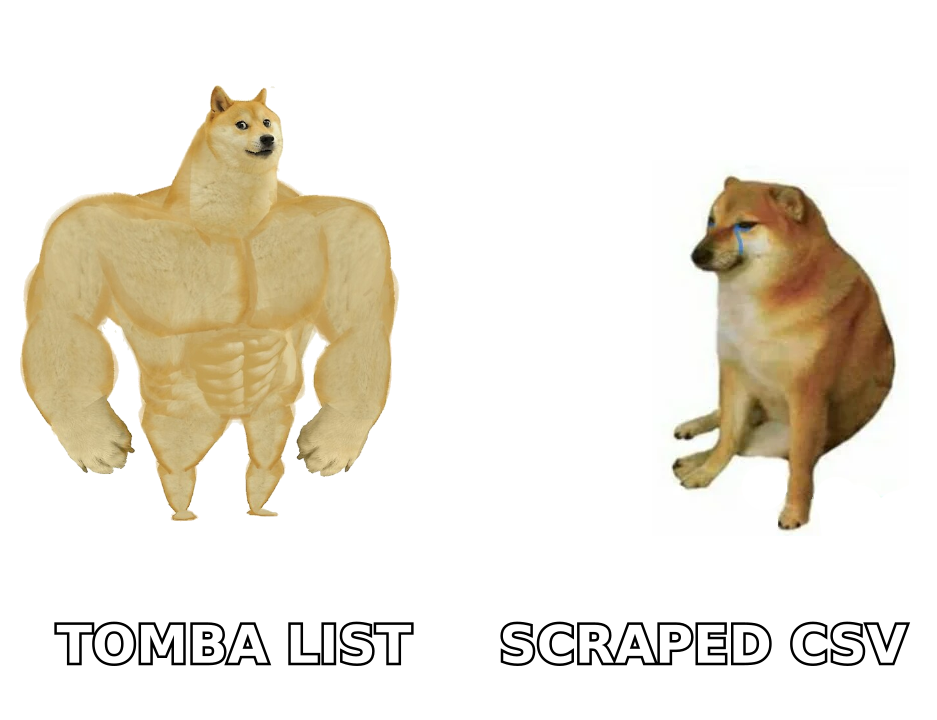
And whichever you pick, fix the input first. A mid-tier sequencer running a verified list beats an enterprise platform running a scraped one, every quarter, without exception.
Start where the leverage is: use the Tomba Email Finder to build a list of real, verified addresses for your target accounts, then let whatever sequencer you chose do the boring part. The free tier gives you 25 searches a month to test the difference in bounce rate before you commit a domain to it.
Related guides#
Ready to find emails that actually work?
Join 150,000+ professionals who stopped guessing and started sending. Free credits on signup — no credit card required.
Get the Tomba newsletter
Practical outbound tactics and product updates — once every two weeks.
About the author