Gainio Alternatives: 9 Better Email Finders for 2026
Gainio covers the basics, but credit burn, thin catch-all handling, and API limits push teams to look elsewhere. Here are nine Gainio alternatives compared on accuracy, pricing, and export rules.
TL;DR
- Most teams leave Gainio for one of three reasons: credits burn faster than expected, catch-all domains come back as unusable "unknown", or the API/export terms don't fit their workflow.
- The right replacement depends on your job-to-be-done: pure email finding, verification, full sales-engagement, or bulk list buying.
- Tomba is the closest like-for-like swap for finding and verifying work emails at scale — free tier of 25 searches/mo, Starter at $49/mo, plus a real REST API and catch-all verification.
- BookYourData is the strongest option if you'd rather buy a pre-built, filtered list than run searches one domain at a time.
- Before you migrate, run the same 100-contact test list through every shortlisted tool. Vendor-published accuracy numbers are marketing; your own bounce rate is data.
What is Gainio and who actually uses it?#
Gainio sits in the B2B contact-data category: you give it a name and a company domain (or just a domain), and it returns likely business email addresses, usually with some confidence indicator attached. That's the same core job performed by Hunter, Apollo, RocketReach, Findymail, and Tomba.
Tools in this category are bought by three types of buyer:
- Solo founders and small agencies who need a few hundred verified contacts a month and care mostly about price per email.
- SDR teams who need bulk enrichment, CRM sync, and a hard ceiling on bounce rate because their domain reputation is a shared asset.
- Developers and RevOps engineers who need an API that enriches records inside a pipeline, not a UI someone clicks through.
Gainio serves the first group reasonably well. The friction usually shows up in groups two and three, which is where searches for Gainio alternatives come from. Before you switch, be precise about which of those three you are — the "best" alternative changes completely depending on the answer.
Why do teams look for Gainio alternatives?#
Across support threads, G2 reviews of lead-intelligence tools, and migration conversations, the same five complaints repeat for almost every finder in this bracket:
- Credit accounting is opaque. A "search" that returns nothing still costs you a credit at many vendors. On a 5,000-row list with a 60% hit rate, that's 2,000 credits spent on nothing.
- Catch-all domains return "unknown." Roughly a third of mid-market company domains accept all mail at the SMTP layer. A verifier that shrugs at catch-alls effectively hands you an unusable segment of your ICP.
- Coverage skews by geography. Many finders are strong on US SaaS and weak on EMEA, LATAM, or non-English company names.
- API access is gated behind an expensive tier. Fine for a UI-first team, fatal if you're building enrichment into your own product.
- Export and seat restrictions. Some vendors limit how much of the data you can actually take with you, which matters if you plan to keep it in your own warehouse.
If none of those apply to you, staying put is a legitimate answer. If two or more do, keep reading.

How accurate are email finders, really?#
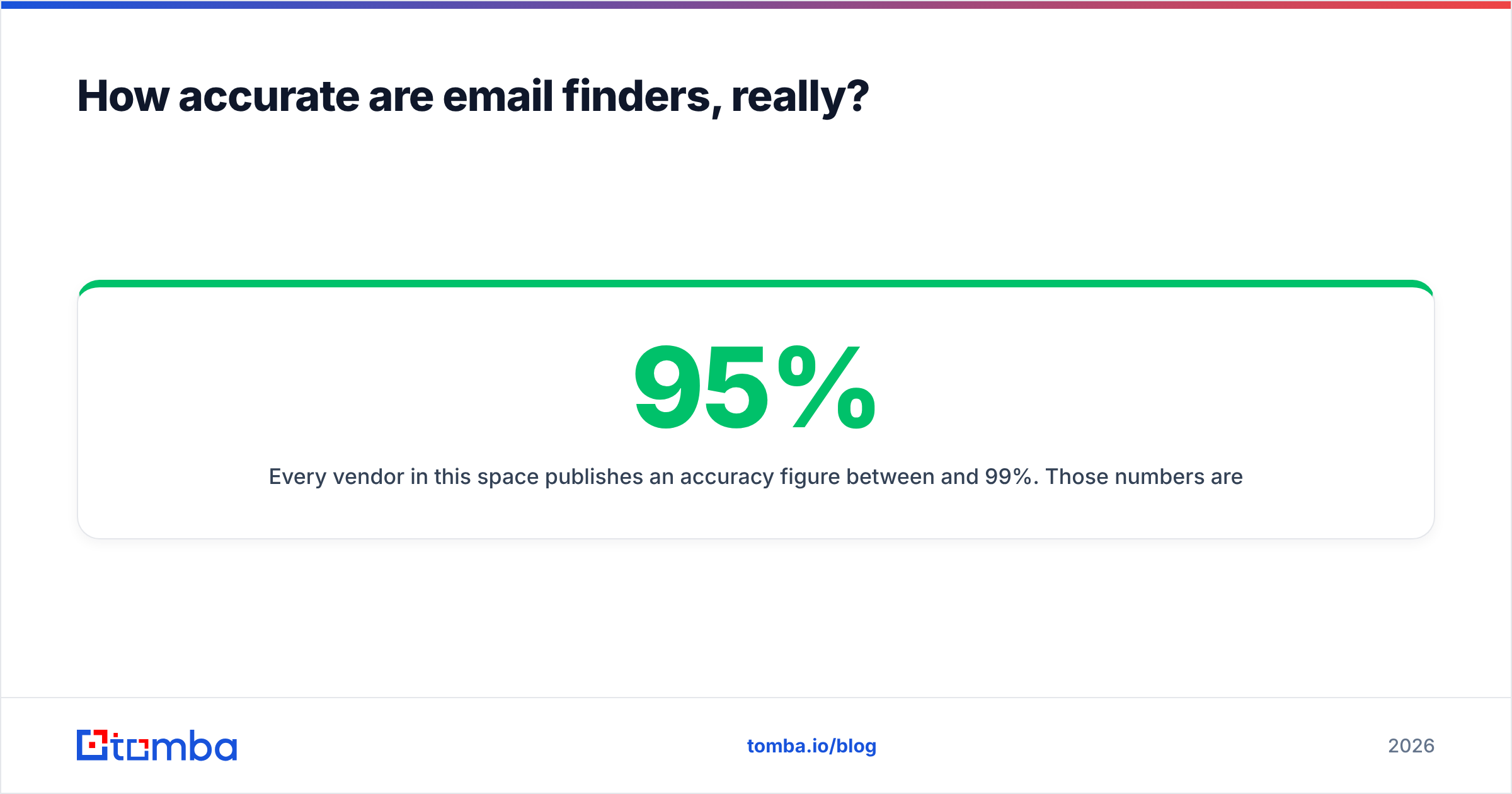
Every vendor in this space publishes an accuracy figure between 95% and 99%. Those numbers are not comparable, because vendors define the denominator differently. Some measure accuracy only on emails they chose to return; others include unfound rows. A tool that returns an address for 40% of your list at 98% accuracy will produce fewer meetings than one that returns 75% at 93%.
Two metrics matter, and you have to measure both together:
- Hit rate — of the rows you submitted, how many came back with an address at all?
- Deliverability — of those addresses, how many landed without a hard bounce?
Multiply them. That's your real yield per credit spent.

The practical test takes about twenty minutes. Build a 100-row control list you already know the answers for — people who've replied to you, contacts already in your CRM with confirmed addresses, a mix of company sizes and at least three countries. Run that list through each trial. Score hit rate and match-to-known-good separately. Whatever wins on your list wins, regardless of the homepage claim.
A companion step: run the returned addresses through an independent email verifier rather than trusting the finder's own confidence score. Self-graded homework has an obvious problem.
What are the best Gainio alternatives in 2026?#
Here's the shortlist, grouped by the job you're hiring the tool to do.
1. Tomba — best all-round Gainio replacement#
Tomba does the same core job as Gainio — find and verify professional email addresses by name, domain, or company — with a wider surface area around it. The email finder is the core product, and domain search, catch-all verification, phone finding, reverse email lookup, and enrichment sit alongside it on the same credit pool.
Why teams move here: the free tier (25 searches/mo) is enough to run a real accuracy test before paying anything, the API is available on paid plans rather than gated to enterprise, and catch-all domains get a dedicated verification path instead of a shrug. Bulk processing handles CSV uploads without seat-based export caps.
Watch out for: like every finder, coverage on very small local businesses without a web presence is thin. That's a category limitation, not a vendor one.
2. Hunter — best for simple domain-level lookups#
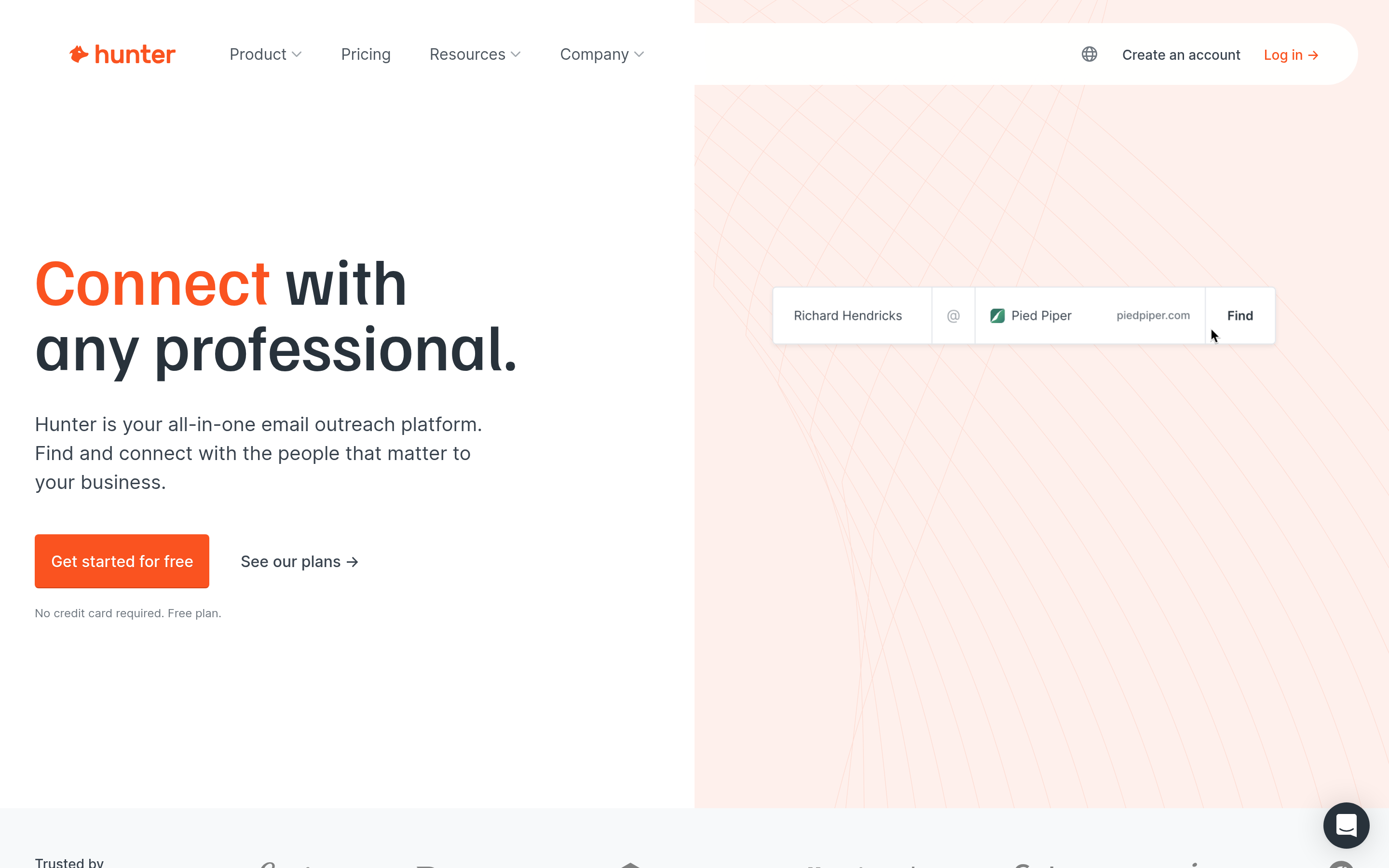
Hunter is the most recognisable brand in the category and the easiest to explain to a non-technical teammate. Domain search returns the pattern plus known addresses; the Chrome extension is competent. It's a fine Gainio swap if your workflow is "look up one company at a time." It gets expensive fast at bulk volumes and its enrichment depth is shallow compared to platform-style tools.
3. Apollo.io — best if you want the whole engagement stack#
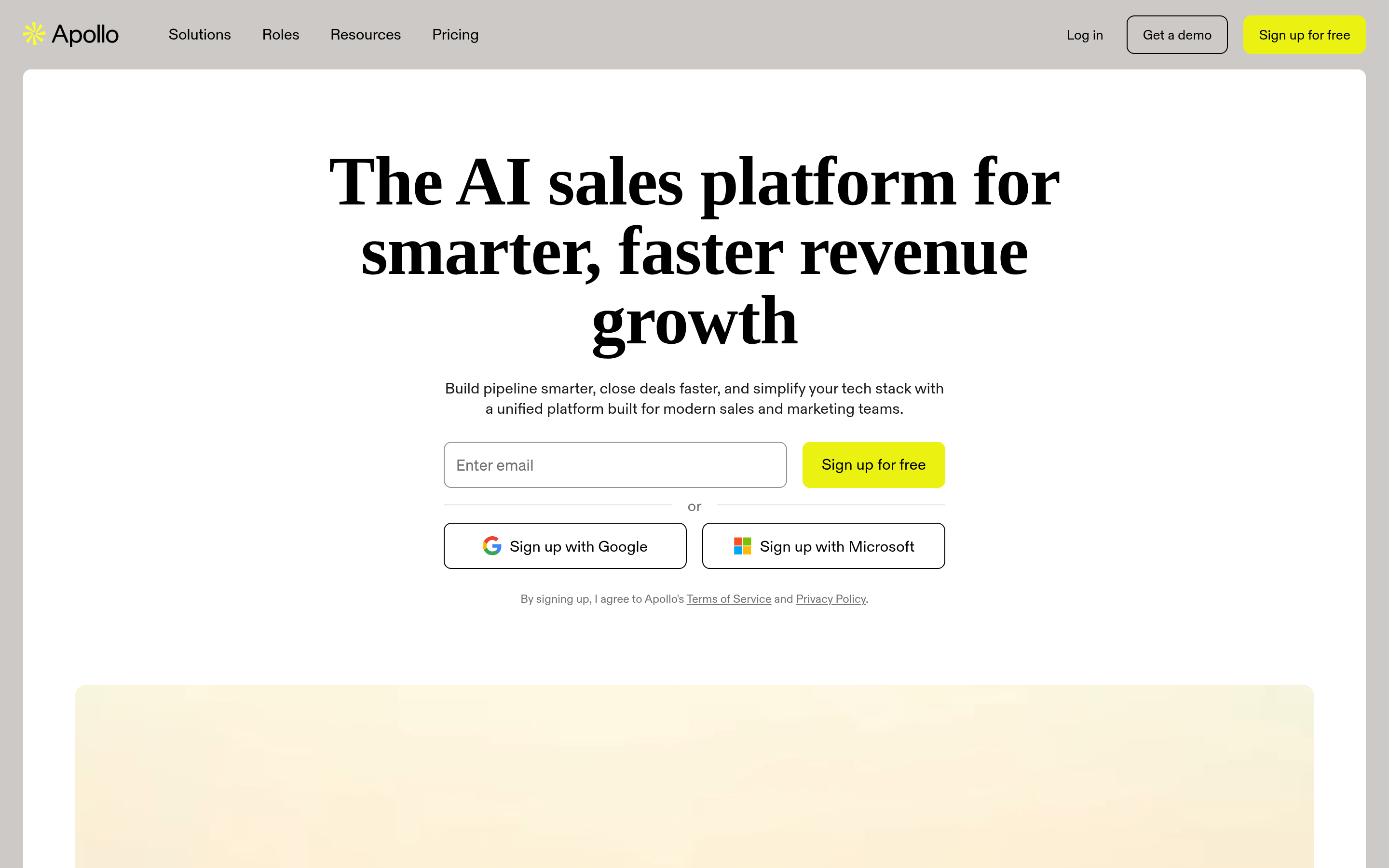
Apollo bundles a contact database, sequencing, dialer, and basic CRM. If you're replacing Gainio and your outreach tool, it consolidates spend. The tradeoff is that data quality on the database side is uneven, and you're buying a large platform to get one component. Teams that only want the data layer often find it heavy — see the Apollo alternative breakdown for the detailed comparison.
4. BookYourData — best for buying a pre-built list#
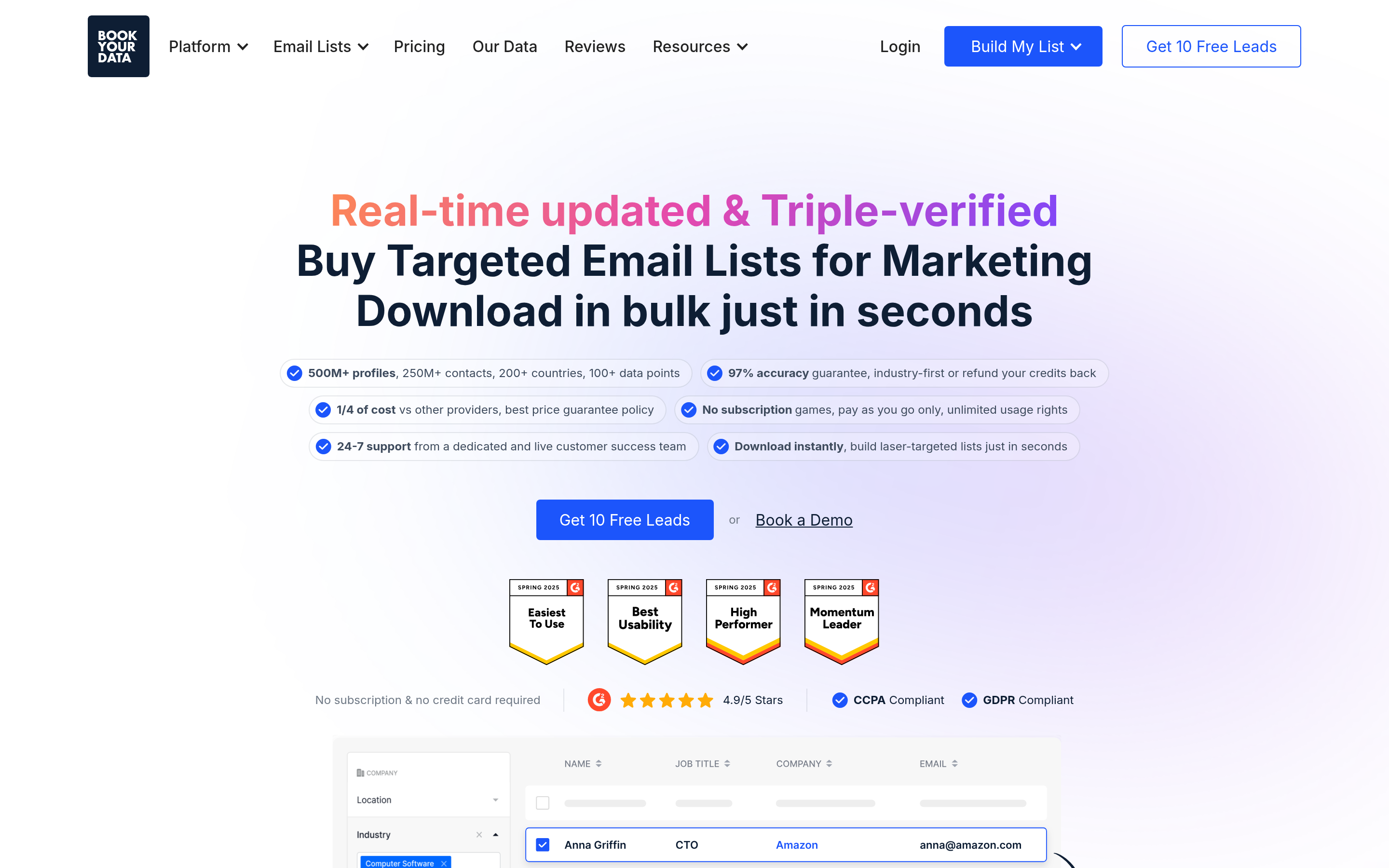
BookYourData takes a different approach: instead of searching domain by domain, you filter a large database by industry, title, geography, and company size, then download the segment. For teams that need 5,000 targeted contacts on Monday rather than a search workflow, that's a genuinely better shape of product. Pay-as-you-go credits mean no subscription commitment, and it publishes a bounce-rate guarantee. If your bottleneck is list-building speed rather than one-off lookups, it belongs on your shortlist.
5. Findymail — best for waterfall-style enrichment#
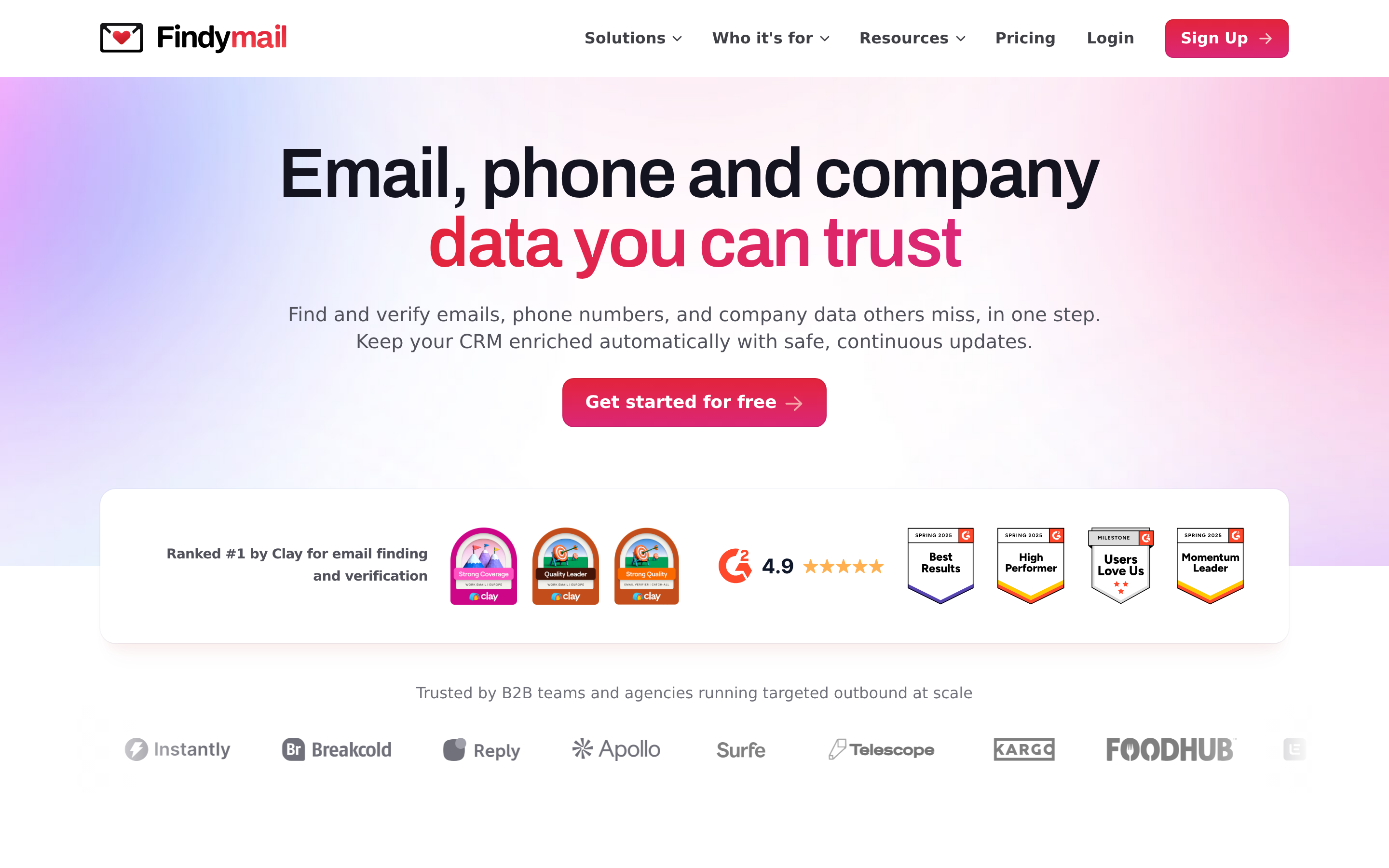
Findymail focuses narrowly on finding and validating emails with an emphasis on not returning junk. Narrow scope, good execution, priced accordingly. Fewer surrounding tools than Tomba or Apollo.
6. RocketReach — best for contact breadth beyond email#
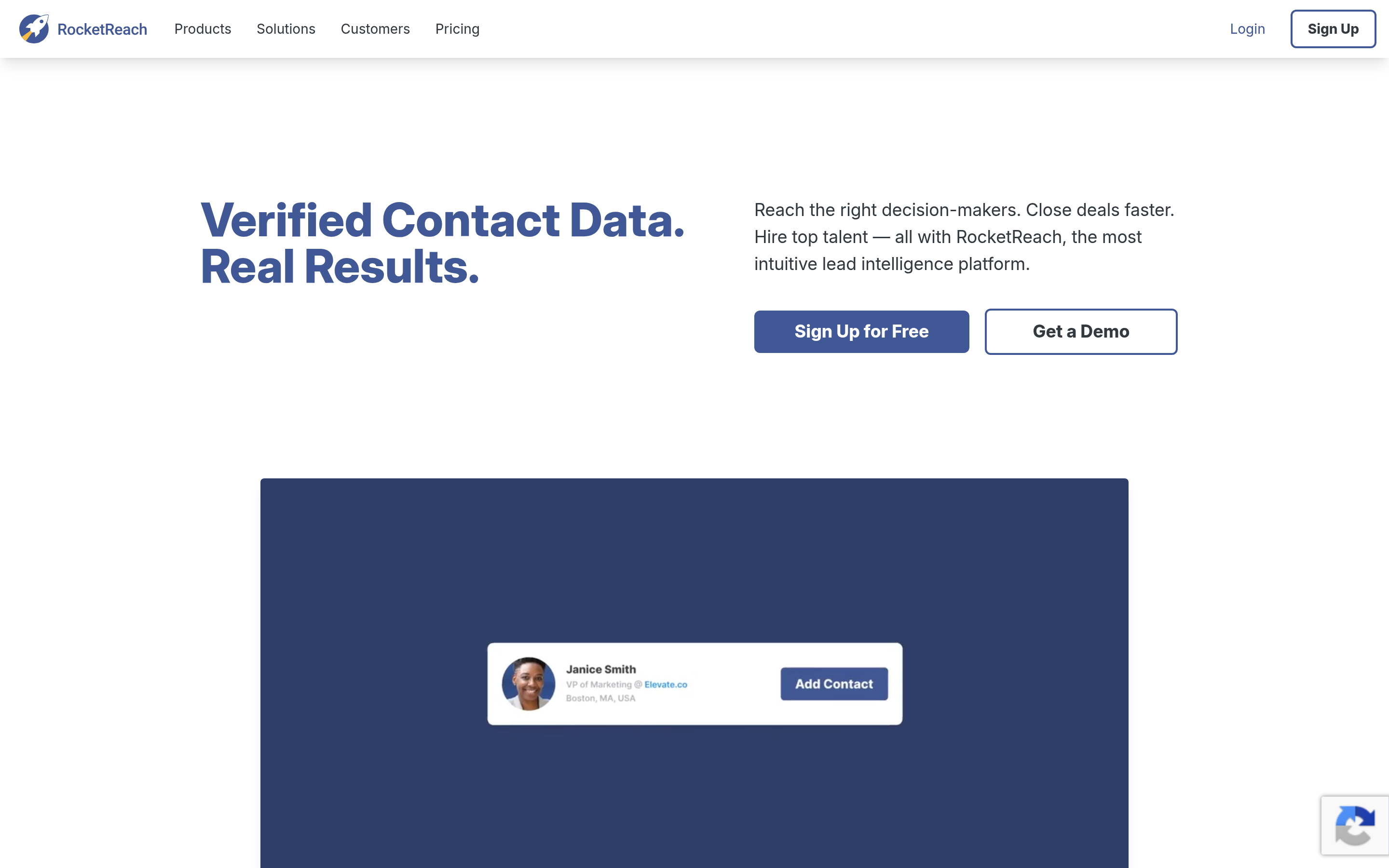
Strong on personal and mobile numbers alongside emails. Useful for multi-channel sequences. Per-lookup cost is on the higher side and the UI pushes you toward its own plans rather than API-first use.
7. Dropcontact — best for GDPR-sensitive European outreach#
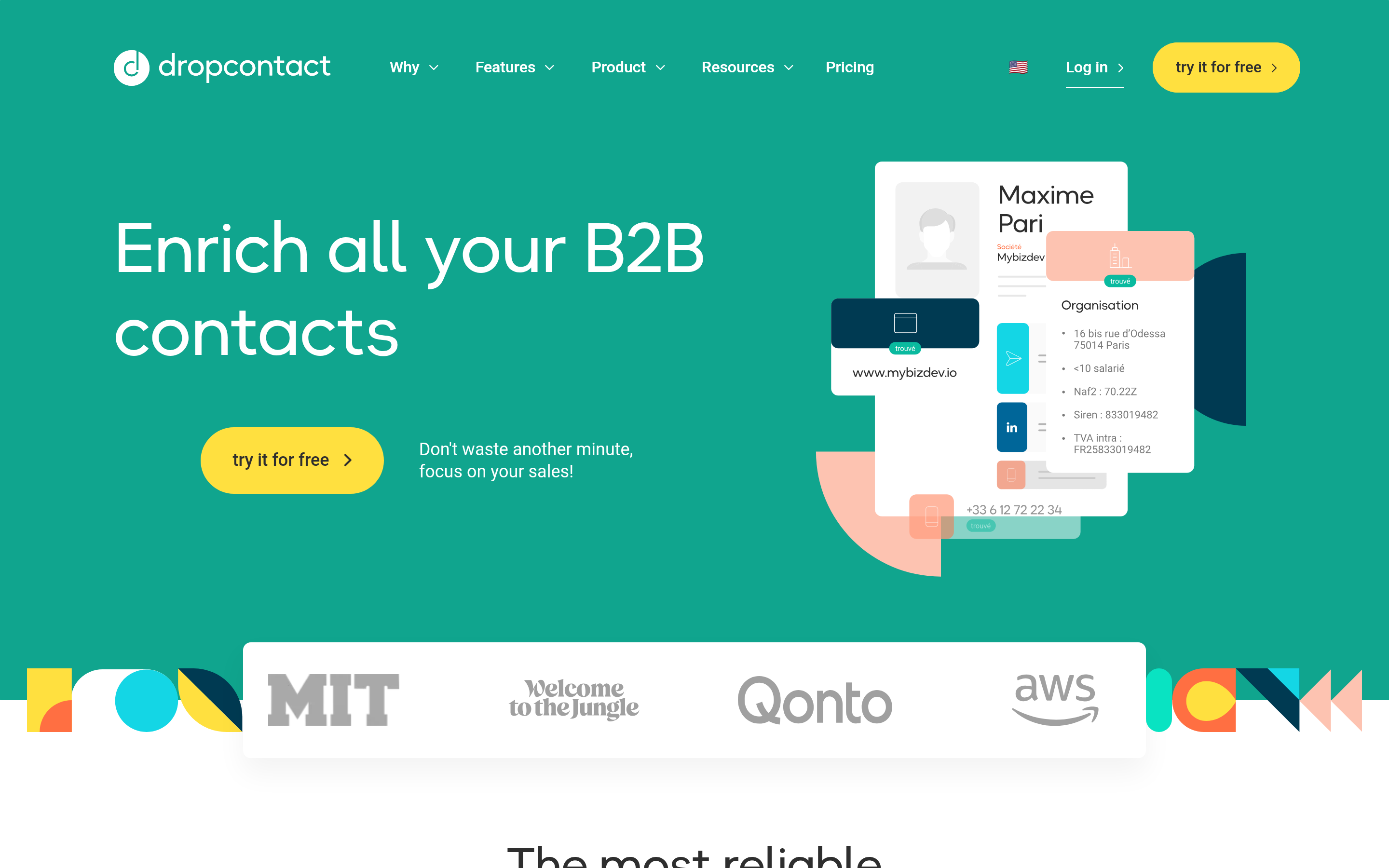
Dropcontact builds addresses algorithmically rather than storing a personal-data database, which changes its compliance posture for EU prospecting. Coverage in France and continental Europe is a genuine differentiator.
8. ZeroBounce — best as a verification layer, not a finder#
If your complaint about Gainio is bounces rather than coverage, you may not need a new finder at all. Bolt a dedicated verifier onto your existing list. ZeroBounce, Bouncer, and Tomba's own verifier all do this; see the ZeroBounce alternative comparison for the tradeoffs.
9. Wiza — best for LinkedIn-sourced lists#
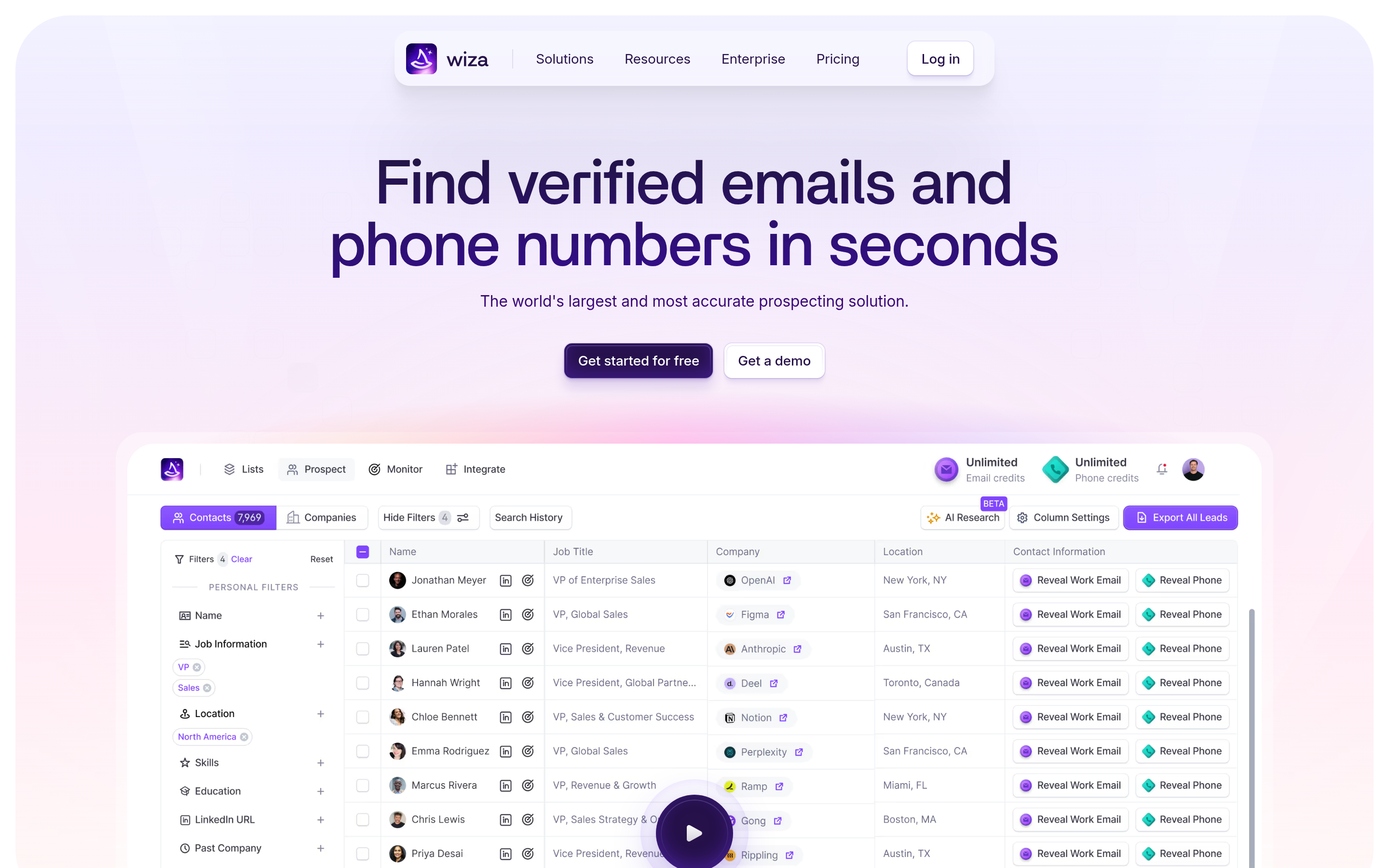
If your prospecting starts inside Sales Navigator, Wiza converts saved searches into exportable contact lists. Sensible if LinkedIn is your source of truth; irrelevant if it isn't.
How do the alternatives compare on price and features?#

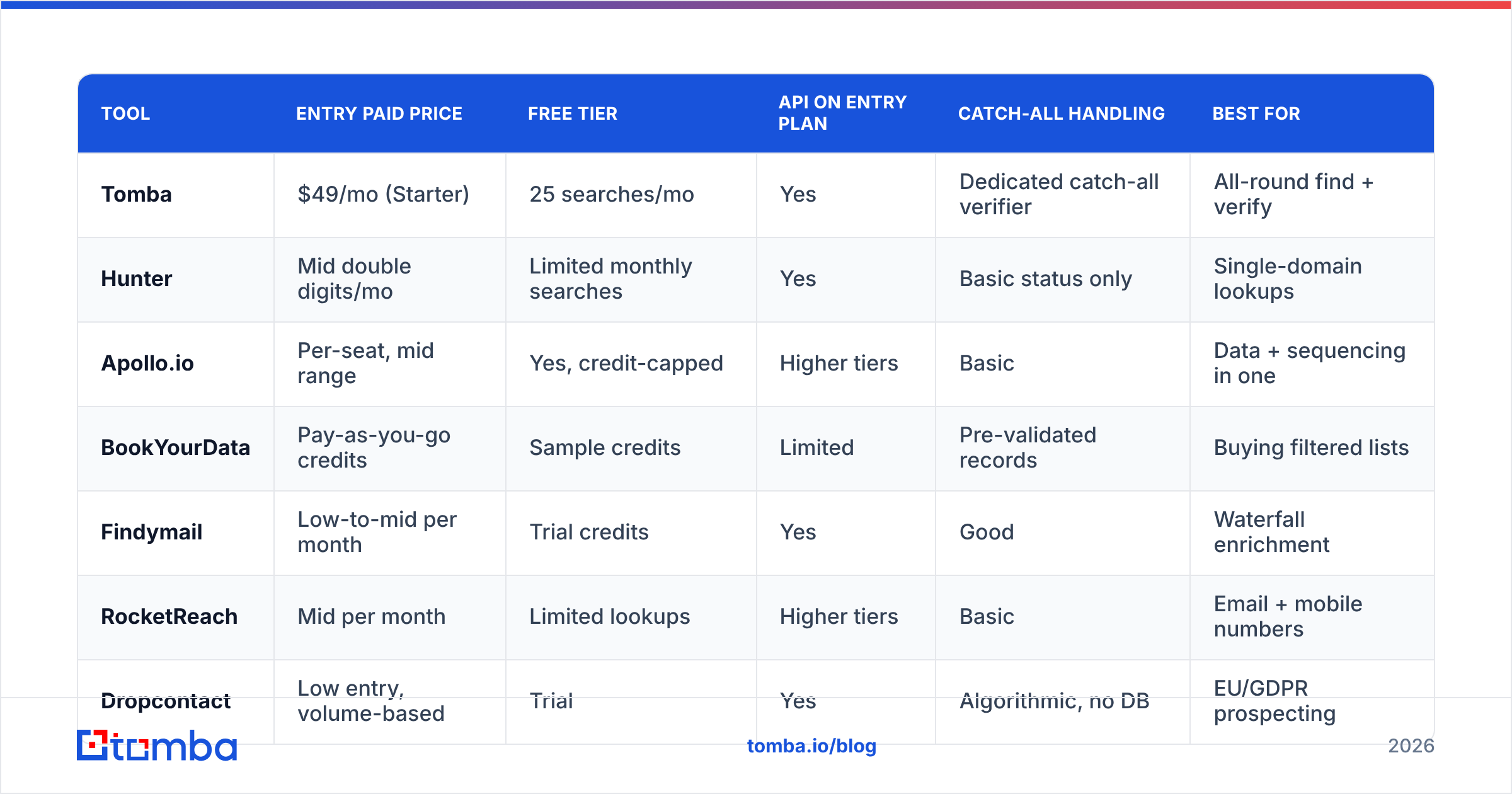
| Tool | Entry paid price | Free tier | API on entry plan | Catch-all handling | Best for |
|---|---|---|---|---|---|
| Tomba | $49/mo (Starter) | 25 searches/mo | Yes | Dedicated catch-all verifier | All-round find + verify |
| Hunter | Mid double digits/mo | Limited monthly searches | Yes | Basic status only | Single-domain lookups |
| Apollo.io | Per-seat, mid range | Yes, credit-capped | Higher tiers | Basic | Data + sequencing in one |
| BookYourData | Pay-as-you-go credits | Sample credits | Limited | Pre-validated records | Buying filtered lists |
| Findymail | Low-to-mid per month | Trial credits | Yes | Good | Waterfall enrichment |
| RocketReach | Mid per month | Limited lookups | Higher tiers | Basic | Email + mobile numbers |
| Dropcontact | Low entry, volume-based | Trial | Yes | Algorithmic, no DB | EU/GDPR prospecting |
| ZeroBounce | Pay-as-you-go | 100 free checks | Yes | Strong | Verification only |
Pricing moves constantly and every vendor runs promotions. Treat the table as a shape, not a quote — confirm on each vendor's own pricing page before you buy. Tomba pricing runs Free (25 searches/mo), Starter $49/mo, Growth $99/mo, Pro $249/mo, and custom Enterprise.
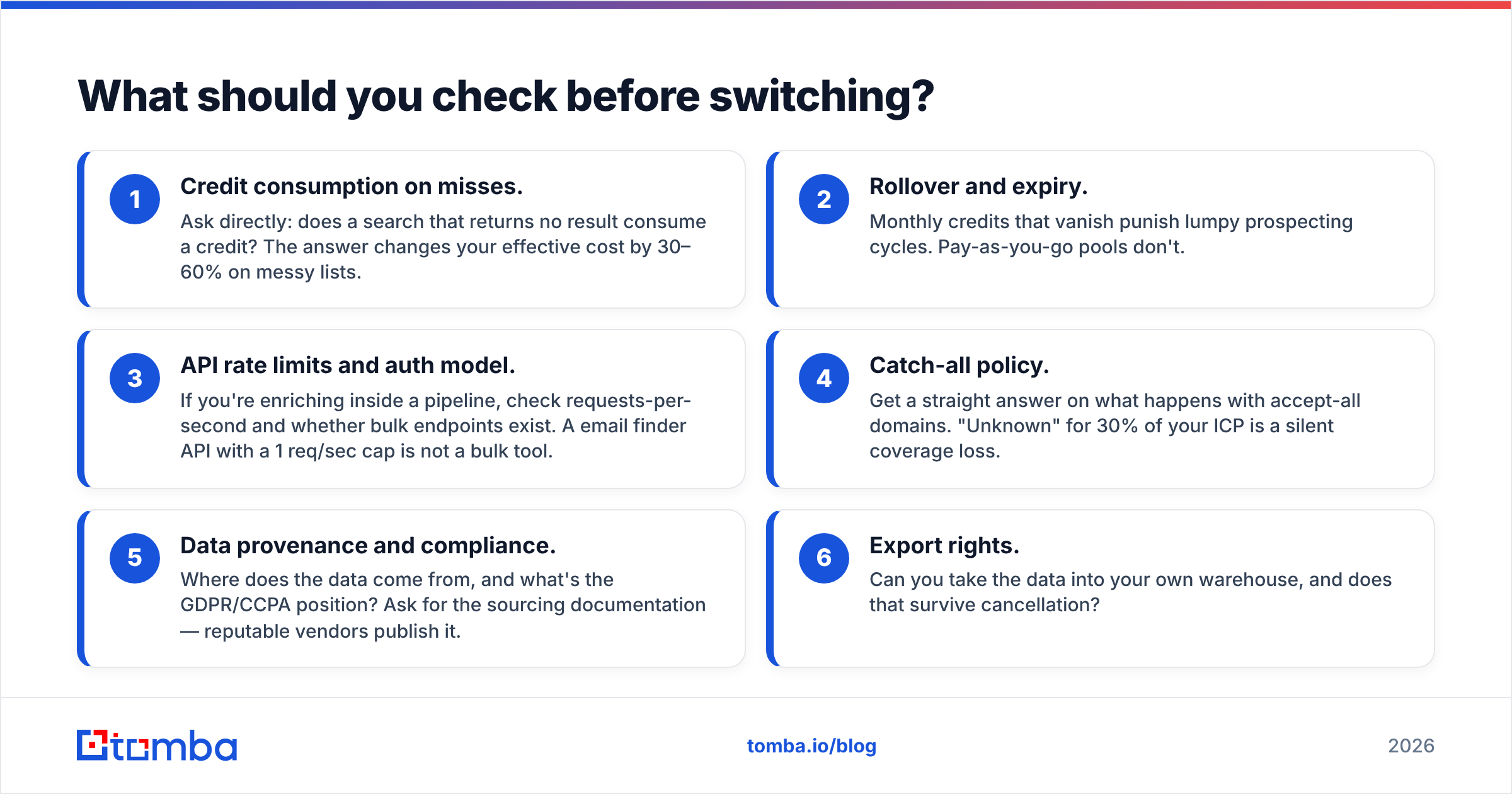
What should you check before switching?#
Run through this list before you cancel anything. Each item has burned somebody.
- Credit consumption on misses. Ask directly: does a search that returns no result consume a credit? The answer changes your effective cost by 30–60% on messy lists.
- Rollover and expiry. Monthly credits that vanish punish lumpy prospecting cycles. Pay-as-you-go pools don't.
- API rate limits and auth model. If you're enriching inside a pipeline, check requests-per-second and whether bulk endpoints exist. A email finder API with a 1 req/sec cap is not a bulk tool.
- Catch-all policy. Get a straight answer on what happens with accept-all domains. "Unknown" for 30% of your ICP is a silent coverage loss.
- Data provenance and compliance. Where does the data come from, and what's the GDPR/CCPA position? Ask for the sourcing documentation — reputable vendors publish it.
- Export rights. Can you take the data into your own warehouse, and does that survive cancellation?

How do you migrate without breaking your outbound?#
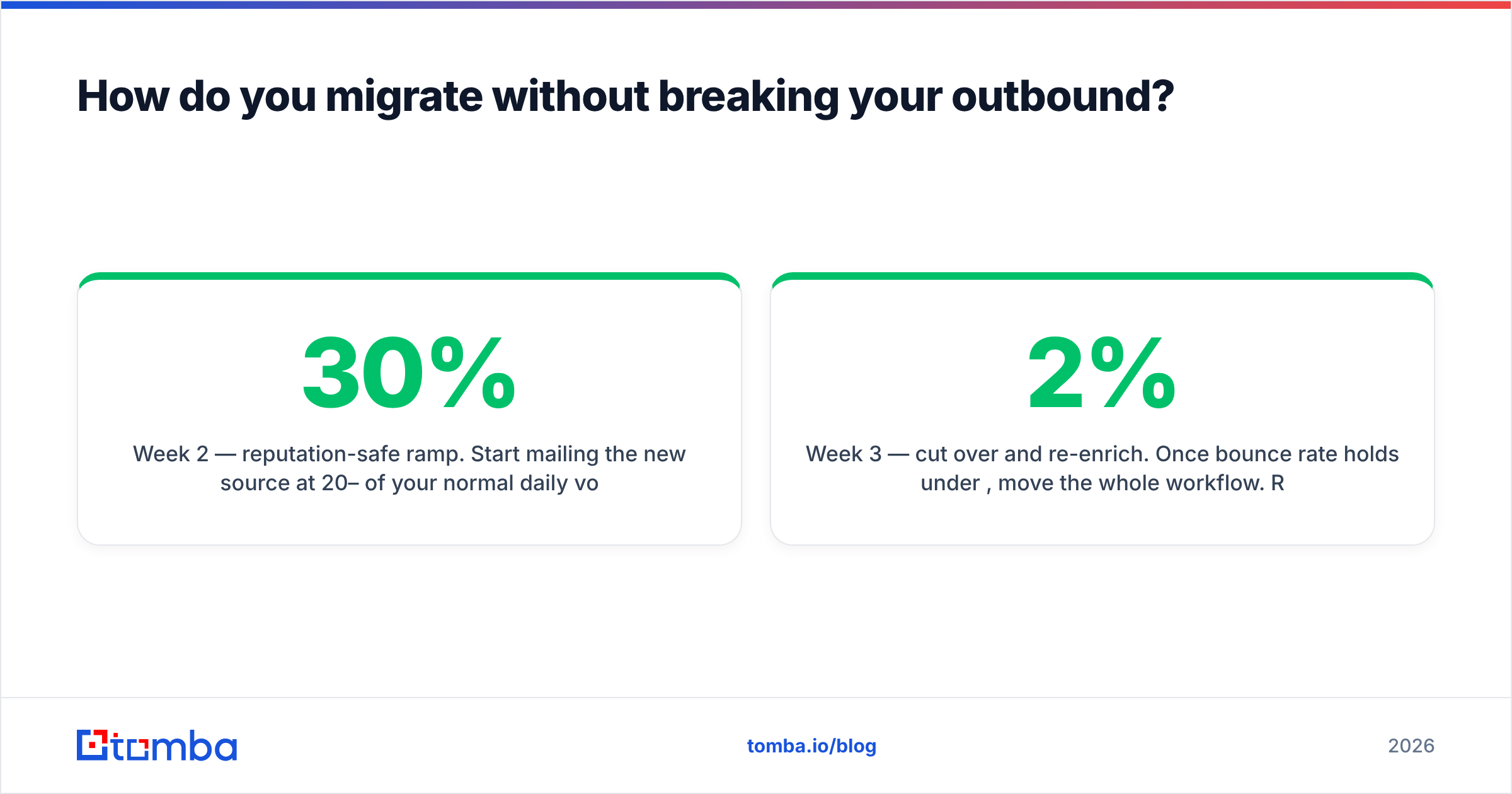
Switching contact-data vendors mid-quarter is how teams accidentally torch their sender reputation. Do it in this order:
Week 1 — parallel run. Keep Gainio active. Send the same 200-row list through both tools. Compare hit rate, bounce rate, and cost per delivered contact. Don't send campaigns off the new data yet.
Week 2 — reputation-safe ramp. Start mailing the new source at 20–30% of your normal daily volume from a single sending domain. Watch bounce rate for 48 hours. Anything above 3% means the list, not the sending setup, is the problem. Keep an eye on sender reputation signals in Google Postmaster Tools throughout — a spike here is your early warning, and HubSpot's sales resources cover the outreach-side hygiene that pairs with it.
Week 3 — cut over and re-enrich. Once bounce rate holds under 2%, move the whole workflow. Re-enrich your existing CRM records too; roughly a quarter of B2B contact data decays annually as people change jobs, so your old records are stale regardless of which vendor produced them.
Week 4 — instrument it. Log hit rate and bounce rate per source permanently. That single dashboard makes your next vendor decision evidence-based instead of a rewrite of this article.
Which Gainio alternative is right for you?#
Short version, by situation:
- You want the same job done better, with an API included: Tomba.
- You need a filtered list delivered now, not a search workflow: BookYourData.
- You want to consolidate data and sequencing into one bill: Apollo.
- You're prospecting into the EU and compliance is the constraint: Dropcontact.
- Your only real problem is bounces: keep your finder, add a dedicated verifier.
- Your source of truth is Sales Navigator: Wiza.
There is no universally correct answer, and any article that gives you one is selling something. What's universally correct is the method: build a 100-row control list, run every shortlisted tool against it, and let hit rate multiplied by deliverability pick the winner.
If you want to run that test without spending anything, start with the Tomba Email Finder. The free tier gives you 25 searches a month — enough to score a control list, check catch-all behaviour against your own ICP, and see the API response shape before you commit a dollar. If it beats what you're using now on your data, upgrade at $49/mo. If it doesn't, you've lost twenty minutes and learned something concrete about your list.
Related guides#
Ready to find emails that actually work?
Join 150,000+ professionals who stopped guessing and started sending. Free credits on signup — no credit card required.
Get the Tomba newsletter
Practical outbound tactics and product updates — once every two weeks.
About the author