Generect vs Hunter: Which Email Finder Wins in 2026?
Generect scrapes LinkedIn-native lead lists. Hunter owns domain-first email search. We compare accuracy, pricing, API depth, and verification to show which one fits your outbound motion in 2026.
TL;DR
- Hunter is the domain-first tool: you know the company, you want the pattern and the people. It has the cleanest free tier and the most mature public API, but its data thins out fast on small companies and non-US regions.
- Generect is LinkedIn-first: you build a Sales Navigator-style search, and it returns enriched lead lists with emails attached. Stronger for list-building, weaker as a real-time single-lookup API.
- On raw email accuracy, neither wins outright — both land in the 85–95% band on mid-market SaaS domains and both degrade on SMB, agency, and EU data.
- Cost per usable contact is the metric that matters, not headline price. A $34/mo plan that burns credits on catch-alls is more expensive than a $49/mo plan with verification bundled in.
- If you want both motions in one tool — domain search and LinkedIn lookups and verification, on one credit pool — that's where Tomba, Findymail, and Prospeo enter the conversation.
What are Generect and Hunter, and why do people compare them?#
They solve the same end problem — get me a verified work email — from opposite ends of the funnel.
Hunter started as a domain search engine. Feed it stripe.com and it returns the company's email pattern ({first}@stripe.com), the people it has on file, and a confidence score per address. The mental model is "I have a target account list, now give me people."
Generect starts from the person. You define a LinkedIn search — job titles, headcount, geography, tech stack — and it returns enriched rows with emails and, on higher tiers, phone numbers. The mental model is "I have an ICP, now give me a list."
Those are genuinely different workflows, which is why the comparison confuses people. If you already have 400 target domains, Generect's LinkedIn-search interface is overhead. If you're starting from a persona definition with no account list, Hunter makes you build the list somewhere else first.
The overlap is real, though: both sell credits, both claim high deliverability, both are pitched at outbound SDR teams, and both are increasingly bought as an API rather than a UI.

How do Generect and Hunter compare on features and pricing?#
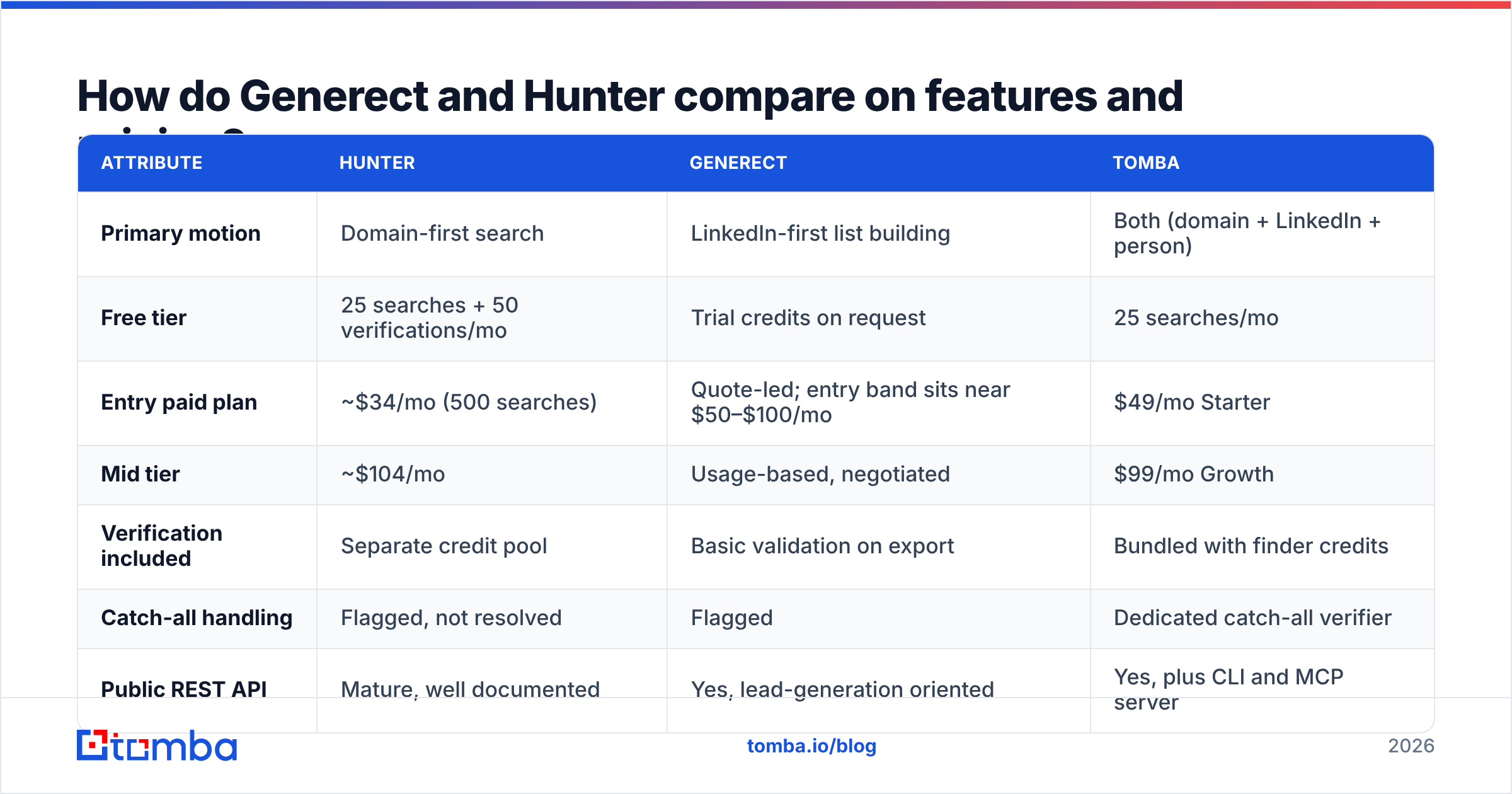
Pricing on both moves; treat the numbers below as of publication and confirm on each vendor's page before you sign.
| Attribute | Hunter | Generect | Tomba |
|---|---|---|---|
| Primary motion | Domain-first search | LinkedIn-first list building | Both (domain + LinkedIn + person) |
| Free tier | 25 searches + 50 verifications/mo | Trial credits on request | 25 searches/mo |
| Entry paid plan | ~$34/mo (500 searches) | Quote-led; entry band sits near $50–$100/mo | $49/mo Starter |
| Mid tier | ~$104/mo | Usage-based, negotiated | $99/mo Growth |
| Verification included | Separate credit pool | Basic validation on export | Bundled with finder credits |
| Catch-all handling | Flagged, not resolved | Flagged | Dedicated catch-all verifier |
| Public REST API | Mature, well documented | Yes, lead-generation oriented | Yes, plus CLI and MCP server |
| Phone numbers | No | Yes, on higher tiers | Yes, via phone finder |
| Bulk/CSV enrichment | Yes | Core use case | Yes |
| Chrome extension | Yes | Yes | Yes |
| Best for | Account-list enrichment | Persona-driven list builds | Teams doing both without two subscriptions |
Two things stand out.
First, Hunter's free tier is still the most generous no-card option in the category, and that's a real reason it keeps showing up in comparisons. Twenty-five searches a month won't run a team, but it's enough to sanity-check the data before you commit.
Second, Generect's pricing is quote-led at the tiers most teams actually need, which makes head-to-head math awkward. Anytime a vendor won't publish a per-credit rate, budget for it to cost more than the sticker on the comparison blog you're reading — including this one. Ask for the effective cost per verified contact, not per credit.
Which one is more accurate?#
Neither vendor's marketing number survives contact with your own list.
Both publish accuracy figures north of 95%. Both are measuring something slightly different from what you care about. Vendors typically report deliverability of addresses they returned, excluding rows where they returned nothing. That excludes the coverage gap — and coverage is where most of the real cost hides.
The two numbers to pull for yourself:
- Hit rate — of 1,000 input rows, how many came back with an email at all?
- Valid rate — of the emails returned, how many passed independent verification?
Multiply them. That's your usable-contact rate, and it's usually 20–30 points below the headline accuracy claim.

In practice, the patterns we see repeat across tools in this category:
- Mid-market and enterprise SaaS domains: everyone does well. 85–95% usable. The pattern is public, the people are on LinkedIn, the MX records are Google or Microsoft.
- Sub-50-headcount companies: coverage collapses. Hunter often has the pattern but no people; Generect often has the person but no verified email.
- Catch-all domains: this is the real differentiator. A catch-all accepts everything at SMTP, so naive verification returns "valid" for
asdfgh@company.com. Tools that flag catch-alls and stop are honest. Tools that mark them "valid" are inflating their own accuracy stat. Run your own catch-all verification on any list before you load it into a sequencer. - EU and APAC contacts: coverage drops for everyone, and GDPR-driven suppression makes it worse. If half your ICP is European, test that segment specifically rather than trusting an aggregate number.
The takeaway: run a 200-row bake-off with your own domains. Same input file, both tools, then push every returned address through a neutral third-party email verifier so you're not grading the vendor's homework with the vendor's answer key.
Is Generect better than Hunter for LinkedIn prospecting?#
Yes — if LinkedIn is genuinely your starting point.
Generect's core loop is built around LinkedIn-style filters: you describe the persona, it resolves profiles to contact records. That's meaningfully faster than the Hunter workflow of exporting a company list, running domain search on each, then manually mapping people to titles.
Where it gets less clear-cut:
- Single-lookup latency. Generect is optimized for batch. If your use case is "user pastes a LinkedIn URL into our app, we return an email in under two seconds," a list-building tool is the wrong shape. Hunter's API is better suited there, and a dedicated LinkedIn email extractor is better still.
- Compliance surface. LinkedIn-derived data carries scraping and data-protection questions that domain-pattern inference doesn't. Your legal team may have an opinion. Ask where the data originates before you build a pipeline on it — every serious vendor should publish its data sources.
- Freshness. LinkedIn profiles go stale. A title captured 14 months ago that drives a personalized first line is worse than no personalization at all.
Hunter, meanwhile, is better when your GTM is account-based. If marketing hands you 300 target accounts from a 6sense or Demandbase list, domain-first is the correct entry point, and Hunter's pattern confidence scoring is genuinely useful signal.

What does the API and integration story look like?#
For most teams buying in 2026, this decides it. The UI is a demo; the API is the product.
Hunter's API is the most-copied design in the category for a reason. Clear endpoints (domain-search, email-finder, email-verifier), sane rate limits, official clients in the common languages, and documentation that hasn't rotted. If you're wiring enrichment into a Node or Python service, you'll be productive in an afternoon.
Generect's API is oriented around lead generation jobs rather than atomic lookups. You submit search criteria, you poll or receive results. Excellent for a nightly list-refresh cron. More friction for a synchronous "enrich on form submit" flow.
Four questions to ask both vendors before you commit:
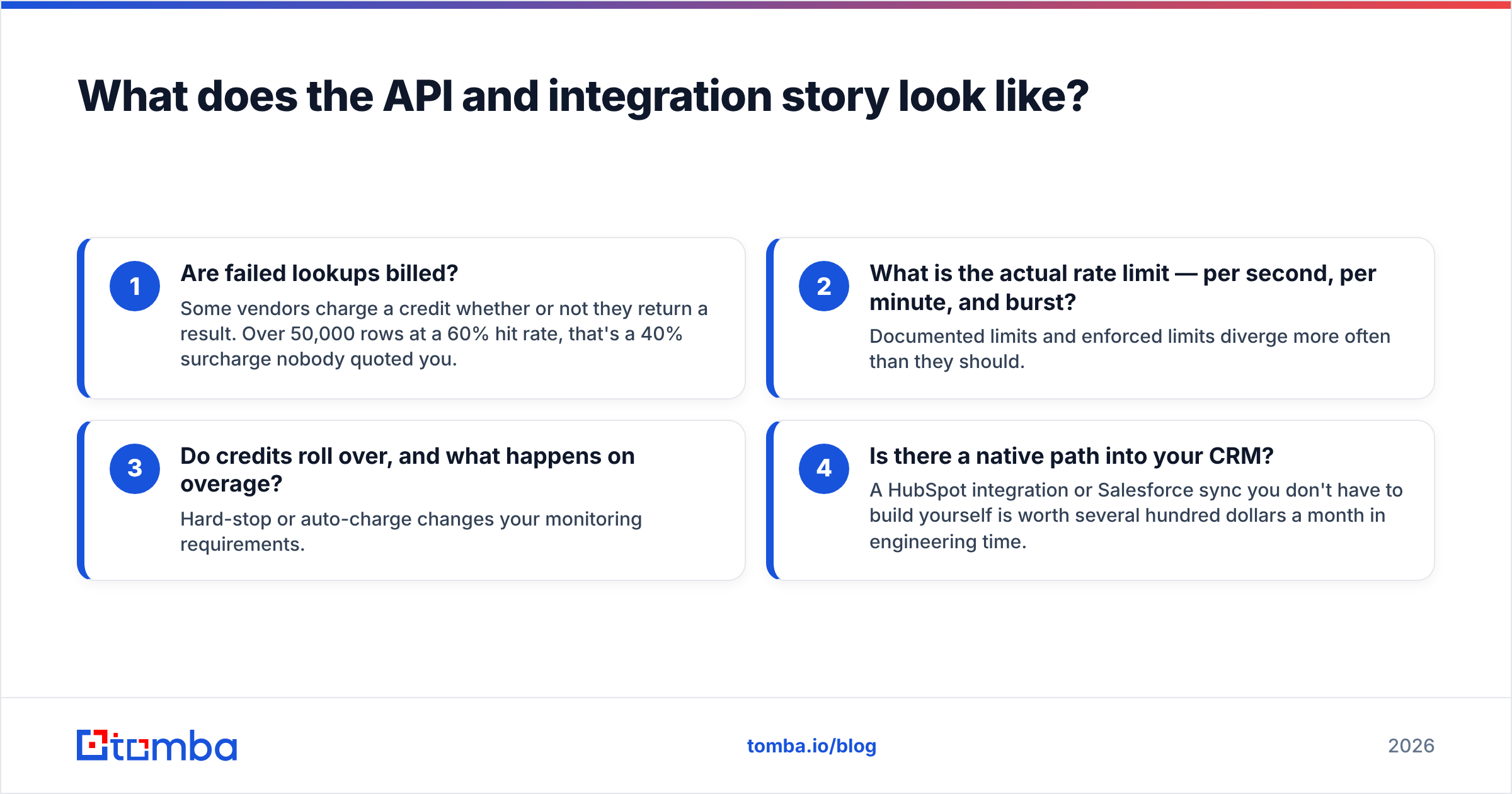
- Are failed lookups billed? Some vendors charge a credit whether or not they return a result. Over 50,000 rows at a 60% hit rate, that's a 40% surcharge nobody quoted you.
- What is the actual rate limit — per second, per minute, and burst? Documented limits and enforced limits diverge more often than they should.
- Do credits roll over, and what happens on overage? Hard-stop or auto-charge changes your monitoring requirements.
- Is there a native path into your CRM? A HubSpot integration or Salesforce sync you don't have to build yourself is worth several hundred dollars a month in engineering time.
Also check for the boring surfaces that quietly save hours: a Google Sheets add-on for the ops person who won't touch an API, and a browser extension for reps working live in the CRM. Tools that only ship an API push all the non-technical work back onto engineering.

Which should you choose — and what are the alternatives?#
Match the tool to your entry point, not to the review score.
Pick Hunter if:
- Your list starts as domains, not personas.
- You want the lowest-friction free trial to validate data quality this week.
- You need a clean, synchronous REST API and you're building the enrichment layer yourself.
- Volume is modest — a few thousand lookups a month.
Pick Generect if:
- Your list starts as an ICP definition and you want LinkedIn-native filtering.
- You need phone numbers alongside emails in a single export.
- You run batch list builds on a schedule rather than real-time lookups.
- You have the budget headroom to negotiate a usage-based contract.
Look at a third option if:
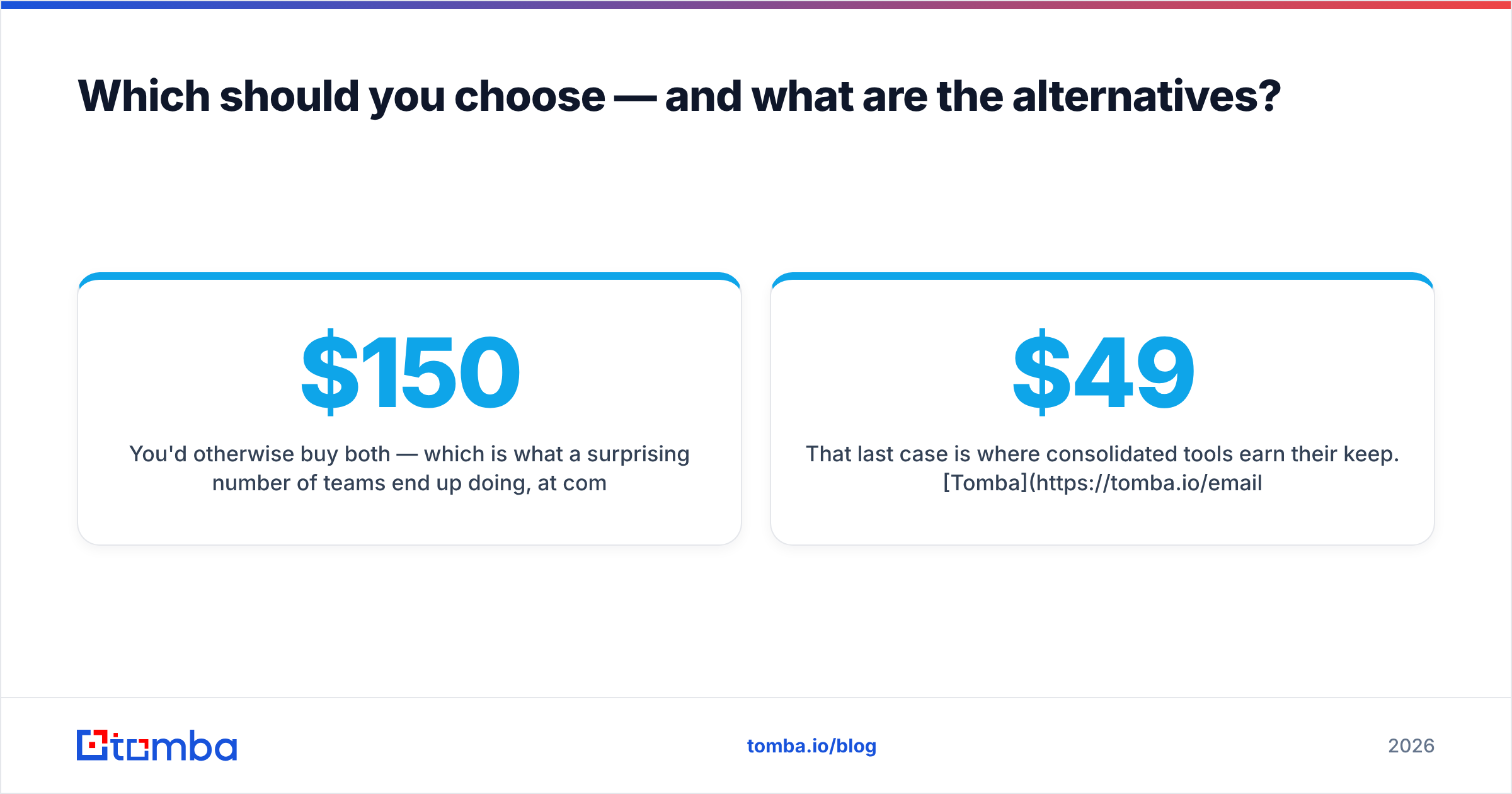
- You'd otherwise buy both — which is what a surprising number of teams end up doing, at combined cost north of $150/mo.
- Verification credits being a separate line item annoys you.
- Catch-all domains are a meaningful share of your ICP.
That last case is where consolidated tools earn their keep. Tomba runs domain search, LinkedIn lookups, person search, verification, and catch-all resolution off one credit pool, with a Tomba API plus CLI and MCP server for agent-driven workflows. The free tier is 25 searches a month; Tomba pricing starts at $49/mo for Starter, $99/mo for Growth, and $249/mo for Pro. BookYourData is worth a look if you'd rather buy a pre-built, pay-as-you-go database than run lookups at all — a different model, and a good fit for teams that want volume without an API integration. Findymail and Prospeo are the other credible consolidators; both skew toward accuracy-over-volume positioning.
Before you sign anything, read the current reviews on G2 with a filter on your own company size. A tool that's excellent for a 200-seat enterprise team is often the wrong shape for a three-person outbound pod, and the aggregate star rating hides that completely.
How should you actually run the bake-off?#
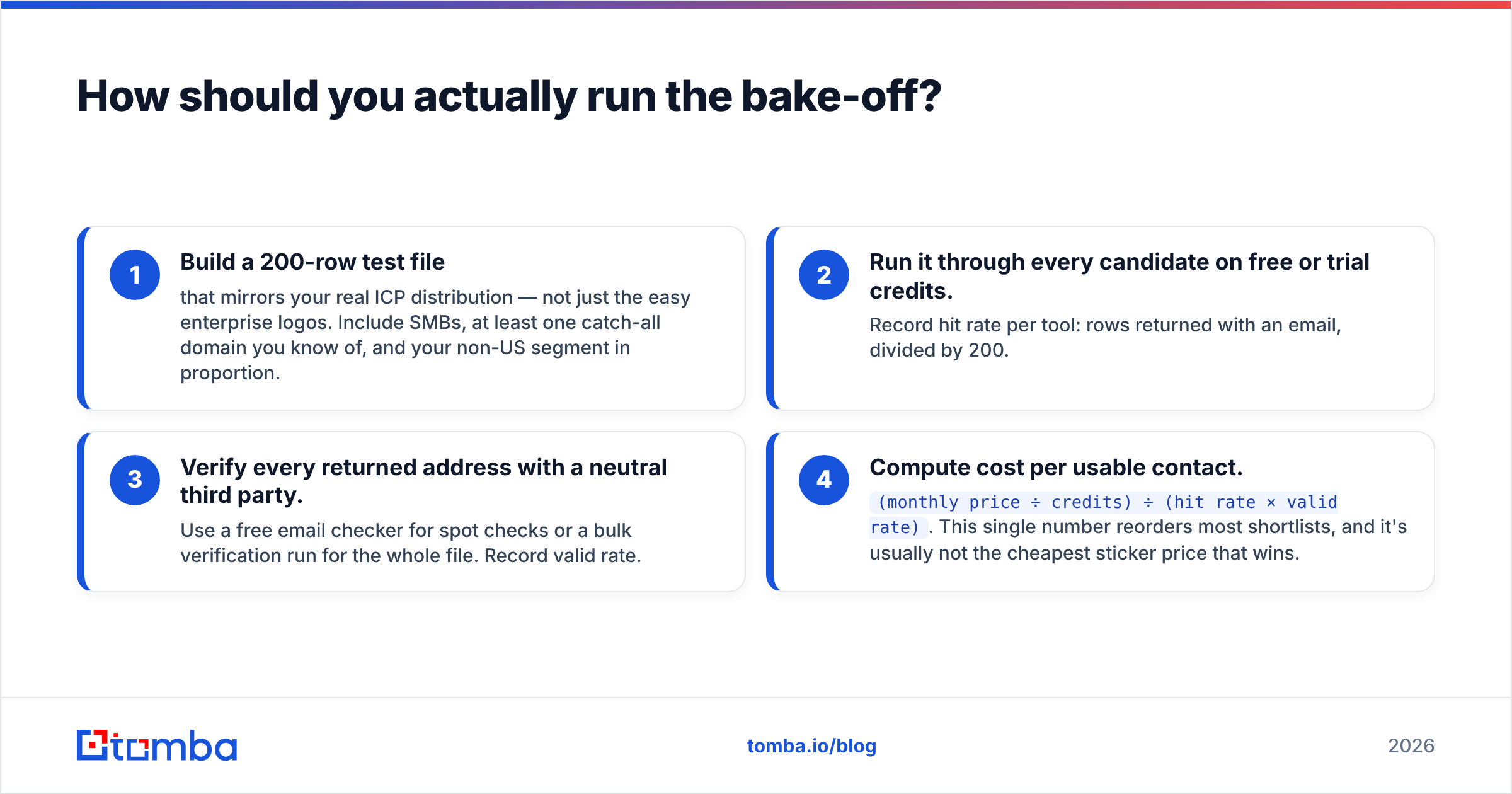
Four steps, one afternoon, and you'll have a defensible answer instead of a vendor's.
- Build a 200-row test file that mirrors your real ICP distribution — not just the easy enterprise logos. Include SMBs, at least one catch-all domain you know of, and your non-US segment in proportion.
- Run it through every candidate on free or trial credits. Record hit rate per tool: rows returned with an email, divided by 200.
- Verify every returned address with a neutral third party. Use a free email checker for spot checks or a bulk verification run for the whole file. Record valid rate.
- Compute cost per usable contact.
(monthly price ÷ credits) ÷ (hit rate × valid rate). This single number reorders most shortlists, and it's usually not the cheapest sticker price that wins.
Then sanity-check the operational stuff: does it handle catch-alls honestly, does it bill failed lookups, and can a non-engineer use it without filing a ticket.
The bottom line#
Hunter and Generect aren't really competitors so much as two answers to two different questions. Hunter is the better domain-first tool with the better free tier and the better documented API. Generect is the better LinkedIn-first list builder with phone coverage and batch ergonomics. Neither is dramatically more accurate than the other on the data that matters, and both will disappoint you on SMB and EU coverage if you don't test that segment first.
If you're doing both motions and don't want two invoices, consolidate. Start with the Tomba Email Finder free tier — 25 searches a month, no card — run the same 200-row test file you're giving Hunter and Generect, and compare cost per usable contact rather than cost per credit. Whichever tool wins that math is the one to buy.
Related guides#
Ready to find emails that actually work?
Join 150,000+ professionals who stopped guessing and started sending. Free credits on signup — no credit card required.
Get the Tomba newsletter
Practical outbound tactics and product updates — once every two weeks.
About the author