Generect vs QuickEnrich (2026): Which One Actually Wins?
Generect and QuickEnrich both promise clean B2B contact data, but they solve different problems. Here's how coverage, pricing, API design, and verification actually stack up in 2026 — and where each one breaks.
Generect vs QuickEnrich comes down to one question. Do you need to find new leads, or fill in the ones you already have?
TL;DR
- Generect is built around LinkedIn-derived lead data and search-based lists. You describe an audience — "Series B fintech, 50–200 headcount, VP Sales" — and get a list back.
- QuickEnrich is built around enrichment. You bring half-complete records. It fills in the missing email, phone, or company fields, often through a waterfall of several providers.
- They are not really substitutes. The real question is your bottleneck: finding people, or completing records you already have.
- Both leave a gap on verification. Budget for a separate verification layer, catch-all handling included. Skip it and your bounce rate decides the comparison for you.
- Tomba covers find, verify, and enrich behind one API. Free (25 searches/mo), Starter ($49/mo), Growth ($99/mo), and Pro ($249/mo) tiers drop the per-provider credit math.
What are Generect and QuickEnrich?#
Generect is a lead-generation data source. It runs filtered search over a B2B people-and-company graph built largely from LinkedIn. You define an ICP with filters. It returns matching contacts with emails and company context. An API lets you pull those results in code, so you skip the manual CSV export. Think of it as a prospecting database, not a lookup tool.
QuickEnrich sits on the other side of the pipeline. Its job starts after you have a name, a domain, a LinkedIn URL, or a partial CRM record. It turns that record into a usable contact: email, phone, company details. To do it, the tool queries several sources in order and returns the first confident hit. That "waterfall" design is why enrichment tools price per successful match instead of per query.
Here's the quick way to tell which one you need. Open your CRM and look at the rows. Not enough rows? That's a sourcing problem, and Generect's model fits. Rows exist but half the email column is blank? That's an enrichment problem, and QuickEnrich's model fits.
Most teams have both problems at once. That's why this comparison usually ends with a stack rather than a winner.

Generect vs QuickEnrich: how do they compare head-to-head?#
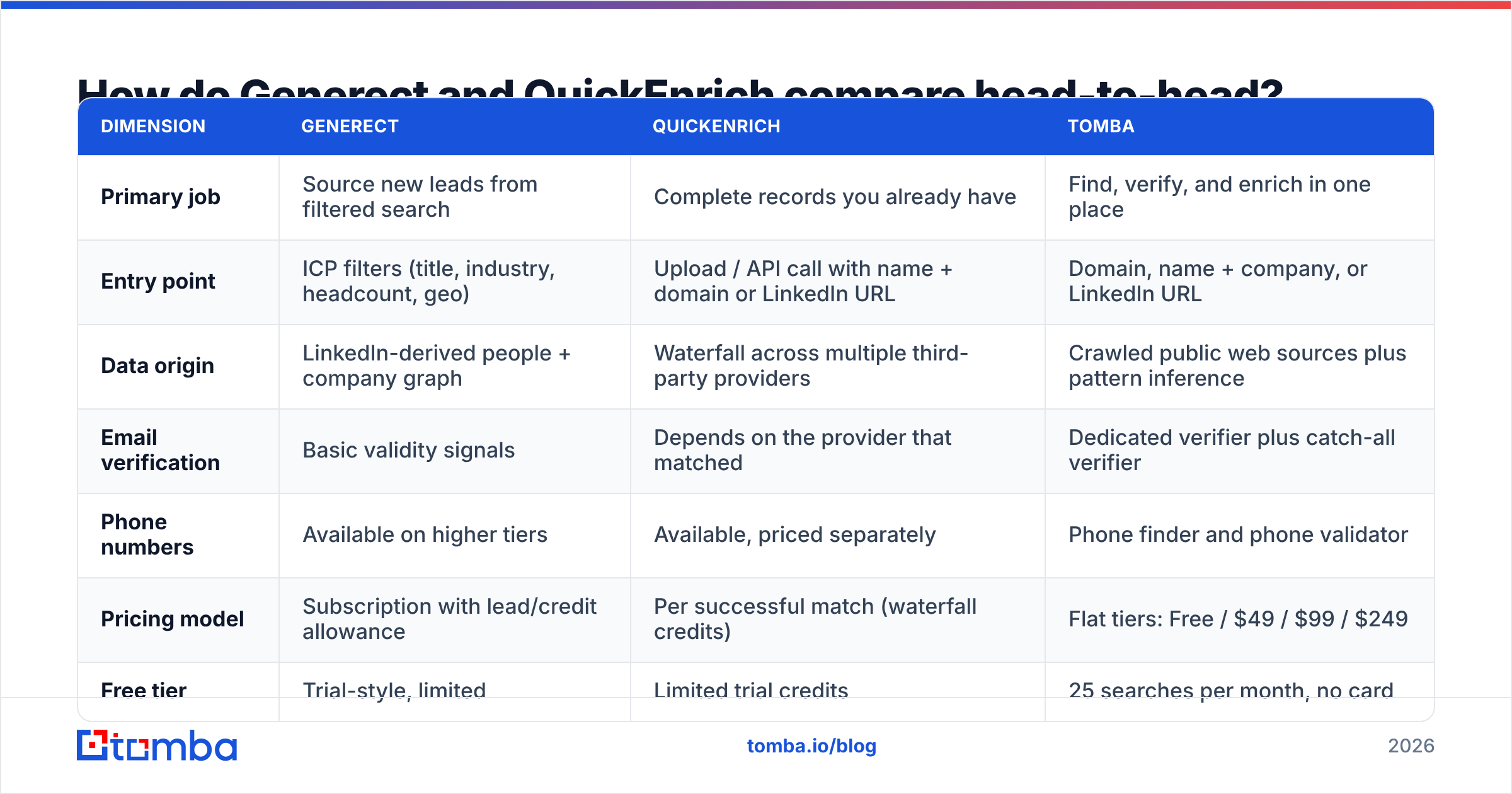
The table below is the short version. Treat every price as a rough guide. Both vendors change plans and credit rules often, so check their own pricing pages before you commit budget.
| Dimension | Generect | QuickEnrich | Tomba |
|---|---|---|---|
| Primary job | Source new leads from filtered search | Complete records you already have | Find, verify, and enrich in one place |
| Entry point | ICP filters (title, industry, headcount, geo) | Upload / API call with name + domain or LinkedIn URL | Domain, name + company, or LinkedIn URL |
| Data origin | LinkedIn-derived people + company graph | Waterfall across multiple third-party providers | Crawled public web sources plus pattern inference |
| Email verification | Basic validity signals | Depends on the provider that matched | Dedicated verifier plus catch-all verifier |
| Phone numbers | Available on higher tiers | Available, priced separately | Phone finder and phone validator |
| Pricing model | Subscription with lead/credit allowance | Per successful match (waterfall credits) | Flat tiers: Free / $49 / $99 / $249 |
| Free tier | Trial-style, limited | Limited trial credits | 25 searches per month, no card |
| Best for | Building net-new target lists | Cleaning an existing CRM or scraped list | Teams that want one API for the whole loop |
Two things stand out.
First, the pricing models don't line up. A Generect "lead" and a QuickEnrich "credit" measure different work. A plan with 10,000 leads a month sounds bigger than 5,000 enrichment credits. But if only 60% of those leads have deliverable emails, your real cost per usable contact is about 1.7x the sticker price. Always divide by usable records, not returned records.
Second, neither tool closes the verification loop. Sourcing tools optimize for coverage. Enrichment waterfalls optimize for match rate. Both metrics reward returning something. Deliverability stays your problem.
Which one has better data coverage and accuracy?#
Coverage and accuracy pull against each other, and each vendor picks a side.
Generect's LinkedIn-anchored data is strong on person-level coverage where LinkedIn use is high: North America, Western Europe, tech, SaaS, professional services. It thins out elsewhere — manufacturing, logistics, local services, much of APAC and MENA. Senior buyers there often keep no public profile. If your ICP lives outside the LinkedIn world, run a sample before you sign.
QuickEnrich's waterfall usually posts a higher raw match rate. It gets several tries per record. The catch is variance. How good a result is depends on which source in the chain answered. A match from a fresh source and a match from a stale one land in the same JSON field, with the same shape. Unless the response carries a per-source confidence score you actually read, you are mixing good and bad data into one column.

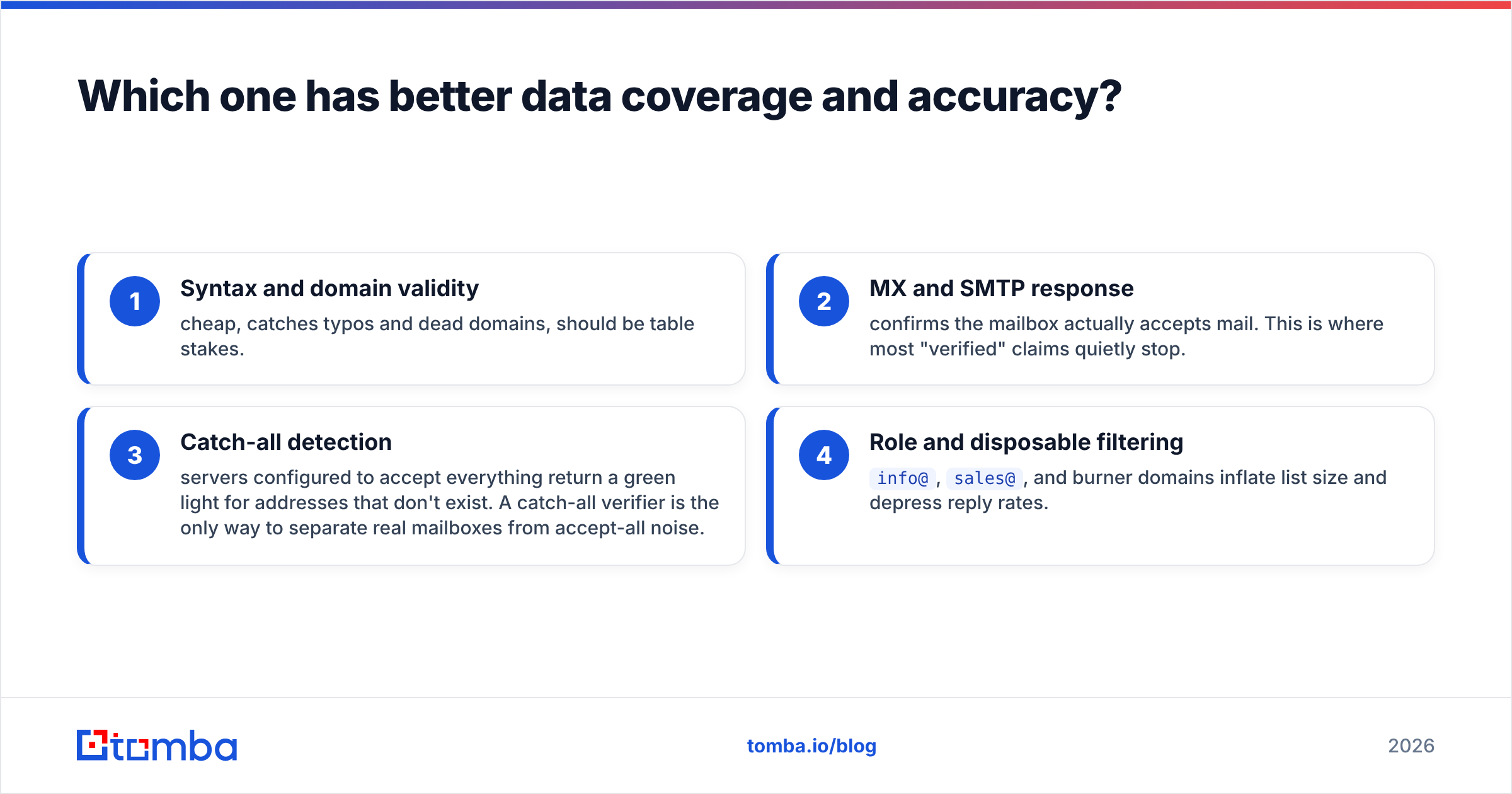
This is where a separate verification pass stops being optional. Four checks matter, in this order:
- Syntax and domain validity — cheap. It catches typos and dead domains. Table stakes.
- MX and SMTP response — confirms the mailbox accepts mail. Most "verified" claims quietly stop here.
- Catch-all detection — some servers accept everything, so they green-light addresses that don't exist. A catch-all verifier is the only way to tell real mailboxes from accept-all noise.
- Role and disposable filtering —
info@,sales@, and burner domains pad your list size and drag down reply rates.
If your provider stops at steps 1 and 2, run the output through a dedicated email verifier first. Google and Yahoo now enforce bulk-sender rules, and high complaint or bounce rates carry real penalties. Google's own sender guidelines list the thresholds. A cheap list that burns your domain reputation is not cheap.
How do the pricing models actually differ?#
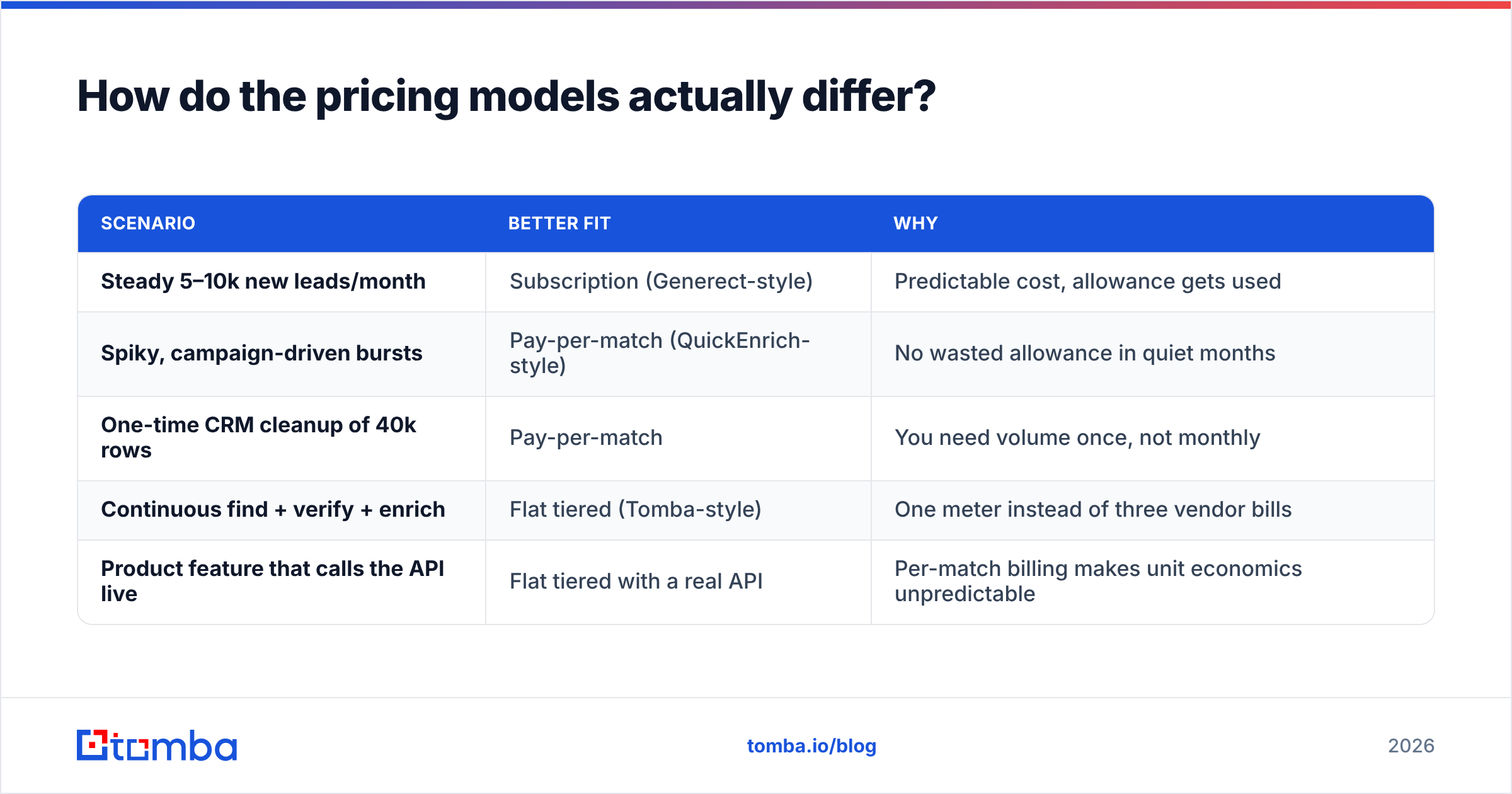
Short answer: subscription-with-allowance versus pay-per-match. Each one wins in a different usage shape.
| Scenario | Better fit | Why |
|---|---|---|
| Steady 5–10k new leads/month | Subscription (Generect-style) | Predictable cost, allowance gets used |
| Spiky, campaign-driven bursts | Pay-per-match (QuickEnrich-style) | No wasted allowance in quiet months |
| One-time CRM cleanup of 40k rows | Pay-per-match | You need volume once, not monthly |
| Continuous find + verify + enrich | Flat tiered (Tomba-style) | One meter instead of three vendor bills |
| Product feature that calls the API live | Flat tiered with a real API | Per-match billing makes unit economics unpredictable |
Watch three traps.
Rollover rules. Unused subscription credits usually expire each month. If your outbound is seasonal, you pre-pay for months you don't prospect.
What counts as a charge. Some tools bill per query. Some bill per match. Some bill per match plus verification. On a low-match-rate list, the gap between "we charge for results" and "we charge for attempts" can be 2–3x.
The hidden second vendor. Say sourcing costs $X and a verification vendor costs $Y. Your real cost per deliverable contact is (X+Y) divided by the pass rate. Teams compare $X alone and then get a surprise at renewal. Putting find, verify, and data enrichment on one bill is usually worth a small premium on any single line item. See Tomba pricing for what flat tiers look like when the whole loop is included.

Which tool fits an API-first team?#
If contact data feeds a product or an automated workflow, and not a human clicking export, check these five things first:
- Response latency under load. A search that takes eight seconds is fine for a batch job. It is unusable inside a signup form. Ask for p95, not average.
- Rate limits and burst behavior. Find out whether you get throttled or hard-rejected at the ceiling. Ask whether limits are per key or per account.
- Async vs sync bulk paths. Enriching 50,000 rows through a sync endpoint is a bad afternoon. You want a proper bulk email finder job with webhooks or polling.
- Confidence scores in the payload. If the response doesn't say how sure it is, you can't send weak records to manual review. You can only accept everything.
- SDK and integration surface. Client libraries, a Tomba API-style REST interface, CRM connectors, and spreadsheet add-ins each save a week of glue code.
Generect's API is built around search-and-page: you submit filters and page through results. QuickEnrich's is built around one record at a time: you submit an identifier and get a completed record. Both designs are fine. They just need different integration code. Need both patterns? Then you write two integrations. That is the whole argument for one provider that offers domain search, per-person lookup, verification, and enrichment under a single key.
Whatever you choose, read the docs before the sales call. Peer reviews on G2 help you judge support quality. API ergonomics only show up when you read the endpoint reference yourself.
Generect vs QuickEnrich: which should you pick in 2026?#
There's no universal winner, so use this rule.
Pick Generect if your ICP is LinkedIn-native and your bottleneck is list volume. You want to describe an audience rather than hunt one person at a time. It's the better sourcing tool of the two.
Pick QuickEnrich if you already have records — scraped lists, event lists, inbound signups, a stale CRM — and the missing piece is contact fields. Waterfall enrichment earns its keep here. Per-match pricing means you don't pay for rows it can't solve.
Pick both if budget allows and your pipeline really has two stages. Plenty of mature RevOps stacks run a sourcing tool, an enrichment tool, and a verifier side by side. It works. It is also three contracts and three failure modes.
Consider consolidating if you're a small or mid-size team and the extra admin work outweighs best-of-breed depth. One provider with a real free tier and flat pricing can cover the full loop: find email addresses, verify them, enrich the record, pull the phone number. The credit math disappears.

What should you test before you commit?#
Run the same 200-record sample through every candidate. Not a vendor sample — your sample, drawn from your real ICP, awkward segments included.
- Match rate on records you can confirm yourself.
- Deliverable rate after your own verification, not the vendor's "valid" flag.
- Catch-all share — if 25% of your target domains accept everything, a tool without catch-all handling is guessing on a quarter of your list.
- Cost per deliverable contact, worked out from the two rates above, not from the pricing page.
- Freshness spot-check — pick 20 contacts and confirm they still hold the stated role. Job changes run high in tech. Anything older than a year is a coin flip.
That test takes an afternoon. It settles Generect vs QuickEnrich on your own data, which beats every comparison article, this one included.
Where does Tomba fit in this comparison?#
Tomba is not a filtered-search prospecting database like Generect. It is not a pure waterfall like QuickEnrich either. It sits underneath both. Give it a domain, a name and company, or a LinkedIn profile. It returns the email, tells you how confident it is, checks whether the mailbox accepts mail, and enriches the rest of the record.
That covers most of what outbound teams do day to day, without a credit spreadsheet. The Free tier gives you 25 searches a month, enough to run the 200-record test above at zero cost. Starter at $49/mo and Growth at $99/mo cover most SMB and mid-market volumes. Pro at $249/mo handles heavier API workloads.
Start with the Tomba Email Finder. Run your hardest 25 prospects through it — the ones your current tool returns blanks or bounces on. Compare deliverable rate, not match rate. If Tomba wins on your data, you've simplified your stack and your bill in one move. If it doesn't, you've spent nothing and learned exactly where your coverage gap lives.
Related guides#
Ready to find emails that actually work?
Join 150,000+ professionals who stopped guessing and started sending. Free credits on signup — no credit card required.
Get the Tomba newsletter
Practical outbound tactics and product updates — once every two weeks.
About the author