Generect vs Unwrapemail: Which B2B Email Tool Wins in 2026?
Generect sells LinkedIn-native lead data through an API. Unwrapemail sells fast, cheap email lookups. They solve different halves of the same problem — here is which one fits your outbound stack, and where each one breaks.
TL;DR
- Generect is a LinkedIn-native lead database plus API. You query by company, role, or LinkedIn URL and get structured people/company records back. It sells breadth of profile data.
- Unwrapemail is a lean email lookup and verification service. You give it a name and a domain, it gives you an address and a status. It sells speed and simplicity.
- They are not really substitutes. Generect answers "who should I contact?"; Unwrapemail answers "what is that person's address, and will it bounce?"
- If you only benchmark one metric, benchmark cost per verified, non-bouncing email — not headline credits, not claimed database size.
- Most teams end up needing both halves. Tools that ship discovery, verification, catch-all handling, and enrichment behind one API (Tomba included) usually beat stitching two vendors together on both cost and maintenance.
Prices, credit rules, and rate limits change often. Everything below reflects publicly documented positioning at the time of writing — re-check each vendor's own pricing page before you sign anything.
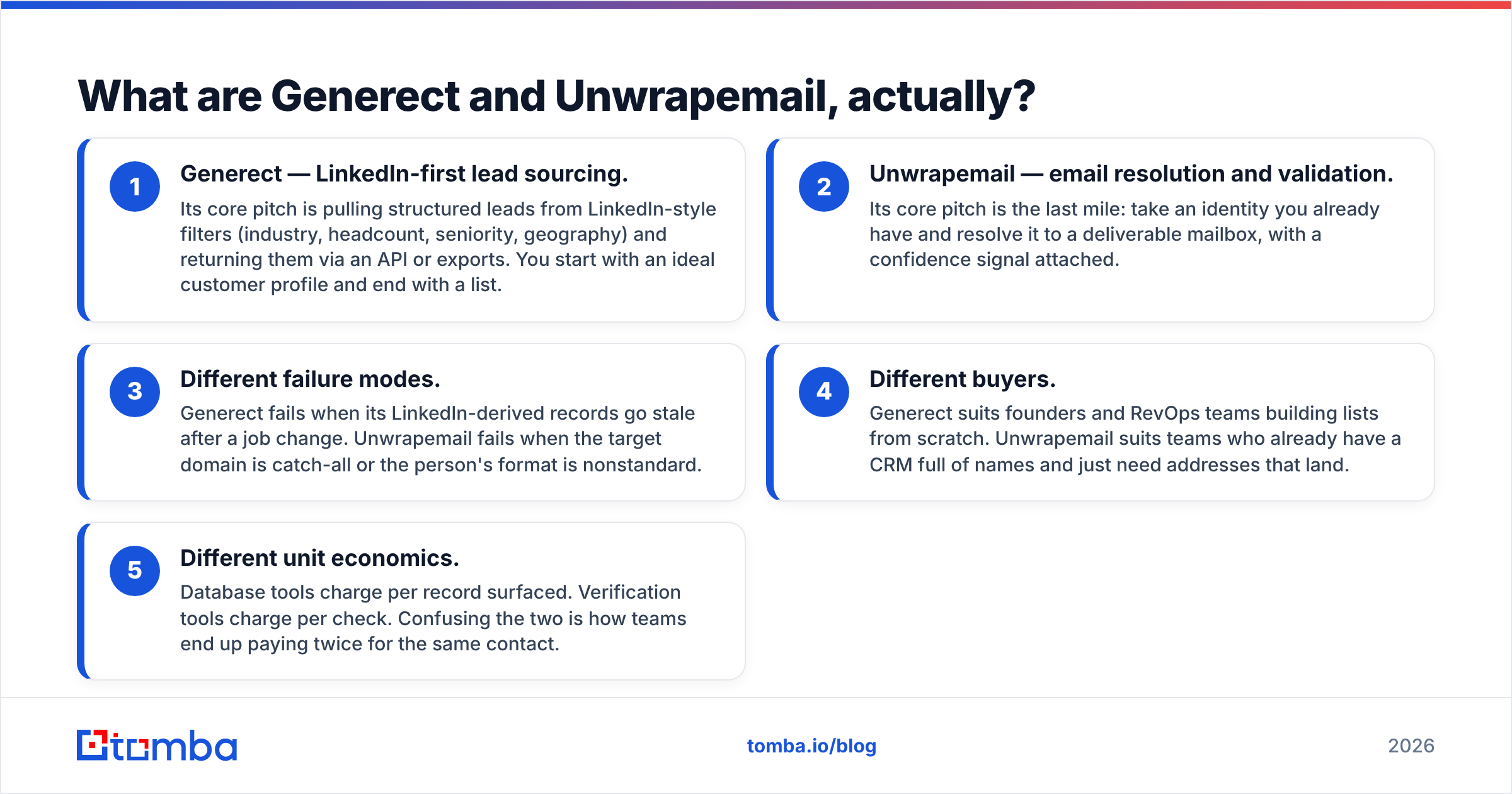
What are Generect and Unwrapemail, actually?#
Think of prospecting like cooking dinner. Generect is the grocery store — it hands you the raw ingredients (companies, job titles, headcounts, LinkedIn profiles) in bulk. Unwrapemail is the thermometer — a single-purpose instrument that tells you whether one specific thing is done or raw. Very useful. Not a meal.
Here is the practical breakdown:
- Generect — LinkedIn-first lead sourcing. Its core pitch is pulling structured leads from LinkedIn-style filters (industry, headcount, seniority, geography) and returning them via an API or exports. You start with an ideal customer profile and end with a list.
- Unwrapemail — email resolution and validation. Its core pitch is the last mile: take an identity you already have and resolve it to a deliverable mailbox, with a confidence signal attached.
- Different failure modes. Generect fails when its LinkedIn-derived records go stale after a job change. Unwrapemail fails when the target domain is catch-all or the person's format is nonstandard.
- Different buyers. Generect suits founders and RevOps teams building lists from scratch. Unwrapemail suits teams who already have a CRM full of names and just need addresses that land.
- Different unit economics. Database tools charge per record surfaced. Verification tools charge per check. Confusing the two is how teams end up paying twice for the same contact.
The mistake I see constantly: a team buys a database product, assumes the emails inside are verified, blasts a sequence, and torches their domain reputation in week two. Database inclusion is not verification. Those are separate operations, and someone has to pay for the second one.

How do Generect and Unwrapemail compare head-to-head?#
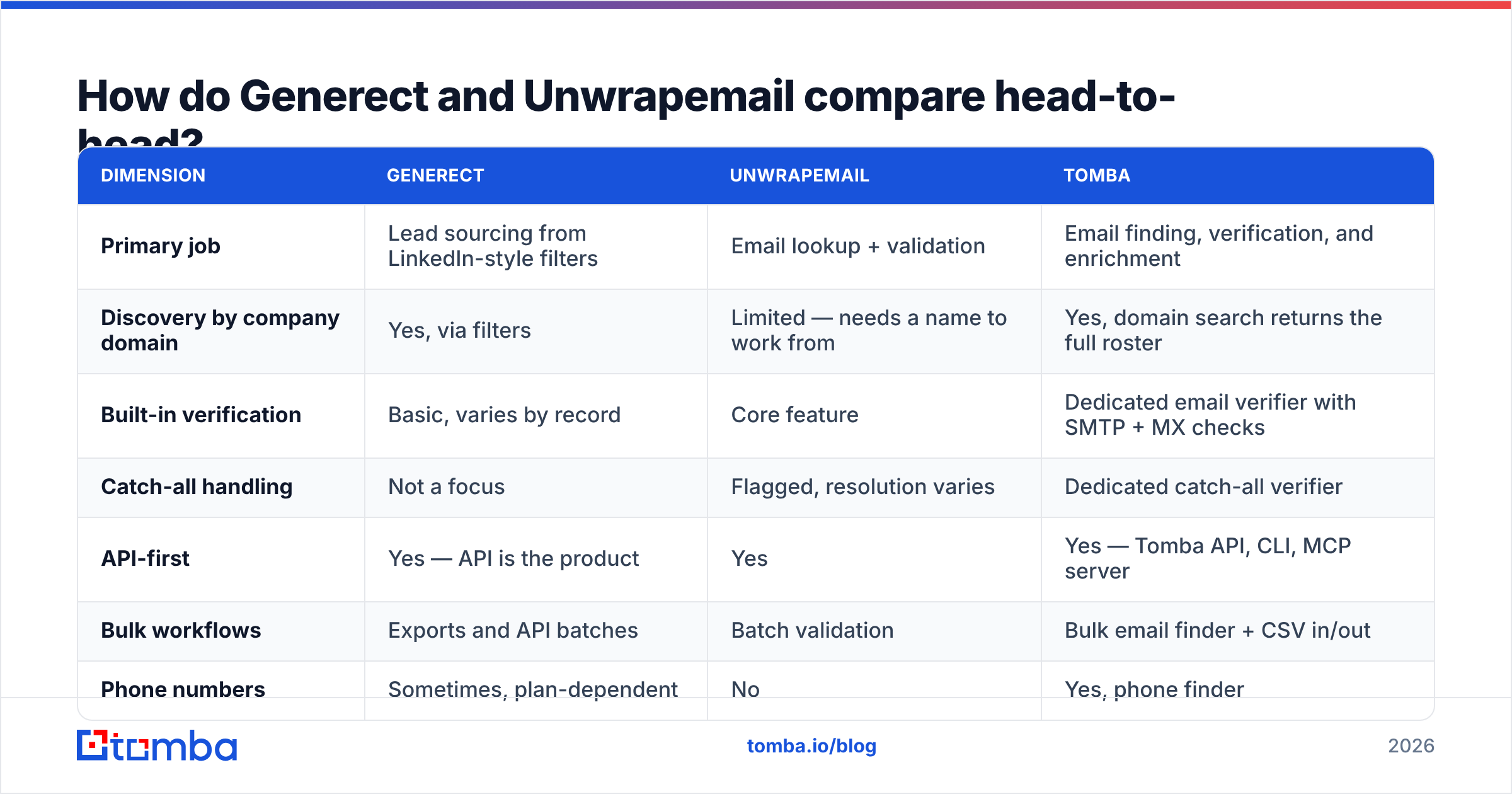
| Dimension | Generect | Unwrapemail | Tomba |
|---|---|---|---|
| Primary job | Lead sourcing from LinkedIn-style filters | Email lookup + validation | Email finding, verification, and enrichment |
| Discovery by company domain | Yes, via filters | Limited — needs a name to work from | Yes, domain search returns the full roster |
| Built-in verification | Basic, varies by record | Core feature | Dedicated email verifier with SMTP + MX checks |
| Catch-all handling | Not a focus | Flagged, resolution varies | Dedicated catch-all verifier |
| API-first | Yes — API is the product | Yes | Yes — Tomba API, CLI, MCP server |
| Bulk workflows | Exports and API batches | Batch validation | Bulk email finder + CSV in/out |
| Phone numbers | Sometimes, plan-dependent | No | Yes, phone finder |
| Free tier to test | Trial/demo based | Small free allowance typical | 25 searches/month, no card |
| Entry paid tier | Roughly $99/mo class pricing | Low-cost/pay-as-you-go class | $49/mo Starter |
| Best fit | Building net-new lists | Cleaning lists you already have | Doing both without a second vendor |

Read that table as a map of scope, not a scoreboard. Generect covers the left column of the workflow. Unwrapemail covers the right. If you buy only one, you have a gap you will fill manually — usually with spreadsheets and an intern.
Which one finds more valid email addresses?#
Neither vendor wins that question outright, because they are measured on different denominators.
Generect's hit rate depends on how many of its sourced profiles carry a usable business email at all. A LinkedIn-derived record is rich in firmographics and thin in mailboxes — LinkedIn does not publish work emails, so any email attached to that record was inferred or sourced elsewhere. So the question becomes: what percentage of surfaced leads arrive email-complete, and how many of those survive a real SMTP handshake?
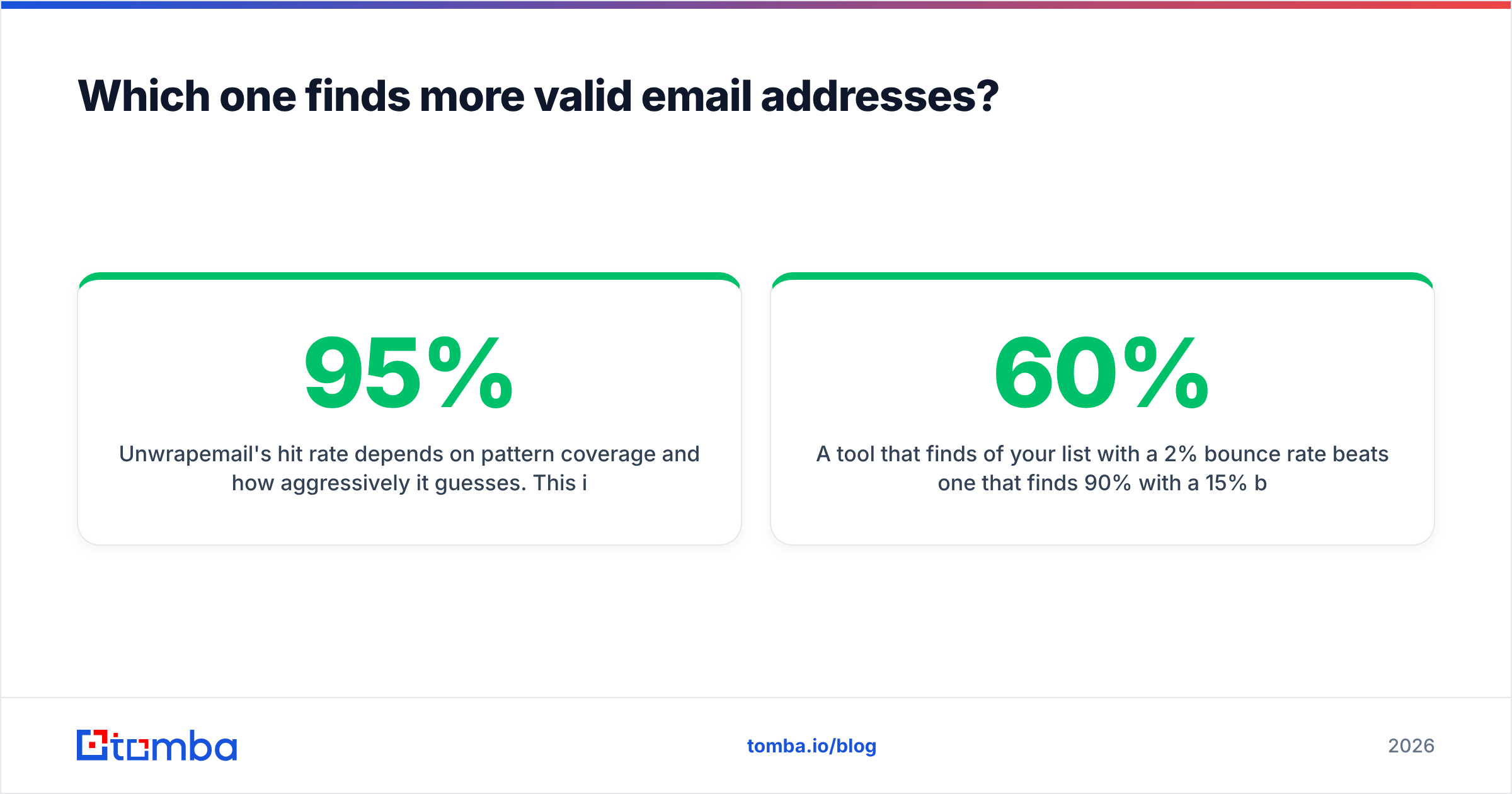
Unwrapemail's hit rate depends on pattern coverage and how aggressively it guesses. This is the quiet trap in every lookup tool. A tool that returns firstname.lastname@domain.com with "medium confidence" for any input will show a beautiful 95% "found" rate and a horrifying bounce rate. A conservative tool returns fewer addresses and almost no bounces.

The only number that matters:
Cost per valid email = (monthly spend) ÷ (addresses that actually accepted mail)
Run this test before committing to either vendor:
- Build a 200-row control list from domains you can independently confirm — customers, partners, people who already replied to you.
- Run the same list through both tools, plus a third as a control.
- Verify every returned address with an independent verifier you did not buy from the vendor being tested. Self-graded homework is worthless here.
- Send a genuine low-volume campaign to the survivors and record hard bounces after 72 hours.
- Divide spend by confirmed deliveries. The winner is often the tool with the lower found-rate, because it lied to you less.
A tool that finds 60% of your list with a 2% bounce rate beats one that finds 90% with a 15% bounce rate — every time. The second one costs you your sender reputation, and reputation is the one asset you cannot re-buy next month.
What do Generect and Unwrapemail cost in practice?#
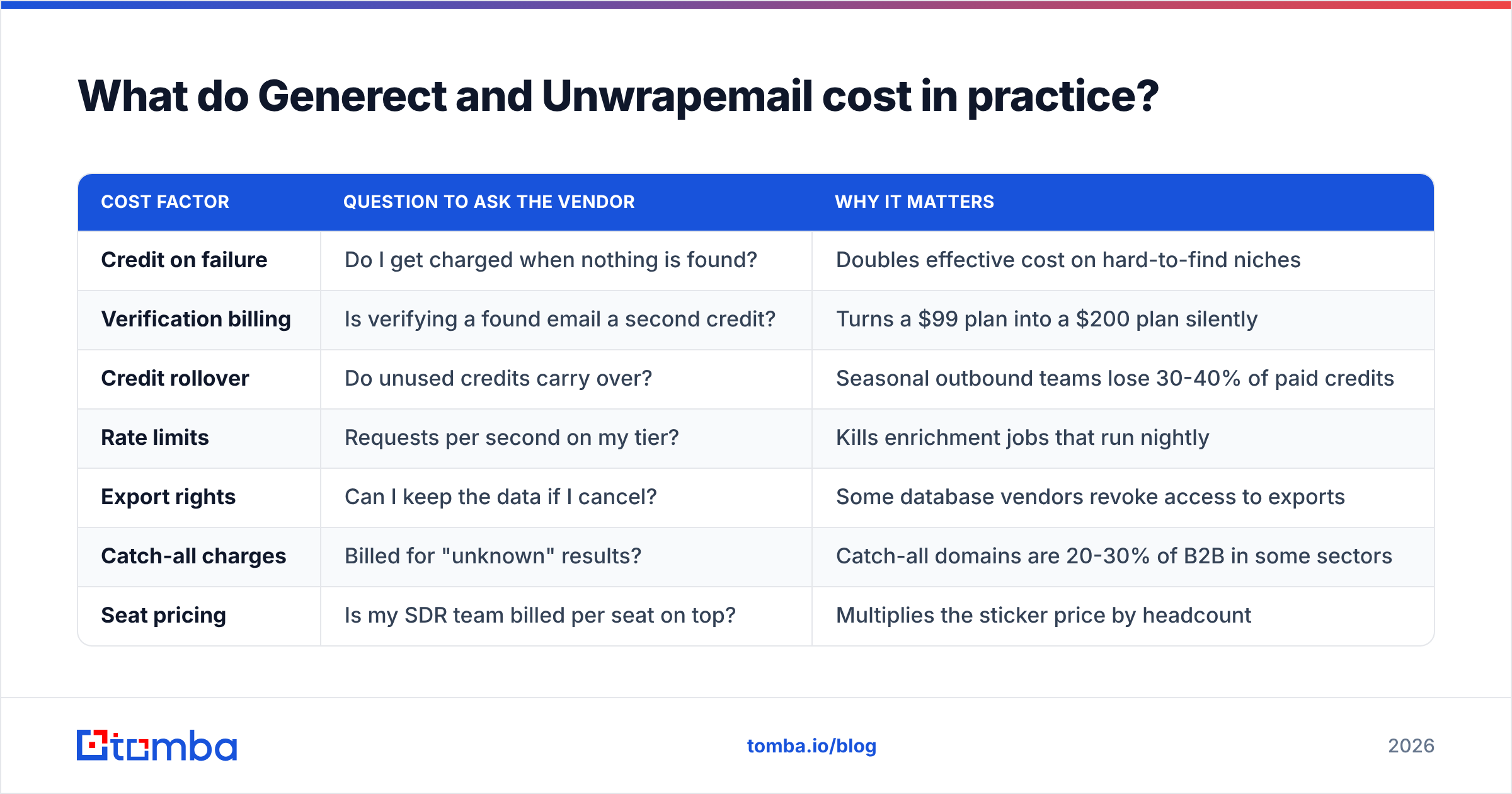
Headline pricing is the least useful comparison in this entire category, because vendors define a "credit" differently. Some charge on request. Some charge only on success. Some charge separately for finding and verifying the same contact. Some make bulk operations cost more per row than single lookups.
| Cost factor | Question to ask the vendor | Why it matters |
|---|---|---|
| Credit on failure | Do I get charged when nothing is found? | Doubles effective cost on hard-to-find niches |
| Verification billing | Is verifying a found email a second credit? | Turns a $99 plan into a $200 plan silently |
| Credit rollover | Do unused credits carry over? | Seasonal outbound teams lose 30-40% of paid credits |
| Rate limits | Requests per second on my tier? | Kills enrichment jobs that run nightly |
| Export rights | Can I keep the data if I cancel? | Some database vendors revoke access to exports |
| Catch-all charges | Billed for "unknown" results? | Catch-all domains are 20-30% of B2B in some sectors |
| Seat pricing | Is my SDR team billed per seat on top? | Multiplies the sticker price by headcount |
For reference on the other side of the fence, Tomba's pricing runs Free (25 searches/month), Starter at $49/mo, Growth at $99/mo, Pro at $249/mo, and custom Enterprise — with finding and verification available under the same account rather than as separate vendor contracts. The point is not that one number beats another. The point is that a two-vendor stack means two invoices, two rate limits, two support queues, and two sets of credits that expire independently.

Who should choose Generect?#
Pick Generect when list-building is your bottleneck, not deliverability.
- You are starting from an ICP, not a name list. "Series A fintechs in DACH, 50-200 employees, VP Engineering or above" is a Generect-shaped query. It is not an Unwrapemail-shaped query.
- You want the API to be the integration surface. Generect leans developer-first, which suits RevOps teams piping leads into a warehouse or CRM automatically.
- LinkedIn firmographics are your targeting signal. If headcount growth, recent role changes, and company tags drive your segmentation, profile-derived data earns its price.
- You accept that you still need a verification layer. Budget for it. Do not assume it is included.
Where it disappoints: teams that just want fifty emails from one company domain today. That is an over-purchase, and you will feel it on the invoice.
Who should choose Unwrapemail?#
Pick Unwrapemail when your problem is a spreadsheet full of names and empty email columns.
- You already have the identities. Conference attendee lists, webinar signups, inbound form fills with missing work emails, CRM records that went stale.
- You want predictable, cheap, single-purpose billing. Lookup tools tend to price lower per operation than full databases because they do less.
- Your volume is bursty. Pay-as-you-go models suit teams that run three campaigns a quarter, not a daily machine.
- You do not need firmographics. If your targeting already happened somewhere else, you are paying for exactly what you use.
Where it disappoints: net-new pipeline generation. You cannot find people you do not already know about. A lookup tool has no opinion about who your buyer is.
Where does Tomba fit between them?#
Honestly? In the middle, which is the point.
The gap in a Generect-plus-Unwrapemail stack is the seam. Two APIs, two credit systems, two accuracy standards, and a data mapping job someone maintains forever. That seam is where records go missing and where your cost per lead quietly inflates.
A consolidated approach collapses the workflow: find emails by name or domain, verify them in the same call chain, resolve catch-all domains instead of dumping them into an "unknown" bucket, and enrich the survivors with job title and company data. Same account, same credits, same support queue. For teams already living in spreadsheets, the Google Sheets add-on and Chrome extension remove the API step entirely.
I would not claim Tomba beats Generect on raw LinkedIn firmographic depth — a dedicated profile database is built for that, and it shows. And a pure verification specialist will always have a narrower, more tuned pipeline than a generalist. The argument for consolidation is not "best at everything." It is "good enough at both, with one bill and no seam."
For a broader read on how the email-data category is structured, G2's lead intelligence grid is a reasonable neutral starting point, and HubSpot's sales blog covers the outbound side of the process well. If you want to understand why verification is probabilistic rather than certain, the SMTP protocol overview explains what mail servers are and are not obliged to tell you.
How should you run the evaluation this week?#
Do not read another comparison post — including this one — as a substitute for testing on your own data. Category rankings mean nothing if your ICP is Brazilian logistics companies and the tool indexes mostly US SaaS.
- Day 1: Build the 200-row control list. Include at least 30 known catch-all domains and 30 small companies under 20 employees. Those two segments break most tools.
- Day 2: Run all candidates on free tiers or trials. Log found-rate, confidence labels, and response latency.
- Day 3: Cross-verify every result with an independent email checker.
- Day 4: Send a small, genuine campaign. Not a blast — a real one, to people you can plausibly help.
- Day 5: Calculate cost per delivered, non-bouncing address. Sign with the winner. Cancel the rest before the trial converts.
Five days of rigor beats five months of paying for the wrong tool.
The bottom line#
Generect and Unwrapemail are not competitors so much as neighbors. One builds the list, the other cleans it. Choosing between them is really choosing which half of your prospecting problem hurts more right now — and if the honest answer is "both," a two-vendor stack is a tax you are choosing to pay.
Start with a real test on your own domains. If you want to see what a consolidated pipeline returns on your ICP before spending anything, run your control list through the Tomba Email Finder — the free tier gives you 25 searches a month with no card, which is more than enough to compare hit rates side by side against whatever you are using today. Then let cost per valid email make the decision for you.
Related guides#
Ready to find emails that actually work?
Join 150,000+ professionals who stopped guessing and started sending. Free credits on signup — no credit card required.
Get the Tomba newsletter
Practical outbound tactics and product updates — once every two weeks.
About the author