Gentle Reminder: Polite Follow Up Email Sample After No Response
Nine copy-paste gentle reminder templates, the send timing that actually gets replies, and the three lines that quietly kill your follow-up before anyone reads it.
TL;DR
- Most replies come from follow-up 2 through 5, not the first email — so the gentle reminder is where the deal actually lives.
- A polite follow-up works when it adds something new: a resource, a deadline, a fresh angle. "Just bumping this up" adds nothing and reads as pressure without value.
- Wait 3 business days after the first email, then 4, then 7. Same-day and next-day bumps are the fastest way to get flagged.
- Nine copy-paste samples below cover sales, invoices, job applications, interviews, meeting requests, and the graceful break-up.
- If your reminder never landed in an inbox at all, the copy was never the problem — verify the address before you blame the template.
What is a gentle reminder email, exactly?#
A gentle reminder email is a short follow-up you send when someone hasn't replied — written so it prompts action without implying the recipient did something wrong.
Think of it like tapping someone on the shoulder in a busy hallway versus blocking the doorway. Both get attention. Only one gets a conversation. The tap acknowledges they're busy, states what you need in one line, and makes it easy to say yes, no, or "not now."
Three things separate a gentle reminder from a nag:
- It assumes good faith. No "I noticed you haven't responded." They're not ignoring you; they have 180 unread emails.
- It carries new value. A case study, an updated number, a shorter ask, a relevant news item about their company.
- It gives an exit. "If this isn't a priority right now, just say the word and I'll close the loop." Permission to decline dramatically increases reply rates — including yes replies.
The mechanics matter more than most people think. According to HubSpot's sales research, a large share of deals require five or more touches, yet most reps stop after one or two. The gap between those two numbers is where the pipeline goes to die.
Why do most polite follow-up emails get ignored?#
Because they're reminders about the sender's needs, not the recipient's.
Here are the four patterns that reliably kill a follow-up:
- The guilt open. "I haven't heard back from you..." puts the reader on defense in the first six words. Delete it.
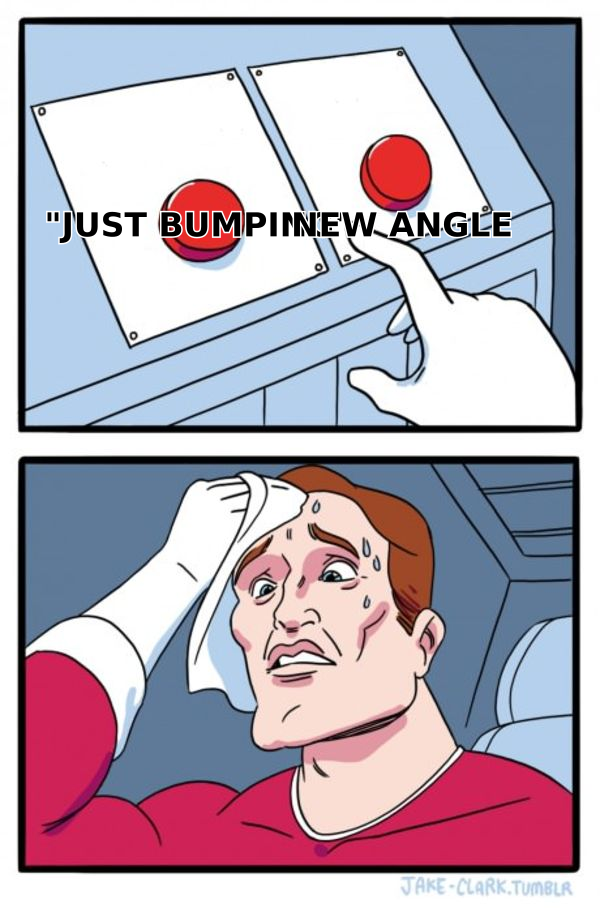
- The zero-value bump. "Just following up!" with no new information. You've asked for attention and offered nothing in return.
- The re-pitch. Copy-pasting your original pitch, longer. If it didn't work at 120 words it won't work at 240.
- The vague ask. "Let me know your thoughts" requires the recipient to invent the next step. Give them a binary: "Worth a 15-minute call Thursday, or should I check back in Q4?"
There's also a fifth reason that has nothing to do with copy: the email never arrived. Bounced addresses, catch-all domains that silently discard mail, and reputation damage from repeated hard bounces all produce the exact same symptom as bad copy — silence. Before rewriting your templates for the fourth time, run the list through an email verifier and check whether your sender reputation is intact.
When should you send a gentle reminder after no response?#
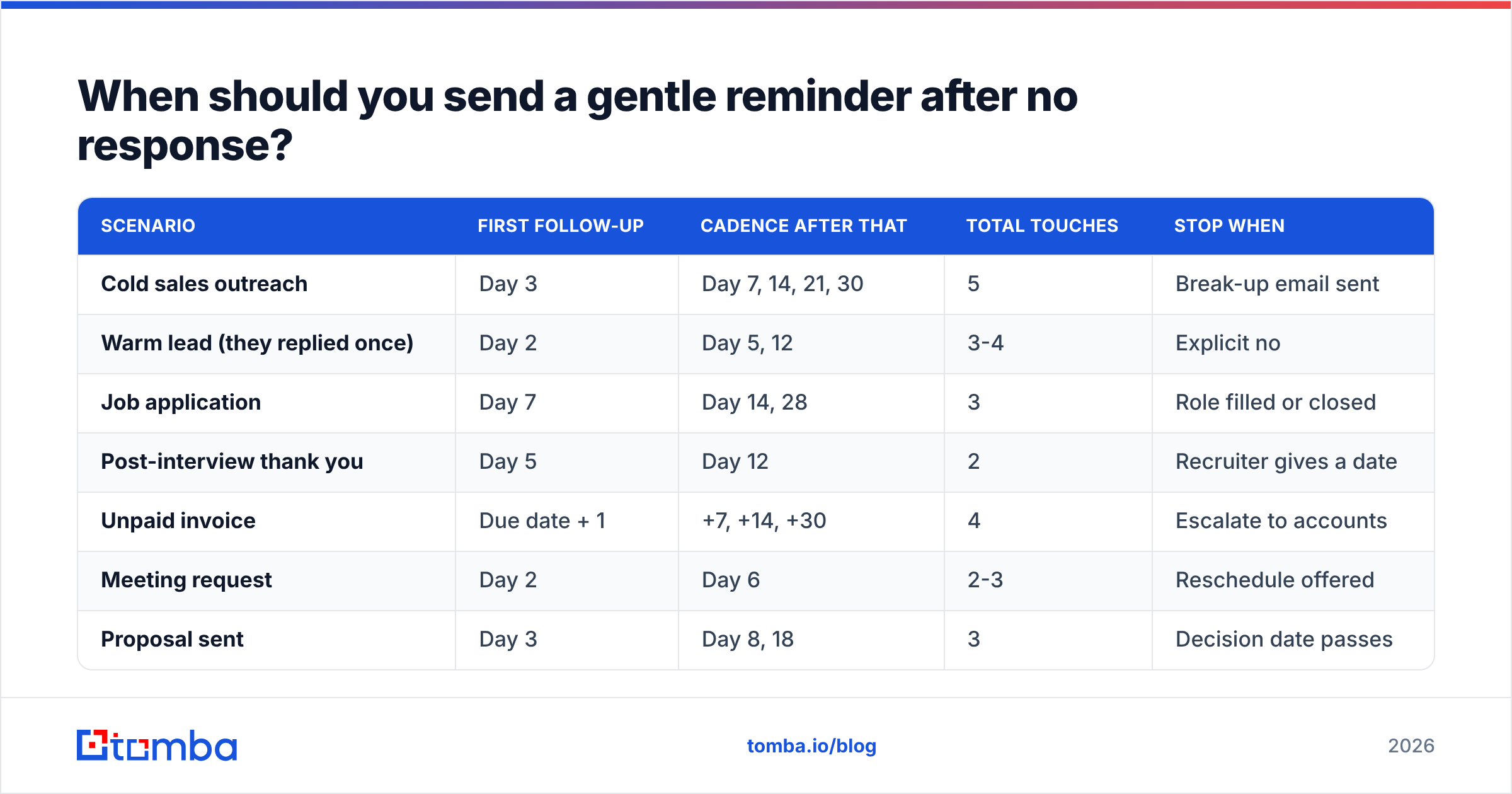
Timing is the single biggest lever, and it's the one most people get wrong in both directions — too fast for cold outreach, far too slow for warm threads.
| Scenario | First follow-up | Cadence after that | Total touches | Stop when |
|---|---|---|---|---|
| Cold sales outreach | Day 3 | Day 7, 14, 21, 30 | 5 | Break-up email sent |
| Warm lead (they replied once) | Day 2 | Day 5, 12 | 3-4 | Explicit no |
| Job application | Day 7 | Day 14, 28 | 3 | Role filled or closed |
| Post-interview thank you | Day 5 | Day 12 | 2 | Recruiter gives a date |
| Unpaid invoice | Due date + 1 | +7, +14, +30 | 4 | Escalate to accounts |
| Meeting request | Day 2 | Day 6 | 2-3 | Reschedule offered |
| Proposal sent | Day 3 | Day 8, 18 | 3 | Decision date passes |
Two rules that hold across every row:
- Send in their business hours, not yours. Tuesday through Thursday, 8-10am local time, is the least-contested window in most B2B inboxes.
- Reply in the same thread for touches 2 and 3, then start a fresh thread with a new subject line. A dead thread accumulates negative association; a new subject gets a genuine second look.
What does a good gentle reminder email look like?#
Here are nine samples you can adapt today. Keep them under 90 words. Every one of them names a reason for writing that isn't "you didn't reply."
1. The value-add bump (cold sales, follow-up 1)#
Subject: One more thing on [pain point]
Hi [First name],
Sent a note last week about [specific problem]. Since then [Competitor/Peer company] published [resource] — thought it was relevant given [their context].
Attaching it either way, no strings.
If reducing [metric] isn't on the roadmap this quarter, tell me and I'll stop there.
[Your name]
2. The one-line nudge (warm thread gone quiet)#
Subject: re: [original subject]
Hi [First name] — floating this back to the top in case it slipped. Still useful, or should I circle back after [their known milestone]?
3. The deadline reminder (soft urgency, real reason)#
Subject: [Deliverable] closes Friday
Hi [First name],
Quick heads-up: the [pricing / onboarding slot / pilot cohort] we discussed closes Friday. No pressure either way — I just didn't want you to find out after the fact.
Want me to hold a spot for 48 hours?
4. The job application follow-up#
Subject: Following up — [Role], applied [date]
Hi [Hiring manager],
I applied for the [Role] position on [date] and wanted to reiterate my interest. Since applying I [shipped X / completed Y certification], which is directly relevant to [responsibility from job posting].
Happy to send a short work sample if that's useful. Either way, thanks for reading.
5. The post-interview reminder#
Subject: Thanks again + one follow-up thought
Hi [Name],
Enjoyed our conversation on [date], especially the part about [specific topic]. I kept thinking about [challenge they raised] and sketched out [brief idea] — pasted below in case it's useful to your team regardless of the outcome.
Any update on timing for next steps?
6. The invoice reminder (polite, firm)#
Subject: Invoice [#] — due [date]
Hi [Name],
Invoice [#] for [amount] was due on [date]. It may simply be sitting in an approval queue — happy to resend it to whoever handles AP.
Payment link: [link]. Let me know if anything's blocking it on your end.
7. The meeting-request reminder#
Subject: Thursday or next week?
Hi [First name],
Still keen to get 15 minutes on [topic]. I've kept Thursday 2-4pm open — here's my calendar: [link].
If your calendar is packed through [month], say so and I'll follow up then instead.
8. The multi-thread reminder (decision-maker went dark)#
Subject: Best person for [initiative]?
Hi [First name],
I've reached out a couple of times about [topic] and suspect this isn't landing on your desk. Is [colleague name] the better contact, or should I park it?
Either answer is genuinely helpful.
9. The break-up email#
Subject: Closing the loop
Hi [First name],
I've sent a few notes about [topic] and haven't heard back, which usually means the timing's wrong. I'm going to stop here.
If [problem] becomes urgent later, reply to this email and I'll pick it right back up. Leaving [resource] with you regardless.
Break-up emails routinely outperform every other message in a sequence, which says less about clever copy and more about how much people respond to the removal of an obligation.
How do reminder styles compare across use cases?#
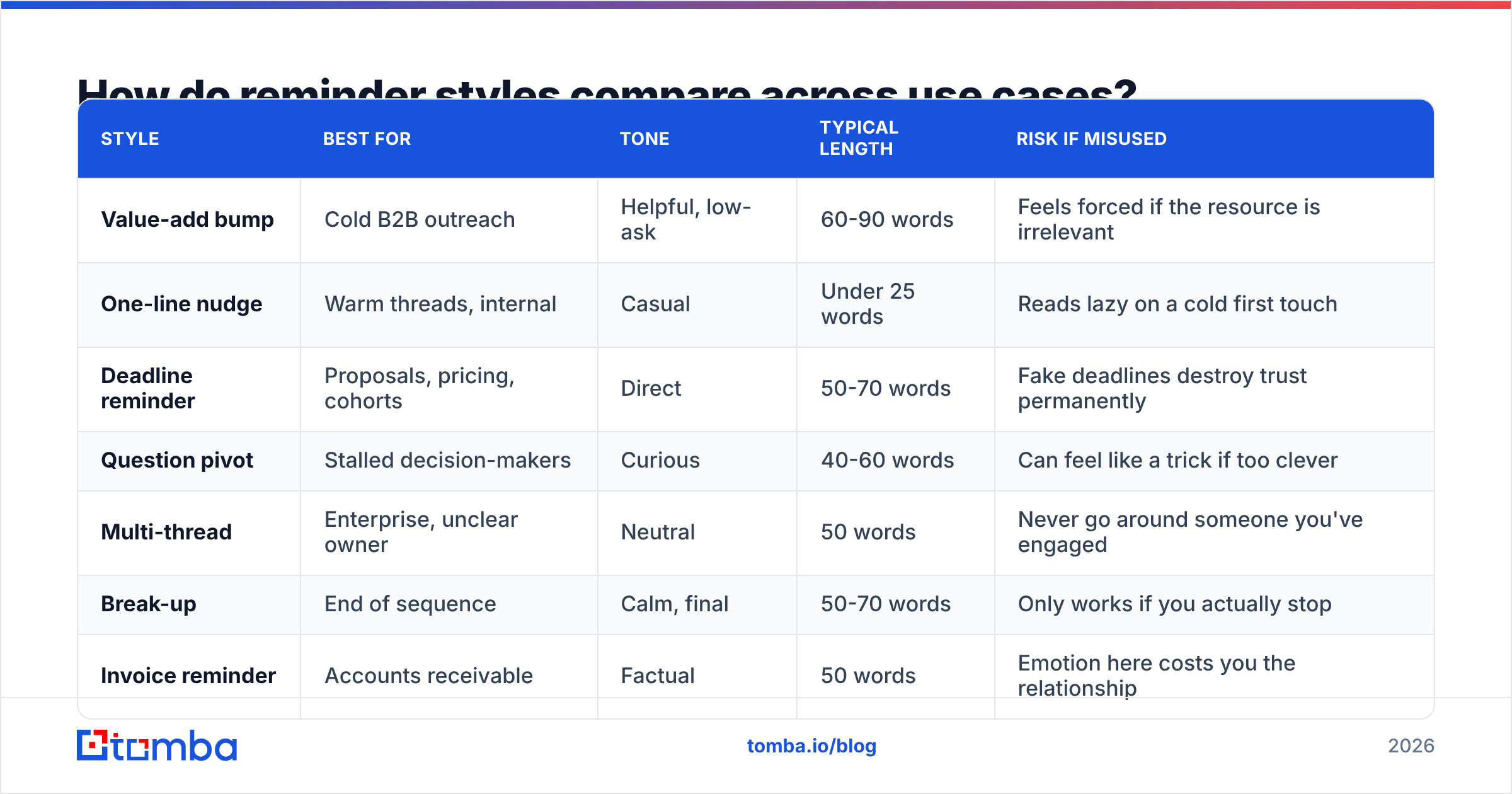
Not every situation wants the same tone. Matching style to context is what separates a reminder that reads as considerate from one that reads as automated.
| Style | Best for | Tone | Typical length | Risk if misused |
|---|---|---|---|---|
| Value-add bump | Cold B2B outreach | Helpful, low-ask | 60-90 words | Feels forced if the resource is irrelevant |
| One-line nudge | Warm threads, internal | Casual | Under 25 words | Reads lazy on a cold first touch |
| Deadline reminder | Proposals, pricing, cohorts | Direct | 50-70 words | Fake deadlines destroy trust permanently |
| Question pivot | Stalled decision-makers | Curious | 40-60 words | Can feel like a trick if too clever |
| Multi-thread | Enterprise, unclear owner | Neutral | 50 words | Never go around someone you've engaged |
| Break-up | End of sequence | Calm, final | 50-70 words | Only works if you actually stop |
| Invoice reminder | Accounts receivable | Factual | 50 words | Emotion here costs you the relationship |
A quick sanity check before hitting send: read the email out loud. If a sentence would sound passive-aggressive spoken across a desk, it will read worse in text, where there's no tone of voice to soften it.
What should you never write in a follow-up?#
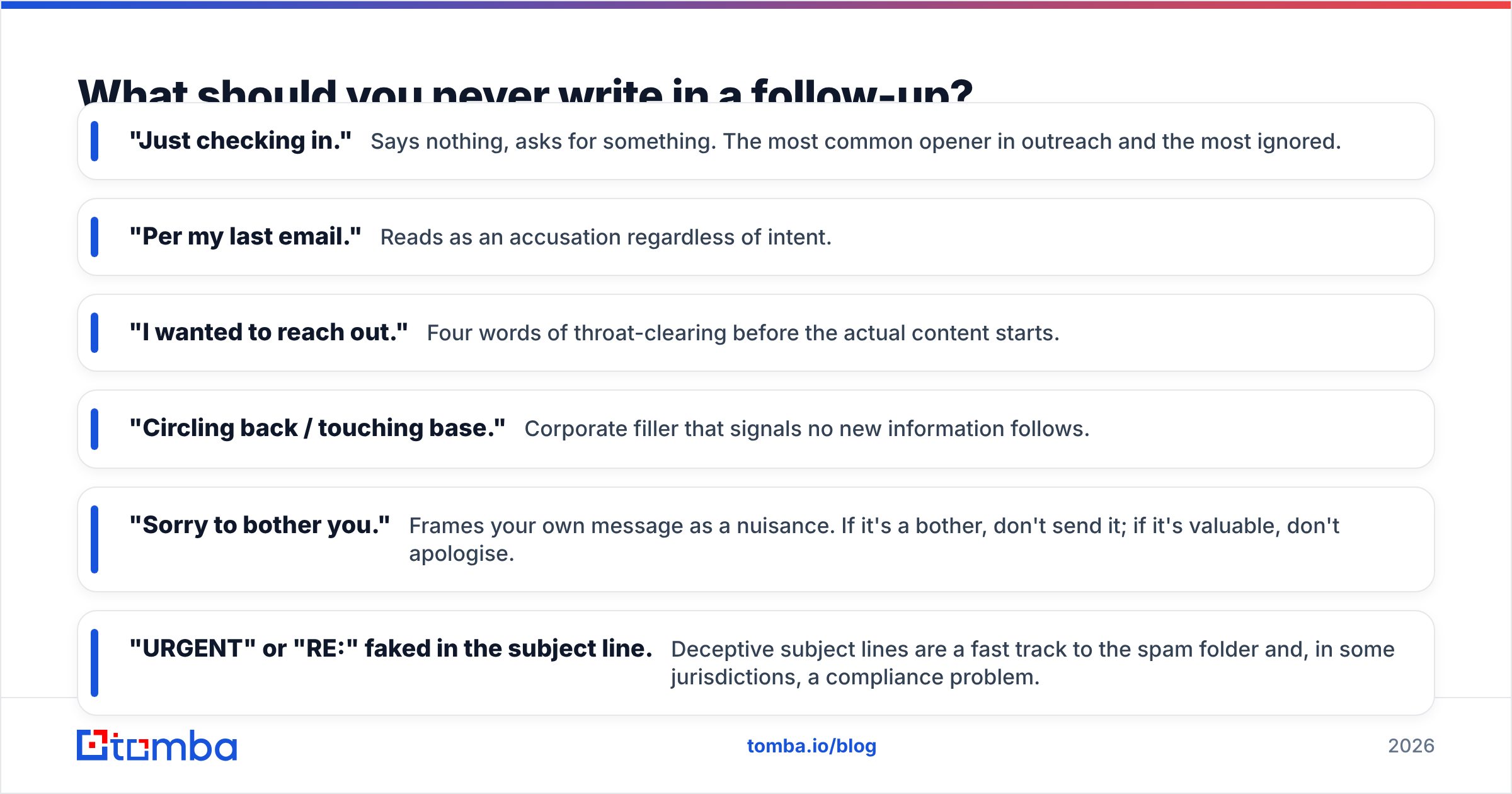
Some phrases are so overused they trigger instant pattern-matching — the reader stops processing meaning and starts processing "sales email."
- "Just checking in." Says nothing, asks for something. The most common opener in outreach and the most ignored.
- "Per my last email." Reads as an accusation regardless of intent.
- "I wanted to reach out." Four words of throat-clearing before the actual content starts.
- "Circling back / touching base." Corporate filler that signals no new information follows.
- "Sorry to bother you." Frames your own message as a nuisance. If it's a bother, don't send it; if it's valuable, don't apologise.
- "URGENT" or "RE:" faked in the subject line. Deceptive subject lines are a fast track to the spam folder and, in some jurisdictions, a compliance problem.
Replace each of them with a reason: a new data point, a change on their side, a decision deadline, or a direct question. If you can't name a reason to write, the honest move is to wait another week.
Worth checking your drafts against a spam checker too — some perfectly polite reminders trip filters through attachment habits, link density, or an over-styled signature block rather than the words themselves.
How do you scale gentle reminders without sounding robotic?#
The trick is separating what's templated from what's personal. Structure gets templated. Evidence gets personalised.
A workable split:
- Templated: subject line pattern, greeting, closing, CTA structure, signature.
- Personalised: the first clause of the opening line, the piece of evidence you cite, and the reason-for-writing.
- Verified, not guessed: the recipient's name, title, and email address.
That third item is the one teams skip, and it's the one that quietly wrecks everything else. A perfect four-touch sequence sent to a stale address produces a hard bounce on touch one, degrades your domain reputation, and then delivers touches two through four to spam — where your careful copy is invisible. Tools like Tomba's email finder or a domain search confirm the address exists before the sequence starts, and catch-all domains (common at enterprises) need a dedicated catch-all verifier since standard SMTP checks return "accept" for everything.
Volume guardrails that keep reminders deliverable:
- Cap new cold contacts at 30-50 per mailbox per day; reminders count toward that number.
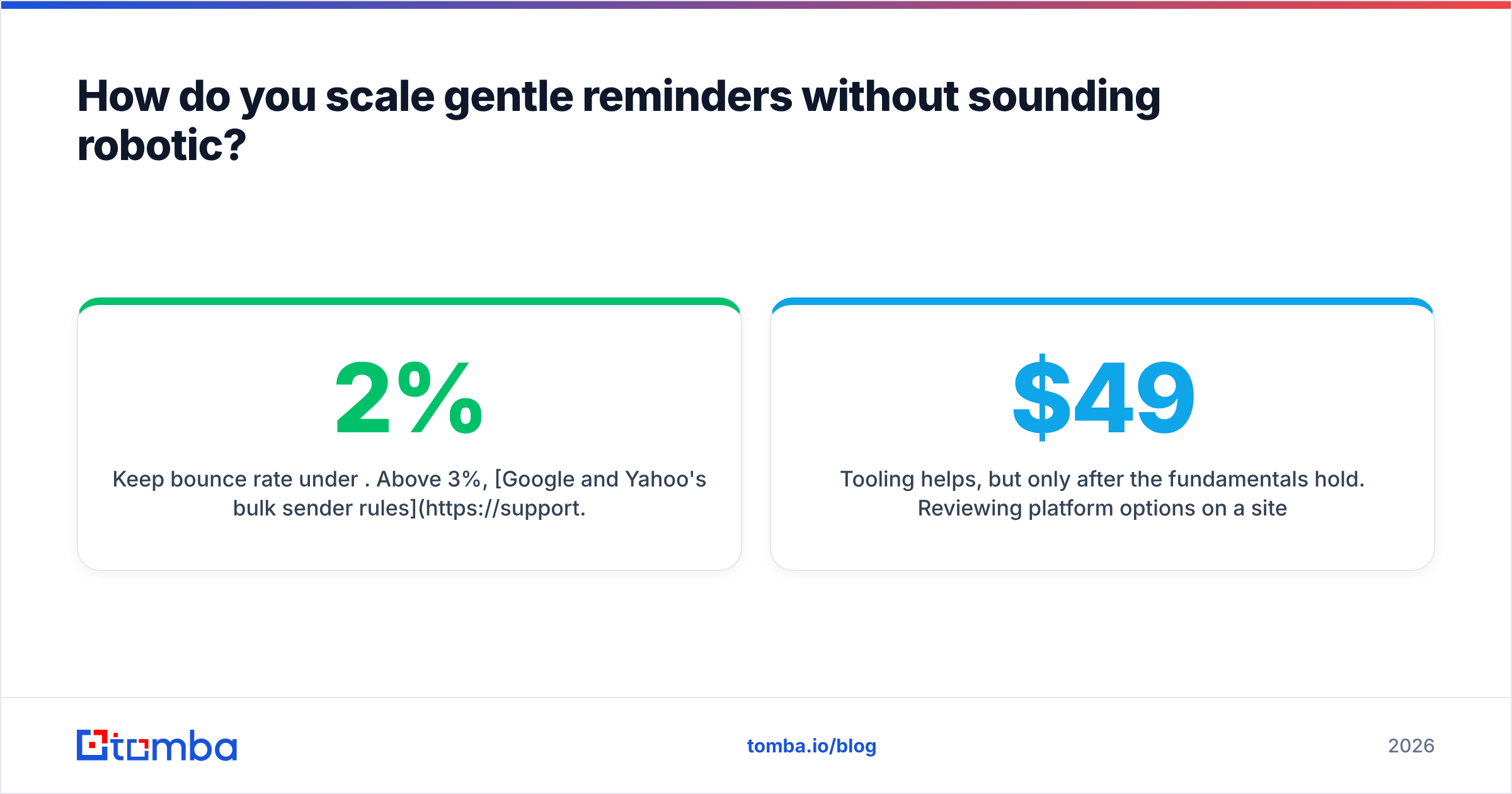
- Keep bounce rate under 2%. Above 3%, Google and Yahoo's bulk sender rules start working against you.
- Run one sending domain separate from your primary corporate domain.
- Pause a sequence the moment someone replies — including out-of-office autoreplies, which should push the next touch to their return date.
Tooling helps, but only after the fundamentals hold. Reviewing platform options on a site like G2 is useful, though most reply-rate problems trace back to list quality and timing rather than the sending platform. If you're comparing spend, Tomba pricing starts free at 25 searches a month and moves to $49/mo on Starter, which is usually enough to validate a whole quarter's prospecting list before you commit to anything larger.
How do you measure whether your reminders are working?#
Track these four numbers per sequence step, not per campaign:
- Reply rate by touch number. If touch 3 outperforms touch 1, your opener is the weak link, not your follow-ups.
- Positive vs. negative reply split. A rising "no thanks" count is a healthy signal — it means people feel comfortable answering, and it clears your pipeline faster than silence.
- Bounce rate on touch 1. Above 2%, stop and fix data quality before sending anything else.
- Unsubscribe/complaint rate. Above 0.1% complaints, your cadence is too aggressive regardless of how polite the wording is.
One practical habit: keep a running file of every reply that came from a follow-up rather than a first email, and note which specific line triggered it. After thirty of those, you'll have a template library built from your own market rather than from a blog post — including this one.
Ready to send reminders that actually reach an inbox?#
Great follow-up copy is worthless against an address that bounces. Start by confirming who you're writing to: Tomba Email Finder finds verified professional emails by name and domain, flags risky and catch-all addresses before you send, and connects to your CRM or sequencer so touch one lands where it should. The free tier covers 25 searches a month — enough to clean a starter list and see whether your reminders were ever the problem in the first place.
Related guides#
Ready to find emails that actually work?
Join 150,000+ professionals who stopped guessing and started sending. Free credits on signup — no credit card required.
Get the Tomba newsletter
Practical outbound tactics and product updates — once every two weeks.
About the author