9 Best GetAccept Alternatives in 2026 (Free and Paid)
GetAccept bundles proposals, e-signature and digital sales rooms into one seat price. Here are nine alternatives that do the same job cheaper, simpler, or with deeper CRM hooks — plus who each one actually fits.
TL;DR
- GetAccept is a digital sales room platform: proposals, e-signature, video intros, and buyer engagement tracking in one seat-priced subscription. It is strong, but you pay for the whole bundle even if you only need two pieces of it.
- If you mainly need documents plus signature, PandaDoc, Better Proposals, or Dropbox Sign will cost less per seat.
- If you mainly need buyer-facing deal rooms, Dock, Trumpet, and Qwilr are the closest like-for-like swaps.
- If you mainly need enterprise-grade signature compliance, DocuSign and Adobe Acrobat Sign are the safe answer — and nothing else really competes on audit trail depth.
- No sales room fixes a bad list. Before you pay for engagement analytics, make sure the contact receiving the proposal is a real, verified decision-maker.
What is GetAccept and what does it actually do?#
GetAccept started as an e-signature tool and grew into what the category now calls a Digital Sales Room (DSR). You build a branded, link-based room per deal. The buyer lands on a page with your proposal, a personalised video, mutual action plan, pricing table, chat widget, and a signature block at the bottom. You get notified when they open it, how long they spent on the pricing section, and who else they forwarded it to.
That last part is the real product. Anyone can send a PDF. GetAccept sells you the telemetry on what happened after you sent it, plus a single link that replaces the six-attachment email thread.
It sells per user per month, with e-signature on entry tiers and sales rooms, CRM sync, and advanced analytics pushed into higher tiers. That tiering is the number one reason teams start shopping for GetAccept alternatives: the feature you actually want tends to sit one plan above the one you budgeted for.
Why do teams look for GetAccept alternatives?#
Five patterns show up repeatedly in G2 reviews and in switching conversations:
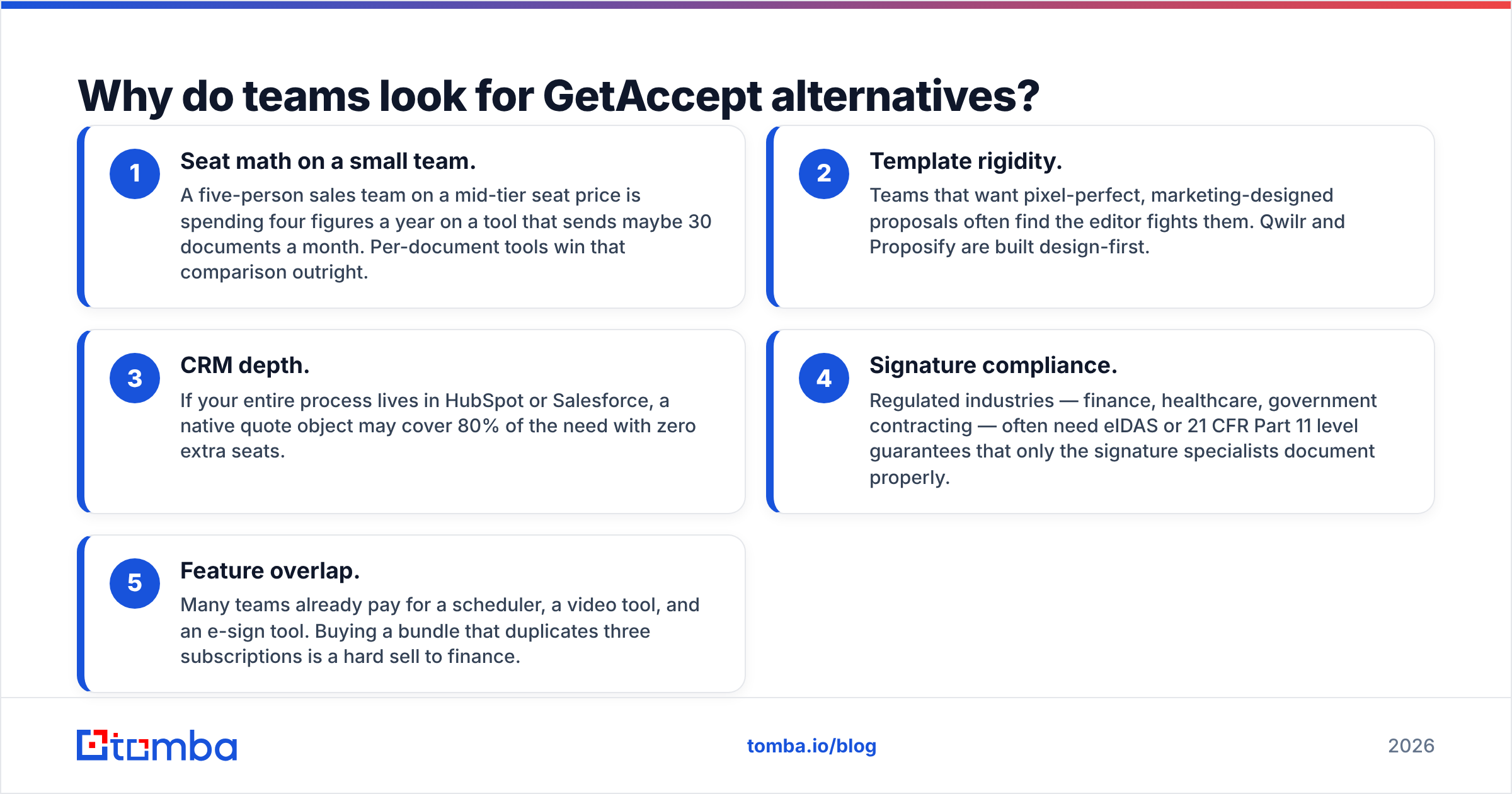
- Seat math on a small team. A five-person sales team on a mid-tier seat price is spending four figures a year on a tool that sends maybe 30 documents a month. Per-document tools win that comparison outright.
- Template rigidity. Teams that want pixel-perfect, marketing-designed proposals often find the editor fights them. Qwilr and Proposify are built design-first.
- CRM depth. If your entire process lives in HubSpot or Salesforce, a native quote object may cover 80% of the need with zero extra seats.
- Signature compliance. Regulated industries — finance, healthcare, government contracting — often need eIDAS or 21 CFR Part 11 level guarantees that only the signature specialists document properly.
- Feature overlap. Many teams already pay for a scheduler, a video tool, and an e-sign tool. Buying a bundle that duplicates three subscriptions is a hard sell to finance.
If none of those apply to you, staying on GetAccept is a perfectly rational decision. This post is for the teams where one or more of them do.
What should you compare before switching?#
Do not compare feature checklists. Compare these six things, in this order:
- Pricing unit — per user, per document sent, or flat platform fee. A per-user tool punishes teams with occasional senders (CS, founders, partners). A per-document tool punishes high-volume SDR-led motions.
- Signature legal weight — basic audit trail versus qualified electronic signature. Ask the vendor which standards they certify against, in writing, before you sign anything.
- CRM write-back — not just "reads from CRM" but writes engagement events back as activities you can build reports and win rate analysis on.
- Buyer-side friction — does the recipient need an account, a login, or a plugin? Every extra click costs you replies.
- Template governance — can a rep edit legal language? Can they change pricing? If yes, you have a compliance problem waiting to happen.
- Data in, not just documents out — the tool assumes you already have accurate contact records. If your CRM is full of stale emails, engagement analytics measure nothing.
What are the best GetAccept alternatives in 2026?#
Prices below are public list prices at the time of writing and are billed per user per month unless noted. Vendors change pricing frequently — always confirm on the vendor's own page before you budget.
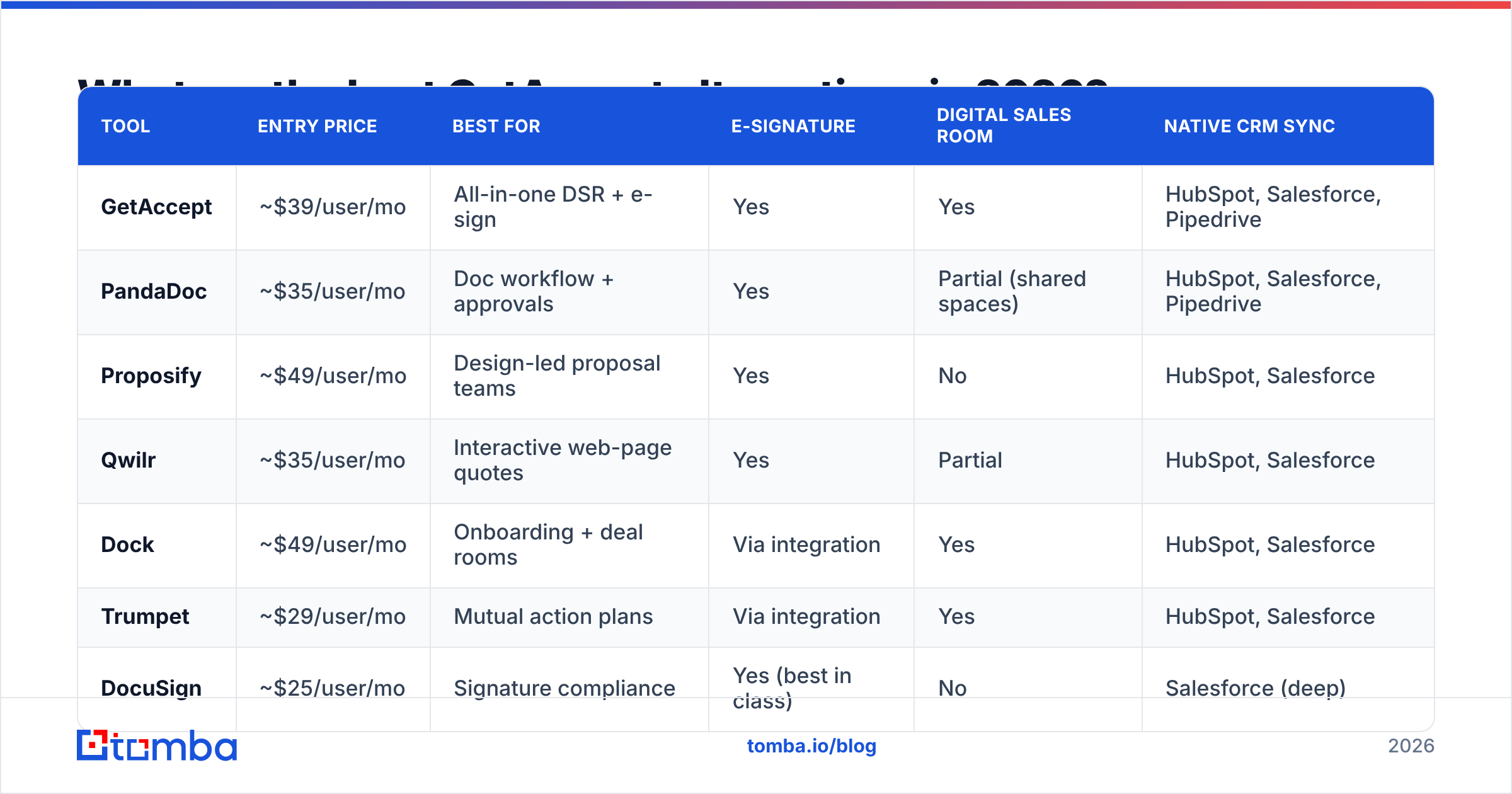
| Tool | Entry price | Best for | E-signature | Digital sales room | Native CRM sync |
|---|---|---|---|---|---|
| GetAccept | ~$39/user/mo | All-in-one DSR + e-sign | Yes | Yes | HubSpot, Salesforce, Pipedrive |
| PandaDoc | ~$35/user/mo | Doc workflow + approvals | Yes | Partial (shared spaces) | HubSpot, Salesforce, Pipedrive |
| Proposify | ~$49/user/mo | Design-led proposal teams | Yes | No | HubSpot, Salesforce |
| Qwilr | ~$35/user/mo | Interactive web-page quotes | Yes | Partial | HubSpot, Salesforce |
| Dock | ~$49/user/mo | Onboarding + deal rooms | Via integration | Yes | HubSpot, Salesforce |
| Trumpet | ~$29/user/mo | Mutual action plans | Via integration | Yes | HubSpot, Salesforce |
| DocuSign | ~$25/user/mo | Signature compliance | Yes (best in class) | No | Salesforce (deep) |
| Dropbox Sign | ~$20/user/mo | Cheapest reliable e-sign | Yes | No | Limited |
| Better Proposals | ~$19/user/mo | Solo and micro-teams | Yes | No | Zapier-based |
PandaDoc — the closest full-featured swap#
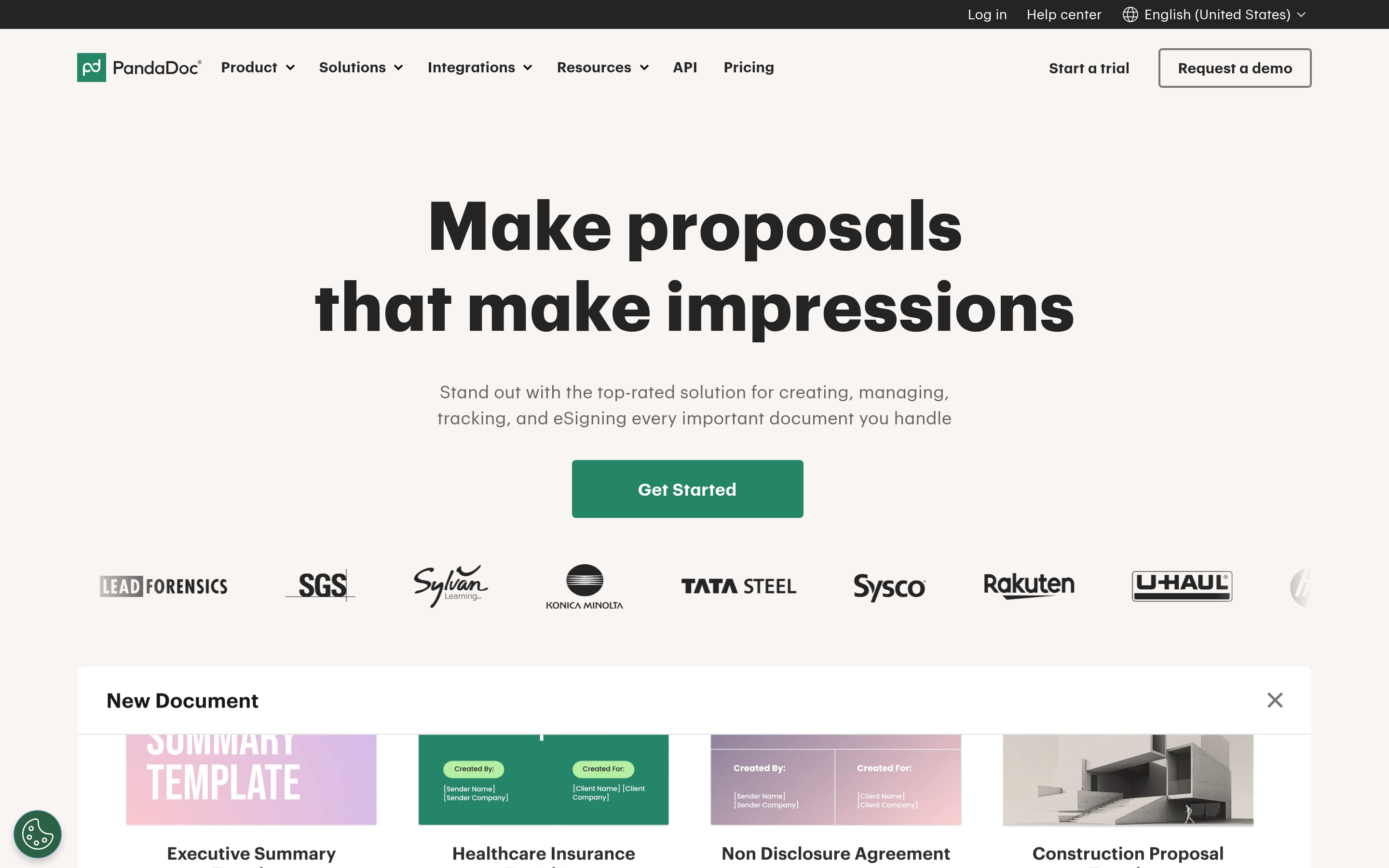
PandaDoc is the default recommendation when someone leaves GetAccept and still wants everything in one place. It is stronger than GetAccept on document workflow — conditional content, approval chains, quote builders wired to a product catalogue — and weaker on the video-and-engagement showmanship. If your bottleneck is "legal keeps rejecting rep-edited contracts," PandaDoc solves that. If your bottleneck is "buyers ghost after we send," it does not.
Proposify — for teams where the proposal is the pitch#
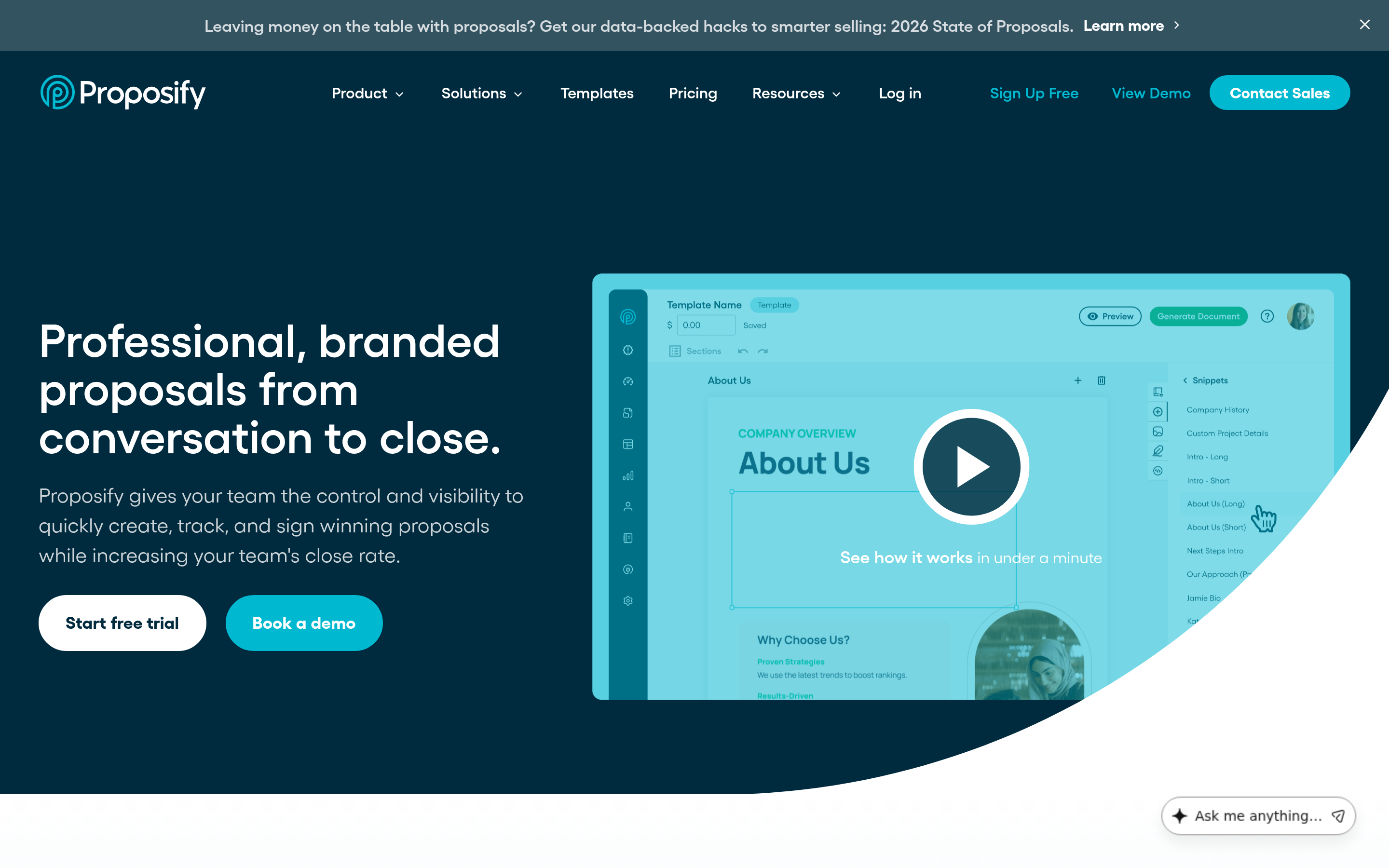
Proposify treats the proposal as a designed artifact. Locked-down brand templates, a content library with usage analytics, and metrics on which sections correlate with closed-won. It is a proposal tool and nothing else — no sales room, no chat widget. Agencies and professional services firms tend to love it. Volume-driven SaaS teams tend to find it slow.
Qwilr — quotes that look like landing pages#
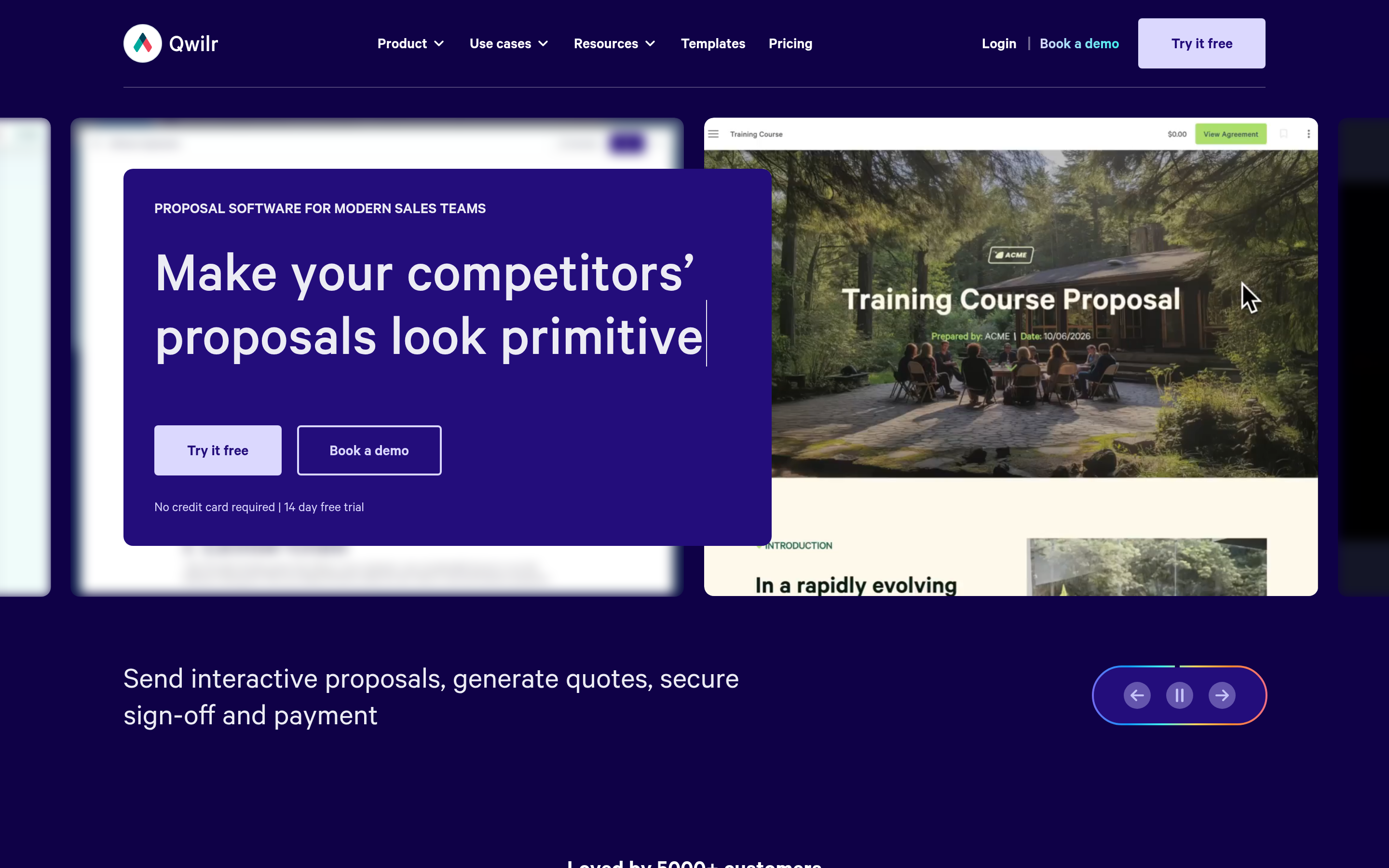
Qwilr outputs responsive web pages, not PDFs. Embedded video, ROI calculators, interactive pricing where the buyer toggles seat counts and watches the total change. That interactivity produces real engagement lift on mid-market deals. The trade-off: some enterprise buyers still want a PDF for procurement, and you will be exporting.
Dock and Trumpet — the pure sales-room plays#
Both dropped the e-signature layer and went all-in on the buyer-facing room: mutual action plans, stakeholder mapping, shared resource libraries, and a single link that survives from first demo through onboarding. Trumpet is cheaper and lighter; Dock extends further into customer onboarding and QBRs. Pair either with Dropbox Sign and you rebuild the GetAccept bundle for less — at the cost of managing two vendors.
DocuSign and Adobe Acrobat Sign — when compliance is the requirement#
If your legal team asks about eIDAS qualified signatures, identity verification, or long-term validation, this is a two-horse race. DocuSign has the deepest Salesforce integration in the category and the most defensible audit trail. Neither will help you build a beautiful proposal. That is fine — pair them with a document tool.
Better Proposals and Dropbox Sign — the budget floor#
Under $20 a seat, you get proposals with signature (Better Proposals) or clean signature workflows with a good API (Dropbox Sign). Founders sending five proposals a month should start here and only upgrade when they can name the specific metric the upgrade improves.
Your CRM's native quoting#
HubSpot Quotes and Salesforce CPQ both include e-signature paths. If you are already paying for a Sales Hub Professional or Enterprise seat, test the native quote object for a month before you buy anything. Plenty of teams discover they were paying twice for the same capability — and the CRM version writes back to the deal record automatically, which is exactly what revenue operations wants.
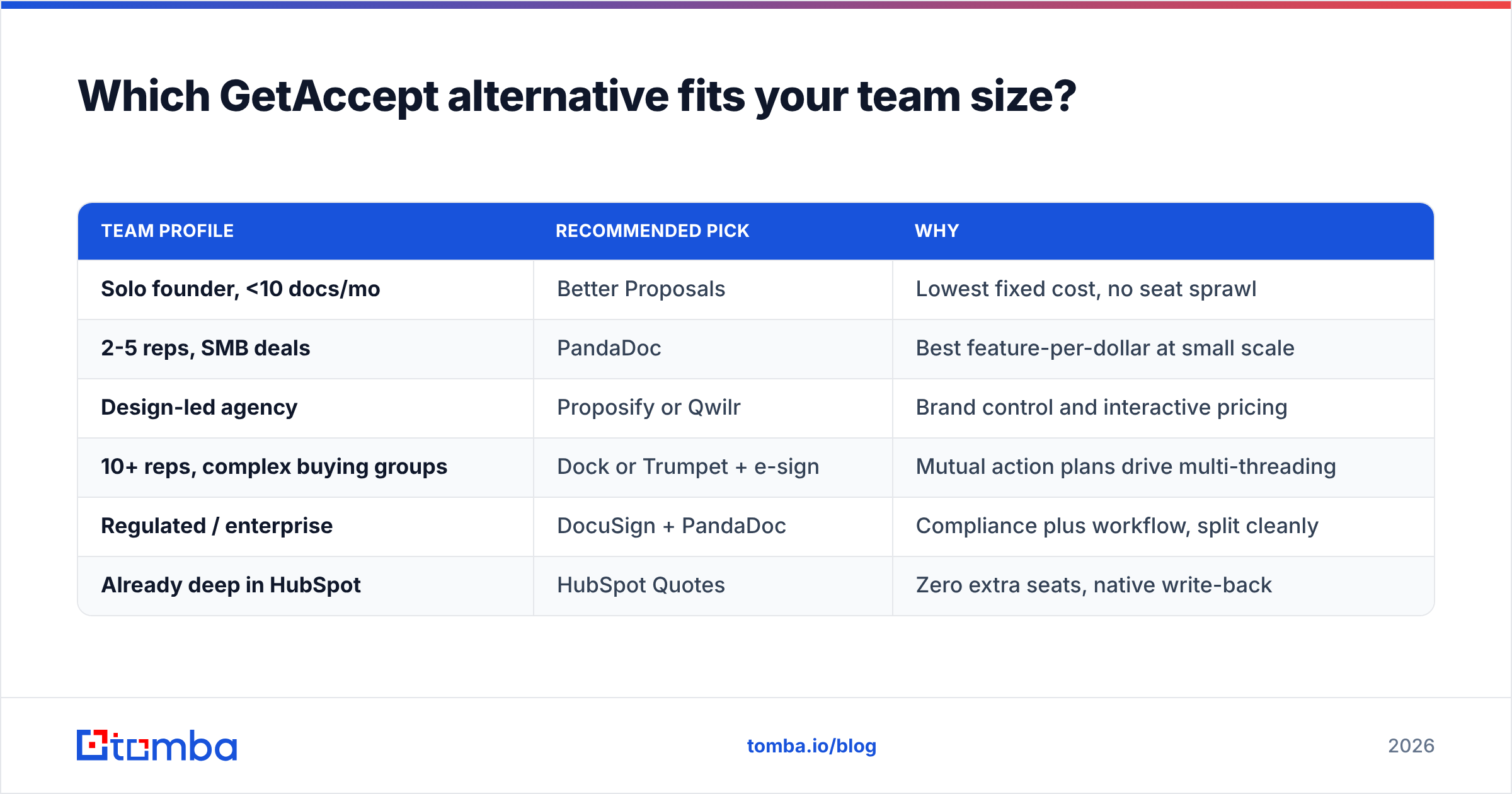
Which GetAccept alternative fits your team size?#
| Team profile | Recommended pick | Why |
|---|---|---|
| Solo founder, <10 docs/mo | Better Proposals | Lowest fixed cost, no seat sprawl |
| 2-5 reps, SMB deals | PandaDoc | Best feature-per-dollar at small scale |
| Design-led agency | Proposify or Qwilr | Brand control and interactive pricing |
| 10+ reps, complex buying groups | Dock or Trumpet + e-sign | Mutual action plans drive multi-threading |
| Regulated / enterprise | DocuSign + PandaDoc | Compliance plus workflow, split cleanly |
| Already deep in HubSpot | HubSpot Quotes | Zero extra seats, native write-back |
Is a digital sales room actually worth it?#
Honest answer: it depends entirely on your deal shape.
Sales rooms pay for themselves when deals involve four or more stakeholders and a cycle longer than 30 days. The room becomes the place the internal champion forwards to their CFO, and you get to see that forward happen. That visibility is genuinely hard to replicate with attachments.
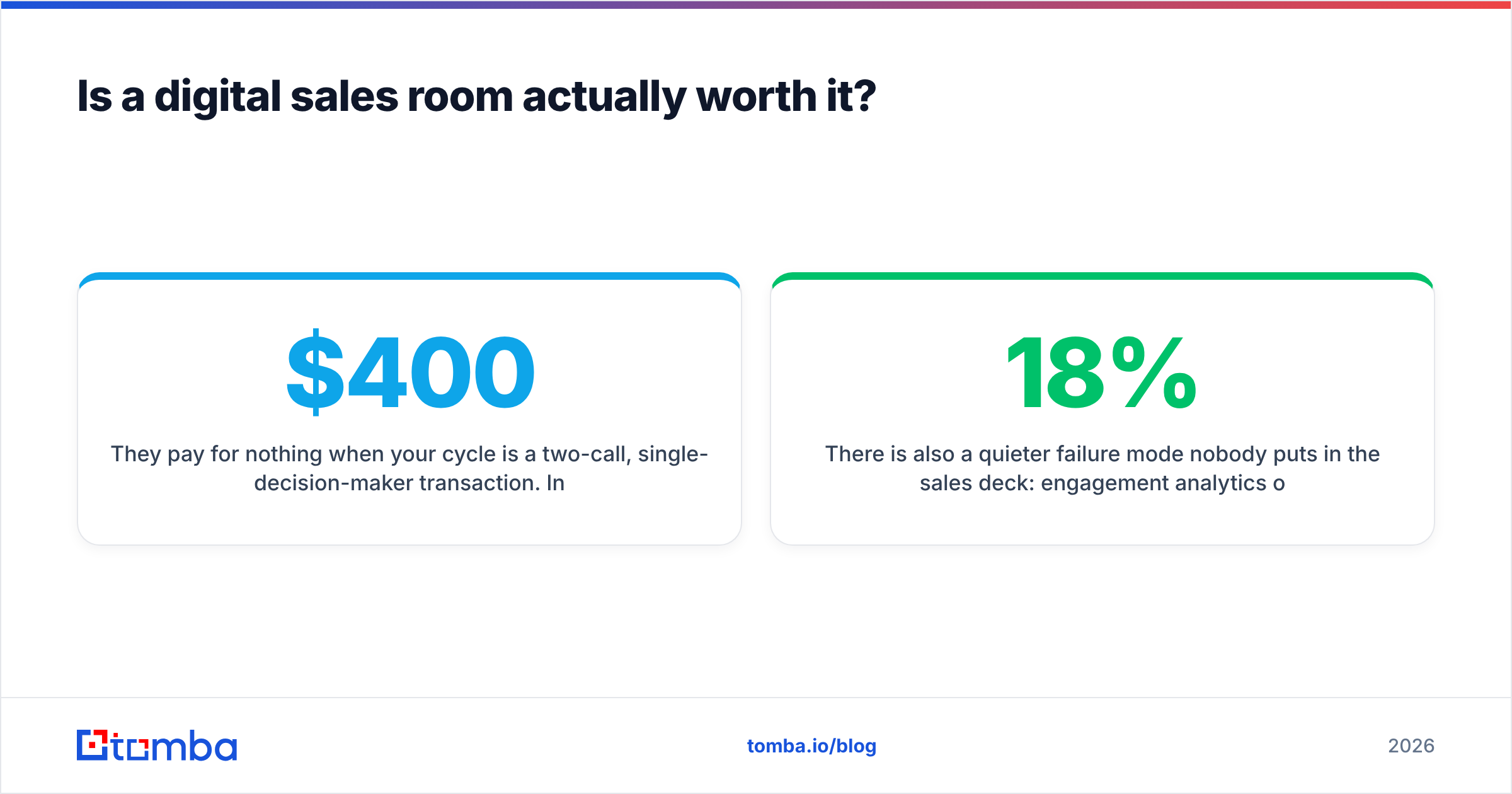
They pay for nothing when your cycle is a two-call, single-decision-maker transaction. In that world, a clean PDF and a signature link close just as fast, and you have saved $400 a month.
There is also a quieter failure mode nobody puts in the sales deck: engagement analytics only tell you something when the document actually reaches a human. If 18% of your contact list bounces — which is roughly what an unmaintained B2B database decays to inside a year — your "0% opened" signal is not buyer disinterest. It is a bad email address. Fix the input before you buy instrumentation for the output.
How do you migrate off GetAccept without losing deals?#
Run it as a four-week overlap, not a cutover:
- Week 1 — inventory. Export every active template, pricing table, and in-flight document. Note which ones have pending signatures; those stay on GetAccept until they close or die.
- Week 2 — rebuild. Recreate your top three templates in the new tool. Not all twenty. The 80/20 rule holds — three templates usually cover most of your sends.
- Week 3 — parallel send. New deals go out on the new tool. Old deals finish on the old one. Compare reply rates honestly.
- Week 4 — decide and cancel. Check your contract's notice period before this point, not after. Annual sales-tech contracts commonly require 30 days' written notice.
Two things people forget: signed documents are legal records, so export the full archive with audit trails before your account goes read-only. And re-point every automation — Zapier zaps, Make.com scenarios, CRM workflows — that referenced the old tool's webhooks.
Where does contact data fit into all of this?#
Every tool on this list starts at the same place: a name, a company, and an email address that works. None of them supply that. They assume the record already exists and is correct.
That is the actual gap in most proposal stacks. Reps build a beautiful room, send it to first.last@company.com because that is the pattern they guessed, and then stare at an empty engagement dashboard wondering why the buyer went cold.
Three cheap habits close the gap:
- Verify before you send. Run the recipient through an email verifier so a hard bounce never gets mistaken for disinterest. Bounces also damage sender reputation, which quietly hurts every future send.
- Multi-thread deliberately. Sales rooms work because more than one person opens them. Use a domain search to map the other decision-makers at the account — finance, security, the eventual signer — and give them their own link rather than relying on internal forwarding.
- Enrich the record, then personalise. Job title, seniority, and department drive which template and which ROI framing you pick. Pull that from data enrichment rather than from a LinkedIn tab and a guess.
Do those three, and the engagement analytics you are paying for finally measure buyer behaviour instead of measuring your data hygiene.
Frequently asked questions#
Is there a free GetAccept alternative? Partially. Dropbox Sign and DocuSign both offer limited free tiers capped at a few documents a month, and HubSpot's free CRM includes basic quotes. There is no free tool that replicates a full digital sales room with analytics.
Which alternative has the best HubSpot integration? PandaDoc and Dock both offer deep bidirectional sync, including engagement events written back as timeline activities. If HubSpot is your system of record, shortlist those two. Tomba also has a HubSpot integration so verified contacts land in the same record your proposal tool reads from.
Can I just use PDFs and DocuSign? Yes, and for short single-stakeholder cycles you probably should. You lose engagement telemetry and multi-threading visibility. Whether that matters depends on your deal complexity, not on what any vendor tells you.
Do sales rooms improve close rates? Vendor-published lift figures are marketing numbers from self-selected customers — treat them as directional, not as evidence. The mechanism that plausibly works is easier multi-threading. Run your own 30-day A/B test on comparable deals before you believe any percentage.
Start with contacts that actually exist#
Pick whichever proposal tool matches your deal shape and budget — the honest answer is that most of them are good enough, and the difference between them is smaller than the difference between a clean list and a stale one.
What is not interchangeable is the contact data feeding them. Use the Tomba Email Finder to find and verify decision-maker addresses by domain, name, or company before a single proposal goes out. The free tier covers 25 searches a month so you can test accuracy against your own accounts, and paid plans start at $49/mo — see Tomba pricing for the full breakdown. Get the recipient right first; then let the sales room do its job.
Related guides#
Ready to find emails that actually work?
Join 150,000+ professionals who stopped guessing and started sending. Free credits on signup — no credit card required.
Get the Tomba newsletter
Practical outbound tactics and product updates — once every two weeks.
About the author