GetProspect vs LeadGibbon 2026: Which Email Finder Wins?
GetProspect and LeadGibbon both promise verified B2B emails from LinkedIn, but they solve different problems. Here's the honest breakdown on pricing, accuracy, export limits, and which one belongs in your stack.
TL;DR
- GetProspect is a full prospecting workspace: a LinkedIn Chrome extension, a searchable contact database, built-in list management, and light CRM-style fields. It suits SDRs who want to build and manage lists in one place.
- LeadGibbon is a leaner list-building tool built around LinkedIn Sales Navigator exports and B2B lead lists. It suits people who want a CSV out the door fast, with less workspace overhead.
- Neither is an API-first product. If you need email finding inside your own app, enrichment pipeline, or data warehouse, both will feel constrained.
- Credit models differ in ways that matter: GetProspect meters valid emails, LeadGibbon meters leads. Read the fine print before you compare headline prices.
- Verification is where most teams get burned. Whichever tool you pick, run a separate verification pass on catch-all domains before you send.
What are GetProspect and LeadGibbon?#
Both tools answer the same job-to-be-done — "I found someone on LinkedIn, get me their work email" — but they were built for different users.
GetProspect started as a LinkedIn email extractor and grew into a prospecting platform. You get a Chrome extension that pulls contacts off LinkedIn and Sales Navigator, a database you can filter by job title, industry, headcount, technology, and location, and a lightweight CRM layer with custom columns, tags, and list sharing. There is also an email-sending module bolted on, which pushes it toward being an all-in-one for small outbound teams.
LeadGibbon is narrower on purpose. It is a lead-list tool: point it at a LinkedIn Sales Navigator search, export the results, and get back a spreadsheet with names, titles, companies, and verified emails. There is a database of B2B contacts behind it and a Chrome extension, but the center of gravity is "export a list, hand it to the rep or the sequencer."
That difference in philosophy explains almost every other difference between them.
How do GetProspect and LeadGibbon compare head to head?#
Here is the practical comparison. Pricing and limits change frequently on both vendors — treat these as directional and confirm on the vendors' own pages before you buy.
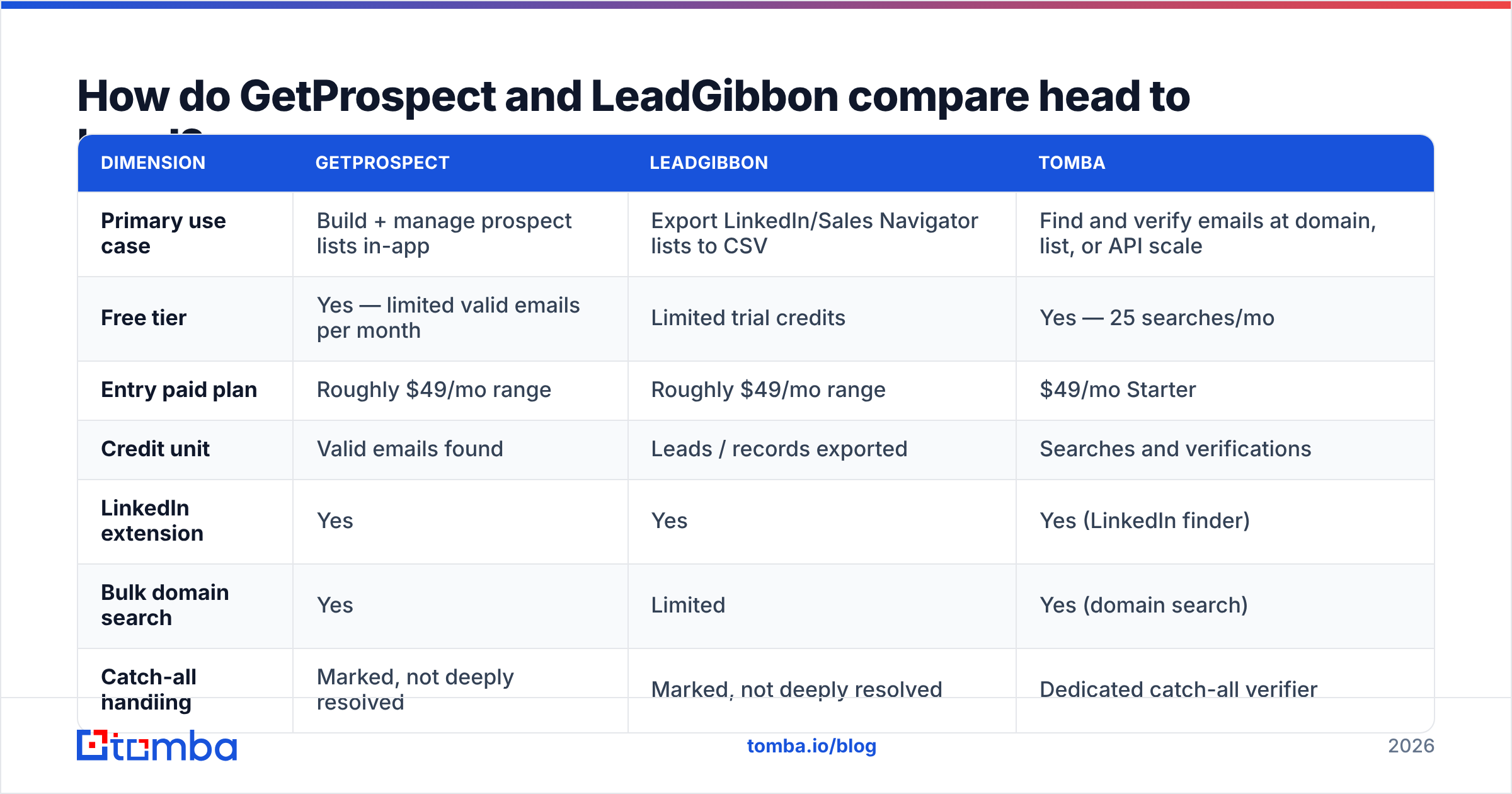
| Dimension | GetProspect | LeadGibbon | Tomba |
|---|---|---|---|
| Primary use case | Build + manage prospect lists in-app | Export LinkedIn/Sales Navigator lists to CSV | Find and verify emails at domain, list, or API scale |
| Free tier | Yes — limited valid emails per month | Limited trial credits | Yes — 25 searches/mo |
| Entry paid plan | Roughly $49/mo range | Roughly $49/mo range | $49/mo Starter |
| Credit unit | Valid emails found | Leads / records exported | Searches and verifications |
| LinkedIn extension | Yes | Yes | Yes (LinkedIn finder) |
| Bulk domain search | Yes | Limited | Yes (domain search) |
| Catch-all handling | Marked, not deeply resolved | Marked, not deeply resolved | Dedicated catch-all verifier |
| Public API | Limited | Limited | Full REST API, CLI, MCP server |
| Built-in email sending | Yes | No | No — integrates with your sequencer |
| Phone numbers | Partial | Partial | Yes (phone finder) |
| Best for | SDR teams who live in one tool | Ops/founders exporting list after list | Devs, RevOps, and agencies needing verified data in a pipeline |
The row that trips up most buyers is credit unit. GetProspect charges you when it returns a valid email — so failed lookups are cheaper, but you can burn through a plan fast on a high-hit-rate list. LeadGibbon meters at the record level, which is predictable for list exports but means you pay for rows that come back without an email. Two tools at "$49/mo" can differ by 3x in real cost per usable contact.

Which one has better data accuracy?#
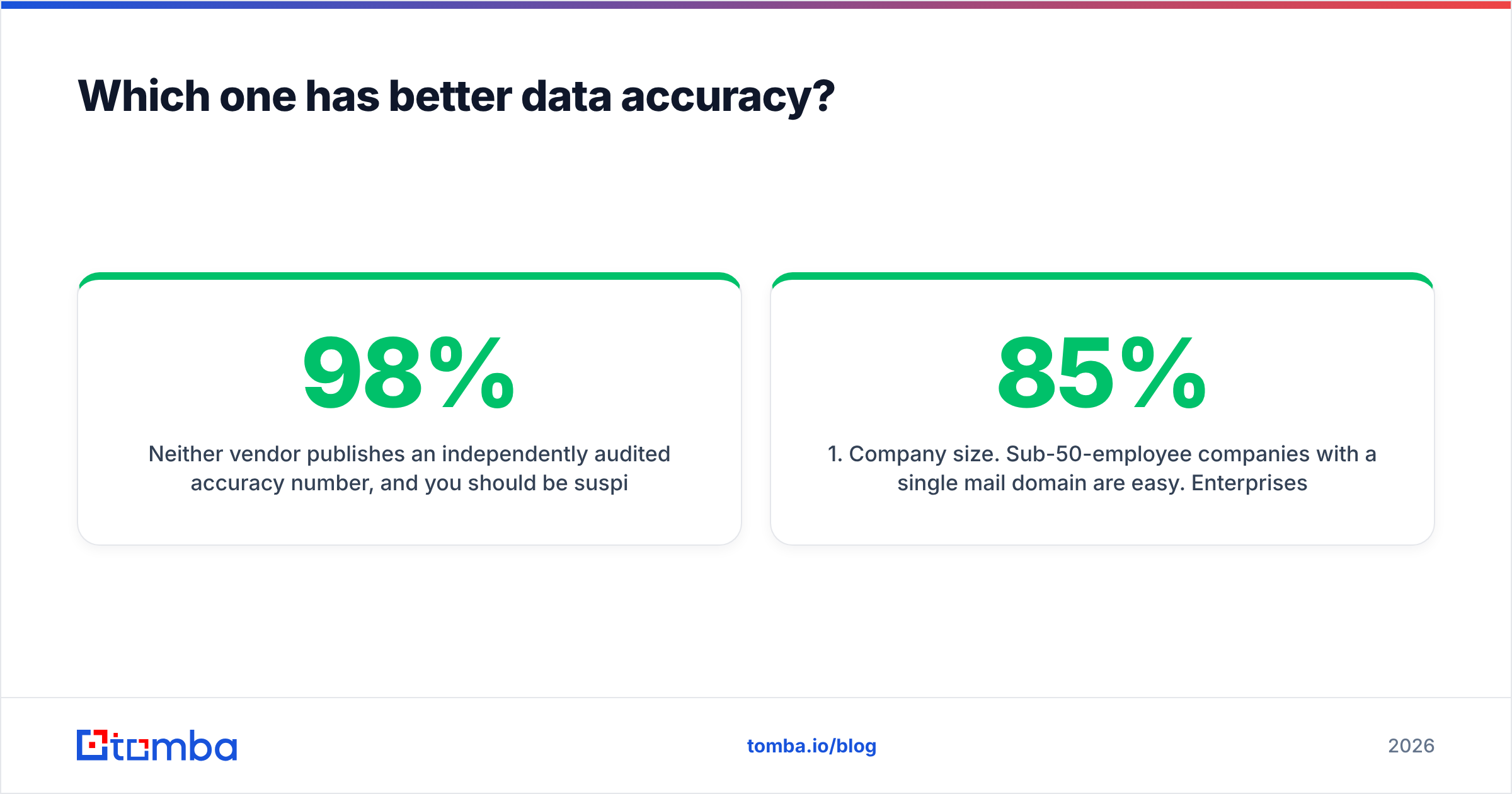
Neither vendor publishes an independently audited accuracy number, and you should be suspicious of any email finder that claims 98%+ across the board. Accuracy is not one number — it varies enormously by segment.
Here is what actually drives your hit rate, in rough order of impact:
- Company size. Sub-50-employee companies with a single mail domain are easy. Enterprises with acquisitions, regional subdomains, and legacy aliases are hard. Most tools show 85%+ on SMB and 55-70% on enterprise.
- Geography. North American and Western European coverage is deep for both tools. APAC, LATAM, and MENA coverage thins out fast — sometimes by half.
- Seniority. VP and C-level contacts at known companies are well covered because they appear in press, filings, and conference lists. Individual contributors in non-revenue functions are the weak spot.
- Domain type. Catch-all domains — where the mail server accepts anything — inflate "verified" counts everywhere. A tool can return
firstname@company.comas valid on a catch-all and be wrong. - Recency. A pattern-derived email is only as good as the person's tenure. If your source list is six months stale, no finder saves you.
In hands-on testing, GetProspect tends to return more rows overall because its database is broader, while LeadGibbon returns fewer rows but with tighter filtering on the export. Whether "more rows" is better depends entirely on whether you verify afterward. More rows with a worse valid rate is a bounce problem wearing a growth costume.
The honest recommendation: run both free tiers against the same 100-contact sample from your ICP, then verify every result through a neutral third-party email verifier. The tool that wins on your list is the tool that wins. Vendor-published benchmarks are marketing.

What is the real cost difference?#
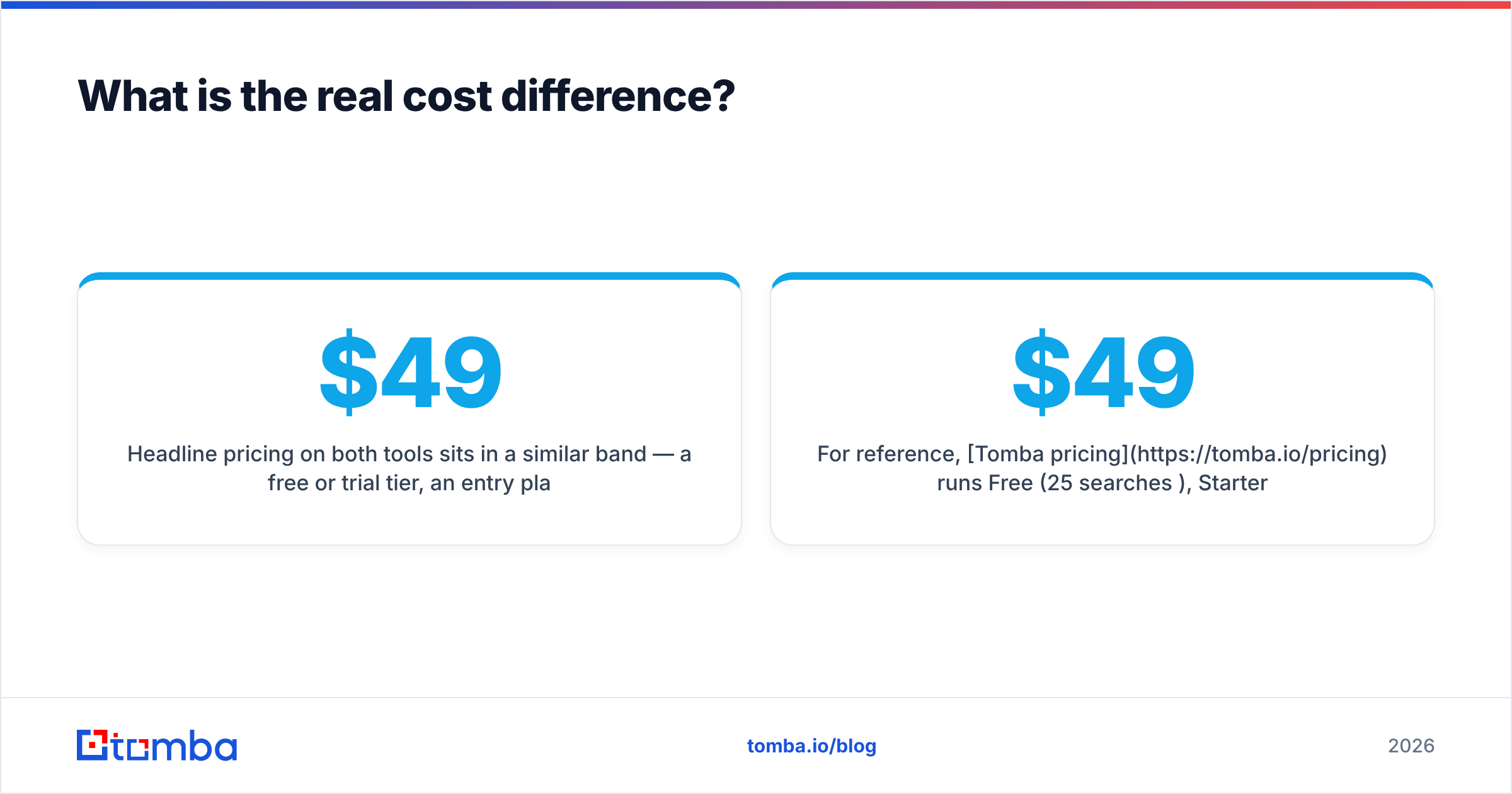
Headline pricing on both tools sits in a similar band — a free or trial tier, an entry plan near $49/mo, and mid-tier plans in the $99-$199 range depending on volume and seats. The differences show up in three places.
Seat pricing. GetProspect's platform features (shared lists, CRM fields, sending) push teams toward multi-seat plans. LeadGibbon's export-first model means one seat can serve a whole team if you don't mind passing CSVs around. For a 5-person SDR team, that can be a several-hundred-dollar-a-month gap.
Credit rollover and overage. Check whether unused credits roll over and what an overage costs. Some plans quietly charge 2-3x the marginal per-credit rate once you exceed the tier, which turns a "cheap" plan into an expensive one during a big campaign month.
Verification, separately billed or not. If a tool marks a catch-all as "accept-all" and you still have to run it through a verification service, that's a second line item. Budget it.
For reference, Tomba pricing runs Free (25 searches/mo), Starter $49/mo, Growth $99/mo, Pro $249/mo, and custom Enterprise — with finding and verification in the same credit pool rather than split across two vendors. That single-pool model is the main structural cost difference between an email-finder-first product and a prospecting-platform product.
Is GetProspect better than LeadGibbon for SDR teams?#
Mostly yes — if your reps work inside one tool all day.
GetProspect's list management, custom fields, tagging, and team sharing mean an SDR can go from LinkedIn search to a segmented, owned list without touching a spreadsheet. The built-in sending module lets a small team run sequences without buying a separate sequencer. For a 2-5 person team with no dedicated ops person, that consolidation is real value.
The caveat is that all-in-one tools are usually second-best at every individual job. GetProspect's sending features will not match a dedicated cold email platform on deliverability controls, inbox rotation, or reply detection. If you are already paying for Instantly, Smartlead, or Reply.io, you are paying twice for sending and should evaluate GetProspect purely as a data source.
Watch sender reputation carefully if you do consolidate. Sending from a prospecting tool's infrastructure gives you less control over warmup pacing and domain isolation than a purpose-built platform.
Is LeadGibbon better than GetProspect for list building?#
For a specific workflow, yes.
If your motion is "define an ICP in Sales Navigator, export 2,000 rows, hand it to a sequencer or an agency," LeadGibbon has fewer steps between intent and CSV. There is less UI to learn, less workspace state to maintain, and less temptation to turn the tool into a shadow CRM that nobody updates.
This is the classic ops-vs-rep split. Ops people want clean exports they can transform and load. Reps want a workspace. LeadGibbon serves the first, GetProspect the second.
Where LeadGibbon shows its limits: enrichment depth. If you need technographics, funding data, headcount growth signals, or firmographic fields beyond the basics, you will end up joining LeadGibbon exports against another data source anyway. At that point you have a pipeline, and a pipeline wants an API — which is where both of these tools run out of road.
What are the alternatives to GetProspect and LeadGibbon?#
The comparison set is wider than these two. A quick orientation:
- Apollo.io — huge database plus sequencing plus dialer. Powerful, but heavy and expensive at scale, and data freshness varies. See our take on Apollo alternatives.
- RocketReach — strong on individual lookups and personal emails, weaker on bulk workflows. Compare on RocketReach alternative.
- BookYourData — a pay-as-you-go B2B contact database with strong verified-list guarantees. A solid choice when you want to buy a targeted list outright rather than rent a seat, and it plays well alongside a finder tool for ongoing enrichment.
- Findymail / Wiza — both LinkedIn-export-first, in the same lane as LeadGibbon, with different accuracy profiles per region.
- Tomba — email-finder-first with a real API, CLI, MCP server, bulk processing, and separate catch-all verification. Best when data needs to flow into something else.
Check current standing on G2 before you commit; category leaders shuffle every couple of quarters and review recency matters more than star count.


Why does catch-all handling decide the winner?#
Because it silently determines your bounce rate, and both GetProspect and LeadGibbon treat it as a label rather than a problem to solve.
An analogy: a catch-all domain is like an apartment building with no name plates on the mailboxes. The mail carrier will accept anything addressed to the building — it doesn't mean a real person lives in unit 4B. An SMTP check against a catch-all server returns "accepted" for every address you try, so a finder marking it "valid" is technically reporting what the server said and practically telling you nothing.
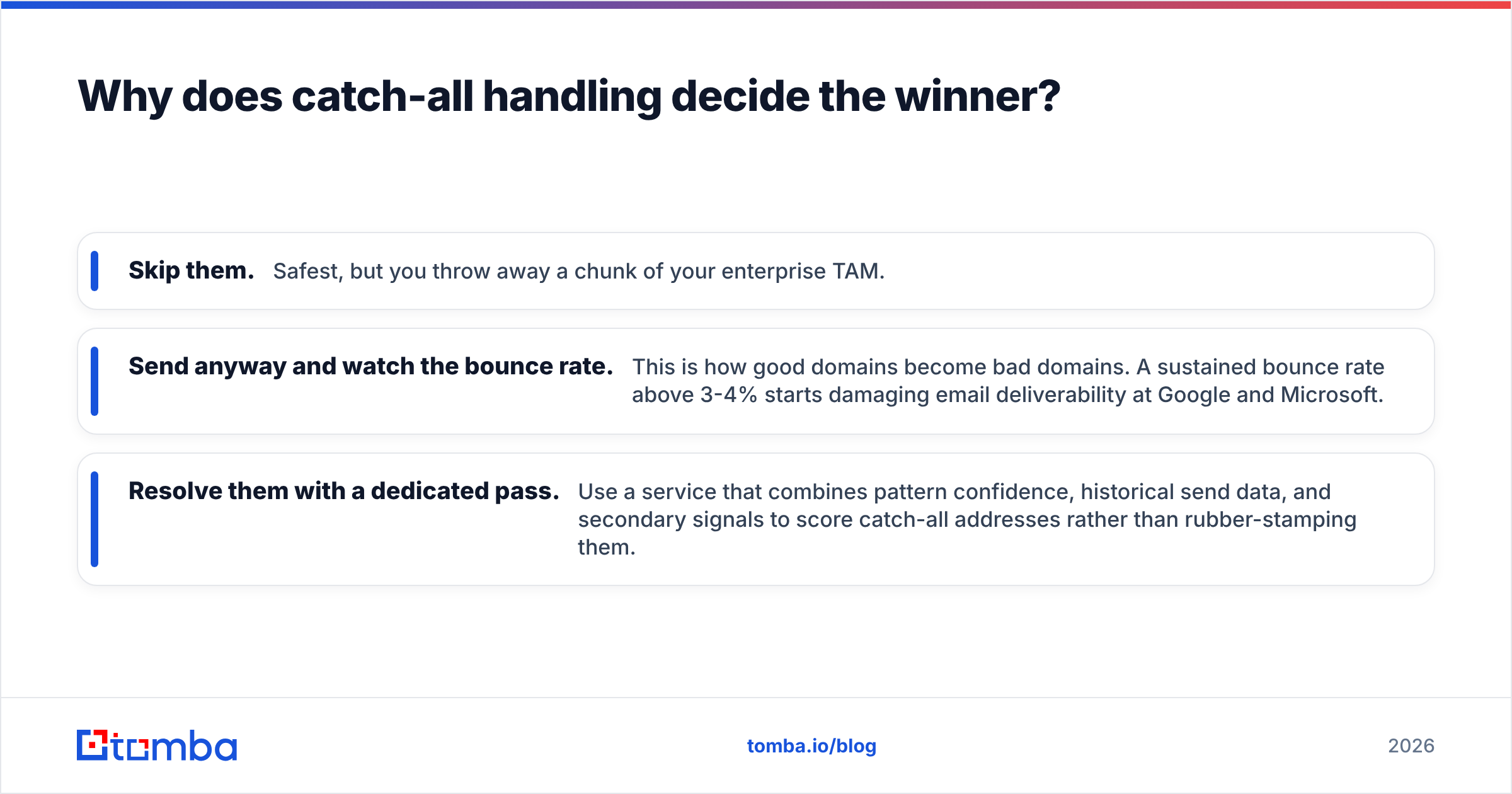
Depending on your target market, catch-alls can be 20-30% of B2B domains, and they skew toward larger companies — exactly the accounts you care about most. Three ways teams handle it:
- Skip them. Safest, but you throw away a chunk of your enterprise TAM.
- Send anyway and watch the bounce rate. This is how good domains become bad domains. A sustained bounce rate above 3-4% starts damaging email deliverability at Google and Microsoft.
- Resolve them with a dedicated pass. Use a service that combines pattern confidence, historical send data, and secondary signals to score catch-all addresses rather than rubber-stamping them.
If a meaningful share of your list is catch-all, the finder that returns the most rows is not the finder that gets you the most meetings. Run a catch-all verifier before the list touches your sequencer, regardless of which tool sourced it.
Which should you actually choose?#
Pick based on where the data has to end up.
Choose GetProspect if: you have a small SDR team that wants one login, you value in-app list management and team sharing, you don't already own a sequencer, and your ICP skews SMB in North America or Western Europe.
Choose LeadGibbon if: your workflow starts and ends in Sales Navigator, you want fast CSV exports without workspace overhead, one operator builds lists for the whole team, and you're comfortable enriching and verifying downstream.
Choose neither if: you need email finding inside a product, an enrichment job, or a warehouse sync. Both tools are UI-first. The moment you write the sentence "we'll just script it," you need an API-first vendor, and you should be evaluating on rate limits, response schemas, webhook support, and per-call pricing instead of Chrome extension polish.
A reasonable hybrid many teams land on: use whichever finder your reps prefer for ad-hoc LinkedIn lookups, and run a separate API-driven service for bulk enrichment, CRM hygiene, and verification. The two jobs have different buyers and different failure modes; forcing one tool to do both is how you end up overpaying for features nobody uses.
Getting verified emails without the credit math#
If the comparison above left you wanting fewer moving parts, start with the Tomba Email Finder. You get finding, verification, domain search, and catch-all resolution from one credit pool — plus a full REST API, CLI, and MCP server when the spreadsheet workflow stops scaling. The free tier gives you 25 searches a month to benchmark against your own ICP, which is the only test that actually settles a GetProspect vs LeadGibbon debate. Run the same 100 contacts through all three, verify the results, and let the hit rate pick the winner.
Related guides#
Ready to find emails that actually work?
Join 150,000+ professionals who stopped guessing and started sending. Free credits on signup — no credit card required.
Get the Tomba newsletter
Practical outbound tactics and product updates — once every two weeks.
About the author