GetProspect vs Supersend (2026): Which One Do You Need?
GetProspect finds the emails; Supersend sends the campaigns. They are not substitutes. Here is how the two compare on data quality, deliverability controls, and real 2026 pricing.
TL;DR
- GetProspect is a lead database and email finder. Supersend is a multichannel sending engine (email, LinkedIn, and social). They sit at opposite ends of the same workflow.
- If you searched "GetProspect vs Supersend" expecting a head-to-head, the honest answer is that most teams running outbound end up paying for one tool in each category, not one tool total.
- GetProspect wins on list building: LinkedIn extraction, filterable database, built-in verification. Supersend wins on execution: multi-inbox rotation, LinkedIn steps, reply detection, unified inbox.
- Neither replaces a dedicated verification layer. Both will happily hand you catch-all and role-based addresses that torch your sender reputation if you send blind.
- Cheapest sane stack for a small team: a focused data source (Tomba starts at $49/mo, with a free tier at 25 searches) plus a sender you actually like using.
What are GetProspect and Supersend?#
GetProspect is a B2B contact database with a Chrome extension. You filter by job title, industry, headcount, and geography, or you scrape a LinkedIn Sales Navigator search, and it returns work emails plus company firmographics. It also bundles basic verification and, on higher tiers, a lightweight email sending feature that most users ignore.
Supersend is an outbound automation platform. You connect multiple mailboxes and LinkedIn accounts, build sequences that mix channels, and let it rotate sending across inboxes to keep volume per mailbox low. It handles warmup, reply detection, and a unified inbox where responses land.
Read those two paragraphs again and the comparison collapses. One tool produces rows. The other tool consumes rows. Asking which is better is like asking whether a grocery store beats an oven.
The useful question is different: where does each one leak money, and what do you actually need to buy?
Which problem does each tool actually solve?#
Break outbound into stages and the overlap becomes obvious:
- Targeting — deciding who is worth contacting. GetProspect handles this with database filters. Supersend does not do this at all; you import a CSV or connect a source.
- Contact discovery — turning a name and company into a working email or phone number. This is GetProspect's core job, and it is the same job a dedicated email finder does.
- Verification — proving the address will accept mail before you send. GetProspect includes it. Supersend assumes you did it upstream.
- Sequencing and sending — multi-step, multi-channel, multi-inbox execution. This is Supersend's core job. GetProspect's sending feature is a bolt-on, not a competitor.
- Reply handling — routing responses, detecting out-of-office versus real interest, pushing to CRM. Supersend does this. GetProspect does not.
Only stage 2 and stage 3 overlap at all, and only if you count GetProspect's export-then-send workflow as a campaign tool. It is not.

How do GetProspect and Supersend compare feature by feature?#
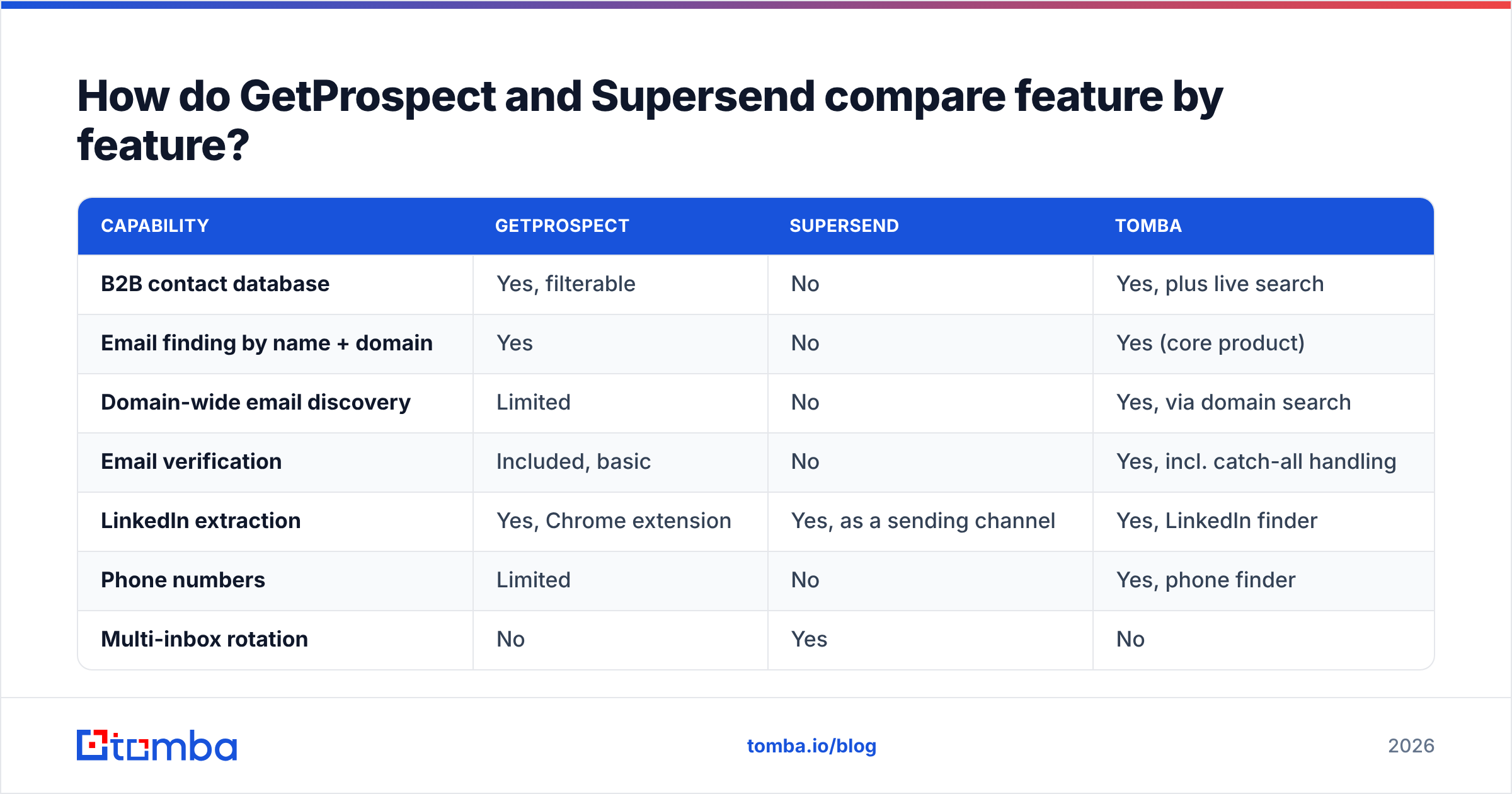
| Capability | GetProspect | Supersend | Tomba |
|---|---|---|---|
| B2B contact database | Yes, filterable | No | Yes, plus live search |
| Email finding by name + domain | Yes | No | Yes (core product) |
| Domain-wide email discovery | Limited | No | Yes, via domain search |
| Email verification | Included, basic | No | Yes, incl. catch-all handling |
| LinkedIn extraction | Yes, Chrome extension | Yes, as a sending channel | Yes, LinkedIn finder |
| Phone numbers | Limited | No | Yes, phone finder |
| Multi-inbox rotation | No | Yes | No |
| LinkedIn connect + DM steps | No | Yes | No |
| Built-in warmup | No | Yes | No |
| Unified reply inbox | No | Yes | No |
| API for developers | Yes | Yes | Yes, documented REST API |
| Free tier | Yes, limited monthly credits | Trial only | 25 searches/mo |
The pattern in that table is the whole article. GetProspect and Tomba fill the same column. Supersend fills a column neither of them touches.
Which is cheaper, GetProspect or Supersend?#
Prices move, and both vendors restructure tiers regularly, so treat the numbers below as list prices at the time of writing and check the vendor pages before you commit.
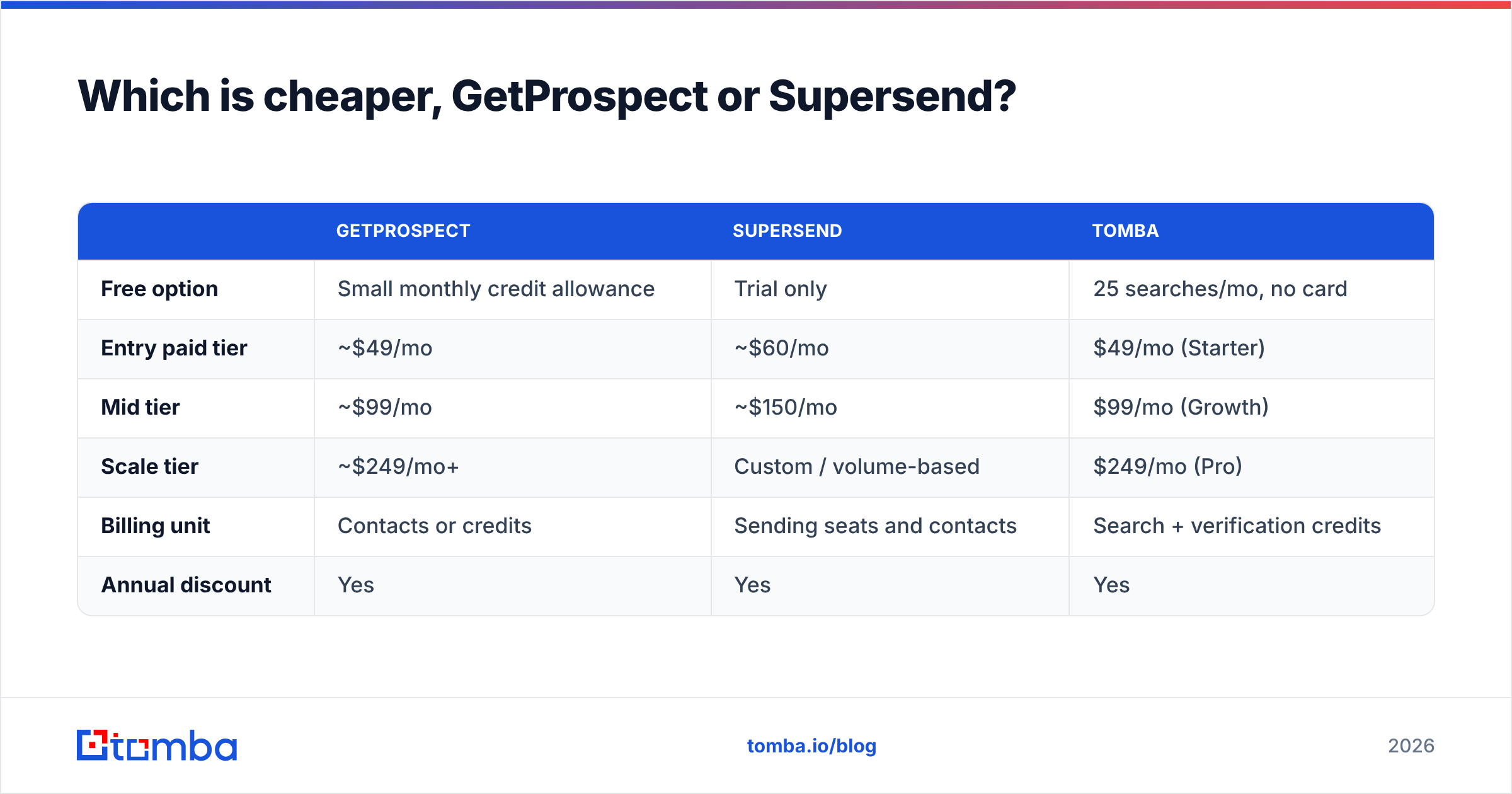
| GetProspect | Supersend | Tomba | |
|---|---|---|---|
| Free option | Small monthly credit allowance | Trial only | 25 searches/mo, no card |
| Entry paid tier | ~$49/mo | ~$60/mo | $49/mo (Starter) |
| Mid tier | ~$99/mo | ~$150/mo | $99/mo (Growth) |
| Scale tier | ~$249/mo+ | Custom / volume-based | $249/mo (Pro) |
| Billing unit | Contacts or credits | Sending seats and contacts | Search + verification credits |
| Annual discount | Yes | Yes | Yes |
Two things matter more than the sticker price.
First, credit definitions. A "credit" is not standardized. Some vendors charge you for a search that returns nothing. Some charge separately for finding and for verifying the same address. Before you compare $49 to $60, read what a credit buys. On Tomba pricing, searches and verifications are counted explicitly so you can model cost per usable contact rather than cost per API call.
Second, the stacking problem. If you buy GetProspect for data and Supersend for sending, your real monthly floor is roughly $110 before mailbox costs, domain costs, and warmup. That is normal and often correct. But teams frequently buy a third tool because their first data source's accuracy disappoints, and now they are at $200/mo for a function they thought they had already paid for.
Is GetProspect a replacement for Supersend?#
No, and you should be suspicious of any comparison that implies otherwise.
GetProspect's campaign feature exists so you can send a small sequence without leaving the tool. It does not rotate across a dozen mailboxes, it does not run LinkedIn connection requests, and it does not give you the deliverability instrumentation a sending platform needs. If your outbound volume is 50 emails a week from one mailbox, it is enough. Past that, you will outgrow it in a month.
The reverse is equally true. Supersend has no database. Import a bad CSV and it will send to every bad address in it, cheerfully, until your domain reputation collapses.
What happens to your bounce rate with either tool?#
This is where most "GetProspect vs Supersend" decisions actually get made, because it is the failure mode that costs real money.
Every B2B data provider, without exception, returns three kinds of results:
- Verified — SMTP-confirmed, safe to send.
- Catch-all — the domain accepts everything at the gateway, so nobody can confirm the mailbox exists until you send. Roughly a fifth of B2B domains behave this way.
- Guessed — pattern-derived from
first.last@domain.comconventions with no confirmation at all.
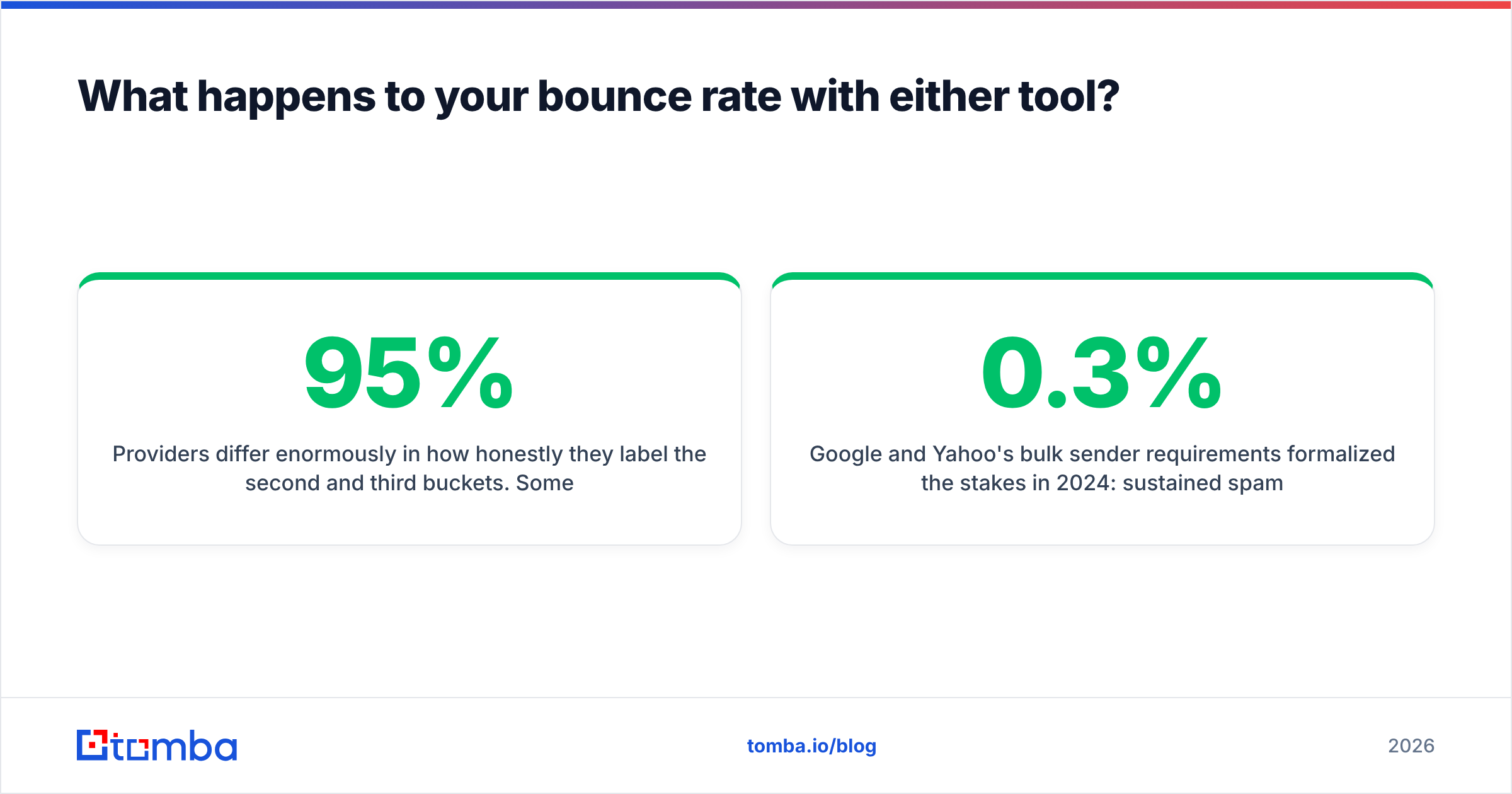
Providers differ enormously in how honestly they label the second and third buckets. Some mark a pattern guess as "valid" because it matches a known format. That is how a list with an advertised 95% accuracy rate produces an 8% bounce rate in production.
Two habits fix this regardless of which vendor you pick:
- Run every list through an independent email verifier before import, even when the source claims it verified them. The second pass is cheap; a blocked domain is not.
- Segment catch-all addresses into their own campaign with lower daily volume, and judge them on bounce data after a week rather than trusting or discarding them wholesale.

Google and Yahoo's bulk sender requirements formalized the stakes in 2024: sustained spam complaint rates above 0.3% get you throttled, and Google's own sender guidelines are explicit that authentication and list hygiene are prerequisites, not suggestions. Supersend's warmup and rotation features help you survive a mediocre list. They do not make a mediocre list good.
Which should you choose for your use case?#
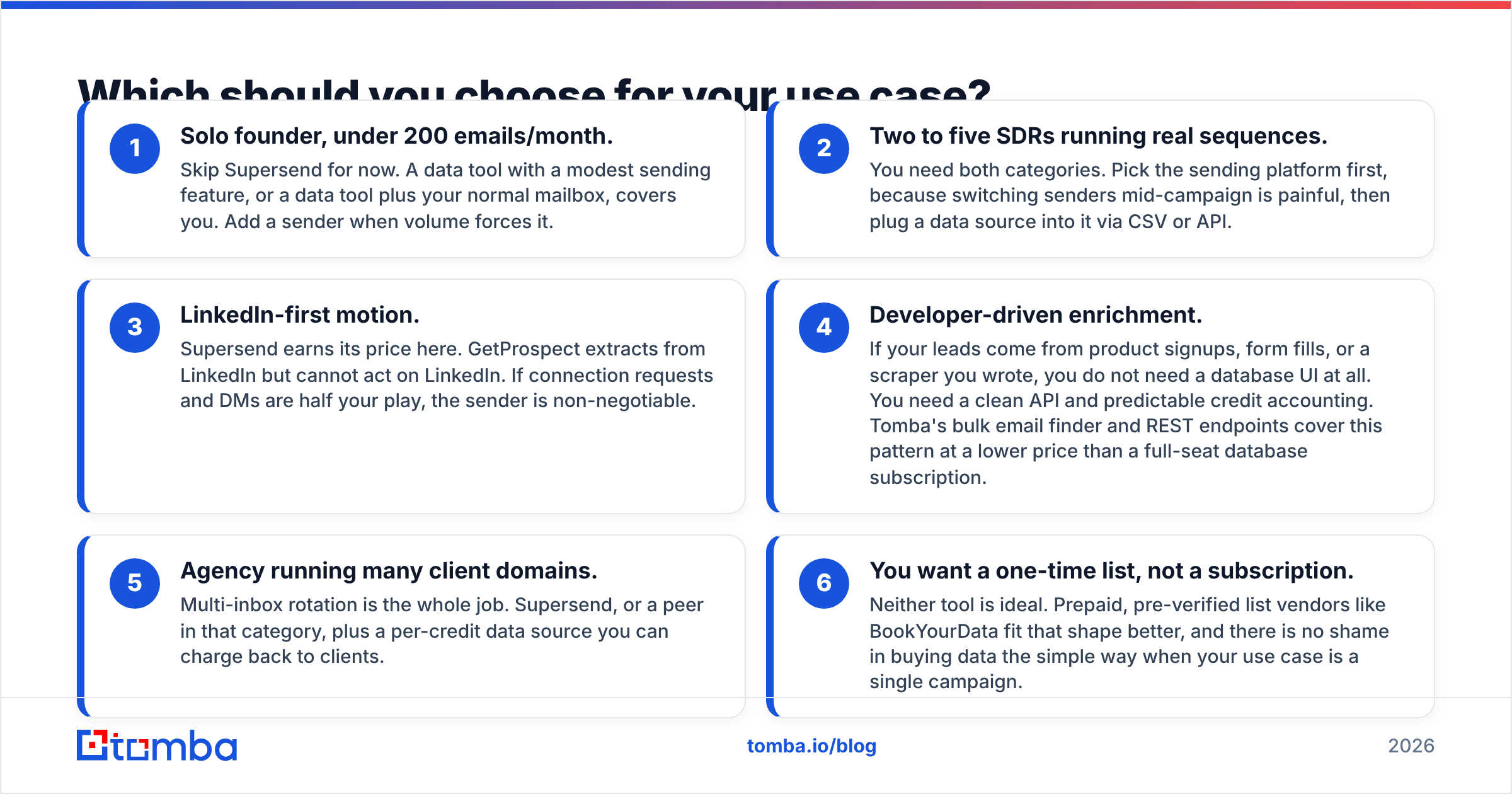
- Solo founder, under 200 emails/month. Skip Supersend for now. A data tool with a modest sending feature, or a data tool plus your normal mailbox, covers you. Add a sender when volume forces it.
- Two to five SDRs running real sequences. You need both categories. Pick the sending platform first, because switching senders mid-campaign is painful, then plug a data source into it via CSV or API.
- LinkedIn-first motion. Supersend earns its price here. GetProspect extracts from LinkedIn but cannot act on LinkedIn. If connection requests and DMs are half your play, the sender is non-negotiable.
- Developer-driven enrichment. If your leads come from product signups, form fills, or a scraper you wrote, you do not need a database UI at all. You need a clean API and predictable credit accounting. Tomba's bulk email finder and REST endpoints cover this pattern at a lower price than a full-seat database subscription.
- Agency running many client domains. Multi-inbox rotation is the whole job. Supersend, or a peer in that category, plus a per-credit data source you can charge back to clients.
- You want a one-time list, not a subscription. Neither tool is ideal. Prepaid, pre-verified list vendors like BookYourData fit that shape better, and there is no shame in buying data the simple way when your use case is a single campaign.
Where does a dedicated email finder fit in this stack?#
If you have decided you need a sender, the remaining question is which data source feeds it. This is where the comparison gets genuinely competitive, because GetProspect, Tomba, Apollo, and a dozen others are fighting over the same slot.
Judge candidates on four things:
- Coverage in your ICP, not in general. A provider with 200 million contacts is useless if it is thin on German mid-market manufacturers. Run 50 real target companies through a free tier before you buy anything. Every serious vendor offers one; Tomba's free tier gives you 25 searches a month with no card.
- Honest confidence scoring. You want a provider that tells you an address is catch-all rather than one that rounds it up to "valid." Tomba publishes how it sources and scores results on its data sources page, which is the minimum transparency you should demand from anyone.
- Workflow fit. A Chrome extension is great for one-off research. A Google Sheets add-on or API is what you need for volume. Check that the tool works where you actually build lists.
- Credit economics under failure. Ask what happens when a search returns nothing. Vendors that charge for empty results quietly inflate your cost per contact by 20 to 30%.
Third-party review aggregators are useful for the workflow complaints that vendors never publish; the G2 lead intelligence category is a reasonable starting point, though remember that review volume correlates with marketing spend more than with product quality.
What is the honest verdict?#
GetProspect vs Supersend is not a real fight. Buy Supersend, or a comparable multichannel sender, if your bottleneck is execution: too few touches, too many mailboxes to manage manually, LinkedIn steps you are doing by hand. Buy GetProspect if your bottleneck is finding people, and you like working from a filterable database with a LinkedIn extension.
If your bottleneck is finding people and you care more about cost per verified contact than about a database browsing UI, compare GetProspect against dedicated finders rather than against a sending tool. That is the comparison that will actually change your numbers.
The stack most teams converge on looks like this: one sender, one data source with an API, one verification pass before every import, and a monthly audit of bounce rate by data source. Tools change. That structure does not.
Start with the data layer. Run your next 25 target accounts through the Tomba Email Finder on the free tier, then compare the hit rate and bounce rate against whatever you are using today. If it wins, plans start at $49/mo with verification included, and the API drops straight into Supersend, Instantly, or whichever sender you have already committed to. If it does not win, you have lost nothing but an afternoon and gained a benchmark.
Related guides#
Ready to find emails that actually work?
Join 150,000+ professionals who stopped guessing and started sending. Free credits on signup — no credit card required.
Get the Tomba newsletter
Practical outbound tactics and product updates — once every two weeks.
About the author