GetProspect vs Warpleads (2026): Which Lead Tool Wins?
GetProspect sells verified contacts by the credit. Warpleads sells volume by the month. We break down data accuracy, export limits, and real cost per usable email so you can pick the right one for your outbound motion.
TL;DR
- GetProspect is a credit-based B2B email finder with a strong LinkedIn extension and a built-in contact database. You pay per verified email and you generally get what you paid for.
- Warpleads is built around volume: bulk exports from a large lead pool, often sold as "unlimited export" style plans rather than tight per-credit metering.
- The real decision is not features — it is cost per usable email after verification. A cheap 10,000-row export that bounces at 18% is more expensive than 1,000 verified contacts.
- Neither tool is a full outbound stack. Both leave you doing your own verification, enrichment, and deduplication unless you bolt on a second layer.
- If you need API-first finding plus verification in one place, Tomba covers the same ground from $49/mo with a free tier to test against your own domain list.
What are GetProspect and Warpleads?#
They solve the same surface problem — get email addresses for people you want to sell to — from two opposite directions.
GetProspect is a contact-finding platform with a Chrome extension that pulls emails while you browse LinkedIn, a searchable B2B database with filters (job title, industry, headcount, geography, tech stack), and an email verification step baked into the flow. It is metered: you buy a number of valid emails per month, and unused finds do not usually cost you.
Warpleads leans the other way. Its pitch is scale — large exportable lead sets, bulk CSV pulls, and plans framed around export volume rather than counting individual credits. It appeals to agencies and high-volume cold email teams who send tens of thousands of messages a month and treat leads as a consumable.
That framing difference explains almost every downstream trade-off between them.
How do the two models actually differ?#
Four structural differences decide which one fits your team:
- Billing unit. GetProspect charges per valid email found. Warpleads charges for access to export volume. If your ICP is narrow (say, 400 accounts), credits are cheaper. If your ICP is broad and disposable, volume plans win.
- Verification responsibility. GetProspect verifies before it charges you, so its headline number is closer to a usable number. High-volume export tools typically ship rows in whatever state the source data was in — you own the cleanup.
- Workflow shape. GetProspect is interactive: search, browse, extract, sync to CRM. Warpleads is batch: define a filter, export a file, load it into your sequencer.
- Depth vs breadth. Credit-metered finders tend to work harder on each individual lookup (multiple sources, SMTP checks, pattern inference). Volume tools optimise for coverage of the long tail, which usually means more stale rows per thousand.

Neither model is dishonest. They are priced for different buyers. The mistake is buying the volume model when you have 300 target accounts, or buying the credit model when you send 60,000 emails a quarter.
Which one has better data accuracy?#
Accuracy is where the "cheap leads" math falls apart, so treat vendor claims as a starting point, not a finding.
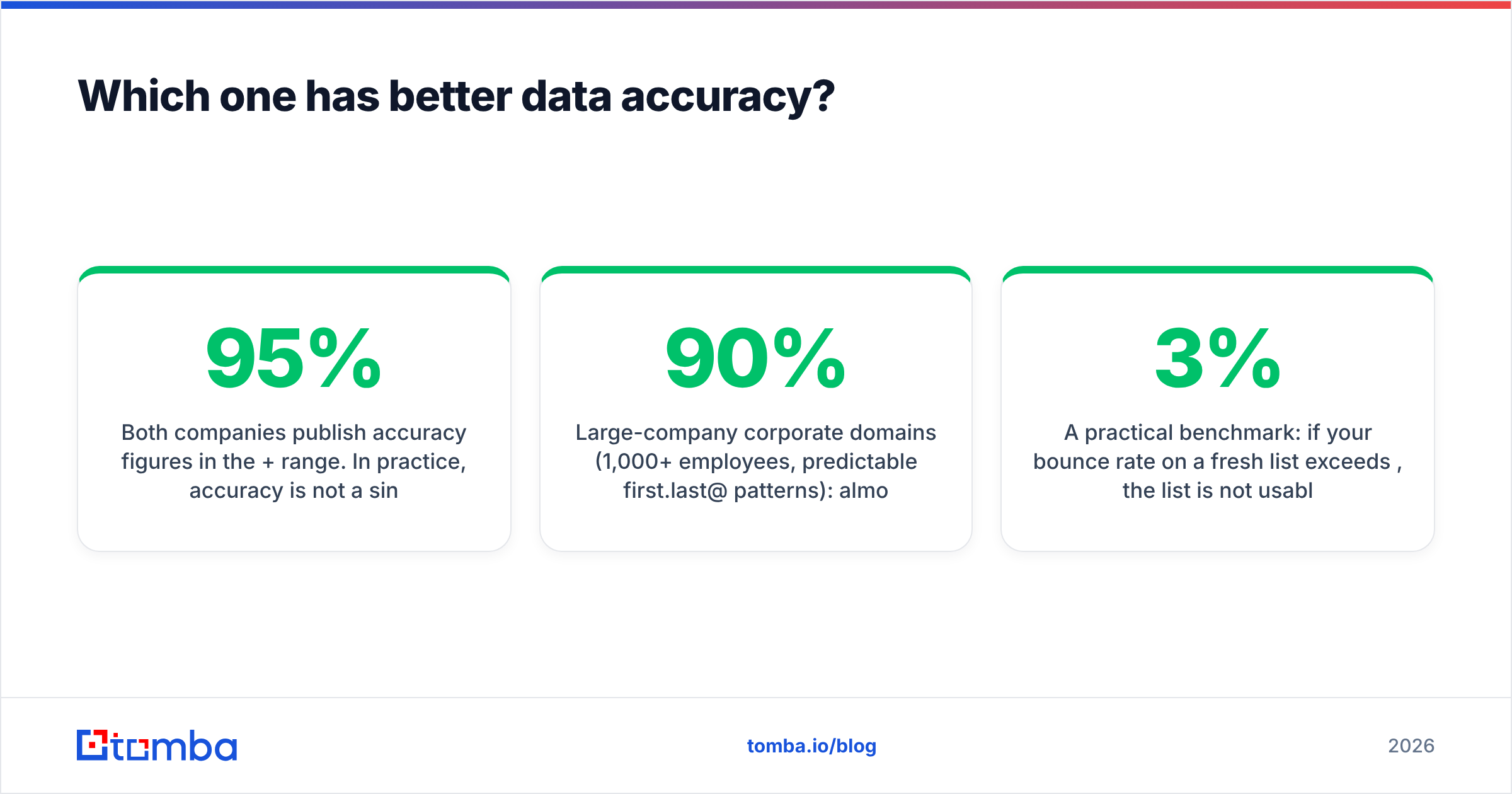
Both companies publish accuracy figures in the 95%+ range. In practice, accuracy is not a single number — it varies wildly by segment:
- Large-company corporate domains (1,000+ employees, predictable
first.last@patterns): almost every tool performs well. You will see 90%+ deliverable from both. - SMB and startup domains (under 50 employees, custom patterns, founder-run): coverage drops and stale data rises. This is where credit-metered finders with live SMTP checks pull ahead.
- Catch-all domains: neither tool can give you a binary answer without a dedicated catch-all verifier. Many "valid" rows in a bulk export are simply catch-all accepts, which is not the same as a real mailbox.
- Recently-changed roles: sales-relevant contacts move constantly. Export freshness matters more than raw database size.

The only accuracy test that matters is your own. Take 100 domains from your actual ICP, run them through both tools, then push every result through an independent email verifier that you do not buy the leads from. Grading a vendor with its own verifier is a conflict of interest.
A practical benchmark: if your bounce rate on a fresh list exceeds 3%, the list is not usable at scale. Google and Microsoft both tightened bulk sender rules, and sustained bounce rates above ~2-3% start damaging your sender reputation faster than any volume advantage can compensate for.
How do GetProspect and Warpleads compare on pricing?#
Prices below reflect published list pricing at the time of writing. Vendors change tiers often — always confirm on the vendor's own pricing page before committing.
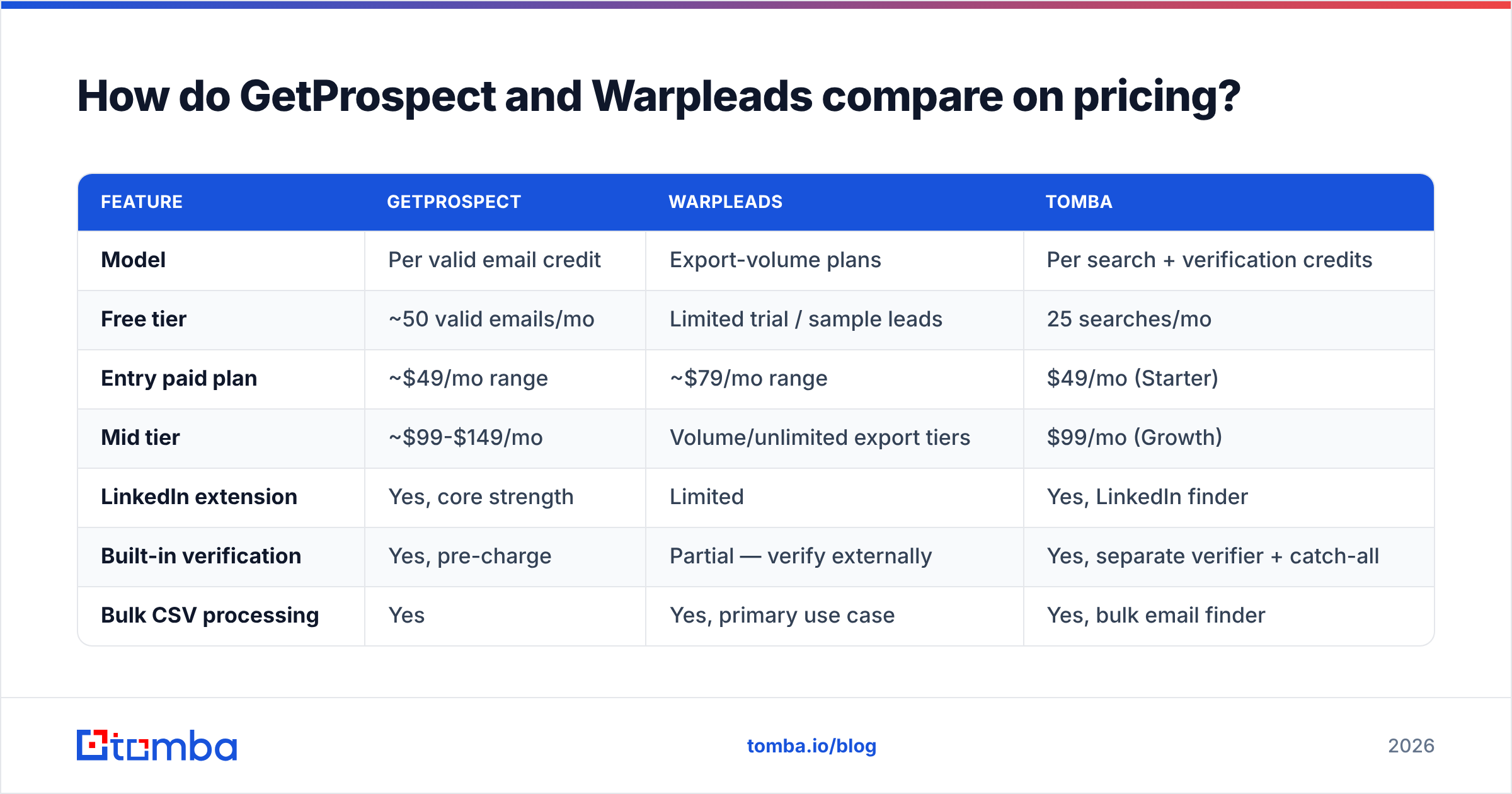
| Feature | GetProspect | Warpleads | Tomba |
|---|---|---|---|
| Model | Per valid email credit | Export-volume plans | Per search + verification credits |
| Free tier | ~50 valid emails/mo | Limited trial / sample leads | 25 searches/mo |
| Entry paid plan | ~$49/mo range | ~$79/mo range | $49/mo (Starter) |
| Mid tier | ~$99-$149/mo | Volume/unlimited export tiers | $99/mo (Growth) |
| LinkedIn extension | Yes, core strength | Limited | Yes, LinkedIn finder |
| Built-in verification | Yes, pre-charge | Partial — verify externally | Yes, separate verifier + catch-all |
| Bulk CSV processing | Yes | Yes, primary use case | Yes, bulk email finder |
| Public API | Yes | Limited | Yes, full REST API |
| Best for | Targeted, verified outbound | High-volume agency sending | API-driven or mixed workflows |

The number that should drive the decision is effective cost per delivered email:
effective CPM = plan price / (rows exported x deliverability rate)Run that with real numbers. A $79/mo plan yielding 20,000 rows at 78% deliverable costs you about $0.005 per delivered contact. A $49/mo plan yielding 1,000 verified emails at 96% costs about $0.051. The volume plan is 10x cheaper per row — and that is genuinely a real advantage if your motion tolerates it.
But the calculation flips the moment you price in reputation risk, sequencer seat costs, and the human time spent cleaning a list. If your sending infrastructure is shared with your main domain, a bad list is not 10x cheaper. It is a shutdown.
Which is better for LinkedIn prospecting?#
GetProspect, clearly. Its browser extension is the product's centre of gravity: open a Sales Navigator search, extract the visible profiles, and get emails appended in the same pass. For SDRs who live inside LinkedIn, that loop is hard to beat.
Warpleads is not built for that motion. It expects you to know your filter criteria up front and pull a file. If your prospecting starts with "I found an interesting person" rather than "I need 5,000 SaaS CTOs in DACH," the export model creates friction.
Three things to check before you commit to a LinkedIn-first workflow:
- Extraction limits. Every extension is bounded by what LinkedIn tolerates. Aggressive scraping gets accounts restricted, regardless of vendor.
- Enrichment depth. A name and a company is not a lead. You want title, seniority, company size, and ideally a phone. Compare what each tool returns per row, not just whether it returns an email.
- CRM sync. Check whether contacts land in HubSpot or Salesforce natively or via Zapier. Manual CSV round-trips eat the time you saved.
Which is better for high-volume outbound?#
Warpleads, on paper, and it is not close on raw economics. If you are running an agency with 40 client campaigns and burning through lists monthly, a volume plan is structurally the right purchase.
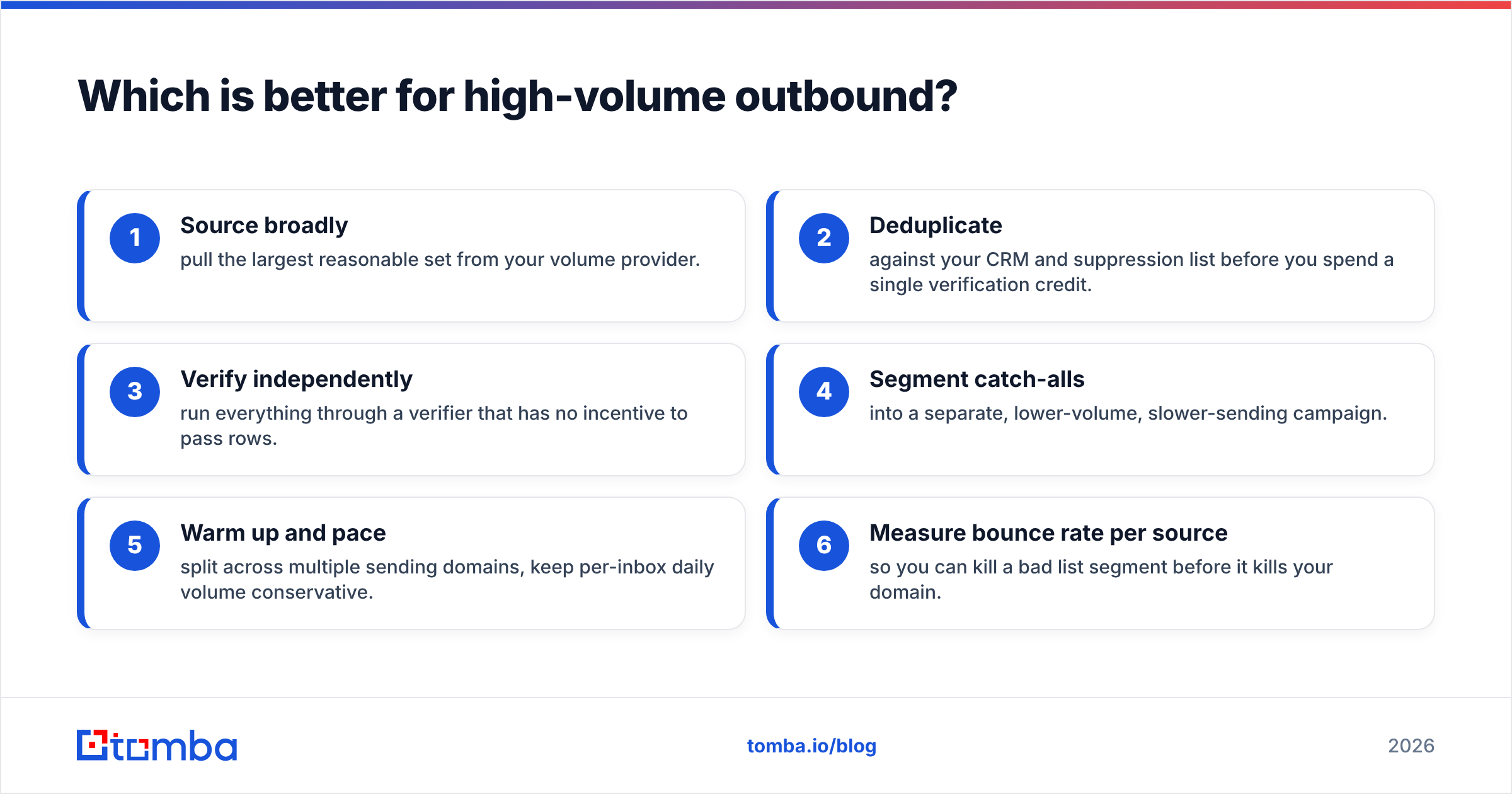
The caveat: volume without a verification layer is a liability. Modern bulk sending requirements from major mailbox providers mean a dirty list degrades your infrastructure quickly. The practical setup for high-volume teams looks like this:
- Source broadly — pull the largest reasonable set from your volume provider.
- Deduplicate against your CRM and suppression list before you spend a single verification credit.
- Verify independently — run everything through a verifier that has no incentive to pass rows.
- Segment catch-alls into a separate, lower-volume, slower-sending campaign.
- Warm up and pace — split across multiple sending domains, keep per-inbox daily volume conservative.
- Measure bounce rate per source so you can kill a bad list segment before it kills your domain.
That five-minute pipeline is the difference between a volume plan being cheap and a volume plan being catastrophic.
What do reviews and third-party sources say?#
Look past the vendor sites. Cross-reference user reviews on G2 for both products and read the 3-star reviews specifically — 5-star and 1-star reviews are noise, but the middle band tells you where a tool breaks.
Recurring themes worth checking for yourself:
- Credit expiry and rollover policies. Some plans void unused credits monthly. That is a real cost if your prospecting is lumpy.
- Refund handling for bad rows. Ask directly: what happens if 20% of an export bounces? Some vendors credit you back, some do not.
- Export caps hidden inside "unlimited." Unlimited usually means unlimited within fair use. Get the fair-use number in writing before you build a process around it.
- Data provenance. Ask where the data comes from and how often it refreshes. Vendors that publish their data sources are easier to trust than ones that describe the pipeline as proprietary and stop there.
Where does Tomba fit in this comparison?#
Honestly: Tomba is not the cheapest per row, and it will not out-scale a dedicated bulk export vendor on sheer volume. If your entire strategy is "spray 100,000 emails a month and accept the bounce rate," a volume-first tool is the better economic fit and you should buy one.
Tomba is the right pick when you want finding and verification under one roof, with an API you can build on:
- Email Finder for name + domain lookups, with source attribution on each result.
- Domain search to map every reachable contact at a target account in one call — useful for account-based motions where you want three entry points, not one.
- Verification and catch-all handling as separate steps, so you know what you have rather than assuming.
- Full REST API, CLI, and Sheets/Excel add-ins, which matters if your enrichment lives in a pipeline rather than a browser tab.
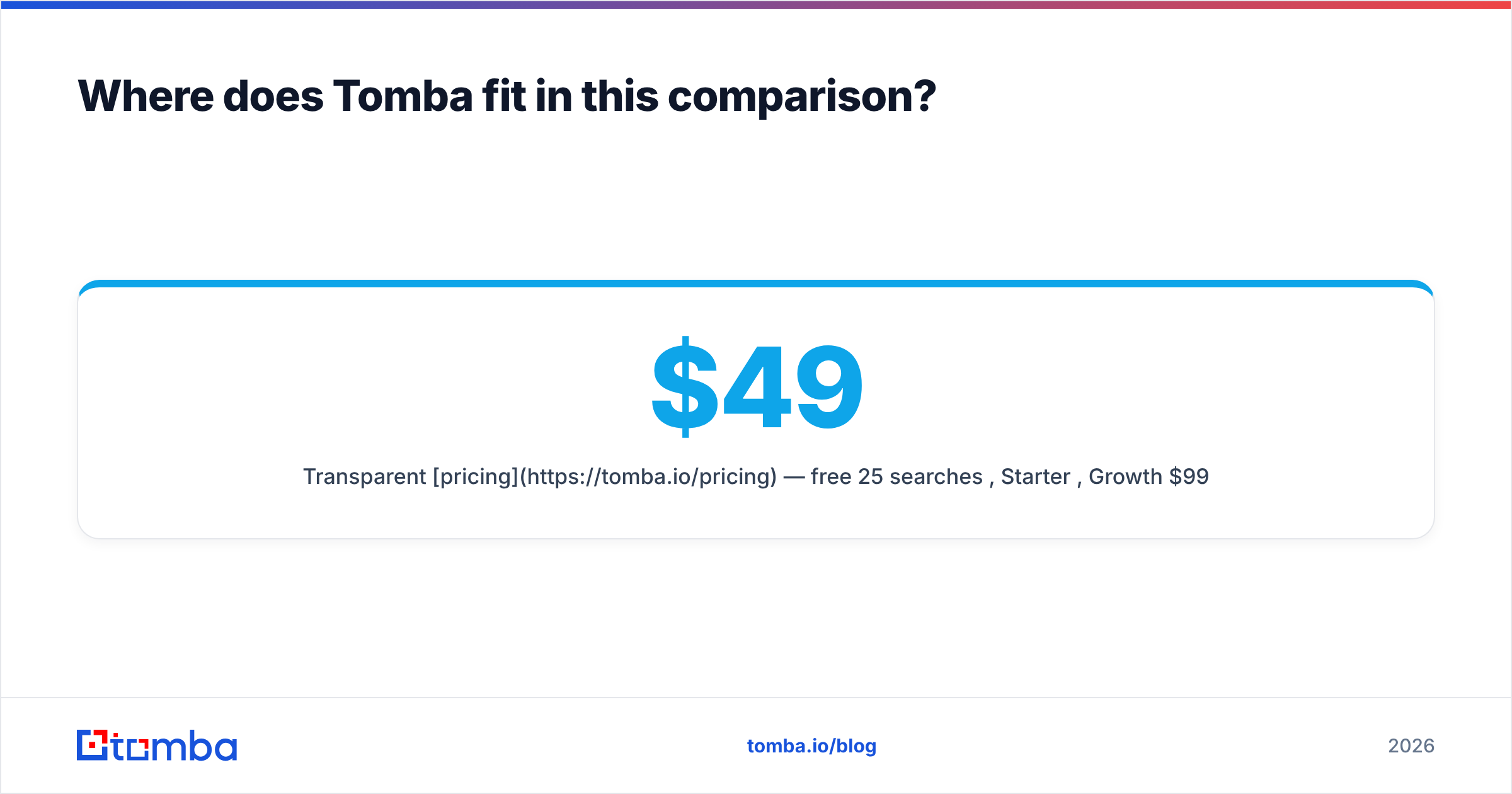
- Transparent pricing — free 25 searches/mo, Starter $49/mo, Growth $99/mo, Pro $249/mo, Enterprise custom.
The pattern we see most often from teams running this comparison seriously: use a volume source for top-of-funnel breadth, then run everything through an independent finder/verifier before it touches a sequencer. The two categories are complements more often than substitutes.
Which should you choose?#
Pick based on your motion, not the feature grid:
- You prospect inside LinkedIn, 50-300 contacts a week, quality over quantity → GetProspect. The extension workflow and pre-charge verification match how you work.
- You run an agency or a high-volume outbound team sending 20,000+ a month → Warpleads for sourcing, plus a separate verification layer. Budget for both; the second one is not optional.
- Your prospecting runs through code — an enrichment pipeline, a CRM automation, a product-led signal loop → an API-first tool. Test Tomba's API against the same 100 domains you use to grade the others.
- You are still validating your ICP and do not know your volume yet → start on free tiers across all three. Do not sign an annual contract before you know your real cost per meeting.
Whatever you pick, benchmark before you buy. A 100-domain test costs you an hour and saves you a quarter of bad data.
Ready to see how your list actually performs? Run your next 25 target domains through the Tomba Email Finder free — no card required — and compare the deliverable-rate against whatever you are using now. If Tomba does not win on your own data, you will at least have a real benchmark to negotiate with.
Related guides#
Ready to find emails that actually work?
Join 150,000+ professionals who stopped guessing and started sending. Free credits on signup — no credit card required.
Get the Tomba newsletter
Practical outbound tactics and product updates — once every two weeks.
About the author