Getro vs Leadsforge: Which Lead Engine Fits Your GTM?
Getro and Leadsforge get shortlisted against each other constantly — but they solve different problems. Here's an honest breakdown of what each one actually does, who wins for outbound, and the data gap neither closes.
Searching getro vs leadsforge usually means one thing. You are picking a lead tool, and these two names keep showing up side by side. Here is the short answer first, then the detail.
TL;DR
- Getro vs Leadsforge is a strange matchup, because the two are not really competitors. Getro is talent-network and job-board software for VC firms, accelerators, and communities. Leadsforge is an AI lead list builder for outbound teams.
- If your "leads" are candidates, portfolio companies, or community members, Getro is the right shape of tool. If your leads are cold prospects, Getro will not help you.
- Leadsforge is the better fit for outbound list building. But like most AI list tools, it hands you contacts you still have to verify before you send.
- Neither product is a serious contact-data layer. Both lean on third-party data underneath. That is why bounce rates surprise teams that skip verification.
- The practical 2026 setup: pick one platform for the workflow, then add a dedicated email finder and verifier so your send list stays clean.
Getro vs Leadsforge: what does each tool actually do?#
Start here. The comparison only makes sense once you see that these two products live in different categories. Overlapping marketing language pushed them into the same search box. Both say "network." Both say "leads." They mean very different things.
Getro builds software for organizations that sit on top of a network rather than a customer list. Think venture funds, accelerators, private equity firms, membership communities, and economic development groups. The core product is a hosted job board. It pulls open roles from every company in your portfolio into one place.
A talent network layer sits next to it. You collect candidate profiles and match them to those roles. The buyer is usually a platform lead or talent partner at a fund. Their job is to help portfolio companies hire faster. Success is measured in placements, job board traffic, and portfolio satisfaction. It is not measured in booked meetings.
Leadsforge works from the outbound side. It belongs to a wave of chat-style, AI-first list tools. You describe your ideal customer in plain language. For example: "Series B fintech companies in the EU, 50–200 employees, head of RevOps."
The system turns that into filters against a contact database. It returns a list you can export or push into a sequencer. The pitch is speed. No filter trees, no boolean gymnastics, no legacy UI to learn. The buyer is an SDR lead, a founder, or a growth marketer who needs 500 contacts by Thursday.
So the honest framing of getro vs leadsforge is not "which is better." It is "which problem are you actually trying to solve?"

Getro vs Leadsforge: the head-to-head table#
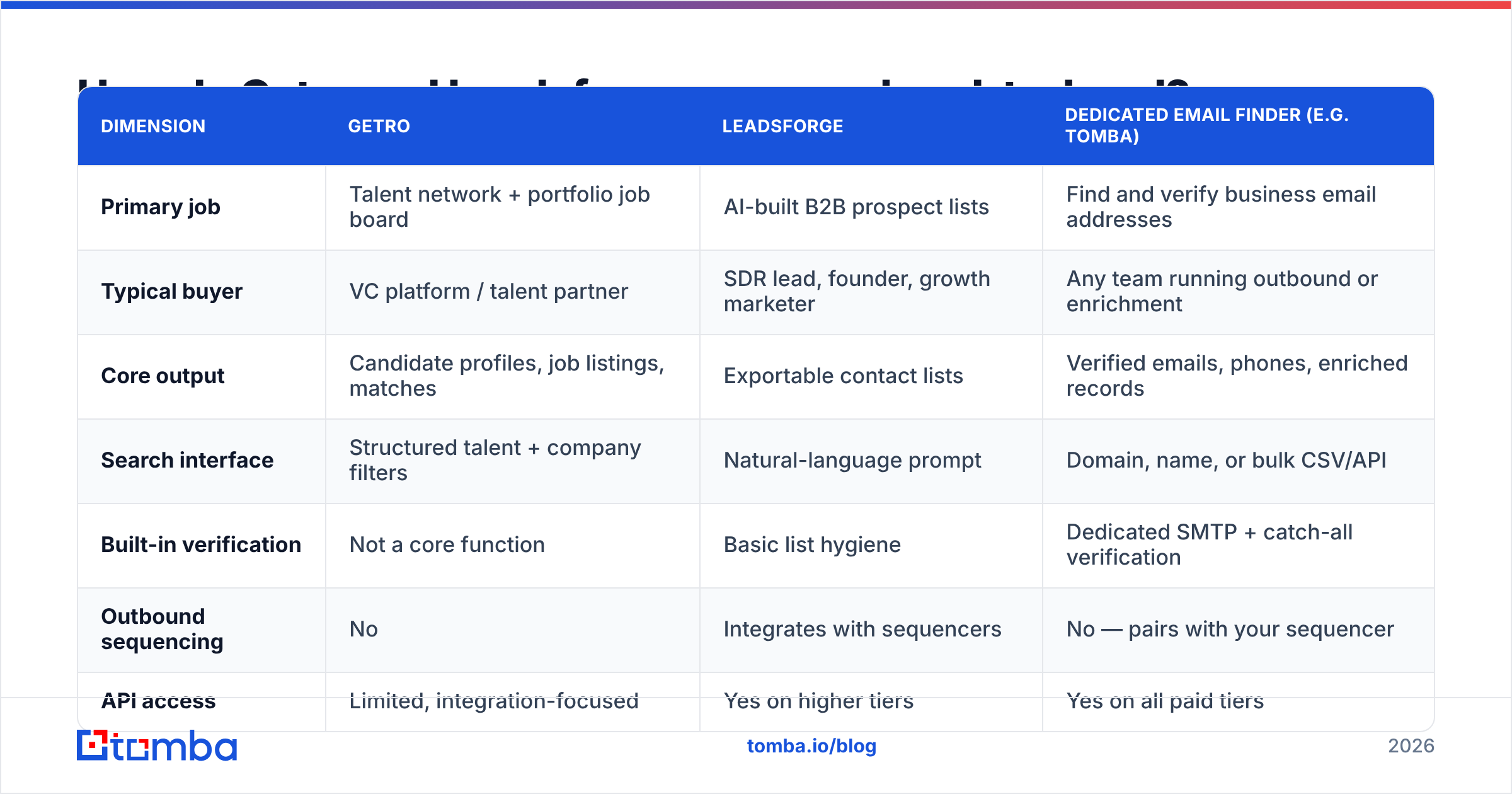
The getro vs leadsforge table below adds a dedicated contact-data layer as a third column. In practice, most teams run one of these platforms plus a data tool rather than either one alone.
| Dimension | Getro | Leadsforge | Dedicated email finder (e.g. Tomba) |
|---|---|---|---|
| Primary job | Talent network + portfolio job board | AI-built B2B prospect lists | Find and verify business email addresses |
| Typical buyer | VC platform / talent partner | SDR lead, founder, growth marketer | Any team running outbound or enrichment |
| Core output | Candidate profiles, job listings, matches | Exportable contact lists | Verified emails, phones, enriched records |
| Search interface | Structured talent + company filters | Natural-language prompt | Domain, name, or bulk CSV/API |
| Built-in verification | Not a core function | Basic list hygiene | Dedicated SMTP + catch-all verification |
| Outbound sequencing | No | Integrates with sequencers | No — pairs with your sequencer |
| API access | Limited, integration-focused | Yes on higher tiers | Yes on all paid tiers |
| Pricing model | Custom annual contract, quote-based | Subscription / credit-based | Free tier, then $49–$249/mo published |
| Best when | You run a portfolio or community | You need lists fast, in plain English | You need send-safe data at scale |
The row that matters most for cold outbound is verification. A list tool's job ends when the CSV downloads. Your job ends when the email lands in an inbox. Those are not the same finish line. The gap between them is where most first campaigns die.
What is Getro genuinely good at?#
Getro wins in its own lane. It is worth being specific about what that lane looks like.
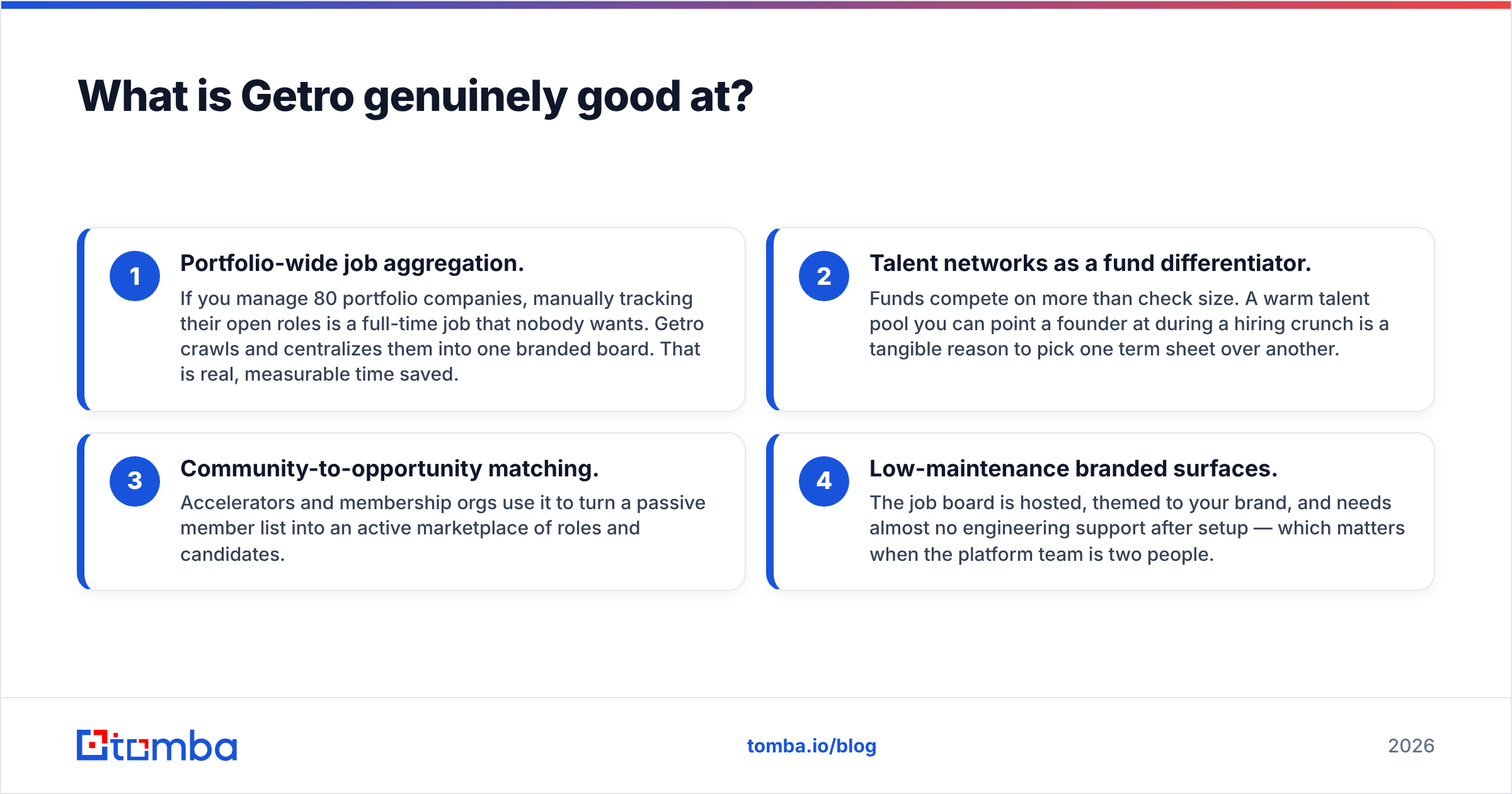
- Portfolio-wide job aggregation. Say you manage 80 portfolio companies. Tracking their open roles by hand is a full-time job nobody wants. Getro crawls and centralizes them into one branded board. That is real, measurable time saved.
- Talent networks as a fund differentiator. Funds compete on more than check size. A warm talent pool helps a founder during a hiring crunch. That is a tangible reason to pick one term sheet over another.
- Community-to-opportunity matching. Accelerators and member groups use it to turn a passive list into an active market of roles and candidates.
- Low-maintenance branded surfaces. The job board is hosted and themed to your brand. It needs almost no engineering help after setup. That matters when the platform team is two people.
Where Getro is the wrong tool: anything close to revenue prospecting. There is no ICP builder and no intent data. There is no cold email sequencer, and no verified work-email waterfall for new accounts. Did you land on Getro after Googling "lead generation software"? You took a wrong turn. In its marketing, the word "leads" means candidate leads.
What is Leadsforge genuinely good at?#
Leadsforge sits in the crowded but useful category of chat-style list builders. Its strengths:
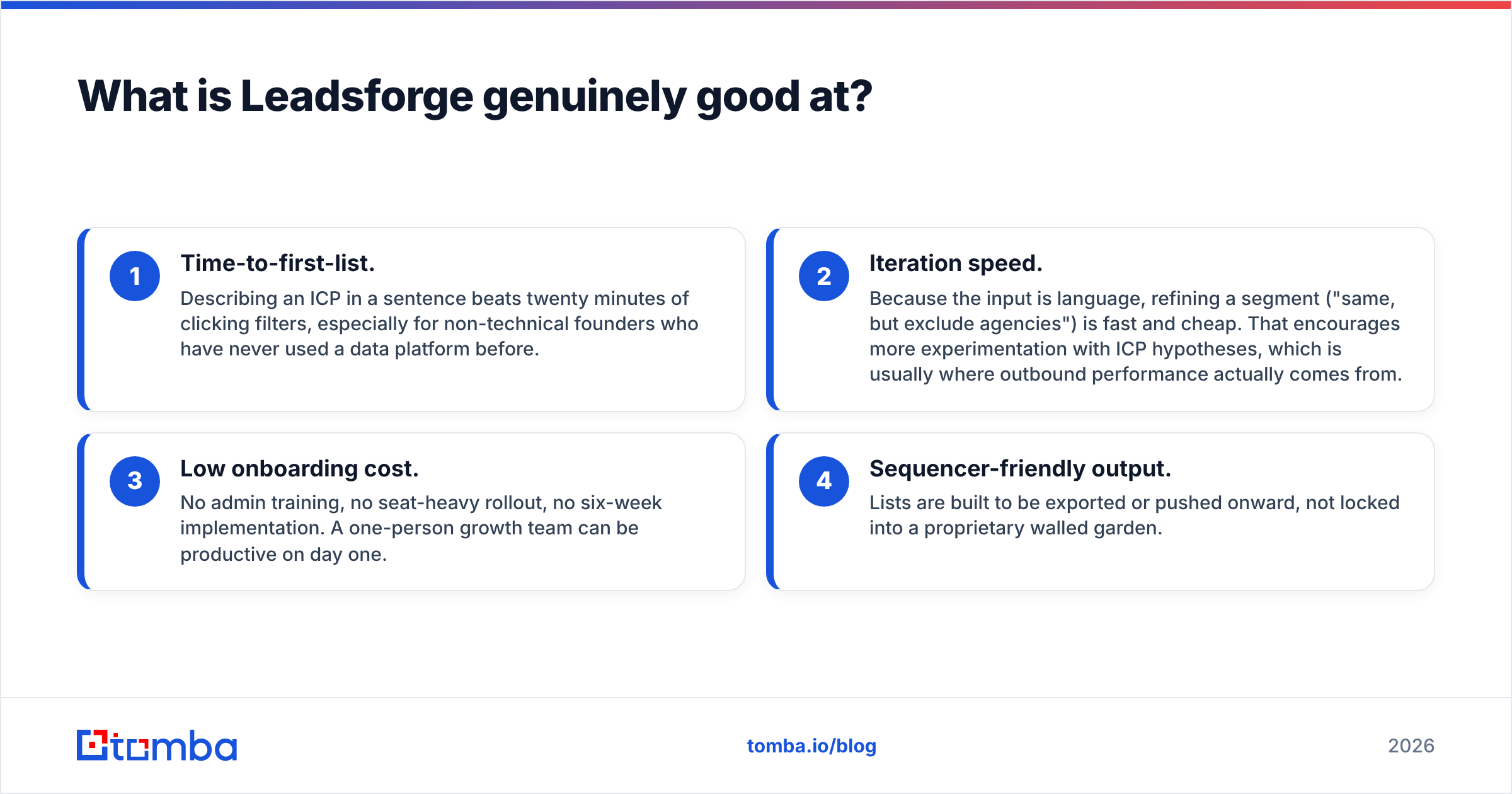
- Time to first list. Describing an ICP in one sentence beats twenty minutes of clicking filters. That helps non-technical founders most.
- Iteration speed. The input is language, so refining a segment is cheap. "Same, but exclude agencies" takes seconds. That encourages more ICP experiments, and that is usually where outbound results come from.
- Low onboarding cost. No admin training. No seat-heavy rollout. No six-week setup. A one-person growth team can be productive on day one.
- Sequencer-friendly output. Lists are built to be exported or passed onward, not locked into a walled garden.
The weaknesses are the ones every AI list tool shares. Plain language is lossy. The system's read of "mid-market SaaS" may not match yours. You often find the mismatch only after reply rates crater.
Coverage also depends on whatever database sits underneath, and that database is rarely named in detail. Record freshness varies a lot by region and seniority. A VP at a US enterprise is well covered. A head of ops at a 30-person firm in Poland is not.
Getro vs Leadsforge: which one wins for outbound?#
Leadsforge wins, but only because Getro is not playing that game. That is a weak kind of win. So let's score both against what an outbound motion really needs.
- Account discovery — Leadsforge: strong. Getro: not applicable.
- Contact-level coverage — Leadsforge: moderate to strong, depending on the database. Getro: none for prospects.
- Email accuracy and safe delivery — Leadsforge: unverified by default. Getro: not applicable. Both need an outside email verifier before you send.
- Enrichment of CRM records you already own — Leadsforge: partial. Getro: none. This is where data enrichment tooling does the work.
- Cost control at volume — Leadsforge: credits scale with list size. Getro: fixed annual contract, but not relevant to outbound.
Read that list and the answer writes itself. Getro vs Leadsforge is a category decision, not a feature bake-off. Compare Leadsforge against other list builders instead. Compare Getro against other talent-network platforms. Peer reviews on G2 help more than any single vendor page.
What does each one cost?#
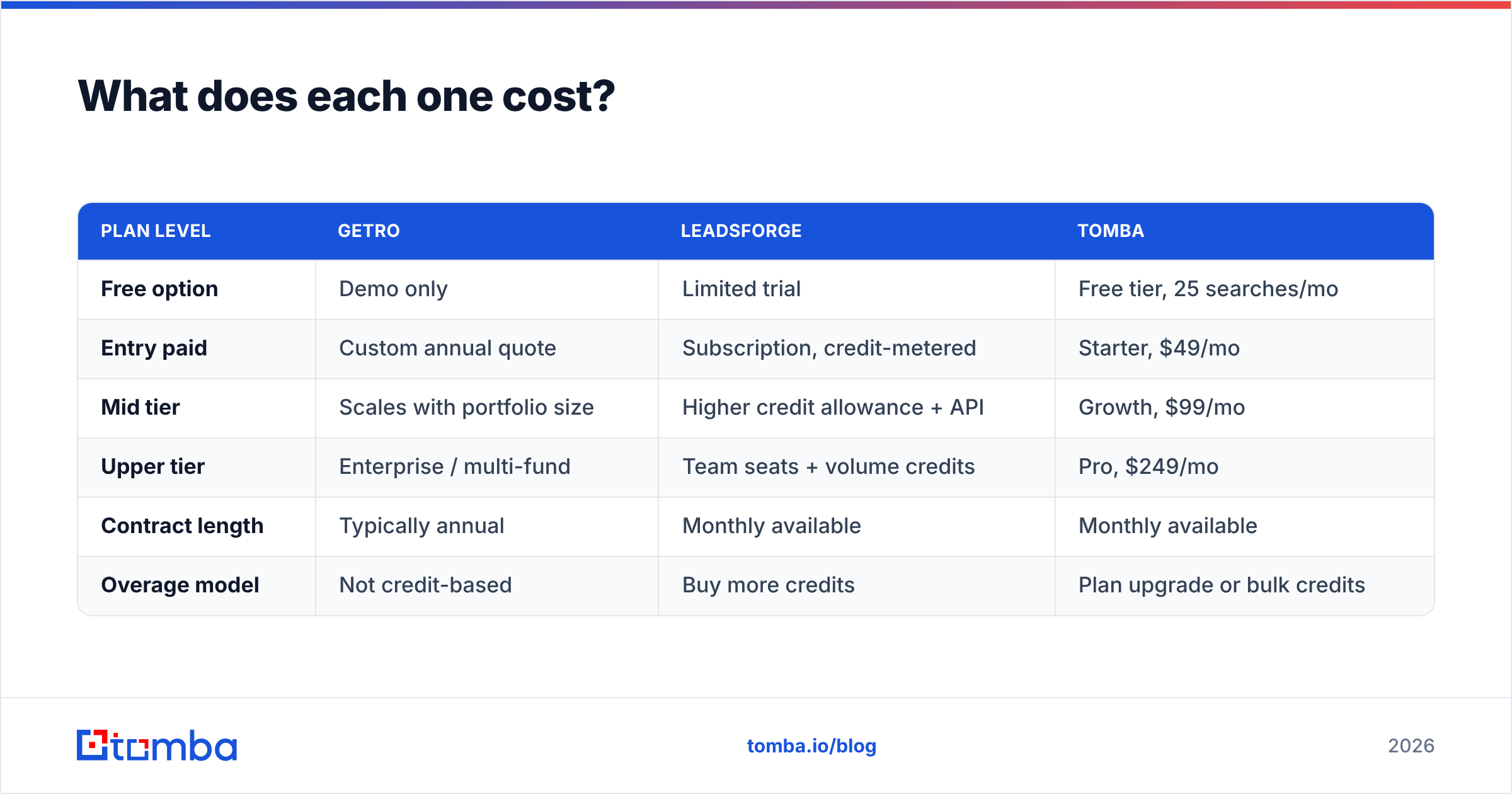
Pricing in the getro vs leadsforge matchup is where both vendors say the least. Treat this as a structural comparison, not a quote.
| Plan level | Getro | Leadsforge | Tomba |
|---|---|---|---|
| Free option | Demo only | Limited trial | Free tier, 25 searches/mo |
| Entry paid | Custom annual quote | Subscription, credit-metered | Starter, $49/mo |
| Mid tier | Scales with portfolio size | Higher credit allowance + API | Growth, $99/mo |
| Upper tier | Enterprise / multi-fund | Team seats + volume credits | Pro, $249/mo |
| Contract length | Typically annual | Monthly available | Monthly available |
| Overage model | Not credit-based | Buy more credits | Plan upgrade or bulk credits |
Two practical notes. First, Getro's quote-based annual model is normal for VC software. You are buying a program, not a metered utility. The cost is judged against portfolio hiring results, not cost per lead.
Second, credit-metered list tools look cheap at first. Then you notice you paid for records you throw away during verification. That is the hidden tax. You are charged for the row whether or not the email is real. Compare that to a published pricing model where verification is part of the workflow.
Where do both tools leave a gap?#
Both sides of getro vs leadsforge leave the same gap: send-ready contact data.
Here is the mechanical reality. Business email addresses decay fast. People change jobs. Companies rebrand domains. Catch-all servers accept everything and deliver nothing. A list exported today is a different list next month.
Push unverified records into a sequencer and three things happen in order. Bounce rate climbs. Your sender reputation drops. Inbox placement falls for the contacts that were valid. One bad campaign poisons the next five.
Neither a talent-network platform nor an AI list builder is built to fix that. Getro has no reason to. Its users are not cold emailing strangers at scale. Leadsforge offers surface-level hygiene, like most list tools. Full verification is a specialist job with its own infrastructure cost. It covers MX lookup, SMTP handshake, catch-all checks, and role-account detection.
That is why the standard 2026 stack has three layers, not one.
- Discovery layer — the tool that decides who to contact. Leadsforge, an ICP database, LinkedIn, an event list, or your website visitors.
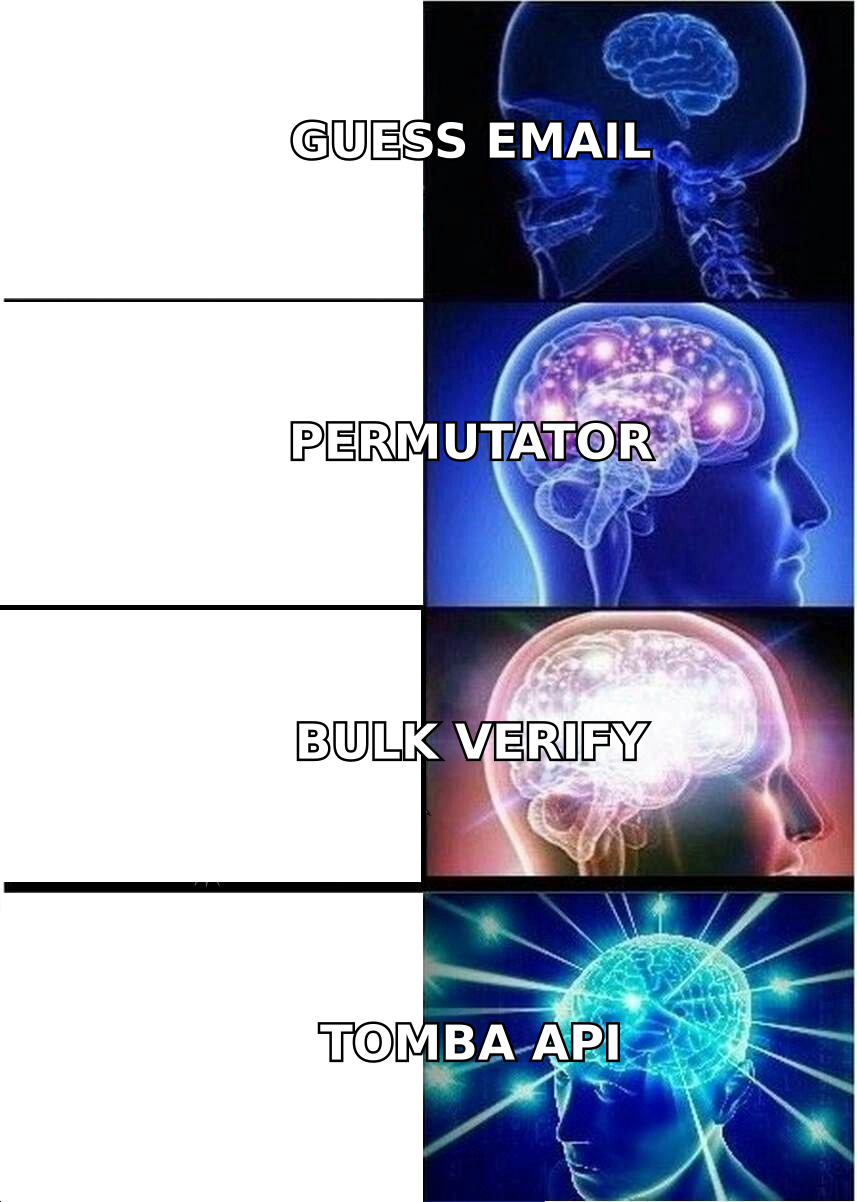
- Data layer — the tool that turns a name and a company into a verified, deliverable contact record. This is where an email finder and verifier live. Bulk processing and API access let it run on its own instead of as a manual chore.
- Execution layer — the sequencer or dialer that actually reaches out.
Teams that merge layers one and two into a single vendor pay for it at the delivery stage. Keeping them apart is not over-engineering. It is the difference between a 2% bounce rate and a 15% one. For the background on why bounce rate drags everything else down, the basics of email deliverability are worth ten minutes.
Getro vs Leadsforge: which should you choose in 2026?#
Decide by workflow, not by feature count.
- Choose Getro if you run a VC fund, accelerator, PE firm, or community and your goal is helping portfolio companies hire. No outbound tool replaces it.
- Choose Leadsforge if you build cold outbound lists and value speed over fine control. Run a paid pilot on one narrow segment you know well. Then check 25 random records by hand before you trust the rest.
- Choose neither on its own if you send at volume. Whatever fills the top of your list, budget separately for verification and enrichment. It is the cheapest insurance in the stack.
- Skip the comparison if you got here by accident. The shared lead generation vocabulary is a marketing artifact, not a product one.
One more thing, said plainly. The quality of your list matters more than the tool that made it. A tight 200-contact list with verified emails beats a 5,000-contact export with a 20% bounce rate. That holds for replies, meetings, and domain health. Volume is the easiest lever to pull and the least valuable one.
Ready to fix the data layer?#
Whichever side of getro vs leadsforge you pick for discovery, the contacts still have to be real. Tomba's Email Finder finds professional email addresses by domain, name, or company. It verifies them before they hit your sequencer. Use it in the app, a Chrome extension, Google Sheets, or the API. The free tier gives you 25 searches a month to test coverage against your own ICP. Paid plans start at $49/mo with no annual lock-in. Run your next Leadsforge export through it and compare the bounce rates yourself. That is the only benchmark that counts.
Related guides#
Ready to find emails that actually work?
Join 150,000+ professionals who stopped guessing and started sending. Free credits on signup — no credit card required.
Get the Tomba newsletter
Practical outbound tactics and product updates — once every two weeks.
About the author