Grata vs Leadsforge: Which B2B Data Tool Wins in 2026?
Grata maps private companies for dealmakers. Leadsforge spits out lead lists from a chat prompt. They solve different problems — here is which one your team actually needs, and what neither of them does well.
Grata vs Leadsforge is not a fair fight, and that is the point. The two tools sell to different buyers and solve different jobs. Grata finds private companies for deal teams. Leadsforge builds lead lists for sales teams. Here is how to pick between them, and what both leave out.
TL;DR
- Grata is a private-company search engine. It is built for M&A, private equity, and corporate development teams. They use it to find and profile companies nobody has heard of. Pricing works like an enterprise data subscription.
- Leadsforge is an AI lead-list builder. You describe your ICP in plain language and it returns a contact list. It is priced like a self-serve SaaS tool, and aimed at founders and small sales teams.
- They barely compete. Grata answers "which companies exist in this niche?" Leadsforge answers "give me 500 people to email this week."
- Neither is a contact-accuracy specialist. Both hand you emails as a by-product of company search. A separate verification layer still catches the bounces first, before your sender reputation pays for them.
- Pick by job, not by feature list: thesis-driven sourcing → Grata. Fast outbound volume → Leadsforge. Precise, verified contact data at low cost → a purpose-built email finder.
What is Grata, and who actually uses it?#
Grata is a search engine for private companies. Most databases make you filter by SIC code and headcount band. Grata works the other way around. You describe a business model — "companies that do industrial cleaning for food processing plants in the Midwest" — and it returns a ranked list of private businesses that match. Those matches are built from crawled website content, news, and proprietary signals.
The buyer is specific. Grata's customers are deal teams: private equity associates building a thesis map, investment bankers assembling a buyer list, corporate development teams hunting bolt-on acquisitions. You can read the pitch straight from Grata's own site. The review profiles on G2 reflect the same audience — analysts and VPs, not SDRs.
What that means practically:
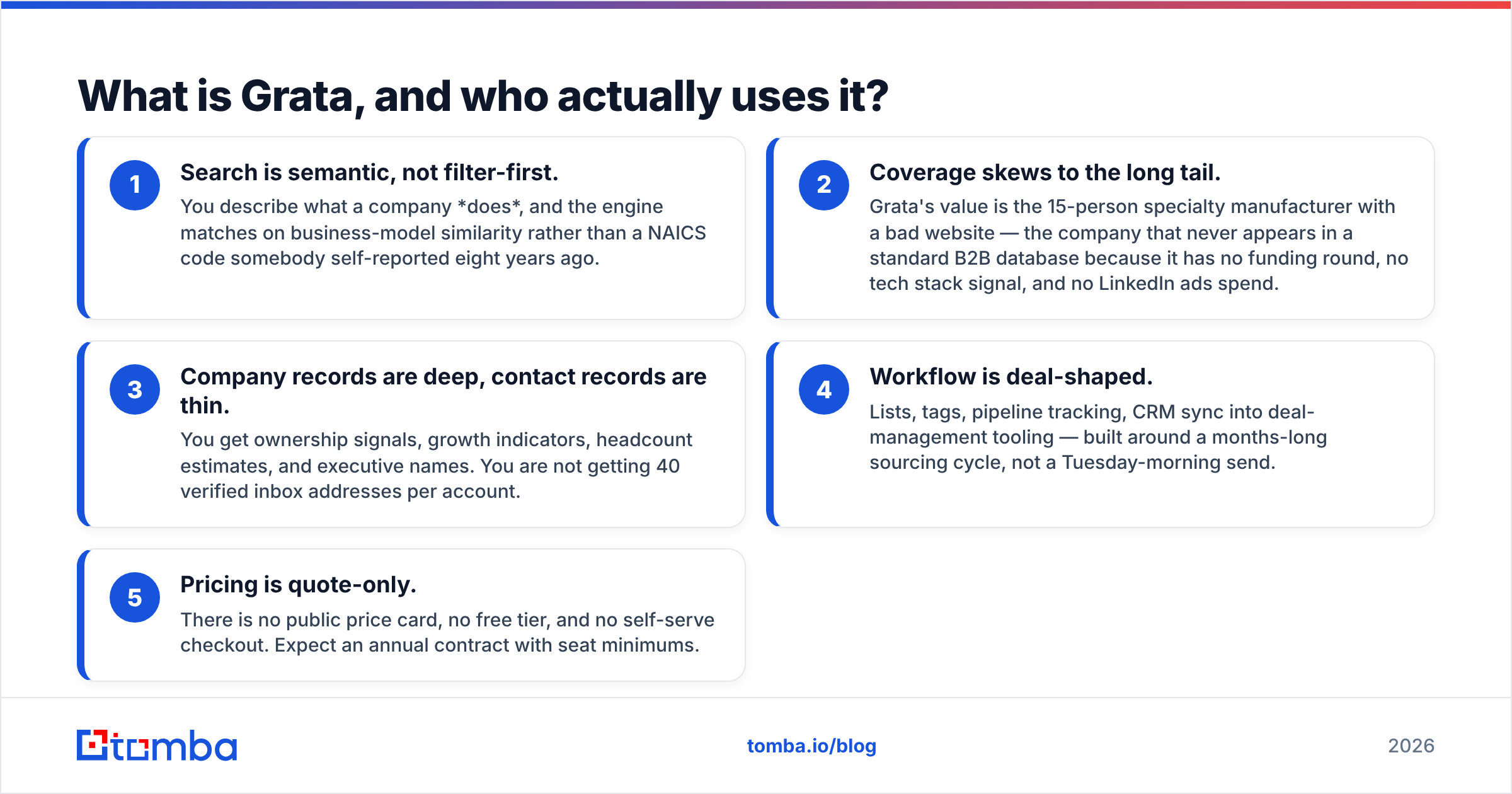
- Search is semantic, not filter-first. You describe what a company does. The engine then matches on business-model similarity, not on a NAICS code somebody self-reported eight years ago.
- Coverage skews to the long tail. Grata's value is the 15-person specialty manufacturer with a bad website. That company never shows up in a standard B2B database. It has no funding round, no tech stack signal, and no LinkedIn ads spend.
- Company records are deep, contact records are thin. You get ownership signals, growth indicators, headcount estimates, and executive names. You are not getting 40 verified inbox addresses per account.
- Workflow is deal-shaped. Lists, tags, pipeline tracking, CRM sync into deal-management tooling. All of it is built around a months-long sourcing cycle, not a Tuesday-morning send.
- Pricing is quote-only. There is no public price card, no free tier, and no self-serve checkout. Expect an annual contract with seat minimums.
If you have never worked on a deal team, that last point is the tell. Tools that solve M&A sourcing problems get priced against a fee event worth millions, not against a $2,000/month outbound budget.

What is Leadsforge, and how is it different?#
Leadsforge sits at the opposite end of the market. It is an AI-first lead-list generator. You type a description of your ideal customer into a chat box. It reads the intent, queries its contact database, and returns a list. You can export that list or push it straight into a sequencer. The pitch is speed and zero learning curve — no boolean strings, no filter panels, no onboarding call.
That positioning draws a different buyer: solo founders, agencies running outbound for clients, and small sales teams. They need a list today, and they cannot justify a five-figure data contract. Pricing lives in normal SaaS territory — monthly plans with credit allowances, self-serve signup, no procurement cycle. (Published tiers in this bracket change often, so check the current plan page before you budget.)
The trade-off is depth. A chat interface is excellent at "SaaS marketing directors in Berlin, 50–200 employees." It is much weaker at "companies whose primary revenue line is refurbishing hydraulic cylinders" — the exact query Grata was built to answer. Plain-language search is only as good as the company taxonomy behind it. Lead-list tools inherit that taxonomy from standard industry feeds.
Grata vs Leadsforge: how do they compare head-to-head?#
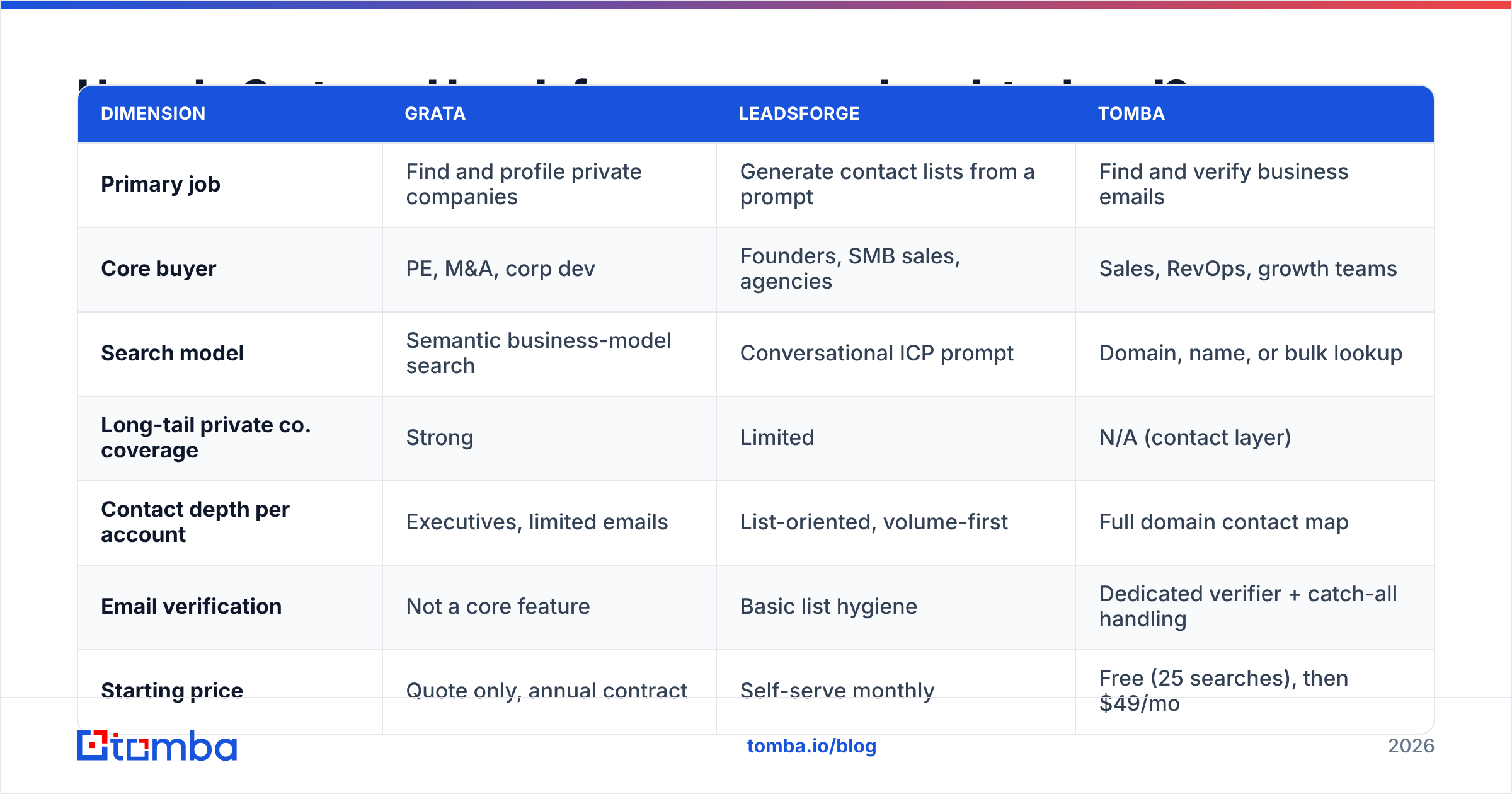
Here is the honest side-by-side. A dedicated contact-data tool sits in the third column, because most teams end up needing one whichever platform they pick.
| Dimension | Grata | Leadsforge | Tomba |
|---|---|---|---|
| Primary job | Find and profile private companies | Generate contact lists from a prompt | Find and verify business emails |
| Core buyer | PE, M&A, corp dev | Founders, SMB sales, agencies | Sales, RevOps, growth teams |
| Search model | Semantic business-model search | Conversational ICP prompt | Domain, name, or bulk lookup |
| Long-tail private co. coverage | Strong | Limited | N/A (contact layer) |
| Contact depth per account | Executives, limited emails | List-oriented, volume-first | Full domain contact map |
| Email verification | Not a core feature | Basic list hygiene | Dedicated verifier + catch-all handling |
| Starting price | Quote only, annual contract | Self-serve monthly | Free (25 searches), then $49/mo |
| Free tier | No | Trial/credits vary | Yes — 25 searches/month |
| API access | Enterprise tier | Limited | Included from paid plans |
| Time to first list | Days (demo → onboarding) | Minutes | Minutes |
The pattern is clear once it is laid out. Grata wins on company discovery in obscure markets. Leadsforge wins on speed and cost of getting a workable list. Neither is built for the thing that decides whether your campaign lands: whether the email address is real.
Which one finds better companies?#
Grata, if your target market is genuinely hard to enumerate. That is not a small caveat. It is the whole decision.
Ask yourself how you would build the target list by hand. If the answer is "filter for SaaS, Series A–C, 50–500 employees, US," any modern lead tool handles it and Grata is overkill. If the answer is "I'd need to read 400 company websites to work out which ones actually do this," you are in Grata territory. There, the semantic search is worth the contract.
There is a second dimension people miss: company data freshness versus contact data freshness. A private company's business model changes slowly. The VP of Operations changes jobs every 26 months. Grata is excellent at the slow-moving layer. It was never built to keep pace with the fast-moving one. That is why teams who source through Grata almost always run contact enrichment on the side. And where the data comes from matters more at the contact layer than at the company layer.
Leadsforge inverts this. Contact-first, company-shallow. You get people fast, and you accept that the industry classification behind them is standard-issue.
Which one gives you usable contact data?#
Neither, entirely. This is where most head-to-head comparisons stop being useful.
Grata surfaces executive names and some contact details, but contact coverage is a supporting feature, not the product. Leadsforge produces bulk lists. Bulk lists from AI-written queries carry the usual risks: role accounts, stale addresses from people who left two years ago, and catch-all domains that accept everything and deliver nothing.
That last category is the expensive one. A catch-all domain answers "valid" to a standard SMTP check even when the mailbox does not exist. So the address passes basic verification, then bounces in production. If more than a small slice of your list sits on catch-all domains, you need a catch-all verifier that goes beyond a single handshake. Otherwise you burn sender reputation on addresses that were never real.
The practical stack most teams land on looks like this:
- Discovery layer — Grata, Leadsforge, or a niche database, depending on how hard your market is to enumerate.
- Contact layer — a domain search run against every account that survives qualification. It maps who actually works there, and the pattern the company uses to build addresses.
- Verification layer — an email verifier pass before anything enters a sequencer. It catches role accounts, dead mailboxes, and catch-all traps.
- Enrichment layer — job title, seniority, and phone appended where the outbound motion needs it.
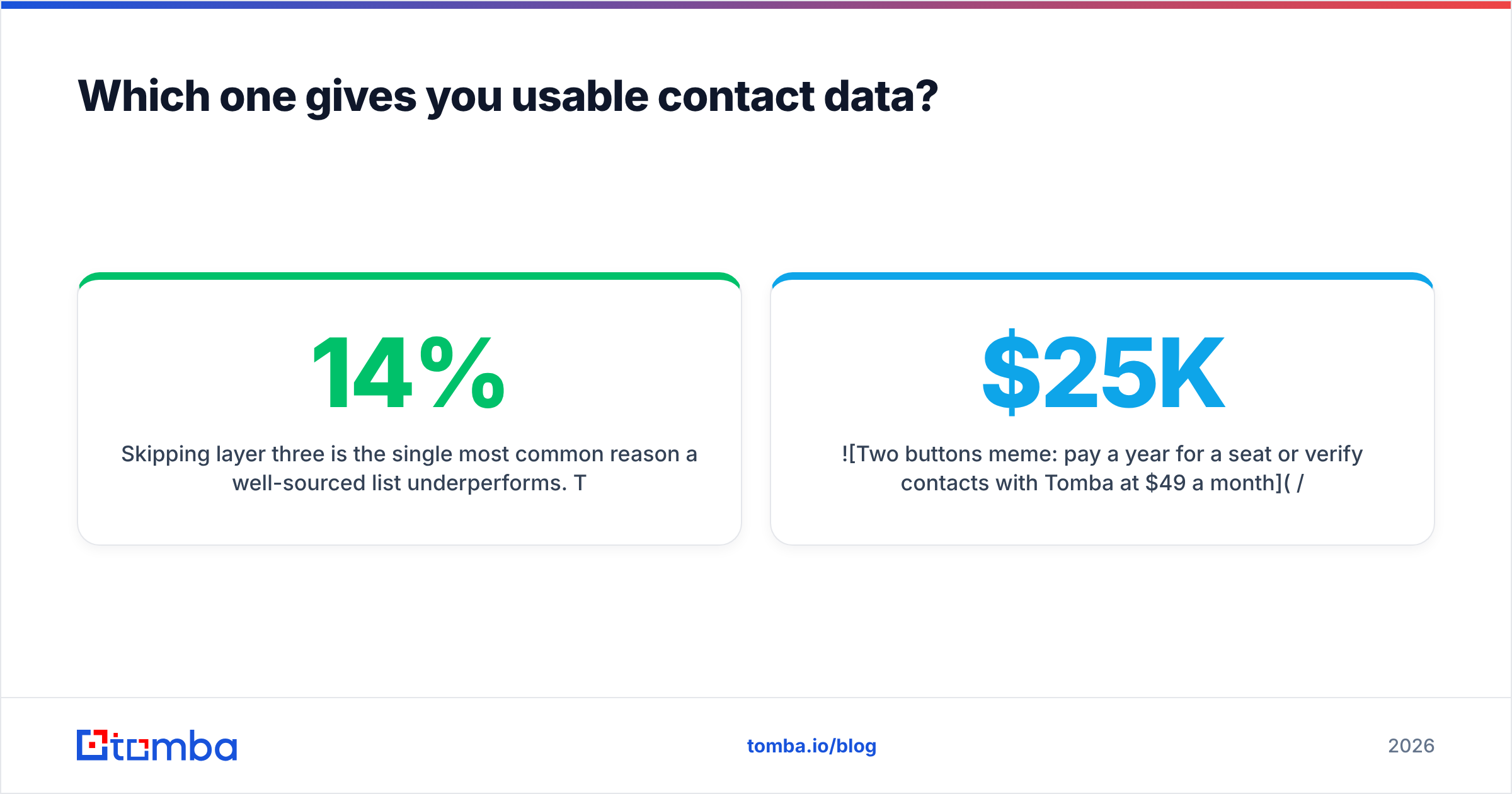
Skipping layer three is the single most common reason a well-sourced list underperforms. The companies were right, the people were right, and 14% of the addresses bounced.

What does each one actually cost?#
Grata does not publish pricing, which itself tells you the range. Quote-only annual contracts with seat minimums are the norm for private-market intelligence platforms. Buyer discussions on Capterra and G2 put tools in this class well into five figures a year for a small team. If you are a two-person agency, this is not a budget question. It is a category mismatch.
Leadsforge prices like a normal SaaS tool: monthly, self-serve, credit-metered. For a founder testing outbound, that is the right shape. The risk is credit math. AI-built lists tend to be larger than hand-built ones, and credits burn faster when you do not filter hard before export.
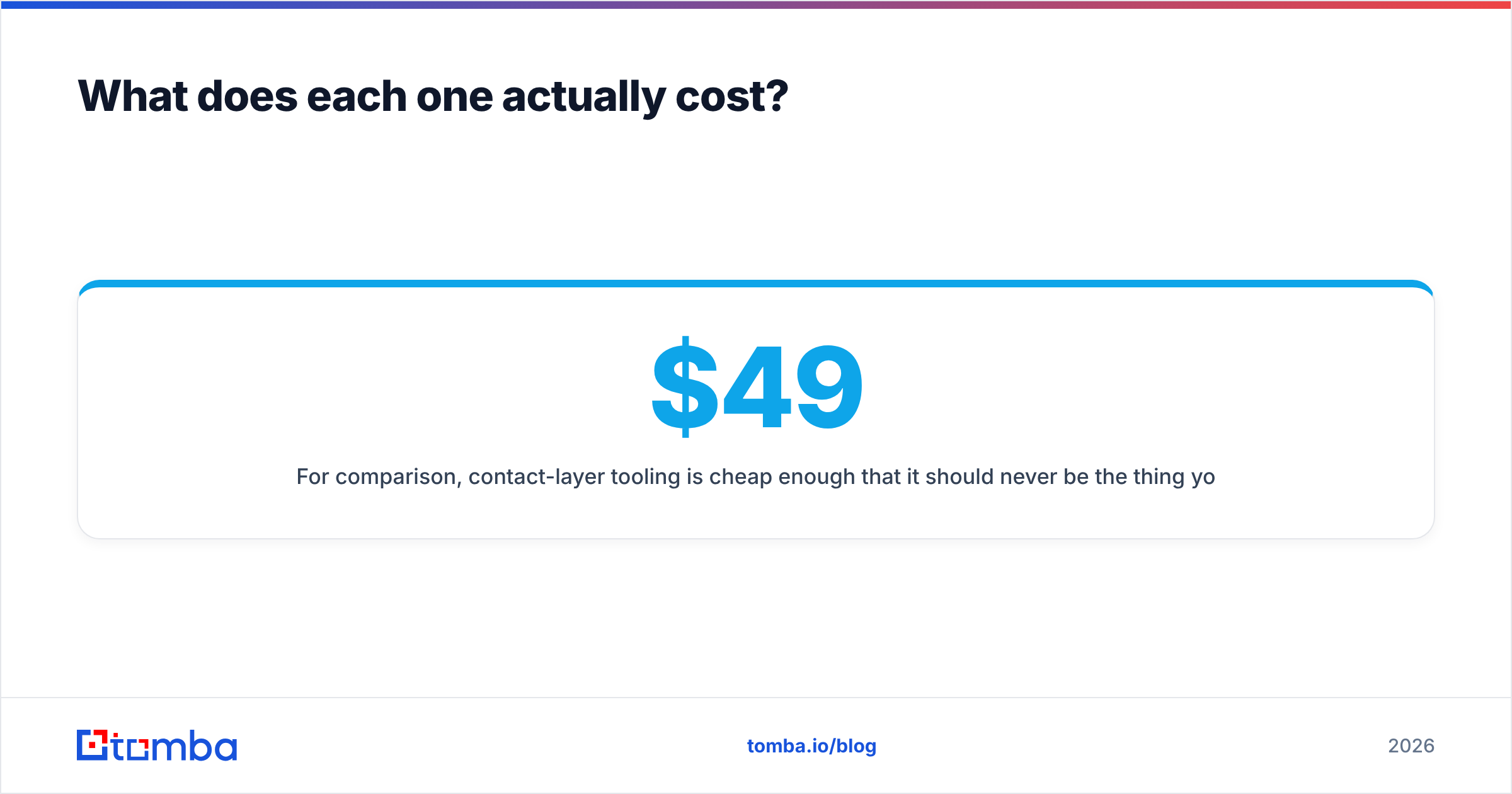
For comparison, contact-layer tooling is cheap enough that it should never be the thing you cut. Tomba's pricing runs Free (25 searches/month), Starter $49/mo, Growth $99/mo, and Pro $249/mo, with Enterprise on request. Adding a verification pass to a Leadsforge list costs less than the meeting you lose to a bounced send. Adding it to a Grata-sourced target list costs a rounding error against the contract.
Who should choose Grata?#
Choose Grata if three things are true at once:
- Your target market is hard to enumerate — fragmented, niche, or defined by what a company does rather than the industry code it filed under.
- Each account is worth a lot. Deal teams, acquisition searchers, and enterprise sellers with six-figure ACVs can justify the contract. A $99/month product cannot.
- Your cycle is measured in months, not days. Grata's workflow assumes you will research, track, and revisit accounts over a long horizon.
If you are running high-volume outbound to a well-mapped market, Grata is the wrong tool at the wrong price. That holds no matter how good the search engine is.
Who should choose Leadsforge?#
Choose Leadsforge if:
- You need a list this week and cannot wait through a demo-to-onboarding cycle.
- Your ICP is mainstream — standard industries, standard titles, standard geographies that any firmographic database covers well.
- Budget is a real constraint and self-serve monthly billing matters more than long-tail coverage.
- You value interface simplicity over query precision. Chat-driven search is genuinely faster for common queries.
Just plan for the verification step. Speed of list generation and quality of list delivery are different metrics. The first one does not predict the second.
Do you need a third tool alongside either one?#
Usually, yes. And it is the cheapest line in the stack.
Discovery platforms optimize for breadth. Contact platforms optimize for accuracy. Asking one tool to do both well is how teams end up with a large, expensive, half-deliverable list. If you source through Grata, you will need to build the contact map for each target account yourself. If you pull volume through Leadsforge, you will need to clean it before it touches a sequencer.
A dedicated finder-plus-verifier handles both cases. Run a bulk email finder pass against a target-account CSV to map contacts at scale. Verify the output. Only then hand it to your sending tool. That sequence is boring, and it is the difference between a 2% bounce rate and a blocked domain.
FAQ#
Is Grata a direct competitor to Leadsforge? Not really. They overlap on the surface, since both help you build a list of companies. But Grata is a private-market intelligence platform sold to deal teams, and Leadsforge is a self-serve lead-list generator sold to sales teams. Different buyers, different price points, different jobs.
Which has better data accuracy? On company classification and long-tail coverage, Grata is stronger. On contact-level accuracy, neither is a specialist. Verify independently whichever you use.
Can I use both? Yes, and some teams do. Grata defines the target universe, and a cheaper contact tool populates and verifies the people inside it. That combination usually beats forcing either tool to cover the full workflow.
What if my market is mainstream? Then Grata's core advantage — finding companies standard databases miss — does not apply to you. You would be paying for capability you will not use.
The contact layer, handled#
Whichever side of Grata vs Leadsforge you land on, the addresses still have to be right. Tomba's Email Finder maps verified contacts by domain, name, or company. Catch-all handling and bulk processing are built in. It starts free at 25 searches a month, then $49/mo on Starter. Source your companies wherever the market demands. Just don't let a bad address be the reason a good account never replies.
Related guides#
Ready to find emails that actually work?
Join 150,000+ professionals who stopped guessing and started sending. Free credits on signup — no credit card required.
Get the Tomba newsletter
Practical outbound tactics and product updates — once every two weeks.
About the author