9 Best HoneyBook Alternatives in 2026 (Tested and Compared)
HoneyBook runs contracts, invoices and client portals well — but it stops at the edge of your pipeline. Here are nine HoneyBook alternatives compared on price, CRM depth, automation and where each one actually breaks.

TL;DR
- HoneyBook is a clientflow platform: proposals, contracts, invoices, scheduling and a client portal in one place. It is not a sales CRM and it will not source new leads for you.
- The strongest like-for-like swaps are Dubsado (deeper automation, cheaper), Bonsai (freelancer finance plus contracts) and Moxie (solo-consultant focused, lighter UI).
- If you need a real pipeline with deal stages, reporting and sequences, move to HubSpot or Pipedrive instead — different category, different outcome.
- Price is rarely the deciding factor. Workflow depth, payment fees, seat pricing and export quality are what actually hurt after month three.
- Every tool on this list manages demand you already have. Filling the top of the funnel is a separate job — that is where an email finder sits.
What does HoneyBook actually do, and where does it stop?#
HoneyBook is built for service businesses that sell projects: photographers, designers, planners, consultants, agencies under ten people. One record — the "project" — carries the inquiry form, the proposal, the signed contract, the invoice schedule, the meeting links and the client-facing portal. That single-thread model is the whole product, and it is genuinely good.
Where it stops is equally clear. HoneyBook assumes the lead already exists. There is no prospecting layer, no deal-stage forecasting worth the name, no sequence engine, and reporting is closer to a bookkeeping summary than a sales dashboard. Teams outgrow it in one of two directions: they want more automation on the same clientflow job, or they want a real CRM because they have started doing outbound.
Knowing which direction you are heading decides your shortlist. Picking a HoneyBook alternative without answering that first is how people end up migrating twice in a year.

Why do people look for HoneyBook alternatives?#
Five complaints show up repeatedly in G2 reviews and community threads, and they map cleanly onto different replacement tools:
- Payment processing fees and lock-in. HoneyBook's built-in payments are convenient but you are on their rails and their rates. Tools like Dubsado and Bonsai let you connect Stripe or PayPal directly, so you negotiate your own terms.
- Automation ceilings. HoneyBook's workflows are linear. Once you want branching — "if the client picks package B, send the extended questionnaire, skip the deposit reminder" — you hit the wall fast.
- Seat and team pricing. HoneyBook was designed for solos and stretched to small teams. Multi-user permissions, per-seat cost and approval flows are thin compared with a proper CRM.
- No outbound layer. Inbound-only businesses do fine. The moment you decide to email 200 target companies a month, HoneyBook contributes nothing to that motion.
- Reporting depth. You can see what you invoiced. Seeing conversion rate by lead source, average sales cycle, or win rate by service line takes an export and a spreadsheet.
If your complaint is 1, 2 or 3, stay in the clientflow category. If it is 4 or 5, you need a CRM, not a HoneyBook clone.
What should you compare before switching?#
Run every candidate through these five checks before you move a single client record. This is the part people skip and regret.
- Workflow branching depth — Can automations fork on a condition, or are they strictly sequential? Ask for a conditional example during the trial, not a demo video.
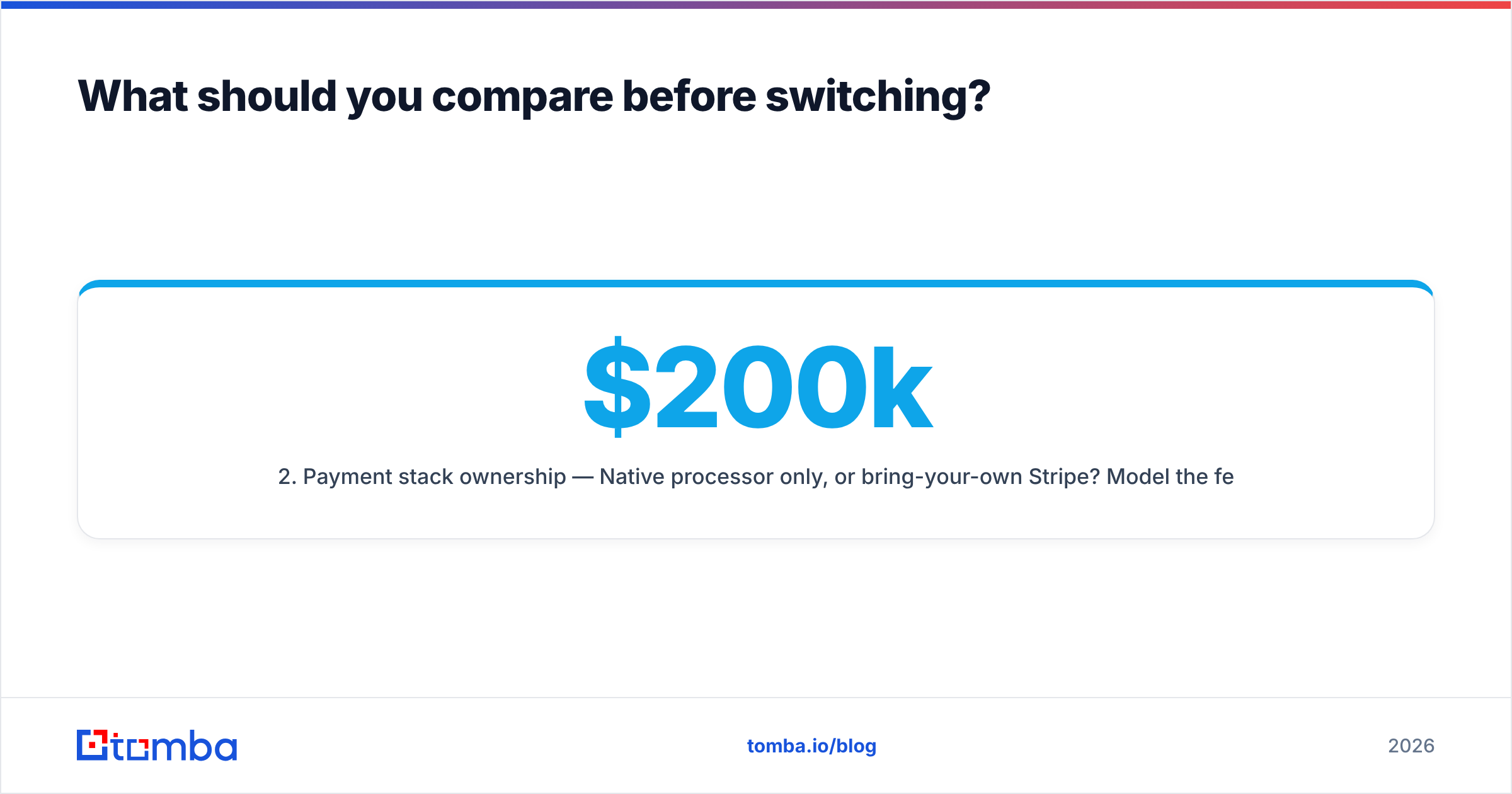
- Payment stack ownership — Native processor only, or bring-your-own Stripe? Model the fee difference at your actual annual volume; on $200k of invoicing a 0.5% delta is $1,000.
- Export and exit cost — Can you pull contacts, projects, invoices and signed PDFs out in a usable format? A tool that exports contacts but not executed contracts is a trap.
- Team and permission model — Per-seat or flat? Can a contractor see one project without seeing your revenue? This is where "cheap" tools get expensive.
- Pipeline vs. clientflow orientation — Does the tool measure stages of a sale or stages of a project? These are different products wearing similar screenshots.
What are the best HoneyBook alternatives in 2026?#
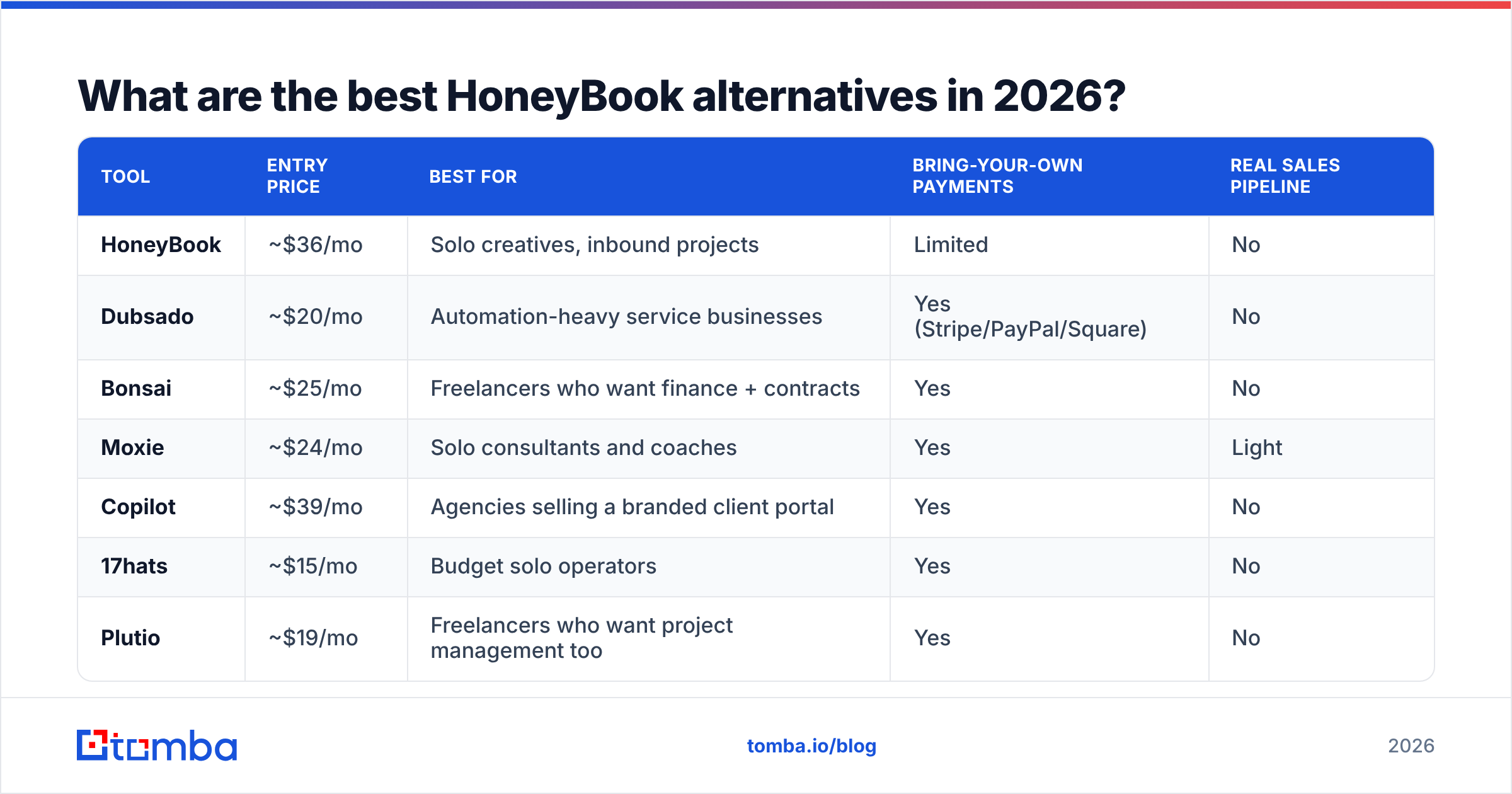
Pricing below reflects publicly listed monthly rates at the time of writing. Vendors change tiers often — verify on the vendor page before you commit.
| Tool | Entry price | Best for | Bring-your-own payments | Real sales pipeline |
|---|---|---|---|---|
| HoneyBook | ~$36/mo | Solo creatives, inbound projects | Limited | No |
| Dubsado | ~$20/mo | Automation-heavy service businesses | Yes (Stripe/PayPal/Square) | No |
| Bonsai | ~$25/mo | Freelancers who want finance + contracts | Yes | No |
| Moxie | ~$24/mo | Solo consultants and coaches | Yes | Light |
| Copilot | ~$39/mo | Agencies selling a branded client portal | Yes | No |
| 17hats | ~$15/mo | Budget solo operators | Yes | No |
| Plutio | ~$19/mo | Freelancers who want project management too | Yes | No |
| FreshBooks | ~$21/mo | Invoicing-first businesses | Yes | No |
| HubSpot Starter | ~$20/seat/mo | Teams doing outbound | N/A (via Payments/Stripe) | Yes |
| Pipedrive | ~$24/seat/mo | Deal-driven sales teams | Via integrations | Yes |
Dubsado — the closest direct swap#
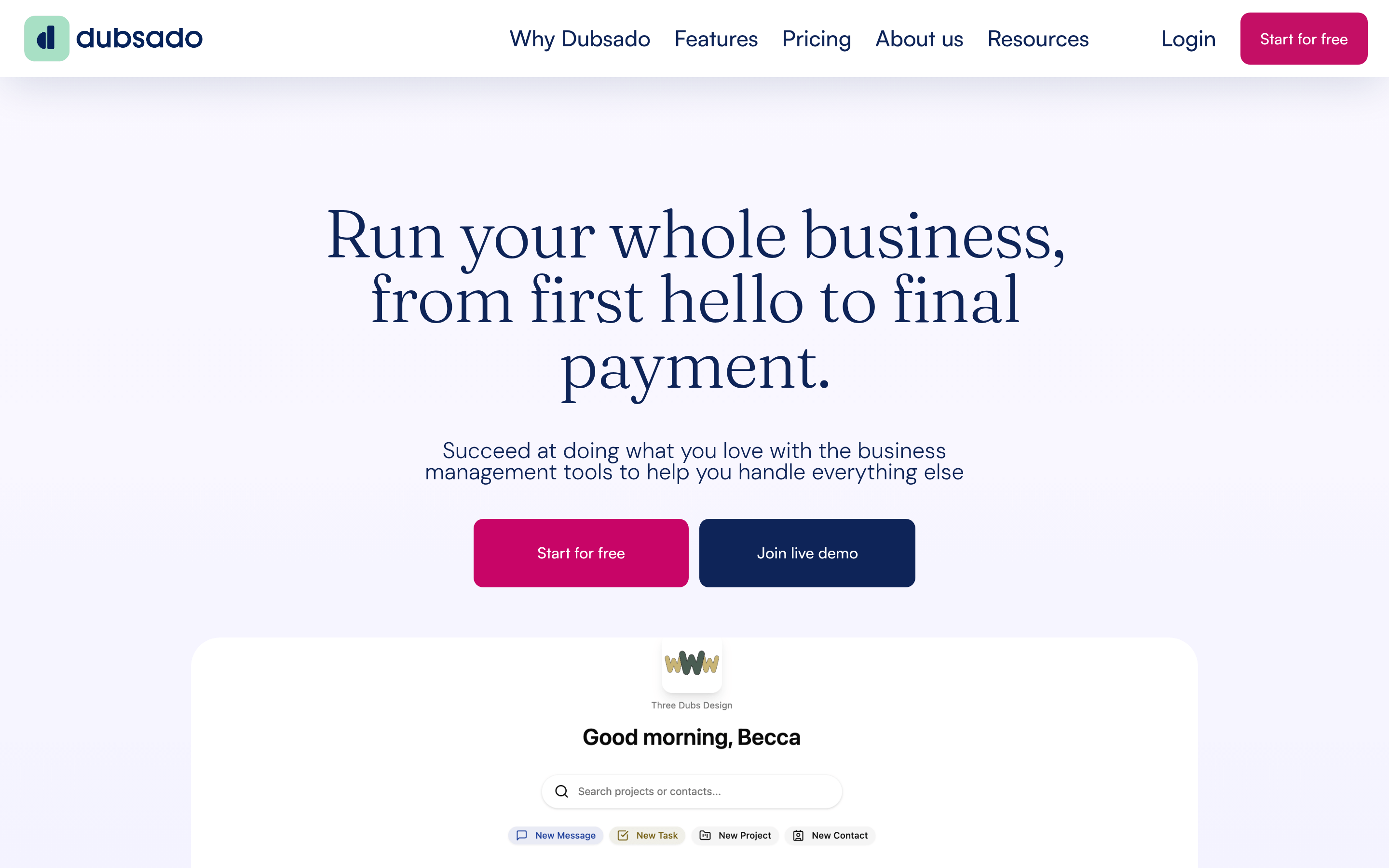
Dubsado is the alternative most HoneyBook refugees land on, and for good reason: same job, more control. Its form builder, canned emails and workflow engine handle conditional logic that HoneyBook cannot, and you connect your own Stripe or Square account rather than renting theirs. The trade-off is the interface. Dubsado feels like software built by operators for operators — powerful, dense, and slower to learn. Budget a weekend, not an afternoon. There is no user-count limit on the entry tier, which quietly makes it cheaper than it looks for two- and three-person studios.
Bonsai — contracts plus the money side#
Bonsai bundles proposals, contracts and invoicing with expense tracking, time tracking and tax estimates. For a freelancer who currently pays for HoneyBook and a bookkeeping tool, consolidating is a real saving. The client-facing polish is good, templates are well written, and the contract library is genuinely usable without a lawyer. Weakness: automation is shallower than Dubsado, and once you have subcontractors and multiple service lines, the finance module starts feeling like it was built for one person, because it was.
Moxie — built for the solo consultant#

Moxie (formerly Hectic) targets independent consultants rather than event and photography businesses. That shows in the details: proposals with scoped deliverables, retainer handling, a meeting scheduler that respects buffer rules, and a lightweight pipeline view with stages. It is the closest thing on the clientflow side to a sales CRM without being one. Pricing is aggressive and the free tier is usable for testing. The company is smaller than its competitors, so integration coverage is thinner — check that your accounting tool is supported before you migrate.
Copilot — when the portal is the product#

Copilot inverts the model. Instead of a back office with a client view bolted on, it is a white-labelled client portal — your logo, your domain, your app — with messaging, file sharing, billing and forms inside it. Agencies and productised-service firms that want clients to log into their platform, not a vendor's, pay the premium happily. It costs more than the rest of this list and it is deliberately not a CRM. If your differentiator is client experience, that price is justified. If it is not, it is not.
17hats — the budget veteran#
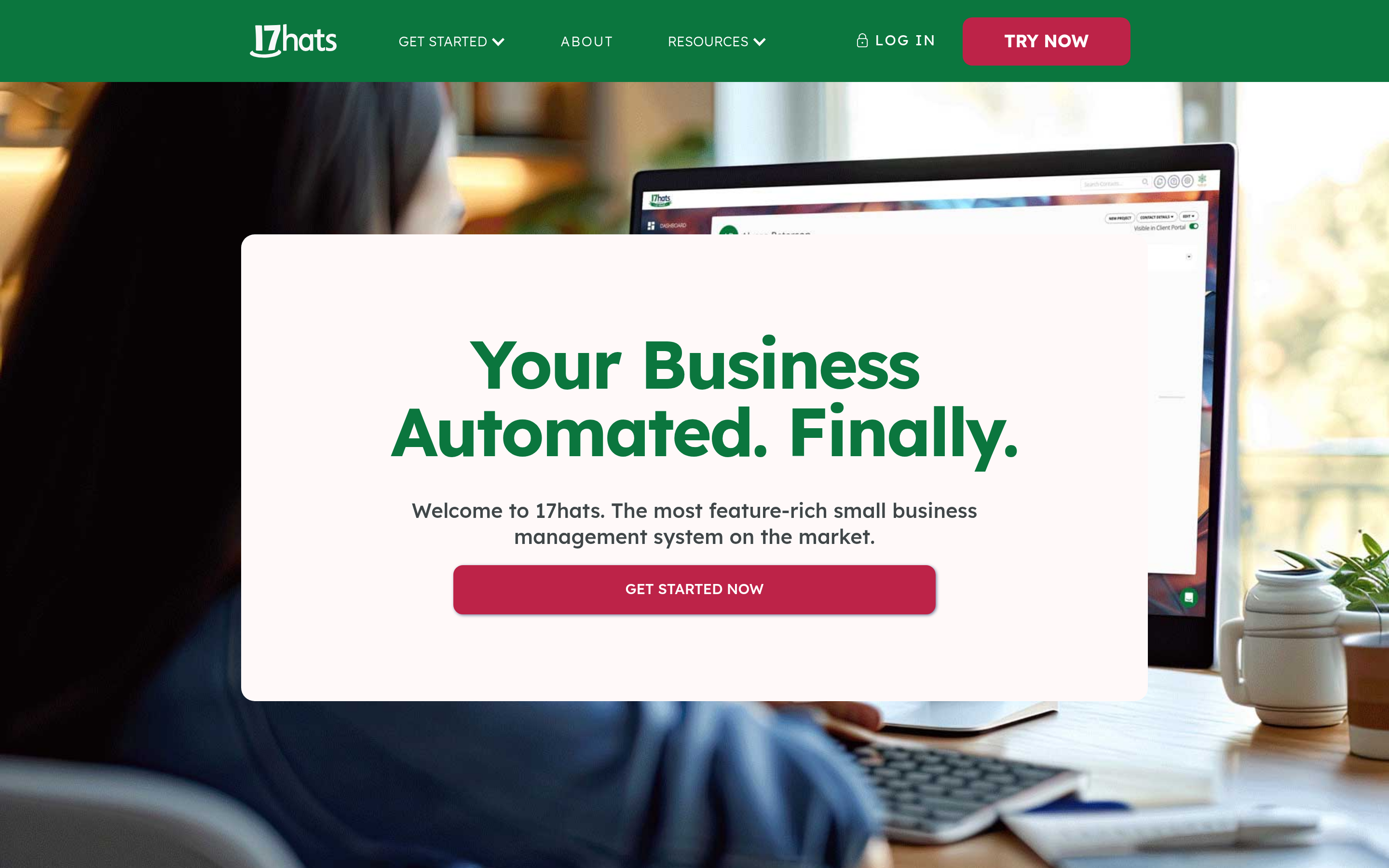
17hats predates most of this category and still competes on price. Contracts, invoices, questionnaires, basic workflows, all at the low end of the market. The UI shows its age and the automation is strictly linear, but for a solo operator running fifteen to thirty projects a year it does the job for less than a streaming subscription. Treat it as a HoneyBook downgrade that saves money, not an upgrade.
Plutio — clientflow with project management attached#
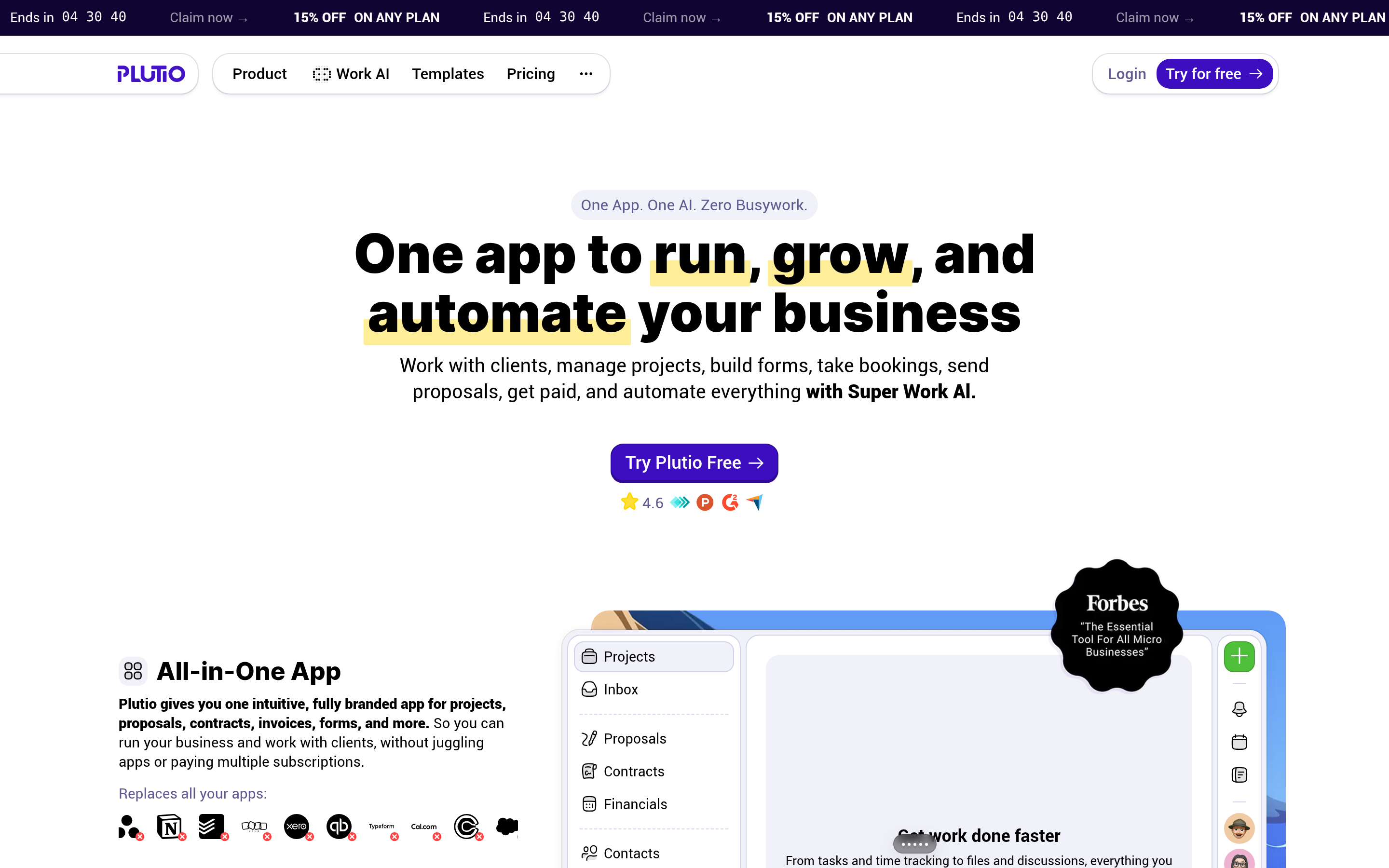
Plutio adds tasks, boards and time tracking to the usual proposal-contract-invoice chain. If your delivery work currently lives in a separate project tool, Plutio can collapse two subscriptions into one. It is a jack-of-all-trades: nothing in it is best-in-class, but the breadth is real and the entry price is low. Best for freelancers whose delivery is as complex as their sales.
FreshBooks — if invoicing is the actual problem#
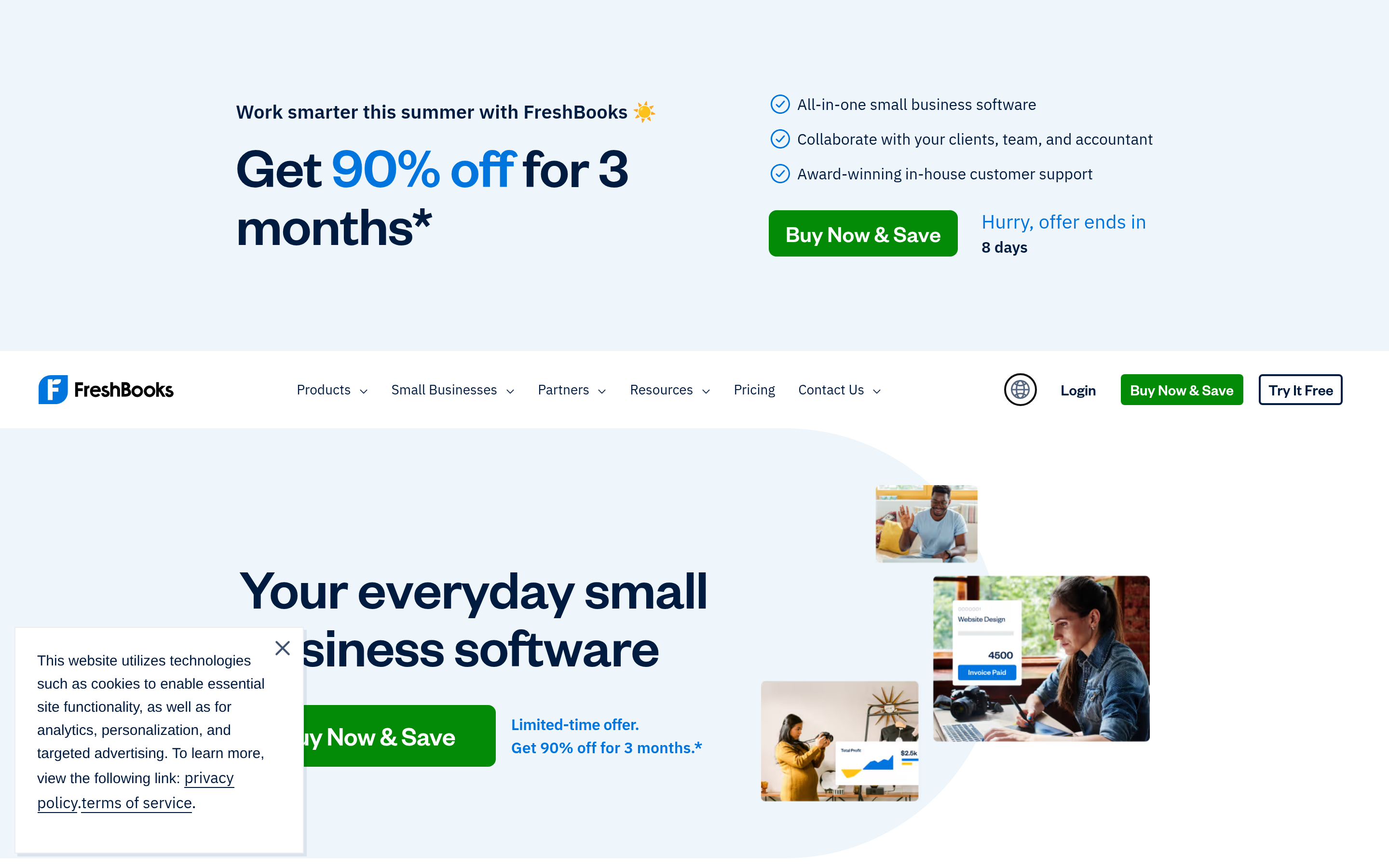
Some people churn from HoneyBook not because of clientflow but because they wanted accounting. FreshBooks does invoicing, expenses, time tracking and accountant handoff properly, with proposals and simple e-signature on top. You lose the client portal sophistication and most of the automation. Pick it when your bottleneck is your books, not your bookings.
HubSpot — the actual CRM answer#
If you are switching because you started doing outbound, stop shopping in the clientflow aisle. HubSpot gives you deal stages, sequences, email tracking, lifecycle scoring and reporting that answers "which channel produced revenue." Quotes and payments cover the contract-and-invoice basics, less elegantly than HoneyBook. Starter pricing is per seat and climbs, so map your seat count honestly before committing. Tomba's HubSpot integration pushes verified contacts straight into records, which closes the sourcing gap HubSpot leaves open on its free tier.
Pipedrive — pipeline discipline, nothing extra#
Pipedrive is the leanest way to get real pipeline hygiene: visual stages, activity reminders, forecast, and very little else unless you buy add-ons. Teams that hated HoneyBook's fuzzy "project" concept usually like Pipedrive's insistence that every deal has a stage, a value and a next action. You will need Stripe or an invoicing tool alongside it. That is a fair trade for a pipeline you can actually forecast from.
Which alternative fits your business?#
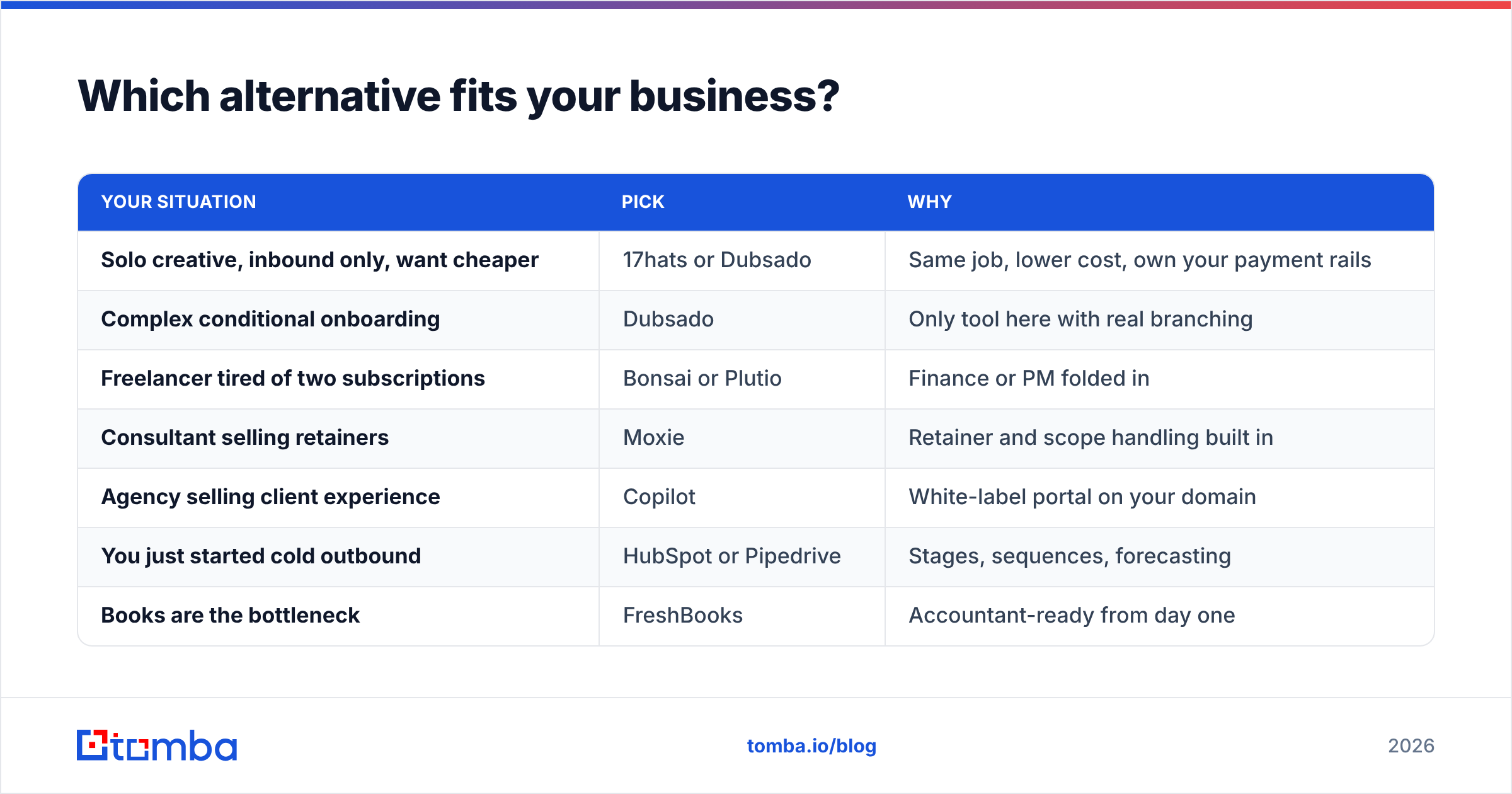
| Your situation | Pick | Why |
|---|---|---|
| Solo creative, inbound only, want cheaper | 17hats or Dubsado | Same job, lower cost, own your payment rails |
| Complex conditional onboarding | Dubsado | Only tool here with real branching |
| Freelancer tired of two subscriptions | Bonsai or Plutio | Finance or PM folded in |
| Consultant selling retainers | Moxie | Retainer and scope handling built in |
| Agency selling client experience | Copilot | White-label portal on your domain |
| You just started cold outbound | HubSpot or Pipedrive | Stages, sequences, forecasting |
| Books are the bottleneck | FreshBooks | Accountant-ready from day one |
Do any of these tools find new clients for you?#
No. Not one of them. This is the single most common misread in the category.
HoneyBook and every alternative above are demand-capture tools. They convert an inquiry into a signed, paid project with less admin. They assume the inquiry arrives. When referrals slow down or your niche gets crowded, a better clientflow tool does not move revenue — you are optimising a conversion step on traffic that stopped growing.
Demand generation is a separate stack: a target account list, verified contact data, a sending tool and a follow-up cadence. The contact-data layer is the part people improvise badly, guessing at address patterns or buying stale lists that bounce and wreck sender reputation.
Concretely, the workflow that pairs with any tool on this list looks like: build a list of companies that match your best three clients, run domain search to pull the decision-maker contacts at each, verify emails before a single send, then push the qualified ones into whichever system you just chose. The clientflow tool takes over at "they replied."
How do you migrate without losing a month?#
Switching client platforms is not a data export, it is a season of live projects moving house. Four rules keep it survivable.
Run both systems in parallel for one full billing cycle. New projects start in the new tool; existing projects finish in the old one. Resist the urge to backfill — migrating in-flight contracts is where signed PDFs go missing.
Export everything before you cancel, not after. Contacts, invoices, executed contracts, questionnaire responses. Most vendors keep your data for a grace period; some do not, and none of them owe you a courtesy re-download.
Rebuild templates rather than importing them. Your proposal copy is four years old and you know it. A migration is the cheapest excuse you will ever get to rewrite it.
Finally, keep your contact database outside the clientflow tool. A CSV or a proper B2B database that you own means the next migration is an afternoon, not a quarter. Vendors change pricing; your list should not be hostage to that.
What does this cost over a year?#
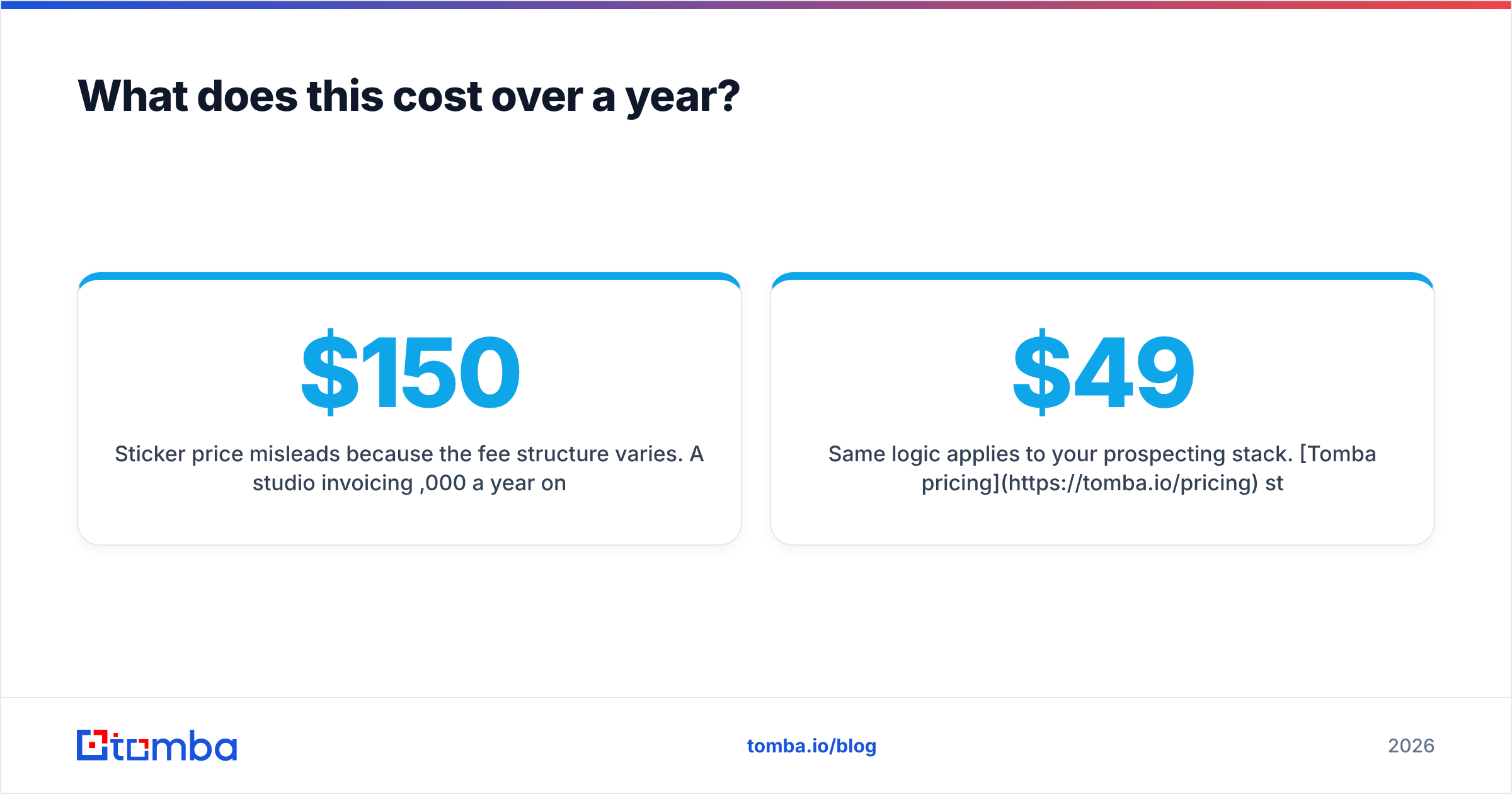
Sticker price misleads because the fee structure varies. A studio invoicing $150,000 a year on HoneyBook's native payments versus the same volume on a self-negotiated Stripe account can differ by four figures — often more than the entire subscription. Model three numbers per candidate: annual subscription, payment processing on your real volume, and the cost of any tool it fails to replace. The cheapest sticker regularly loses on that math.
Same logic applies to your prospecting stack. Tomba pricing starts free at 25 searches a month, with Starter at $49/mo, Growth at $99/mo and Pro at $249/mo — credits pooled across finding, verification and enrichment rather than split into separate SKUs, so you are not buying three tools to complete one workflow.
The verdict#
Choose Dubsado if you want HoneyBook with real automation and your own payment rails. Choose Bonsai or Moxie if you are solo and want fewer subscriptions. Choose Copilot if the portal is the pitch. Choose HubSpot or Pipedrive if the honest reason you are shopping is that referrals dried up and you are about to start emailing strangers.
That last case is the one worth being clear-eyed about: a new CRM does not create pipeline, it organises it. Start the qualified contacts flowing first and the platform choice gets much easier.
Ready to fill the top of the funnel? Point the Tomba Email Finder at the companies that look like your best clients, verify before you send, and let whichever platform you picked handle everything from the first reply onward. The free tier is enough to test the motion on 25 accounts this week.
Related guides#
Ready to find emails that actually work?
Join 150,000+ professionals who stopped guessing and started sending. Free credits on signup — no credit card required.
Get the Tomba newsletter
Practical outbound tactics and product updates — once every two weeks.
About the author