How to Ask for an Appointment: Scripts, Timing, and Follow-Ups
Most meetings are lost in the last sentence of the message. Here is how to ask for an appointment across email, phone, and LinkedIn with scripts, timing rules, and a follow-up cadence that actually books time.
TL;DR
- The ask is one sentence, and it decides everything. Vague closes ("let me know if you'd like to chat") convert far worse than a single concrete time proposal.
- Ask for a specific slot, not a range, and never more than two options. Choice paralysis kills replies.
- Match the size of the ask to the size of the relationship: cold prospects get 15 minutes, warm referrals get 30, inbound requests get whatever they want.
- Follow up 3-4 times over 12-14 days, changing the angle each time, then close the loop politely instead of vanishing.
- None of this matters if the message lands in a dead inbox. Verify the address before you spend a good script on it.
What does "asking for the appointment" actually mean?#
It means the moment you convert interest into a calendar entry. Everything before it — the research, the subject line, the value prop, the discovery question — is setup. The ask is the close.
Most reps write four excellent sentences and then wreck them with a fifth: "Let me know if this is something you'd be interested in exploring." That sentence asks the prospect to do three jobs at once — decide they're interested, decide what "exploring" means, and propose logistics. Every job you hand them is a reason to leave the message unanswered.
A good appointment request does the opposite. It does the work for them. It names a length, a purpose, and a time, and leaves the prospect with a binary decision: yes or counter-offer.
Think of it like handing someone a pen versus asking them to find one. Same request, wildly different completion rate.
Why do most appointment requests get ignored?#
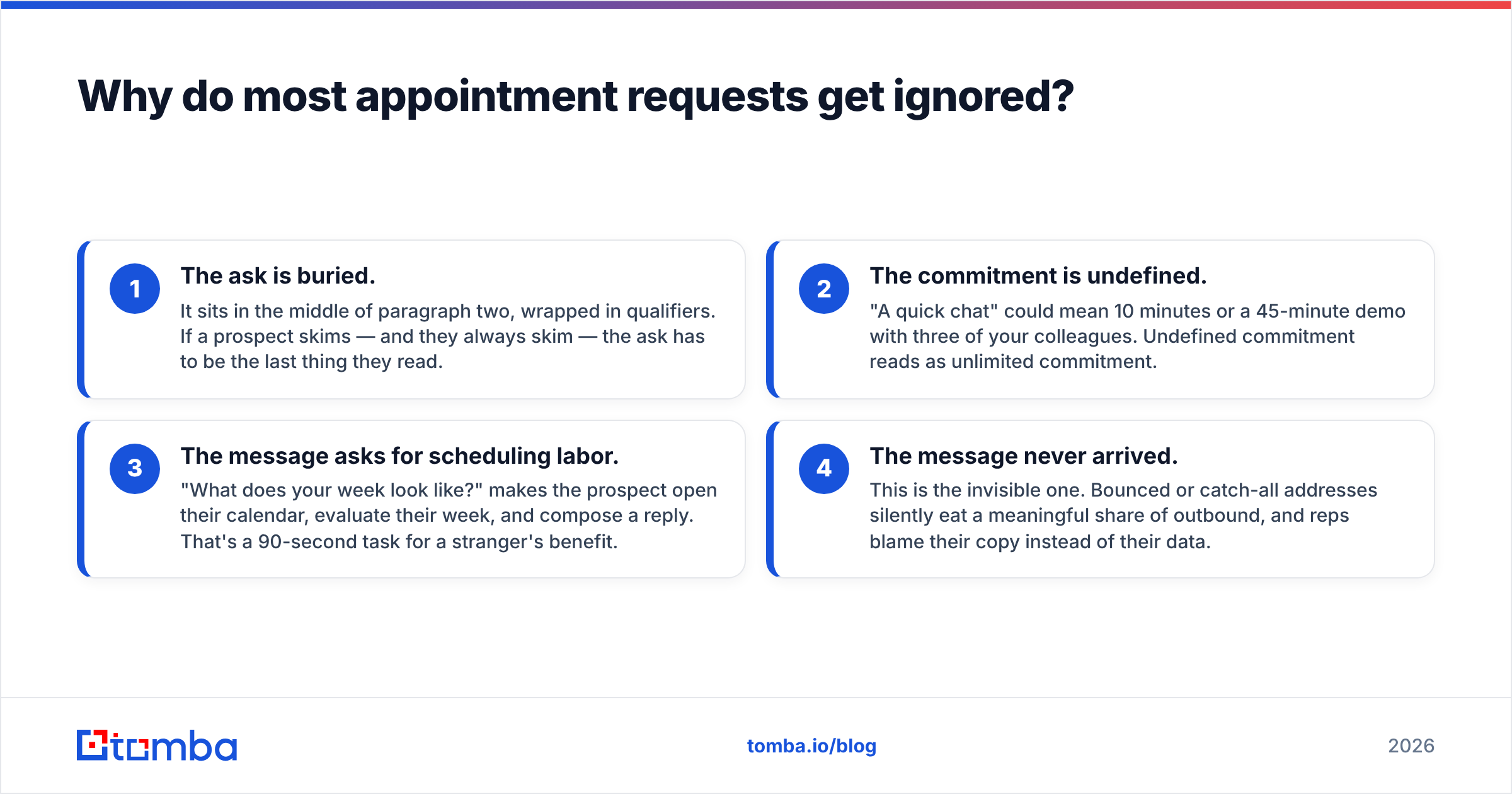
Four failure modes account for almost everything:
- The ask is buried. It sits in the middle of paragraph two, wrapped in qualifiers. If a prospect skims — and they always skim — the ask has to be the last thing they read.
- The commitment is undefined. "A quick chat" could mean 10 minutes or a 45-minute demo with three of your colleagues. Undefined commitment reads as unlimited commitment.
- The message asks for scheduling labor. "What does your week look like?" makes the prospect open their calendar, evaluate their week, and compose a reply. That's a 90-second task for a stranger's benefit.
- The message never arrived. This is the invisible one. Bounced or catch-all addresses silently eat a meaningful share of outbound, and reps blame their copy instead of their data.
Fix the first three with writing. Fix the fourth with a real email verifier before the sequence ever starts — no script survives an address that doesn't exist.
What is the anatomy of an appointment request that converts?#
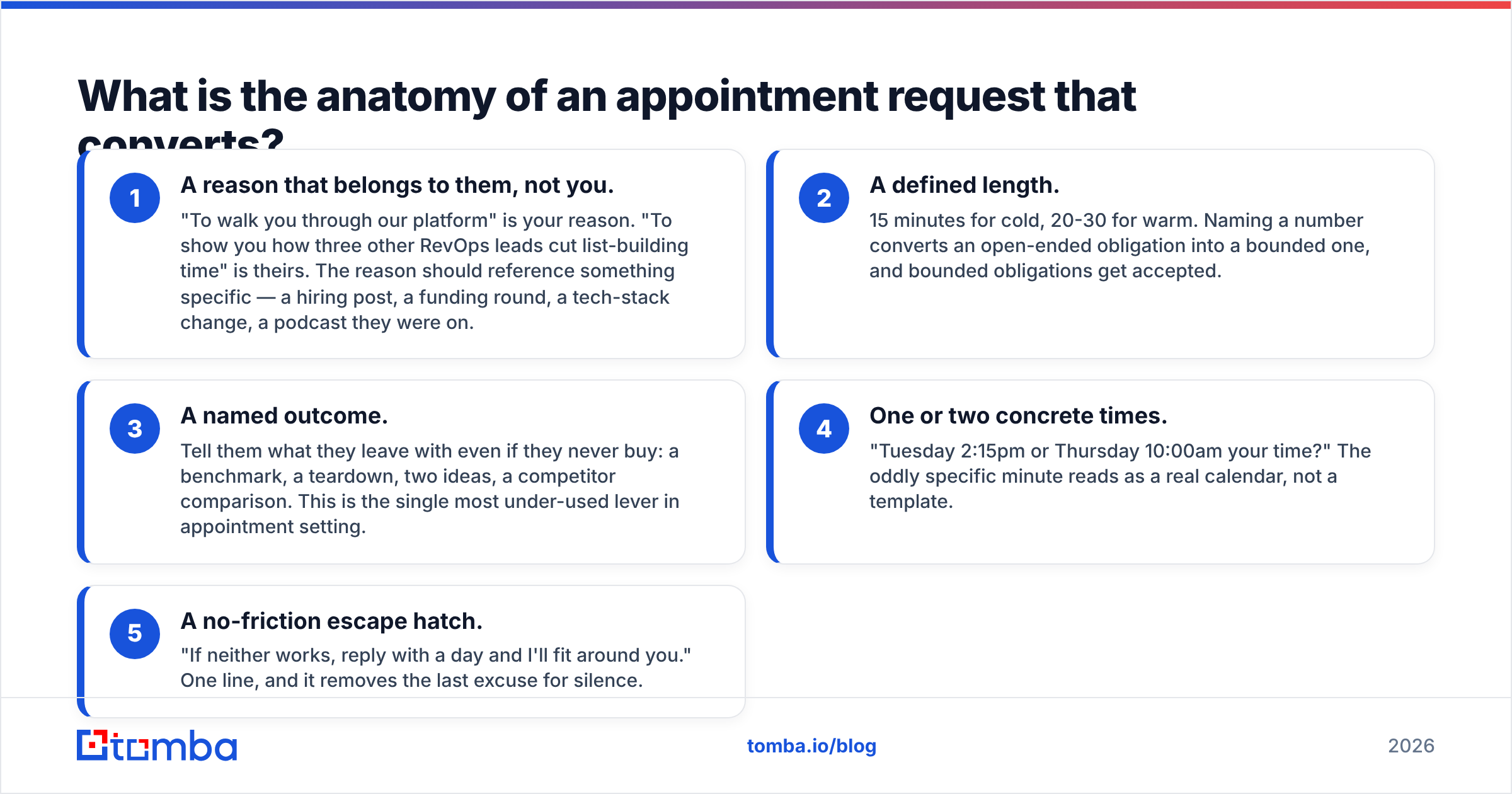
Five components, in this order. Skip one and the request gets weaker; skip two and it gets ignored.
- A reason that belongs to them, not you. "To walk you through our platform" is your reason. "To show you how three other RevOps leads cut list-building time" is theirs. The reason should reference something specific — a hiring post, a funding round, a tech-stack change, a podcast they were on.
- A defined length. 15 minutes for cold, 20-30 for warm. Naming a number converts an open-ended obligation into a bounded one, and bounded obligations get accepted.
- A named outcome. Tell them what they leave with even if they never buy: a benchmark, a teardown, two ideas, a competitor comparison. This is the single most under-used lever in appointment setting.
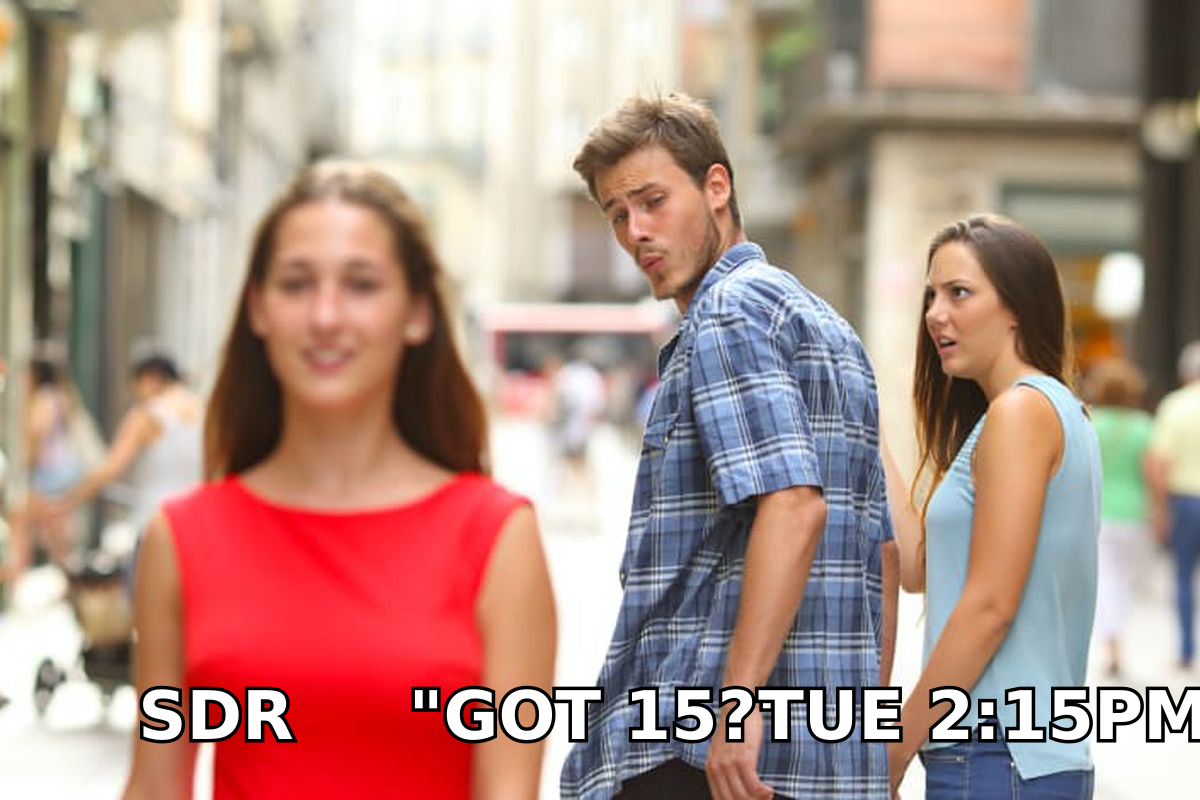
- One or two concrete times. "Tuesday 2:15pm or Thursday 10:00am your time?" The oddly specific minute reads as a real calendar, not a template.
- A no-friction escape hatch. "If neither works, reply with a day and I'll fit around you." One line, and it removes the last excuse for silence.
Note the ordering. Reason, length, outcome, time, escape hatch. Reverse it and you get a message that opens with logistics before establishing why anyone should care.
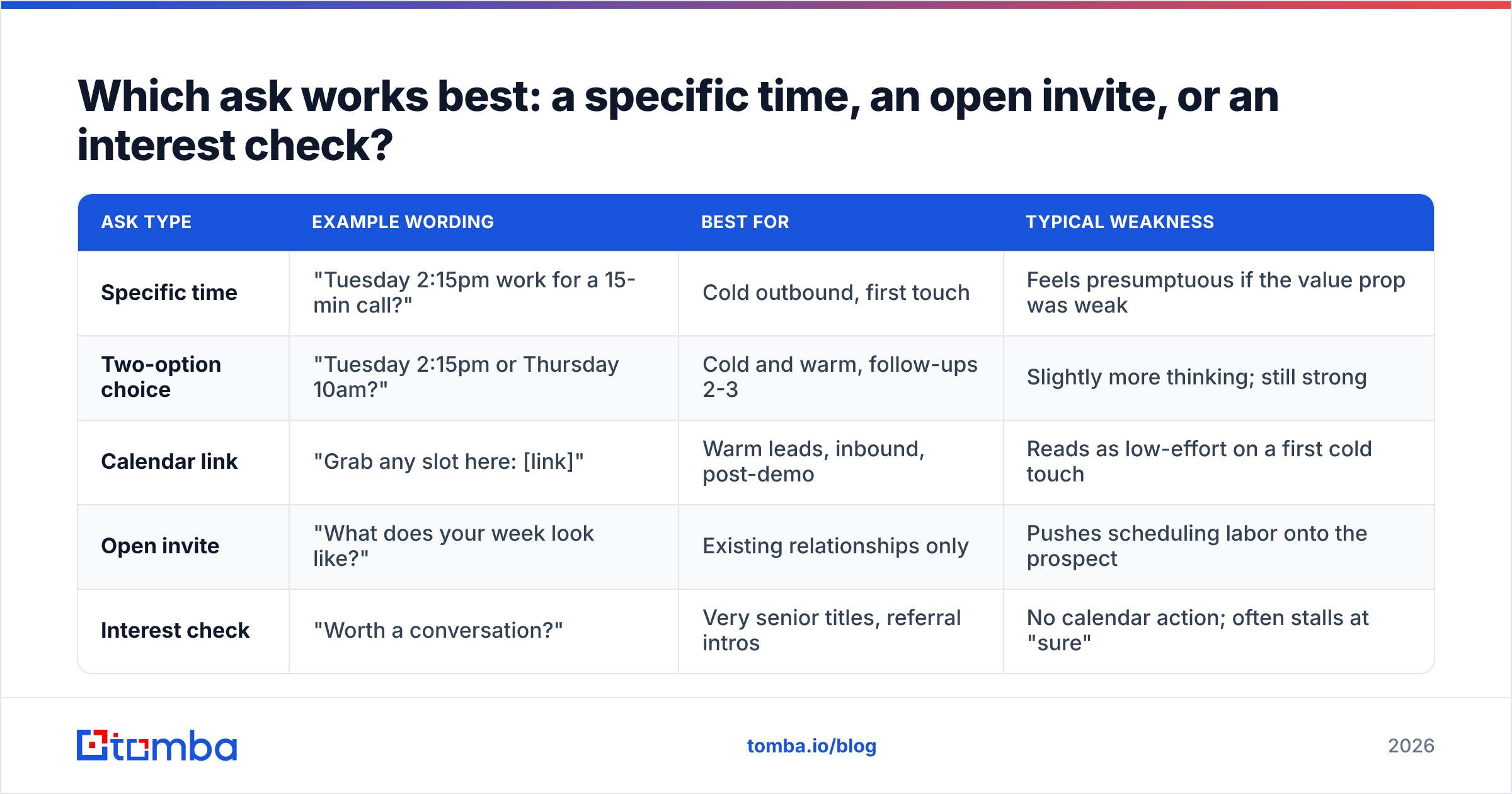
Which ask works best: a specific time, an open invite, or an interest check?#
There are three broad ways to close a prospecting message, and they behave very differently depending on how warm the contact is.
| Ask type | Example wording | Best for | Typical weakness |
|---|---|---|---|
| Specific time | "Tuesday 2:15pm work for a 15-min call?" | Cold outbound, first touch | Feels presumptuous if the value prop was weak |
| Two-option choice | "Tuesday 2:15pm or Thursday 10am?" | Cold and warm, follow-ups 2-3 | Slightly more thinking; still strong |
| Calendar link | "Grab any slot here: [link]" | Warm leads, inbound, post-demo | Reads as low-effort on a first cold touch |
| Open invite | "What does your week look like?" | Existing relationships only | Pushes scheduling labor onto the prospect |
| Interest check | "Worth a conversation?" | Very senior titles, referral intros | No calendar action; often stalls at "sure" |
The pattern most teams land on: lead with a specific time on touch one, switch to a two-option choice on touch two, and only drop a Calendly link once someone has actually said yes. Sending a booking link to a cold stranger asks them to do your scheduling on your infrastructure before they've agreed to anything.
One nuance on the interest check. With C-level titles, "Worth a conversation?" often outperforms a hard time proposal — executives delegate scheduling anyway, and a yes triggers their assistant. Below VP, propose the time yourself.
How do you ask for an appointment in a cold email?#
Here are four ask-lines you can lift directly, ordered from softest to hardest close.
1. The bounded specific
Worth 15 minutes on Tuesday at 2:15pm? I'll show you the two list-building workflows the other three companies in your space are using, and you can steal them either way.
2. The outcome-first
I put together a short teardown of how your current signup flow captures work emails vs. how your closest competitor does it. 15 minutes Thursday at 10:00am to walk you through it?
3. The permission ask (for senior titles)
If reducing bounce rate on outbound is on your list this quarter, I'd like 15 minutes. If it isn't, tell me and I'll stop emailing. Either answer is useful to me.
4. The referral redirect
If this sits with someone else on your team, point me at them and I'll take it from there. If it's you, does Tuesday 2:15pm work?
Every one of these has a defined length, a named outcome, and a single decision. None of them asks the prospect to check their calendar and compose a schedule.
A note on subject lines, since they gate whether the ask is ever read: keep them short, lowercase, and specific to the company, not to you. If you're stuck, a subject line generator beats staring at a blank field, but the best ones are just three or four words naming the thing you noticed.
How do you ask for the appointment on a phone call?#
On the phone the mechanics change, because the prospect can't skim and can't delay. Three rules:
Ask early, not at the end. The classic cold-call structure — permission, one-line reason, ask — puts the appointment request inside the first 45 seconds. Waiting until you've "built rapport" means you're asking a person who is now visibly checking out.
Use an assumptive close, softly. "I'll send an invite for Thursday at 10 — does that calendar work, or should I look at the afternoon?" This gives them a real out while defaulting to yes.
Handle the brush-off once, then stop. "Send me some info" is not a no, it's a deferral. The standard counter: "Happy to. So I send the right thing rather than a generic deck — are you more focused on data coverage or on deliverability right now?" Their answer either restarts the conversation or genuinely ends it. Either is better than a PDF into the void.
If you're building a dialing motion at all, direct dials matter more than the script. A perfect close delivered to a switchboard is worthless, which is why teams pair prospect data with a phone finder rather than guessing at extensions.
How do you ask for an appointment on LinkedIn?#
Shorter, later, and with less structure. LinkedIn messages that read like emails get ignored because the medium signals conversation, not correspondence.
The working pattern is two-step: message one earns a reply with a genuine question or observation and asks for nothing. Message two, after they respond, makes the ask in under 25 words.
Makes sense. Want to put 15 minutes on the calendar next week and I'll show you what we're seeing across similar teams? Tuesday 2:15 or Thursday 10?
Do not paste a booking link into a first connection request. Do not open with "I'd love to learn more about your business." Both are recognized instantly as automation, and reply rates collapse accordingly. Research from HubSpot and conversation-intelligence data from Gong both point the same direction: personalization that references a specific, checkable detail outperforms generic warmth by a wide margin.
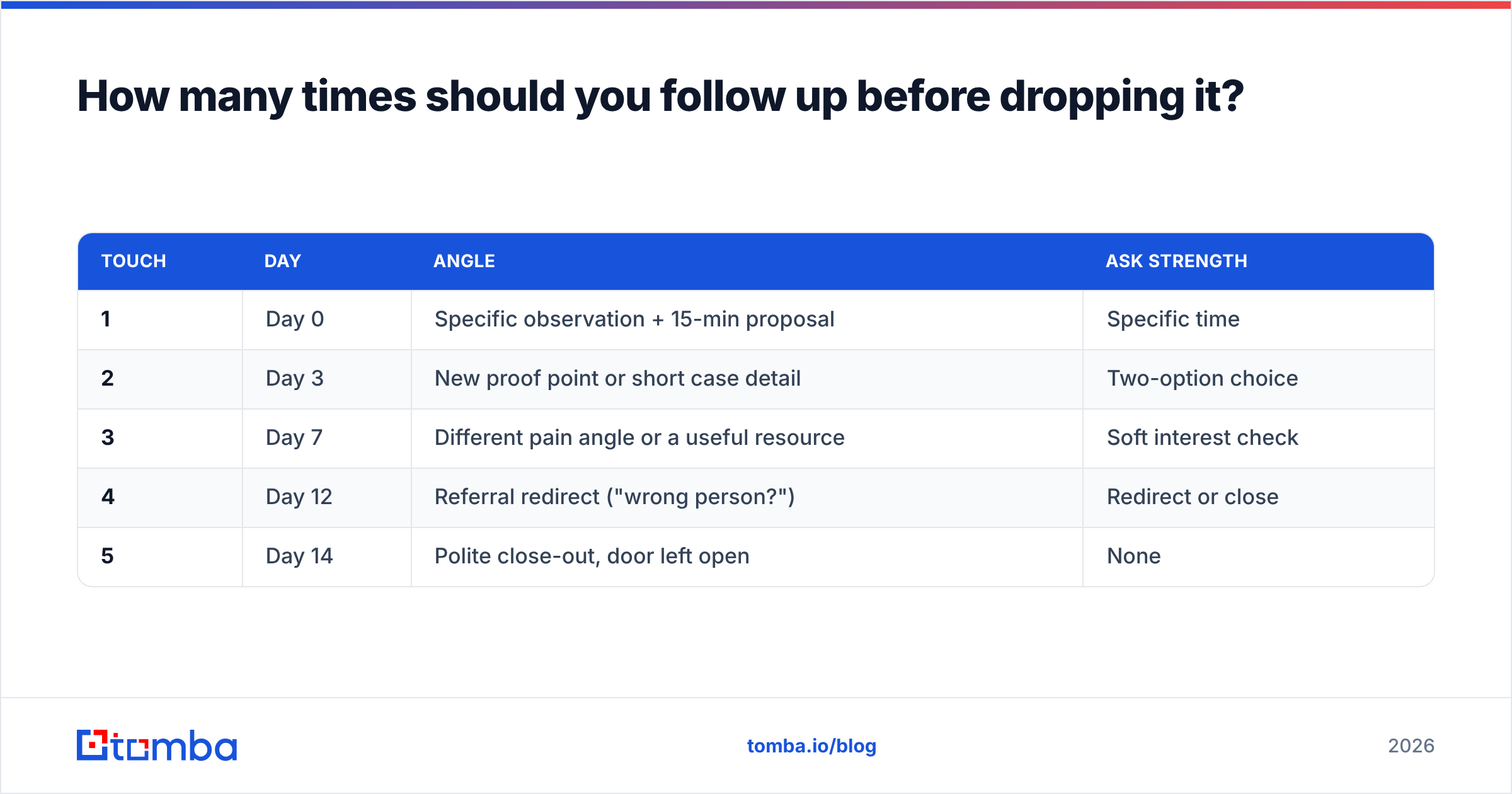
How many times should you follow up before dropping it?#
Three to four follow-ups over roughly two weeks is the range where incremental replies still outweigh annoyance. The key is that each touch changes the angle rather than repeating the ask.
| Touch | Day | Angle | Ask strength |
|---|---|---|---|
| 1 | Day 0 | Specific observation + 15-min proposal | Specific time |
| 2 | Day 3 | New proof point or short case detail | Two-option choice |
| 3 | Day 7 | Different pain angle or a useful resource | Soft interest check |
| 4 | Day 12 | Referral redirect ("wrong person?") | Redirect or close |
| 5 | Day 14 | Polite close-out, door left open | None |
That last touch matters more than people expect. A clean "I'll stop here — if this becomes relevant in Q3, reply to this and I'll pick it back up" reliably pulls replies from people who were never going to answer touch three. It costs nothing and it protects your sender reputation, because a graceful exit is not what people mark as spam.
What quietly ruins an otherwise good ask?#
- Sending to unverified addresses. Bounces damage domain reputation, which then suppresses delivery of the messages that would have worked. Clean data is an appointment-setting tactic, not an ops chore.
- Proposing times in your timezone. Always write "2:15pm your time" or convert it. One line of effort, and its absence reads as carelessness.
- Over-qualifying. "If you're the right person, and if this is a priority, and if you have time…" Each conditional gives the reader a place to stop.
- Asking for 30 minutes cold. Half an hour with a stranger is a real cost. Fifteen is a rounding error.
- Attaching a deck to the ask. Attachments hurt deliverability and shift the decision from "should I meet" to "should I read this."
- Measuring the wrong number. Open rate tells you almost nothing now. Track meetings booked per 100 delivered, and treat response rate as your leading indicator.
How do you know whether your ask is actually working?#
Isolate it. Keep the subject line, the opener, and the value prop identical across two cohorts, and change only the final sentence. Run at least 200 delivered messages per variant before you believe anything — below that you're reading noise.
Three diagnostics worth watching:
Reply rate but no meetings. Your ask is too soft. People are saying "interesting, tell me more" because you never proposed a time.
Meetings booked but heavy no-shows. Your ask over-promised or the commitment was fuzzy. Add a one-line agenda to the calendar invite and a same-day confirmation.
Neither replies nor bounces. This is the one people misdiagnose as bad copy. Silence with a clean bounce rate often means catch-all domains accepting everything and delivering nothing. Route those through a catch-all verifier before blaming the script.
What should you do before you write the next ask?#
Fix the input before you polish the output. The best-written appointment request in your sequence is worth zero if it goes to info@ instead of the person who owns the problem, or to an address that stopped existing eight months ago.
Start with a verified, role-accurate contact list: find the individual by name and domain, confirm the address is deliverable, and only then spend your energy on the sentence that asks for the meeting. That order — data first, copy second — is what separates teams booking meetings from teams rewriting subject lines.
Use the Tomba Email Finder to pull verified professional addresses by name, company, or domain, so every script you write lands in a real inbox. The free tier gives you 25 searches a month to test the workflow, and paid plans start at $49/mo on Tomba pricing when you're ready to scale the list behind your scripts.
Related guides#
Ready to find emails that actually work?
Join 150,000+ professionals who stopped guessing and started sending. Free credits on signup — no credit card required.
Get the Tomba newsletter
Practical outbound tactics and product updates — once every two weeks.
About the author