How to Automate Sales Outreach in 2026: A Practical Guide
Automating outreach is not about sending more email. It is about removing the manual steps that eat your reps' day. Here is the exact stack, sequence, and guardrails that work in 2026.
TL;DR
- Automating sales outreach means automating the plumbing — list building, data enrichment, verification, CRM sync, follow-up scheduling — not the thinking. The moment you automate judgment, reply rates collapse.
- A working 2026 stack has seven layers: trigger detection, list building, contact data, verification, sequencing, personalization, and routing. Most teams buy layer 5 first and wonder why nothing works.
- Verification before send is the single highest-ROI automation step. A 3% bounce rate is the ceiling most inbox providers tolerate; unverified lists routinely land at 15-30%.
- Budget roughly $150-$400/month per rep for a functional automated stack. Enterprise "all-in-one" platforms cost 5-10x that and mostly resell the same data.
- Keep three things manual forever: the first line of every email, the decision to disqualify, and the reply itself.
What does "automate sales outreach" actually mean?#
It means moving the repetitive parts of prospecting off a human's plate so the human spends their hours on conversations instead of spreadsheets.
Here's the analogy: a restaurant kitchen automates prep — the dicing, the stock, the portioning — but no serious kitchen automates plating and seasoning. Outreach works the same way. The prep is finding companies, pulling contacts, validating addresses, syncing to the CRM, and firing follow-ups on schedule. The plating is the actual message and the actual reply.
Most teams get this backwards. They buy an AI writer, generate 5,000 "personalized" emails, blast them at a list they scraped last quarter, and then wonder why their domain is in the spam folder six weeks later. The automation was pointed at the wrong layer.
A useful test: if a task produces the same output regardless of who does it, automate it. If the output depends on judgment about a specific company, keep a human in the loop.

What are the seven layers of an automated outreach stack?#
Think of the stack as a pipeline where each layer feeds the next. Break one layer and everything downstream degrades quietly — which is why so many teams can't diagnose a failing sequence.
- Trigger detection — What signals a company is worth contacting now? New funding, a job posting for a role you sell into, a tech-stack change, website visits, a leadership hire. Without triggers you're sending to a static list, which is the definition of spam.
- List building — Turning a trigger into a set of target accounts and named people. This is where ICP filters live: headcount, industry, geography, revenue band, tech stack.
- Contact data — Getting the actual work email and phone number for those named people. This is the layer with the widest quality variance between vendors.
- Verification — Confirming those addresses accept mail before you send. Non-negotiable in 2026.
- Sequencing — Scheduling the send, the follow-ups, the stop-on-reply logic, and the sending-domain rotation.
- Personalization — Injecting the one or two facts that make the email obviously not a template.
- Routing and CRM sync — Getting positive replies to the right rep in under five minutes and logging everything without manual data entry.
Layers 1-4 are data problems. Layers 5-7 are workflow problems. Teams that treat the whole thing as a workflow problem — "we just need a better sequencer" — end up with a beautifully orchestrated system pumping garbage.
How do you automate list building and contact discovery?#
Start from the trigger, not from the list.
Pick two or three triggers you can actually detect programmatically. Job postings are the most underrated: if a company is hiring three SDRs, they're expanding outbound, which means they're in market for outbound tooling. Funding announcements are the most crowded — everyone hits a Series B within 48 hours, so your email arrives fourteenth.
Once you have accounts, you need people. Three practical automation paths:
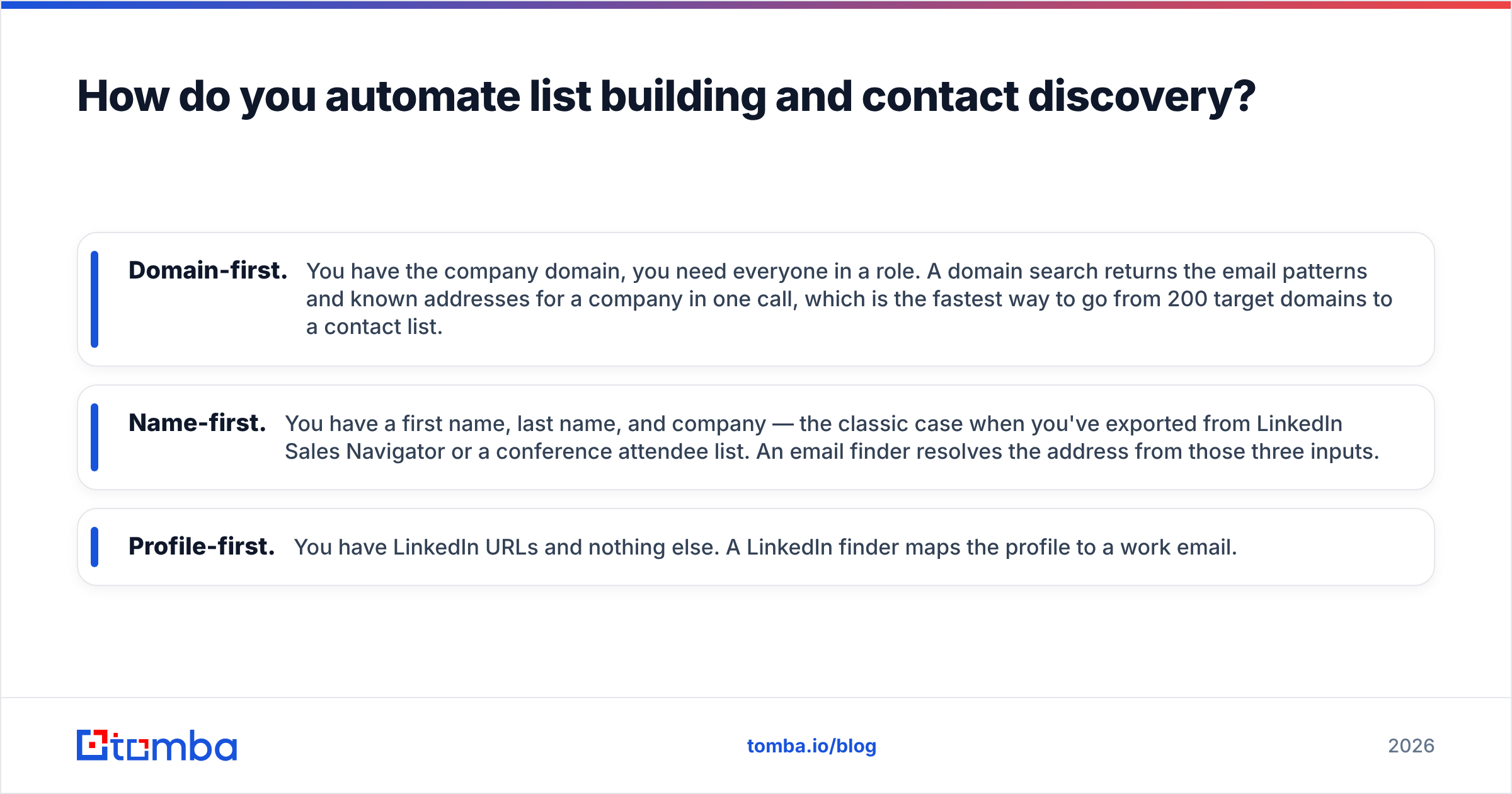
- Domain-first. You have the company domain, you need everyone in a role. A domain search returns the email patterns and known addresses for a company in one call, which is the fastest way to go from 200 target domains to a contact list.
- Name-first. You have a first name, last name, and company — the classic case when you've exported from LinkedIn Sales Navigator or a conference attendee list. An email finder resolves the address from those three inputs.
- Profile-first. You have LinkedIn URLs and nothing else. A LinkedIn finder maps the profile to a work email.
Automate whichever path matches your source. Most teams need at least two, because their lead sources are heterogeneous — some from a scraper, some from a webinar CSV, some from a partner list.
For volume, run these through a bulk email finder rather than one at a time, or wire the Tomba API into whatever orchestration layer you already use — Clay, n8n, Make, or a 40-line Python script on a cron. The API route is what separates teams doing 500 contacts a month from teams doing 50,000.
Why is verification the step you cannot skip?#
Because inbox providers now judge you on bounce rate before they judge you on content.
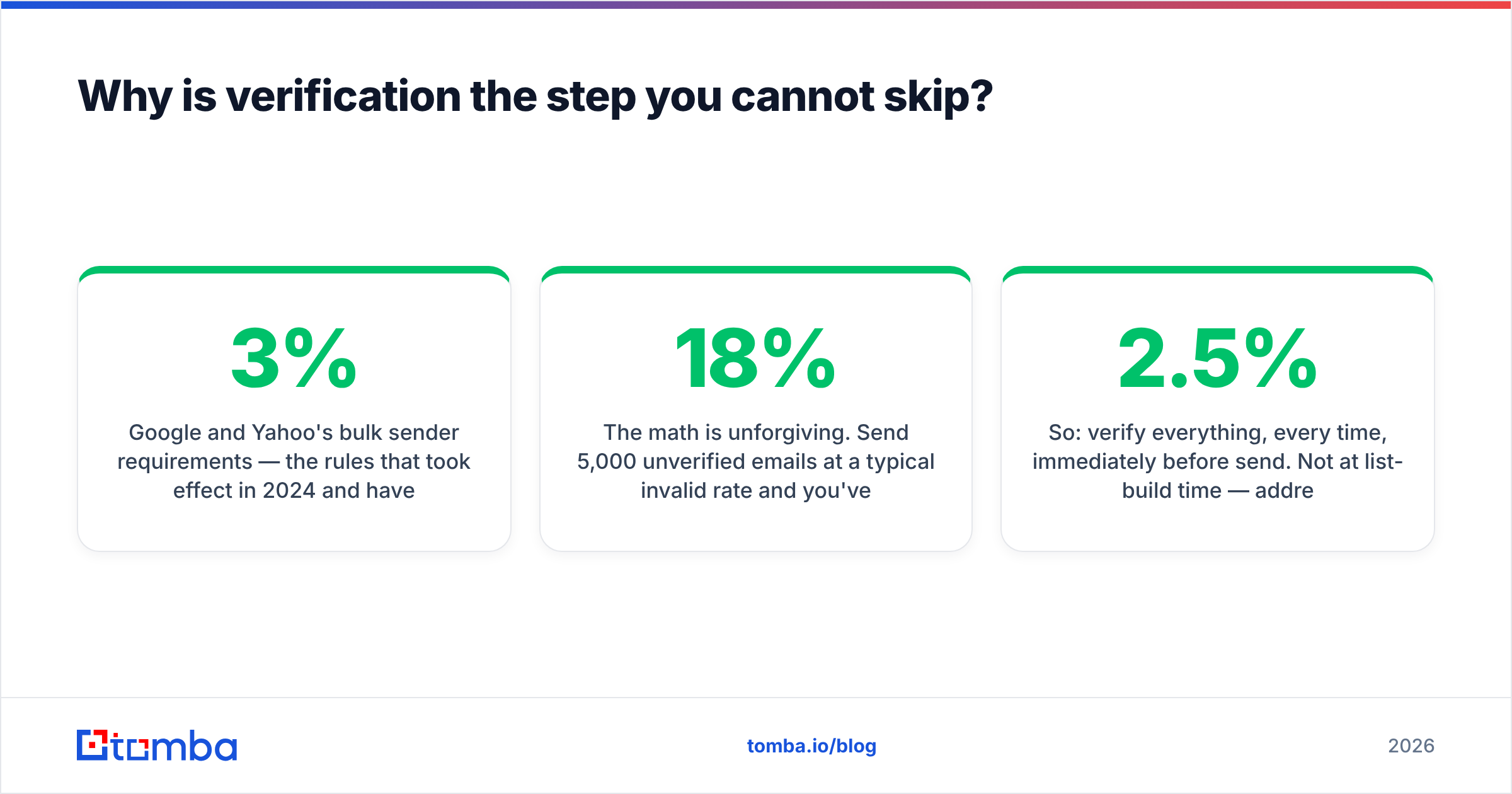
Google and Yahoo's bulk sender requirements — the rules that took effect in 2024 and have only tightened since — put a hard spam-complaint threshold on senders and made authentication mandatory. Bounce rate isn't in the published spec, but it's the strongest proxy providers use for "this sender doesn't know who they're mailing." Once you cross roughly 3%, your inbox placement drops for every recipient, including the ones who wanted to hear from you.
The math is unforgiving. Send 5,000 unverified emails at a typical 18% invalid rate and you've just told Google that 900 of your recipients don't exist. That signal doesn't reset when you clean up next month.
So: verify everything, every time, immediately before send. Not at list-build time — addresses decay at roughly 2-2.5% per month as people change jobs, so a list verified in January is meaningfully stale by April.
Run addresses through an email verifier as the last step in your pipeline. Catch-all domains — where the server accepts everything and tells you nothing — need separate handling via a catch-all verifier, because a naive verifier marks them all "valid" and you find out the truth from your bounce report.

While you're at it, automate the boring deliverability checks too: your SPF record, DKIM, DMARC alignment, and blacklist status should be monitored, not audited once a year. A blacklist checker on a weekly cron catches problems while they're still cheap to fix.
Which tools do what? A layer-by-layer comparison#
Vendors blur category lines aggressively, so it helps to map who genuinely owns which layer versus who bolts it on. Prices below are entry paid tiers as published by each vendor; verify before you buy, since B2B SaaS pricing moves.
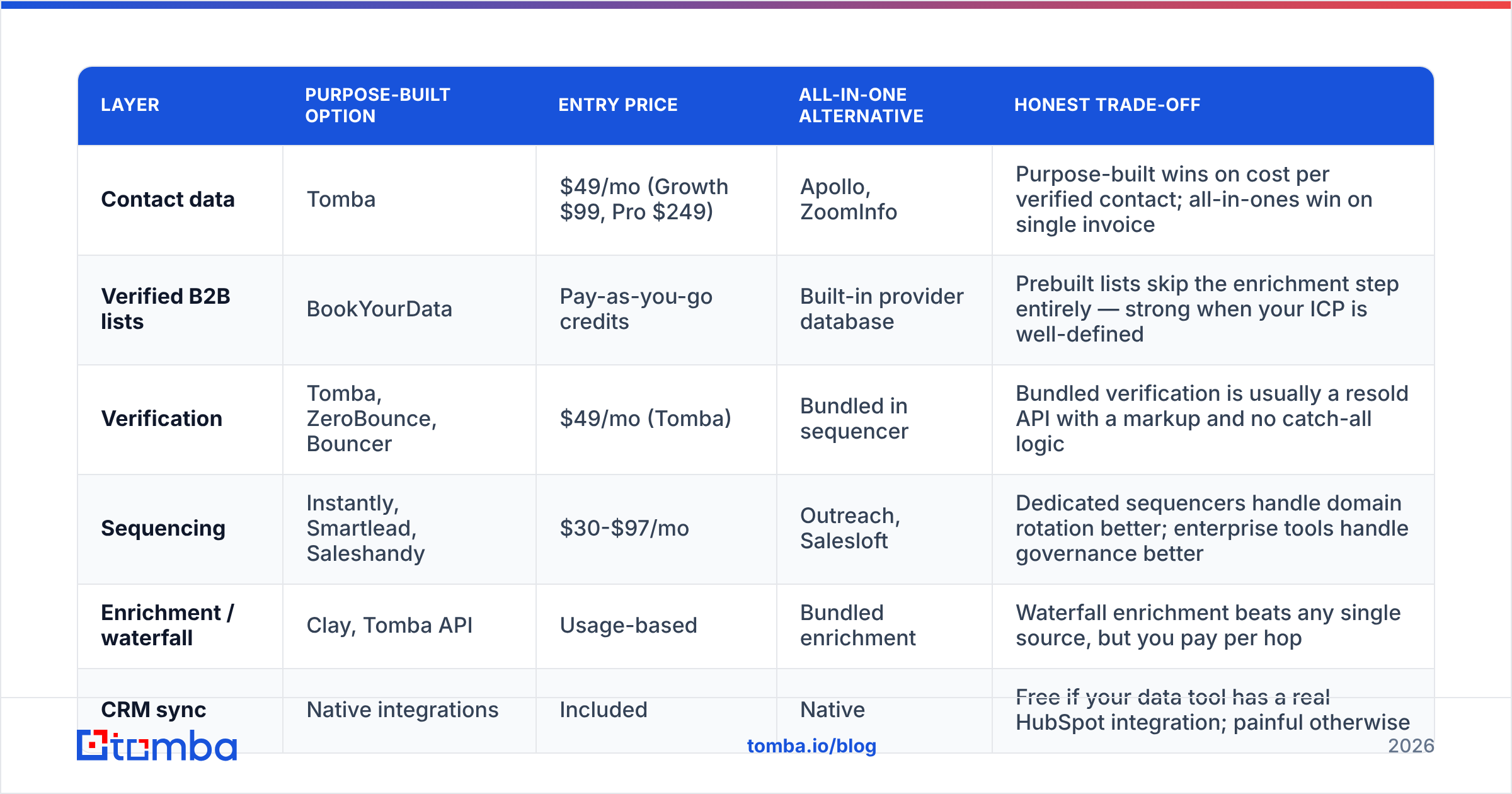
| Layer | Purpose-built option | Entry price | All-in-one alternative | Honest trade-off |
|---|---|---|---|---|
| Contact data | Tomba | $49/mo (Growth $99, Pro $249) | Apollo, ZoomInfo | Purpose-built wins on cost per verified contact; all-in-ones win on single invoice |
| Verified B2B lists | BookYourData | Pay-as-you-go credits | Built-in provider database | Prebuilt lists skip the enrichment step entirely — strong when your ICP is well-defined |
| Verification | Tomba, ZeroBounce, Bouncer | $49/mo (Tomba) | Bundled in sequencer | Bundled verification is usually a resold API with a markup and no catch-all logic |
| Sequencing | Instantly, Smartlead, Saleshandy | $30-$97/mo | Outreach, Salesloft | Dedicated sequencers handle domain rotation better; enterprise tools handle governance better |
| Enrichment / waterfall | Clay, Tomba API | Usage-based | Bundled enrichment | Waterfall enrichment beats any single source, but you pay per hop |
| CRM sync | Native integrations | Included | Native | Free if your data tool has a real HubSpot integration; painful otherwise |
Two things stand out when you build this table for your own stack.
First, the "all-in-one" premium is real. Enterprise sales-engagement platforms routinely run $100-$165 per seat per month before data credits — check current listings on G2 — and a large share of what you're paying for is governance and reporting, not better data. If you have eight reps, that's fine. If you have two, you're subsidizing features you'll never open.
Second, contact data and verification are the layers where switching is cheapest and the quality gap is widest. Test them independently. Take 100 known-good contacts, run them through two providers, and measure hit rate and bounce rate yourself rather than trusting a marketing page. Every serious vendor documents where its data comes from — read that page before the pricing page.
How do you automate personalization without sounding like a bot?#
By automating the research, not the writing.
The failure mode is obvious once you name it: AI-written first lines all converge on the same three patterns ("I noticed you're scaling...", "Congrats on the raise...", "Loved your post about..."). Prospects have now seen thousands of these. A template that everyone can generate is a template that no longer differentiates.
What actually works is a two-tier split:
- Tier 1 — top 50 accounts. Human writes the first line. Automation handles everything else: list, data, verification, scheduling, follow-ups, CRM logging. A rep can write 50 genuinely specific opening lines in about two hours.
- Tier 2 — the long tail. No fake personalization at all. Use a tight, honest, segment-level message: "You're a 40-person agency running HubSpot. Here's the one thing agencies your size get wrong about lead routing." Segment relevance beats fabricated intimacy.
Automate the research feed into Tier 1: pull recent job postings, the company's tech stack, headcount change, and last funding event into a single row next to each contact. The rep reads four data points and writes one sentence. That's a 30-second task instead of a 10-minute one, and the output is still human.
For subject lines, a subject line tester is worth running on your templates before they go into rotation — spam-trigger words and length problems are mechanical, so let a machine catch them.
If you want the counterweight to all this automation, HubSpot's sales research is consistent on one point across years of data: reply rates track relevance, not volume. Nothing in an automated stack changes that.
What should stay manual, permanently?#
Three things. Be strict about them.
The reply. Never automate a response to a human who wrote back. Auto-responders to positive replies are the fastest way to turn a warm lead cold. If you can't reply within a business day, you're sending too much volume.
The disqualification decision. Automated ICP filters produce false negatives constantly — the 12-person company that's about to raise, the wrong-title contact who's actually the buyer. Have a rep eyeball the exclusion list weekly.
The first line to a named account. Covered above, but worth repeating: for the accounts that matter, a human writes the opener. Everything else in the pipeline can run without you.
There's a fourth, softer rule: don't automate volume growth. Automation should let you send the same volume with a third of the labor, then spend the freed hours on quality. Teams that use automation purely to 5x send volume burn their domain, their list, and eventually their brand.
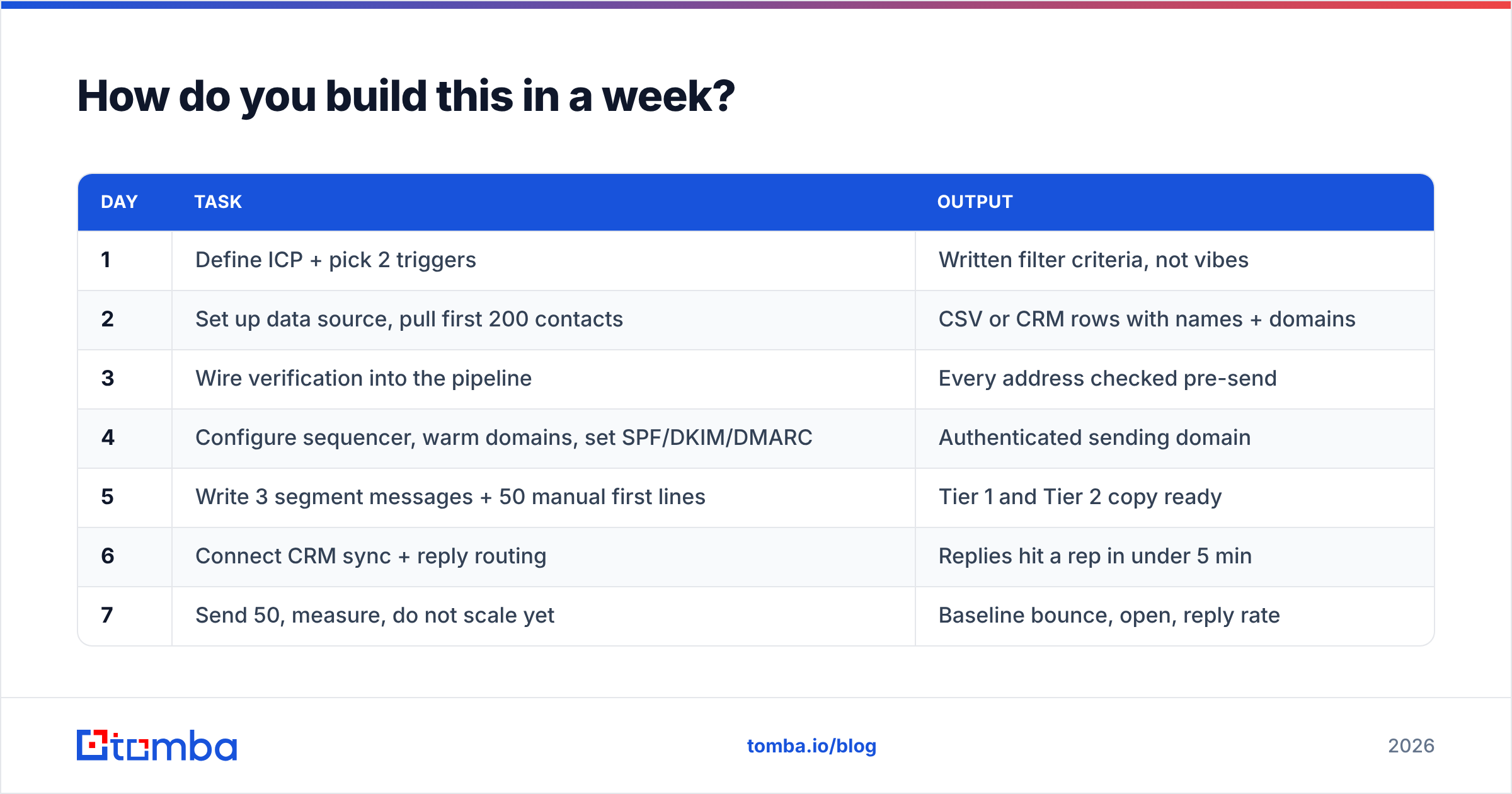
How do you build this in a week?#
A realistic sequence for a small team.
| Day | Task | Output |
|---|---|---|
| 1 | Define ICP + pick 2 triggers | Written filter criteria, not vibes |
| 2 | Set up data source, pull first 200 contacts | CSV or CRM rows with names + domains |
| 3 | Wire verification into the pipeline | Every address checked pre-send |
| 4 | Configure sequencer, warm domains, set SPF/DKIM/DMARC | Authenticated sending domain |
| 5 | Write 3 segment messages + 50 manual first lines | Tier 1 and Tier 2 copy ready |
| 6 | Connect CRM sync + reply routing | Replies hit a rep in under 5 min |
| 7 | Send 50, measure, do not scale yet | Baseline bounce, open, reply rate |
Day 7 matters more than the other six. Send a deliberately small first batch. If your bounce rate is above 3% or your reply rate is under 1%, the problem is upstream — data or targeting — and scaling will only multiply it. Check Tomba pricing or your equivalent data spend against the reply count from that first batch; cost per reply is the only unit economic that matters here, and it's usually 10-40x your cost per contact.
Then scale in steps: 50, 150, 400, 1,000 per week per domain. Watch bounce rate and spam complaints at every step. Automation makes it trivially easy to go from 50 to 5,000 overnight — that ease is exactly the trap.
Start with the layer that breaks everything else#
If you fix one layer this quarter, fix contact data and verification. Sequencers are commodities, copy can be rewritten in an afternoon, but bad data poisons every downstream metric and takes months to recover from once your domain reputation slides.
Tomba's Email Finder covers layers 3 and 4 in a single pipeline — find the address, verify it, catch-all check it, and push it to your sequencer through the API or a native integration. The free tier gives you 25 searches a month to test hit rate against your own known-good list before you spend anything, and paid plans start at $49/month. Run that test first. Whatever you conclude, conclude it from your own numbers.
Related guides#
Ready to find emails that actually work?
Join 150,000+ professionals who stopped guessing and started sending. Free credits on signup — no credit card required.
Get the Tomba newsletter
Practical outbound tactics and product updates — once every two weeks.
About the author