How to Request a Meeting With a Client: Scripts That Work
Most meeting requests die because they ask for time instead of offering value. Here are the exact scripts, timing rules, and channel mixes that get replies from busy B2B buyers.
TL;DR
- The meeting request is not the ask — the reason is. Buyers accept meetings that reference a specific trigger event, not a "quick intro call."
- Give a concrete duration and agenda. "15 minutes to walk through how your team handles X" converts better than "do you have time this week?"
- Offer two exact time slots, not a scheduling link, on the first ask. Links get used on the second touch.
- Send to a verified address. Roughly 20–30% of B2B contact data decays each year, and a bounced request is a meeting you never had a chance at.
- Follow up 3–4 times across email, LinkedIn, and phone. Most accepted meetings come from touch two through five, not touch one.
What Does It Actually Mean to Request a Meeting With a Client?#
A meeting request is a trade. You're asking someone to spend 15–30 minutes of a finite workday with you, and the only thing that makes that trade rational for them is a payoff they can see before they say yes.
Think of it like asking a stranger for directions versus asking them to walk you across town. The first costs nothing and gets a yes almost every time. The second needs a reason. Most reps write meeting requests as if they're the first kind, then wonder why the response rate sits in the single digits.
There are three distinct situations people lump together under "how to request a meeting with a client," and they need different playbooks:
- Cold request — no prior relationship. You need a trigger event, social proof, and a very small ask.
- Warm request — they downloaded something, replied once, or met you at an event. You reference the prior touch and skip the credibility-building.
- Existing client request — a QBR, renewal, or expansion conversation. Here you're competing with their calendar, not their skepticism.
Confusing these is the single most common mistake. A cold request written like an existing-client request ("Hi Sarah, wanted to sync on Q3 priorities") reads as either spam or a mistake.
Which Channel Should You Use to Request a Meeting?#
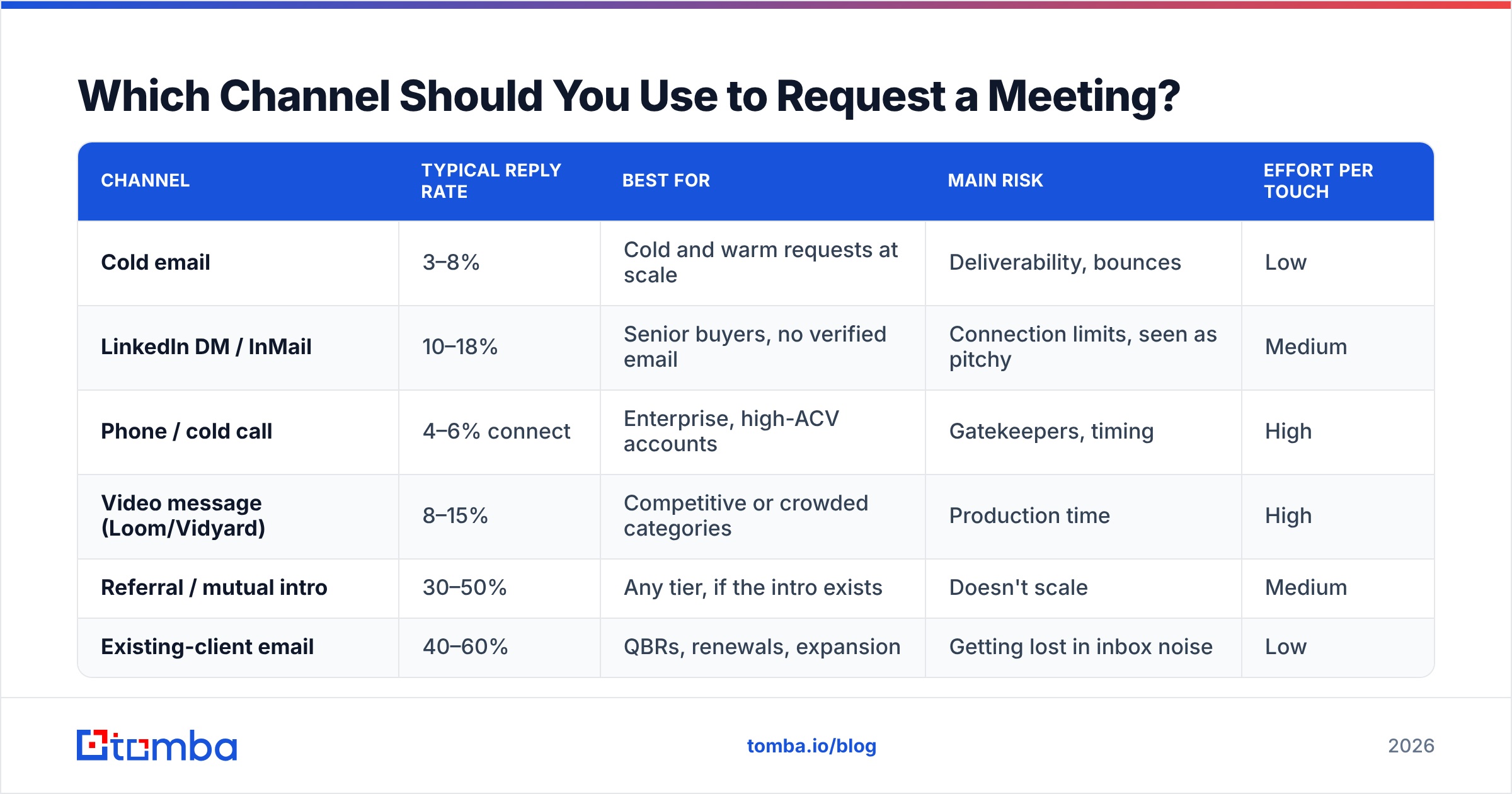
Channel choice changes your acceptance rate more than word choice does. Here's how the main options compare for a B2B meeting request in 2026.
| Channel | Typical reply rate | Best for | Main risk | Effort per touch |
|---|---|---|---|---|
| Cold email | 3–8% | Cold and warm requests at scale | Deliverability, bounces | Low |
| LinkedIn DM / InMail | 10–18% | Senior buyers, no verified email | Connection limits, seen as pitchy | Medium |
| Phone / cold call | 4–6% connect | Enterprise, high-ACV accounts | Gatekeepers, timing | High |
| Video message (Loom/Vidyard) | 8–15% | Competitive or crowded categories | Production time | High |
| Referral / mutual intro | 30–50% | Any tier, if the intro exists | Doesn't scale | Medium |
| Existing-client email | 40–60% | QBRs, renewals, expansion | Getting lost in inbox noise | Low |
The right answer for most teams is a sequence, not a single channel. Email carries volume, LinkedIn carries credibility, and phone closes the loop on accounts that matter enough to justify the time. If you want a deeper breakdown of the social layer, the LinkedIn outreach fundamentals are worth reading alongside this.
How Do You Structure a Meeting Request Email?#
Every meeting request that works has the same five components, in roughly this order. The whole thing should fit on a phone screen without scrolling — 80 to 120 words.
- The trigger — why you're writing now. A funding round, a job change, a hiring spree, a product launch, a competitor switch. "Saw you're hiring three SDRs in EMEA" beats "I came across your company."
- The relevance bridge — one sentence connecting that trigger to a problem you solve. Not a feature list. A problem.
- The proof — one specific, named, comparable outcome. "We took a 12-person team at [comparable company] from 4% to 11% reply rate in six weeks." Vague proof ("we help companies grow") is worse than no proof.
- The ask — a defined duration and a defined agenda. "15 minutes Thursday to show you the three sequences that did it."
- The escape hatch — permission to say no. "If this isn't a priority right now, tell me and I'll close the loop."
That last one matters more than people expect. Giving someone an easy exit raises reply rate because it removes the fear that replying starts a pursuit they can't stop.
What Words Should You Avoid?#
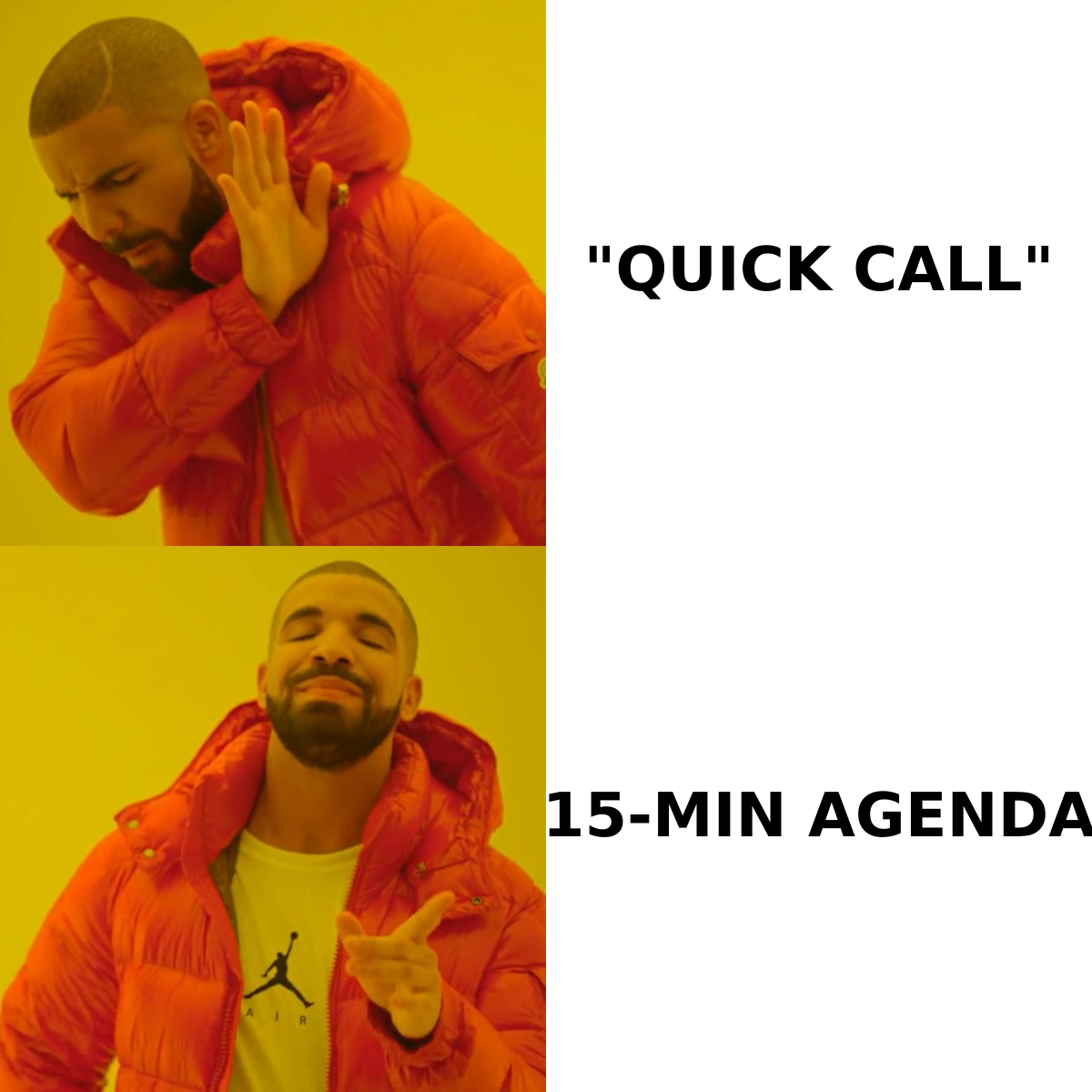
- "Quick call" — everyone knows it isn't quick.
- "Touch base" / "circle back" / "sync" — filler with no payoff attached.
- "Let me know if you're interested" — puts the entire cognitive load on them.
- "I'd love to..." — this frames the meeting around your desire, not their gain.
- Any subject line with "Re:" when there's nothing to reply to. It works once, then it burns your domain.
What Are the Best Meeting Request Templates?#
Template 1 — Cold, trigger-based
Subject: your EMEA SDR hires
Hi Sarah — saw the three SDR roles you posted in Dublin last week.
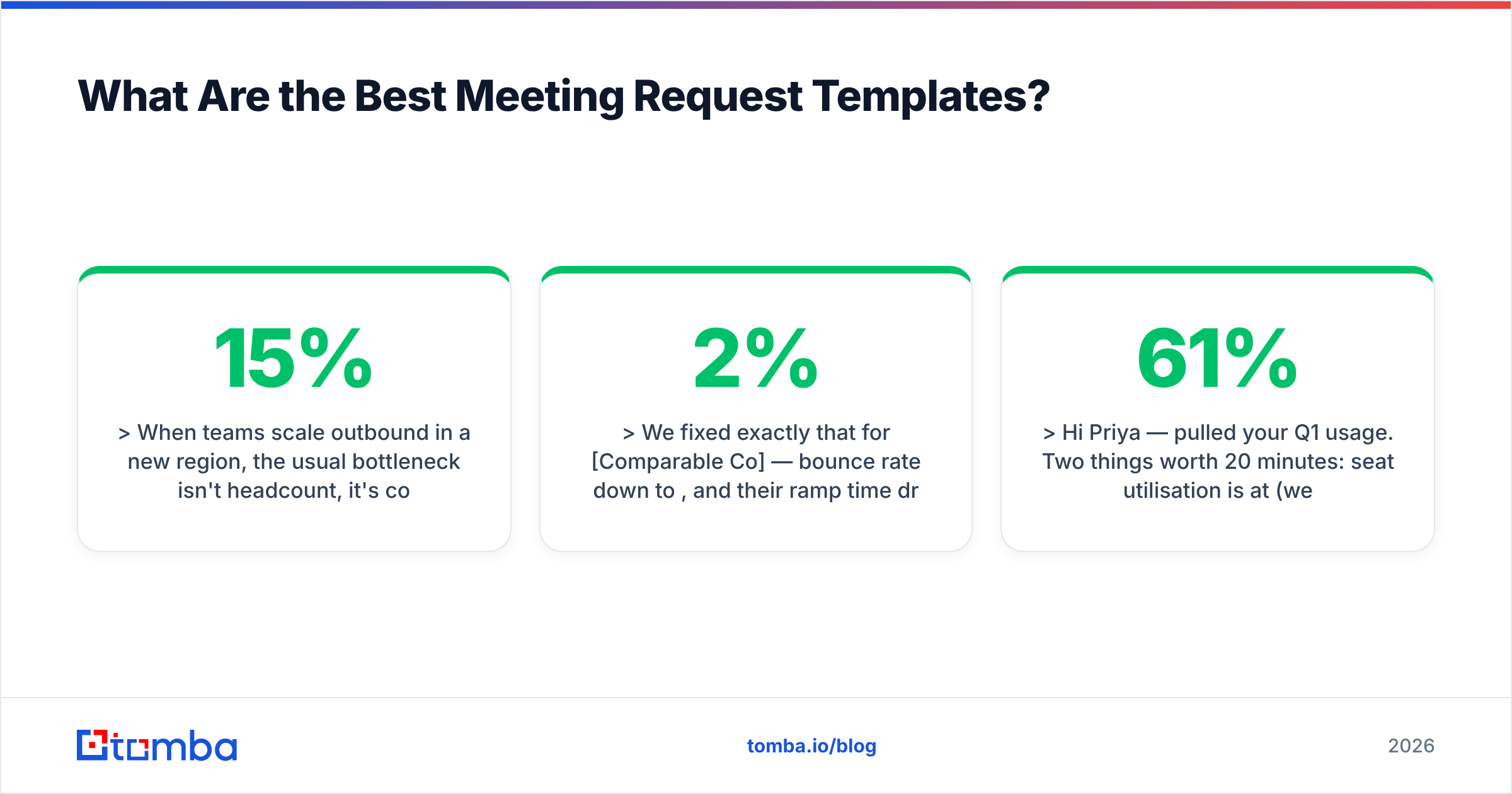
When teams scale outbound in a new region, the usual bottleneck isn't headcount, it's contact data: reps burn 6–8 hours a week building lists that bounce at 15%.
We fixed exactly that for [Comparable Co] — bounce rate down to 2%, and their ramp time dropped by three weeks.
Worth 15 minutes Thursday at 10:00 or Friday at 14:00 to show you how they set it up?
If EMEA expansion isn't the priority this quarter, say the word and I'll stop here.
Template 2 — Warm, post-engagement
Subject: the pricing page question
Hi Marcus — you spent a while on our pricing comparison last Tuesday, so I'm guessing you're evaluating options.
Rather than let you piece it together from the site, I'll do 15 minutes and walk you through where we win, where we don't, and which of the three alternatives fits your stack better if it's not us.
Tuesday 11:00 or Wednesday 15:30?
Template 3 — Existing client, QBR
Subject: Q1 numbers + one thing I want to change
Hi Priya — pulled your Q1 usage. Two things worth 20 minutes: seat utilisation is at 61% (we can fix that), and there's a workflow your ops team is doing manually that we automated in the last release.
I'll bring the numbers and a proposed change. 20 minutes, Thursday or Monday — your pick.
Template 4 — After three ignored emails
Subject: closing the file
Hi Sarah — I've sent a few notes about EMEA list quality and haven't heard back, which usually means one of three things: wrong timing, wrong person, or wrong problem.
Reply with 1, 2, or 3 and I'll act accordingly. If it's 2, who should I be talking to?
The break-up email works because it costs one keystroke to answer. Reply rates on well-written break-ups regularly beat the original outreach.
How Do You Time and Sequence the Request?#
Timing is the cheapest variable to fix. A few rules that hold up across most B2B segments:
- Send Tuesday through Thursday, 07:00–09:00 or 13:00–14:00 in the recipient's timezone. Monday is triage day; Friday is escape day.
- Space touches 3–4 business days apart. Daily follow-ups read as desperation; two-week gaps mean they forgot you.
- Run 5–7 touches across 3 weeks before you stop. Roughly half of accepted meetings come after touch three.
- Change the ask each time. Same request four times is nagging. Email → LinkedIn view + connect → phone → different angle email → break-up is a sequence.
- Never send the calendar link first. On touch one, propose two exact slots. Save the link for after they've said yes in principle.
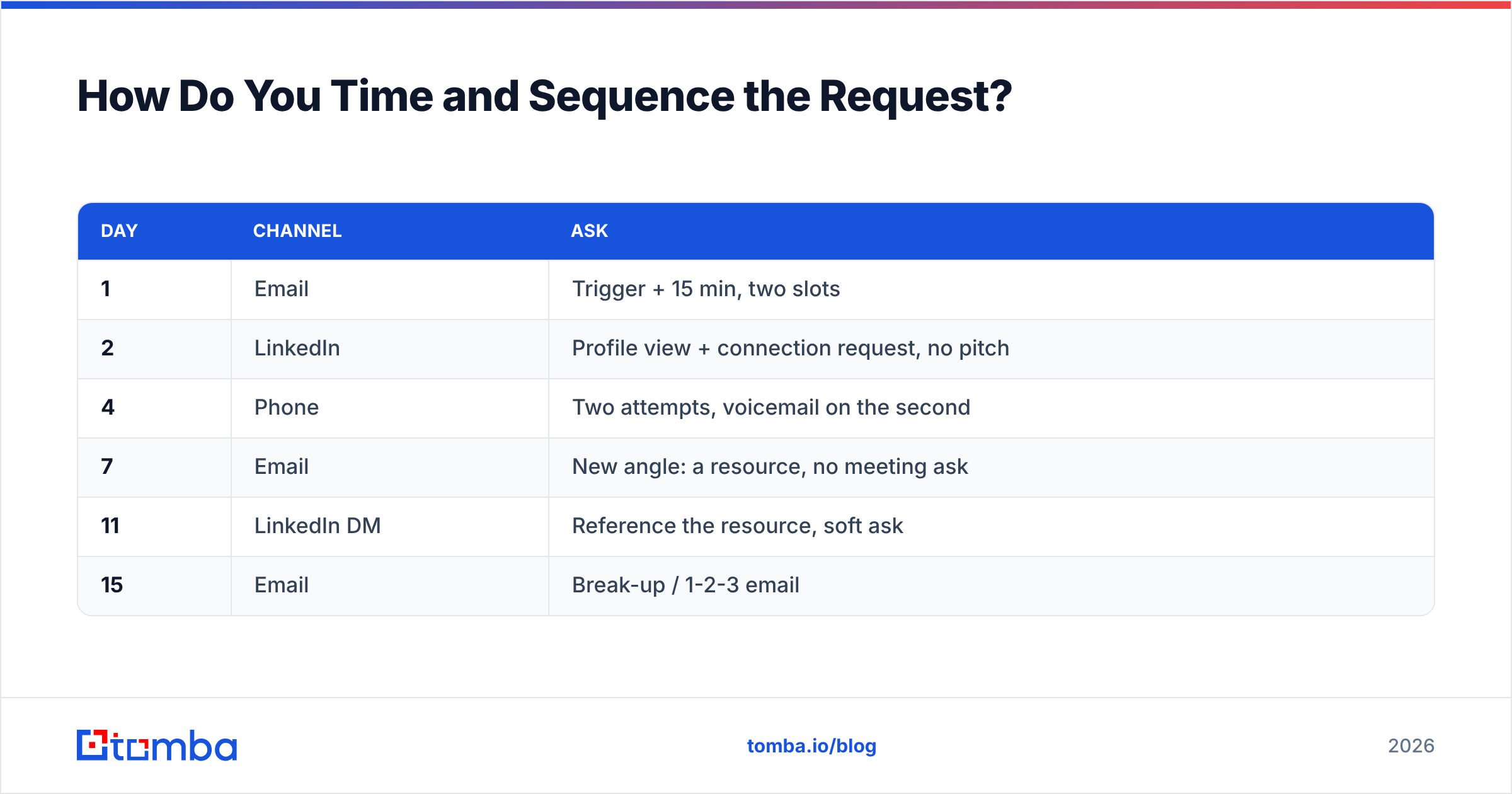
A typical high-performing sequence looks like this:
| Day | Channel | Ask |
|---|---|---|
| 1 | Trigger + 15 min, two slots | |
| 2 | Profile view + connection request, no pitch | |
| 4 | Phone | Two attempts, voicemail on the second |
| 7 | New angle: a resource, no meeting ask | |
| 11 | LinkedIn DM | Reference the resource, soft ask |
| 15 | Break-up / 1-2-3 email |
Why Do Most Meeting Requests Never Get Read?#
Because they never arrive. This is the part reps skip.
Before word choice matters at all, three technical things have to be true: the address exists, your domain is authenticated, and your sending volume looks human. B2B contact data decays fast — people change jobs, companies restructure, and mailbox providers tighten filtering every year. A list built six months ago and never re-verified will typically bounce 10–20% of the time, and a bounce rate above roughly 3% is enough to damage your sender reputation for every campaign after it.
Practical checklist before any meeting-request campaign goes out:
- Verify every address. Run the list through an email verifier and drop anything that isn't a confirmed deliverable. Treat catch-all domains as a separate risk bucket, not as valid.
- Confirm SPF, DKIM, and DMARC. Google and Microsoft both enforce authentication for bulk senders now. A free SPF checker takes 30 seconds.
- Warm the domain. New sending domain? Start under 20 emails a day and ramp over 4–6 weeks.
- Cap daily volume per mailbox. 30–50 cold sends per inbox per day is the ceiling most deliverability practitioners recommend; go past it and filtering follows.
- Check your copy for spam triggers. Links, images, and words like "free" or "guarantee" in a first-touch email are avoidable risk.
None of this improves your pitch. All of it decides whether your pitch is seen.
How Do You Find the Right Person to Ask?#
Sending a perfect meeting request to the wrong title is the most expensive error in the sequence, because it's invisible — you just get silence and blame the copy.
Two rules. First, target the person who owns the outcome, not the person who uses the tool. A VP of Sales owns pipeline; an SDR uses the sequencer. Second, when the company is over ~200 people, plan to run a multi-threaded request: one to the economic buyer, one to the practitioner, sent a few days apart with different angles.
For the actual sourcing, the workflow that scales is: identify the account, find the pattern, verify the person.
- Account list — build from job postings, funding announcements, tech-stack signals, or your CRM's closed-lost pile. Closed-lost from 12+ months ago is the most underrated meeting-request source in B2B.
- Contact discovery — a domain search returns the people and email patterns at a company in one query, which is faster than guessing formats one at a time.
- Individual lookup — when you already know the name, an email finder resolves it against the company domain directly.
- Enrichment — add title, seniority, and location so your trigger line is actually accurate. Nothing kills a request faster than getting someone's role wrong.
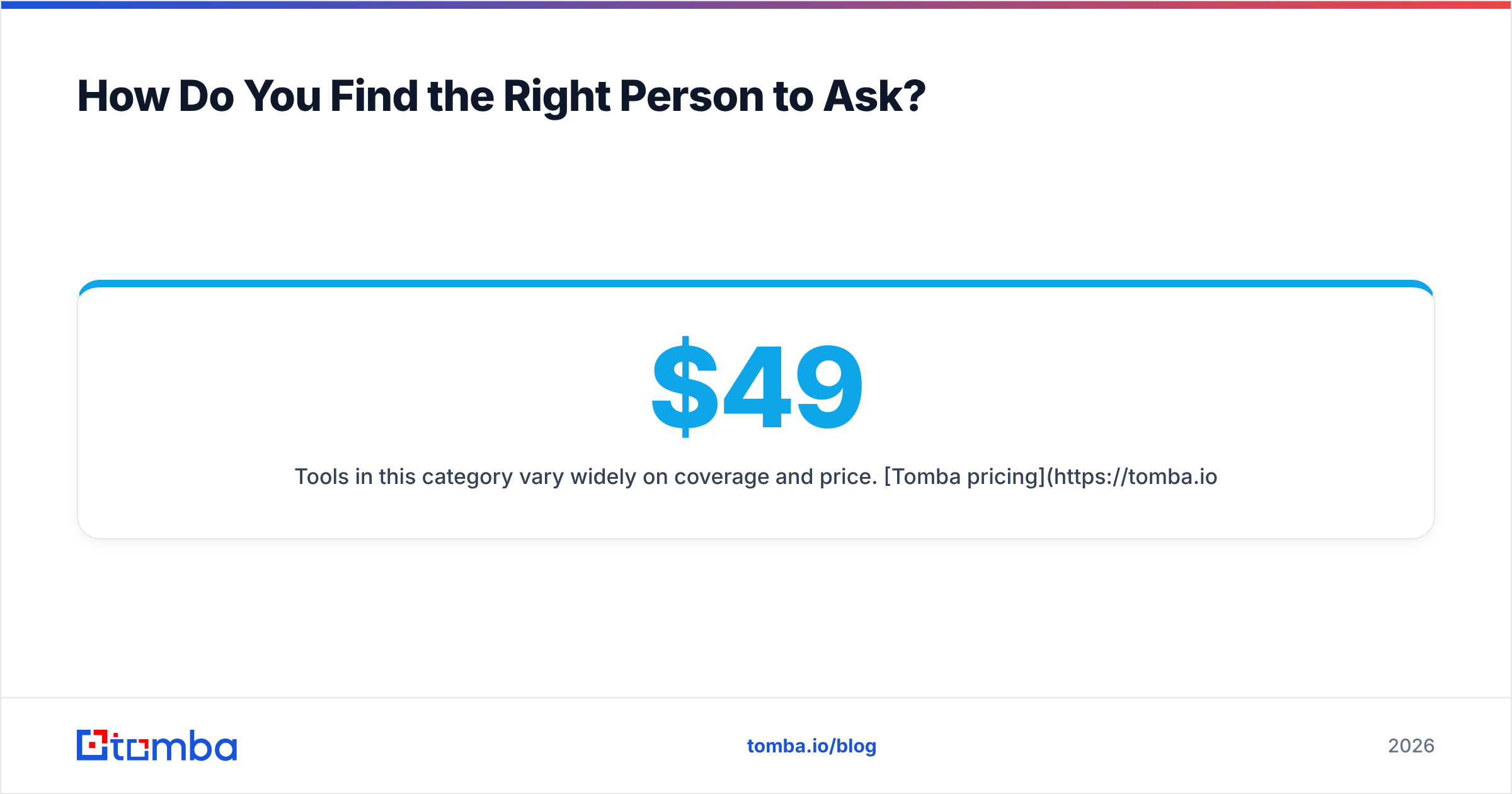
Tools in this category vary widely on coverage and price. Tomba pricing starts with a free tier at 25 searches per month, then $49/mo for Starter, $99/mo for Growth, and $249/mo for Pro — useful reference points when you're benchmarking against Hunter, Apollo, or BookYourData, which takes a different approach with pre-built, pay-as-you-go lists that suit teams who'd rather buy verified contacts outright than search account by account.
How Do You Handle the Response (Or the Silence)?#
If they say yes: send the invite within 10 minutes, with the agenda in the body. Include a one-line "here's what I'll bring" so the meeting has a shape. Meetings booked with no agenda have the highest no-show rate of any category.
If they say "send me info": this is usually a soft no, but not always. Send exactly one asset, and pair it with a specific question that requires a reply. "Here's the one-pager — is the 15% bounce number roughly right for your team, or is it worse?"
If they say "not now": ask for the when, not the whether. "Should I come back in Q3, or is this a next-fiscal-year thing?" You just converted a dead lead into a dated task.
If they say nothing: three or four more touches, then stop and recycle. Track it. If a specific persona never converts after five touches, the problem is the segment, not the sequence — and no amount of template polish fixes a targeting error.
One measurement note: track meetings held, not meetings booked. A 30% no-show rate hides inside a healthy-looking booking number and will make you optimise the wrong thing. Compare your numbers against published benchmarks — HubSpot's sales research and peer reviews on G2 are reasonable reference points for what "normal" looks like in your segment.
What Should You Do Next?#
Pick one segment, write one trigger-based template, verify every address on the list, and run a six-touch sequence for three weeks. Measure meetings held. Then change one variable — the trigger, the ask, or the channel order — and run it again. That's the whole method.
The part most teams under-invest in is the input. Great copy sent to stale addresses produces nothing but a damaged domain. If your list is more than 90 days old, or you're building one from scratch, start with the Tomba Email Finder — find the right contact by name and domain, verify it before it enters your sequence, and keep your bounce rate low enough that your meeting requests actually reach an inbox. The free tier covers 25 searches a month, which is enough to test the workflow on a single target account list before you commit to a plan.
Related guides#
// get started
Find, verify and enrich your first contacts today
Start on the free plan with 25 searches a month, then scale when your team is ready.
Free plan · No credit card required · GDPR & CCPA
// about the author