How To Start A Sales Email: 9 Openers That Get Replies
Your first line decides whether the rest of the email gets read. Here are nine sales email openers, tested patterns, and the research steps that make them land in 2026.
TL;DR
- The first line of a sales email has one job: earn the second line. It is not the place for your name, your company, or "I hope this email finds you well."
- Openers that reference something specific and recent about the prospect — a hire, a funding round, a product change, a post they wrote — consistently outperform generic value statements.
- Personalization only works if the email actually arrives. Bad addresses drive bounces, bounces wreck sender reputation, and reputation decides whether your clever opener is ever seen.
- Nine opener patterns are covered below with real examples, plus the three openers you should retire immediately.
- Build your opener from research you can verify in under 90 seconds. Anything slower does not scale past 30 emails a day.
Why does the first line of a sales email matter so much?#
Because most prospects read your email in a preview pane, on a phone, while doing something else.
The inbox shows them three things: sender name, subject line, and roughly the first 40 to 90 characters of the body. That preview snippet is your real opener. If it says "I hope this email finds you well. My name is Dan and I'm with…", you have spent your entire preview budget on words that carry zero information.
Think of it like a doorstep conversation. If someone knocks and opens with "Hi, I'm from a company you've never heard of and I'd love 15 minutes," the door closes. If they open with "Your gate's hanging off its hinge — I fixed the one two doors down last week," you at least listen to the next sentence.
The mechanics are simple:
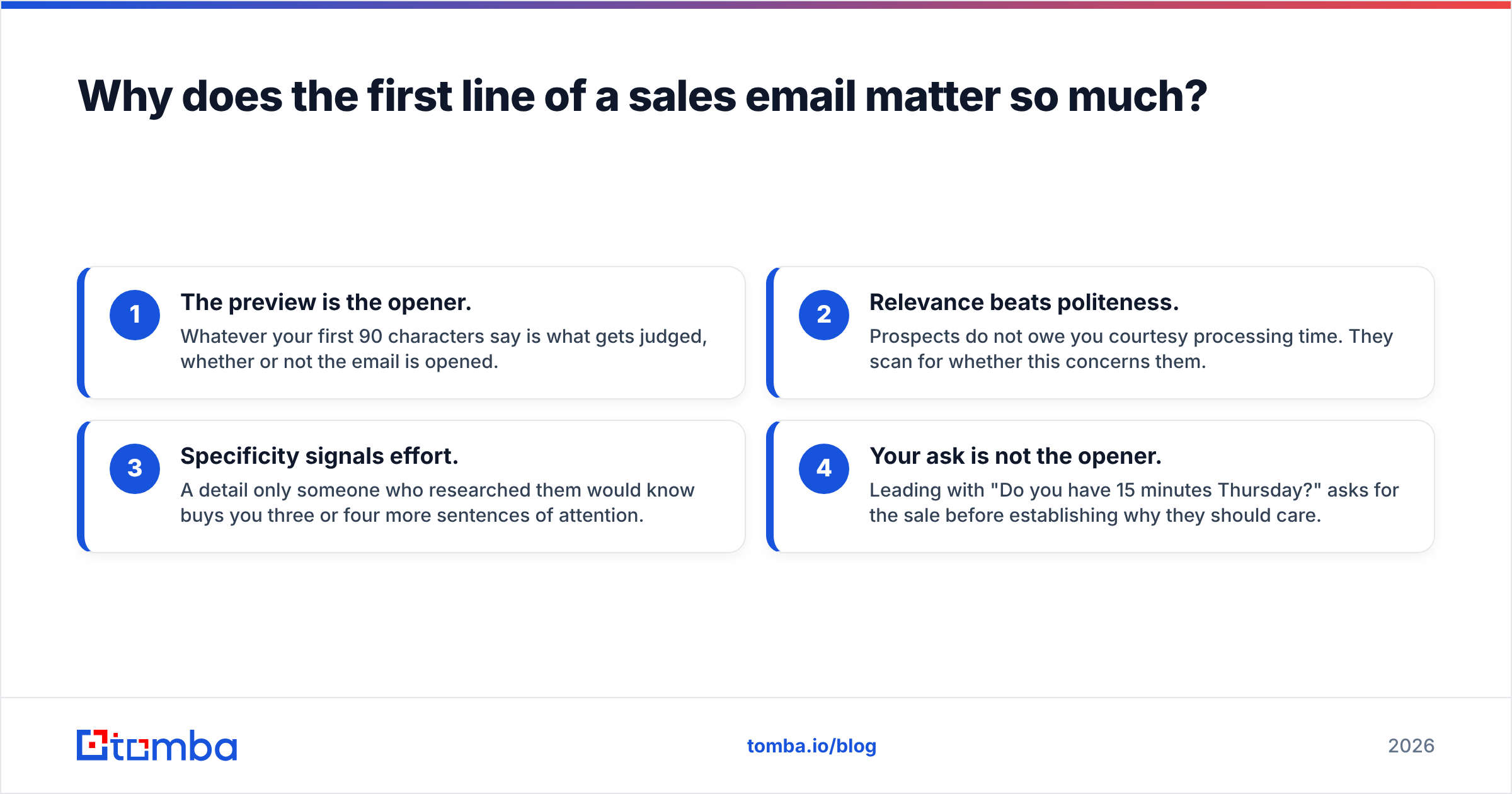
- The preview is the opener. Whatever your first 90 characters say is what gets judged, whether or not the email is opened.
- Relevance beats politeness. Prospects do not owe you courtesy processing time. They scan for whether this concerns them.
- Specificity signals effort. A detail only someone who researched them would know buys you three or four more sentences of attention.
- Your ask is not the opener. Leading with "Do you have 15 minutes Thursday?" asks for the sale before establishing why they should care.
What makes a good sales email opener?#
A good opener passes three tests: it is specific, it is about them, and it is falsifiable.
Falsifiable is the underrated one. If your opener could be pasted into 500 other emails without changing a word, it is not an opener — it is filler. "I noticed you're scaling your sales team" applies to almost every company in existence. "I noticed you posted three AE roles in Berlin last month" applies to one.
Here is the anatomy that works across industries:
- Trigger — the observable event or detail (a funding round, a job posting, a new integration, a conference talk, a LinkedIn comment).
- Inference — what that event probably means for them ("which usually means onboarding load doubles").
- Bridge — the one-sentence connection to what you do, without pitching yet.
- Ask — small, specific, low-commitment, and saved for the end.
Most reps get the order wrong. They open with the bridge, skip the trigger, and land the ask in sentence two. Reverse it.
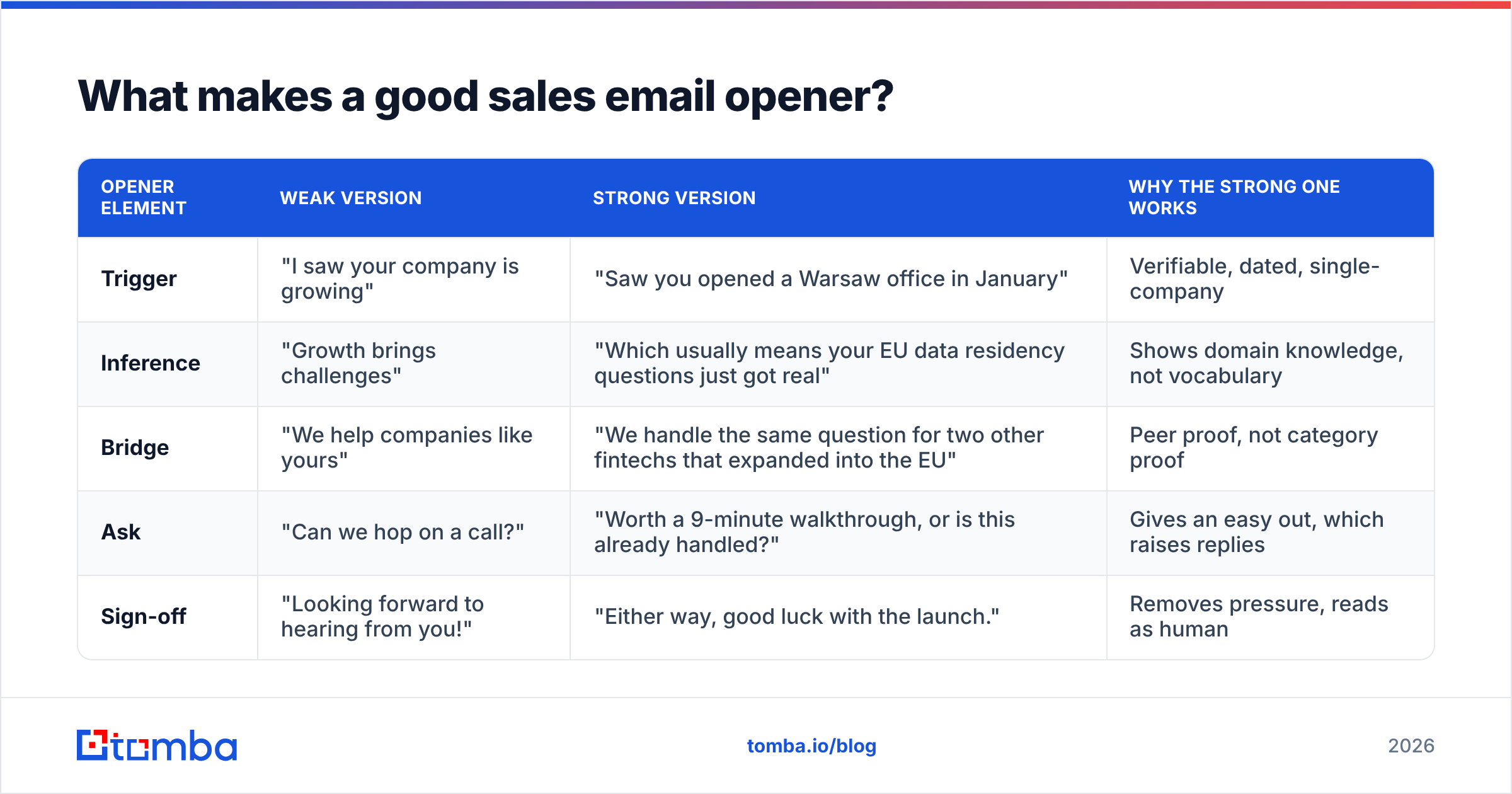
| Opener element | Weak version | Strong version | Why the strong one works |
|---|---|---|---|
| Trigger | "I saw your company is growing" | "Saw you opened a Warsaw office in January" | Verifiable, dated, single-company |
| Inference | "Growth brings challenges" | "Which usually means your EU data residency questions just got real" | Shows domain knowledge, not vocabulary |
| Bridge | "We help companies like yours" | "We handle the same question for two other fintechs that expanded into the EU" | Peer proof, not category proof |
| Ask | "Can we hop on a call?" | "Worth a 9-minute walkthrough, or is this already handled?" | Gives an easy out, which raises replies |
| Sign-off | "Looking forward to hearing from you!" | "Either way, good luck with the launch." | Removes pressure, reads as human |
What are the 9 best sales email openers?#
Each of these is a pattern, not a script. Fill it with real research.
1. The recent trigger.
"Congrats on the Series B — 40 new headcount by Q2 is aggressive."
Funding, hiring, product launches, office openings, exec hires. Public, dated, and directly relevant to budget and priority.
2. The observed problem.
"Your pricing page loads in 6.1s on mobile — I checked twice, thought it might be my connection."
Only works if the observation is real and the tone is helpful, not smug. Never use it to insult their work.
3. The mutual context.
"We both spoke at SaaStock last year — your session on churn cohorts was the one I took notes in."
Shared events, shared groups, shared customers. Genuine mutual connections still outperform almost everything else.
4. The peer reference.
"Two of your competitors moved off manual list-building this quarter. Guessing you've had the same conversation internally."
Competitive pressure is the most reliable motivator in B2B. Use it factually, never as a bluff.
5. The question with a real answer.
"How is your team handling catch-all domains right now — verifying, skipping, or sending anyway?"
Good because the prospect can answer in four words. Bad if the question is rhetorical or obviously leading.
6. The one-line insight.
"About 22% of B2B contact records go stale each year. For a 40k-record CRM, that's 8,800 dead rows by December."
Lead with a number, apply it to their situation. Do not use a stat everyone has already seen.
7. The content callback.
"Your post on why SDRs shouldn't own research — I've been arguing the opposite for a year and you nearly moved me."
Requires you to actually read the thing. Reps who fake this get caught instantly.
8. The direct honesty opener.
"This is a cold email — you can stop reading here. If not, one thing:"
Polarizing, and it works better in some markets than others. Test it against your control before rolling it out.
9. The referral chain.
"Marta in your RevOps team said you're the one who actually owns deliverability."
The strongest opener in existence, and the one most reps never earn because they skip internal navigation.
Which sales email openers should you stop using?#
Three, immediately.
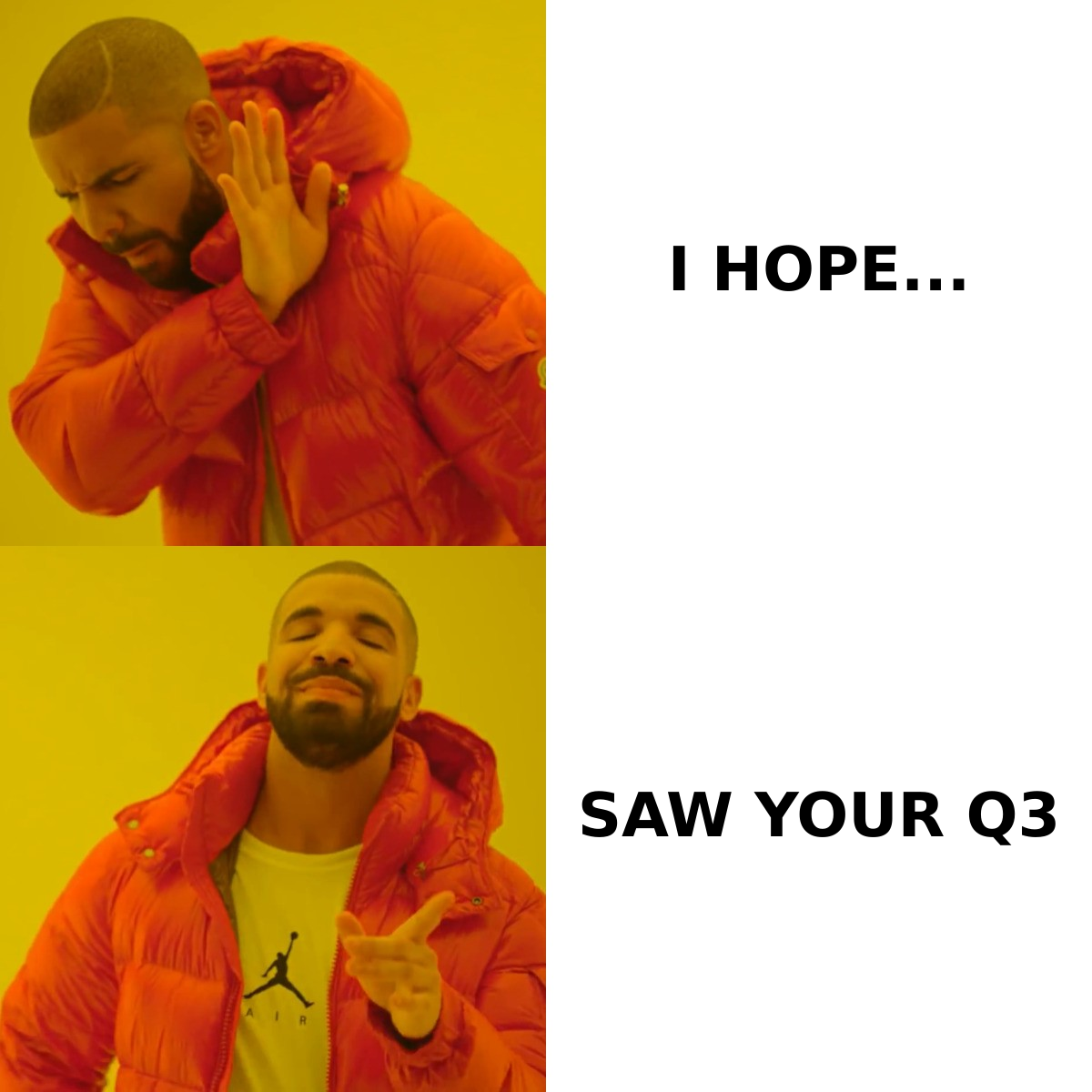
"I hope this email finds you well." It occupies 33 characters of preview space and says nothing. Every prospect has pattern-matched it to "cold email, delete."
"My name is X and I'm the Y at Z." Your signature already says this. Leading with your own identity communicates that the email is about you.
"I wanted to reach out because…" Past-tense hedging. You are reaching out. Say the thing.
There is a fourth worth flagging: fake personalization. "Loved your recent post!" without naming the post is worse than no personalization at all, because it proves you ran a template. Prospects notice.
How do you research an opener in under 90 seconds?#
You do not need a dossier. You need one true, recent, specific fact.
Here is a workable sequence:
- Company news (20s) — check their newsroom, LinkedIn company page, or a news search for the last 60 days. Funding, launches, partnerships, awards.
- Job postings (15s) — open roles reveal budget and priorities faster than any press release. Ten support roles means a scaling problem.
- The person's last three posts (25s) — LinkedIn or X. You need one line you can honestly reference.
- Tech stack or site check (15s) — what they run tells you what they are missing. A website tech stack lookup takes seconds.
- Contact accuracy (15s) — confirm the address is real and routable before you write a word.
That last step is the one reps skip, and it is the one that quietly destroys campaigns. A perfectly researched opener sent to a dead mailbox is a bounce, and bounces compound. Most inbox providers treat a hard-bounce rate above 2 to 3 percent as a strong negative signal, and once your sender reputation drops, your well-written emails start landing in spam regardless of content.
Does personalization still beat volume in 2026?#
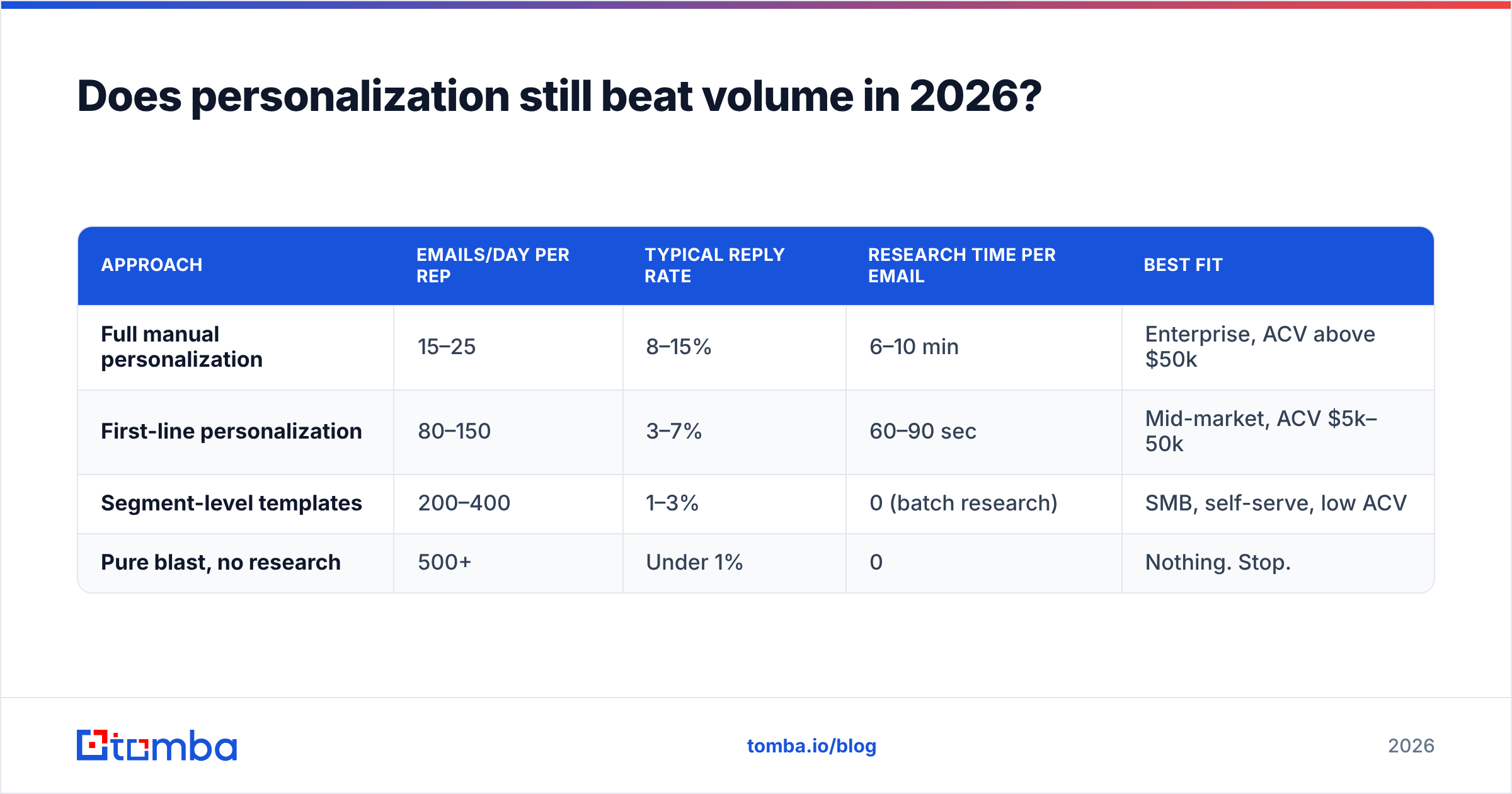
It beats unqualified volume. It does not beat qualified volume with a personalized first line — which is the actual winning configuration.
The honest framing: deep personalization on 20 emails a day produces better reply rates per email but fewer total conversations than a decent opener on 150 well-targeted emails. The teams that win run a hybrid — segment tightly, then personalize only the first line and the ask.
| Approach | Emails/day per rep | Typical reply rate | Research time per email | Best fit |
|---|---|---|---|---|
| Full manual personalization | 15–25 | 8–15% | 6–10 min | Enterprise, ACV above $50k |
| First-line personalization | 80–150 | 3–7% | 60–90 sec | Mid-market, ACV $5k–50k |
| Segment-level templates | 200–400 | 1–3% | 0 (batch research) | SMB, self-serve, low ACV |
| Pure blast, no research | 500+ | Under 1% | 0 | Nothing. Stop. |
Note what the table does not say: that the top row is always right. If your average contract is $6,000, spending eight minutes per email is a losing trade. Pick the row that matches your economics, then execute it well.
Both HubSpot and Salesforce publish ongoing sales benchmark research if you want vendor-neutral baselines to compare your numbers against, and peer reviews on G2 are useful for seeing which sequencing tools teams actually keep after year one.
How do you structure the rest of the email after the opener?#
Keep the whole thing under 100 words. The opener earns line two; line two has to earn line three.
A structure that holds up:
- Line 1 — Opener. The trigger. No greeting fluff beyond "Hi Sarah,".
- Line 2 — Inference. What that trigger likely means for their day-to-day.
- Line 3 — Bridge. One sentence of relevance, with a named peer if you have one.
- Line 4 — Ask. Specific, small, and with a built-in exit ("or is this already sorted?").
- Sign-off. Two words. No "Looking forward to your response."
Worked example:
Hi Sarah,
Saw you're hiring four SDRs in Lisbon — that's a real jump from the two you added all last year.
Usually means whoever owns list quality is about to become the bottleneck.
We do the contact side for Payhawk's outbound team; their SDRs stopped building lists entirely.
Worth 9 minutes next week, or is this already handled?
— Dan
Sixty-two words. One verifiable trigger. One peer reference. One low-friction ask with an escape hatch.
How do you keep good openers out of the spam folder?#
Content quality does not save you from infrastructure problems. Before you optimize openers, get the boring things right:
- Authenticate the domain. SPF, DKIM, and DMARC all published and aligned. Run an SPF checker if you are not certain what is live.
- Warm the mailbox. New domains need weeks, not days. Ramp volume gradually.
- Verify before sending. Run every list through an email verifier and handle catch-all domains separately with a catch-all verifier rather than guessing.
- Watch bounce rate weekly. Above 3% is a red flag; above 5% is an emergency.
- Keep links minimal. One link maximum in a first-touch email, ideally zero.
- Rotate and rest. Do not run a single mailbox at maximum volume indefinitely.
None of this makes your opener better. All of it decides whether the opener is read. Email deliverability is the floor your copy stands on — if the floor is rotten, the furniture does not matter.
What tools help you write and send better openers?#
For research and contact data, you want three capabilities: find the right person, confirm the address is live, and enrich enough context to write a real first line.
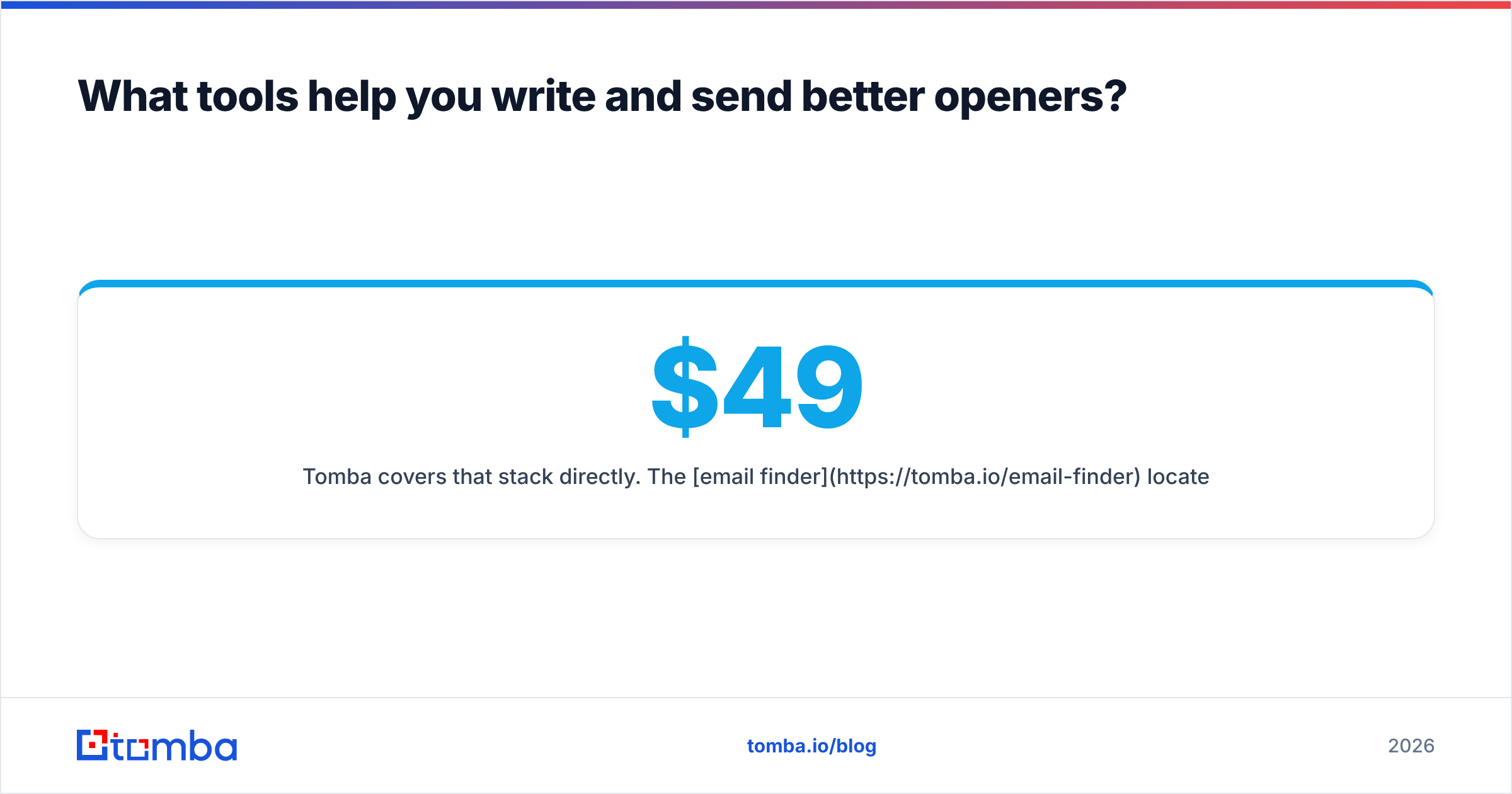
Tomba covers that stack directly. The email finder locates addresses by name and domain, domain search pulls the full contact map for a company so you can pick the right owner instead of emailing whoever you found first, and data enrichment fills in the role, seniority, and company details that make the trigger-plus-inference structure possible. Pricing runs from a free tier at 25 searches a month up through Starter at $49/mo, Growth at $99/mo, and Pro at $249/mo — full Tomba pricing is on-site if you want to map it to your volume.
If you already have a list and just need the writing help, the subject line generator and cold email templates are free and worth a pass before you send.
For sending and sequencing, evaluate tools like Instantly, Smartlead, or Saleshandy separately — contact data and sending infrastructure are different problems, and buying them from the same vendor rarely gets you the best of either. For pre-built verified list purchases, providers such as BookYourData are a reasonable complement when you need coverage in a segment you have not built yet.
Frequently asked questions#
Should I use the prospect's first name in the opener? Yes, in the greeting — "Hi Sarah," — but do not build the opener around it. Name-dropping in the body ("Sarah, I wanted to ask…") reads as manipulative because it is a known persuasion tactic and most buyers recognize it.
How long should a cold sales email be? Under 100 words for a first touch. Follow-ups can be shorter — 20 to 40 words is fine and often outperforms.
Is it acceptable to open with a question? Yes, if the question has a genuine short answer and is about them. Rhetorical questions ("Wouldn't you like more pipeline?") kill replies.
How many follow-ups should I send? Three to five touches across two to three weeks, each adding new information. Do not send "just bumping this to the top of your inbox" — it adds nothing and trains people to ignore you.
Do AI-written openers work? The good ones do, when the AI is fed real research. AI generating personalization from nothing produces exactly the fake specificity that prospects have learned to spot.
Start with data you can trust#
The best opener in the world is worthless attached to an address that bounces. Before you rewrite your sequences, fix the layer underneath: find the right contact, confirm the mailbox is live, and pull enough context to write a first line that could only have been sent to one person.
Start with the Tomba Email Finder — the free tier gives you 25 searches a month, enough to test whether researched openers actually lift your reply rate before you commit budget to a full sequence.
Related guides#
// get started
Find, verify and enrich your first contacts today
Start on the free plan with 25 searches a month, then scale when your team is ready.
Free plan · No credit card required · GDPR & CCPA
// about the author