Lead Scrape Alternatives: 9 Better Tools for B2B Leads in 2026
Lead Scrape pulls business listings, but directory data rarely gets you to a decision-maker's inbox. Here are 9 lead scrape alternatives compared on data source, email accuracy, and price.
TL;DR
- Lead Scrape is built to pull business listings from directories and map sites. You get company names, phones, addresses, and sometimes a generic inbox. You rarely get a named decision-maker's verified email.
- If you mostly need local business lists at volume, Outscraper and Apify replace it most directly, and both run in the cloud instead of on your desktop.
- If you need people and verified emails, look at an email finder or B2B database instead: Tomba, Hunter, Apollo, Snov.io, or BookYourData.
- If you want automation across LinkedIn and many data sources, PhantomBuster and Clay are the flexible (and pricier) options.
- A setup that works for many small teams: scrape or build the account list, find named contacts by domain, and verify every email before it goes into a sequence.
What is Lead Scrape, and why do people look for alternatives?#
Lead Scrape (LeadScrape) is a lead-extraction app. It collects business records from online directories and map listings. You enter a category and a location, such as "dentists in Austin", and it returns a list of businesses. Each row usually has a name, address, phone number, website, and sometimes an email address found on the site.
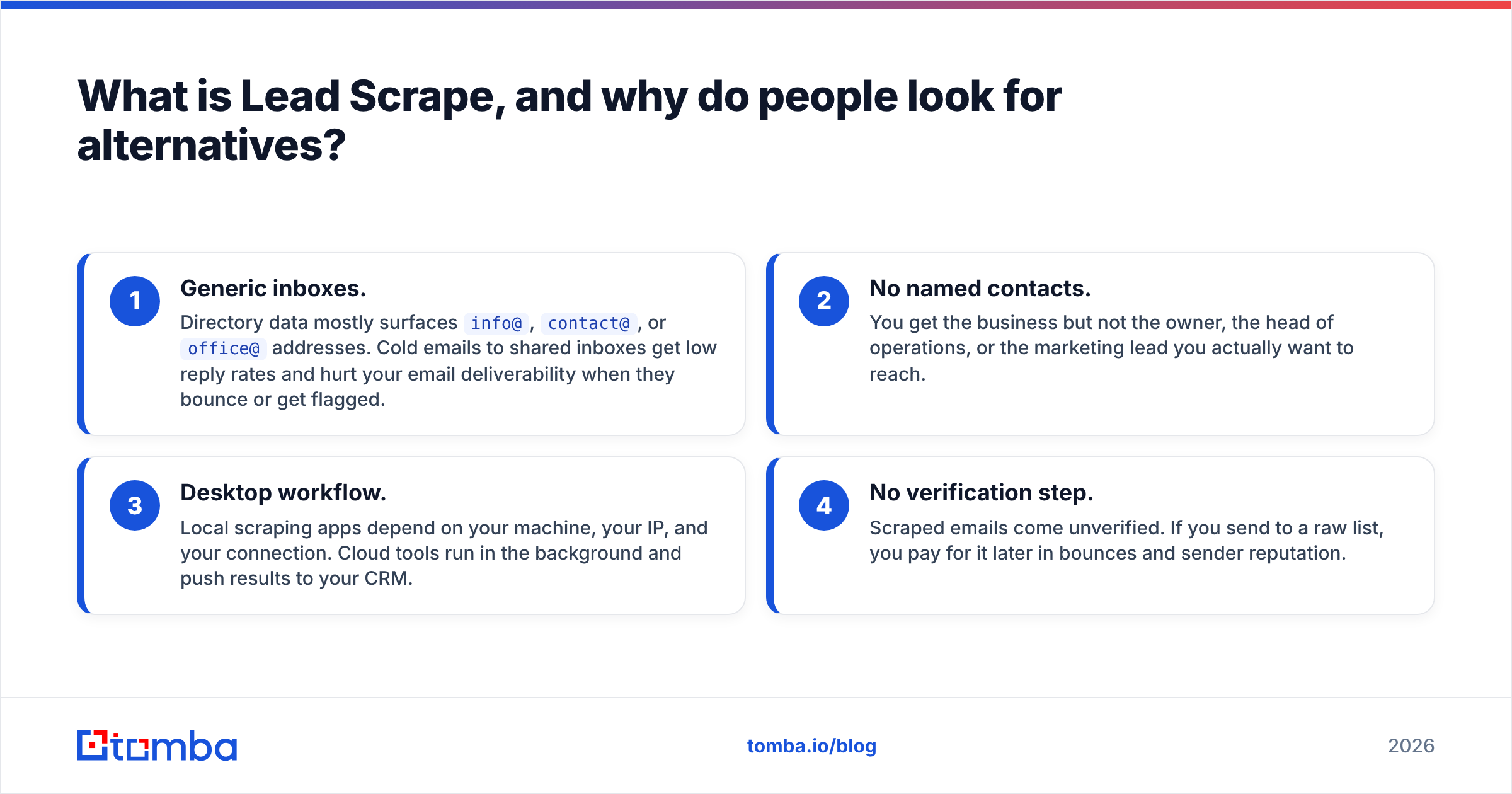
It's good at that job. The trouble starts when that job isn't really the one you need done. Teams usually go looking for lead scrape alternatives for one of four reasons:
- Generic inboxes. Directory data mostly surfaces
info@,contact@, oroffice@addresses. Cold emails to shared inboxes get low reply rates and hurt your email deliverability when they bounce or get flagged. - No named contacts. You get the business but not the owner, the head of operations, or the marketing lead you actually want to reach.
- Desktop workflow. Local scraping apps depend on your machine, your IP, and your connection. Cloud tools run in the background and push results to your CRM.
- No verification step. Scraped emails come unverified. If you send to a raw list, you pay for it later in bounces and sender reputation.
Before you pick a replacement, decide which of those is your real problem. The right alternative depends on it.
What types of Lead Scrape alternatives exist?#
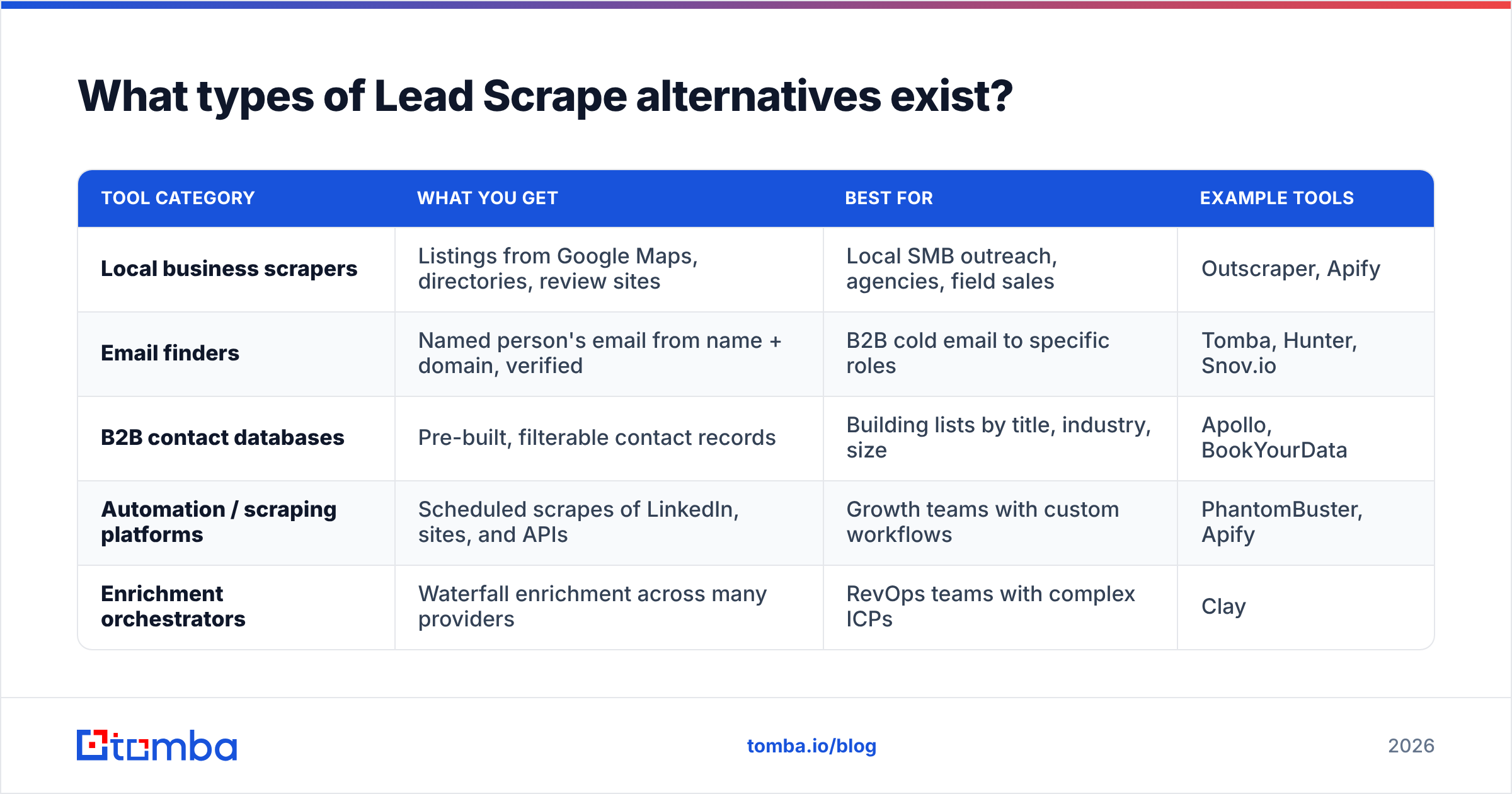
People searching for "lead scrape alternatives" usually want one of five kinds of tools. Choosing the wrong kind costs more than choosing the wrong vendor.
| Tool category | What you get | Best for | Example tools |
|---|---|---|---|
| Local business scrapers | Listings from Google Maps, directories, review sites | Local SMB outreach, agencies, field sales | Outscraper, Apify |
| Email finders | Named person's email from name + domain, verified | B2B cold email to specific roles | Tomba, Hunter, Snov.io |
| B2B contact databases | Pre-built, filterable contact records | Building lists by title, industry, size | Apollo, BookYourData |
| Automation / scraping platforms | Scheduled scrapes of LinkedIn, sites, and APIs | Growth teams with custom workflows | PhantomBuster, Apify |
| Enrichment orchestrators | Waterfall enrichment across many providers | RevOps teams with complex ICPs | Clay |
For most users, a local scraper alone isn't enough, and an email finder alone isn't enough either. What works is a short chain: a source for accounts, a way to find people at those accounts, and a verification gate before sending.
Which Lead Scrape alternatives are worth your time in 2026?#
These are the nine tools we'd shortlist, sorted by the problem each one solves. Pricing reflects public list prices at the time of writing and changes often, so confirm on each vendor's pricing page before you buy.
1. Tomba: best for turning scraped domains into verified contacts#
If you already have a list of company websites, from Lead Scrape or anywhere else, Tomba handles the next step. Its domain search returns the publicly associated email addresses at a company along with names, positions, and sources. The email finder takes a first name, last name, and domain and returns the most likely professional address with a confidence score.
What matters for people replacing a scraper:
- Bulk mode. Upload a CSV of domains or name + domain pairs and process thousands at once.
- Built-in verification. The email verifier and catch-all verifier flag risky addresses before they hurt your domain.
- Where it runs. Chrome extension, Google Sheets add-on, API, CLI, and native CRM integrations.
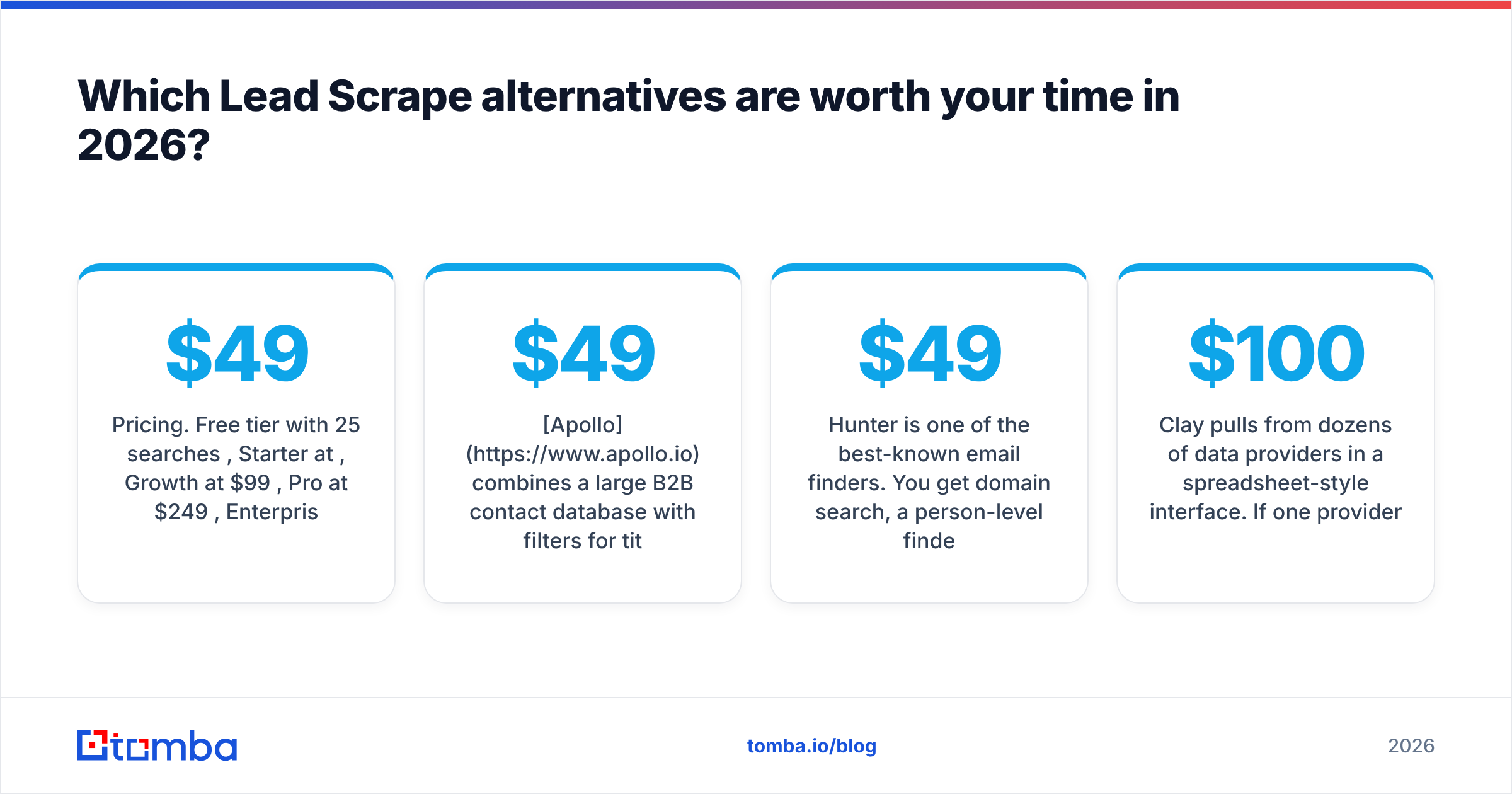
- Pricing. Free tier with 25 searches/month, Starter at $49/mo, Growth at $99/mo, Pro at $249/mo, Enterprise custom.
Limitations: Tomba doesn't scrape Google Maps listings. If your starting point is "all plumbers in Ohio", you'll still need a local scraper to build that account list first.
2. Outscraper: best direct replacement for map and directory scraping#
Outscraper is the closest like-for-like swap. It runs in the cloud and extracts Google Maps listings, reviews, and business details. It can also add contact details found on each business's website. Pricing is pay-as-you-go with a free monthly allowance, which suits irregular or seasonal campaigns.
Best for: agencies and local-service sellers who need big SMB lists without keeping a desktop app running. Limitations: its emails are still mostly website-level addresses. For owner or manager emails, you'll need an email finder on top.
3. Apify: best for custom and high-volume scraping#
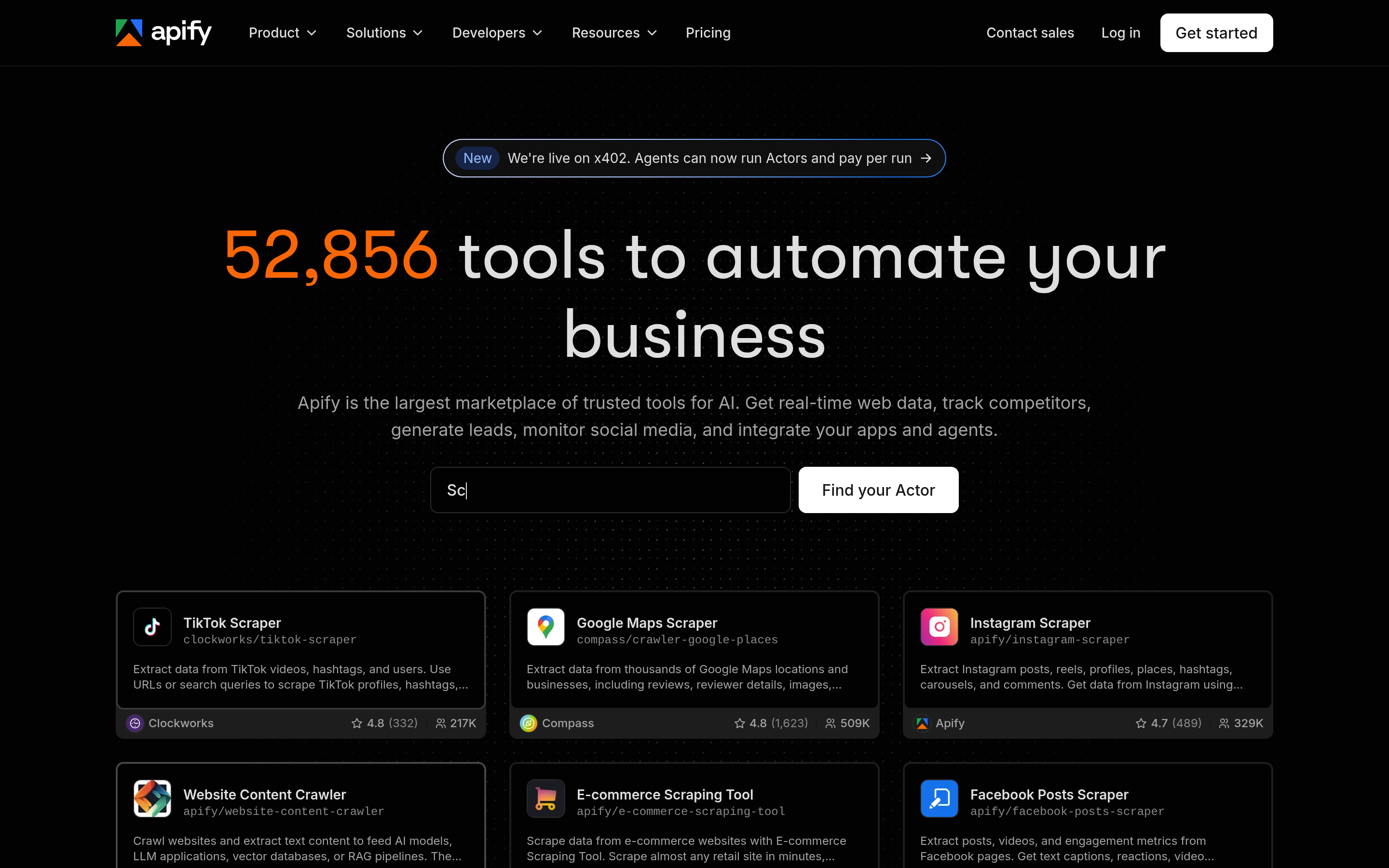
Apify is a scraping platform with a large marketplace of ready-made "actors": Google Maps, Yelp, Yellow Pages, LinkedIn company pages, and many more. It has a free plan with monthly platform credit, and paid plans start in the tens of dollars per month.
Best for: technical users and growth engineers who want scheduled, repeatable scrapes that feed straight into a data pipeline. Limitations: more setup than a point-and-click tool, and costs grow with compute usage. You're responsible for data quality and compliance.
4. Apollo.io: best all-in-one database plus sequencing#

Apollo combines a large B2B contact database with filters for title, seniority, headcount, and technology, plus built-in email sequences. The free plan is generous for testing, and paid seats start around $49/user/month on annual billing.
Best for: SDR teams that want prospecting and outreach in one place. Limitations: coverage is weaker for small local businesses than for tech and mid-market companies, and email accuracy varies by segment. Many teams verify Apollo exports separately. If Apollo doesn't fit, see our Apollo alternative breakdown.
5. Hunter: best for simple domain-based email finding#
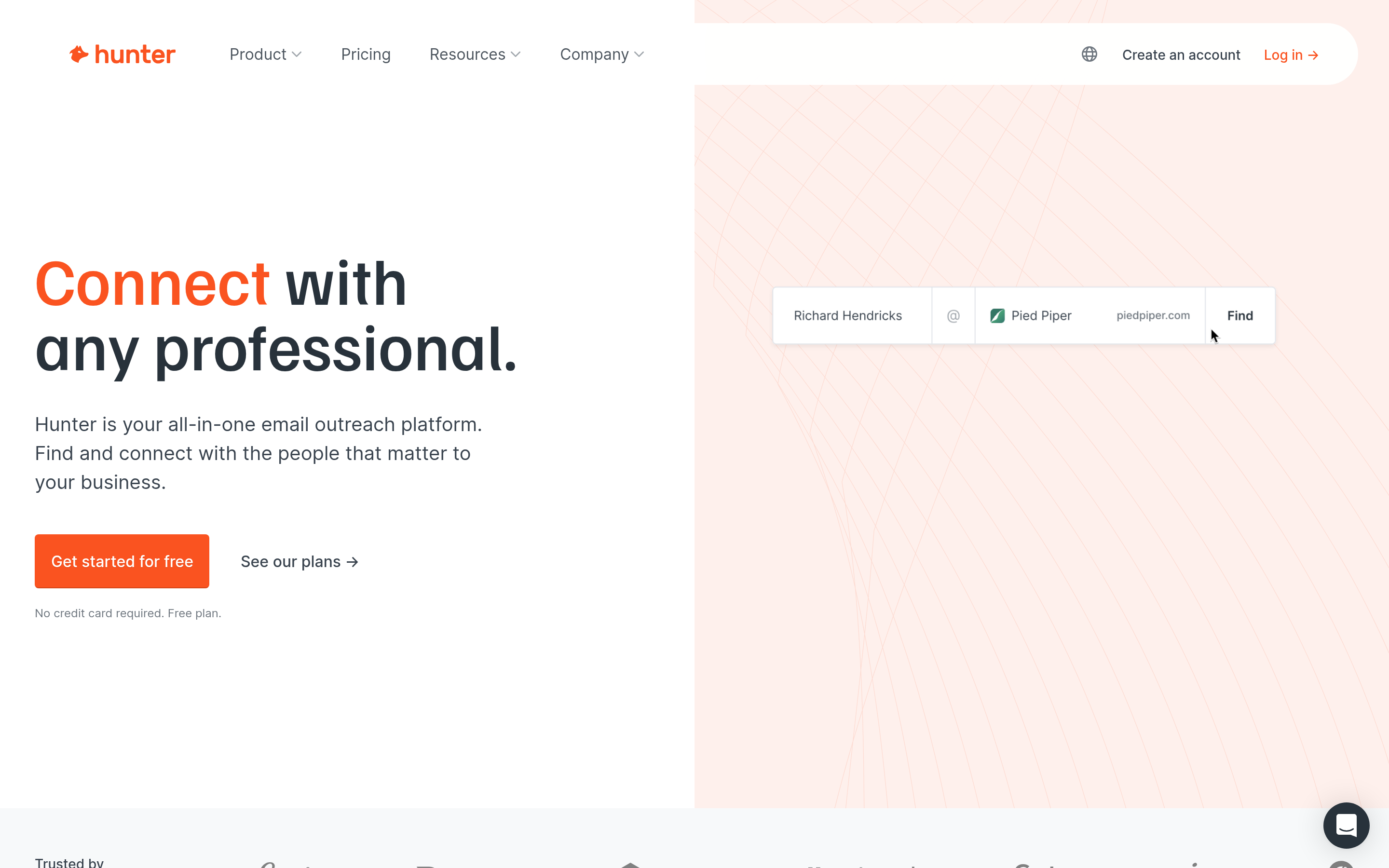
Hunter is one of the best-known email finders. You get domain search, a person-level finder, a verifier, and light campaign features. It has a free plan, and paid tiers start around $49/month (less on annual billing).
Best for: founders and marketers doing moderate-volume, high-intent outreach. Limitations: credits run out quickly at scale, and there's no local-business discovery.
6. Snov.io: best budget email finder with built-in drip campaigns#
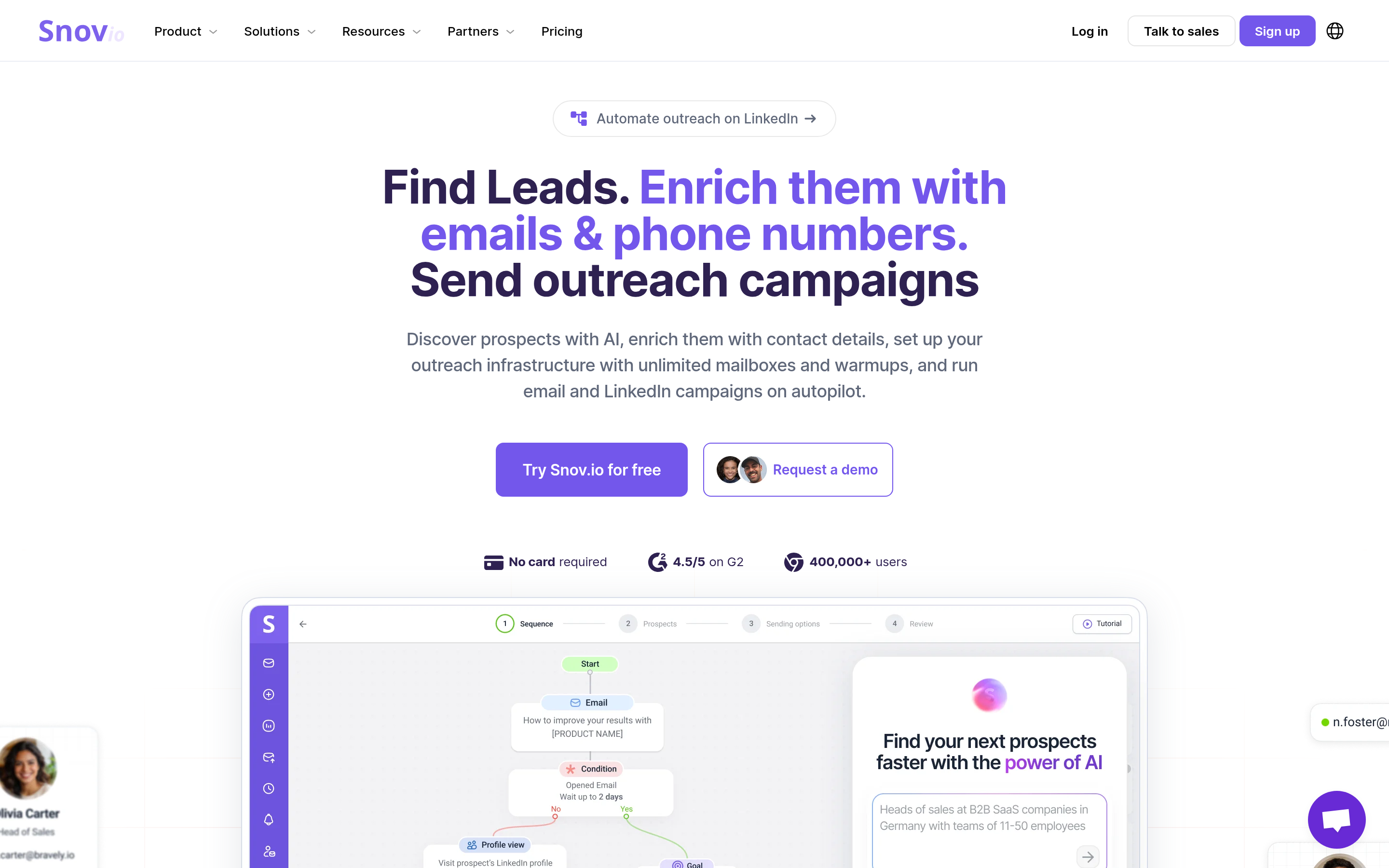
Snov.io combines email finding, verification, a LinkedIn extension, and multichannel drip campaigns. Its entry paid plan is usually one of the cheaper options in this category.
Best for: small teams that want one inexpensive tool to find, verify, and send. Limitations: the interface covers a lot of features without going deep on any one, and some users report lower accuracy on smaller domains.
7. BookYourData: best for pay-as-you-go prospect lists with an accuracy focus#
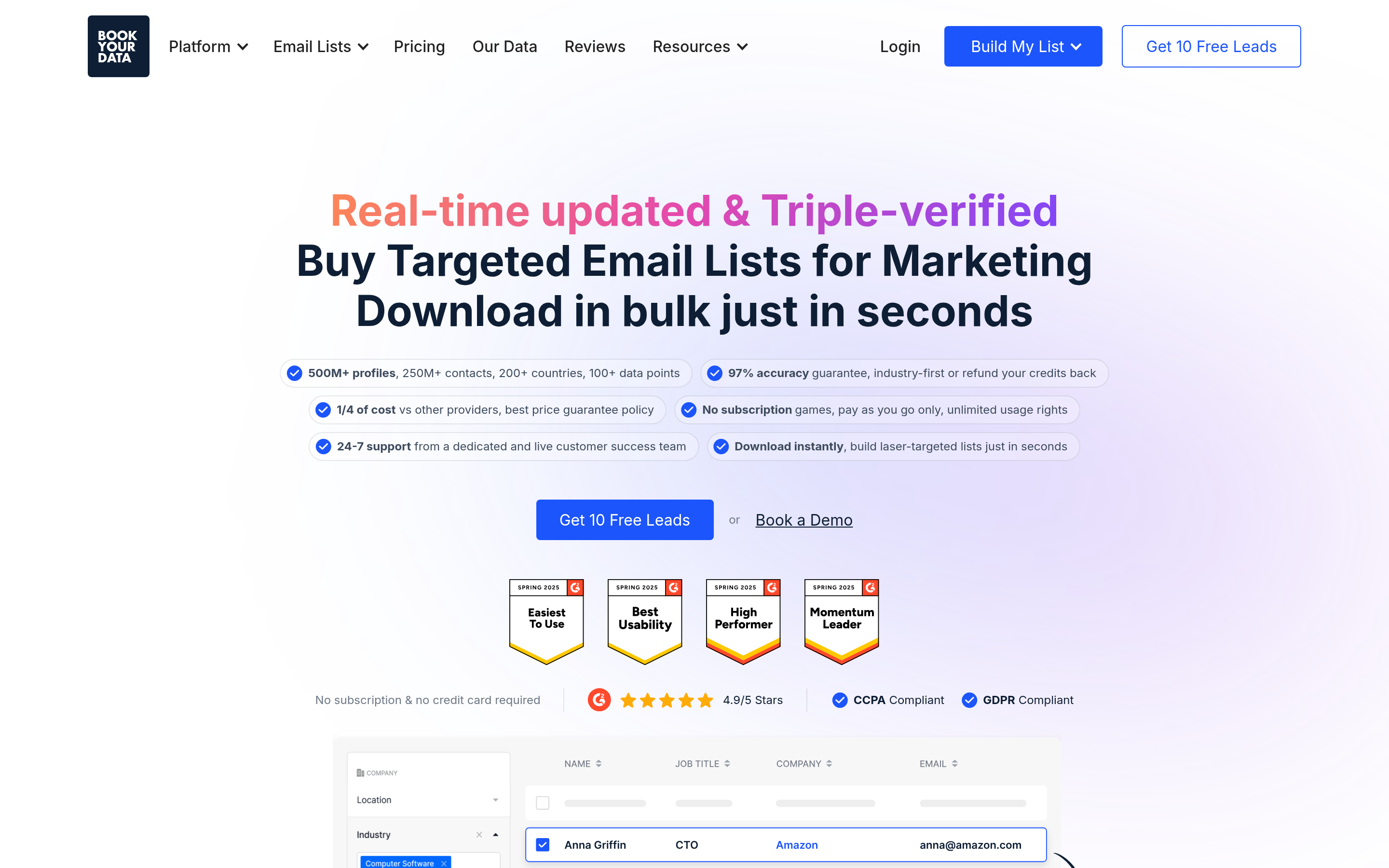
BookYourData lets you build targeted B2B contact lists using filters such as industry, job title, company size, and location, and download only what you pay for. It puts a strong emphasis on data accuracy and offers a credit model that doesn't lock you into a monthly subscription.
Best for: teams that want ready-made, filterable prospect lists without an annual contract. Limitations: like any database, coverage is strongest in well-documented industries and regions. Very niche local verticals may still need scraping.
8. PhantomBuster: best for LinkedIn and multi-site automation#
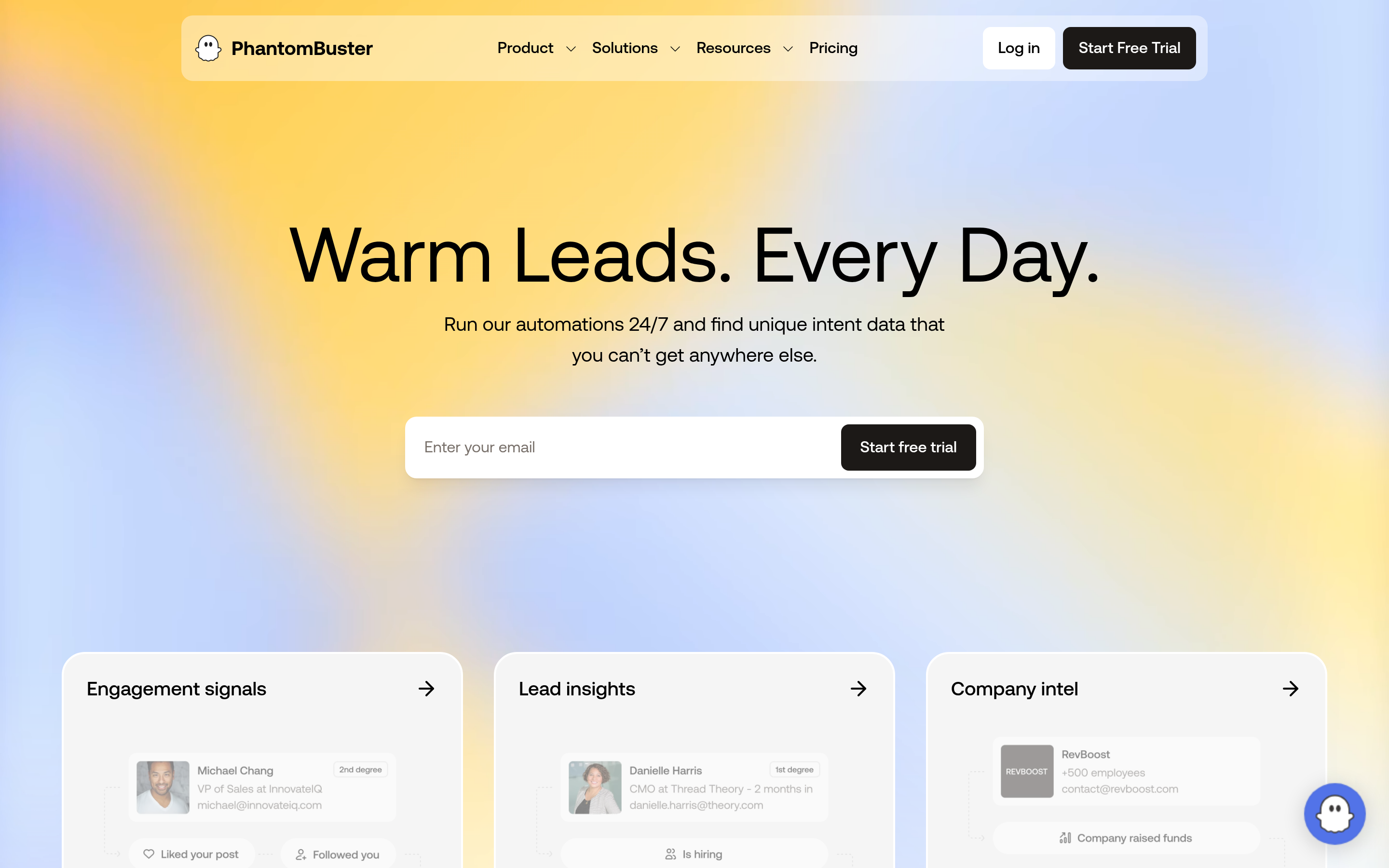
PhantomBuster runs cloud automations ("Phantoms") that extract data from LinkedIn searches, Sales Navigator, Google Maps, Instagram, and more. You can chain them into workflows. Plans start at several tens of dollars per month, based on execution time.
Best for: growth teams running LinkedIn outreach alongside email. Limitations: LinkedIn automation carries account-restriction risk, and PhantomBuster doesn't specialize in emails. Pair it with a finder and verifier.
9. Clay: best for waterfall enrichment at scale#
Clay pulls from dozens of data providers in a spreadsheet-style interface. If one provider can't find an email, the next one is tried. It's very powerful, and it's priced and designed for teams with a RevOps owner. Paid plans start well above $100/month.
Best for: teams with complex ICP logic and the budget to orchestrate multiple providers. Limitations: steep learning curve, and credit costs can surprise you if workflows aren't tuned.
How do these Lead Scrape alternatives compare side by side?#
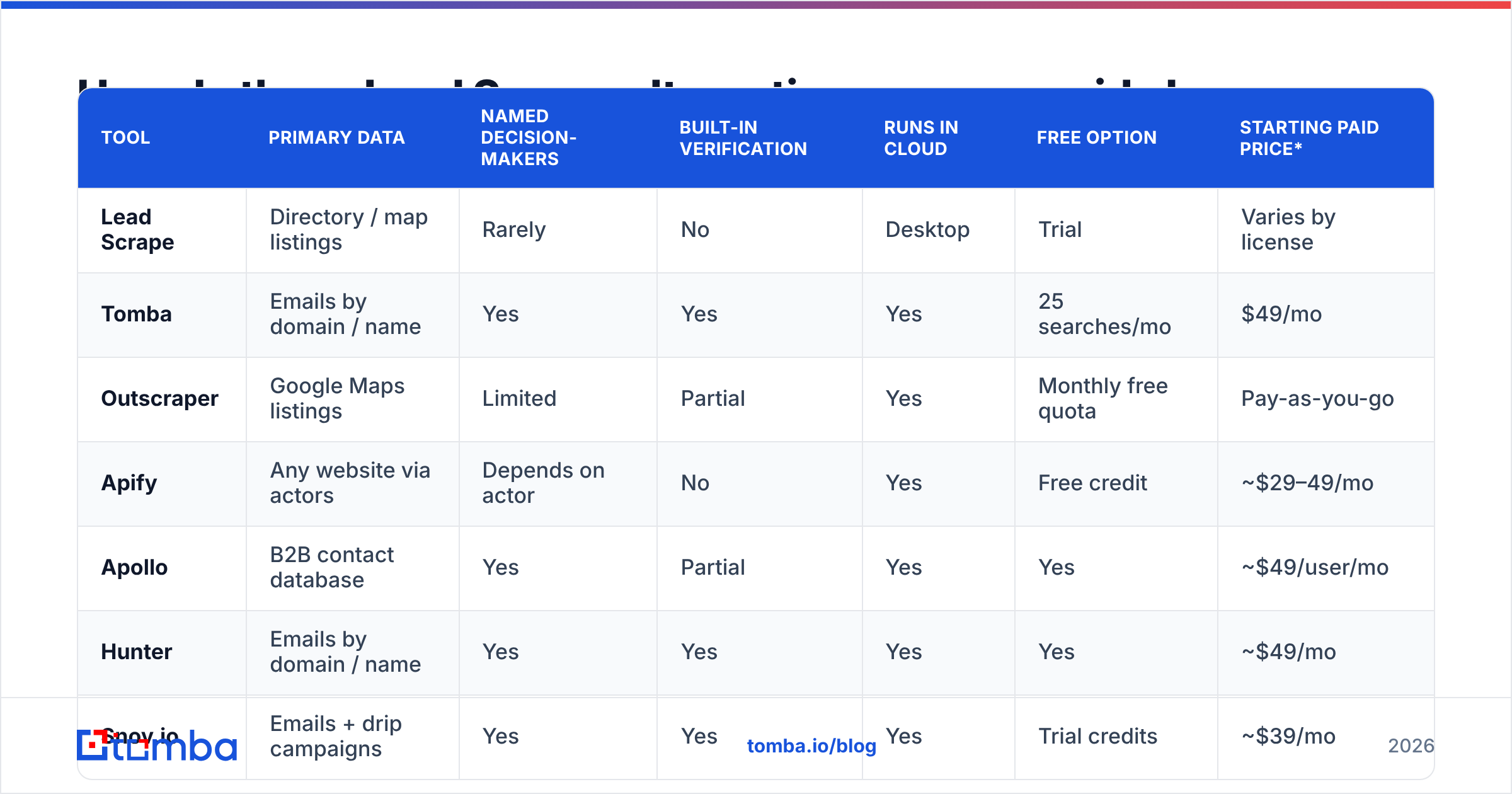
| Tool | Primary data | Named decision-makers | Built-in verification | Runs in cloud | Free option | Starting paid price* |
|---|---|---|---|---|---|---|
| Lead Scrape | Directory / map listings | Rarely | No | Desktop | Trial | Varies by license |
| Tomba | Emails by domain / name | Yes | Yes | Yes | 25 searches/mo | $49/mo |
| Outscraper | Google Maps listings | Limited | Partial | Yes | Monthly free quota | Pay-as-you-go |
| Apify | Any website via actors | Depends on actor | No | Yes | Free credit | ~$29–49/mo |
| Apollo | B2B contact database | Yes | Partial | Yes | Yes | ~$49/user/mo |
| Hunter | Emails by domain / name | Yes | Yes | Yes | Yes | ~$49/mo |
| Snov.io | Emails + drip campaigns | Yes | Yes | Yes | Trial credits | ~$39/mo |
| BookYourData | Filterable B2B lists | Yes | Accuracy-focused | Yes | Sample credits | Pay-as-you-go |
| PhantomBuster | LinkedIn + web automation | Yes (LinkedIn) | No | Yes | Trial | ~$69/mo |
| Clay | Multi-provider enrichment | Yes | Via providers | Yes | Limited free | $100+/mo |
*List prices at the time of writing; check vendor sites for current plans. Independent user reviews on G2 are worth scanning before you commit, especially for accuracy complaints in your region or industry.
Is scraping still the right approach for B2B lead generation?#
Sometimes. Scraping is still the fastest way to build an account list for local and SMB markets. No database covers every independent dental clinic, HVAC contractor, or restaurant group as well as the live map listings do.
Scraping is a weak way to build a contact list, though, for three reasons:
- Role mismatch. The email printed on a website is written for customers, not vendors. It routes to a receptionist or a shared inbox.
- Freshness. Directory listings go stale. Businesses close, change domains, or switch email providers, and a scraper won't tell you.
- Compliance exposure. Regulations like GDPR and CAN-SPAM care about how you got the data and how you use it. Tools that document their data sources and honor opt-outs make audits easier.
In practice, use scraping for discovery and use an email finder plus a verifier for contact data.

How should you choose between these tools?#
Answer these four questions in order, and most of the shortlist will drop out.
- What's your market: local SMBs or companies with a real web presence? Local SMBs: start with Outscraper or Apify. Mid-market and up: start with Apollo, BookYourData, or an email finder.
- Do you need a specific person, or is any inbox at the company fine? If you need a specific person, you need an email finder or a people database. A listing scraper can't give you that.
- How many contacts per month? Under 500: free tiers and Hunter- or Tomba-style starter plans are enough. Several thousand or more: bulk processing, API access, and verification costs become the deciding factors.
- Who maintains the workflow? No technical owner: pick point-and-click tools. A growth engineer or RevOps lead: Apify, PhantomBuster, and Clay are worth their setup time.
What does a practical Lead Scrape replacement workflow look like?#
This is the workflow we see working for small outbound teams that used to rely on a desktop scraper:
- Build the account list. Pull local businesses with Outscraper or Apify, or filter companies in Apollo or BookYourData. Keep only rows that have a working website domain.
- Deduplicate and clean. Remove duplicate domains, franchise locations that share a domain, and obvious non-fits.
- Find named contacts. Run the domains through a bulk domain search or email finder and target roles like owner, founder, GM, or head of marketing.
- Verify before you send. Run every address through a verifier and treat catch-all domains separately. This step protects your sender reputation more than anything else on the list.
- Push to your sequencer or CRM. Send with modest daily volumes per mailbox, and track reply rate by source so you know which list-building path actually produces meetings.
For more on the vendor landscape, Gartner's sales technology coverage is a useful neutral reference when you're making the case for budget internally.
FAQ: Lead Scrape alternatives#
What is the best free Lead Scrape alternative?#
For local listings, Outscraper's free monthly quota is the closest free substitute. For named contacts, the free tiers from Tomba (25 searches/month), Hunter, and Apollo let you test email finding before you pay.
Can I use Lead Scrape and an email finder together?#
Yes, and it's a common setup. Export the websites from your scrape, then run them through an email finder's bulk domain search to get named contacts and verification status.
Are scraped emails legal to use for cold outreach?#
It depends on jurisdiction and how you use them. B2B cold email is generally allowed in the US under CAN-SPAM if you include opt-out and sender details. The EU and UK require a documented legitimate-interest basis. Consult legal counsel for your specific use case.
Why do scraped email lists bounce so much?#
Directory data is often outdated, and many small businesses use catch-all or forwarding setups. If you don't verify, bounce rates can climb high enough to damage your domain within a few campaigns.
Which tool should you start with?#
If Lead Scrape is already giving you good company lists and the gap is reaching actual people, you don't need to replace your whole stack. Add the missing step. Tomba Email Finder turns a list of domains or names into verified professional email addresses, in bulk or one at a time, from the Chrome extension, Google Sheets, or the API. Start with the free 25 searches to test it on your own lead list, then compare plans on the Tomba pricing page when you're ready to scale.
Related guides#
// get started
Find, verify and enrich your first contacts today
Start on the free plan with 25 searches a month, then scale when your team is ready.
Free plan · No credit card required · GDPR & CCPA
// about the author