9 Best LeadFuze Alternatives in 2026 (Free and Paid Tools)
LeadFuze pioneered automated list building, but its entry price and credit model no longer fit every team. Here are nine alternatives compared on data accuracy, credits, pricing, and the job each one is actually best at.

TL;DR
- LeadFuze is still a competent automated list builder, but its published entry plan sits around $147/mo for a few hundred leads — expensive if you only need verified email addresses.
- If your real job is finding and verifying work emails, a dedicated finder like Tomba (free tier, then $49/mo) or Hunter covers it for a fraction of the cost.
- If you need a full prospecting suite with sequences and dialers, Apollo is the closest like-for-like swap; Cognism wins on EU/UK compliance; BookYourData wins if you want to buy a clean list without a subscription.
- The single biggest cost driver is not the sticker price — it's how many credits you burn on contacts that bounce. Verify before you export.
- Pick by job-to-be-done, not by feature count. The comparison table below maps nine tools to the one thing each is best at.
What is LeadFuze and why do people replace it?#
LeadFuze is a lead database and list-building tool. Its signature feature, Fuzebot, builds lists on autopilot: you define a search (job title, industry, headcount, technology used, hiring signals), and the bot keeps adding new matching contacts to your list every day without you touching it. The contacts come with emails, phone numbers, company data, and social profiles, and push into your CRM or sequencer.
That "set it and forget it" model is genuinely good, and it's why LeadFuze built a loyal base. So why do people go looking for LeadFuze alternatives?
Four reasons show up over and over in reviews on G2 and in sales-ops Slack groups:
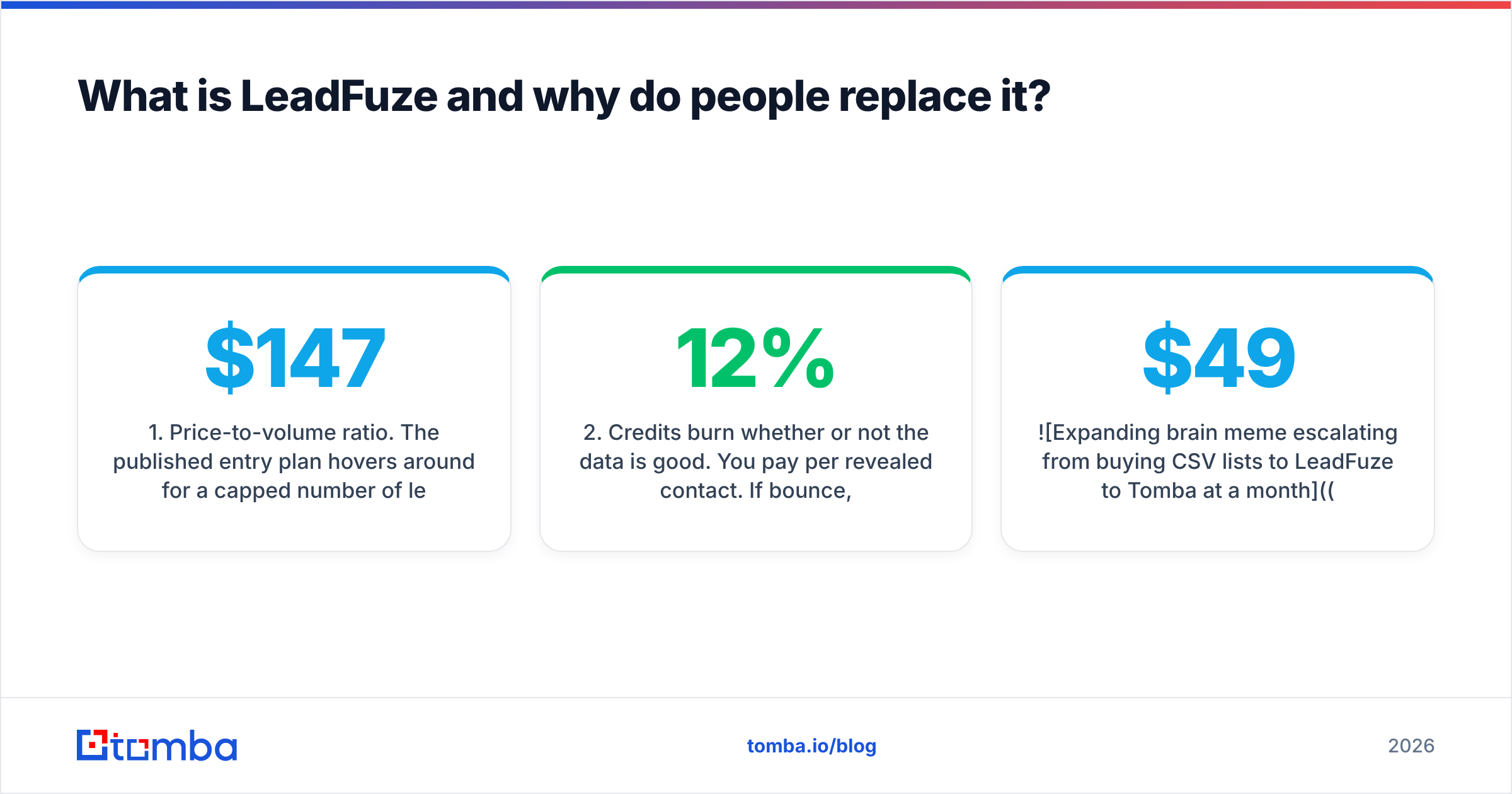
- Price-to-volume ratio. The published entry plan hovers around $147/mo for a capped number of leads per month. For a solo founder or a two-person SDR team, that's a lot of money per usable contact — especially once bounces are subtracted.
- Credits burn whether or not the data is good. You pay per revealed contact. If 12% bounce, you paid for 12% air. Most alternatives now bundle verification, and a few refuse to charge for unverifiable results at all.
- It's a list builder, not a full outbound stack. There's no native sequencer, no dialer, no deliverability tooling. You'll pay for a second tool regardless.
- Regional coverage gaps. North American coverage is strong. EMEA and APAC coverage is thinner, and there's no phone-verified mobile layer or DNC screening the way Cognism offers.
None of that makes LeadFuze a bad product. It makes it a specific product — and if your job has drifted away from "build me a big list automatically," a different tool will cost less and work better.

What jobs do you actually need a LeadFuze alternative to do?#
Before you compare vendors, name the job. Almost every complaint about lead tools traces back to buying a tool built for a different job. There are five distinct jobs hiding under "lead generation":
- Find a specific person's email. You already know the name and company. You need one verified address. This is an email-finder job — Tomba, Hunter, Findymail.
- Enumerate everyone at a company. You have a domain and want the whole org chart's contactable addresses. This is a domain search job.
- Build a filtered list from scratch. "All VP Sales at 50–200 headcount SaaS companies in DACH." This is a database job — LeadFuze, Apollo, Cognism, BookYourData.
- Enrich records you already own. Your CRM has 8,000 rows with missing emails, titles, or company size. This is a data enrichment job.
- Run the sequences and calls. Everything downstream of the list. This is Instantly, Smartlead, Salesloft, Outreach territory.
LeadFuze does job 3 well, job 4 passably, and jobs 1, 2, and 5 not at all. If your bottleneck is job 1 or 2, you are paying database prices for finder work — and that's the single most common reason teams switch.
How do the top LeadFuze alternatives compare?#
Prices below reflect publicly listed plans at the time of writing. Vendors change pricing constantly — always confirm on the vendor's own page before you buy.
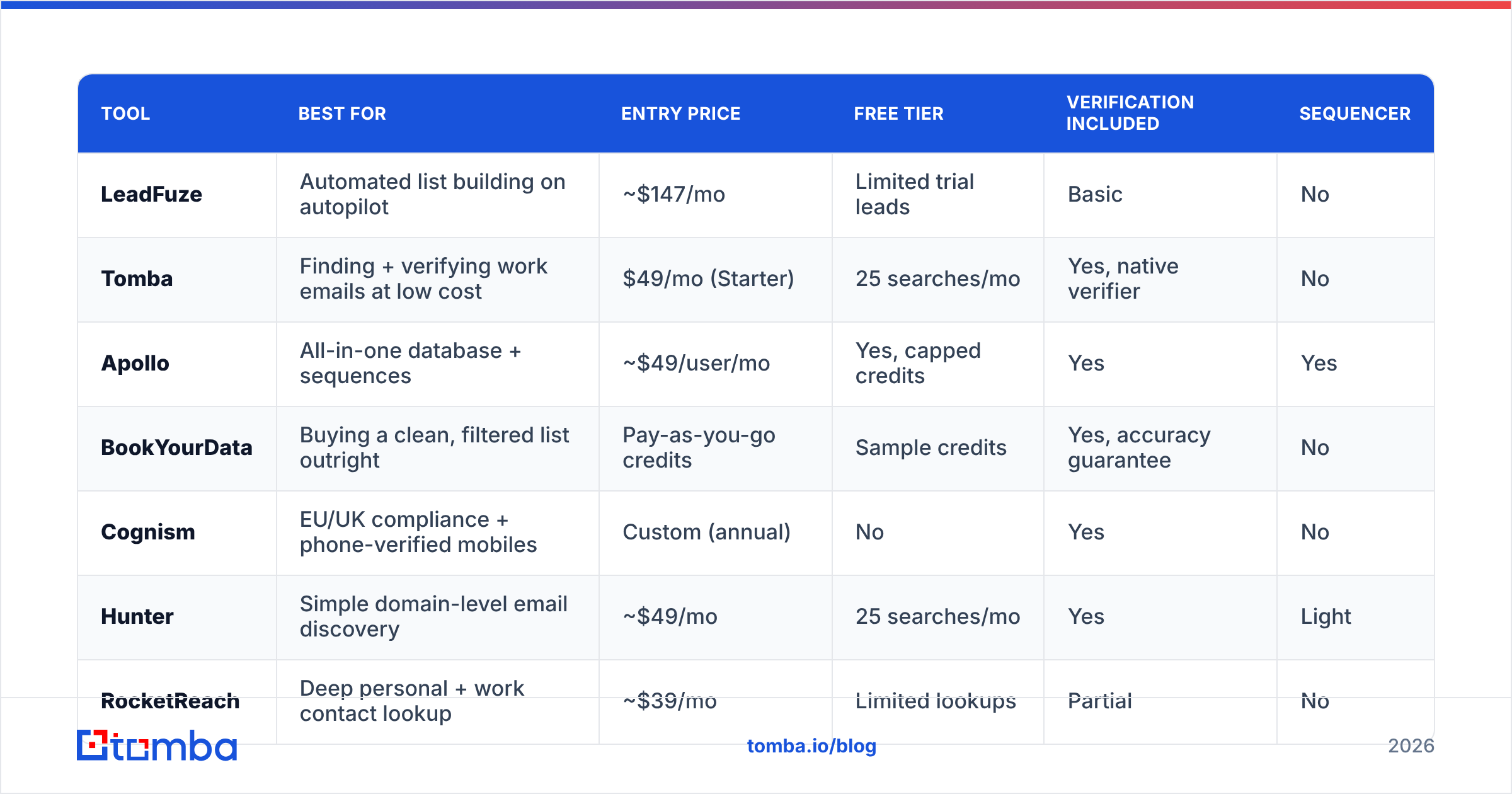
| Tool | Best for | Entry price | Free tier | Verification included | Sequencer |
|---|---|---|---|---|---|
| LeadFuze | Automated list building on autopilot | ~$147/mo | Limited trial leads | Basic | No |
| Tomba | Finding + verifying work emails at low cost | $49/mo (Starter) | 25 searches/mo | Yes, native verifier | No |
| Apollo | All-in-one database + sequences | ~$49/user/mo | Yes, capped credits | Yes | Yes |
| BookYourData | Buying a clean, filtered list outright | Pay-as-you-go credits | Sample credits | Yes, accuracy guarantee | No |
| Cognism | EU/UK compliance + phone-verified mobiles | Custom (annual) | No | Yes | No |
| Hunter | Simple domain-level email discovery | ~$49/mo | 25 searches/mo | Yes | Light |
| RocketReach | Deep personal + work contact lookup | ~$39/mo | Limited lookups | Partial | No |
| Clay | Waterfall enrichment across many providers | ~$149/mo | Yes, limited | Depends on provider | No |
| Wiza | LinkedIn Sales Navigator list export | ~$49/mo | Small monthly credits | Yes | No |
Two things stand out in that table. First, the price gap between a database and a finder is roughly 3x for the entry tier. Second, almost every modern tool now bundles verification — which means if your current stack charges you for bounced contacts, you're behind the market.

Which LeadFuze alternative is right for your team?#
Tomba — best if your bottleneck is verified email addresses#
Tomba is a focused email finder rather than a full database. You give it a name plus a domain, or just a domain, and it returns work addresses with a confidence score and the sources it found them in. The email verifier runs SMTP and MX checks, flags catch-all domains explicitly instead of silently marking them "valid," and there's a separate catch-all verifier for the domains that normally poison a list.
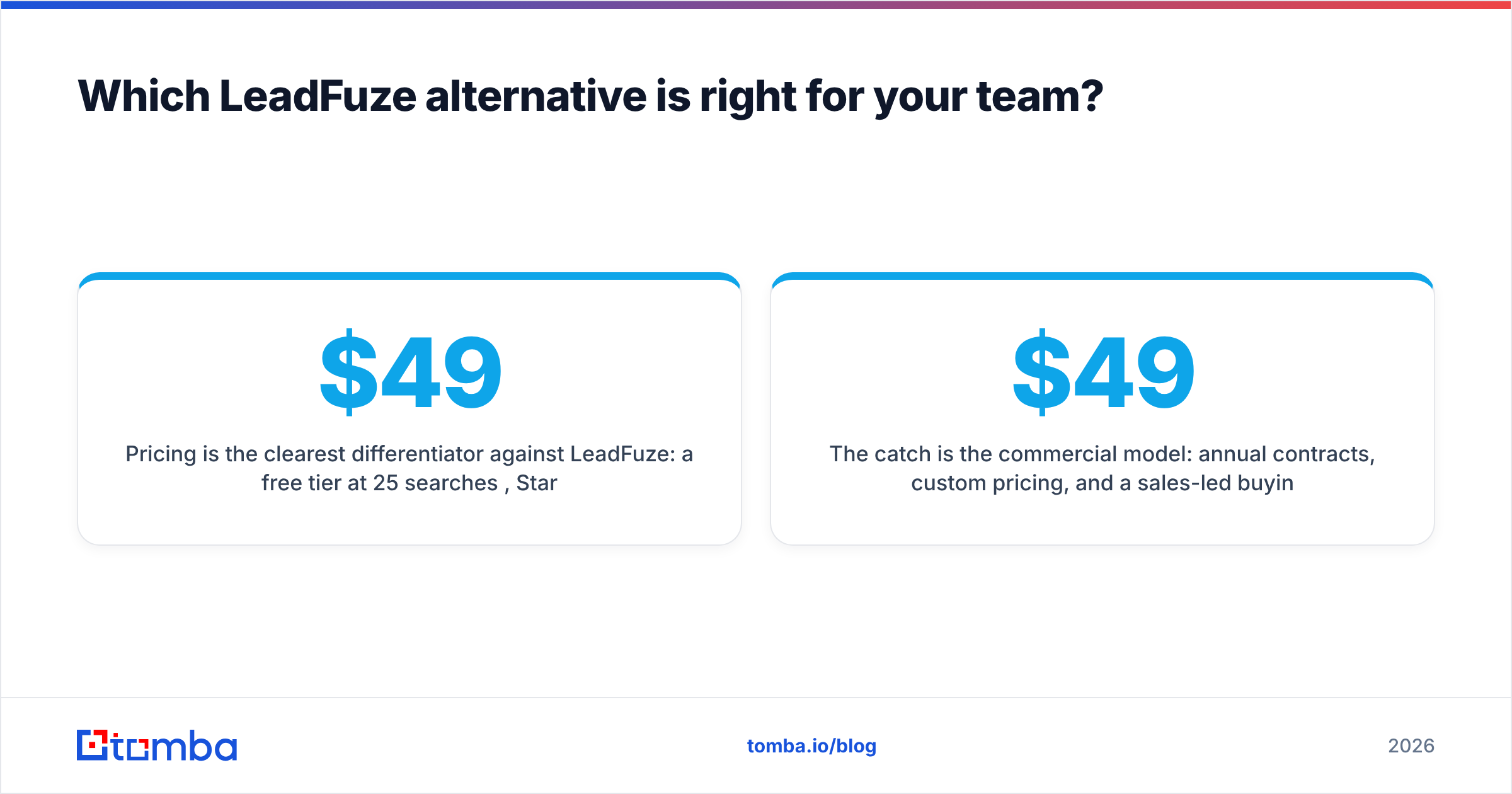
Pricing is the clearest differentiator against LeadFuze: a free tier at 25 searches/mo, Starter at $49/mo, Growth at $99/mo, Pro at $249/mo, and custom Enterprise. Full Tomba pricing is public — no sales call to see a number.
Where it beats LeadFuze: cost per verified contact, verification depth, a genuinely usable free tier, and an email finder API plus CLI and MCP server if you're wiring this into your own pipeline.
Where it doesn't: Tomba won't build you a filtered list of "every CTO in fintech" from nothing the way Fuzebot will. It's a finder and verifier, not an autopilot list builder. If job 3 is your job, look further down this list.
Apollo — best like-for-like swap#

Apollo is the closest structural replacement: a large contact database, filters, enrichment, plus native sequences and a dialer. If you want to consolidate LeadFuze plus your sequencer into one line item, Apollo is the obvious candidate, and its free tier is more generous than most.
The trade-off is data quality variance. Apollo's coverage is enormous, but crowd-sourced contribution means accuracy swings by segment — great for US tech, patchier for European mid-market and non-English titles. Most teams that run Apollo at scale also run a verification layer on top of exports. If you're evaluating this route specifically, the Apollo alternative breakdown covers the credit mechanics in more depth.
BookYourData — best if you'd rather buy the list than rent the tool#
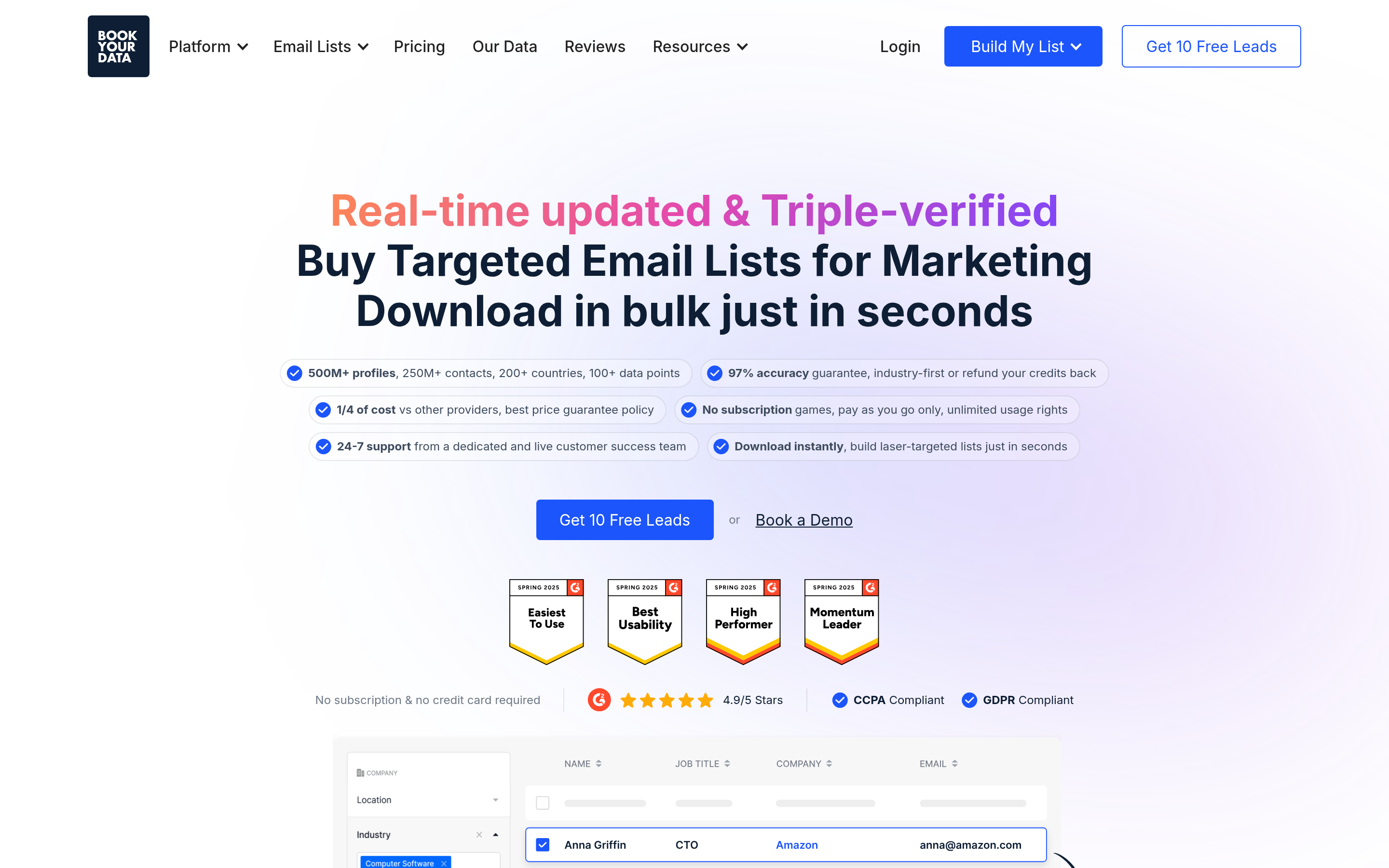
BookYourData takes a different shape: you filter a B2B database by industry, title, geography, and company size, preview the count, and buy exactly those records as a pay-as-you-go purchase. No annual seat commitment, no credits expiring at month-end.
It's a strong fit for teams running campaign-shaped outbound — one big filtered pull per quarter rather than a daily drip — and for agencies that need to charge a client for a discrete data deliverable. The vendor publishes an accuracy guarantee and replaces records that fail, which meaningfully changes the risk profile versus paying a subscription for credits you may not use. If your LeadFuze frustration is "I'm paying monthly for something I use twice a quarter," this is the model to look at. Details are on bookyourdata.com.
Cognism — best for EU/UK compliance and mobile numbers#
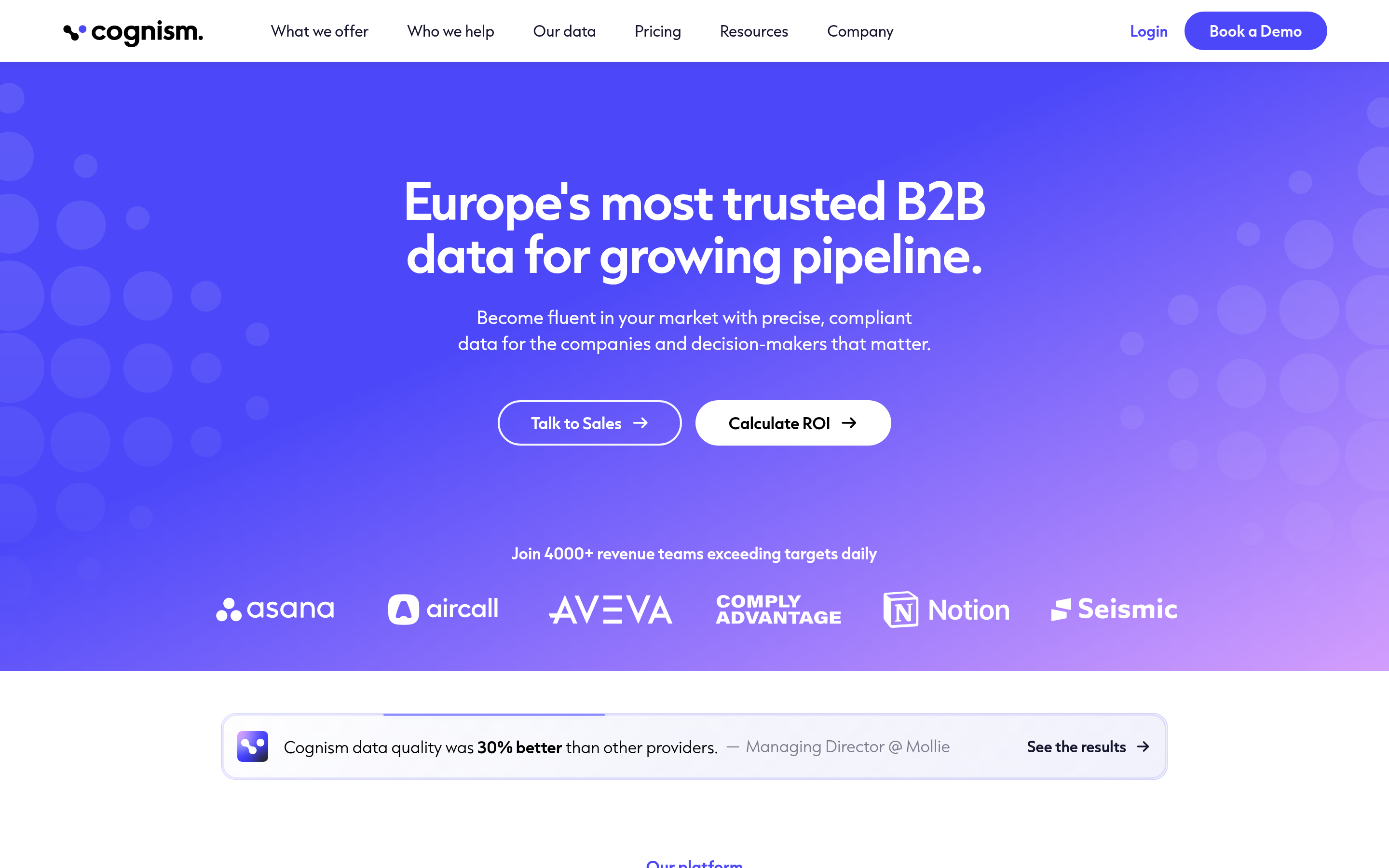
Cognism's pitch is phone-verified mobile numbers (marketed as Diamond Data) and notification-level GDPR handling with DNC list screening across major European markets. If your reps live on the phone in the UK, DACH, or the Nordics, nothing else on this list matches the connect rates.
The catch is the commercial model: annual contracts, custom pricing, and a sales-led buying process. There's no way to try it for $49 and see. Budget accordingly.
Hunter — best for simple domain-level discovery#
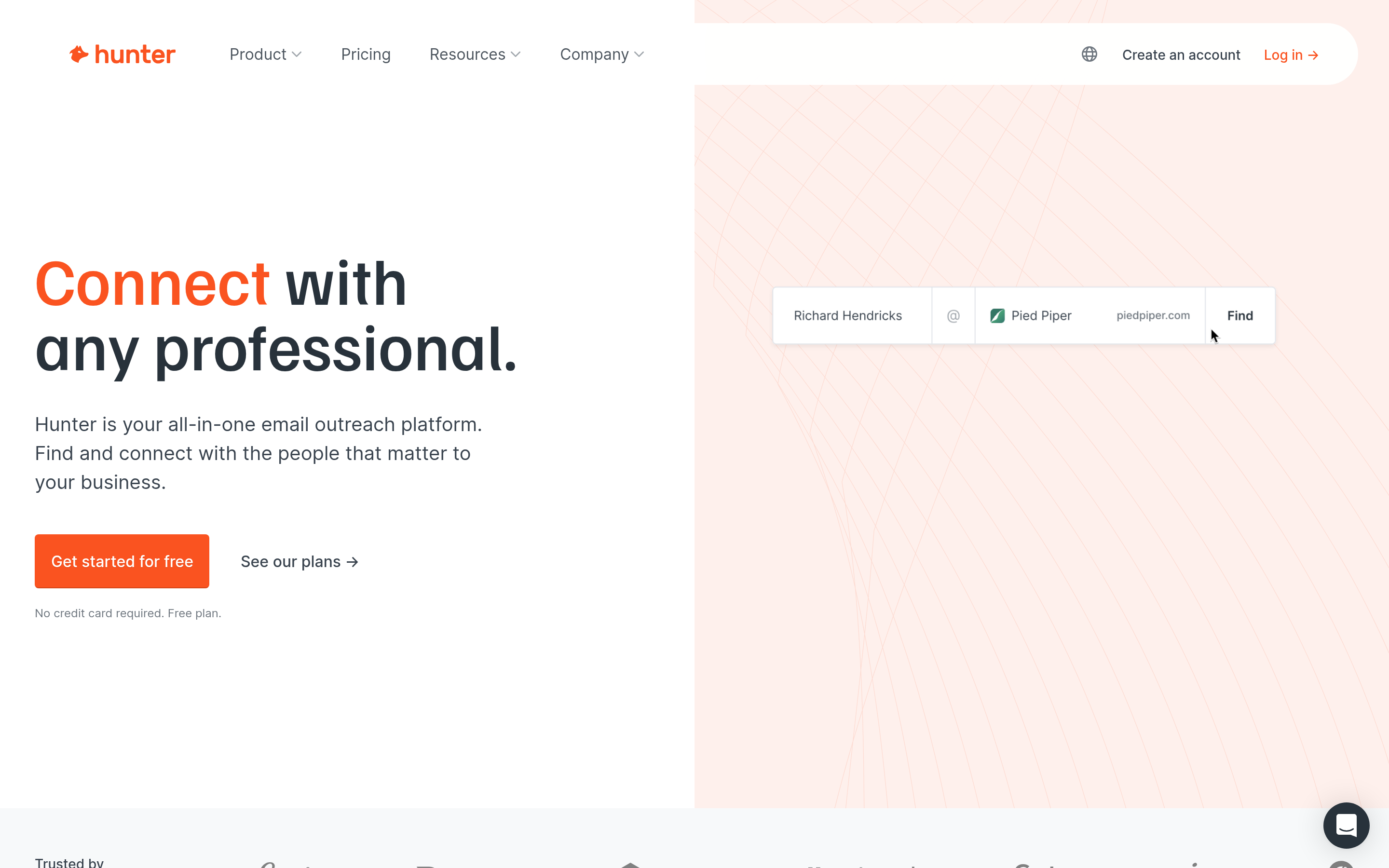
Hunter is the original domain-search tool and still one of the cleanest. Type a domain, get the email pattern and the addresses it knows about, confidence-scored. It's easy to hand to a non-technical teammate, the Chrome extension is reliable, and the free tier is real.
It overlaps heavily with Tomba on core function. The decision usually comes down to credit economics at your volume and whether you need adjacent tools — phone finder, reverse lookup, catch-all verification — under one subscription.
RocketReach — best for hard-to-find individuals#
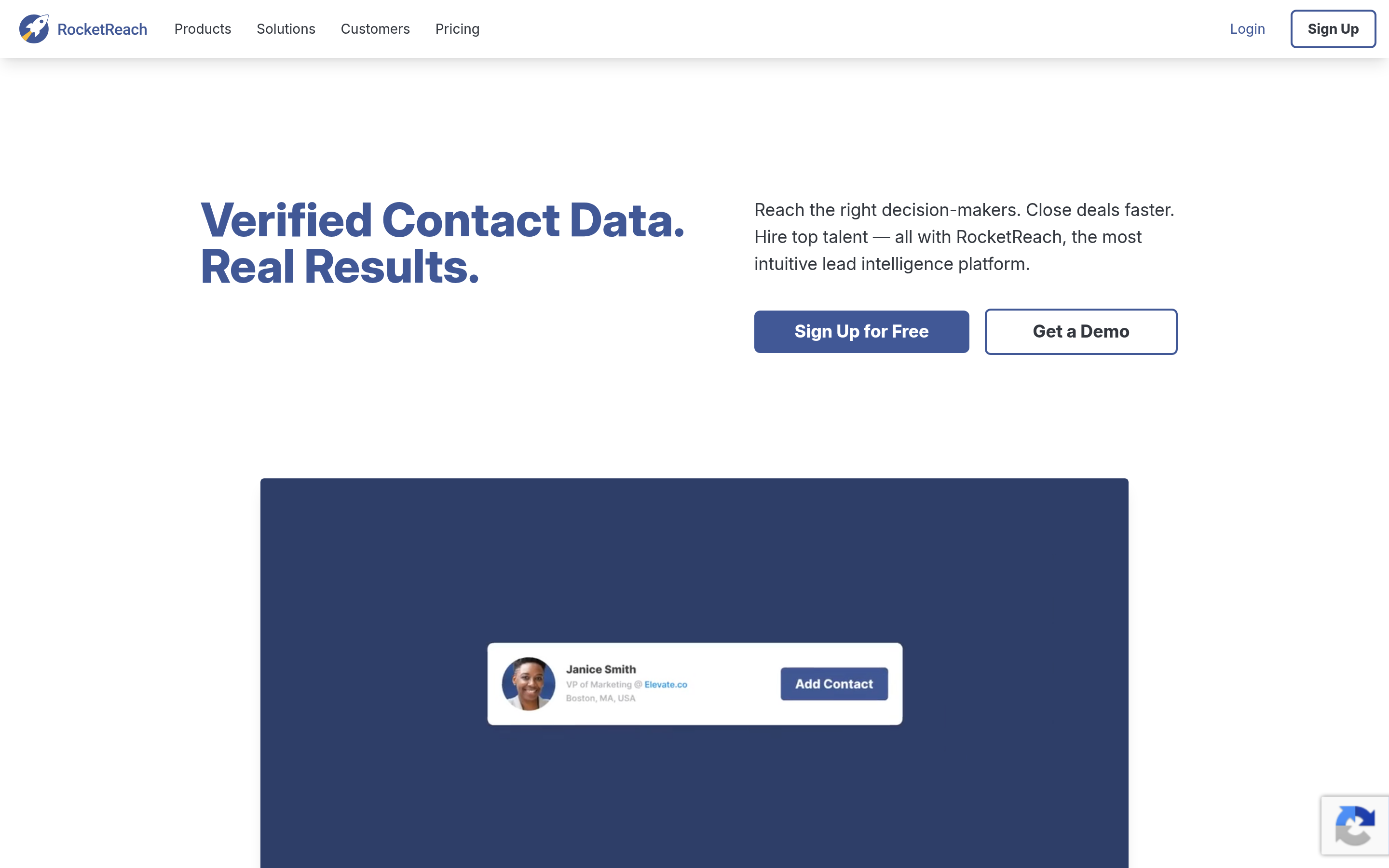
RocketReach indexes personal emails and social profiles alongside work addresses, which makes it the tool of choice when you're chasing founders, investors, or people whose company email is a dead end. Coverage of long-tail individuals is its real edge.
It's weaker as a bulk list builder — filters are less expressive than LeadFuze's — and verification is inconsistent enough that you'll want a second pass. See the RocketReach alternative comparison if you're weighing it directly.
Clay — best for waterfall enrichment#
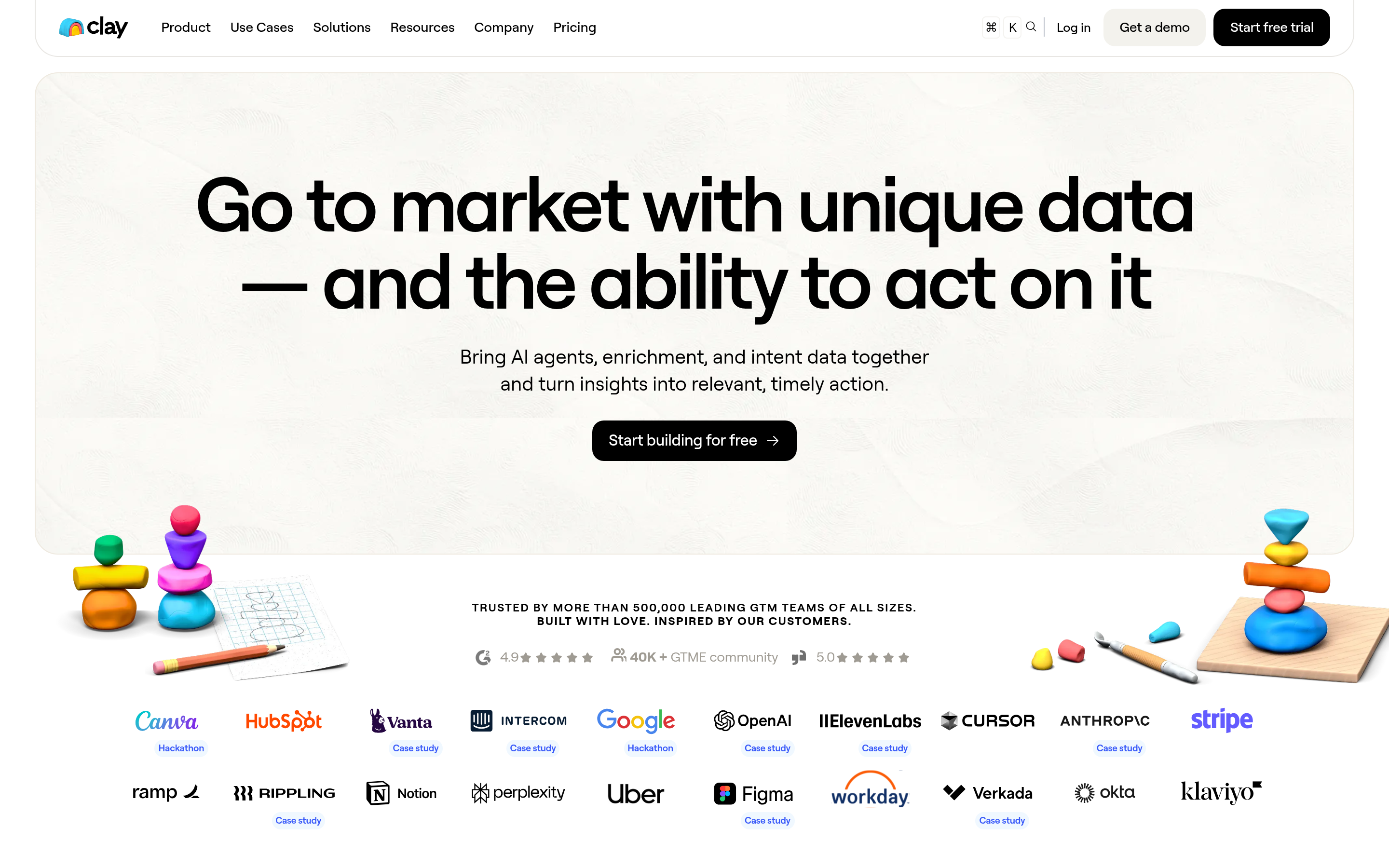
Clay isn't a data vendor; it's an orchestration layer. You feed in a list, and Clay tries provider A, then B, then C until it finds an email, so you only pay each vendor when the previous one missed. Match rates climb well above any single source.
It's the most powerful option here and the least beginner-friendly. Expect to spend real time building tables and a real budget on the underlying provider credits. Worth it above ~5,000 contacts/month; overkill below that.
Wiza — best for Sales Navigator exports#
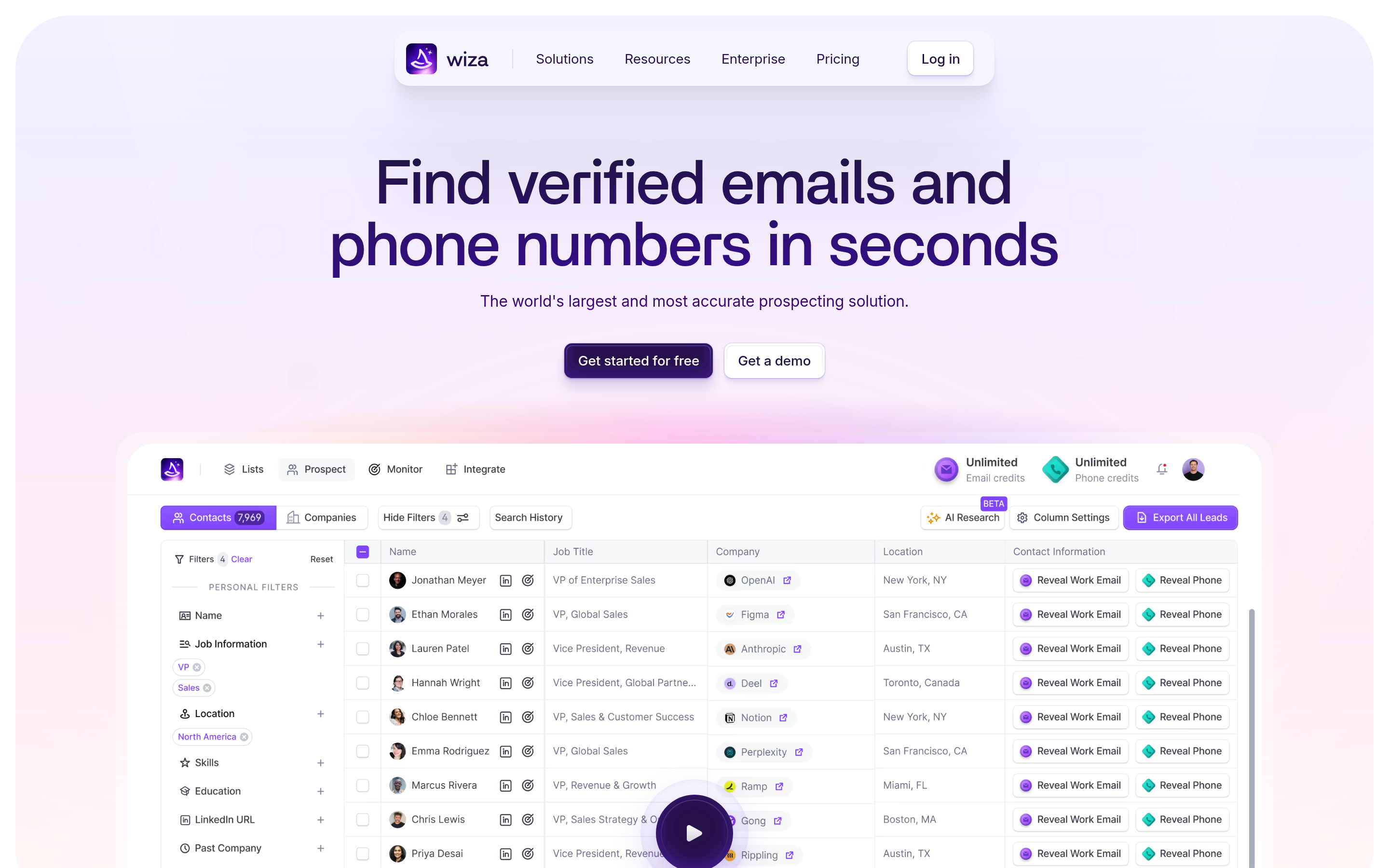
If your prospecting already happens inside LinkedIn Sales Navigator, Wiza turns a saved search into an exported, verified list in a couple of clicks. It solves one narrow problem extremely well. Outside that workflow it has little to offer — see the Wiza alternative page for the boundaries.
Seamless.AI — best only if you want the AI-search framing#
Seamless.AI markets real-time AI search over the open web rather than a static database. Coverage of freshly hired contacts can be good. Reviews are polarized, particularly on contract terms and credit rollover, so read the fine print before signing anything annual.
How much does data accuracy actually change your cost?#
More than the sticker price does. Run the arithmetic.
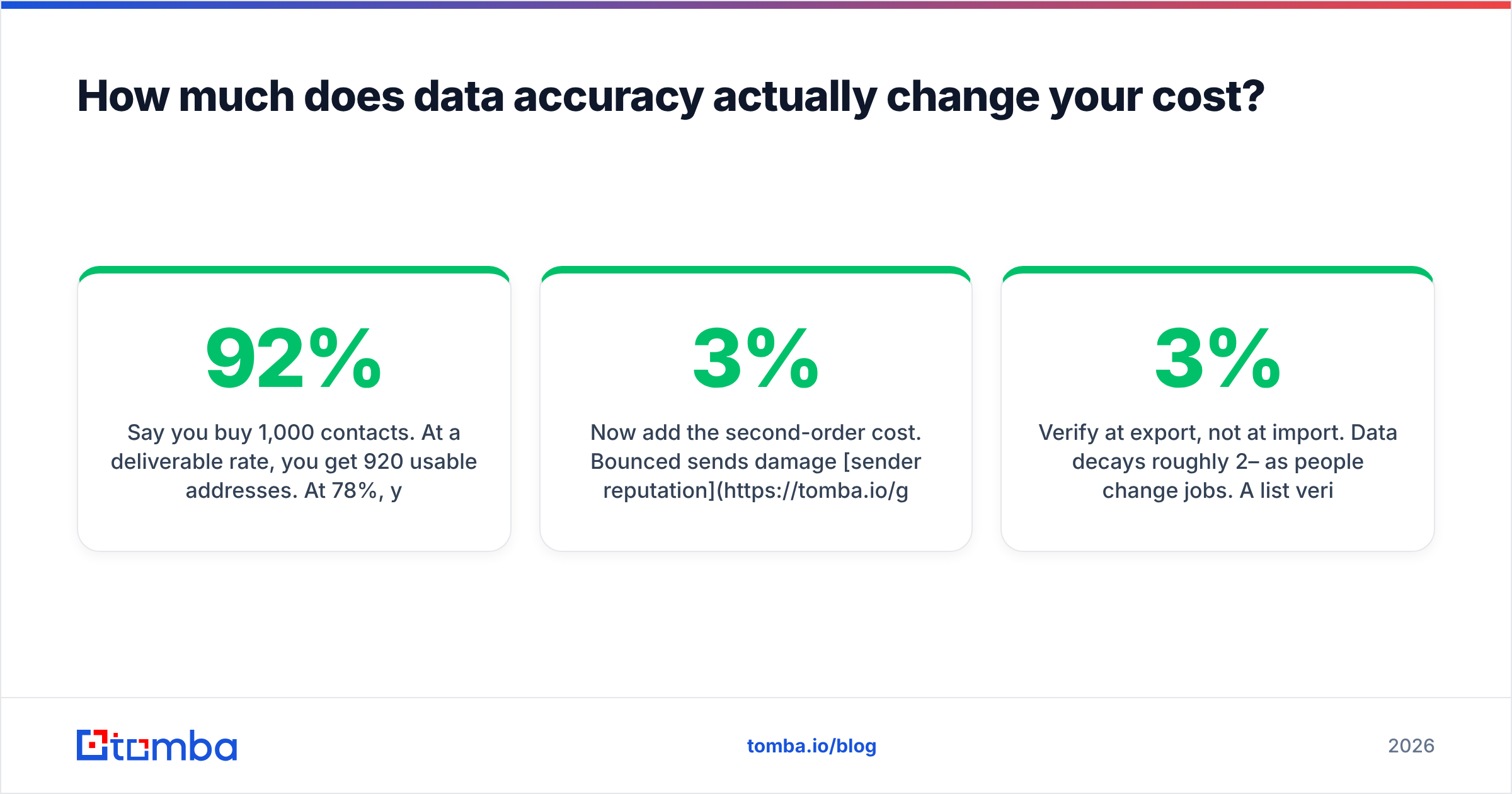
Say you buy 1,000 contacts. At a 92% deliverable rate, you get 920 usable addresses. At 78%, you get 780. If your tool costs $147 for those 1,000 contacts, your true cost per usable contact is $0.16 versus $0.19 — a 18% swing that never appears on any pricing page.
Now add the second-order cost. Bounced sends damage sender reputation. Push past roughly a 3% bounce rate and mailbox providers start throttling your domain, which suppresses inbox placement for the good addresses too. A cheap list with bad data doesn't just waste credits; it degrades every campaign you send afterward for weeks.

Three habits keep that under control regardless of which vendor you pick:
- Verify at export, not at import. Data decays roughly 2–3% per month as people change jobs. A list verified in March is not a verified list in July.
- Treat catch-all domains as their own bucket. A catch-all server accepts everything, so a naive verifier marks it "valid." Route those through a dedicated catch-all verifier or segment them into a lower-volume, higher-care campaign.
- Batch your checks. Running a bulk verify pass on 5,000 rows before upload costs less than one damaged domain reputation.

Is a cheaper alternative always the right move?#
No — and it's worth saying plainly, because "cheaper" is the wrong axis for about a third of the teams reading this.
Keep paying database prices when:
- You genuinely need discovery — building lists of companies and people you couldn't have named in advance. Finders can't do that.
- You need intent or hiring signals baked into the filter. LeadFuze's signal-based Fuzebot searches are a real feature, not marketing.
- You sell into regulated European markets where DNC screening and documented lawful basis are procurement requirements, not nice-to-haves.
Switch to a finder-first stack when:
- You already know your target accounts and just need contacts at them.
- Your outbound is account-based: 200 named companies, not 20,000 filtered rows.
- Your CRM is full of records missing only an email or a phone number.
- You want to keep monthly spend under $100 while you validate the motion.
The honest version of this comparison is that most teams switching from LeadFuze aren't downgrading — they're unbundling. They keep a database subscription for quarterly discovery pulls, and move the daily find-and-verify work to a cheaper, sharper tool. Total spend drops, and usable-contact volume goes up.
What should you do next?#
Run a head-to-head on your own data before you commit to anything annual. Take 100 contacts you already know are valid — people who've replied to you — and run them through each candidate tool. Measure three things: match rate (did it find an address at all), accuracy (is the address the right one), and cost per confirmed match. That test takes an afternoon and beats every review site, including this page.
If that test tells you your bottleneck is finding and verifying work emails rather than discovering new accounts, start with the Tomba Email Finder. The free tier gives you 25 searches a month with no card, which is enough to run the 100-contact benchmark honestly, and Starter at $49/mo is roughly a third of LeadFuze's entry plan with native verification included rather than bolted on. Find the addresses, verify them in the same pass, and send to a list that actually lands.
Related guides#
// get started
Find, verify and enrich your first contacts today
Start on the free plan with 25 searches a month, then scale when your team is ready.
Free plan · No credit card required · GDPR & CCPA
// about the author