8 Best LeadLeaper Alternatives in 2026 (Free & Paid Tools)
LeadLeaper is a handy free Chrome extension for pulling emails off LinkedIn, but it stops short once your outbound grows. Here are 8 LeadLeaper alternatives compared on accuracy, pricing, and workflow fit.

TL;DR
- LeadLeaper works well as a lightweight, low-cost Chrome extension for pulling emails from LinkedIn and Sales Navigator. Teams usually outgrow it when they need bulk lookups, domain search, an API, or built-in verification.
- Tomba is the best all-round replacement if you want a LinkedIn extension plus domain search, bulk finding, verification, and an API on one plan starting at $49/mo.
- Apollo fits teams that want a contact database and sequencing in one place. Hunter fits domain-first prospecting. Snov.io fits small teams that want a cheap finder with drip campaigns included.
- Lusha, Kaspr, and ContactOut are the stronger picks when you need direct dials and mobile numbers as well as emails.
- Whichever tool you choose, run addresses through a verifier before you send. Unverified finder output is the fastest way to damage your sender reputation.
What is LeadLeaper, and why look for alternatives?#
LeadLeaper is a browser extension that captures contact details while you browse LinkedIn, Sales Navigator, and company websites. You open a profile, click the extension, and it tries to return a business email address, which it saves to a lead list you can export to CSV.
Its appeal is simple. The free tier covers light monthly prospecting, the interface is plain, and you don't have to learn a big platform to use it. Solo founders and recruiters often start here for exactly that reason.
The problems show up as volume grows. Teams that switch usually give some version of these reasons:
- One profile at a time. LeadLeaper is built around capturing leads while you browse. Finding emails for 2,000 accounts from a spreadsheet takes a very different workflow.
- No full domain search. You can't reliably pull every public email at a target company and filter by department.
- Limited verification depth. Catch-all domains and risky addresses need a dedicated verification step before you send.
- Few integrations and no developer API. There's no clean way to push enrichment into your CRM, Google Sheets, or your own product.
- LinkedIn dependency. If your prospect list comes from somewhere other than LinkedIn, like event attendee lists, job boards, or technographic lists, a LinkedIn-first tool helps less.
None of this makes LeadLeaper a bad product. It was built for a narrow job. The alternatives below cover the jobs it wasn't designed for.
What should you look for in a LeadLeaper alternative?#
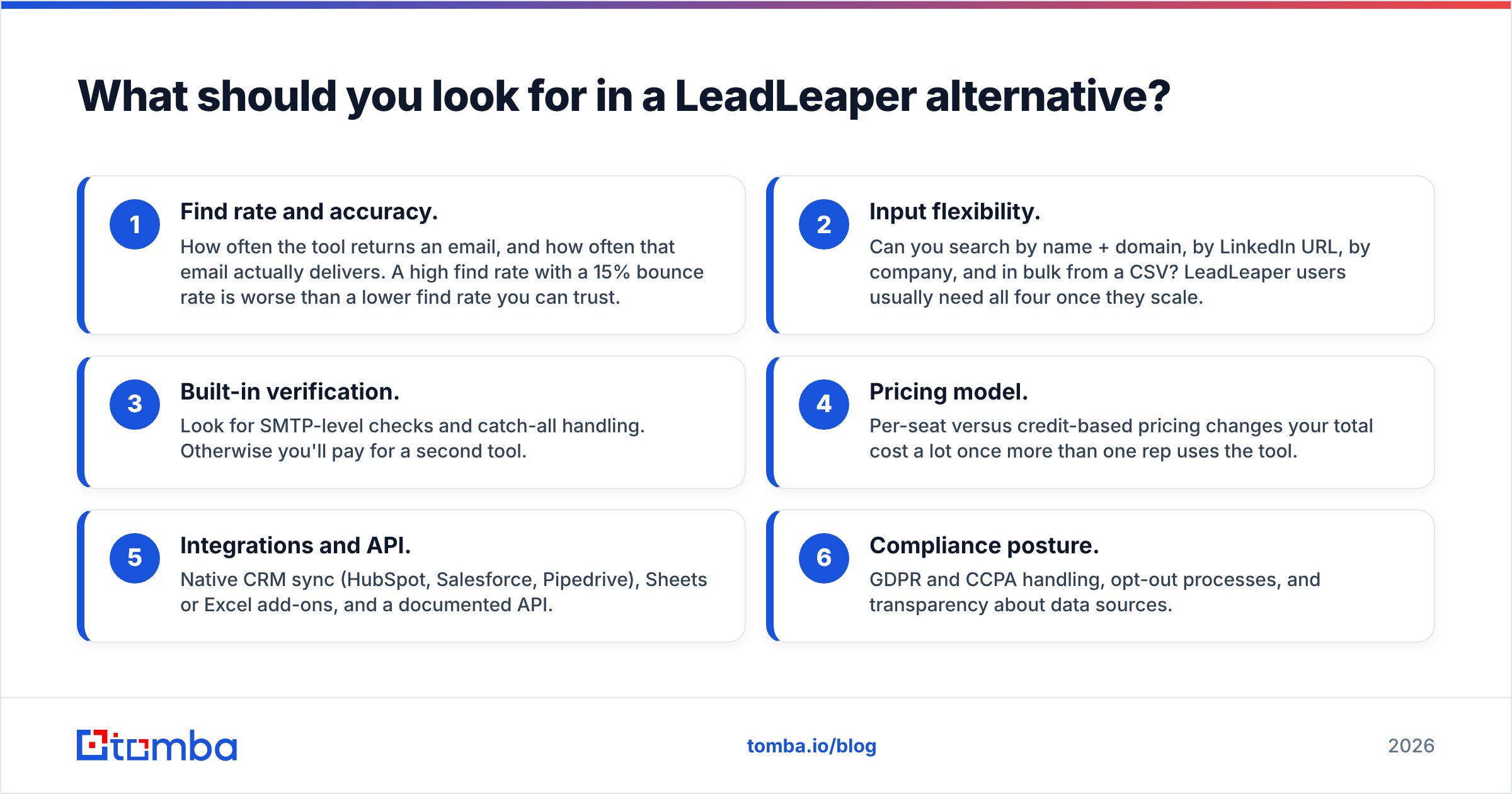
Before you compare vendors, decide which of these matter to you. Most buying mistakes happen because a team picks on price alone and then finds the tool doesn't fit how it actually prospects.
- Find rate and accuracy. How often the tool returns an email, and how often that email actually delivers. A high find rate with a 15% bounce rate is worse than a lower find rate you can trust.
- Input flexibility. Can you search by name + domain, by LinkedIn URL, by company, and in bulk from a CSV? LeadLeaper users usually need all four once they scale.
- Built-in verification. Look for SMTP-level checks and catch-all handling. Otherwise you'll pay for a second tool.
- Pricing model. Per-seat versus credit-based pricing changes your total cost a lot once more than one rep uses the tool.
- Integrations and API. Native CRM sync (HubSpot, Salesforce, Pipedrive), Sheets or Excel add-ons, and a documented API.
- Compliance posture. GDPR and CCPA handling, opt-out processes, and transparency about data sources.
Accuracy should carry the most weight. Independent tests keep showing large gaps between vendors on the same list of contacts:

Which LeadLeaper alternatives are worth considering in 2026?#
Here's the shortlist. Each tool is covered below with who it suits, where it's strong, and where it falls short.
1. Tomba: best all-round LeadLeaper replacement#
Tomba is an email-finding platform built around one core job: returning a verified professional email from a name, a domain, a company, or a LinkedIn profile. The Tomba Email Finder handles single lookups. Domain search, a bulk finder, and a LinkedIn finder extension cover the LeadLeaper-style browsing workflow and the spreadsheet workflow LeadLeaper doesn't support.
What stands out for LeadLeaper users:
- Same LinkedIn workflow, more inputs. Keep finding emails from profiles in the browser, then switch to bulk CSV uploads or domain search without changing tools.
- Verification included. Each result can go through the email verifier, including catch-all detection, so you're not exporting guesses.
- Developer-friendly. A REST API, CLI, MCP server, and native integrations with HubSpot, Salesforce, Pipedrive, Zapier, and Google Sheets.
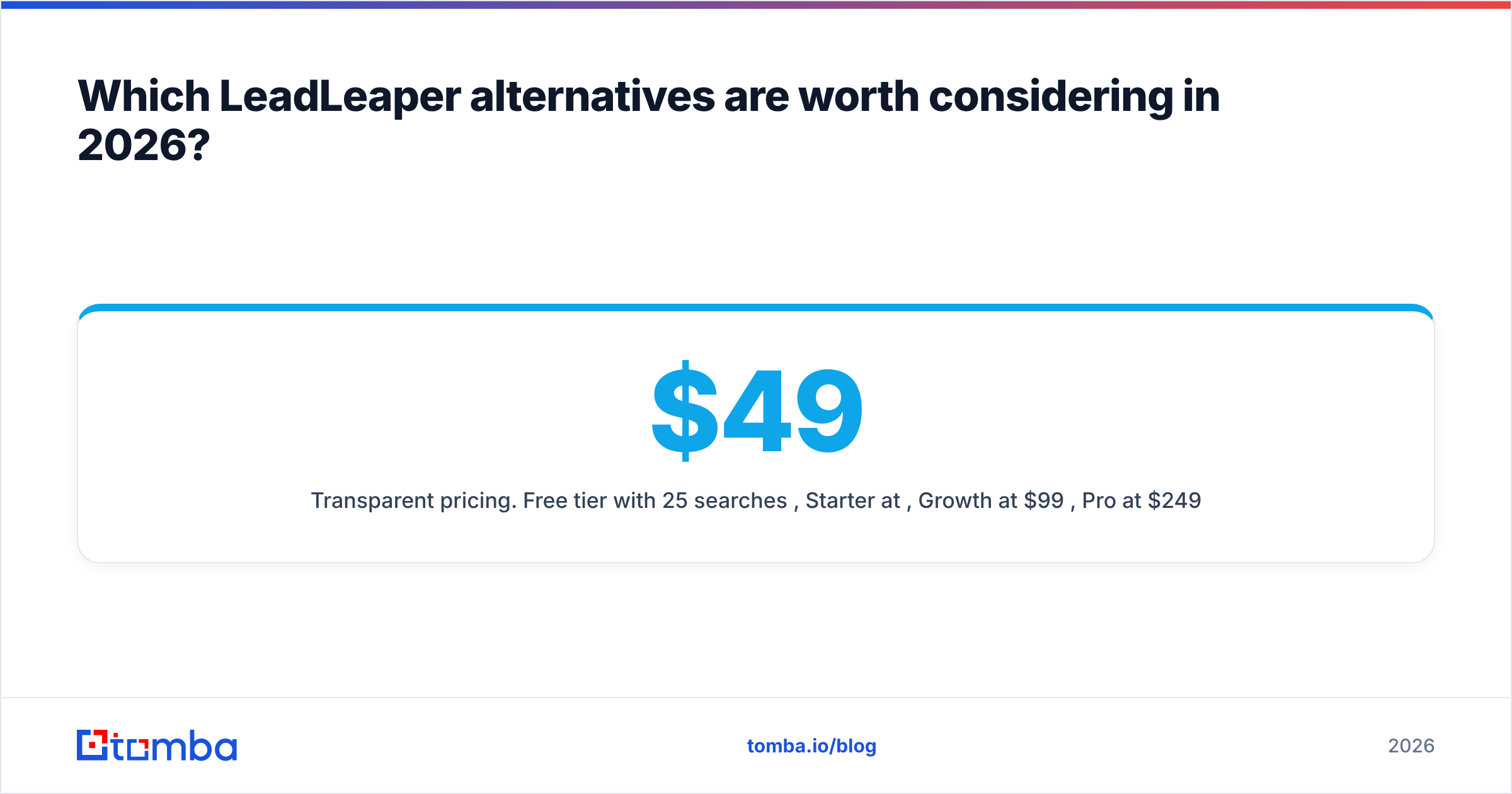
- Transparent pricing. Free tier with 25 searches per month, Starter at $49/mo, Growth at $99/mo, Pro at $249/mo, and custom Enterprise plans.
Watch-outs: Tomba is an email-first data tool, not a sales engagement platform. If you want sequencing, dialing, and a contact database in a single subscription, Apollo will suit you better.
Best for: Teams that start on LinkedIn but need bulk, domain, and API workflows as they grow.
2. Apollo.io: best if you want database + sequencing in one#

Apollo combines a large B2B contact database with a Chrome extension, email sequencing, and basic dialing. For a LeadLeaper user, the biggest change is that you can search the database by filters (title, industry, headcount, technology) instead of visiting profiles one by one.
- Strengths: Generous free plan, strong filtering, sequences built in, and a LinkedIn extension.
- Weaknesses: Data freshness varies by region and segment. Per-seat pricing adds up across teams. Heavy users often run exports through a separate verifier.
- Pricing: Free plan available. Paid plans are per user per month, with discounts for annual billing.
If Apollo's per-seat cost becomes a problem, look at Apollo alternatives that price by credits.
Best for: SDR teams that want one tool for list building and outreach.
3. Hunter.io: best for domain-first prospecting#
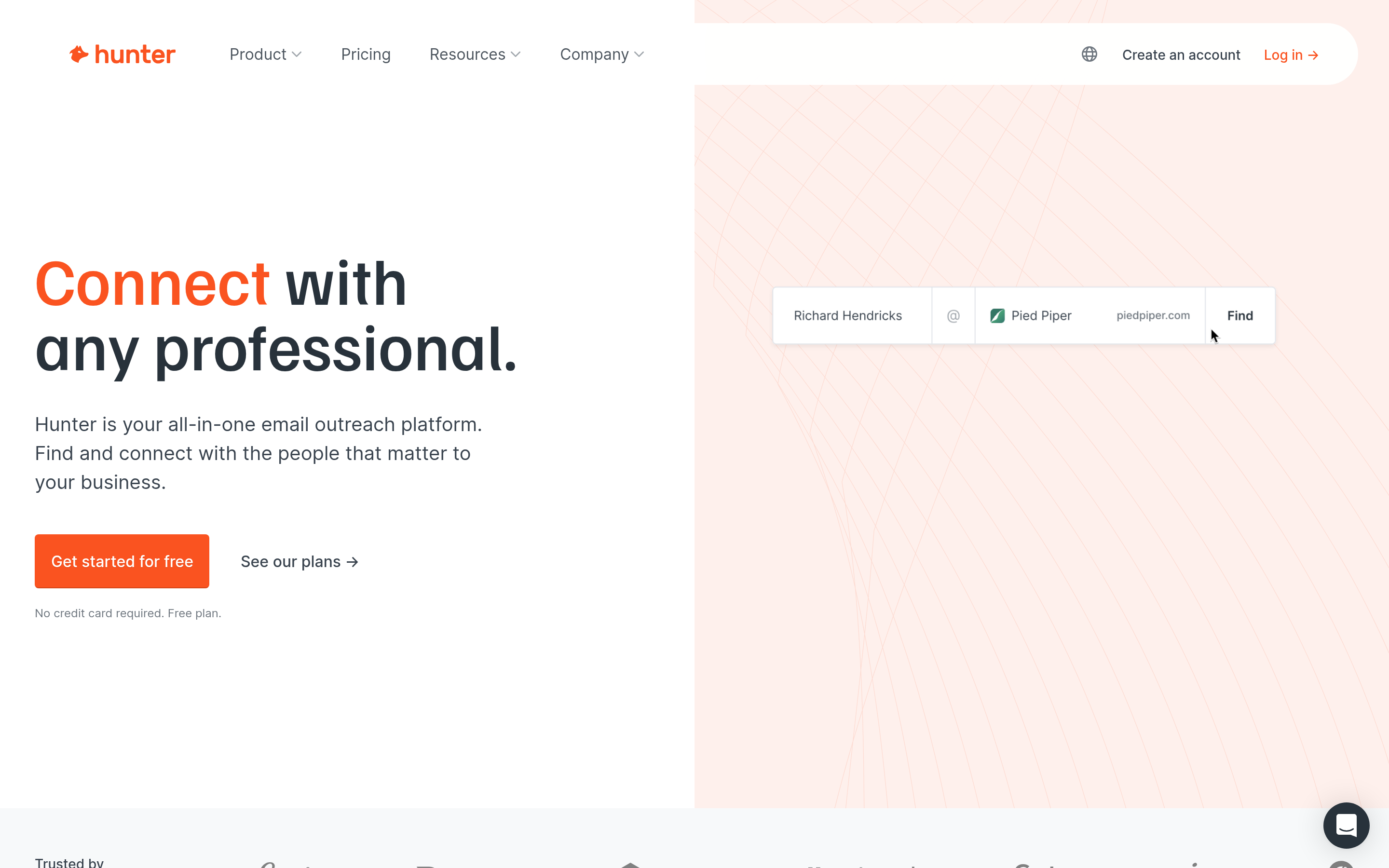
Hunter popularized domain search. You enter a company website and get back the public email addresses associated with it, plus the company's likely email pattern.
- Strengths: Clean UI, reliable pattern detection, a solid verifier, and a simple Campaigns feature for light outreach.
- Weaknesses: Its LinkedIn workflow is less central than LeadLeaper's. Credits run out quickly for high-volume users, and there's no phone data.
- Pricing: Free tier with a small monthly search allowance. Paid tiers are credit-based.
Best for: Marketers, PR teams, and founders who prospect by company rather than by person.
4. Snov.io: best budget option with drip campaigns#
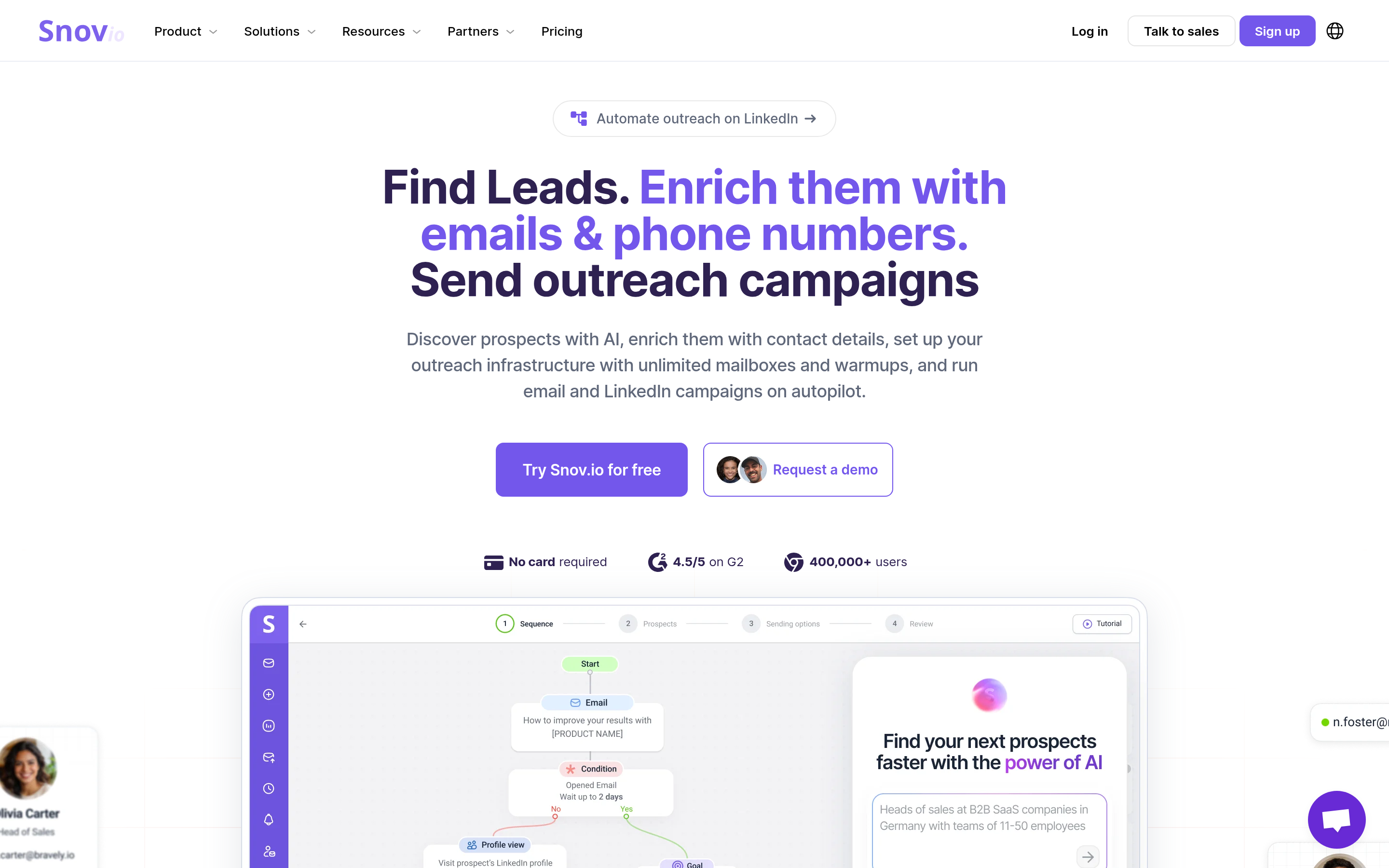
Snov.io bundles an email finder, a verifier, a LinkedIn extension, and multi-step email drip campaigns at an entry price that suits small teams.
- Strengths: Low entry cost, a full-stack feel, and a decent Chrome extension.
- Weaknesses: The UI can feel crowded, and find rates vary by market. Deliverability tooling is lighter than in dedicated sending platforms.
- Pricing: Free trial credits. Paid plans are credit-based, with monthly and annual options.
Best for: Early-stage teams replacing LeadLeaper plus a separate outreach tool with one subscription.
5. RocketReach: best for broad people search#
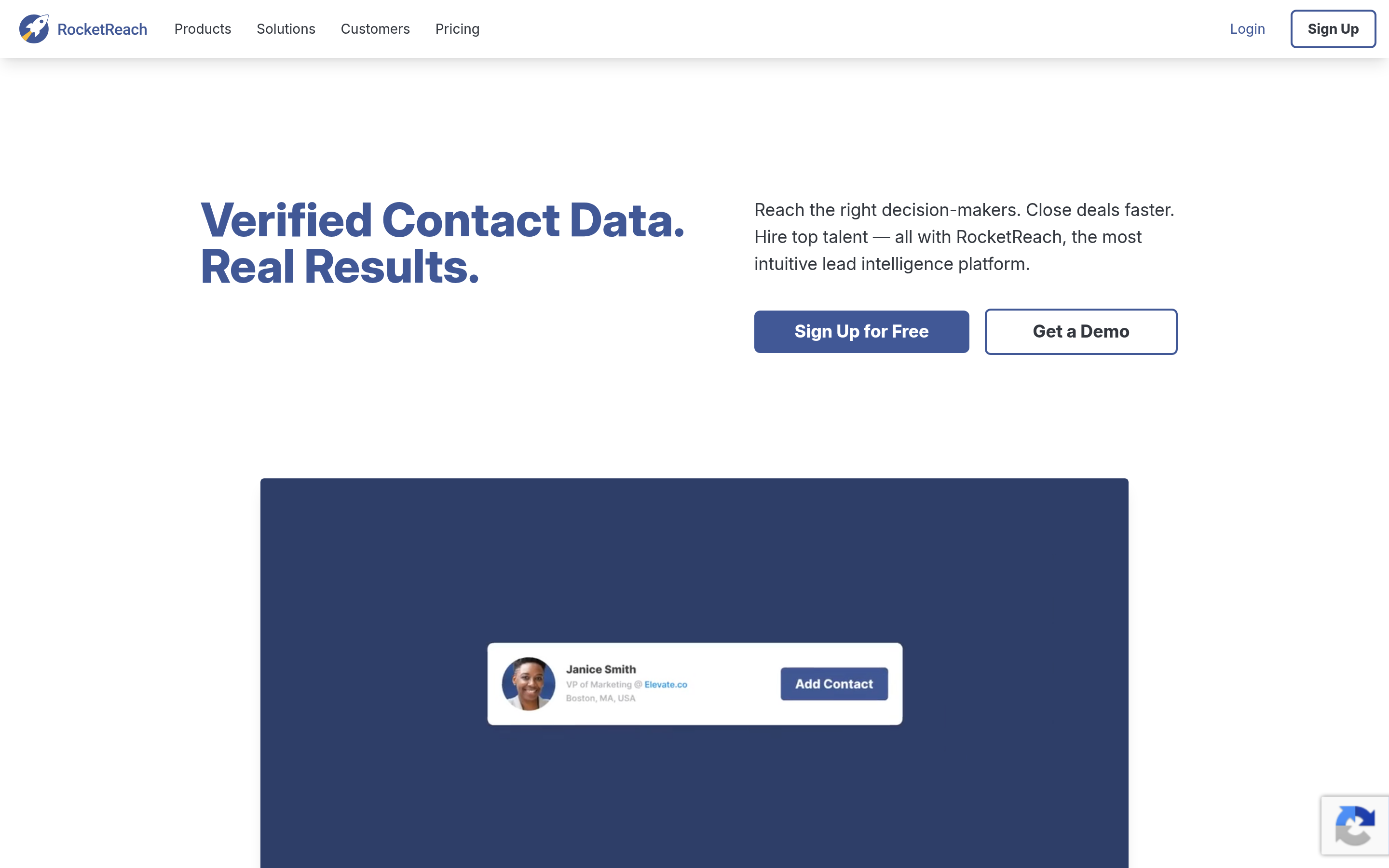
RocketReach indexes a very large number of professional profiles and returns emails, phones, and social links for individuals across many industries, including some outside tech.
- Strengths: Wide coverage, useful for recruiting and executive outreach, and an API is available.
- Weaknesses: Pricier per lookup than credit-first tools. Plans cap lookups annually, which can feel restrictive.
- Pricing: Tiered annual and monthly plans. Phone data sits on higher tiers.
Best for: Recruiters and enterprise sellers who need individual contacts across unusual industries. There are also cheaper RocketReach alternatives if lookup costs become the bottleneck.
6. Lusha: best for direct dials#
Lusha is known for phone numbers. Its extension works on LinkedIn and in CRMs, returning emails and direct dials in a single click.
- Strengths: Strong phone coverage in North America and parts of Europe, a clean extension, and CRM enrichment.
- Weaknesses: Credits are expensive, especially for phone reveals. Email-only users are paying for phone data they don't use.
- Pricing: Free plan with limited credits. Paid plans per user.
Best for: Outbound teams that cold call as much as they cold email.
7. Kaspr: best for European LinkedIn prospecting#
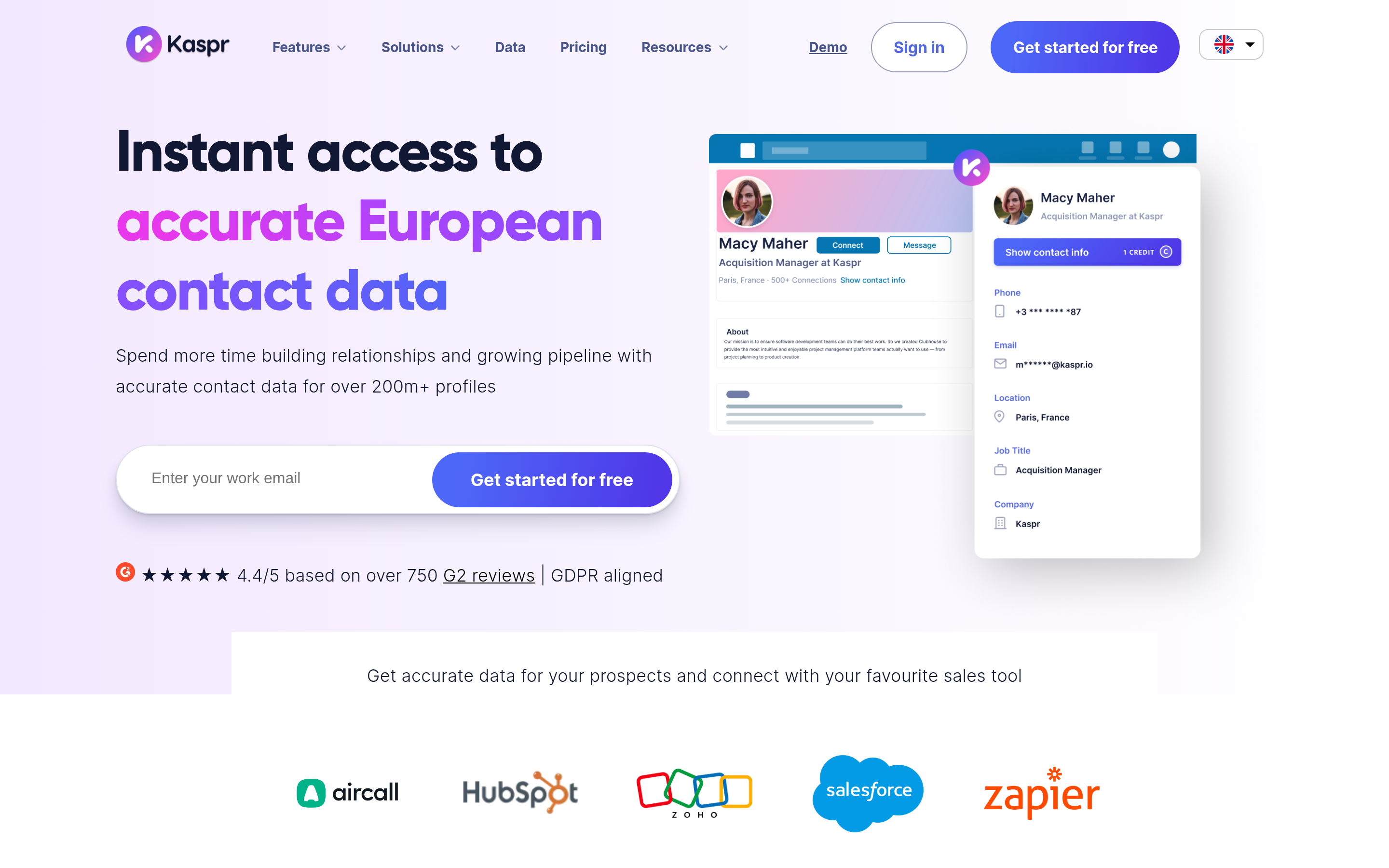
Kaspr is a LinkedIn-first extension, so it's the closest to LeadLeaper's workflow on this list. It has especially good coverage for European phone numbers.
- Strengths: Very close to LeadLeaper's click-on-profile flow, strong EU phone data, and a GDPR-oriented positioning.
- Weaknesses: Weaker outside Europe and limited domain-level search.
- Pricing: Free plan with limited credits. Paid plans per user.
Best for: EU-focused sales teams that live in LinkedIn and Sales Navigator.
8. ContactOut: best for recruiters#
ContactOut targets recruiting use cases, with personal and work emails plus phone numbers surfaced from LinkedIn profiles.
- Strengths: High find rates on individual profiles, personal emails for candidate outreach, and a strong LinkedIn extension.
- Weaknesses: Personal-email data needs careful compliance handling for B2B sales. Pricing is on the higher side.
- Pricing: Limited free usage. Paid plans for individuals and teams.
Best for: Talent acquisition teams more than B2B sales.
How do the top LeadLeaper alternatives compare side by side?#
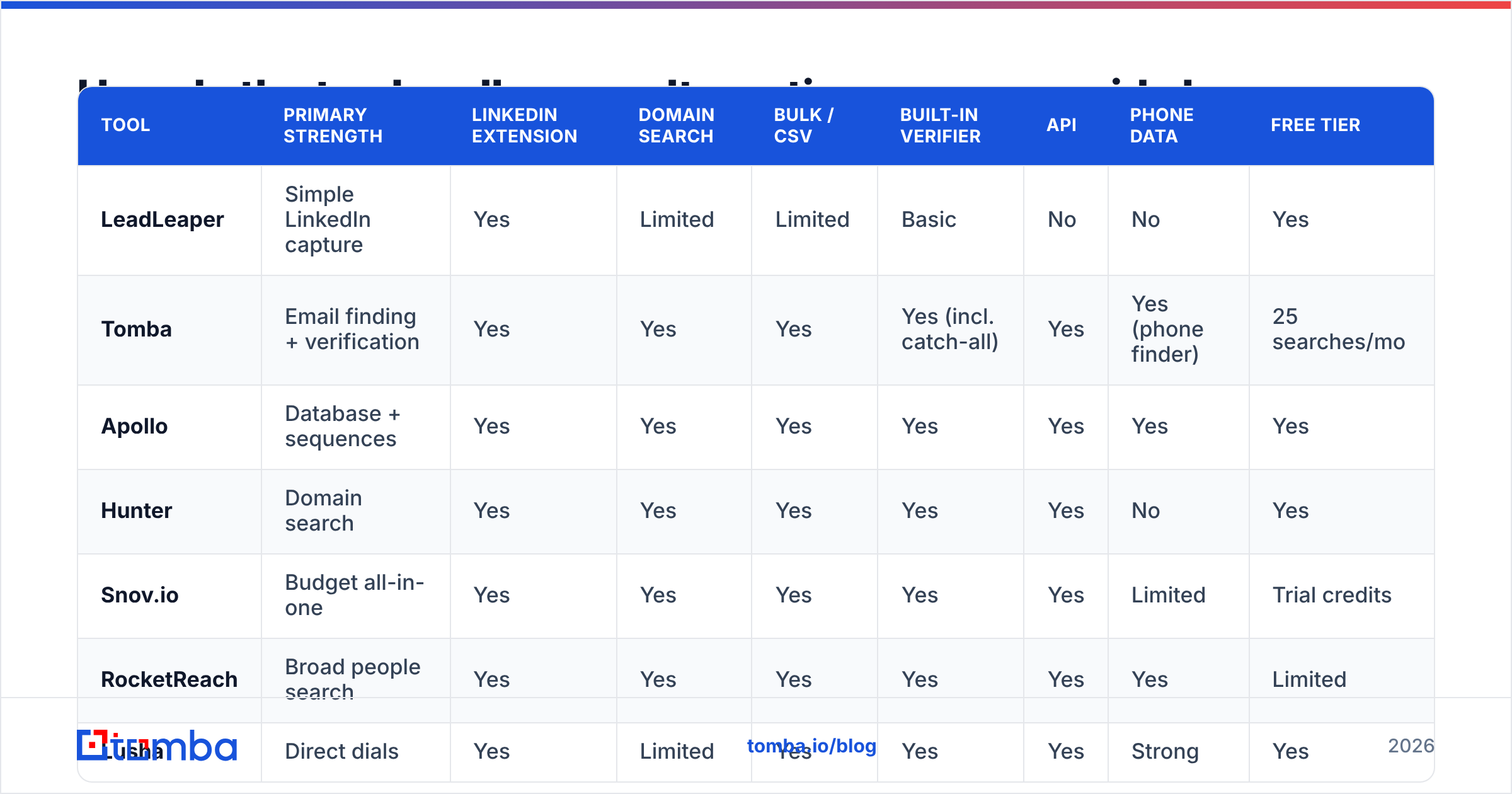
Use this table to narrow the shortlist before you run trials. Prices change often, so check each vendor's pricing page before you buy.
| Tool | Primary strength | LinkedIn extension | Domain search | Bulk / CSV | Built-in verifier | API | Phone data | Free tier |
|---|---|---|---|---|---|---|---|---|
| LeadLeaper | Simple LinkedIn capture | Yes | Limited | Limited | Basic | No | No | Yes |
| Tomba | Email finding + verification | Yes | Yes | Yes | Yes (incl. catch-all) | Yes | Yes (phone finder) | 25 searches/mo |
| Apollo | Database + sequences | Yes | Yes | Yes | Yes | Yes | Yes | Yes |
| Hunter | Domain search | Yes | Yes | Yes | Yes | Yes | No | Yes |
| Snov.io | Budget all-in-one | Yes | Yes | Yes | Yes | Yes | Limited | Trial credits |
| RocketReach | Broad people search | Yes | Yes | Yes | Yes | Yes | Yes | Limited |
| Lusha | Direct dials | Yes | Limited | Yes | Yes | Yes | Strong | Yes |
| Kaspr | EU LinkedIn prospecting | Yes | No | Limited | Yes | Yes | Strong (EU) | Yes |
| ContactOut | Recruiting | Yes | Limited | Yes | Yes | Yes | Yes | Limited |

Is a LeadLeaper alternative actually more accurate?#
Sometimes, but not automatically. Accuracy depends much more on your target segment than on the brand. A tool that performs well on US SaaS companies can struggle with German manufacturers or Brazilian agencies.
The honest way to decide is a controlled test:
- Build a 100-contact sample from your real ICP: the same titles, regions, and company sizes you actually sell to.
- Run it through LeadLeaper and two or three alternatives using the same inputs (name + domain, or LinkedIn URL).
- Measure three numbers: find rate (emails returned), verified rate (emails marked valid), and bounce rate after a small real send.
- Calculate cost per deliverable email, not cost per credit. This is the only number that matters for budgeting.
Pay attention to catch-all domains. Many mid-market and enterprise companies accept mail for any address, so a basic verifier will call every guess "valid". Tools with dedicated catch-all handling separate a likely-real address from a pattern guess, and that difference shows up in your bounce rate within a week.
For broader context on how vendors perform in real reviews, category pages on G2 collect verified user feedback on data quality, support, and ease of use. Read the 2- and 3-star reviews. They're usually the most specific about accuracy problems.
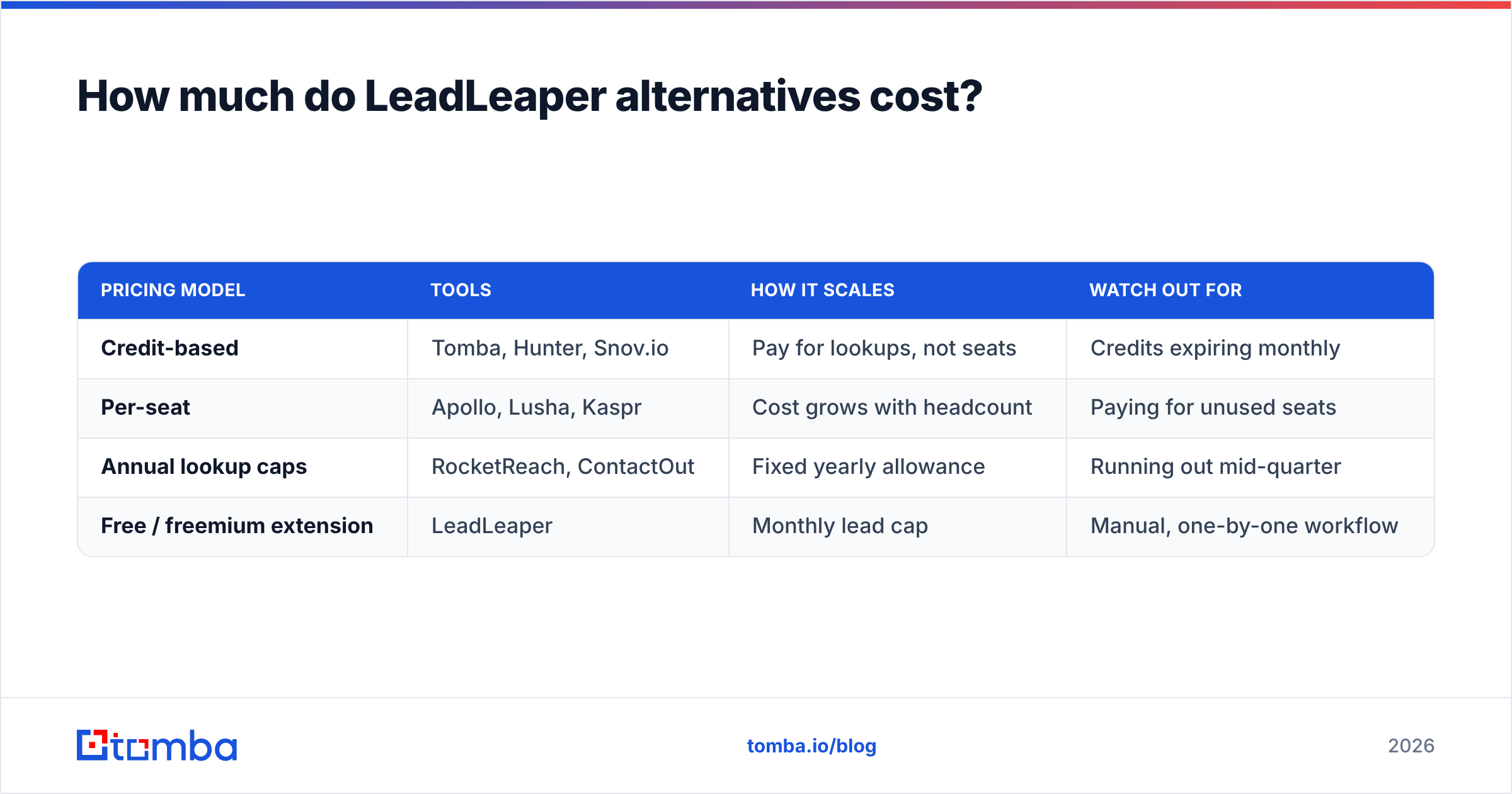
How much do LeadLeaper alternatives cost?#
Pricing falls into three models, and the model matters more than the sticker price.
| Pricing model | Tools | How it scales | Watch out for |
|---|---|---|---|
| Credit-based | Tomba, Hunter, Snov.io | Pay for lookups, not seats | Credits expiring monthly |
| Per-seat | Apollo, Lusha, Kaspr | Cost grows with headcount | Paying for unused seats |
| Annual lookup caps | RocketReach, ContactOut | Fixed yearly allowance | Running out mid-quarter |
| Free / freemium extension | LeadLeaper | Monthly lead cap | Manual, one-by-one workflow |
A rough rule: if three or more reps share prospecting, credit-based tools almost always come out cheaper than per-seat tools. If one power user does all the list building, per-seat tools can be competitive, especially if you also use their sequencing features.
For reference, Tomba pricing runs from a free tier (25 searches/mo) to Starter at $49/mo, Growth at $99/mo, Pro at $249/mo, and custom Enterprise, with verification and domain search included rather than sold as add-ons.
Which LeadLeaper alternative should you choose?#
Match the tool to the job you actually do every day:
- You mostly prospect on LinkedIn but need bulk and API options: Tomba.
- You want database search and sequences in one login: Apollo.
- You start from company websites, not people: Hunter.
- You're a two-person team on a tight budget and want drips included: Snov.io.
- You cold call heavily: Lusha, or Kaspr if your market is Europe.
- You recruit rather than sell: ContactOut or RocketReach.
A practical setup many teams use is one primary finder plus one verifier, connected to the CRM. Swapping LeadLeaper for a tool that includes verification collapses that into one subscription and removes a CSV round-trip from every campaign.
Can you migrate from LeadLeaper without losing your leads?#
Yes. Migration is usually a one-afternoon job:
- Export your LeadLeaper lists to CSV, keeping name, company, domain, LinkedIn URL, and email columns.
- Re-verify the entire export. Contacts captured months ago decay: people change jobs, and B2B data loses a meaningful share of its accuracy every year.
- Re-enrich missing emails by uploading the rows with blank email fields to your new tool's bulk finder.
- Deduplicate against your CRM before importing so reps don't double-touch prospects.
- Connect the native integration (HubSpot, Salesforce, Pipedrive) so future finds sync automatically instead of by CSV.
Once that's done, keep LeadLeaper's free tier installed as a backup extension if you like. Plenty of reps keep two finders and cross-check hard-to-find contacts.
Ready to replace LeadLeaper?#
If LeadLeaper got you started but you now need bulk lookups, domain search, catch-all verification, and CRM sync in one place, try the Tomba Email Finder. Start on the free plan with 25 searches a month, run your own 100-contact accuracy test against LeadLeaper, and upgrade to Starter at $49/mo only if the cost per deliverable email is better for your market.
Related guides#
// get started
Find, verify and enrich your first contacts today
Start on the free plan with 25 searches a month, then scale when your team is ready.
Free plan · No credit card required · GDPR & CCPA
// about the author