9 Best Leadsforge Alternatives for B2B Lead Generation in 2026
Leadsforge makes building lead lists fast, but it isn't the right fit for every team. Here are 9 Leadsforge alternatives, organized by use case, data model, and how their pricing scales.
TL;DR
- Leadsforge builds lead lists from a plain-language description of your ideal customer. It fits best for teams already using the Forge stack (Salesforge, Warmforge). It fits worse if you need domain-level email discovery, deep enrichment, or data you can use outside that ecosystem.
- The best Leadsforge alternatives fall into three groups: all-in-one databases (Apollo.io, ZoomInfo, Lusha, BookYourData), email finders and verifiers (Tomba, Hunter, Findymail), and enrichment orchestrators (Clay).
- If you mainly need accurate, verified work emails for accounts you already picked, a dedicated email finder like Tomba ($49/mo Starter, free tier with 25 searches) is usually cheaper and more precise than a list builder.
- If you need broad discovery with firmographic filters, choose Apollo.io or BookYourData. If you need enterprise intent data and org charts, ZoomInfo is still the benchmark, and it's priced like one.
- Test every tool on the same 100 known contacts before you commit. Bounce rate on your own sample tells you more than any vendor's accuracy claim.
What is Leadsforge, and why are teams looking for alternatives?#
Leadsforge is an AI lead-generation tool from the team behind Salesforge. You don't click through filter panels. You describe your ideal customer profile in a chat ("Series A fintech companies in the UK, 50–200 employees, heads of finance"), and Leadsforge returns a list of contacts with emails you can export or push straight into a Salesforge sequence. It runs on credits, and it's built to feed the rest of the Forge outbound stack.
That design works well for founders and small SDR teams who want a list in minutes without learning a complex database UI. Teams tend to start looking at Leadsforge alternatives for four reasons:
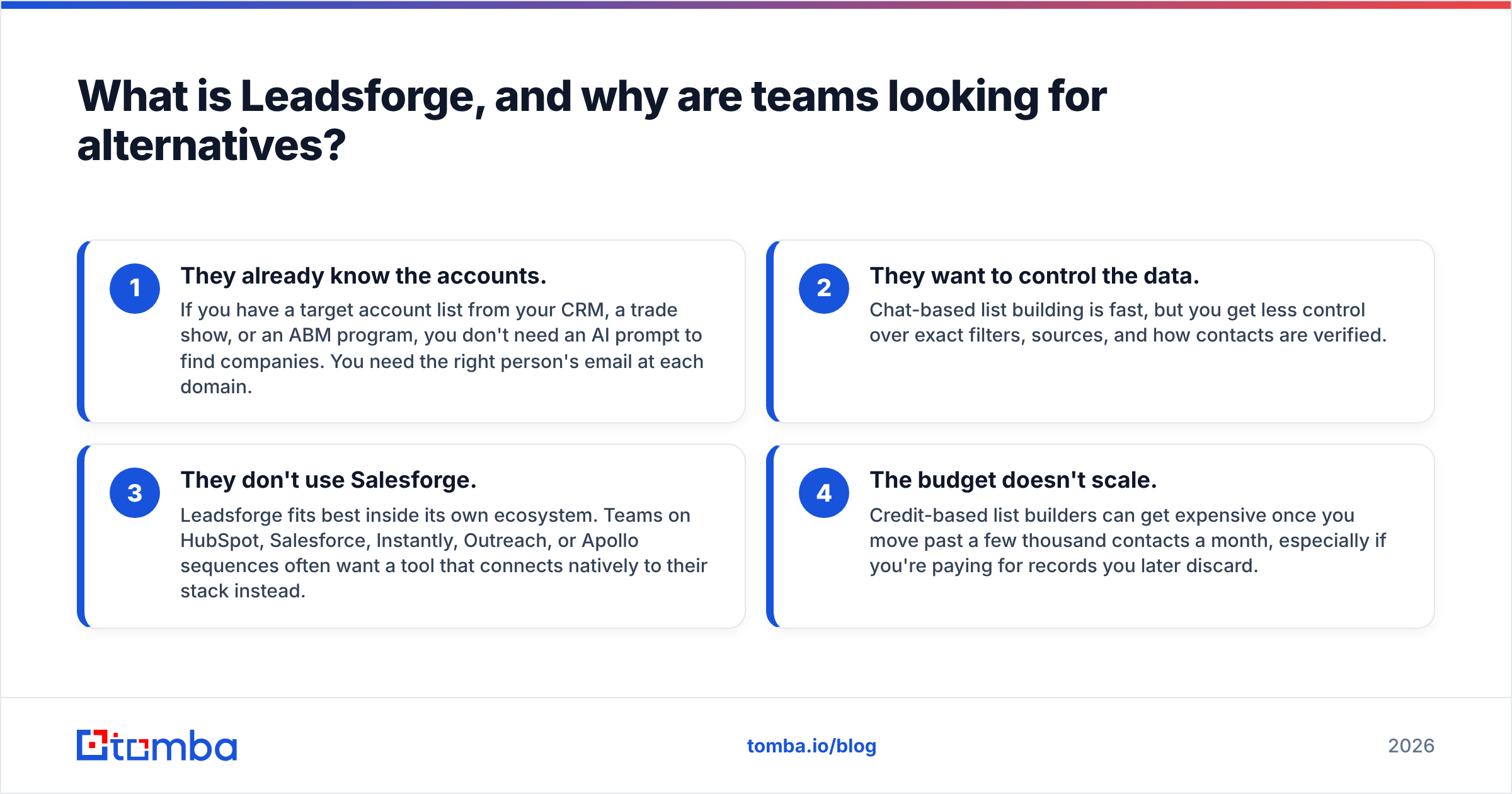
- They already know the accounts. If you have a target account list from your CRM, a trade show, or an ABM program, you don't need an AI prompt to find companies. You need the right person's email at each domain.
- They want to control the data. Chat-based list building is fast, but you get less control over exact filters, sources, and how contacts are verified.
- They don't use Salesforge. Leadsforge fits best inside its own ecosystem. Teams on HubSpot, Salesforce, Instantly, Outreach, or Apollo sequences often want a tool that connects natively to their stack instead.
- The budget doesn't scale. Credit-based list builders can get expensive once you move past a few thousand contacts a month, especially if you're paying for records you later discard.
None of these makes Leadsforge a bad product. It means the right tool depends on where your workflow starts.

How should you evaluate Leadsforge alternatives?#
Before you compare feature grids, decide which job you're hiring the tool for. Most bad tool purchases come from buying a discovery database when you needed an email finder, or the other way around.
- Discovery vs. contact finding. Discovery tools help you find which companies and people to target. Contact-finding tools get you a verified email or phone number for people you've already identified. Leadsforge leans toward discovery.
- Verification depth. Ask how emails are verified. Do they use SMTP checks? How do they handle catch-all domains? How recently was the record re-verified? Unverified data damages your email deliverability quickly.
- Data coverage for your market. A tool with great US SaaS coverage may be thin in DACH manufacturing or LATAM retail. Test it on your own segment.
- Workflow fit. Check for native CRM sync, a browser extension, a Google Sheets add-on, API access, and bulk upload. A tool your reps won't open doesn't help anyone.
- Pricing mechanics. Compare the cost per usable contact, not the cost per credit. Find out whether you're charged for invalid results and whether unused credits roll over.
- Compliance posture. GDPR and CCPA handling, opt-out processes, and where the data comes from all matter more if you sell into Europe.
What are the best Leadsforge alternatives in 2026?#
Here's the shortlist, grouped by the job each tool does best. Pricing below reflects public entry-level plans as of September 2026. Vendors change plans often, so confirm on each pricing page before you buy.
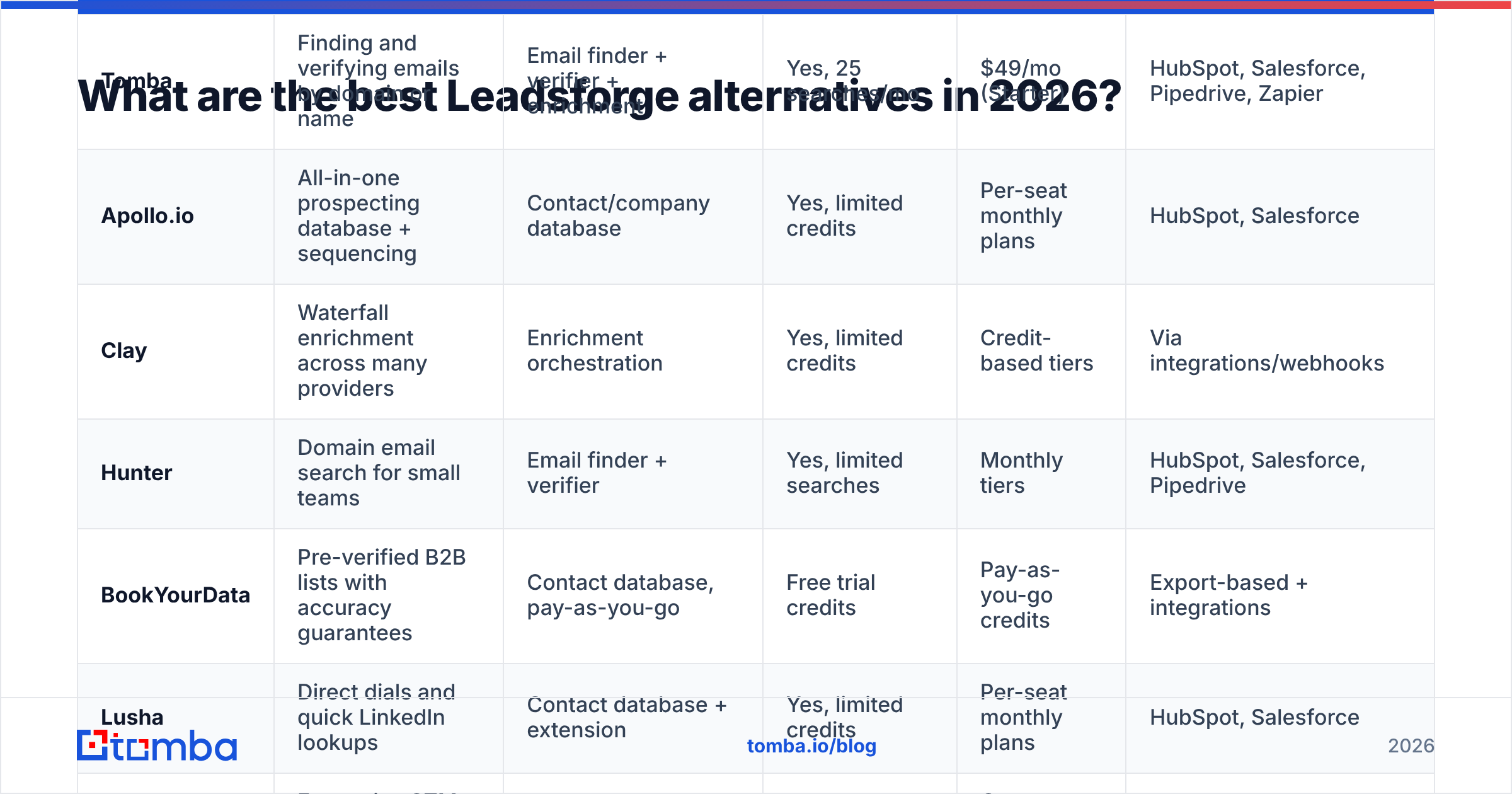
| Tool | Best for | Core data model | Free option | Entry paid plan | Native CRM sync |
|---|---|---|---|---|---|
| Tomba | Finding and verifying emails by domain or name | Email finder + verifier + enrichment | Yes, 25 searches/mo | $49/mo (Starter) | HubSpot, Salesforce, Pipedrive, Zapier |
| Apollo.io | All-in-one prospecting database + sequencing | Contact/company database | Yes, limited credits | Per-seat monthly plans | HubSpot, Salesforce |
| Clay | Waterfall enrichment across many providers | Enrichment orchestration | Yes, limited credits | Credit-based tiers | Via integrations/webhooks |
| Hunter | Domain email search for small teams | Email finder + verifier | Yes, limited searches | Monthly tiers | HubSpot, Salesforce, Pipedrive |
| BookYourData | Pre-verified B2B lists with accuracy guarantees | Contact database, pay-as-you-go | Free trial credits | Pay-as-you-go credits | Export-based + integrations |
| Lusha | Direct dials and quick LinkedIn lookups | Contact database + extension | Yes, limited credits | Per-seat monthly plans | HubSpot, Salesforce |
| ZoomInfo | Enterprise GTM data, intent, org charts | Enterprise database + intent | No | Custom annual contracts | Deep native integrations |
| Seamless.AI | High-volume real-time contact search | Real-time search engine | Yes, limited credits | Per-seat plans | HubSpot, Salesforce |
| Findymail | Verified emails for LinkedIn/Sales Nav lists | Email finder + verifier | Free trial credits | Monthly credit tiers | Via integrations |
1. Tomba: best for verified emails when you already know your accounts#
Tomba is built around one job: finding and verifying professional email addresses. You can search by name and company, pull every public email for a company with domain search, or run large lists through bulk processing. Each result is paired with verification, and the email verifier plus a dedicated catch-all verifier handle the domains that trip up most tools.
Where it beats Leadsforge: when your list already exists. You paste 2,000 target domains or a CSV of names and companies, and you get deliverable addresses with a confidence score and source trail. You don't re-buy company data you already have. Phone finder and data enrichment sit alongside the core finder, so you can fill in gaps without adding another vendor.
Where Leadsforge is stronger: Tomba isn't a chat-based ICP discovery engine. If you truly don't know who to target yet, you'll pair Tomba with a discovery source.
Pricing: free tier (25 searches/mo), Starter $49/mo, Growth $99/mo, Pro $249/mo, Enterprise custom. Full breakdown on the Tomba pricing page.
2. Apollo.io: best all-in-one database with built-in sequencing#

Apollo.io is the most common "replace several tools with one" choice. You get a large contact and company database with detailed filters, a Chrome extension, email sequencing, a dialer, and CRM sync. For teams that find Leadsforge's chat interface too opaque, Apollo's filter UI offers much more control.
Trade-offs: data accuracy varies by region and segment, and many teams run Apollo exports through a separate verifier before sending. The per-seat pricing also adds up as your team grows. If you're weighing it against other options, see this Apollo alternative breakdown.
3. Clay: best for waterfall enrichment and custom workflows#
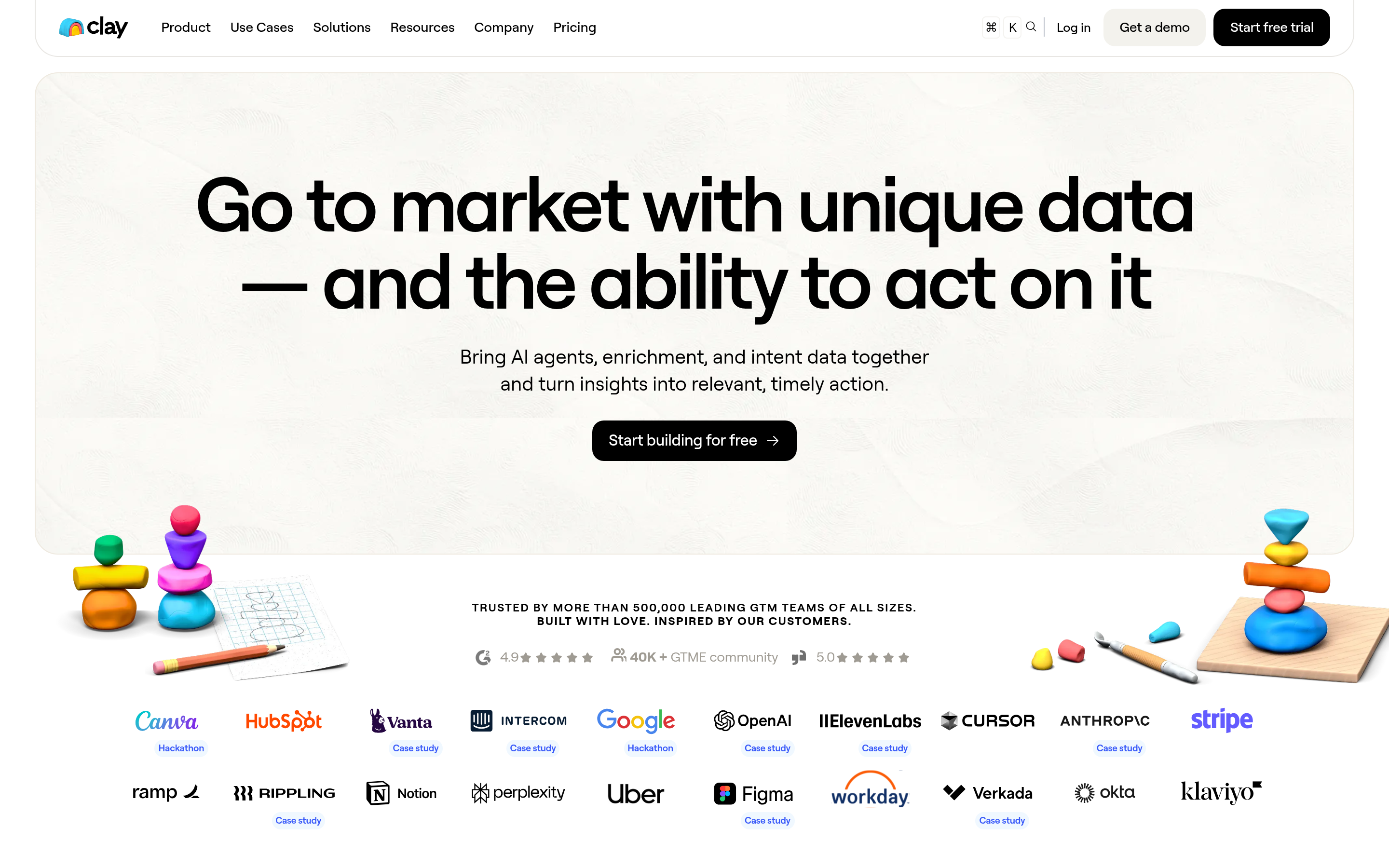
Clay isn't a database. It's a spreadsheet-style workspace that queries dozens of data providers in sequence (a "waterfall") until it finds a match, then lets you run AI steps on the results. Growth and RevOps teams use it to build highly specific lists that no single vendor could return.
Trade-offs: there's a real learning curve, credit consumption is hard to predict, and you're still paying for the underlying providers in some setups. It's excellent if you have an ops person to own it. It's too much if you just want a list by Friday.
4. Hunter: best lightweight domain search for small teams#
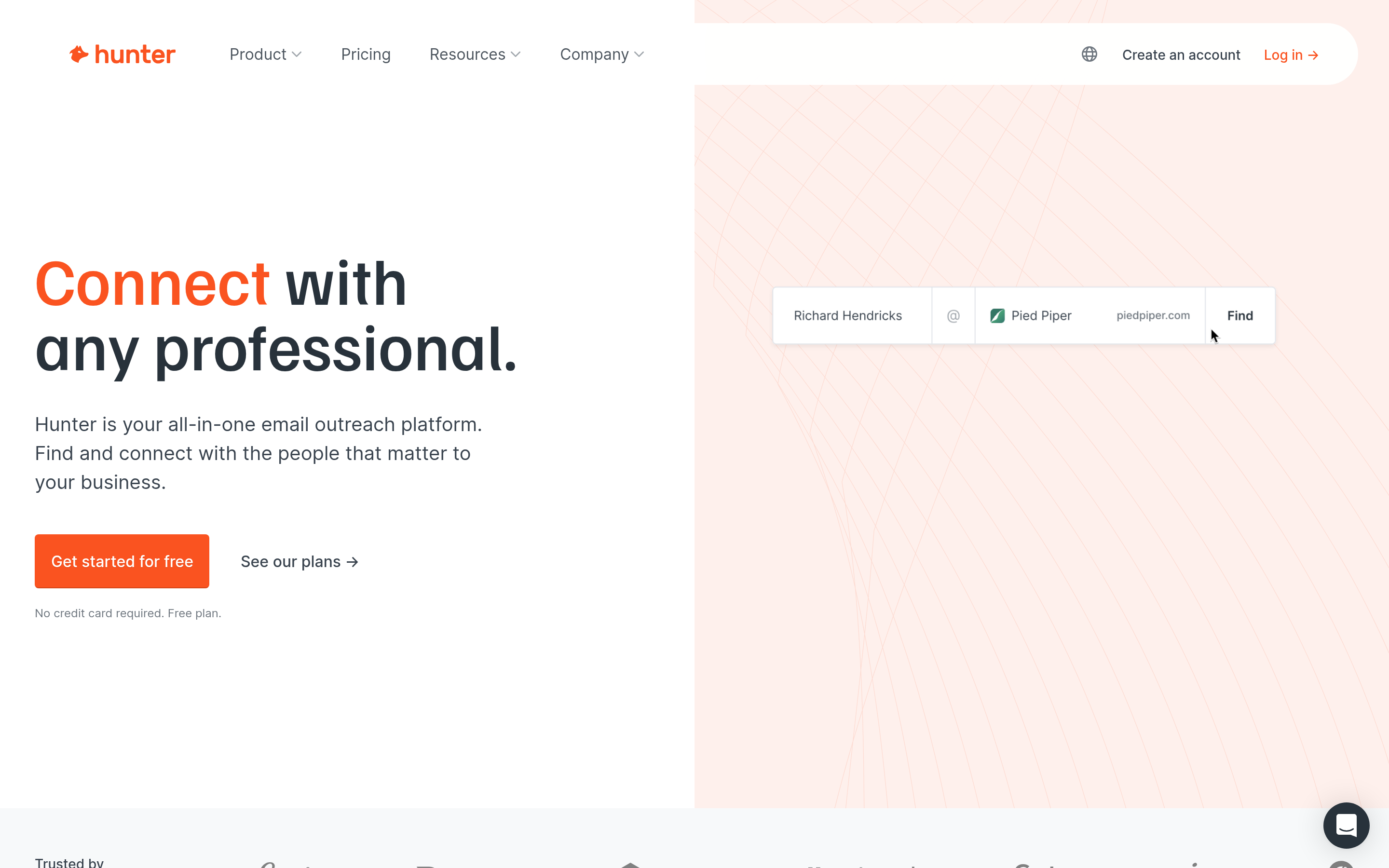
Hunter pioneered the "type a domain, get the emails" workflow and remains a clean, simple option. It covers domain search, an email finder, a verifier, and basic campaigns. It suits freelancers, agencies, and small teams doing link-building or light outbound.
Trade-offs: its phone and firmographic data are limited compared with full databases, and the per-search cost rises as your volume grows.
5. BookYourData: best for pre-verified lists with accuracy guarantees#
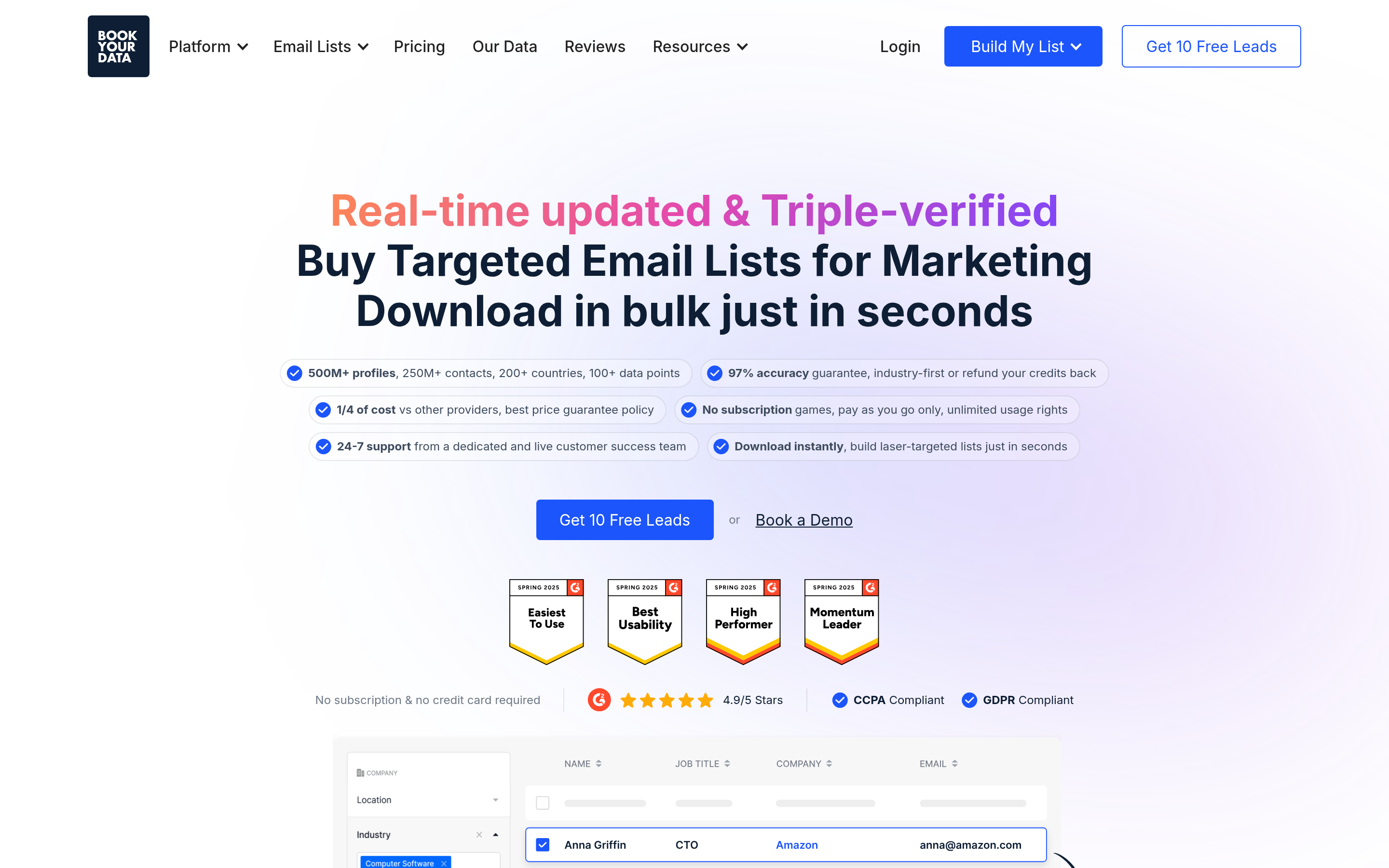
BookYourData takes a different approach from Leadsforge's AI prompting. You build lists with traditional filters (industry, title, location, company size) from a database that's verified in real time before export. Its model is pay-as-you-go, which suits teams with irregular volume who don't want to lock into a monthly subscription. It's also known for publishing a clear accuracy guarantee, which is rare in this category.
If you want the discovery side of Leadsforge with more filter control and predictable per-contact costs, BookYourData is a strong peer to shortlist.
6. Lusha: best for direct dials and quick LinkedIn lookups#
Lusha's strength is mobile and direct-dial coverage, available through a fast browser extension that works on LinkedIn and company websites. Sales teams that rely heavily on cold calling tend to choose Lusha over email-first tools.
Trade-offs: email-only prospecting gives you less value per credit, and the seat-based pricing adds up across larger teams.
7. ZoomInfo: best for enterprise GTM teams#

ZoomInfo remains the enterprise benchmark. It offers deep firmographics, technographics, buyer intent signals, org charts, and extensive native integrations. If you run a large SDR org with RevOps support, it can replace several point tools.
Trade-offs: contracts are annual and often high five figures, and you won't find self-serve pricing. For a small team comparing it with Leadsforge, it's usually more than you need. Independent reviews on G2 are worth reading for recent feedback on contract terms.
8. Seamless.AI: best for high-volume real-time search#
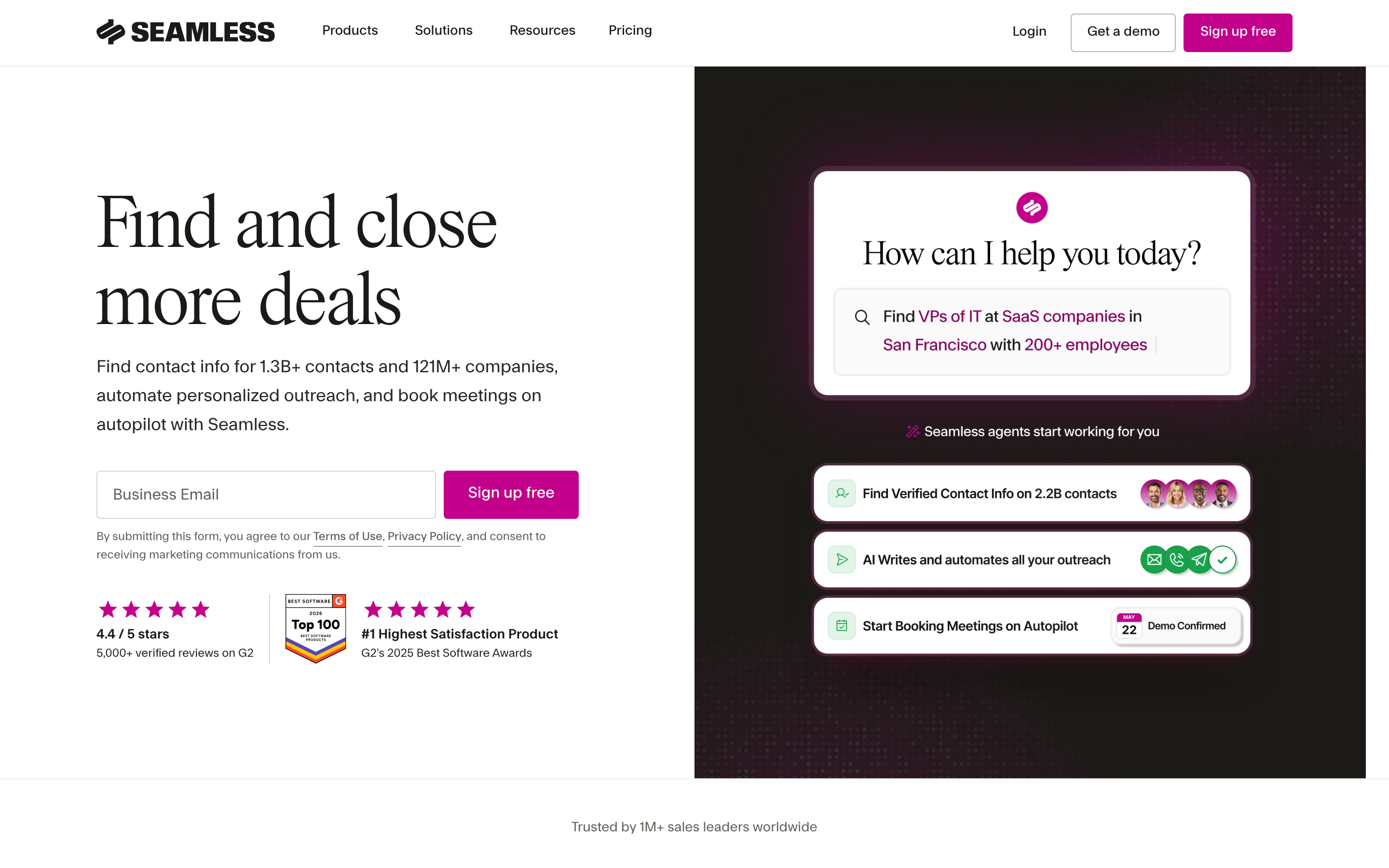
Seamless.AI searches for contact information in real time instead of relying only on a static database. Some teams like the volume it can produce. It's popular with high-activity outbound teams that prioritize quantity.
Trade-offs: data quality is inconsistent enough that most users verify results separately, and some users report that contract terms are aggressive. Review your renewal clauses carefully.
9. Findymail: best for turning Sales Navigator lists into verified emails#
Findymail focuses on finding verified emails for LinkedIn and Sales Navigator lists, and it doesn't charge for emails it can't verify. It's a good fit for agencies and outbound teams whose sourcing starts in Sales Navigator rather than in a prompt.
Trade-offs: it has a narrower feature set than an all-in-one tool, and smaller teams may find the entry tiers cost more per contact than general-purpose finders.
Is a dedicated email finder better than an AI list builder like Leadsforge?#
It depends on which half of the problem is harder for you.
AI list builders like Leadsforge solve the problem of who to target. They turn a fuzzy ICP into named people quickly. Dedicated email finders solve the problem of how to reach them reliably. They focus their effort on pattern detection, source crawling, SMTP verification, and catch-all handling.
In practice, many mature outbound teams split the job:
- Discovery: Apollo, BookYourData, Sales Navigator, Clay, or Leadsforge itself.
- Contact finding and verification: a specialist email finder plus a verifier run just before sending.
- Sequencing: Salesforge, Instantly, Outreach, or Apollo sequences.
This separation costs a bit more setup time, but it lets you swap any layer without rebuilding your pipeline. It also protects your sending domains. One bad list with a 10%+ bounce rate can hurt your inbox placement for weeks.

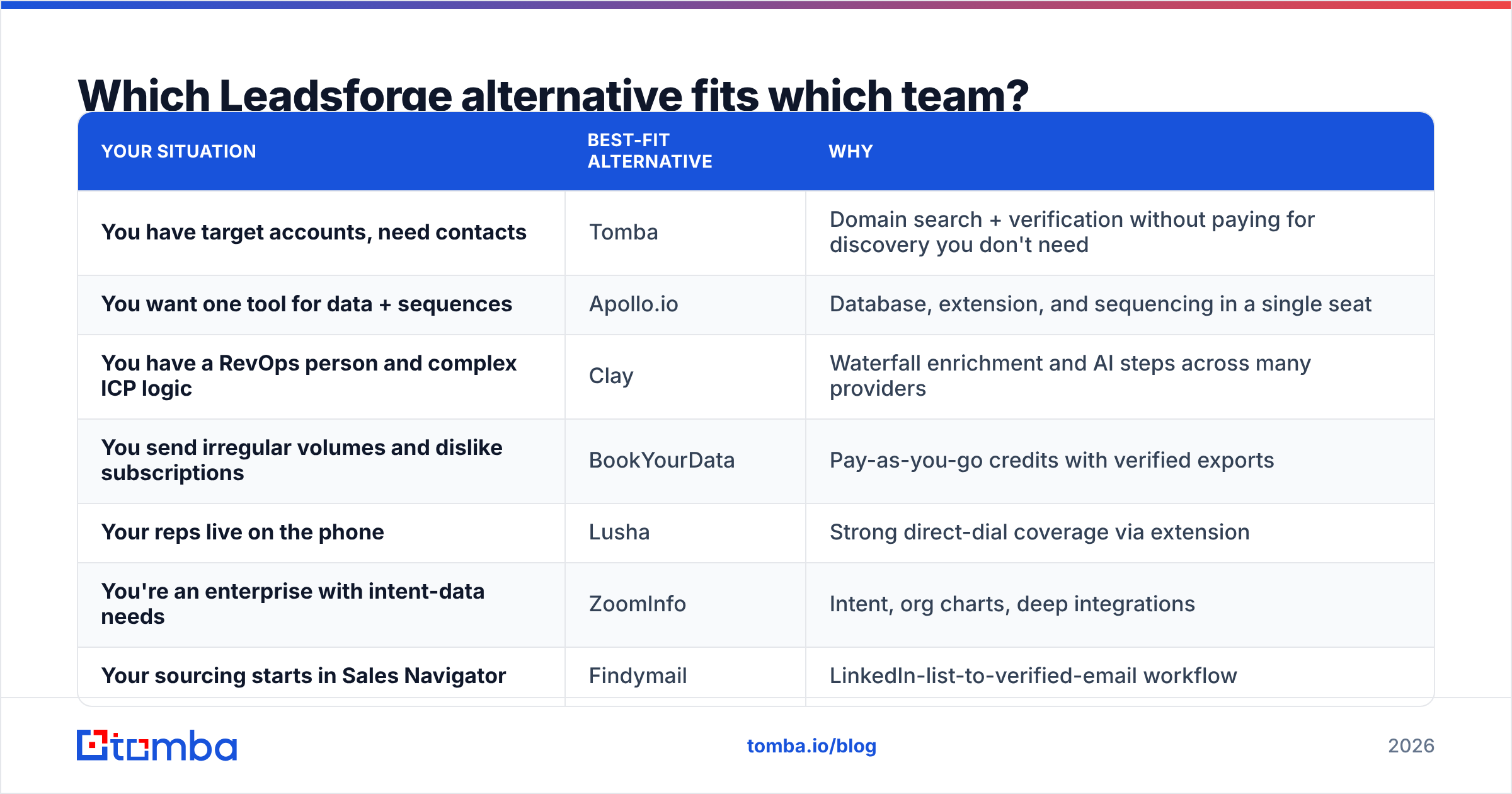
Which Leadsforge alternative fits which team?#
Match the tool to your starting point instead of picking the tool with the longest feature list.
| Your situation | Best-fit alternative | Why |
|---|---|---|
| You have target accounts, need contacts | Tomba | Domain search + verification without paying for discovery you don't need |
| You want one tool for data + sequences | Apollo.io | Database, extension, and sequencing in a single seat |
| You have a RevOps person and complex ICP logic | Clay | Waterfall enrichment and AI steps across many providers |
| You send irregular volumes and dislike subscriptions | BookYourData | Pay-as-you-go credits with verified exports |
| Your reps live on the phone | Lusha | Strong direct-dial coverage via extension |
| You're an enterprise with intent-data needs | ZoomInfo | Intent, org charts, deep integrations |
| Your sourcing starts in Sales Navigator | Findymail | LinkedIn-list-to-verified-email workflow |
| You're a solo founder or agency on a budget | Hunter or Tomba free tier | Low entry cost, simple UI |
How do you run a fair head-to-head test?#
Vendor accuracy claims are rarely comparable, because everyone measures differently. Run your own test in an afternoon:
- Build a truth set. Pull 100 contacts from your CRM whose emails you know are valid (recent replies, closed deals). Mix in different company sizes and regions that match your ICP.
- Strip the emails. Keep only first name, last name, company, and domain.
- Run each tool. Put the same 100 records through each shortlisted tool using its bulk or API feature.
- Score three numbers. Find rate (percentage of records that returned an email), accuracy (percentage of returned emails that match your truth set), and "risky" rate (catch-all or unverified results).
- Calculate cost per correct email. Divide the plan cost for that volume by the number of correct results. This is the number that matters.
- Check workflow friction. How many clicks did it take to get the data into your CRM or sequencer? Multiply that by your team size.
A tool with a slightly lower find rate but much higher accuracy almost always wins on cost per correct email, and it keeps your sender reputation intact.
What about pricing? Which Leadsforge alternative is cheapest?#
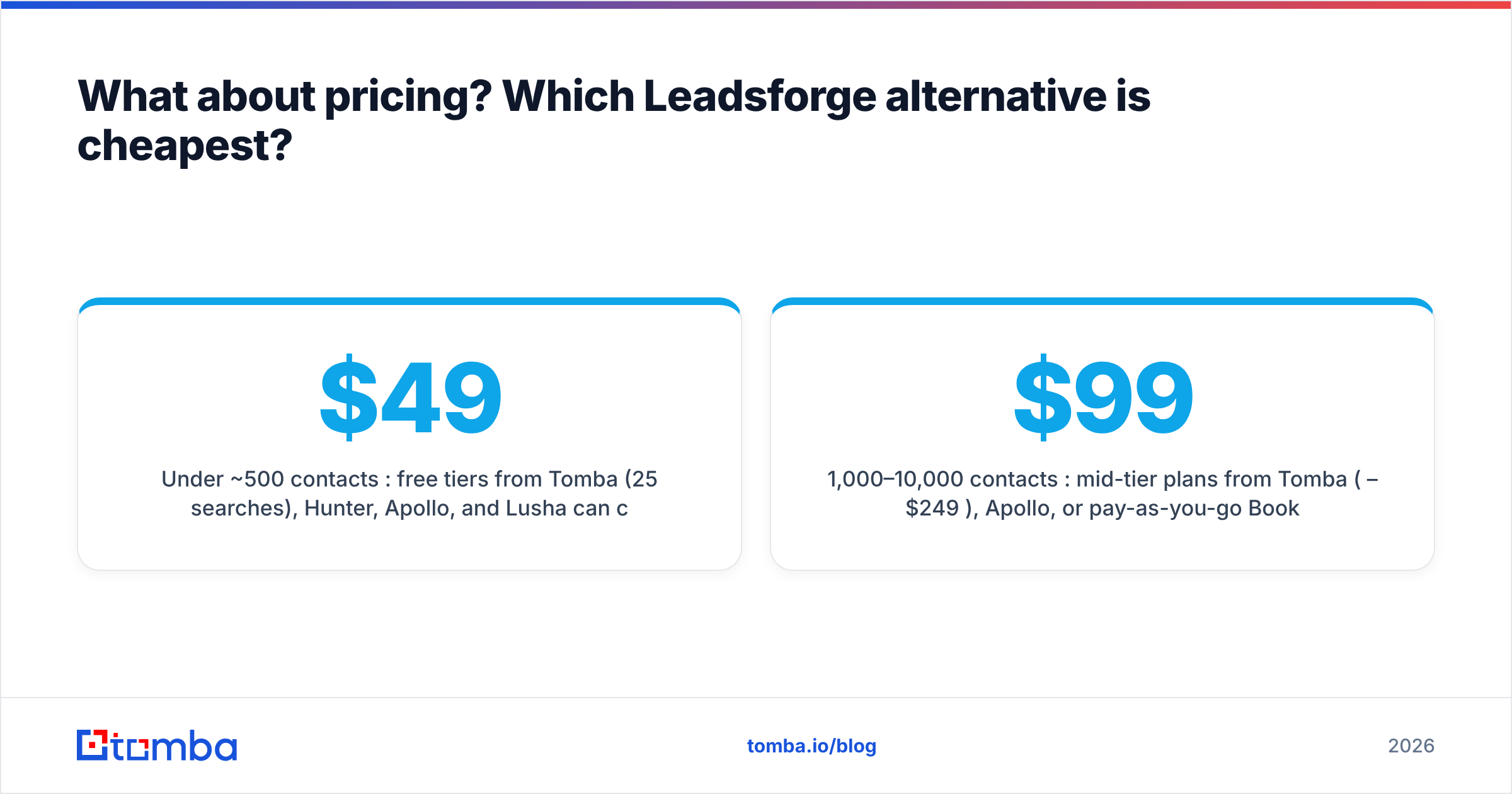
"Cheapest" depends on volume and on what counts as a usable contact:
- Under ~500 contacts/month: free tiers from Tomba (25 searches), Hunter, Apollo, and Lusha can cover light prospecting. Tomba's Starter at $49/mo is a common next step for solo sellers.
- 1,000–10,000 contacts/month: mid-tier plans from Tomba ($99–$249/mo), Apollo, or pay-as-you-go BookYourData tend to offer the best cost per verified contact. Clay can be cost-effective here only if you tune your waterfall carefully.
- Enterprise volume with intent data: ZoomInfo, or Apollo's higher tiers, with negotiated annual contracts.
Watch for three hidden costs: charges for invalid results, credits that expire monthly, and per-seat pricing that punishes you for adding a second SDR. Gartner's research on B2B buying is a good reminder that buyers now do most of their research before talking to sales. So reaching the right person matters more than reaching more people, and paying for a bigger, noisier list rarely pays off.
What's the bottom line on Leadsforge alternatives?#
Leadsforge is a good fit if you want AI-driven list building inside the Salesforge ecosystem. If your team already knows its target accounts, runs a different sequencer, or needs tighter control over data quality, one of the alternatives above will likely serve you better:
- Tomba for accurate, verified emails by domain or name at predictable prices.
- Apollo.io for an all-in-one database with sequencing.
- Clay for complex, multi-provider enrichment.
- BookYourData for pay-as-you-go verified lists.
- ZoomInfo for enterprise intent and org-chart data.
Whichever tool you pick, test it on your own truth set and compare cost per correct email, not headline credit prices.
If your bottleneck is getting a reliable email for the accounts you've already chosen, start with the Tomba Email Finder. Search by name, company, or domain, verify every result before it reaches your sequencer, and use the free tier to benchmark it against your current Leadsforge exports before you commit to a paid plan.
Related guides#
// get started
Find, verify and enrich your first contacts today
Start on the free plan with 25 searches a month, then scale when your team is ready.
Free plan · No credit card required · GDPR & CCPA
// about the author