Leadsrush Alternatives: 7 Email Finders Compared for 2026
Leadsrush gives you a free plan, domain search, and a local-business database. If you've outgrown it, here are 7 alternatives compared on accuracy, free credits, integrations, and pricing.
TL;DR
- Leadsrush is a solid budget email finder. It has a free plan (50 searches and 100 verifications a month), domain search, a tech-stack filter, and a local-business database covering 9 countries.
- People usually go looking for Leadsrush alternatives for four reasons: they need more native integrations, more reliable verification on catch-all domains, an API they can build on, or a bigger B2B contact database.
- Tomba is the closest like-for-like upgrade (email finder, verifier, and domain search at the core, starting at $49/mo). Hunter is the simplest to use. Apollo suits teams that want data and sequencing together. BookYourData fits buyers who want pre-built, verified lists.
- Before you pay, test any tool on 100 of your own contacts. Your ICP decides the winner, not the vendor's landing page.
What is Leadsrush and why look for alternatives?#
Leadsrush is a lead-generation and email-finding platform aimed at freelancers, agencies, and small sales teams. Its core modules are:
- Email Finder: single or bulk lookups by name and company
- Domain Search: pull every public email tied to a company domain
- Email Verifier: check whether an address is deliverable
- Local business database: companies by category across 9 countries
- Technology search: find companies running a given technology, filtered by TLD or HQ country
The Leadsrush pricing page lists a free plan with 50 searches, 100 verifications, and 250 stored prospects a month. Paid plans come in monthly or yearly billing, and annual billing saves roughly 30%. It has also appeared as a lifetime deal on marketplaces, which explains why many early adopters use it.
So why switch? In our conversations with outbound teams, the same reasons keep coming up:
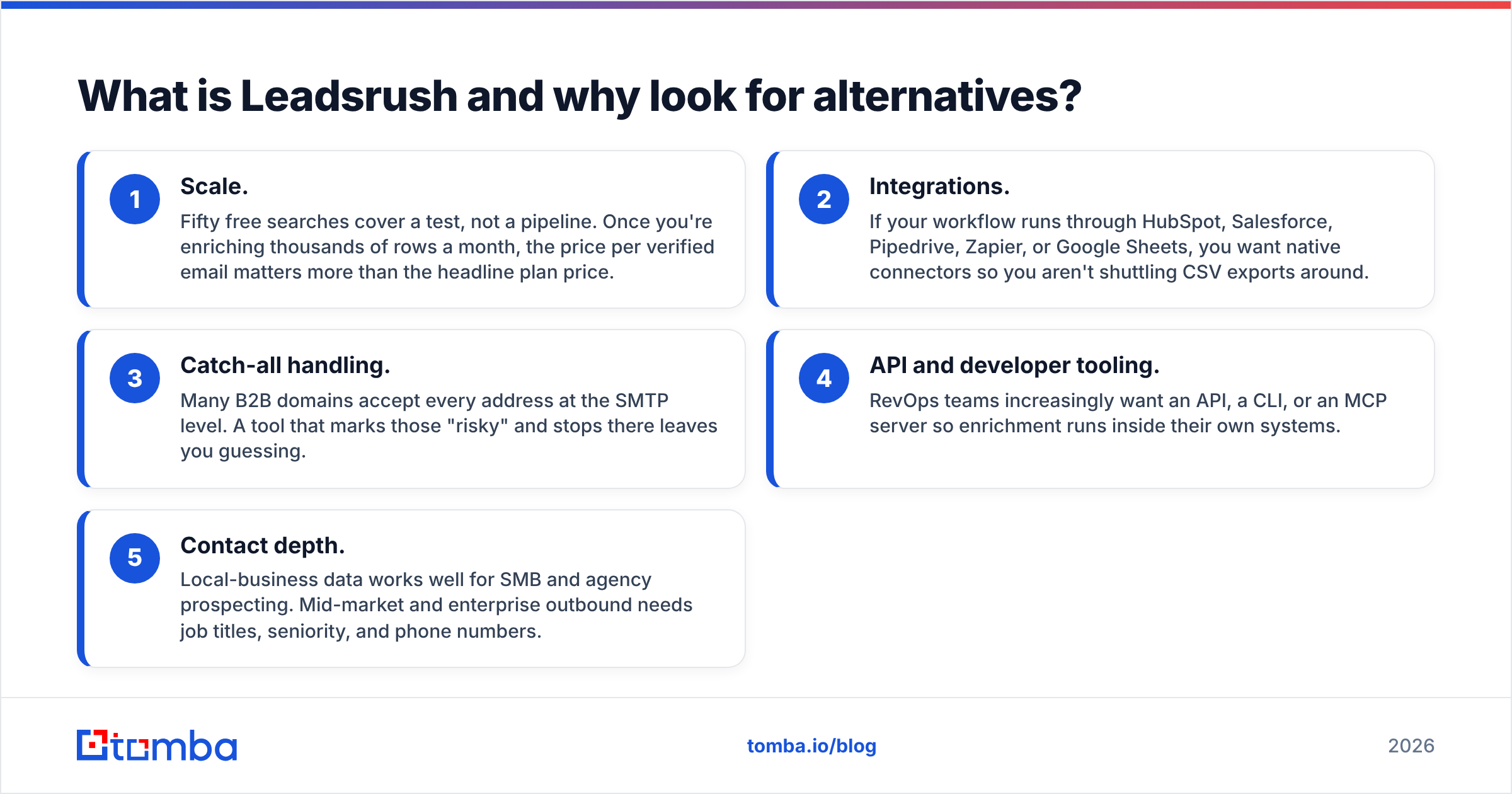
- Scale. Fifty free searches cover a test, not a pipeline. Once you're enriching thousands of rows a month, the price per verified email matters more than the headline plan price.
- Integrations. If your workflow runs through HubSpot, Salesforce, Pipedrive, Zapier, or Google Sheets, you want native connectors so you aren't shuttling CSV exports around.
- Catch-all handling. Many B2B domains accept every address at the SMTP level. A tool that marks those "risky" and stops there leaves you guessing.
- API and developer tooling. RevOps teams increasingly want an API, a CLI, or an MCP server so enrichment runs inside their own systems.
- Contact depth. Local-business data works well for SMB and agency prospecting. Mid-market and enterprise outbound needs job titles, seniority, and phone numbers.
If none of these bother you, Leadsrush may already be the right tool. If one or more do, keep reading. We also covered Leadsrush from a different angle in DiscoverOrg vs LeadsRush.

How should you evaluate a Leadsrush alternative?#
Don't compare tools on feature checklists alone. Every email finder claims "verified emails." What separates them is how they behave on your data. Score each candidate on these five criteria:
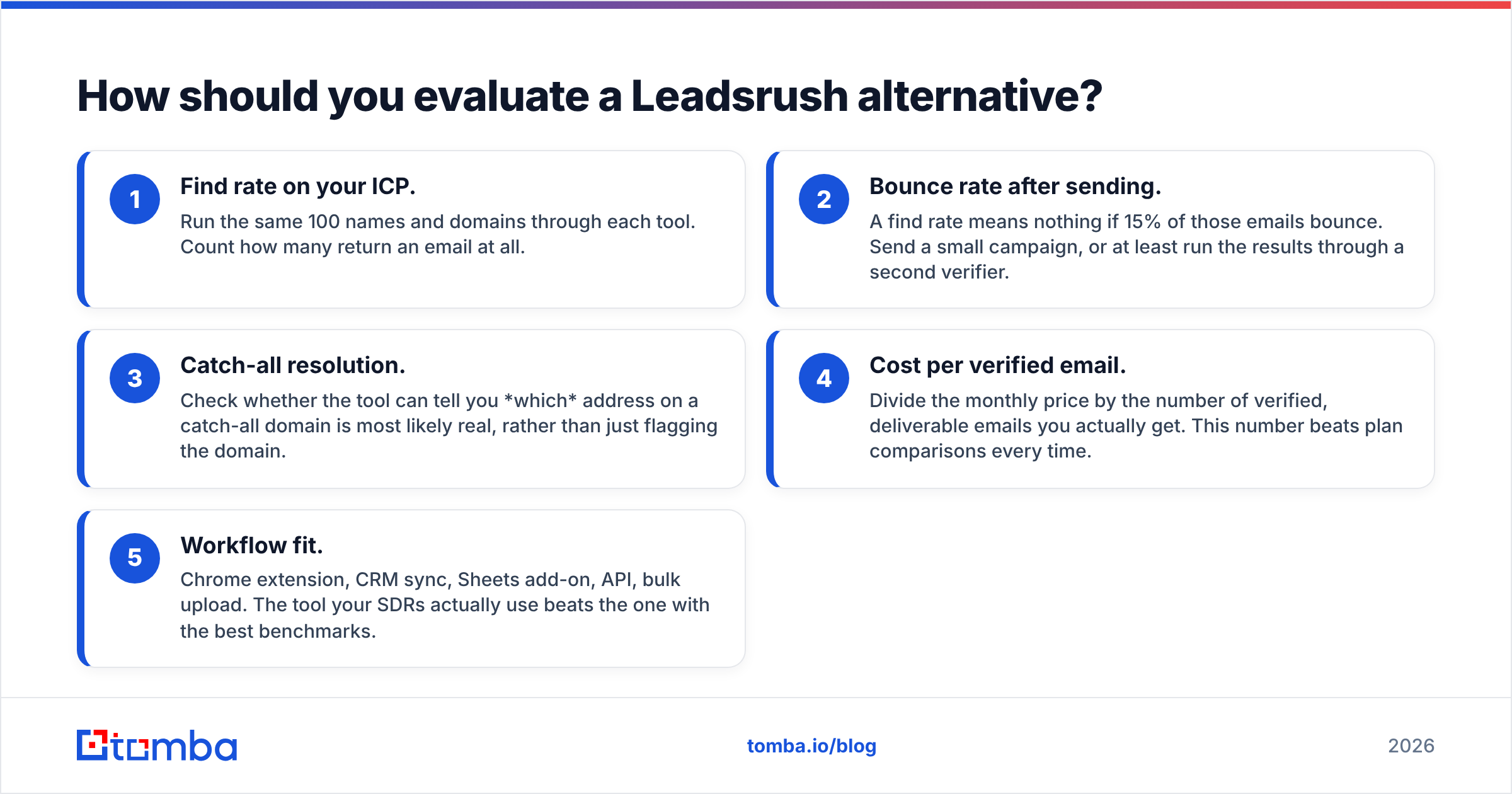
- Find rate on your ICP. Run the same 100 names and domains through each tool. Count how many return an email at all.
- Bounce rate after sending. A find rate means nothing if 15% of those emails bounce. Send a small campaign, or at least run the results through a second verifier.
- Catch-all resolution. Check whether the tool can tell you which address on a catch-all domain is most likely real, rather than just flagging the domain.
- Cost per verified email. Divide the monthly price by the number of verified, deliverable emails you actually get. This number beats plan comparisons every time.
- Workflow fit. Chrome extension, CRM sync, Sheets add-on, API, bulk upload. The tool your SDRs actually use beats the one with the best benchmarks.

Accuracy benchmarks like the one above give you a useful starting point. Treat them as a shortlist filter, not a final verdict. Data coverage varies a lot by region and industry. A tool that dominates on US SaaS companies can underperform on German manufacturers.
What are the best Leadsrush alternatives in 2026?#
Here are seven tools worth testing, each with a clear "best for" angle.
1. Tomba: best all-round upgrade for email finding and verification#
Tomba covers the same core jobs as Leadsrush, including finding emails by name, pulling every email for a company through domain search, and verifying before you send. It extends each of those further. The verifier includes a dedicated catch-all verifier, and phone finder, LinkedIn finder, author finder, and data enrichment all run on the same credits.
Where it pulls ahead of Leadsrush is workflow coverage. Tomba ships a REST API, a CLI, an MCP server for AI agents, a Chrome extension, Google Sheets and Excel add-ons, and native integrations with HubSpot, Salesforce, Pipedrive, Zapier, and Make.
- Pricing: Free (25 searches/mo), Starter $49/mo, Growth $99/mo, Pro $249/mo, Enterprise custom. See Tomba pricing.
- Best for: Teams that want Leadsrush-style email finding plus catch-all verification, an API, and CRM integrations.
- Trade-off: The free tier gives you fewer monthly searches than Leadsrush's free plan (25 vs 50). If you only need a few lookups a month, Leadsrush's free plan goes further.
2. Hunter: best for simplicity#
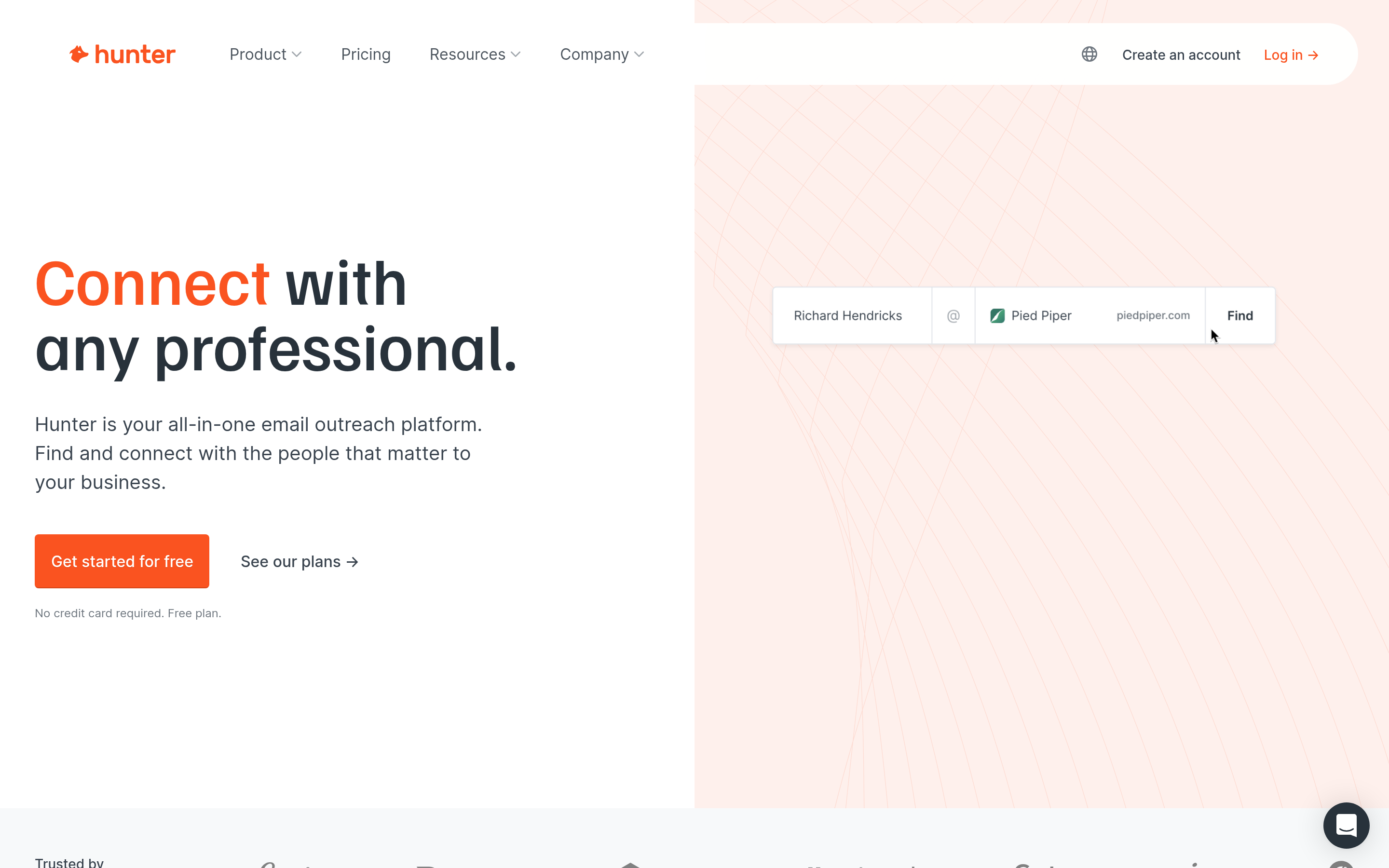
Hunter is probably the best-known name in email finding. Domain search, email finder, verifier, and a lightweight campaigns feature sit behind a very clean interface. It's the tool most people learn on.
- Pricing: Free plan available. Paid plans start around the same level as Tomba's Starter.
- Best for: Solo founders and marketers who value simplicity over depth.
- Trade-off: Contact data beyond the email (phone, deep firmographics) is thinner than in full sales-intelligence platforms.
3. Apollo.io: best for all-in-one data and sequencing#

Apollo combines a large B2B contact database with email sequencing, a dialer, and intent signals. Choose it if you want to find, enrich, and send from one tab.
- Pricing: Generous free plan. Paid plans are billed per user.
- Best for: SDR teams that want database plus engagement in one tool.
- Trade-off: Per-seat pricing adds up quickly as the team grows. Many users also run a separate verifier before sending. See our Apollo alternative breakdown for details.
4. Snov.io: best budget alternative with drip campaigns#
Snov.io resembles Leadsrush in price positioning, with its own email finder, verifier, and drip campaign builder. It's popular with agencies running outreach for multiple clients.
- Pricing: Free trial credits, then low-cost monthly plans.
- Best for: Agencies that want finding plus basic automation on a budget.
- Trade-off: The campaign features are functional but less advanced than dedicated sequencers.
5. BookYourData: best for ready-made verified lists#
BookYourData takes a list-first approach. Instead of looking up contacts one by one, you filter a verified B2B database by industry, title, location, and company size, then download the list. It also offers pay-as-you-go credits, which appeals to buyers who don't want another subscription.
- Pricing: Credit-based, pay-as-you-go options.
- Best for: Marketers and founders who need a targeted list fast, with verification already done.
- Trade-off: It suits segment-based list building more than "find this one specific person" lookups. Many teams pair it with a lookup tool.
6. RocketReach: best for executive and phone data#
RocketReach is strong on senior-level contacts and direct dials. That makes it a common choice for recruiters and enterprise AEs.
- Pricing: Higher tiers than most tools on this list, with annual discounts.
- Best for: Recruiting and enterprise prospecting where phone numbers matter.
- Trade-off: It costs more than Leadsrush-tier tools. See our RocketReach alternative guide if the price is a blocker.
7. Skrapp.io: best for LinkedIn-first prospecting#
Skrapp is built around a browser extension that pulls emails while you browse LinkedIn and Sales Navigator.
- Pricing: Free tier, then affordable monthly plans.
- Best for: Reps who prospect mostly from LinkedIn.
- Trade-off: Less useful if your list-building starts from domains or CRM exports rather than LinkedIn profiles.
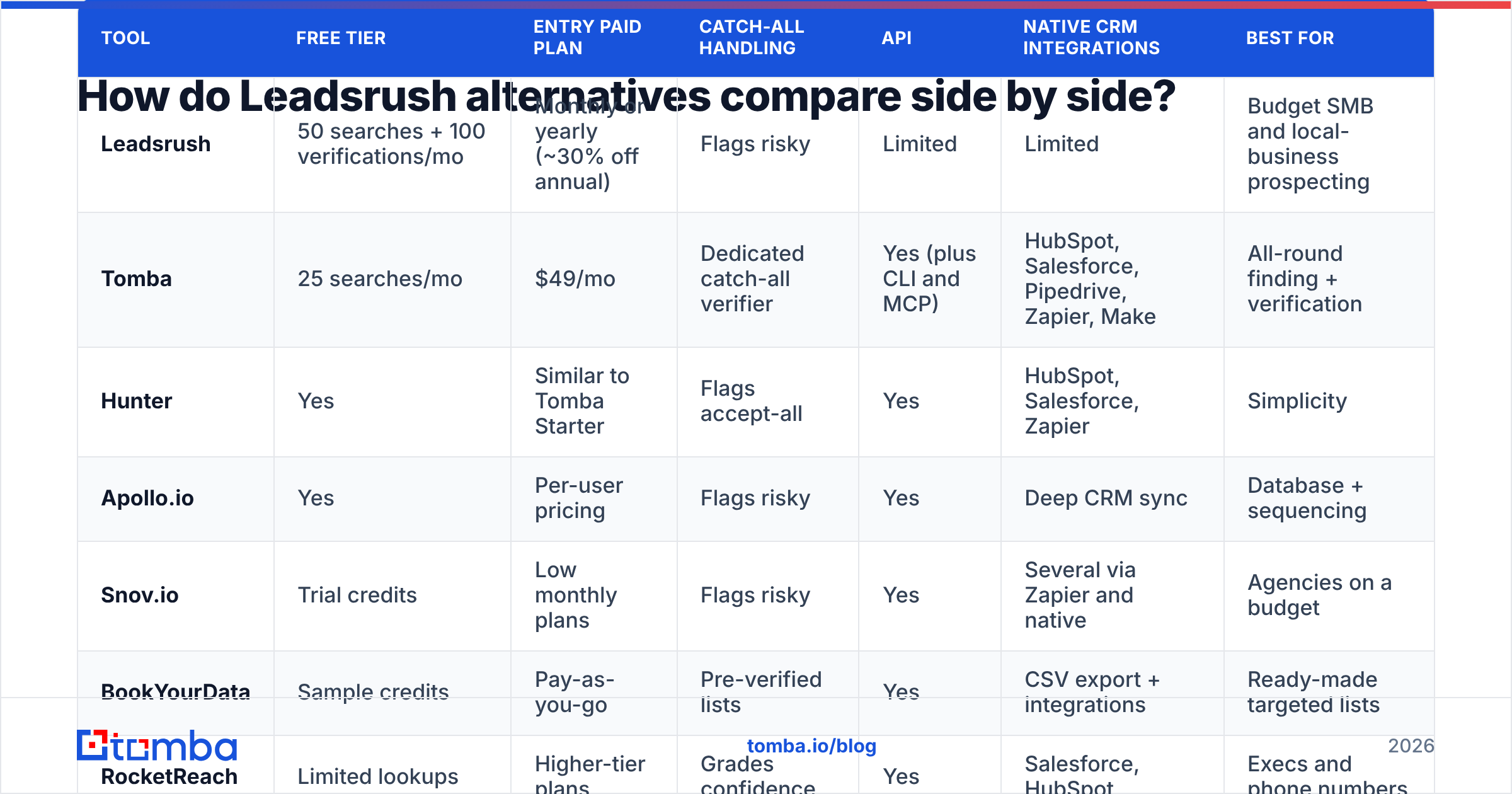
How do Leadsrush alternatives compare side by side?#
The table below compares each tool on the attributes that matter most in a switch. Pricing is directional and reflects public plans at the time of writing. Always confirm on the vendor's site before you buy.
| Tool | Free tier | Entry paid plan | Catch-all handling | API | Native CRM integrations | Best for |
|---|---|---|---|---|---|---|
| Leadsrush | 50 searches + 100 verifications/mo | Monthly or yearly (~30% off annual) | Flags risky | Limited | Limited | Budget SMB and local-business prospecting |
| Tomba | 25 searches/mo | $49/mo | Dedicated catch-all verifier | Yes (plus CLI and MCP) | HubSpot, Salesforce, Pipedrive, Zapier, Make | All-round finding + verification |
| Hunter | Yes | Similar to Tomba Starter | Flags accept-all | Yes | HubSpot, Salesforce, Zapier | Simplicity |
| Apollo.io | Yes | Per-user pricing | Flags risky | Yes | Deep CRM sync | Database + sequencing |
| Snov.io | Trial credits | Low monthly plans | Flags risky | Yes | Several via Zapier and native | Agencies on a budget |
| BookYourData | Sample credits | Pay-as-you-go | Pre-verified lists | Yes | CSV export + integrations | Ready-made targeted lists |
| RocketReach | Limited lookups | Higher-tier plans | Grades confidence | Yes | Salesforce, HubSpot | Execs and phone numbers |
| Skrapp.io | Yes | Affordable monthly | Flags risky | Yes | Limited | LinkedIn-first prospecting |

For third-party user sentiment, cross-check each tool's reviews on G2. Filter by company size close to yours. Reviews from 5-person agencies and 500-person sales orgs describe very different experiences.
Is Tomba better than Leadsrush?#
It depends on what you're optimizing for.
Leadsrush wins if:
- You mostly need a free or near-free tool for occasional lookups (50 free searches a month is generous)
- Your targets are local businesses in the countries it covers
- You bought a lifetime deal and your volume fits inside it
Tomba wins if:
- You need to verify catch-all domains rather than just flag them
- Your workflow runs through a CRM, Sheets, Zapier, or your own code via the Tomba API
- You're processing lists in bulk and need consistent verification before every send
- You want phone numbers, LinkedIn lookups, and enrichment on the same account
On total cost of ownership, remember that a cheaper finder with a higher bounce rate often costs more. Bounces hurt sender reputation, and a damaged domain costs more than any subscription. If you stick with Leadsrush for finding, running the output through a dedicated email verifier before you send is cheap insurance.
What hidden costs should you watch for when switching?#
Headline prices rarely match what you end up paying. Before you sign up for any Leadsrush alternative, check these:
- Per-seat pricing. Tools billed per user look cheap for one rep and expensive for eight. Multiply by your real headcount.
- Credit expiry. Some tools reset monthly credits and don't roll them over. If your usage is lumpy, annual credit pools or pay-as-you-go may suit you better.
- Separate verification credits. Some tools charge a finder credit to find an email and a second credit to verify it. Check whether verification is bundled.
- Export limits. Some plans cap how many contacts you can export per month even after you've "found" them.
- Integration tiers. CRM sync is sometimes locked behind higher plans. Confirm the integration you need is included in the plan you're pricing.

A good habit is to build a small spreadsheet. For each tool, record the plan, seats, credits, verified emails returned from your 100-contact test, and bounce rate. Then compute cost per deliverable email. The winner is usually obvious, and it's often not the cheapest plan.
How do you migrate from Leadsrush without losing data?#
Switching email finders is low-risk if you do it in order:
- Export everything. Download your saved prospects and lists from Leadsrush as CSV before your plan lapses.
- Deduplicate. Merge lists and remove duplicates so you don't pay to re-verify the same contacts.
- Re-verify in bulk. Email data decays quickly as people change jobs. Run the full export through a bulk verifier such as Tomba Bulks and drop invalid addresses.
- Connect your CRM first. Set up the new tool's CRM or Zapier integration before prospecting, so new contacts land in the right place from day one.
- Run both tools in parallel for two weeks. Compare find rates and bounces on live campaigns, then cancel whichever loses.
This parallel test also protects you from a common trap: switching based on a demo, then finding out the new tool's coverage is weaker in your market.
Which Leadsrush alternative should you choose?#
Here's the short version, matched to the most common buyer profiles:
- Solo founder or freelancer on a tight budget: Stay on Leadsrush's free plan or try Hunter, and add verification before sending.
- Agency running outreach for clients: Snov.io, or Tomba if clients need CRM delivery and catch-all verification.
- SDR team wanting one platform: Apollo.io, with a separate verifier if bounces creep up.
- Marketer needing a segment list fast: BookYourData.
- Recruiter or enterprise AE needing direct dials: RocketReach.
- RevOps or developer-led team building enrichment into their stack: Tomba, for the API, CLI, MCP server, and native integrations.
Whichever you pick, test it on your own contacts and measure cost per deliverable email, not plan price.
Ready to try a Leadsrush alternative?#
If you want to keep what works about Leadsrush (fast email lookups, domain search, and built-in verification) and add catch-all verification, a developer-grade API, and native CRM integrations, start with the Tomba Email Finder. The free plan gives you 25 searches a month to run your own 100-contact test over a few weeks. When you're ready to scale, the Starter plan at $49/mo covers most small teams. Run your test list through it, compare bounce rates with your current setup, and decide based on your data.
Related guides#
// get started
Find, verify and enrich your first contacts today
Start on the free plan with 25 searches a month, then scale when your team is ready.
Free plan · No credit card required · GDPR & CCPA
// about the author