LeadzenAI Alternatives: 8 Tools Compared for B2B Contact Data
LeadzenAI works well for some teams, but its data coverage, per-seat costs, or workflow gaps can push you to look elsewhere. Here are 8 alternatives compared on coverage, verification and real pricing.
TL;DR
- LeadzenAI is an AI-assisted B2B lead generation platform with a strong focus on the Indian market. Teams usually start looking at LeadzenAI alternatives once they need wider global coverage, better email verification, or pricing that doesn't grow with every seat.
- For finding emails by domain or name at a flat monthly price, Tomba (free tier, then $49/mo) is the simplest swap. Hunter is a close peer.
- If you want a database and sequencer in one tool, Apollo is the default choice. For phone-first prospecting, look at Lusha or Kaspr.
- BookYourData is a good fit if you'd rather buy pre-verified contact lists pay-as-you-go than run searches yourself.
- Whatever you choose, verify every address before it reaches your sequencer. Bounce rate is decided at the data layer, not in your copy.
What is LeadzenAI and why do teams look for alternatives?#
LeadzenAI sells itself as an AI-powered B2B lead generation platform. You describe your ideal customer, it surfaces matching people and companies, and you reveal emails and phone numbers with credits. It also has a browser extension that works alongside LinkedIn, and a lot of its positioning is aimed at sales teams selling into India and South Asia.
That focus is useful if your territory is Bengaluru, Mumbai or Delhi NCR. It can get in the way if your pipeline also covers the US, UK, DACH or LATAM. Here are the reasons teams give most often for switching:
- Regional coverage gaps. Match rates tend to drop outside the core market, especially for mid-market companies in Europe and North America.
- Verification depth. Some teams want every result checked with SMTP, and they want catch-all domains flagged instead of passed through as "valid."
- Workflow fit. RevOps teams often need an API, a Google Sheets add-on, or native CRM sync, not just a UI and an extension.
- Predictable pricing. Credit-based plans with per-user seats get expensive as the team grows.
None of this makes LeadzenAI a bad product. It means that once your ICP and stack change, you should re-evaluate. The rest of this guide covers what to measure and which tools hold up.
What should you look for in a LeadzenAI alternative?#
Before you open eight free trials, write down the criteria that actually move your pipeline. These five matter most:
- Coverage in your territories. Test on 50 real target accounts from your CRM, not on the vendor's demo list. A tool that finds 80% of Indian SaaS founders and 35% of German manufacturing buyers is really a regional tool.
- Verification you can trust. Look for SMTP-level checks, explicit catch-all detection, and a clear status on every record ("valid," "accept-all," "unknown"). A single green checkmark can hide a lot.
- Search modes that match how you prospect. Some teams need a domain search to pull everyone at an account. Others need name + company lookups, LinkedIn capture, or reverse lookups on inbound leads.
- Integration surface. An API, a CRM sync (HubSpot, Salesforce, Pipedrive), spreadsheet add-ons, and Zapier or Make decide whether the data gets used or dies in CSV exports.
- Pricing that scales with usage, not headcount. Work out your real monthly lookups, then compare plans at that volume. Per-seat pricing punishes teams where five SDRs share one list.
Which LeadzenAI alternatives are worth comparing in 2026?#
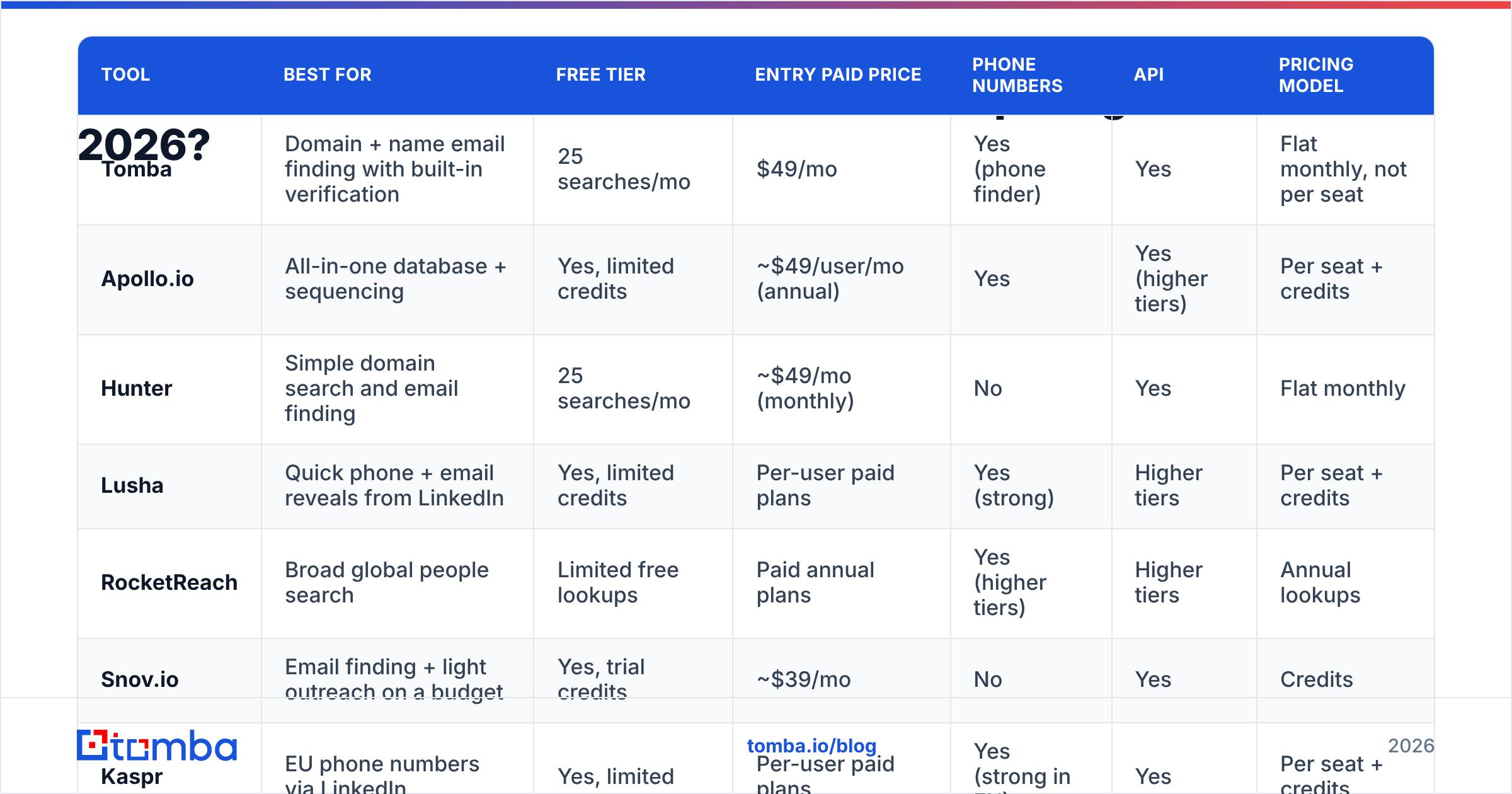
Here are the eight tools this guide compares side by side. Prices are entry-level list prices at the time of writing and change often, so check each vendor's pricing page before you buy.

| Tool | Best for | Free tier | Entry paid price | Phone numbers | API | Pricing model |
|---|---|---|---|---|---|---|
| Tomba | Domain + name email finding with built-in verification | 25 searches/mo | $49/mo | Yes (phone finder) | Yes | Flat monthly, not per seat |
| Apollo.io | All-in-one database + sequencing | Yes, limited credits | ~$49/user/mo (annual) | Yes | Yes (higher tiers) | Per seat + credits |
| Hunter | Simple domain search and email finding | 25 searches/mo | ~$49/mo (monthly) | No | Yes | Flat monthly |
| Lusha | Quick phone + email reveals from LinkedIn | Yes, limited credits | Per-user paid plans | Yes (strong) | Higher tiers | Per seat + credits |
| RocketReach | Broad global people search | Limited free lookups | Paid annual plans | Yes (higher tiers) | Higher tiers | Annual lookups |
| Snov.io | Email finding + light outreach on a budget | Yes, trial credits | ~$39/mo | No | Yes | Credits |
| Kaspr | EU phone numbers via LinkedIn | Yes, limited | Per-user paid plans | Yes (strong in EU) | Yes | Per seat + credits |
| BookYourData | Pre-verified contact lists, pay-as-you-go | Sample credits | Pay per contact | Yes | Yes | Credit packs, no subscription needed |
Two things stand out. First, only a few tools price by usage rather than by seat, and that becomes the biggest cost driver once you pass three SDRs. Second, "phone numbers: yes" can mean very different things. Mobile direct dials in the EU are a very different product from switchboard numbers.
How do the top LeadzenAI alternatives compare in detail?#
Tomba: best for accurate email finding without per-seat pricing#
Tomba's core product is an email finder that works three ways: by domain, by full name + company, or from a LinkedIn profile via the browser extension. Every result comes with a confidence score and the public sources where the address was found. That makes auditing a questionable contact far easier than trusting an opaque "verified" badge.
Next to the finder you get an email verifier, a catch-all verifier, a phone finder, and data enrichment. There's also a REST API, a CLI, Google Sheets and Excel add-ons, and native HubSpot, Salesforce, Pipedrive and Zapier integrations.
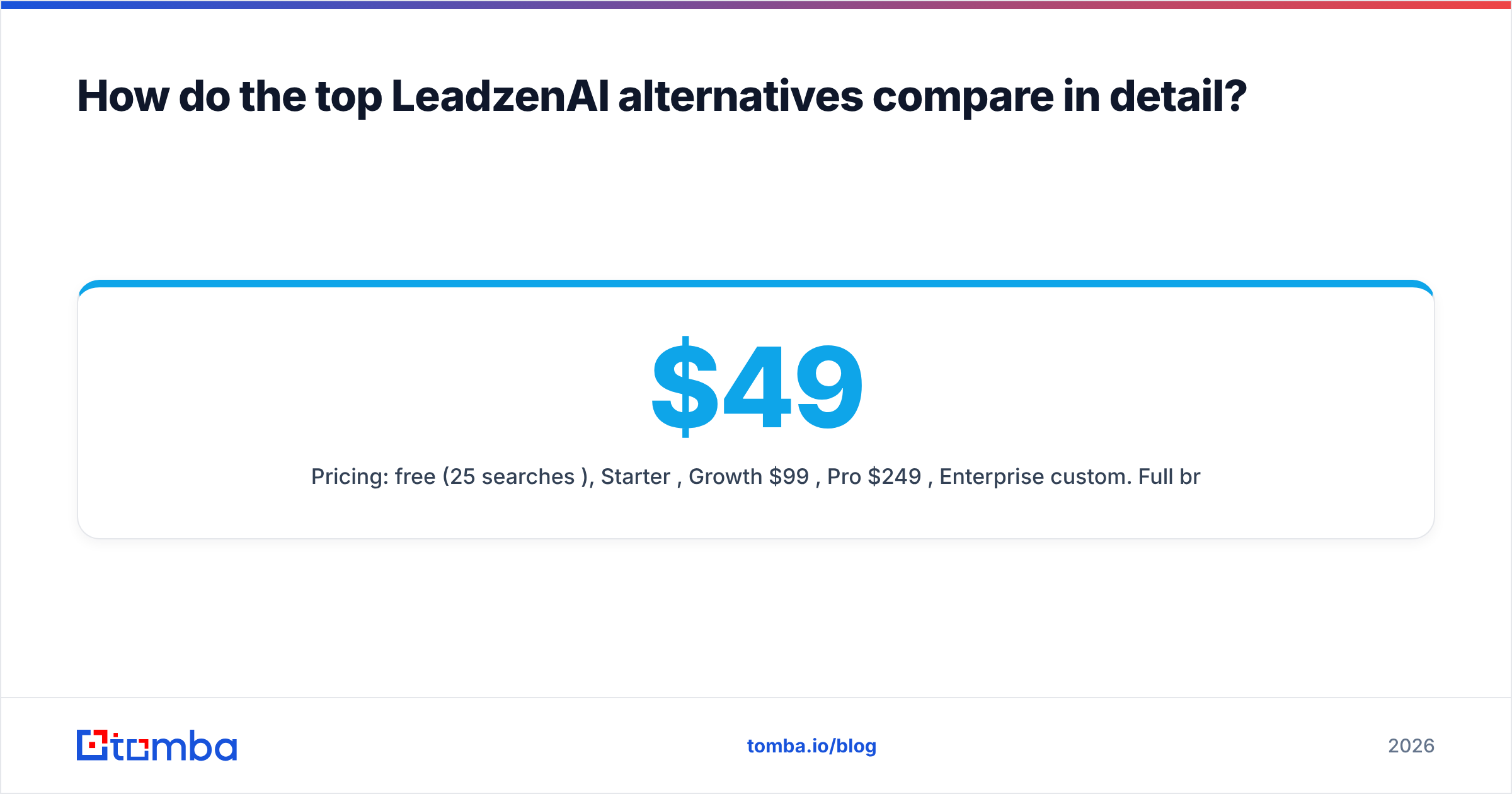
Pros: flat pricing that doesn't grow with seats, source transparency, strong verification tooling, a deep integration surface. Cons: no built-in sequencer, so you pair it with Instantly, Lemlist, Apollo or your CRM for sending. Pricing: free (25 searches/mo), Starter $49/mo, Growth $99/mo, Pro $249/mo, Enterprise custom. Full breakdown on the Tomba pricing page.
Apollo.io: best all-in-one database and sequencer#

Apollo combines a very large contact database with sequencing, a dialer and basic intent signals. If you're moving from LeadzenAI because you want one tool for "find + send," Apollo is the obvious first stop.
Pros: huge database, generous free plan, sequencing included. Cons: per-seat pricing, and email accuracy varies by segment. Many teams add a separate verification step before sending. See our Apollo alternative breakdown if the credit limits start to bite.
Hunter: best lightweight domain search#
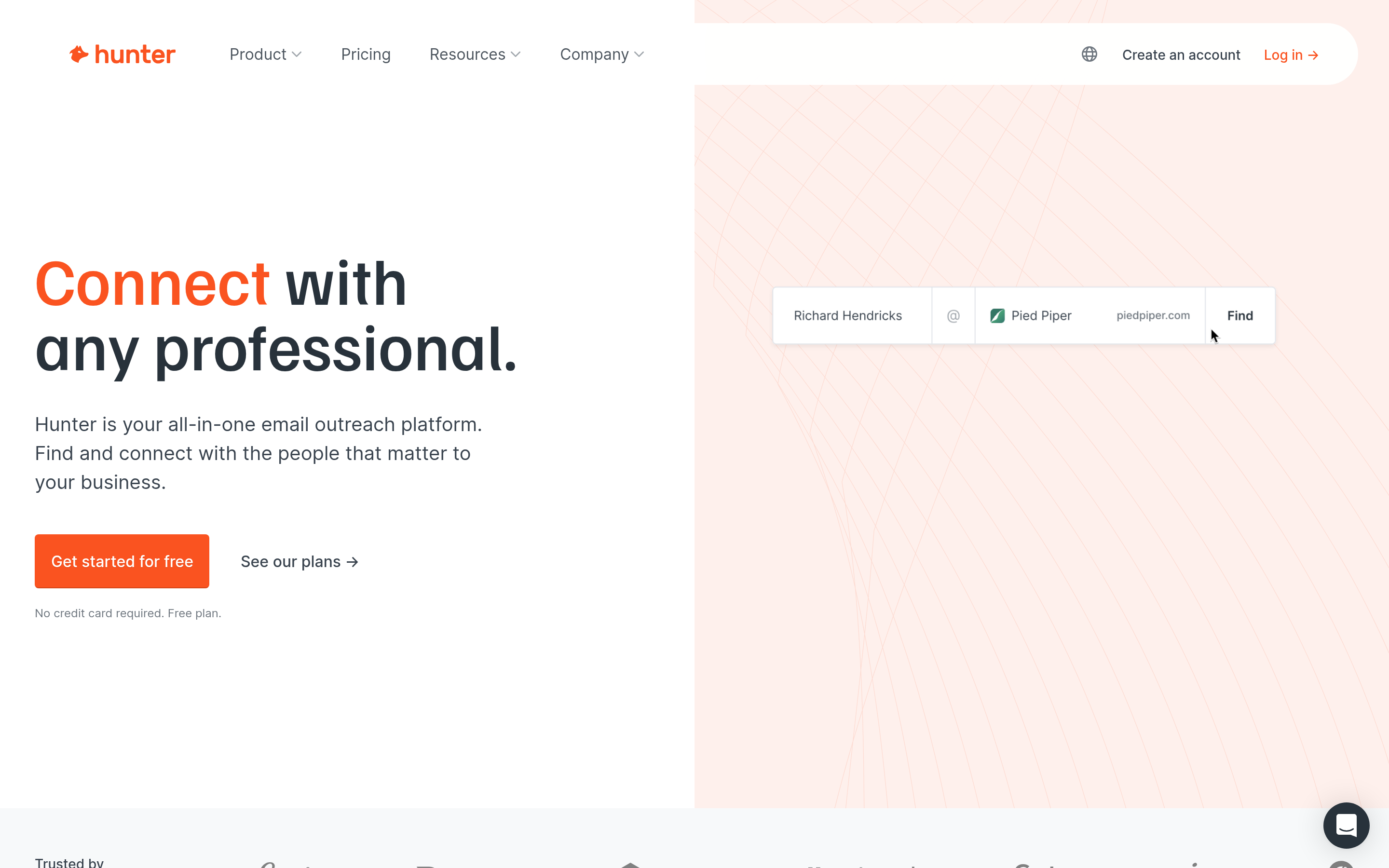
Hunter is the tool many people think of first for "find everyone at this domain." The interface is clean, the free tier is useful, and there's a verifier built in. It's a close peer to Tomba in approach. Whichever returns better results for your specific target accounts is the better choice for you.
Pros: simple, well-documented API, predictable pricing. Cons: no phone numbers, and less enrichment depth than all-in-one platforms.
Lusha: best for fast phone reveals#
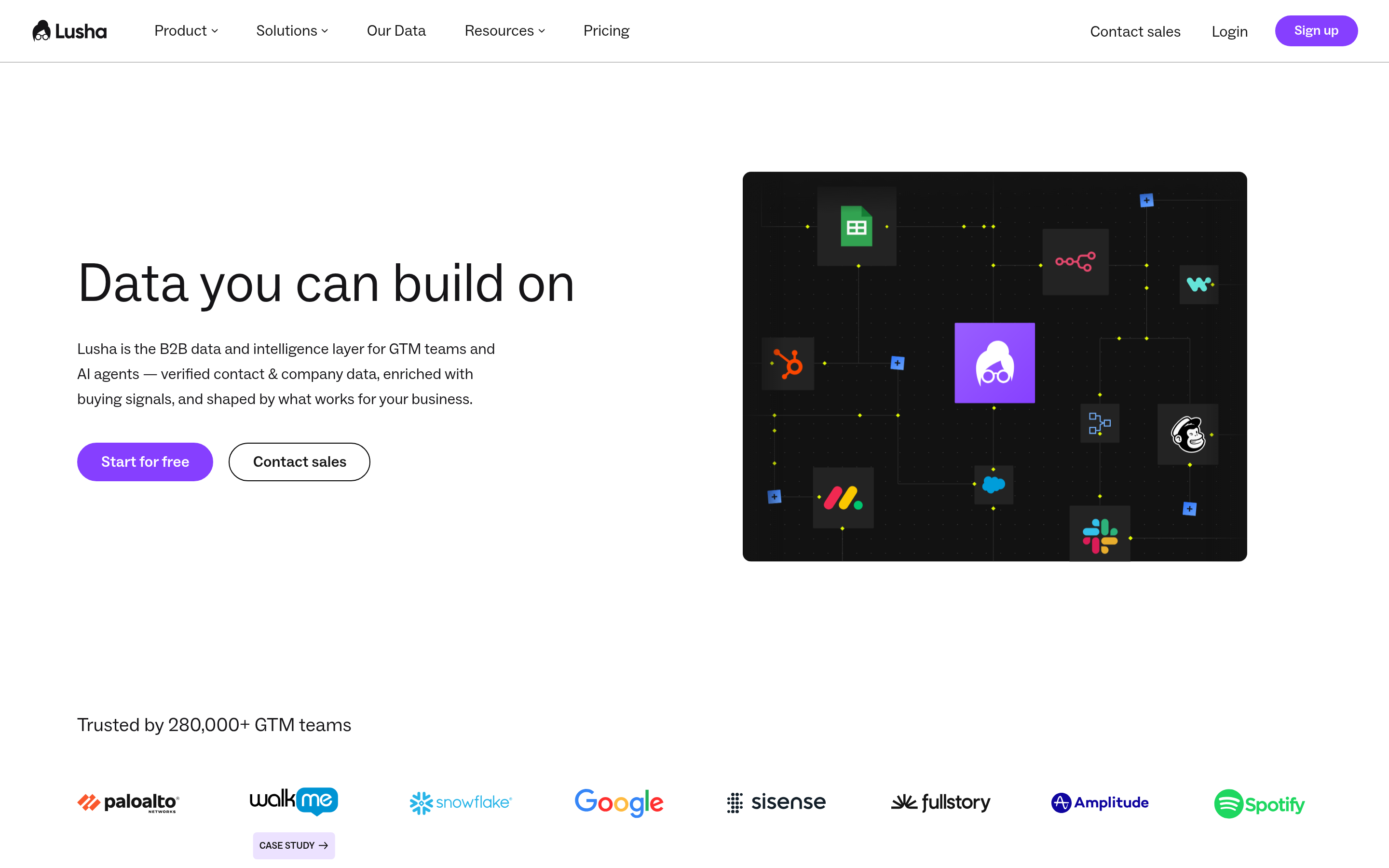
Lusha grew up as a Chrome extension for revealing direct dials and emails from LinkedIn profiles. That's still what it does best. SDR teams that open with cold calls often prefer it to email-first tools.
Pros: strong North American phone data, fast in-browser workflow. Cons: per-seat pricing, and credits run out quickly when you enrich whole lists.
RocketReach: best for broad global lookups#
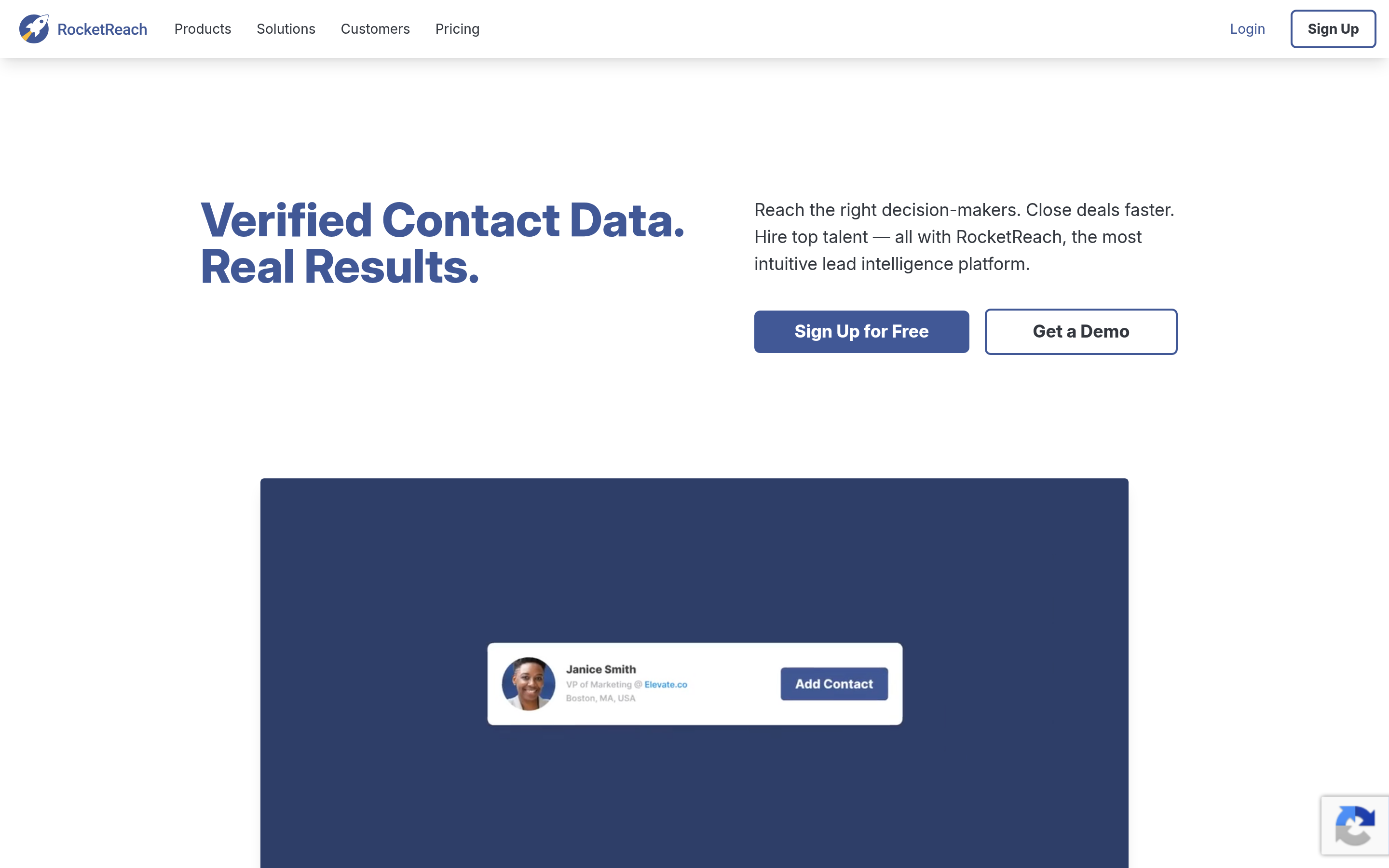
RocketReach has a large people index and covers roles outside classic sales targets well, including recruiting, PR and investor research. It's a reasonable pick if LeadzenAI's regional focus is your main pain point.
Pros: broad coverage across industries and geographies. Cons: annual commitments on most plans, and phone data is gated behind higher tiers.
Snov.io: best budget find-and-send combo#
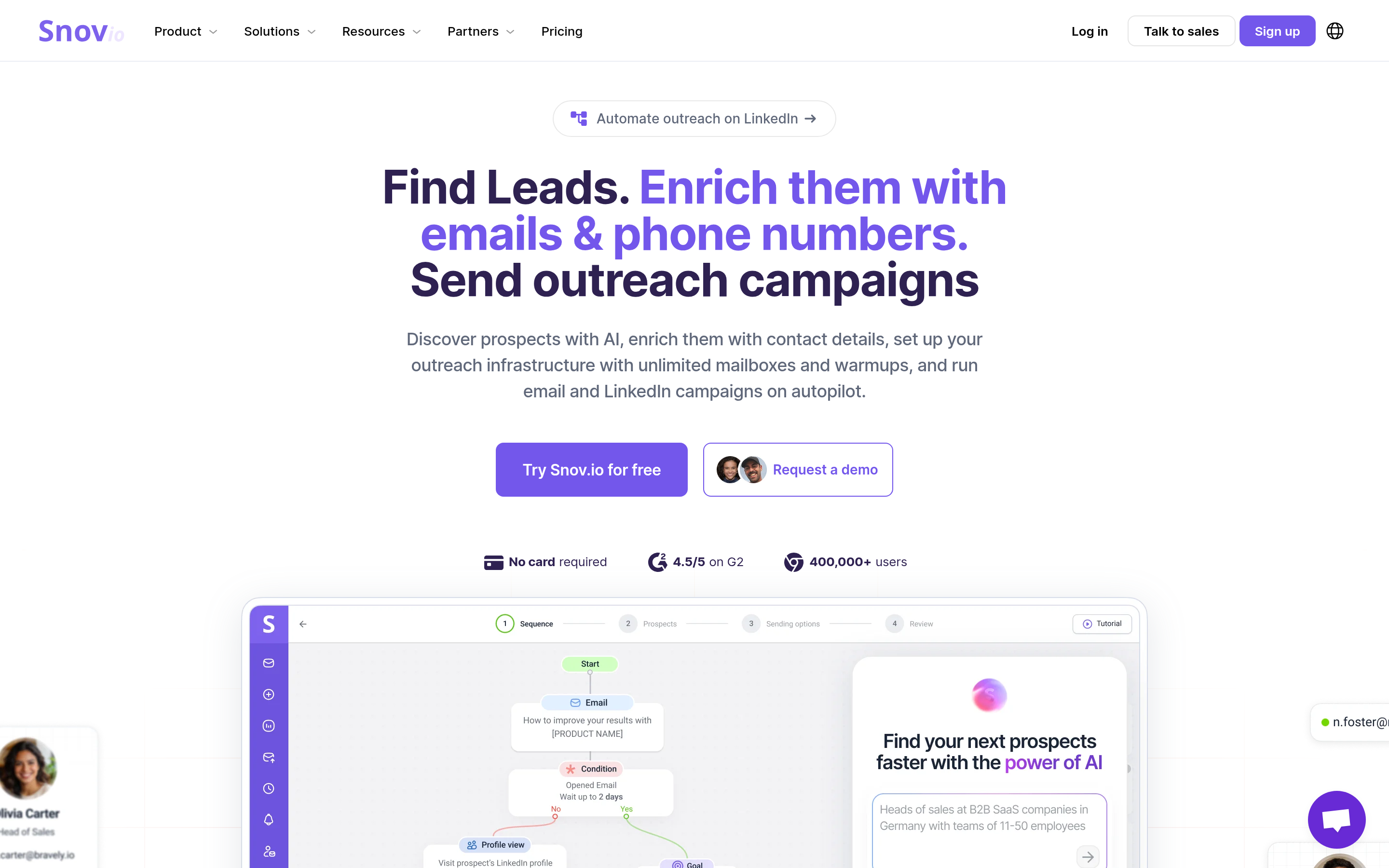
Snov.io bundles an email finder, a verifier, and a simple drip-campaign tool at a low entry price. It suits founders and small teams who want one inexpensive login.
Pros: low entry cost, outreach included. Cons: its data depth and deliverability tooling are lighter than the specialists'.
Kaspr: best for European mobile numbers#
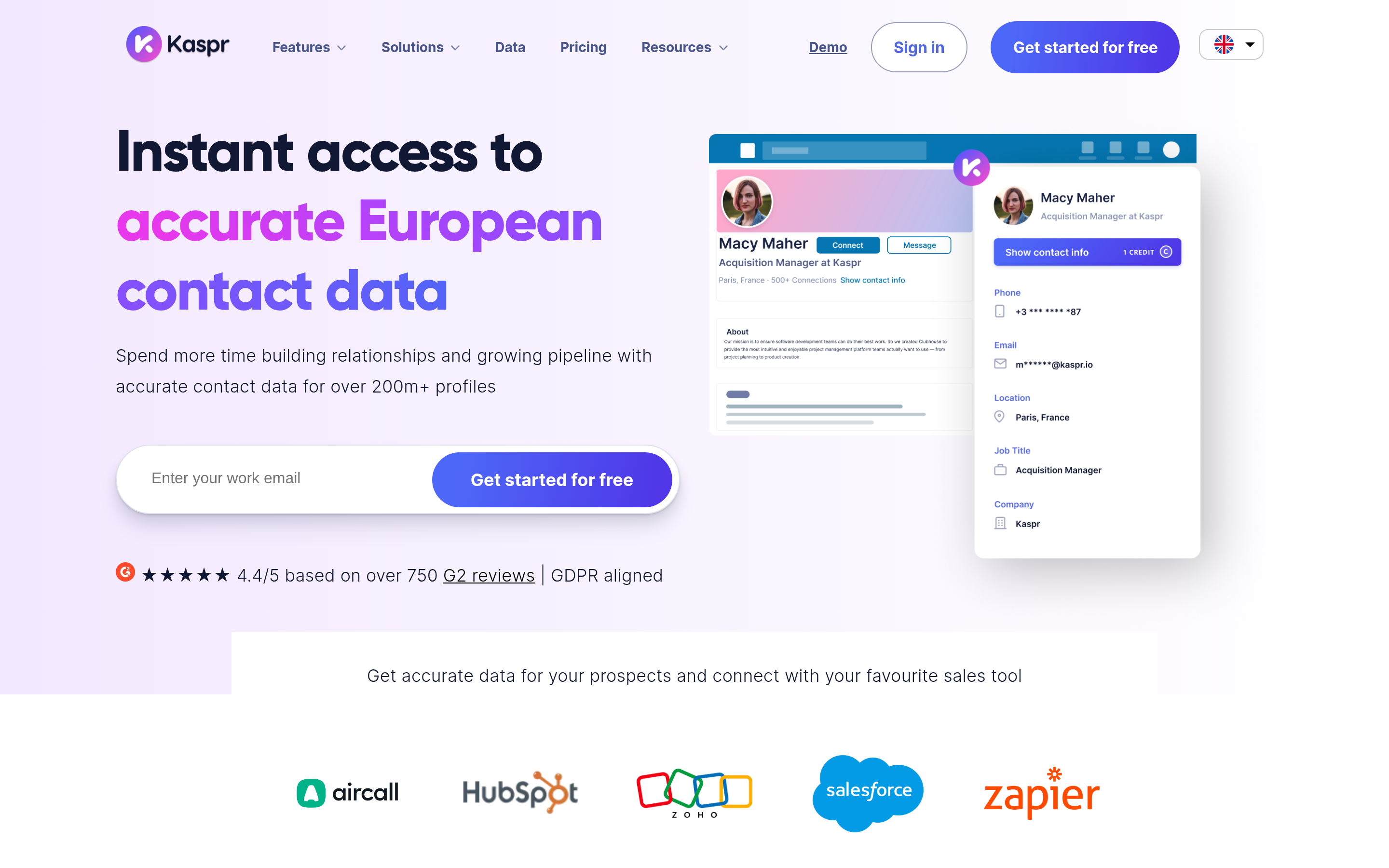
Kaspr focuses on LinkedIn-based enrichment with a strong European phone dataset. If you're leaving LeadzenAI to sell into France, Germany or the Benelux, it's worth a trial.
Pros: strong EU phone coverage, GDPR-oriented positioning. Cons: thinner outside Europe, per-seat pricing.
BookYourData: best for buying pre-verified lists#
BookYourData takes a different approach from most of this list. Instead of looking up one contact at a time, you build a filtered list (industry, title, geography, company size) and buy verified contacts with pay-as-you-go credits. There's no mandatory subscription, and the company backs its data with an accuracy guarantee. It's a clean fit for campaign-based teams and agencies that run bursts of outbound rather than daily prospecting.
Pros: no subscription lock-in, list-level filtering, verified records. Cons: you pay per contact, so it works best when you already know the segment you want.
How accurate are LeadzenAI alternatives in practice?#
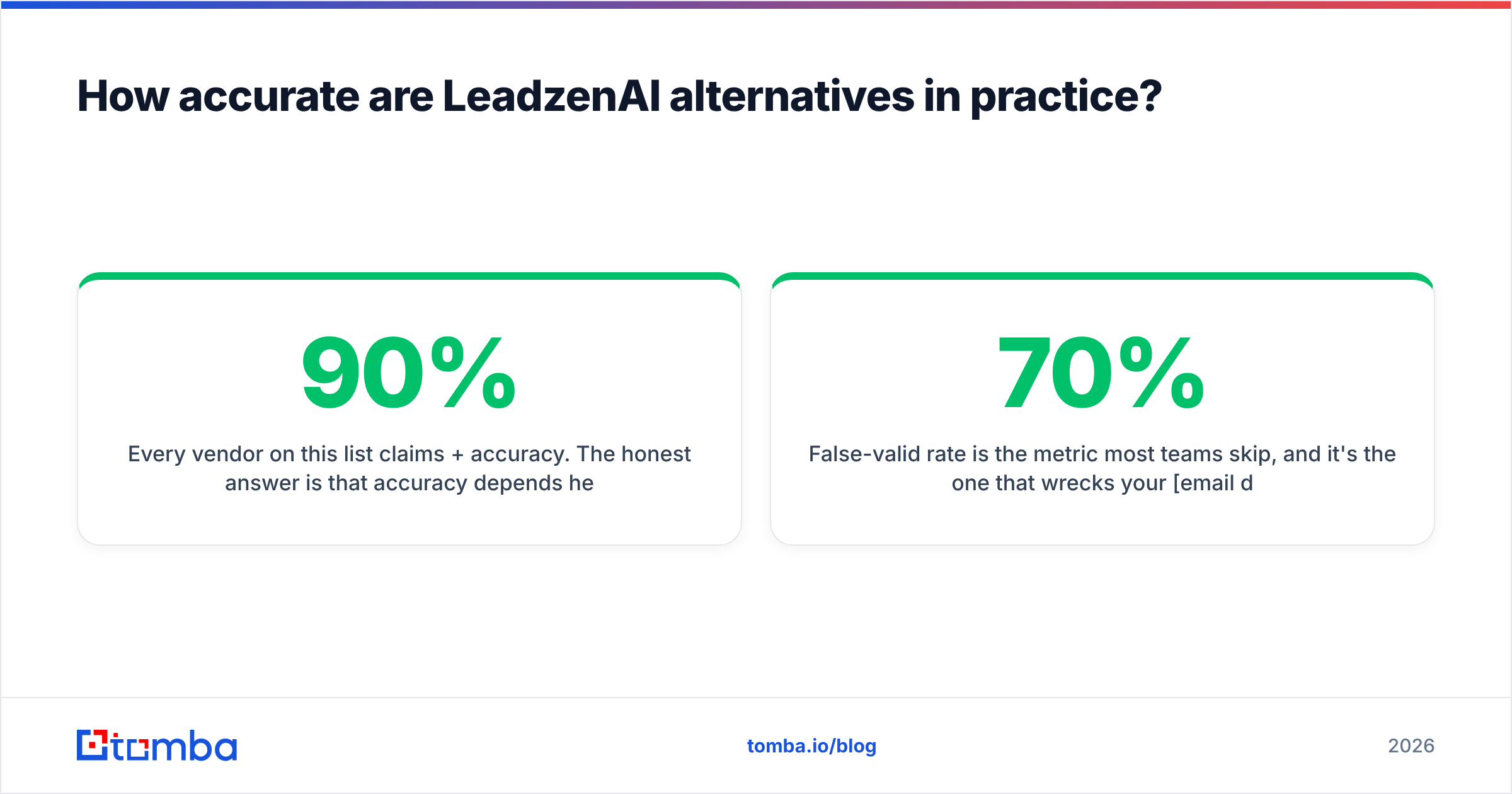
Every vendor on this list claims 90%+ accuracy. The honest answer is that accuracy depends heavily on your ICP. Enterprise decision-makers at US SaaS companies are easy for almost every tool. Operations managers at 80-person manufacturers in Poland are hard for nearly all of them.

Run your own bake-off:
- Pull 100 contacts you've already confirmed (replied, booked a meeting, or known customers).
- Strip the emails and run the names and companies through two or three shortlisted tools.
- Score each tool on find rate (did it return anything?), exact-match rate (was it the right address?), and false-valid rate (was a wrong address marked "valid"?).
False-valid rate is the metric most teams skip, and it's the one that wrecks your email deliverability. A tool that finds 70% of emails and flags uncertain ones honestly is usually worth more than one that "finds" 90% and quietly bounces 12% of them. User reviews on G2 give you a rough sense of how each vendor performs in the wild, but your own 100-contact test beats any aggregate score.
Catch-all domains deserve special attention. These servers accept mail for any address, so a basic SMTP check can't tell a real inbox from a typo. Tools that label these results "accept-all" and offer a dedicated catch-all check give you the information you need to decide whether to send.
Which LeadzenAI alternative fits your use case?#
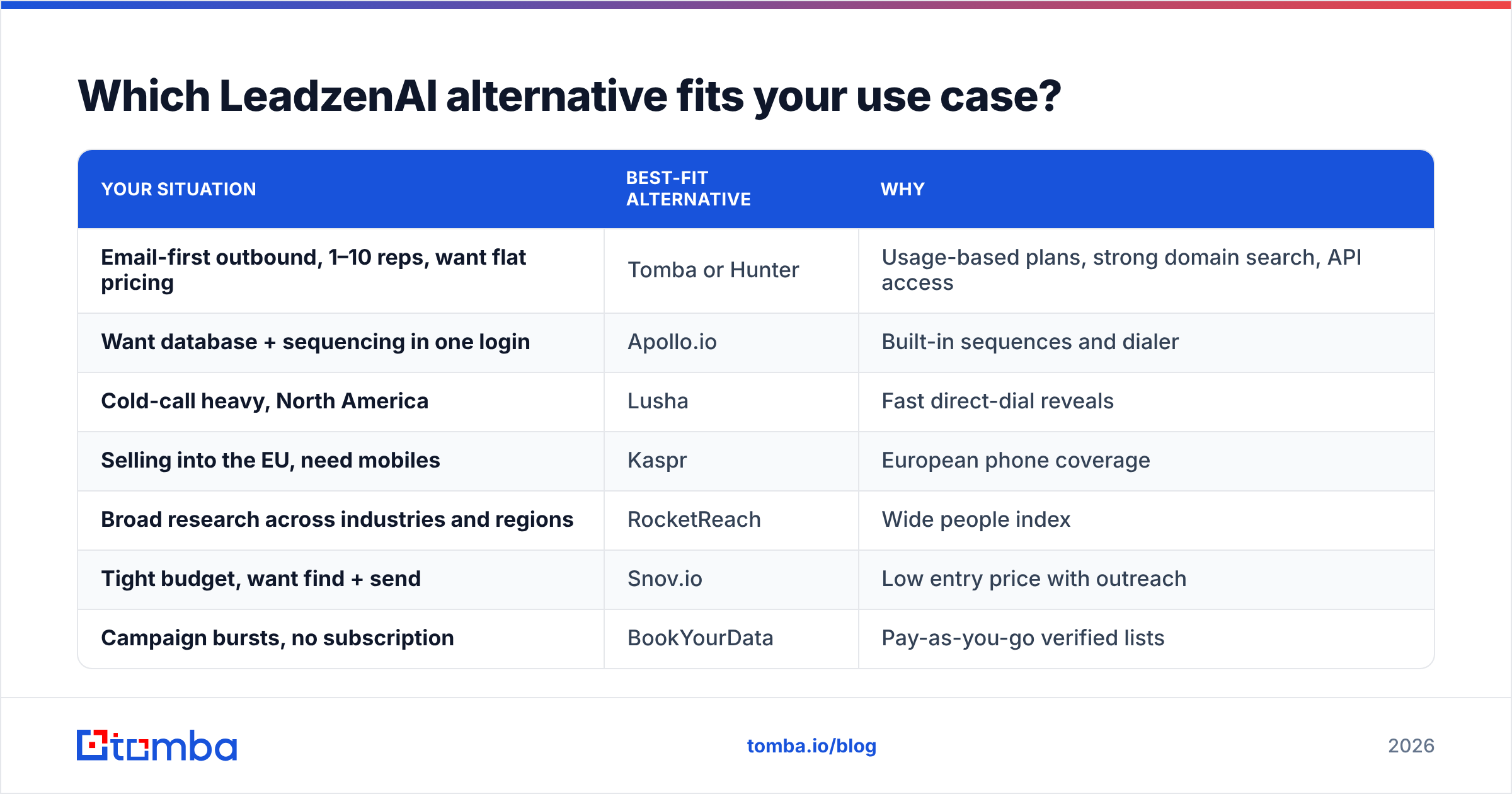
Match the tool to how your team actually prospects, not to the longest feature list.
| Your situation | Best-fit alternative | Why |
|---|---|---|
| Email-first outbound, 1–10 reps, want flat pricing | Tomba or Hunter | Usage-based plans, strong domain search, API access |
| Want database + sequencing in one login | Apollo.io | Built-in sequences and dialer |
| Cold-call heavy, North America | Lusha | Fast direct-dial reveals |
| Selling into the EU, need mobiles | Kaspr | European phone coverage |
| Broad research across industries and regions | RocketReach | Wide people index |
| Tight budget, want find + send | Snov.io | Low entry price with outreach |
| Campaign bursts, no subscription | BookYourData | Pay-as-you-go verified lists |
| Enriching inbound leads in your CRM | Tomba | Enrichment + HubSpot/Salesforce sync |

A useful rule of thumb: if you're paying per seat and fewer than half your seats use their credits every month, you're overpaying. Moving to a usage-priced finder and sharing credits across the team often cuts cost by 30–50% without losing coverage.
How do you switch from LeadzenAI without losing pipeline?#
Switching data vendors goes wrong when teams cancel first and test later. Do it in this order:
- Export everything. Pull your saved lists, revealed contacts and any tags from LeadzenAI before your plan ends. Contacts you've already paid to reveal are yours to keep in your CRM.
- Re-verify the export. Contact data decays. Industry estimates, often cited by vendors like HubSpot, put B2B data decay at roughly 20–30% a year. Run the full export through a verifier before you sequence it again.
- Run a two-week parallel test. Give the new tool the same 100 target accounts you used in the bake-off and compare find rates, bounce rates and reply rates.
- Wire up integrations before you cancel. Connect the API, CRM sync or spreadsheet add-on so reps don't fall back to manual copy-paste.
- Set a monthly re-verification job. Whichever tool you choose, schedule a recurring verification pass on active sequences. Bounces above 2% will start to hurt your sender reputation.
Is LeadzenAI still the right choice for some teams?#
Yes. If most of your pipeline sits in India, your reps live in LinkedIn, and you value AI-assisted persona search more than API access, LeadzenAI can still be a sensible primary tool. Plenty of teams also keep it as a secondary source for Indian accounts and use a global finder for everything else. There's nothing wrong with a two-vendor setup, as long as you dedupe and verify before anything hits your sequencer.
The case for switching gets stronger as you grow into new regions, add seats, or need the data flowing automatically into your CRM and outreach tools rather than sitting in exports.
Frequently asked questions about LeadzenAI alternatives#
What is the best free LeadzenAI alternative?#
Tomba and Hunter both offer 25 free searches a month, and Apollo has a free plan with limited credits. For light, occasional lookups, a free tier on any of these is enough to validate fit before you pay.
Which LeadzenAI alternative has the best global coverage?#
Apollo and RocketReach have the broadest people indexes. For verified emails specifically, domain-based finders like Tomba tend to perform well because they rely on public sources and email-pattern data rather than only on profile scraping. Test on your own accounts to be sure.
Do I need a separate email verifier?#
If your finder doesn't show verification status for each record, including catch-all detection, then yes. Sending unverified data is the fastest way to damage a warmed-up domain.
Can I use more than one alternative at once?#
Yes. A common setup is to use one database tool for discovery and a dedicated email finder plus verifier for accuracy. The key is to dedupe across sources and verify once, right before sending.
Ready to replace LeadzenAI with something your whole team can use?#
If your main reason for leaving LeadzenAI is wider coverage, clearer verification, or pricing that doesn't grow with every new SDR, start with the Tomba Email Finder. Search by domain, name or LinkedIn profile, see the confidence score and source for every address, and push verified contacts straight into HubSpot, Salesforce, Pipedrive or Google Sheets. The free plan gives you 25 searches a month, which is enough to run the 100-contact bake-off above over a few weeks, or you can move to Starter at $49/mo for the whole team, with no per-seat fees.
Related guides#
// get started
Find, verify and enrich your first contacts today
Start on the free plan with 25 searches a month, then scale when your team is ready.
Free plan · No credit card required · GDPR & CCPA
// about the author