7 Best Leadzpipe Alternatives for Lead Syncing & Enrichment (2026)
Leadzpipe syncs Facebook and Google lead ads to your CRM for a low monthly price. These 7 alternatives do it differently: some are more flexible, some more powerful, and some fix the fake-email problem that lead forms create.
TL;DR
- Leadzpipe is a budget tool that syncs leads from Facebook and Google lead ads into your CRM. It adds instant notifications, autoresponders, and an email finder extension. Paid plans start around $9/month.
- If you want a sync tool with more connectors and ad-platform audience sync, LeadsBridge is the closest like-for-like alternative.
- If you already run automations, Zapier or Make can replace Leadzpipe. You get more control, but you have to set it up and maintain it yourself.
- None of the sync tools fix the real weakness of lead-form data: typo'd, personal, or fake email addresses. You need a verification and enrichment layer such as Tomba for that.
- For outbound prospecting instead of inbound lead capture, look at a dedicated email finder. Leadzpipe's extension is a side feature, not its core product.
What is Leadzpipe, and why are people looking for alternatives?#
Leadzpipe is a lead management tool built mainly for Facebook and Google advertisers. It does one job: when someone fills in a lead-ad form, it pushes that contact into your CRM, spreadsheet, or email tool in real time. Around that it offers instant lead notifications, custom lead statuses, autoresponders, and some ad-optimization features. It supports 22+ CRM destinations, including HubSpot, Pipedrive, Freshsales, Zoho, and Google Sheets.
It has a clear appeal for small teams and agencies. Pricing starts low (about $9/month at the entry level), there are no per-user charges, and the Engage plan includes five users. It also comes with a Chrome email finder extension that looks up business emails and mobile numbers.
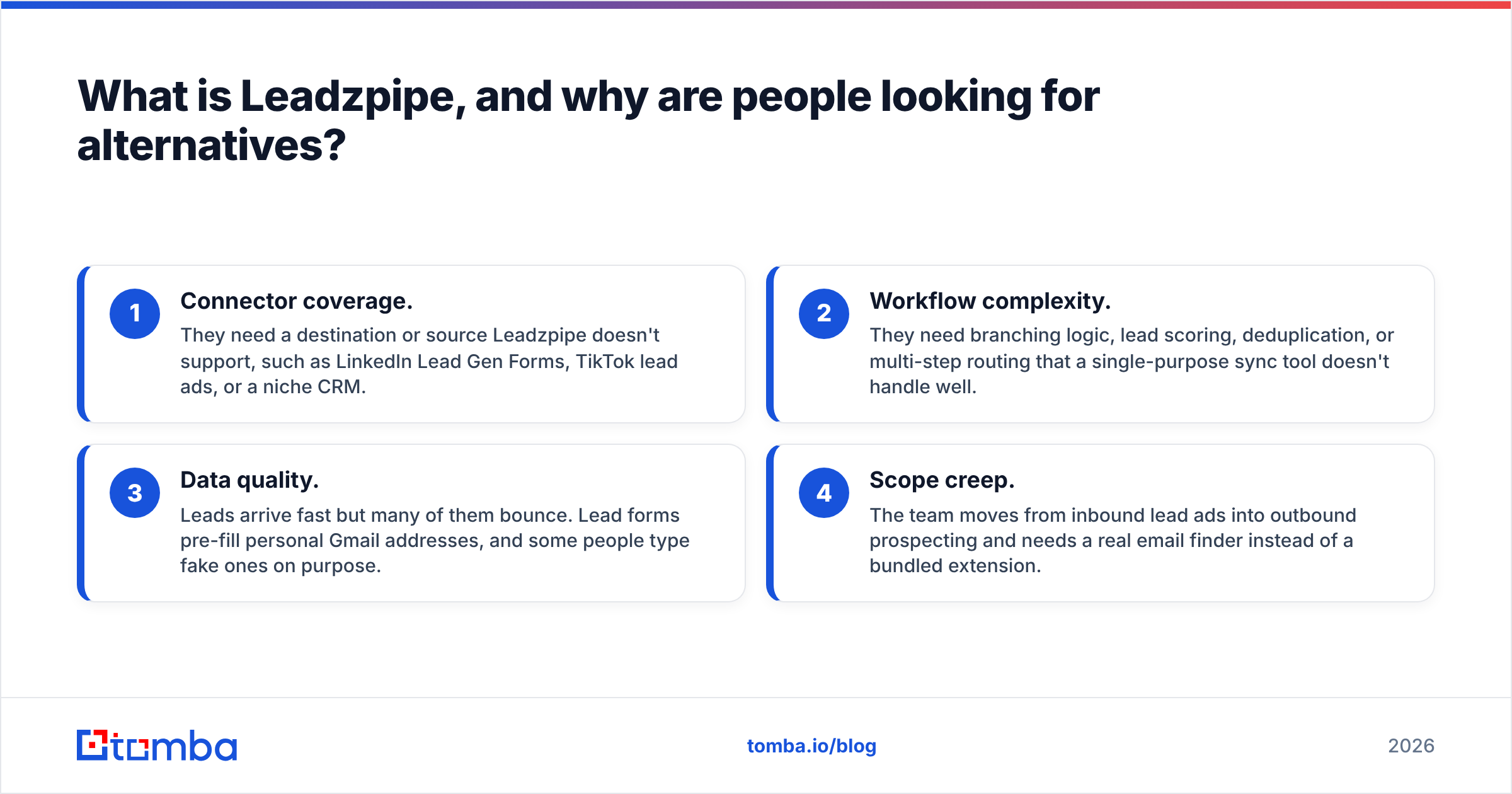
People usually start looking at Leadzpipe alternatives for one of four reasons:
- Connector coverage. They need a destination or source Leadzpipe doesn't support, such as LinkedIn Lead Gen Forms, TikTok lead ads, or a niche CRM.
- Workflow complexity. They need branching logic, lead scoring, deduplication, or multi-step routing that a single-purpose sync tool doesn't handle well.
- Data quality. Leads arrive fast but many of them bounce. Lead forms pre-fill personal Gmail addresses, and some people type fake ones on purpose.
- Scope creep. The team moves from inbound lead ads into outbound prospecting and needs a real email finder instead of a bundled extension.
Which alternative fits depends on which of those four problems you're solving.
How should you evaluate a Leadzpipe alternative?#
Before comparing vendors, decide which job you're hiring the tool for. Most bad tool switches happen because a team replaces a sync tool with another sync tool when the actual pain was data quality. Or they buy an enrichment platform when they only needed one more CRM connector.
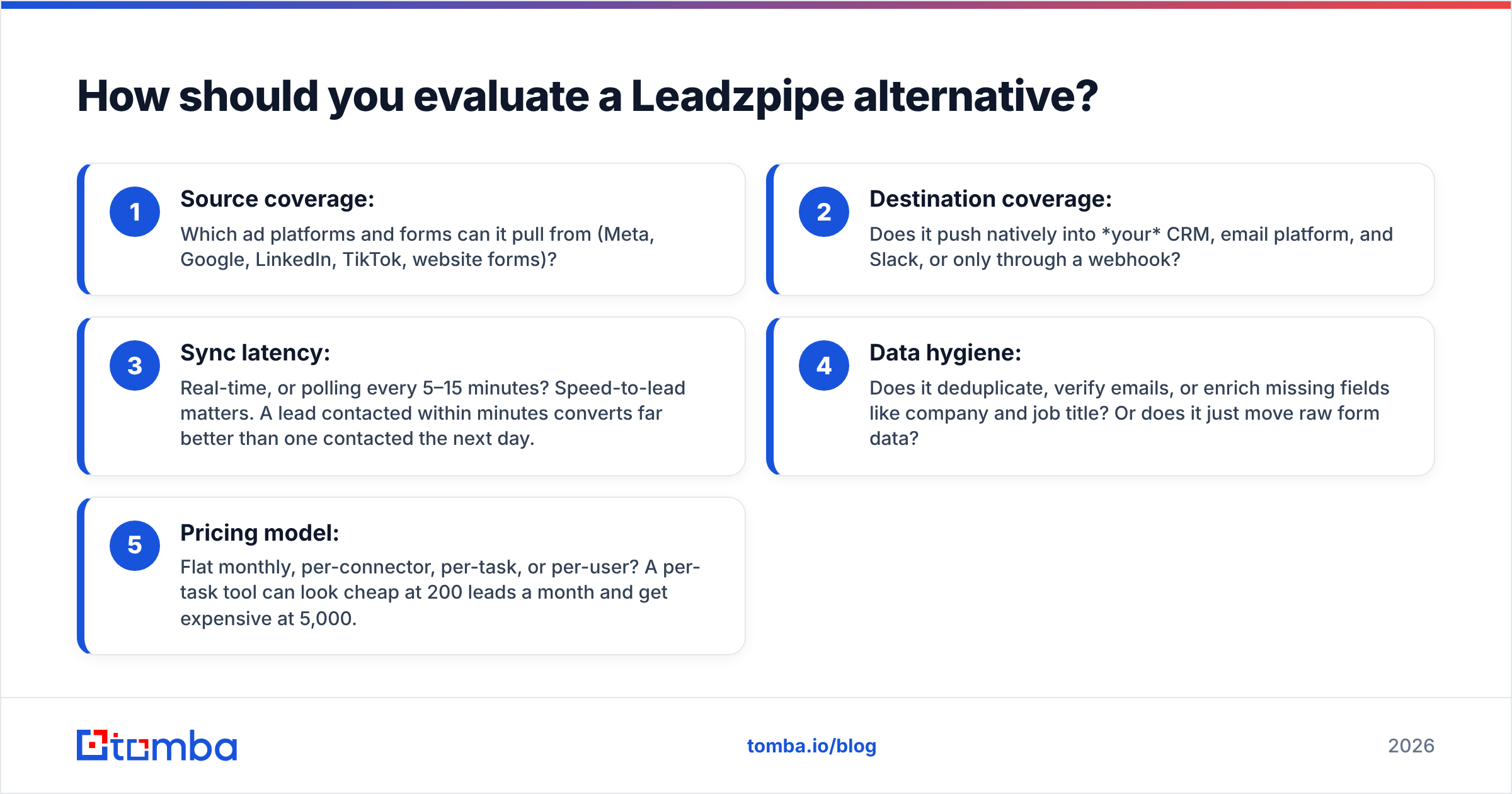
Score every candidate on these five criteria:
- Source coverage: Which ad platforms and forms can it pull from (Meta, Google, LinkedIn, TikTok, website forms)?
- Destination coverage: Does it push natively into your CRM, email platform, and Slack, or only through a webhook?
- Sync latency: Real-time, or polling every 5–15 minutes? Speed-to-lead matters. A lead contacted within minutes converts far better than one contacted the next day.
- Data hygiene: Does it deduplicate, verify emails, or enrich missing fields like company and job title? Or does it just move raw form data?
- Pricing model: Flat monthly, per-connector, per-task, or per-user? A per-task tool can look cheap at 200 leads a month and get expensive at 5,000.
What are the best Leadzpipe alternatives in 2026?#
Here are seven tools grouped by the job they do best. Pricing changes often, so check each vendor's current page before you commit.
1. LeadsBridge — the closest like-for-like replacement#
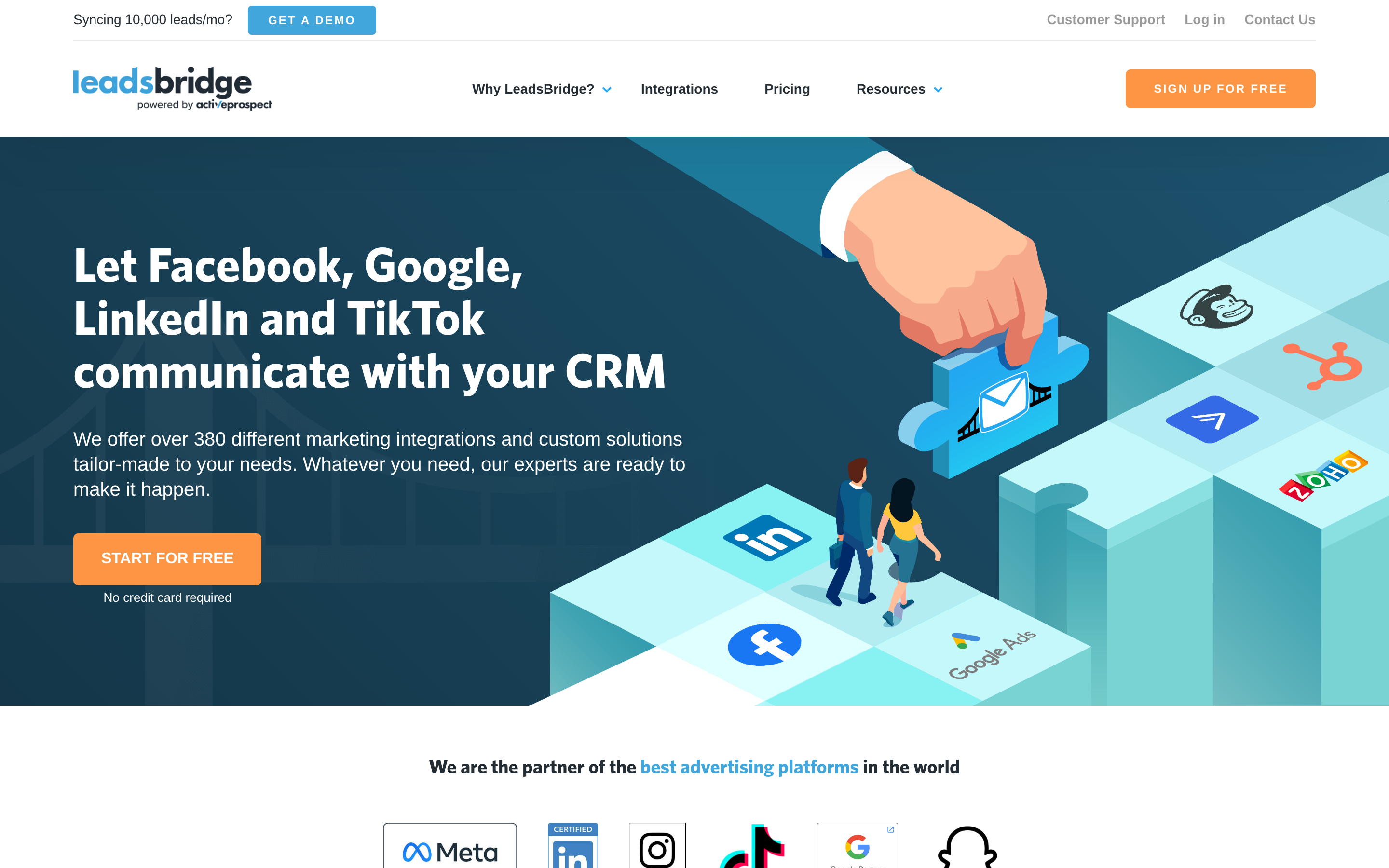
LeadsBridge covers the same ground as Leadzpipe but goes further. It connects lead ads from Facebook, Google, LinkedIn, and TikTok to hundreds of CRMs and email platforms. It also syncs audiences the other way, pushing CRM segments back into ad platforms as custom audiences, and supports conversion API setups.
- Best for: Agencies and performance marketers running paid lead gen across several ad networks.
- Strengths: Broad connector library, audience sync, managed onboarding on higher tiers.
- Trade-offs: Costs noticeably more than Leadzpipe's entry plan, and the connector limits on lower tiers can pinch agencies with many clients.
2. Zapier — the flexible do-it-yourself option#
Zapier has native triggers for Facebook Lead Ads, Google Ads lead forms, and LinkedIn Lead Gen Forms, and connects to thousands of apps. You can add filters, formatters, paths, and lookups. For example: "if company size > 50, route to AE; else add to nurture."
- Best for: Teams that already use Zapier and want lead routing inside one automation stack.
- Strengths: Huge app catalog, a free plan for testing, and conditional logic. The Zapier integration lets you add an enrichment or verification step in the same Zap.
- Trade-offs: Task-based pricing grows with volume. You own every broken Zap when a field mapping changes.
3. Make — the power user's automation canvas#
Make (formerly Integromat) does what Zapier does on a visual canvas, and it's usually cheaper per operation. Iterators, routers, and error handlers make it a good fit for complex lead flows such as deduplicating against your CRM before creating a record.
- Best for: RevOps people who are comfortable with some technical setup and want low cost per operation.
- Strengths: Generous free tier, granular control, strong error handling.
- Trade-offs: Steeper learning curve. Non-technical marketers often need help building and debugging scenarios.
4. LeadSync — a simple lead-ad connector#
LeadSync is a lightweight tool that sends Facebook lead ads into email marketing platforms and CRMs. It's closer to Leadzpipe's original simplicity: pick source, pick destination, map fields, done.
- Best for: Small businesses with one ad account and one CRM.
- Strengths: Fast setup, low maintenance.
- Trade-offs: Narrower feature set. You won't get ad optimization or audience sync.
5. Native CRM lead-ad integrations (HubSpot, Pipedrive, etc.)#
Many CRMs now connect to Meta and Google lead ads directly. HubSpot, for example, has native lead-ad syncing in its marketing tools. If your CRM supports it, you may not need a middle layer at all.
- Best for: Teams already paying for a CRM tier that includes ad integrations.
- Strengths: No extra vendor, no extra bill, data lands with full attribution.
- Trade-offs: Often gated behind higher CRM tiers. Less flexible routing, and usually limited to the biggest ad networks.
6. Tomba — the data-quality layer every sync tool is missing#
Tomba is not a lead-ad sync tool, and it doesn't try to replace one. It fixes what happens after the sync. Lead-form data is notoriously messy: autofilled personal addresses, typos like "gmial.com", and people who type a fake address to see the offer without being contacted. A sync tool delivers those problems to your CRM faster.
Tomba's email verifier checks whether each address can receive mail before your autoresponder or SDR sends to it. Data enrichment fills in company, role, and social profiles, so a bare "name + Gmail" lead becomes a record your sales team can qualify. You can run it through the API, Zapier, Make, or Google Sheets, so it fits behind Leadzpipe, LeadsBridge, or a native CRM integration.
- Best for: Teams whose lead ads produce plenty of volume but too many bounces and unqualified records.
- Strengths: Email finder, verifier, catch-all verification, phone finder, and enrichment in one account. Free tier of 25 searches/month; paid plans start at $49/month.
- Trade-offs: You still need a sync tool (or native integration) to capture the lead-ad submission itself.
7. Apollo — if you're moving from inbound ads to outbound prospecting#

If your real need is Leadzpipe's email finder extension rather than its lead syncing, you've outgrown a bundled extension. Apollo pairs a large contact database with sequencing, so it suits teams building outbound motions from scratch.
- Best for: SDR teams that want database, finder, and sequencer in one platform.
- Strengths: All-in-one prospecting workflow.
- Trade-offs: Heavier platform, and seat-based pricing adds up. If you only need finding and verifying, compare it against an Apollo alternative built for accuracy rather than volume.
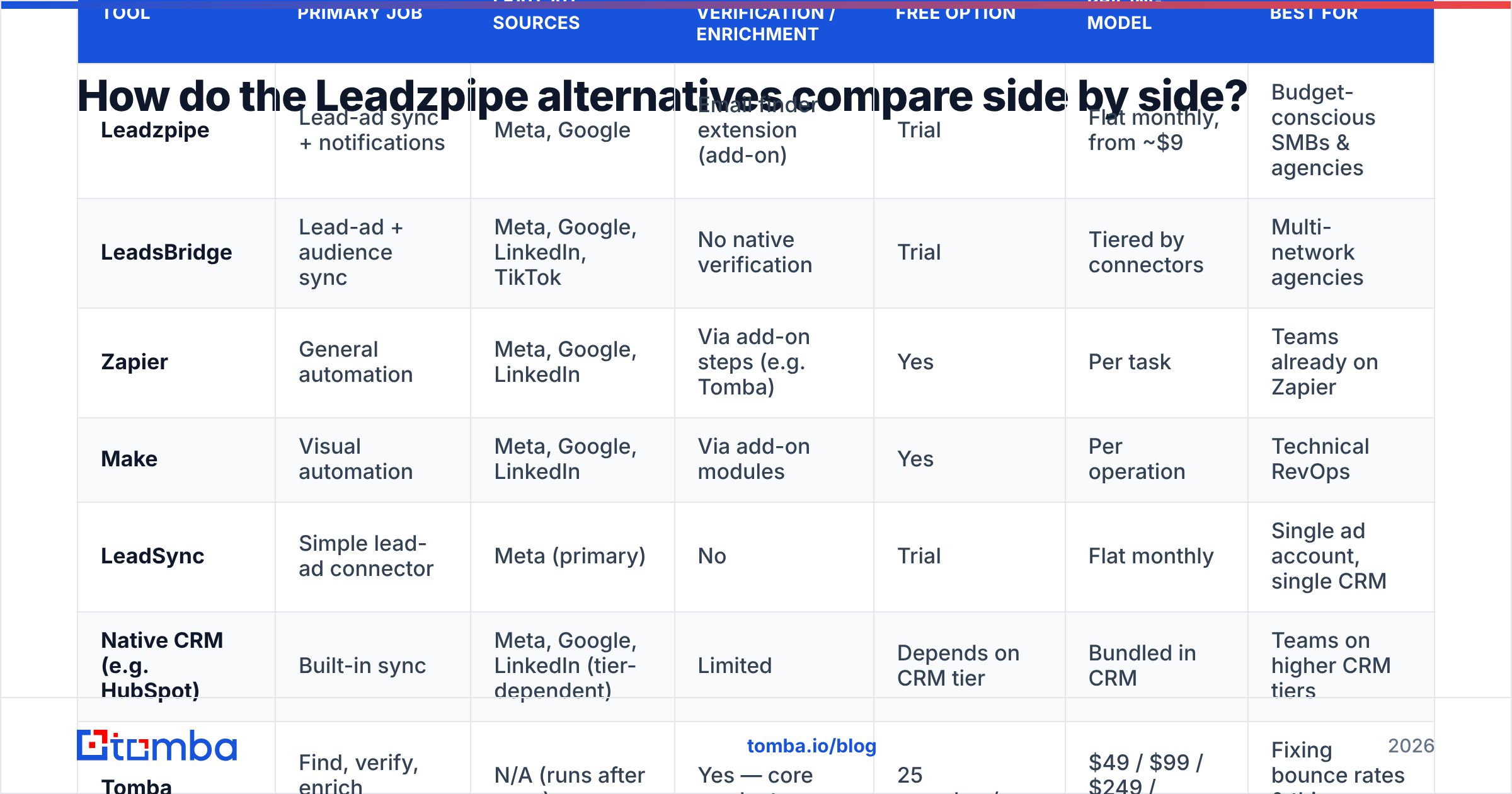
How do the Leadzpipe alternatives compare side by side?#
| Tool | Primary job | Lead-ad sources | Data verification / enrichment | Free option | Pricing model | Best for |
|---|---|---|---|---|---|---|
| Leadzpipe | Lead-ad sync + notifications | Meta, Google | Email finder extension (add-on) | Trial | Flat monthly, from ~$9 | Budget-conscious SMBs & agencies |
| LeadsBridge | Lead-ad + audience sync | Meta, Google, LinkedIn, TikTok | No native verification | Trial | Tiered by connectors | Multi-network agencies |
| Zapier | General automation | Meta, Google, LinkedIn | Via add-on steps (e.g. Tomba) | Yes | Per task | Teams already on Zapier |
| Make | Visual automation | Meta, Google, LinkedIn | Via add-on modules | Yes | Per operation | Technical RevOps |
| LeadSync | Simple lead-ad connector | Meta (primary) | No | Trial | Flat monthly | Single ad account, single CRM |
| Native CRM (e.g. HubSpot) | Built-in sync | Meta, Google, LinkedIn (tier-dependent) | Limited | Depends on CRM tier | Bundled in CRM | Teams on higher CRM tiers |
| Tomba | Find, verify, enrich contacts | N/A (runs after sync) | Yes — core product | 25 searches/mo | $49 / $99 / $249 / custom | Fixing bounce rates & thin records |
| Apollo | Outbound prospecting platform | N/A | Database + enrichment | Yes (limited) | Per seat | Outbound SDR teams |
A pattern shows up in the table. Every tool that captures leads skips verification, and every tool that verifies leads skips capture. The best setup usually combines one tool from each group.
Is it better to replace Leadzpipe or build around it?#
Often you shouldn't replace Leadzpipe at all. If it syncs your Meta and Google leads reliably and the price fits, switching to another sync tool changes little. Compare what each scenario actually needs:
- You're missing a connector (LinkedIn, TikTok, a niche CRM): switch to LeadsBridge, or route through Zapier/Make.
- You need complex routing (round-robin, territory rules, score-based paths): move the logic into Make or Zapier, or into your CRM's workflow engine.
- Your bounce rate is high or records are thin: keep your sync tool and add verification and enrichment behind it.
- You're shifting toward outbound: keep Leadzpipe for inbound ads and add a dedicated email finder for prospecting.
Moving to a new sync tool rarely fixes low lead-to-meeting conversion. The leak is usually in the data. Independent reviews on sites like G2 keep raising the same complaints about lead-ad tools: duplicates, junk submissions, and addresses that bounce on the first autoresponder.
How do you set up a clean lead-ad pipeline in practice?#
Here's a four-step workflow that works with any of the sync tools above.
- Capture: Your sync tool (Leadzpipe, LeadsBridge, Zapier, or native CRM) receives the lead-ad submission in real time.
- Verify: Before the record reaches your CRM or autoresponder, send the email to a verification API. Tag results as valid, invalid, catch-all, or disposable. Stop invalid and disposable addresses here so they never damage your sender reputation.
- Enrich: For valid leads, look up company, job title, company size, and LinkedIn profile. If the form gave you a personal Gmail but a name and company, use an email finder to find the lead's work address as well.
- Route: Now that the record is complete, route by fit. High-ICP leads go to an AE with a Slack alert. Mid-fit leads go to nurture. Junk goes to a suppression list.
The whole flow adds seconds of latency, not minutes, so you keep speed-to-lead. Your SDRs also stop calling people who typed "asdf@asdf.com".
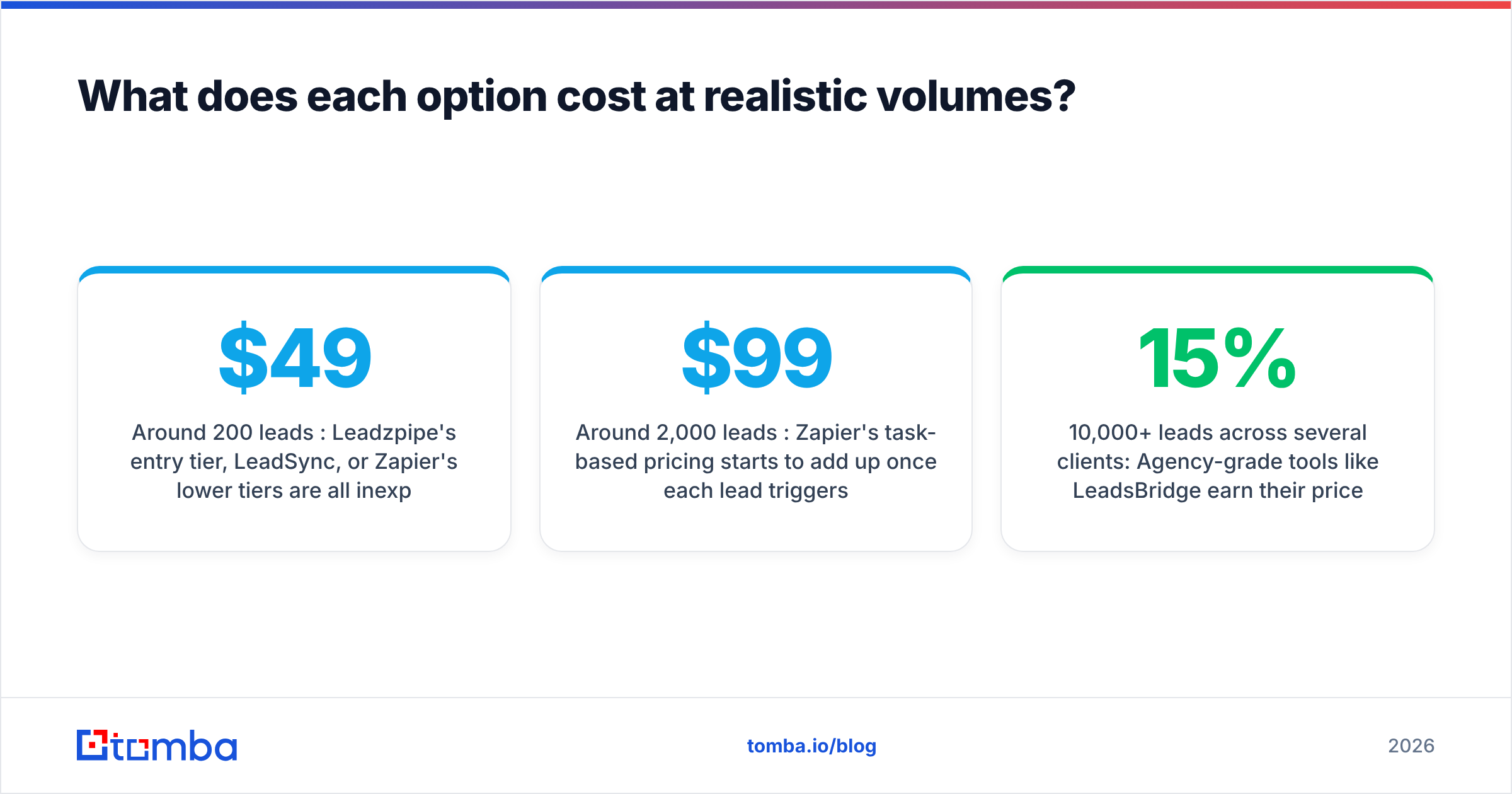
What does each option cost at realistic volumes?#
Headline prices can mislead, so model costs at your real monthly lead volume:
- Around 200 leads/month: Leadzpipe's entry tier, LeadSync, or Zapier's lower tiers are all inexpensive. At this volume, the cheapest sync tool plus Tomba's free tier (25 searches) or Starter plan ($49/month) covers verification for your highest-value leads.
- Around 2,000 leads/month: Zapier's task-based pricing starts to add up once each lead triggers several steps. Make and flat-priced tools like Leadzpipe get more attractive. Verifying every lead fits Tomba's Growth plan ($99/month).
- 10,000+ leads/month across several clients: Agency-grade tools like LeadsBridge earn their price here, and so does verification. At this volume, a 15% invalid-email rate means thousands of bounces a month. Tomba's Pro plan ($249/month) or Enterprise pricing is built for this scale. Full breakdown on the Tomba pricing page.
Whatever you pick, include the cost of maintenance. A cheap Zap that breaks silently for a week can cost more in lost leads than a year of a managed tool.
Which Leadzpipe alternative should you choose?#
Short version:
- Want the same thing, but broader? LeadsBridge.
- Want total control and already automate? Zapier (simpler) or Make (cheaper, more powerful).
- Want minimal setup for one ad account? LeadSync or your CRM's native integration.
- Want outbound prospecting? Apollo, or a dedicated email finder.
- Want leads that don't bounce and records sales can act on? Add Tomba behind whichever sync tool you choose.
Leadzpipe remains a reasonable choice for budget-conscious Meta and Google advertisers. Its alternatives are better at specific jobs, but no single tool captures, syncs, verifies, and enriches equally well. Pick the sync layer that matches your ad mix, then add a data-quality layer behind it.
If fake or mistyped emails are wasting your lead-ad budget, start with the Tomba Email Finder. Take a lead's name and company from any form submission, find their verified work address, and add company and role data before the record reaches your CRM. The free plan includes 25 searches a month, enough to test it on this week's leads before you pay anything.
Related guides#
// get started
Find, verify and enrich your first contacts today
Start on the free plan with 25 searches a month, then scale when your team is ready.
Free plan · No credit card required · GDPR & CCPA
// about the author