LFBBD (Lead For Business) vs Apollo.io: Which B2B Data Source Wins?
LFBBD sells you a finished lead list. Apollo.io rents you a prospecting platform. Here's how the two models compare on price, data freshness, accuracy, and workflow fit, and which one belongs in your 2026 stack.
TL;DR
- LFBBD (Lead For Business) is a data vendor, not really software. You say who you want to reach, their team builds a list for you, and you get a file back. Pricing is quoted per project and isn't published.
- Apollo.io is a self-serve SaaS platform. It combines a contact database with sequencing, a dialer, and CRM sync. Annual billing runs $49, $79, or $119 per user per month, and credits sit on top of that.
- Choose LFBBD when you need a one-off, niche list (Amazon sellers, eCommerce brands, local businesses) and nobody on your team has time to build it.
- Choose Apollo when reps prospect every day and need search, outreach, and tracking in one place.
- Whichever you pick, verify before you send. Bought lists and platform exports both lose accuracy every month people change jobs.
What is LFBBD (Lead For Business)?#
Lead For Business, usually shortened to LFBBD, is a B2B data provider. It sells prepared contact lists and custom list-building. It doesn't give you a search interface to work in every day. Its homepage advertises 500M+ professional contacts, 30M+ companies, 50M+ direct dials, and more than 20 data points per record. It also claims 95%+ accuracy backed by monthly database updates and "AI + human verification."
Most B2B data companies sell generic corporate contacts. LFBBD also covers segments that general platforms serve poorly:
- Amazon seller leads: store owners and brand operators on Amazon
- eCommerce brand data: Shopify and DTC store contacts
- SaaS and startup databases: founders and early-stage decision-makers
- Local business lists: SMBs that rarely show up in enterprise-focused datasets
Buying works like a service engagement. You book a free consultation, describe your ICP, ask for a free sample, and get a quote. On Trustpilot, LFBBD scores about 4.5 out of 5, but only from around 15 reviews. Reviewers tend to mention fast delivery and responsive account staff. That's a small sample, so read it as a signal and not as proof.
What is Apollo.io?#
Apollo.io is an all-in-one sales intelligence and engagement platform. You log in, filter a database of more than 200 million contacts by title, industry, headcount, technology, and intent signals, then push those contacts into email sequences, call tasks, or your CRM, all from one screen.
Apollo became popular because it bundled what used to be three purchases: a data provider, a sales engagement tool like Outreach or Salesloft, and a Chrome extension for LinkedIn. For a five-person outbound team, that bundle is often cheaper than stitching together separate tools.
The trade-off is that you're renting a workflow, not buying an asset. When you stop paying, you lose the search. Exports also count against a credit system that many buyers find confusing (more on that below).
How do LFBBD and Apollo.io compare side by side?#
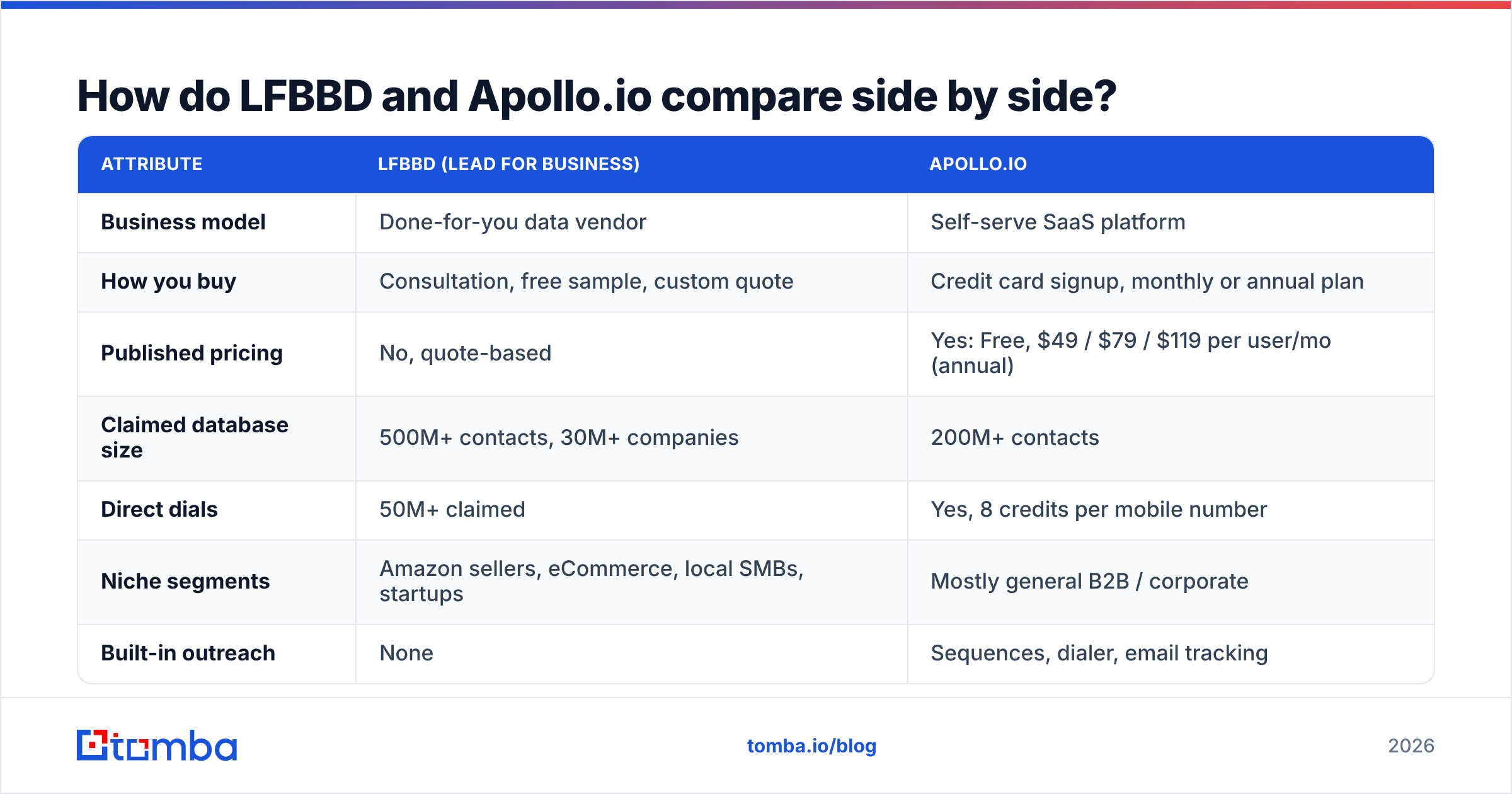
The short version: LFBBD sells outcomes (a finished list) and Apollo sells access (a tool you run yourself). Most other differences follow from that.
| Attribute | LFBBD (Lead For Business) | Apollo.io |
|---|---|---|
| Business model | Done-for-you data vendor | Self-serve SaaS platform |
| How you buy | Consultation, free sample, custom quote | Credit card signup, monthly or annual plan |
| Published pricing | No, quote-based | Yes: Free, $49 / $79 / $119 per user/mo (annual) |
| Claimed database size | 500M+ contacts, 30M+ companies | 200M+ contacts |
| Direct dials | 50M+ claimed | Yes, 8 credits per mobile number |
| Niche segments | Amazon sellers, eCommerce, local SMBs, startups | Mostly general B2B / corporate |
| Built-in outreach | None | Sequences, dialer, email tracking |
| CRM integration | You import the file | Native Salesforce and HubSpot sync |
| Data freshness | Snapshot at delivery | Refreshed continuously in-platform |
| Who does the work | LFBBD's team | Your reps |
| Best for | Campaign-sized list pulls, niche verticals | Daily prospecting by an SDR team |

How much does each option actually cost?#
Your total cost of ownership depends on how often you need new contacts, not on the price at the top of the page.
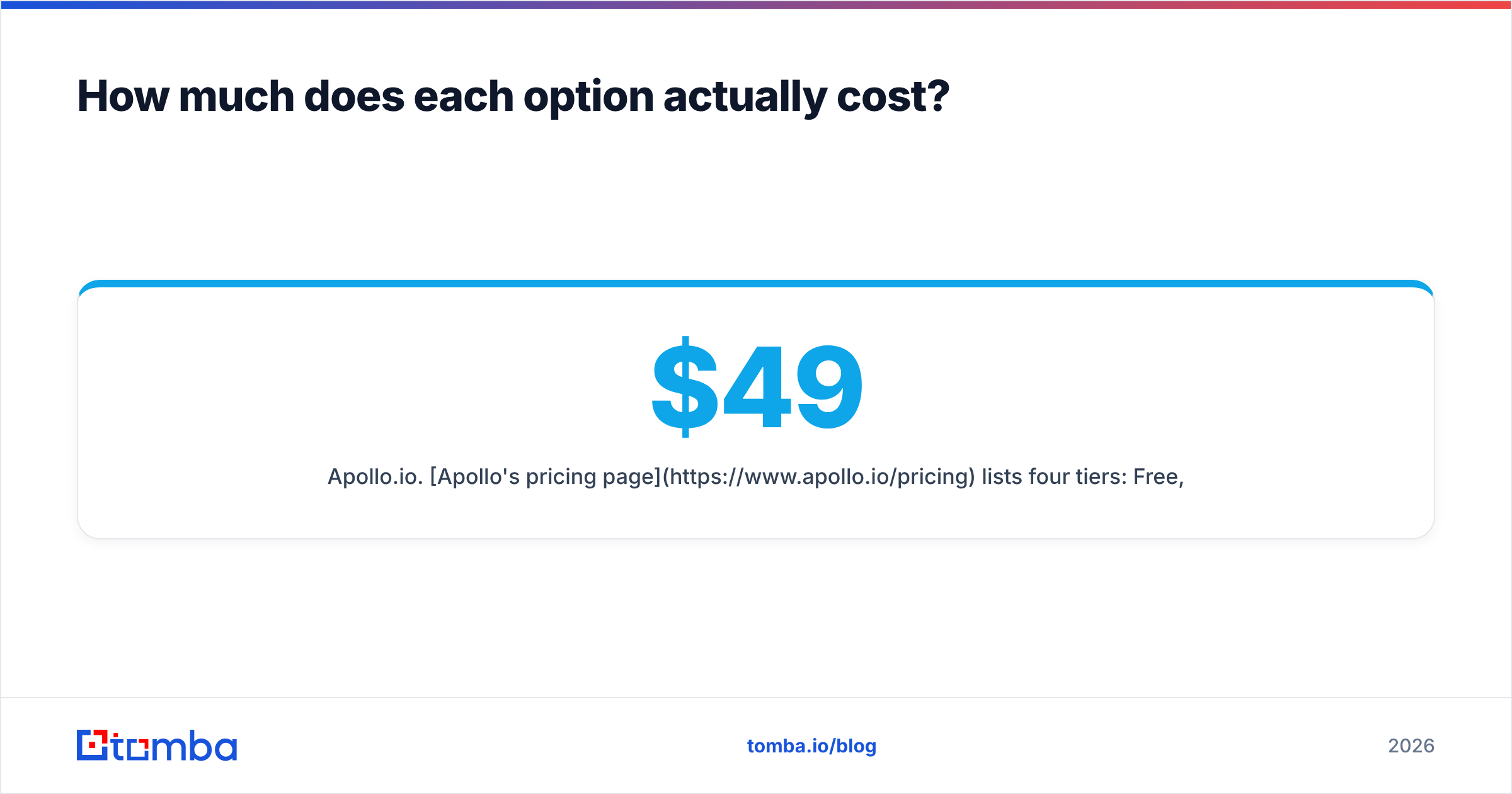
Apollo.io. Apollo's pricing page lists four tiers: Free, Basic at $49/user/mo, Professional at $79/user/mo, and Organization at $119/user/mo on annual billing. Organization requires at least three seats. Monthly billing costs about 20% more, roughly $59, $99, and $149. The less visible cost is the unified credit system. A verified email costs 1 credit and a mobile number costs 8. Several third-party breakdowns estimate that teams running heavy outbound end up spending $150 to $400 per user per month once they add overage credits and add-ons.
LFBBD. There's no public price sheet. Your quote depends on list size, how narrow the segment is, which data points you ask for (direct dials usually cost extra), and whether you want ongoing refreshes. Some customers describe the pricing as reasonable. You can't budget from that until you have a real quote, so get one for your actual ICP before you compare.
Here's a quick way to decide:
- Estimate your monthly volume of new contacts. If you need 500 contacts once a quarter, a per-project purchase is almost always cheaper than seats you use for two weeks.
- Count the people who will prospect. Apollo's cost grows with each seat. A list purchase costs the same whether one rep uses it or ten.
- Price the phone data separately. At 8 credits per mobile number, phone-heavy teams burn through Apollo credits quickly. Ask LFBBD how direct dials change your quote.
- Add the cost of your outreach tool. Apollo includes sequencing. With LFBBD, you still need a sender such as Instantly, Lemlist, or your CRM's sequences.
Which one has more accurate data?#
Neither vendor publishes an independent third-party accuracy audit, so you should test both on your own sample.
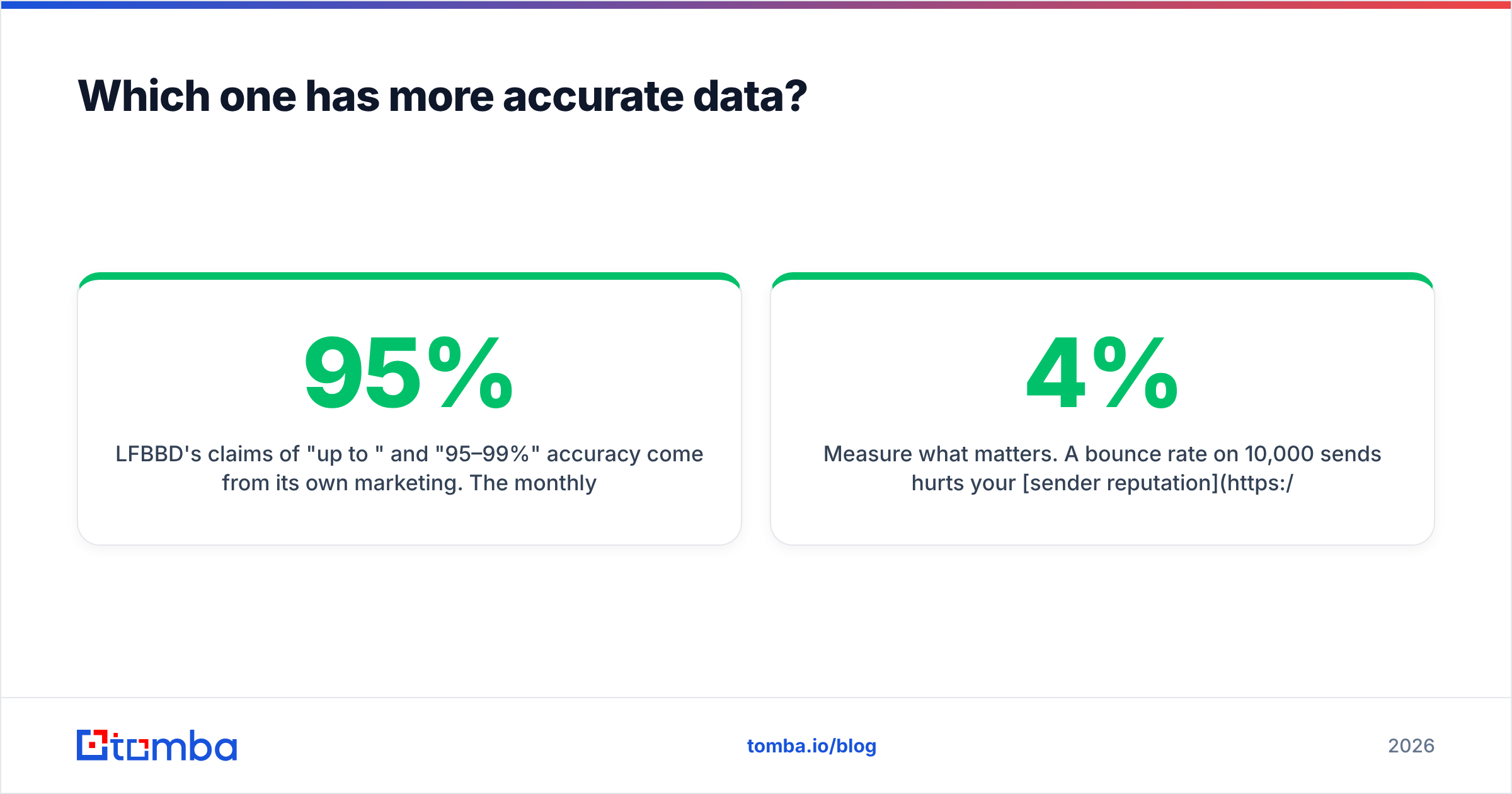
LFBBD's claims of "up to 95%" and "95–99%" accuracy come from its own marketing. The monthly update process and human verification help, but any list starts decaying the day it's delivered. A commonly cited industry rule is that B2B contact data decays by roughly 2–3% per month from job changes, company closures, and domain migrations. A list that was 95% accurate in January is noticeably worse by June.
Apollo's accuracy is a common complaint on review sites. G2 and Reddit users often report bounce rates that vary widely by region and seniority. Apollo marks emails as verified, guessed, or unavailable, and the "guessed" ones are the most likely to bounce.
You can check this yourself before signing anything:
- Request identical samples. Ask LFBBD for a free sample and pull the same ICP from Apollo's free tier, 100–200 contacts from each.
- Run both through an independent verifier. Put both samples through an email verifier and compare valid, invalid, and catch-all rates.
- Spot-check titles by hand. Pick 20 contacts from each sample and check them on LinkedIn to see if they're still in the role.
- Measure what matters. A 4% bounce rate on 10,000 sends hurts your sender reputation far more than a small price difference.
Which workflow fits your team better?#
LFBBD fits when:
- You're running a specific campaign, like a trade-show push, a product launch aimed at Shopify merchants, or an agency client onboarding.
- Your ICP is underserved by general platforms. Amazon sellers and local service businesses are the obvious examples.
- Nobody on your team has time to build lists. You'd rather write a brief and get back a clean CSV.
- You work with multiple clients (agencies, freelancers) and need lists you can hand off without giving every client a SaaS seat.
Apollo.io fits when:
- You have SDRs or AEs who prospect daily and need to search, filter, and act without waiting on a vendor.
- You want data and outreach in one tool and don't want to maintain separate sequencing software.
- CRM hygiene matters. Native sync with Salesforce and HubSpot avoids messy CSV imports.
- You rely on signals such as job changes, hiring spikes, and technology installs to time your outreach, which a static list can't do.
If your team is still deciding whether Apollo is the right core tool at all, this breakdown of Apollo.io alternatives covers the lighter and cheaper options.
What are the pros and cons of each?#
LFBBD: pros
- Someone else builds the list, so your team spends no time on research
- Covers niches (Amazon, eCommerce, local) that general databases often miss
- Free sample before you pay
- You own the delivered file, with no recurring seat cost
- Advertises GDPR and CCPA compliance and monthly database updates
LFBBD: cons
- No public pricing, so you can't compare costs until you get a quote
- The list is a snapshot and starts decaying once it's delivered
- No built-in outreach, enrichment, or CRM sync
- Small review base (about 15 Trustpilot reviews) makes reputation hard to judge
Apollo.io: pros
- Transparent entry pricing with a usable free tier
- Prospecting, sequencing, dialing, and CRM sync in one product
- Search updates continuously instead of once
- Large user base and plenty of documentation
Apollo.io: cons
- Per-seat pricing gets expensive as the team grows
- The credit system makes monthly costs hard to predict, especially for phone data
- Email accuracy varies by region and seniority
- You lose access when you cancel
Is LFBBD better than Apollo.io?#
For some teams, yes. They solve different problems, so "better" depends on how you work.
If you're an agency, a founder running a quarterly campaign, or you sell into eCommerce or Amazon sellers, LFBBD's done-for-you model is probably cheaper and less work than paying for Apollo seats you won't use every week. If you run a repeatable outbound motion with dedicated reps, Apollo's integrated workflow will pay off more than a pile of static CSVs.
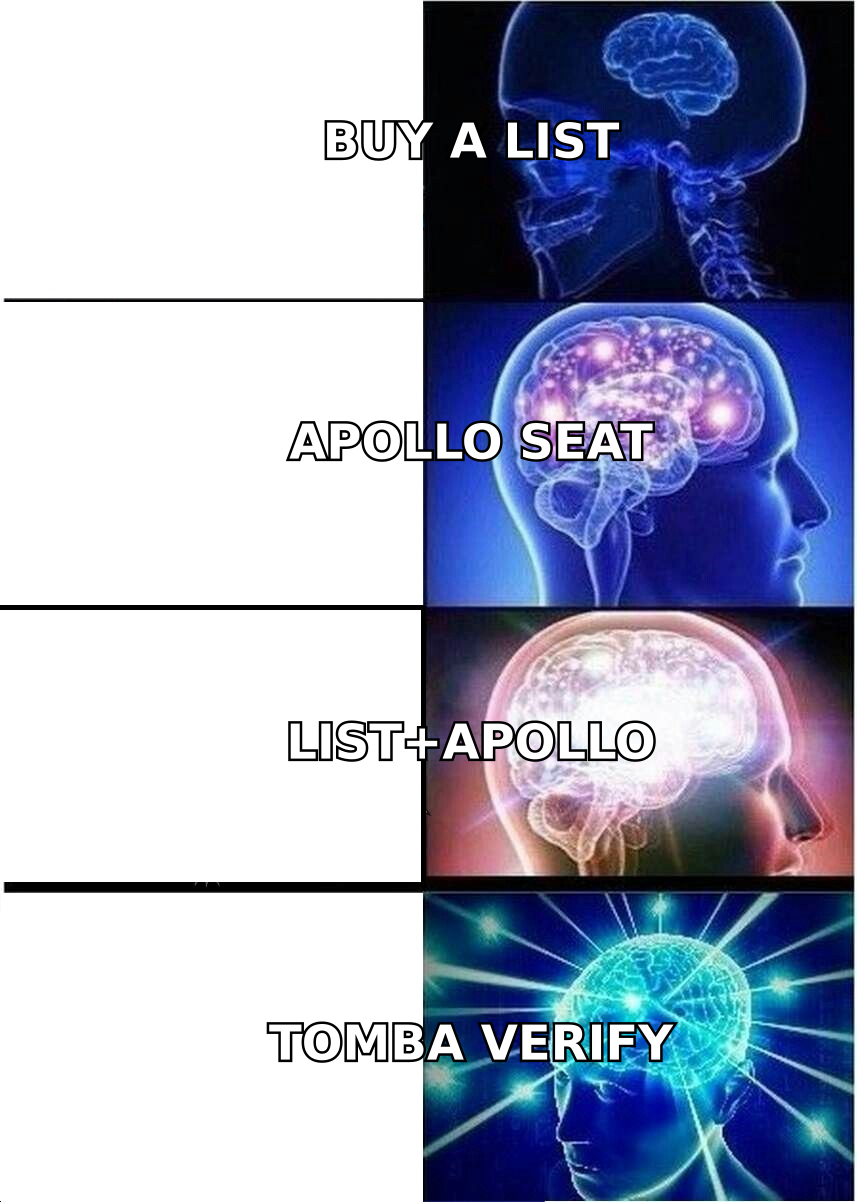
Many teams run a hybrid: they buy a niche list for a specific campaign and use a platform for everyday prospecting. The one step both setups need is independent verification, because neither source removes decay.
What should you check before signing with either?#
Take this list into both sales calls:
- Refresh policy. How often is a contact re-verified, and do you get a replacement or credit for records that bounce?
- Bounce guarantee. Ask LFBBD what accuracy threshold it guarantees in writing. Ask Apollo how "verified" is defined.
- Export limits. Apollo caps exports by plan. Confirm you can export the volume you actually need.
- Compliance documentation. If you email EU or California contacts, ask each vendor where its data comes from and how it handles opt-outs.
- Phone data cost. Get a separate price for direct dials from each. This is where budgets usually go over.
- Exit terms. What happens to your data when the contract ends? A purchased list stays with you. Apollo access doesn't.
How does Tomba fit alongside LFBBD or Apollo?#
Tomba isn't a straight swap for either one. It's the layer you use for precise lookups and quality control. Neither a bought list nor a platform export covers every account. Some decision-makers are missing, some emails are marked "guessed," and some left their jobs last month. That's where a targeted email finder helps: you look up one person by name and domain instead of pulling a whole segment.
For cleanup, you can run an LFBBD file or an Apollo export through bulk email finder and verification before it reaches your sequencer. Plans start with a free tier of 25 searches per month, with Starter at $49/mo, Growth at $99/mo, and Pro at $249/mo. See the Tomba pricing page for credit details.
Final verdict: LFBBD or Apollo.io?#
- Pick LFBBD if you want a finished, niche-specific list without doing the research yourself, and you'll run outreach in a separate tool.
- Pick Apollo.io if your reps prospect every day and you want data, sequencing, and CRM sync on one subscription.
- Pick both if you run campaigns in underserved verticals and also have a steady outbound motion.
In every case, measure accuracy on your own sample before you commit budget. Vendor claims are where you start, not what you should rely on.
If your real problem is filling the gaps both sources leave, such as the missing VP, the guessed address, or the contact who changed jobs last quarter, try Tomba Email Finder. Enter a name and company domain and get a verified professional email in seconds. You can start on the free plan and see how many of your "unfindable" contacts turn out to be reachable.
Related guides#
// get started
Find, verify and enrich your first contacts today
Start on the free plan with 25 searches a month, then scale when your team is ready.
Free plan · No credit card required · GDPR & CCPA
// about the author