Limeleads vs Apolloio (2026): Pricing, Data, and Which to Pick
Limeleads sells credit-based contact lists with no per-user fees. Apollo.io bundles data, sequences, and a dialer, and charges per seat. Here's which one fits your team, what each really costs, and when a lighter email finder makes more sense than either.
Limeleads vs Apolloio comes down to one question. Do you need a clean contact list, or a full outreach platform? Here's the short answer, then the details.
TL;DR
Limeleads is a lean B2B contact database. You filter, unlock contacts with credits, and export. In 2026, plans cost $99, $150, and $400 per month. Unused credits roll over.
Apollo.io is an all-in-one sales platform. It pairs a large contact database with sequences, a dialer, AI writing, and CRM sync. Annual pricing starts at $49 per user per month (Basic). Costs grow with every seat you add.
Pick Limeleads if you're a small team that just needs clean lists for the sequencer you already use. Pick Apollo if you want one tool for prospecting and outreach, and you can live with per-seat pricing and credit rules.
Neither tool is best at finding and verifying the email of one specific person. For that job, a dedicated email finder with a built-in verifier is usually cheaper and more accurate.
Whichever tool you choose, verify exported lists before you send. Both databases decay, and bounces hurt your domain, not the vendor's.
What is Limeleads?#
Limeleads is a B2B lead database that works like a searchable, credit-gated spreadsheet. You filter by job title, industry, company size, location, and a few other firmographic fields. You preview matching records, spend one credit to unlock each contact, and export the result to CSV or push it into a CRM.
The product is deliberately small. Limeleads doesn't try to be your sequencer, dialer, or intent engine. You get the list and send it wherever your outreach already runs.
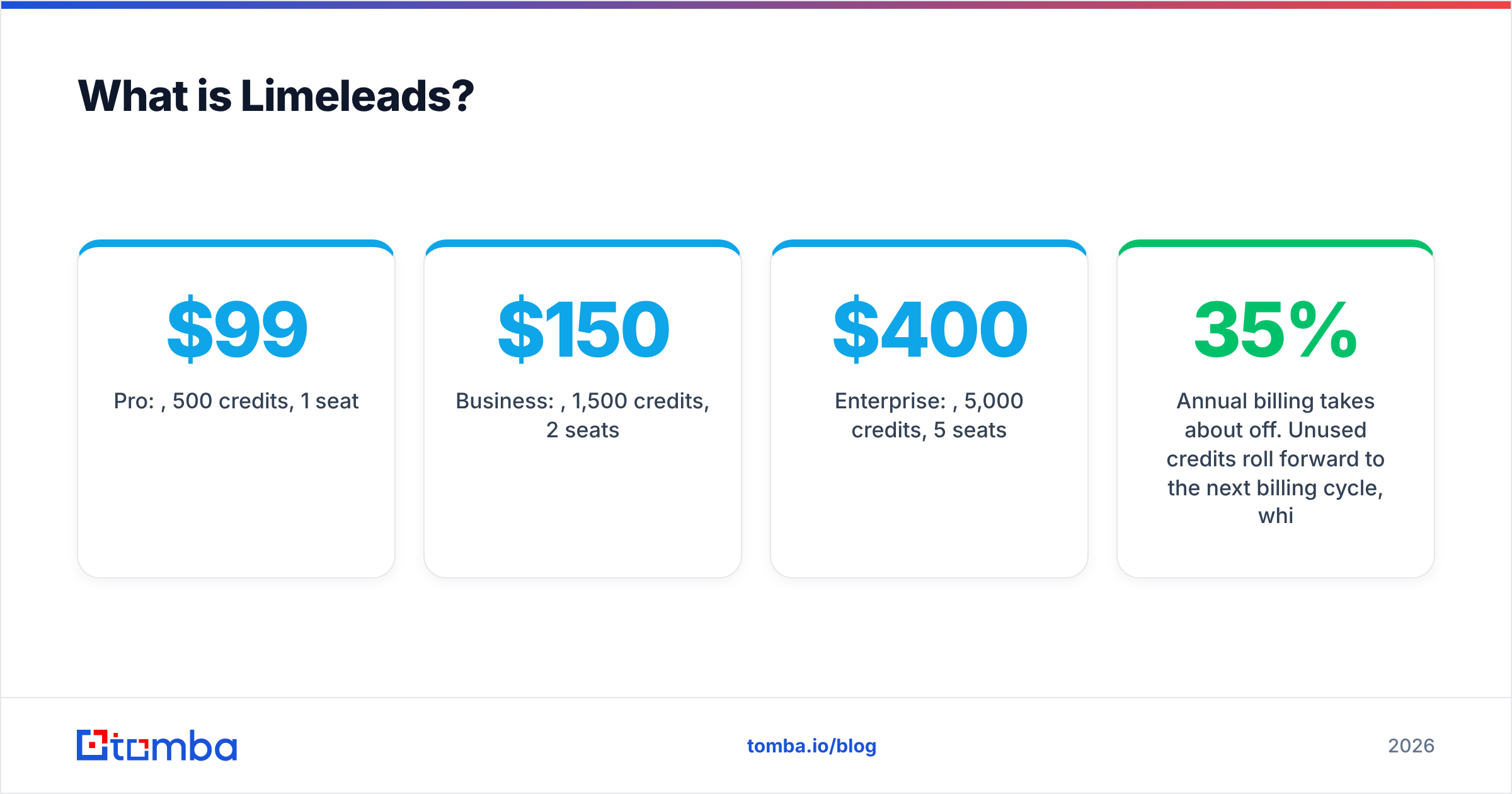
Current Limeleads pricing, based on the vendor's published plans and third-party trackers like Capterra:
- Pro: $99/mo, 500 credits, 1 seat
- Business: $150/mo, 1,500 credits, 2 seats
- Enterprise: $400/mo, 5,000 credits, 5 seats
Annual billing takes about 35% off. Unused credits roll forward to the next billing cycle, which is uncommon in this category. Overage credits get cheaper on higher tiers. The seat caps are real, but no plan charges per user, so a shared team account works fine.
Limeleads has always leaned toward North American SMB and mid-market data. If most of your target accounts are US companies with 10 to 500 employees, that's where it performs best.
What is Apollo.io?#
Apollo.io started as a contact database and has grown into a full go-to-market platform. It claims more than 200 million contacts. Around that data sit:
- Email sequences with A/B testing and deliverability controls
- A built-in dialer with call recording (Professional tier and up)
- AI email writing and research assistants
- Buying-intent signals and job-change alerts
- A Chrome extension for LinkedIn and Gmail
- Two-way sync with Salesforce and HubSpot
Apollo's 2026 pricing on annual billing:
- Free: $0, with a limited monthly credit allowance
- Basic: $49/user/mo
- Professional: $79/user/mo
- Organization: $119/user/mo, with a 3-seat minimum
Monthly billing costs about 20% more, which works out to roughly $59, $99, and $149 per user. Email, mobile, and export actions all draw from a shared credit pool, and many teams find that the pool drains faster than the pricing page suggests.

How do Limeleads and Apollo.io compare head-to-head?#
The short version: Limeleads sells contacts, and Apollo sells a workflow. Here's how that plays out on the attributes buyers ask about most.
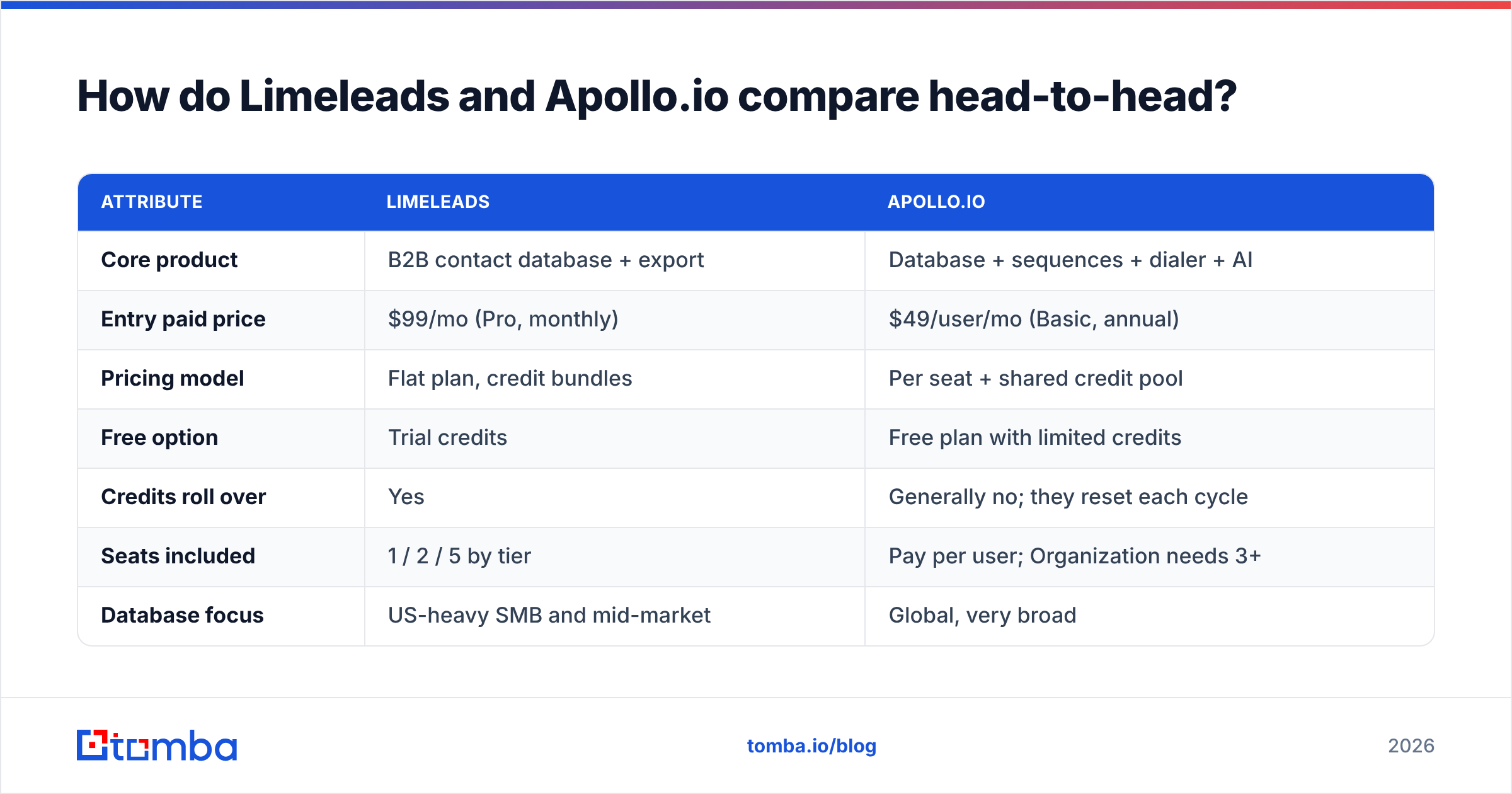
| Attribute | Limeleads | Apollo.io |
|---|---|---|
| Core product | B2B contact database + export | Database + sequences + dialer + AI |
| Entry paid price | $99/mo (Pro, monthly) | $49/user/mo (Basic, annual) |
| Pricing model | Flat plan, credit bundles | Per seat + shared credit pool |
| Free option | Trial credits | Free plan with limited credits |
| Credits roll over | Yes | Generally no; they reset each cycle |
| Seats included | 1 / 2 / 5 by tier | Pay per user; Organization needs 3+ |
| Database focus | US-heavy SMB and mid-market | Global, very broad |
| Built-in outreach | No | Yes: email, calls, LinkedIn tasks |
| Intent / signals | No | Yes, on higher tiers |
| CRM integrations | Export + basic CRM pushes | Native Salesforce and HubSpot sync |
| Learning curve | Low, about an hour | Moderate to steep |
| Best fit | Lean teams with an existing sequencer | Teams consolidating their outbound stack |
Which one costs less in practice?#
The Limeleads vs Apolloio cost gap depends on headcount and volume. Sticker prices point the wrong way here. Apollo looks cheaper per month, but you pay that price per seat.
Here are three common scenarios, using annual pricing where it's available:
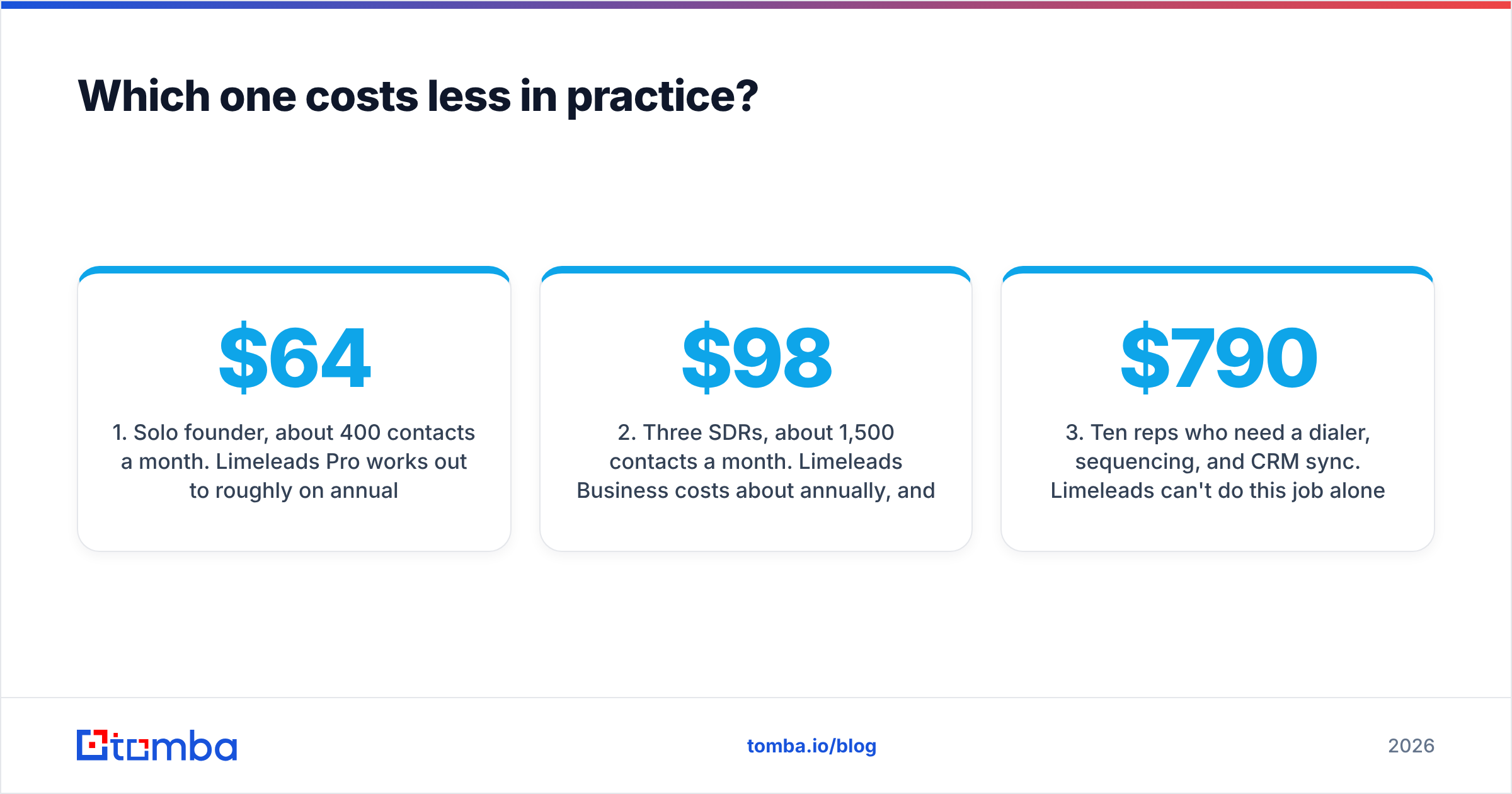
Solo founder, about 400 contacts a month. Limeleads Pro works out to roughly $64/mo on annual billing. Apollo Basic costs $49/mo. Apollo wins on price if its credit allowance covers your exports and you'll actually use the sequencer.
Three SDRs, about 1,500 contacts a month. Limeleads Business costs about $98/mo annually, and one shared account covers the team within the seat cap. Apollo Professional for three seats costs $237/mo. Limeleads is cheaper by a wide margin if you already pay for Instantly, Lemlist, or Smartlead.
Ten reps who need a dialer, sequencing, and CRM sync. Limeleads can't do this job alone. Once you add a separate sequencer and dialer, Apollo Professional at $790/mo is often the simpler and cheaper total stack.
The hidden cost with Apollo is credit burn. Mobile numbers and exports can use up credits faster than email reveals do. The hidden cost with Limeleads is that you need other tools to act on the list.

Is Apollo.io's data more accurate than Limeleads?#
Neither vendor wins across the board. Don't trust either one's self-reported accuracy without a test.
Apollo's strengths. Its coverage is very wide, especially outside North America and for tech companies. Records get community updates from users who connect their inboxes. Job-change alerts help you catch movers.
Apollo's weak spots. Reviews on G2 keep raising the same complaints: outdated titles, catch-all domains marked as "verified," and bounce rates that vary a lot by segment. At that scale, it's hard to keep every record fresh.
Limeleads' strengths. The database is smaller and verified at the moment you unlock a contact. That tends to keep bounce rates low within its core US SMB segment.
Limeleads' weak spots. Coverage is thinner for enterprise accounts, for non-US regions, and for niche job titles. There are fewer filters and no intent or technographic depth.
The practical rule: test before you commit. Run the same 200-contact sample from your real ICP through both tools. Then push both exports through an independent email verifier and compare valid, risky, and invalid rates. That one-afternoon test will tell you more than any vendor's marketing page.
Which workflow fits your team?#
Match the tool to how your team actually works, not to the longest feature list.
List-then-send teams. Your sequencer is already warmed up and working, and you only need fresh contacts each month. Limeleads fits: filter, unlock, export, verify, import.
All-in-one teams. You want reps living in a single tab, with search, sequences, calls, and tasks in one place. Apollo fits, but budget for seats and train reps on how credits work.
Account-based teams. You already have a named account list and need the right three people at each company. Neither database is ideal here. A domain search that pulls every public email at a target company, plus a person-level finder, is usually faster and cheaper per verified contact.
Agencies running many client campaigns. Limeleads' credit rollover and lack of per-seat fees suit bursty volume. Apollo gets expensive once you add seats for contractors.
RevOps-heavy teams. If CRM hygiene, enrichment, and routing matter most, Apollo's native Salesforce and HubSpot sync is a real advantage over CSV exports.
What are the pros and cons of each?#
Limeleads: pros
- Predictable monthly cost with no per-seat fees
- Unused credits roll over
- Very fast to learn
- Good fit for US SMB targeting
Limeleads: cons
- No outreach, dialer, or intent features
- Thinner global and enterprise coverage
- Fewer advanced filters than Apollo
- Seat caps on each tier
Apollo.io: pros
- Very large global database
- Prospecting and engagement in one platform
- Strong CRM integrations and Chrome extension
- Usable free plan for testing
Apollo.io: cons
- Per-seat pricing grows quickly with headcount
- Credit rules are confusing, and credits don't roll over
- Data freshness varies by segment
- Power features locked to Professional and Organization tiers
If Apollo's per-seat model is the main thing holding you back, this roundup of Apollo alternatives covers options priced per credit rather than per user.
When should you skip both and use a dedicated email finder?#
Both Limeleads and Apollo are built to generate lists: you describe an audience, and they return people who match. A lot of outbound work runs the other way. You already know the account, and often the person, and you just need their working email address.
Common examples:
- A champion from a closed-lost deal who has moved to a new company
- The author of a blog post you want to pitch
- A shortlist of 40 target accounts from your ABM tier
- Inbound leads who signed up with personal Gmail addresses
For these, paying for a database seat is overkill. A pattern-based email finder with real-time verification costs less per verified address. It also works on companies that list databases cover poorly. It builds and checks addresses on demand instead of relying on a stored record.
That's the gap tools like Tomba fill. Tomba's core product is an email finder: you enter a name and a domain and get back a verified address, with a verifier, domain search, and enrichment built in. Plans start with a free tier of 25 searches a month, then Starter at $49/mo, Growth at $99/mo, and Pro at $249/mo, with no per-seat pricing. Full details are on the Tomba pricing page. Many teams pair it with Apollo or Limeleads: the database builds the top of the list, and the finder fills gaps and re-verifies before anything is sent.
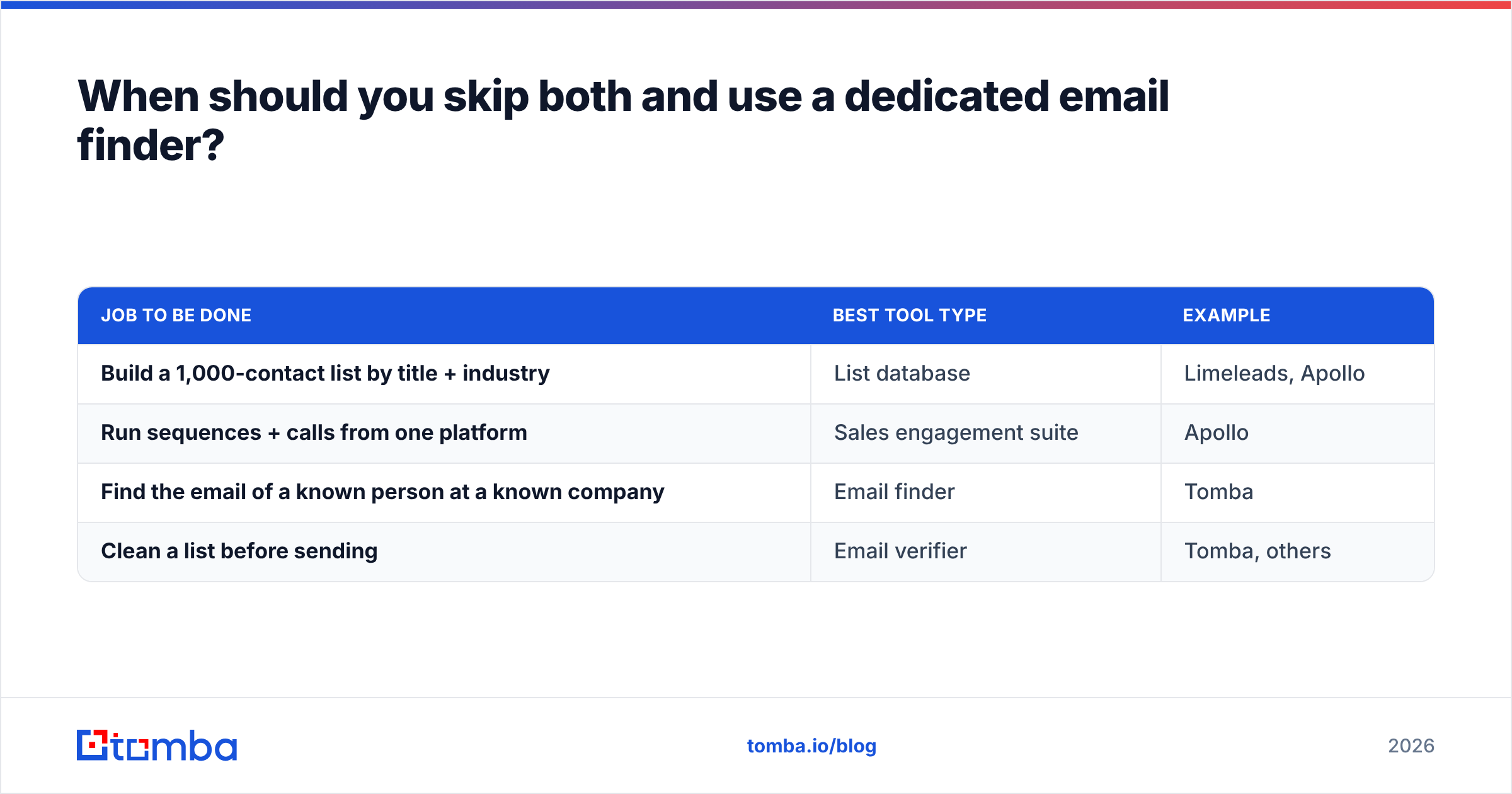
| Job to be done | Best tool type | Example |
|---|---|---|
| Build a 1,000-contact list by title + industry | List database | Limeleads, Apollo |
| Run sequences + calls from one platform | Sales engagement suite | Apollo |
| Find the email of a known person at a known company | Email finder | Tomba |
| Clean a list before sending | Email verifier | Tomba, others |
So, Limeleads vs Apolloio: which should you choose?#
Choose Limeleads if:
- You have 1 to 5 people doing outbound and already pay for a sequencer
- Your ICP is mostly US SMB or mid-market
- You want a flat monthly bill and credits that roll over
Choose Apollo.io if:
- You want to consolidate data, sequences, dialing, and CRM sync into one platform
- You prospect globally or into enterprise accounts
- You have the budget for per-seat pricing and someone to manage credit usage
Add a dedicated email finder if:
- You work named accounts or specific people rather than broad segments
- You need to recover emails the databases missed or marked unverified
- You want an extra verification step before every send
For most small teams, the honest Limeleads vs Apolloio answer is Limeleads plus a verifier, or Apollo's lower tiers used only for the database. Very few teams under 10 reps use enough of Apollo's Organization features to justify the price.
Find the emails your database missed#
Whichever database you choose, you'll still end up with gaps: contacts with no email, "guessed" addresses, and people who changed jobs last quarter. Tomba Email Finder closes those gaps. Enter a name and a company domain, and you get a verified professional email back in seconds, with bulk upload, a Chrome extension, and an API available when you need to scale. Start on the free plan, run it against the contacts your current tool couldn't resolve, and compare the hit rate before you pay for another seat.
Related guides#
// get started
Find, verify and enrich your first contacts today
Start on the free plan with 25 searches a month, then scale when your team is ready.
Free plan · No credit card required · GDPR & CCPA
// about the author