ListKit Alternatives: 7 Lead Data Tools Compared for 2026
ListKit's triple-verified lists work well until the credit math catches up with you. Here are seven ListKit alternatives, which kind of team each one suits, and where each one beats ListKit or falls short.
TL;DR
- ListKit is a good pick if you're an agency or cold emailer who wants triple-verified lead lists ready for export. It gets expensive when you need phone numbers, enrichment, or small lookups that don't follow a pattern.
- ListKit's Professional plan costs about $97/mo on monthly billing ($83/mo on annual). Phone numbers use several credits each, so an enriched contact can cost far more than one credit.
- Tomba fits best if you start from a domain or a name. Apollo fits if you want a database and sequencer in one tool. BookYourData fits if you want pay-as-you-go lists without a subscription.
- If you mostly need a small number of accurate emails, and not a list of 10,000 rows, a lookup tool plus a verifier usually costs less than a list builder.
- Before you switch, check how the new tool handles credit rollover, catch-all domains, and bounce refunds. Those three things decide what you actually pay per lead.
What is ListKit, and why are people looking for alternatives?#
ListKit is a B2B lead database built for cold email. You filter by title, industry, headcount, location, and technographics, then export contacts whose emails ListKit has "triple-verified." It also sells outbound infrastructure like inboxes and domains, and bundles training for cold emailers. A lot of its customers are lead-gen agencies.
The product works. People start looking elsewhere for a few common reasons:
- Credit math. ListKit's docs say exporting a verified email costs 1 credit, but phone numbers and enrichment cost several credits each. If your workflow depends on phone numbers, a 2,000-credit month can end up as a few hundred usable contacts.
- Subscription shape. Paid plans run from about $97/mo (Professional, monthly) up to $508/mo (Ultimate, annual). A seasonal or low-volume team can end up paying for months it doesn't use.
- Workflow mismatch. ListKit is built around exporting lists. If you usually start from a company domain, a LinkedIn profile, or one name you need an email for, a list builder is the wrong tool.
- Coverage gaps. Reviews on G2 generally rate ListKit's US SMB data well. Coverage outside North America, and in narrow verticals, gets mixed feedback.
You don't need to know which tool is "best" overall. You need to know which one fits the way you actually prospect.

How should you evaluate ListKit alternatives?#
Leave the feature grids for later. Start with these five questions, in this order:
- What's your starting input? A set of filters (ICP search), a company domain, a person's name plus company, or a LinkedIn URL. Each input suits a different class of tool.
- What does one usable contact actually cost? Take the plan price, divide by credits, then adjust for how many contacts come back as unknown, catch-all, or bounced. Nobody puts this number on a pricing page, and it's the only one that matters.
- How are catch-all domains handled? A lot of mid-market and enterprise companies accept mail for any address. A tool that labels every catch-all as "valid" will quietly damage your sender reputation.
- Do credits roll over? Monthly credits that expire penalize teams whose outbound volume goes up and down.
- Where does the data need to end up? A CSV, a CRM, a sequencer, or a spreadsheet. Native integrations save more hours than an extra filter will.
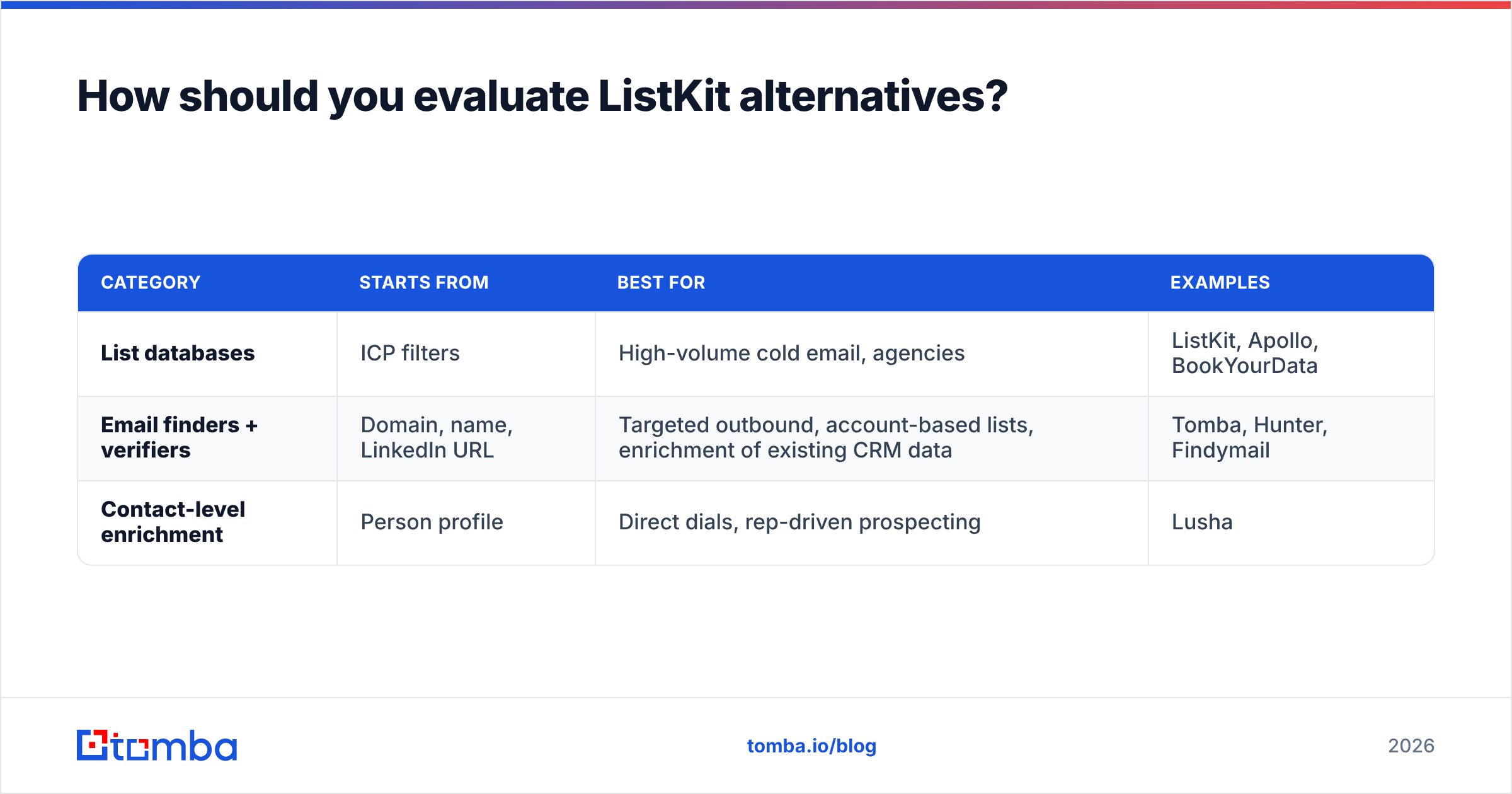
Those questions give you three broad categories of ListKit alternative:
| Category | Starts from | Best for | Examples |
|---|---|---|---|
| List databases | ICP filters | High-volume cold email, agencies | ListKit, Apollo, BookYourData |
| Email finders + verifiers | Domain, name, LinkedIn URL | Targeted outbound, account-based lists, enrichment of existing CRM data | Tomba, Hunter, Findymail |
| Contact-level enrichment | Person profile | Direct dials, rep-driven prospecting | Lusha |
What are the best ListKit alternatives in 2026?#
Prices below are list prices at the time of writing. Vendors change them often, so check each pricing page before you commit.
1. Tomba: best for domain-first and name-first email finding#
Tomba starts from the company or the person, not from a filter. Enter a domain and domain search returns the known addresses at that company with their sources. Enter a first name, last name, and company and the email finder returns the most likely address with a confidence score. Every result can be checked with the built-in email verifier, and a dedicated catch-all verifier deals with the domains that trip up most list tools.
Where it fits better than ListKit:
- Account-based outbound, where you already know the 200 companies you want and need the right three people at each.
- Enriching an existing CRM or spreadsheet using the Google Sheets and Excel add-ons, the HubSpot and Salesforce integrations, or the API.
- Teams that want a free tier (25 searches/mo) for testing before paying.
Where ListKit is stronger: if you want to build a 10,000-row list from scratch using nothing but ICP filters, ListKit's export-first interface is faster. Tomba has a B2B database with filters, but the product is built mainly around lookup and verification.
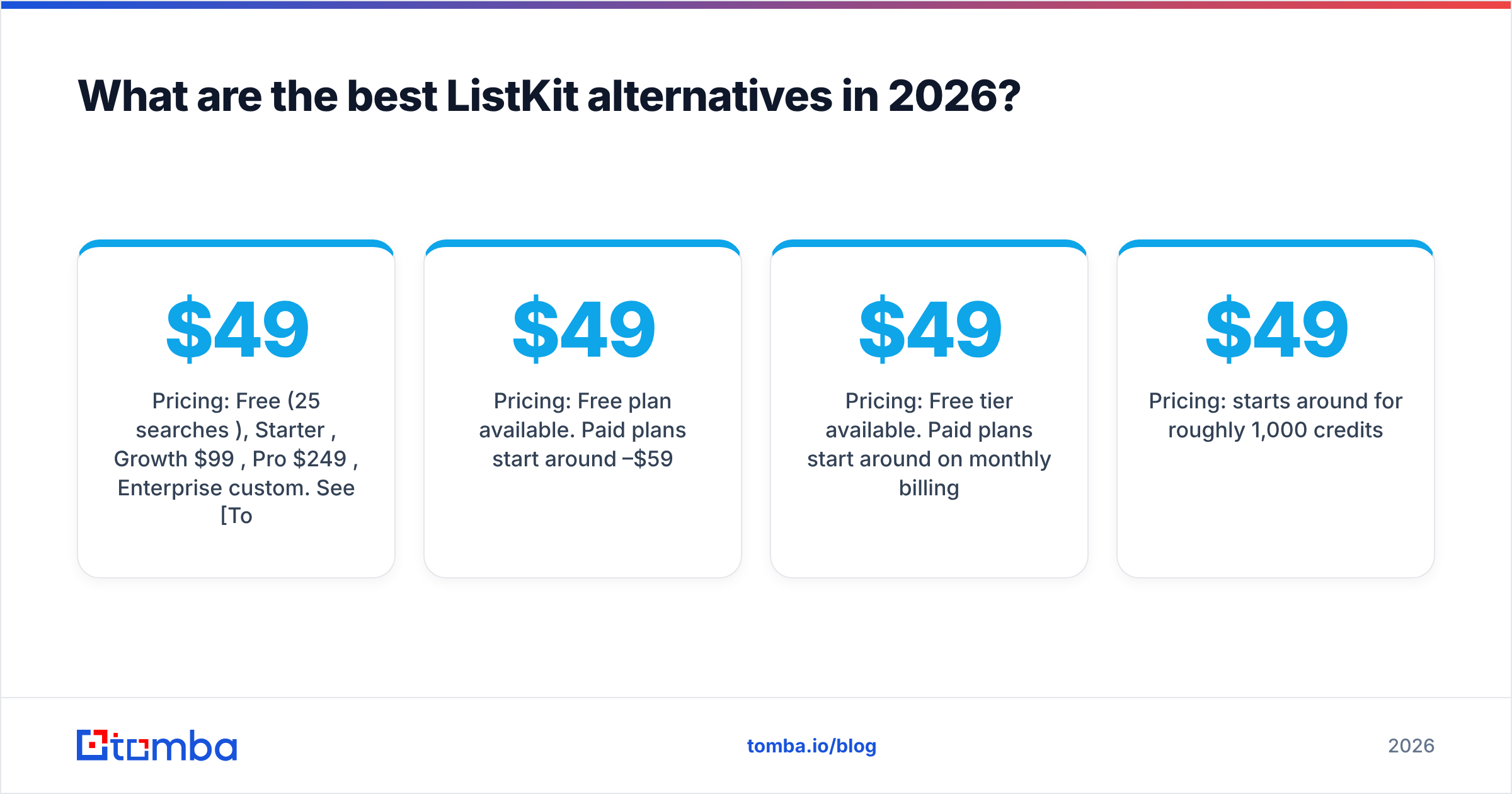
Pricing: Free (25 searches/mo), Starter $49/mo, Growth $99/mo, Pro $249/mo, Enterprise custom. See Tomba pricing for credit breakdowns.
2. Apollo.io: best all-in-one database plus sequencer#

Apollo is the tool most teams compare ListKit against. You get a large contact database, search filters, email sequencing, a dialer, and a Chrome extension, all in one login. The free plan is generous enough to run a real test.
- Pros: very broad coverage, built-in sequences, an active free tier, a solid Chrome extension.
- Cons: email accuracy varies by segment, so most serious users still run exports through a separate verifier. Per-seat pricing adds up for agencies. Credit rules have changed several times.
- Pricing: Free plan available. Paid plans start around $49–$59 per user per month.
If you're paying for ListKit plus a separate sequencer, Apollo can replace both. If deliverability is your main concern, see our breakdown of Apollo alternatives before you commit.
3. BookYourData: best pay-as-you-go list building#
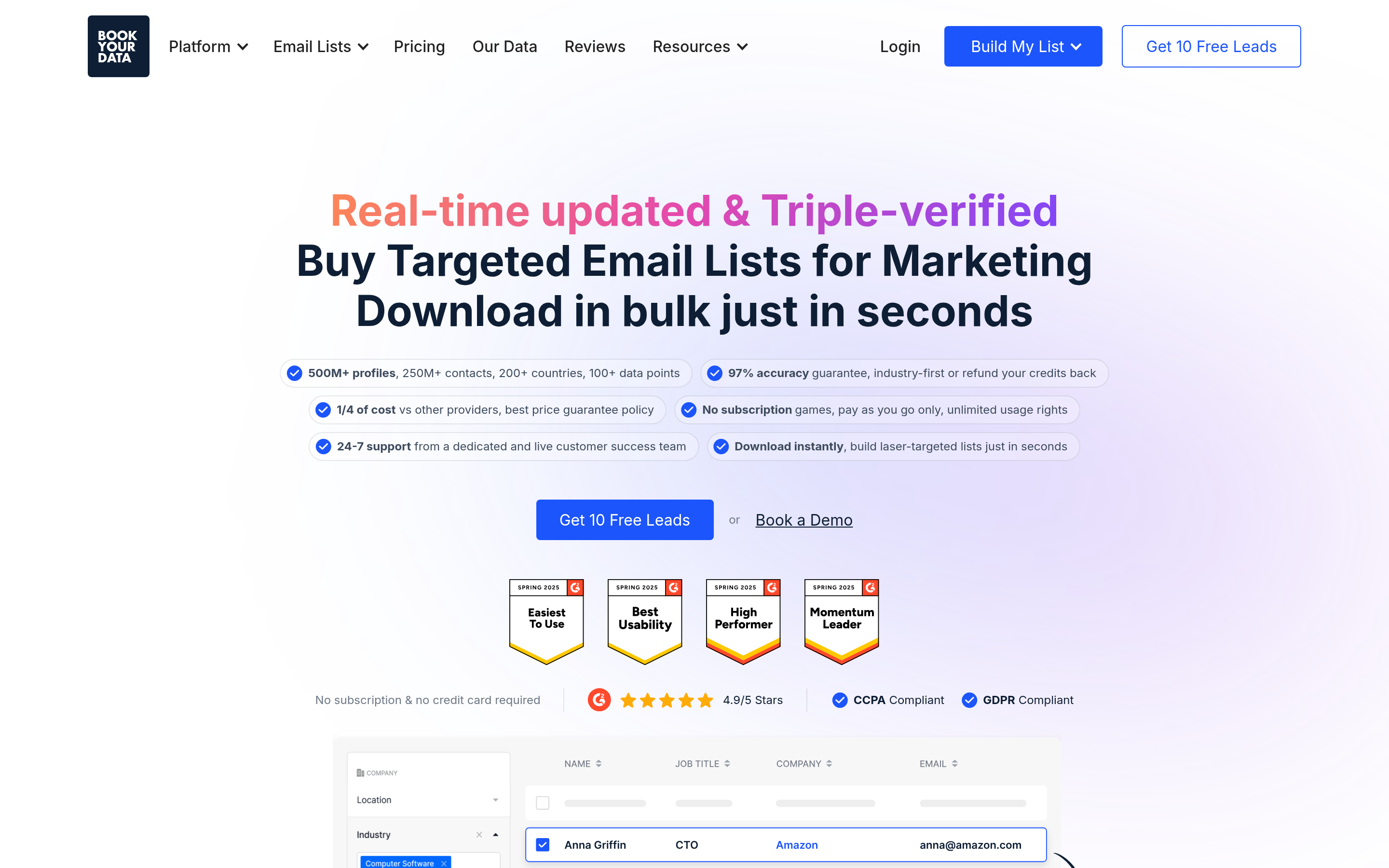
BookYourData works a lot like ListKit, since it's a filter-driven B2B contact database, but it sells credits on a pay-as-you-go basis instead of forcing a monthly subscription. That matters for agencies that run campaigns in bursts, or for founders who need one well-targeted list per quarter.
- Pros: no subscription lock-in, clean export flow, verified emails, and pricing that's easy to model because you pay for what you pull.
- Cons: it's a data source, not an outreach platform, so you'll pair it with a sequencer.
- Pricing: credit packs, with per-contact cost falling as you buy larger packs.
If ListKit's monthly minimum is what bothers you, BookYourData is the closest like-for-like swap.
4. Hunter: best for simple domain lookups and light outreach#
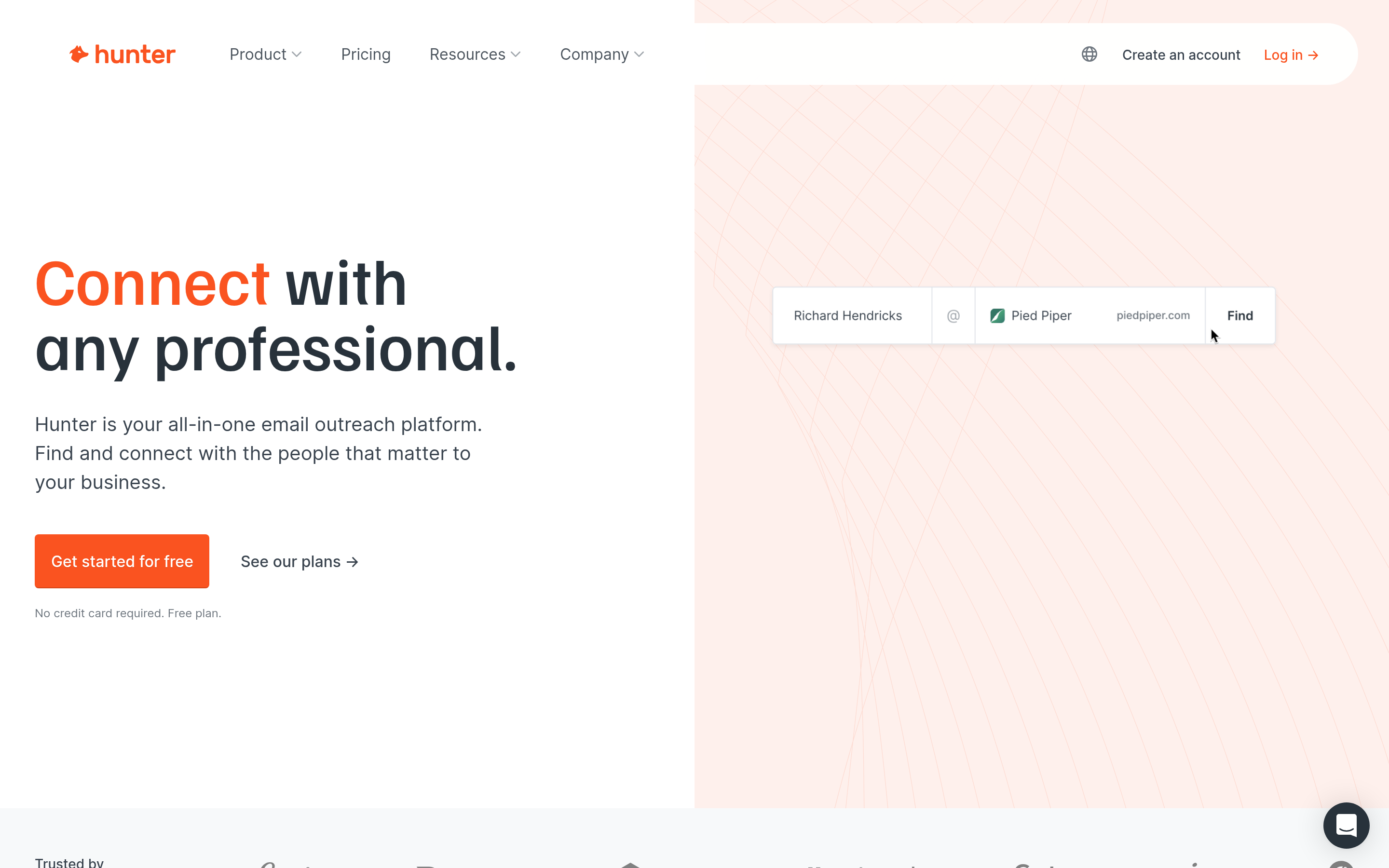
Hunter is one of the oldest email finders on the market. Domain search, email finder, verifier, and a basic campaigns feature all live in a clean, simple interface.
- Pros: easy to learn, clear confidence scores, a reliable browser extension, a free tier.
- Cons: limited ICP filtering compared with list databases, and higher plans get expensive per credit.
- Pricing: Free tier available. Paid plans start around $49/mo on monthly billing.
5. Findymail: best for verified emails from LinkedIn and Sales Navigator#
Findymail focuses on one job: turning Sales Navigator searches and LinkedIn URLs into verified emails, and charging only for valid results. Many outbound agencies use it as their verification-first finder.
- Pros: strong accuracy on its core use case, pays only for found emails, good Sales Navigator workflow.
- Cons: narrower product, weaker without LinkedIn as the starting point.
- Pricing: starts around $49/mo for roughly 1,000 credits.
6. Lusha: best for direct dials and rep-level prospecting#
If the reason you're leaving ListKit is that phone numbers eat your credits, look at Lusha. It's built for reps who prospect one contact at a time from LinkedIn or a CRM, and its mobile coverage is the main reason people buy it.
- Pros: strong phone data in North America and Europe, fast extension workflow, CRM integrations.
- Cons: not built for mass list exports, and costs climb with seats.
- Pricing: free plan with limited credits, per-user paid plans above that.
7. Instantly SuperSearch: best if you already send with Instantly#
Instantly's lead database lives inside the same platform you send from. If Instantly already runs your inboxes and warmup, pulling leads from SuperSearch removes a CSV step and a vendor.
- Pros: one platform for leads and sending, waterfall-style enrichment, tight campaign handoff.
- Cons: only makes sense if you're committed to Instantly for sending, and credits are yet another pool to track.
- Pricing: separate lead-credit plans on top of the Instantly sending plan.
How do the ListKit alternatives compare side by side?#
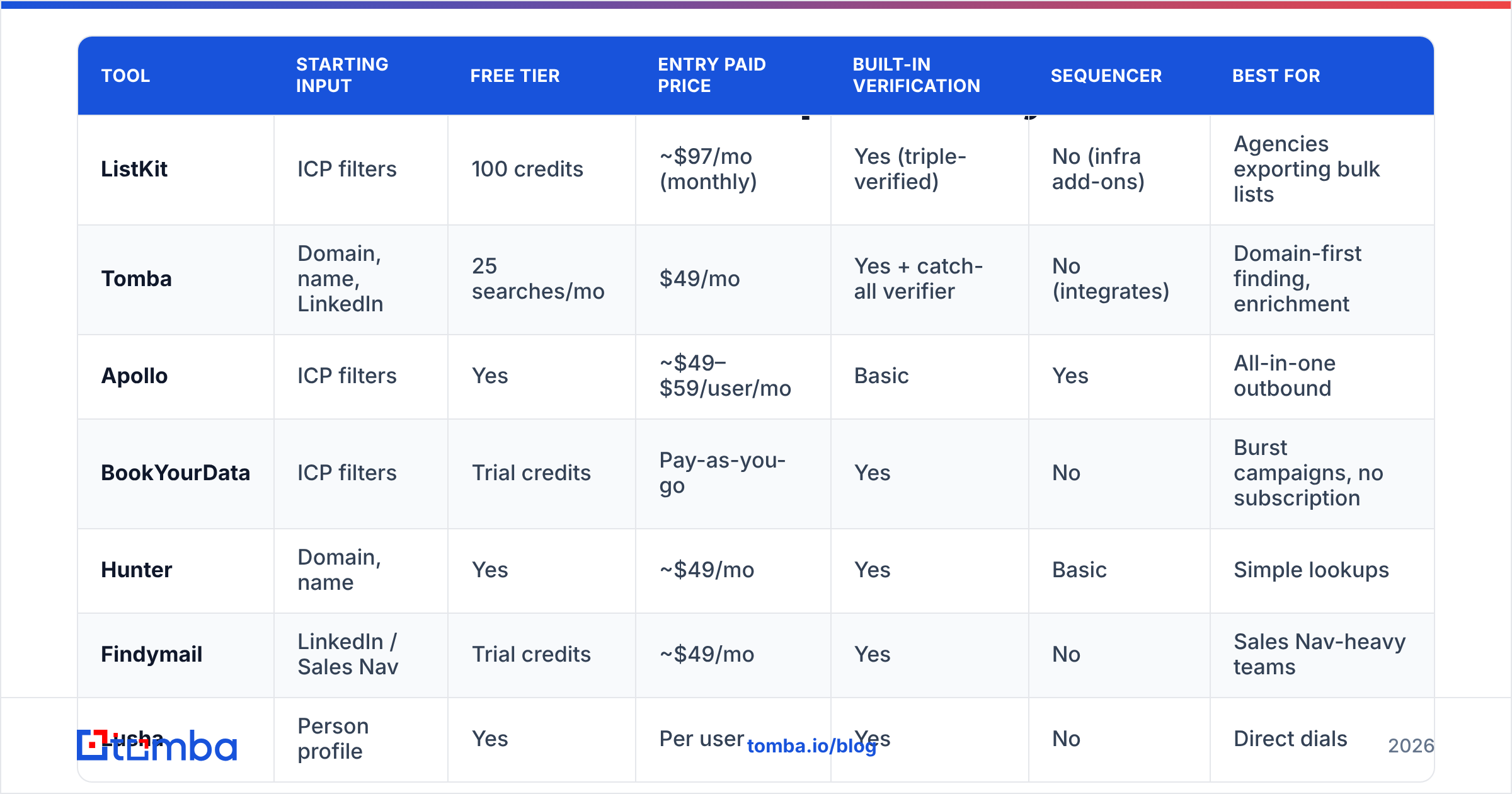
| Tool | Starting input | Free tier | Entry paid price | Built-in verification | Sequencer | Best for |
|---|---|---|---|---|---|---|
| ListKit | ICP filters | 100 credits | ~$97/mo (monthly) | Yes (triple-verified) | No (infra add-ons) | Agencies exporting bulk lists |
| Tomba | Domain, name, LinkedIn | 25 searches/mo | $49/mo | Yes + catch-all verifier | No (integrates) | Domain-first finding, enrichment |
| Apollo | ICP filters | Yes | ~$49–$59/user/mo | Basic | Yes | All-in-one outbound |
| BookYourData | ICP filters | Trial credits | Pay-as-you-go | Yes | No | Burst campaigns, no subscription |
| Hunter | Domain, name | Yes | ~$49/mo | Yes | Basic | Simple lookups |
| Findymail | LinkedIn / Sales Nav | Trial credits | ~$49/mo | Yes | No | Sales Nav-heavy teams |
| Lusha | Person profile | Yes | Per user | Yes | No | Direct dials |
| Instantly SuperSearch | ICP filters | Limited | Add-on | Yes | Yes (Instantly) | Existing Instantly users |
Treat this table as a way to shortlist tools, not to decide. Two tools with the same $49 price can end up at very different costs per usable lead once you account for bounce rates and catch-all handling.
Is a list database or an email finder the better ListKit replacement?#
It depends on whether your bottleneck is volume or precision.
A list database like ListKit, Apollo, or BookYourData is the right choice when:
- You run many campaigns at once across broad ICPs.
- A 3–5% bounce rate is acceptable because you verify again before sending.
- Your team's time is better spent writing copy than researching accounts.
An email finder like Tomba, Hunter, or Findymail is the right choice when:
- You work a defined account list, such as a target account list from RevOps or intent data.
- You're enriching contacts you already have: event attendees, inbound sign-ups, CRM records missing emails.
- Protecting deliverability matters more than raw volume, so you want to verify every address and flag catch-alls separately.
Plenty of mature outbound teams run both. They use a database for top-of-funnel list building and a finder/verifier to fill gaps and re-check addresses before each send. If that's you, pick tools that connect over API or Zapier so the handoff isn't a CSV someone has to remember to upload.

What does one usable lead actually cost?#
Here's a simple way to compare, using made-up round numbers.
Say you need 1,000 contacts with verified emails, and 300 of them also need phone numbers.
- List database with phone surcharge: 1,000 email credits + 300 phones × several credits each. If phones cost 3–5 credits, you've spent 1,900–2,500 credits. That's one to one-and-a-half months of a 2,000-credit plan.
- Finder + separate phone tool: 1,000 email lookups on a finder plan, plus 300 phone lookups in a tool priced for phones. Often cheaper when phones are a minority of your needs, but you manage two vendors.
- Pay-as-you-go database: you buy exactly the pack you need. Nothing is left over when a campaign pauses.
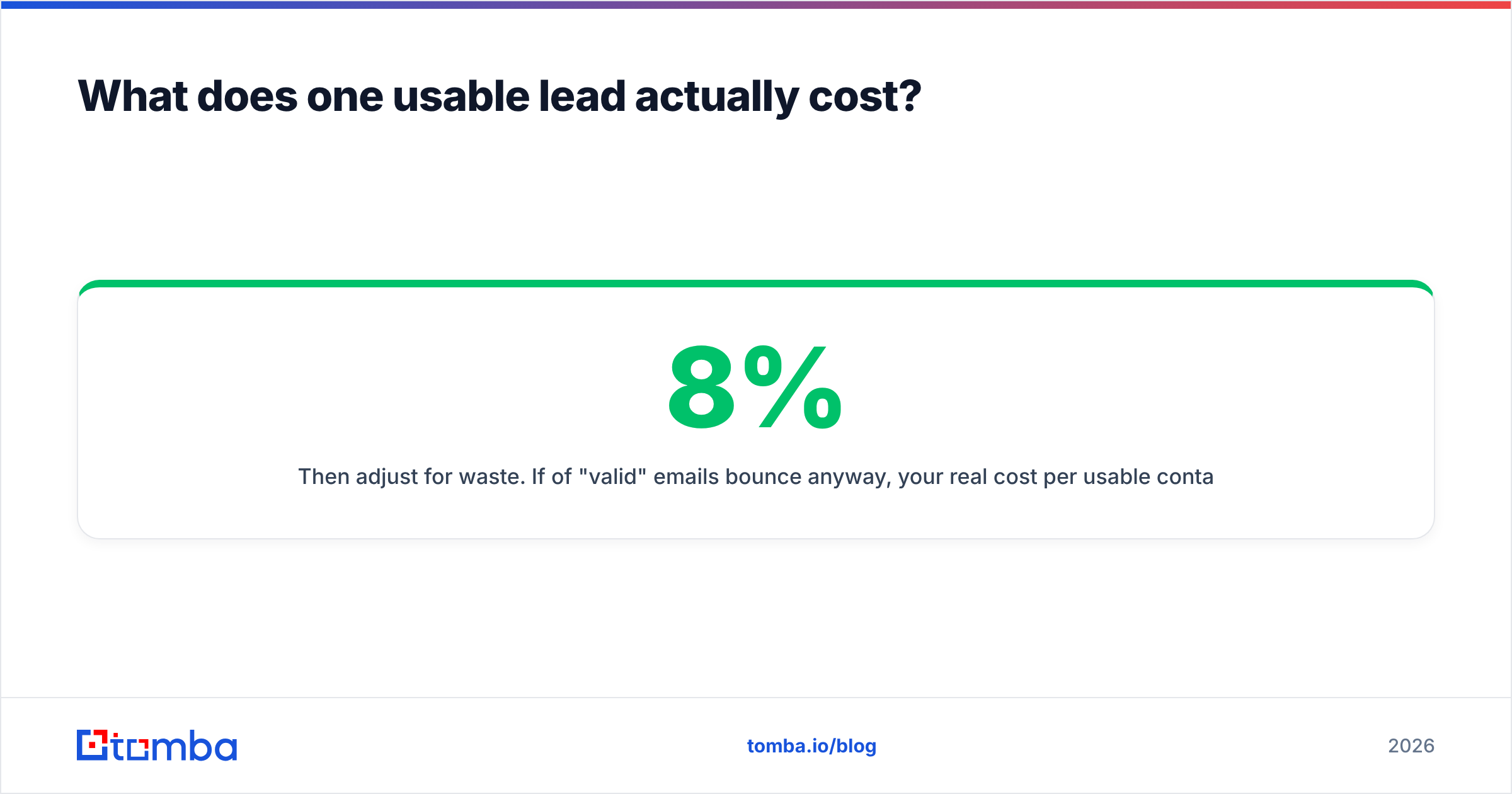
Then adjust for waste. If 8% of "valid" emails bounce anyway, your real cost per usable contact is about 9% higher than the sticker price. A verifier that correctly flags catch-alls is often what separates a 2% bounce rate from an 8% one. Gmail and Yahoo's bulk-sender rules, summarized in Google's sender guidelines, make that gap more expensive every quarter.
Which ListKit alternative should you pick?#
Here's the short version:
- You're an agency exporting big lists and want no subscription: BookYourData.
- You want database + sequencing in one tool: Apollo.
- You already know your target accounts and need the right emails at each: Tomba.
- Your pipeline starts in Sales Navigator: Findymail.
- Your reps live on the phone: Lusha.
- You already send through Instantly: SuperSearch.
- You like ListKit's data and the credit math works for you: stay. Switching has costs too, and a tool that fits your workflow beats a cheaper one that doesn't.
Whichever you choose, run a paid test on the same 200 contacts across two or three tools. Compare found rate, verified rate, and actual bounces after one send. That result tells you more than any review, including this one.
Ready to find emails without paying for a list you won't use?#
If you're leaving ListKit because you work from specific accounts rather than broad filters, try the Tomba Email Finder. Enter a domain or a name and company, get the most likely professional address with a confidence score, and verify it in the same step, catch-all domains included. The free tier gives you 25 searches a month to test it on your own target accounts, and paid plans start at $49/mo when you're ready to scale.
Related guides#
// get started
Find, verify and enrich your first contacts today
Start on the free plan with 25 searches a month, then scale when your team is ready.
Free plan · No credit card required · GDPR & CCPA
// about the author