Listly Alternatives: 8 Web Scrapers Compared for 2026
Listly turns web pages into spreadsheets in one click, until you hit its limits on dynamic sites, scheduling, or scale. Here are 8 Listly alternatives, what each one does better, and which one fits your workflow.
TL;DR
- Listly is a Chrome extension that turns web pages into spreadsheets with one click. It works well for simple, static list pages, but it has trouble with heavy JavaScript, logins, and large recurring jobs.
- Best free swap: Instant Data Scraper. Best no-code robot: Browse AI. Best for developers: Apify. Best desktop power tool: Octoparse.
- If you mainly want AI to pick the fields for you, try Thunderbit. If you want a free point-and-click sitemap builder, use Web Scraper.io.
- Most B2B teams scrape lists to get leads, and a scraped list almost never includes verified emails. You need an enrichment step after scraping whichever tool you pick.
- Pick the tool that matches your job: one-off grabs, scheduled monitoring, or code-level scale. A better version of the same tool won't help if the job is different.
What is Listly, and why do people look for alternatives?#
Listly is a browser extension that finds repeating data on a page, such as product grids, directory listings, or search results, and exports it to Excel or Google Sheets. You click once, it guesses the table, and you download it. For marketers and ops people who don't write code, that's the whole appeal.
Its paid tiers add scheduling, multi-page extraction, and group scraping (one extraction template run across many URLs). The free plan is limited on purpose. Paid plans run from the Light tier up to Business and Enterprise, and reviewers on G2 list prices from free up to around $49/mo for individual tiers. Team and enterprise plans cost more.
People usually leave Listly for one of four reasons:
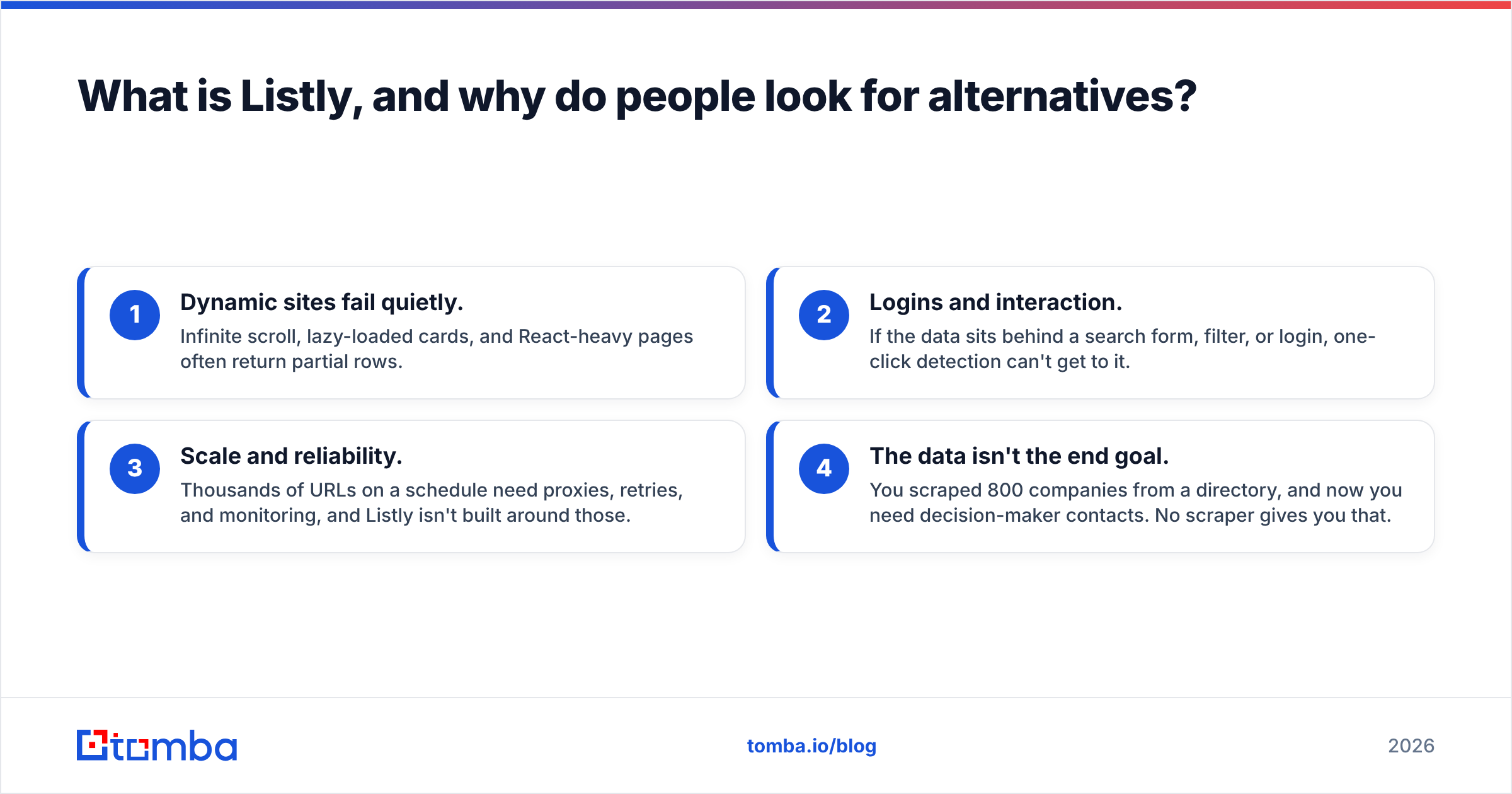
- Dynamic sites fail quietly. Infinite scroll, lazy-loaded cards, and React-heavy pages often return partial rows.
- Logins and interaction. If the data sits behind a search form, filter, or login, one-click detection can't get to it.
- Scale and reliability. Thousands of URLs on a schedule need proxies, retries, and monitoring, and Listly isn't built around those.
- The data isn't the end goal. You scraped 800 companies from a directory, and now you need decision-maker contacts. No scraper gives you that.
Keep those four reasons in mind. Each alternative below fixes one or two of them. None fixes all four.
How should you evaluate Listly alternatives?#
Before you compare feature grids, decide what kind of scraping you actually do. Choosing the wrong category costs more than choosing the wrong vendor.
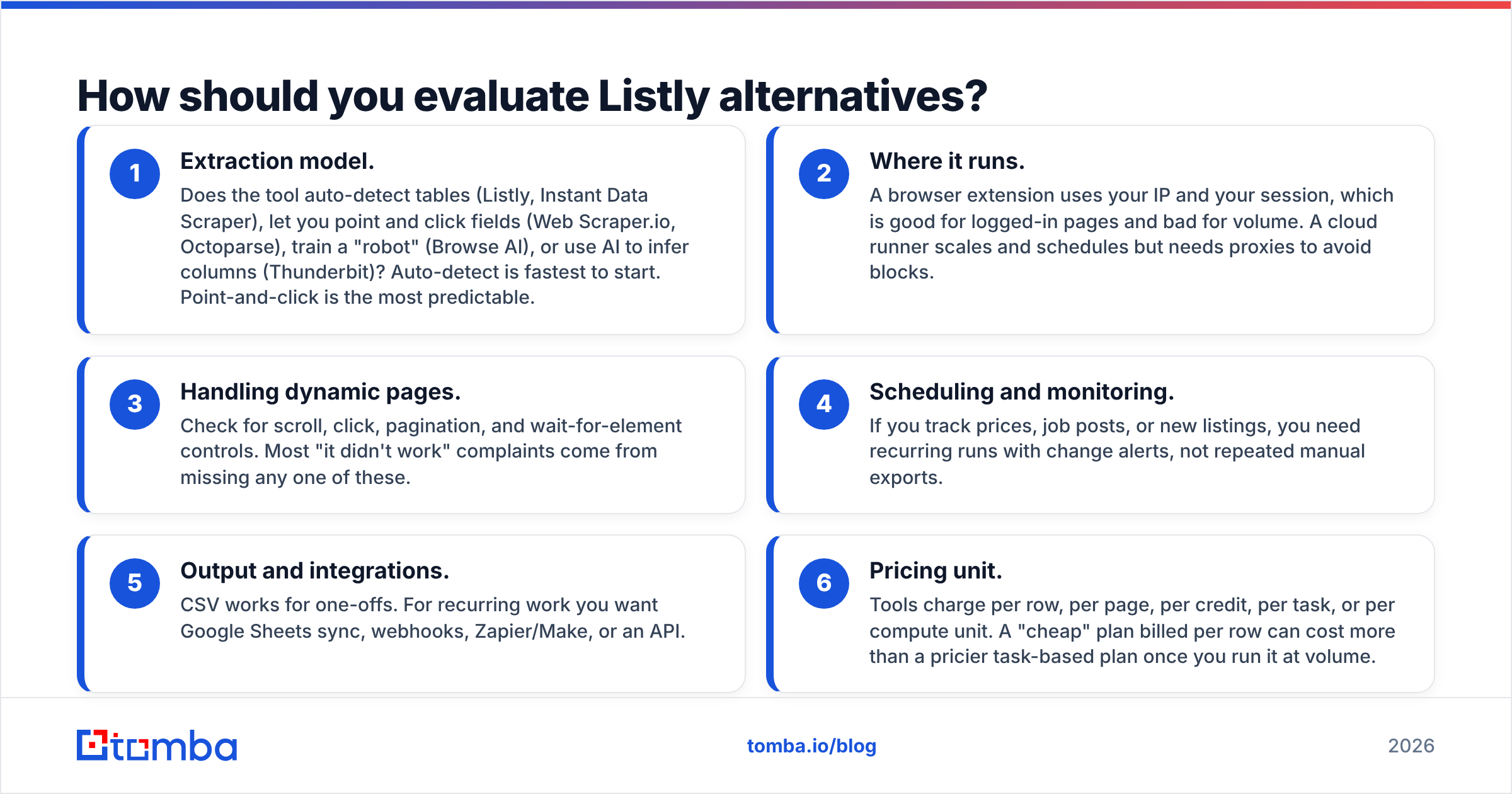
- Extraction model. Does the tool auto-detect tables (Listly, Instant Data Scraper), let you point and click fields (Web Scraper.io, Octoparse), train a "robot" (Browse AI), or use AI to infer columns (Thunderbit)? Auto-detect is fastest to start. Point-and-click is the most predictable.
- Where it runs. A browser extension uses your IP and your session, which is good for logged-in pages and bad for volume. A cloud runner scales and schedules but needs proxies to avoid blocks.
- Handling dynamic pages. Check for scroll, click, pagination, and wait-for-element controls. Most "it didn't work" complaints come from missing any one of these.
- Scheduling and monitoring. If you track prices, job posts, or new listings, you need recurring runs with change alerts, not repeated manual exports.
- Output and integrations. CSV works for one-offs. For recurring work you want Google Sheets sync, webhooks, Zapier/Make, or an API.
- Pricing unit. Tools charge per row, per page, per credit, per task, or per compute unit. A "cheap" plan billed per row can cost more than a pricier task-based plan once you run it at volume.
What are the best Listly alternatives in 2026?#
Here are the eight tools worth your time, grouped by the job they do best.
1. Instant Data Scraper: the best free one-click swap#
Instant Data Scraper is the closest match to Listly's core experience. It's a free Chrome extension that detects tabular data on the current page, follows "next" buttons for pagination, and exports to CSV or XLSX. There's no account, no credits, and no cloud.
Best for: one-off scrapes of directories, marketplaces, and search results where you're happy to keep the tab open. Watch out for: no scheduling, no cloud runs, and detection can pick the wrong element on complex layouts. It's a manual tool.
2. Browse AI: the best no-code "robot" for monitoring#
Browse AI has you record a robot by clicking the fields you want. It then runs that robot in the cloud on a schedule and alerts you when data changes. It handles pagination, logins, and bulk runs across lists of URLs, and it syncs to Google Sheets, Airtable, and Zapier.
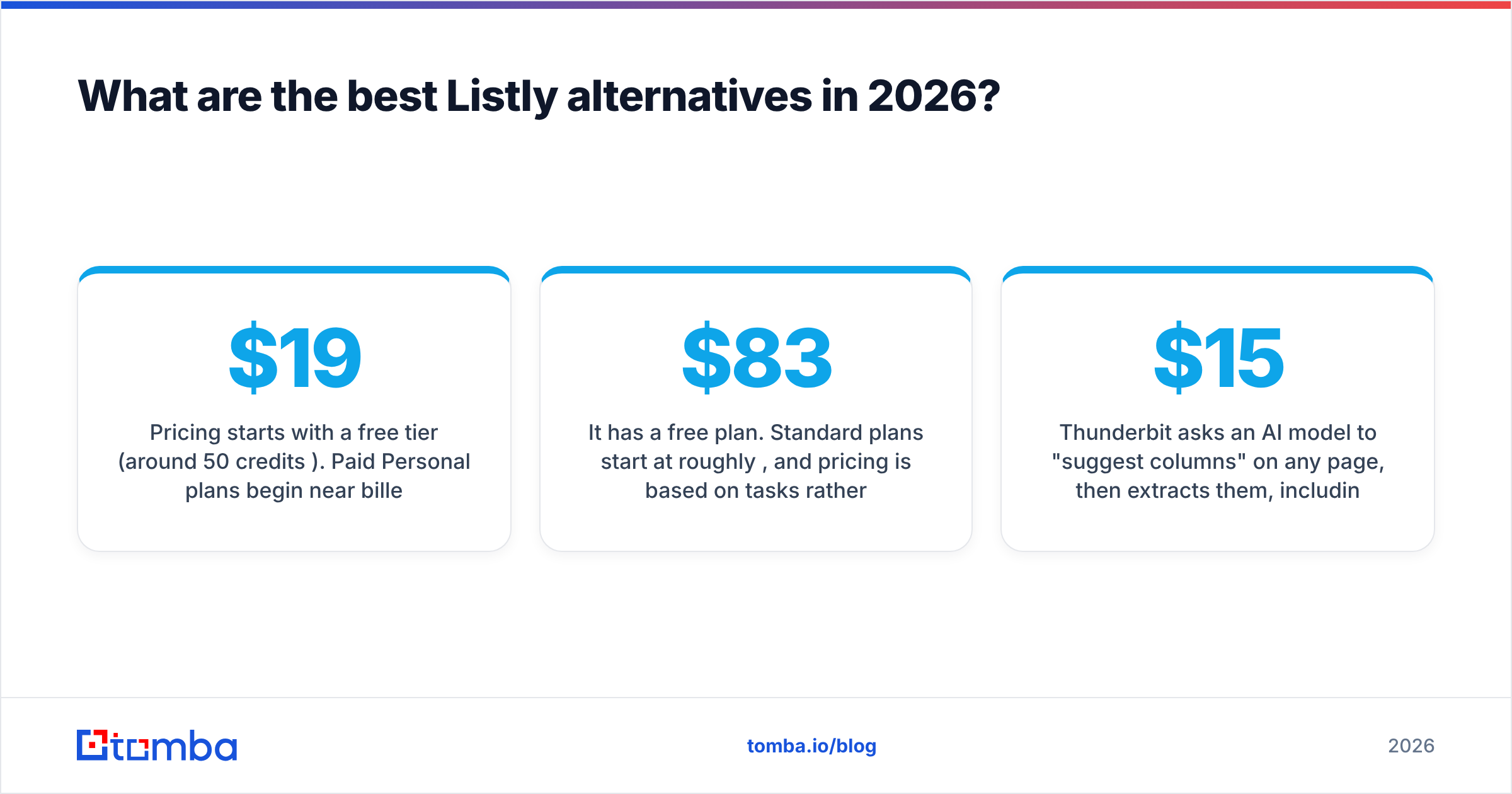
Pricing starts with a free tier (around 50 credits/month). Paid Personal plans begin near $19/mo billed annually, Professional sits around $69/mo, and Premium plans go much higher.
Best for: competitor price tracking, job-board monitoring, and recurring lead-list refreshes. Watch out for: credits run out quickly on large or deeply paginated sites, and robots need retraining when a site redesigns.

3. Octoparse: the best desktop power tool#
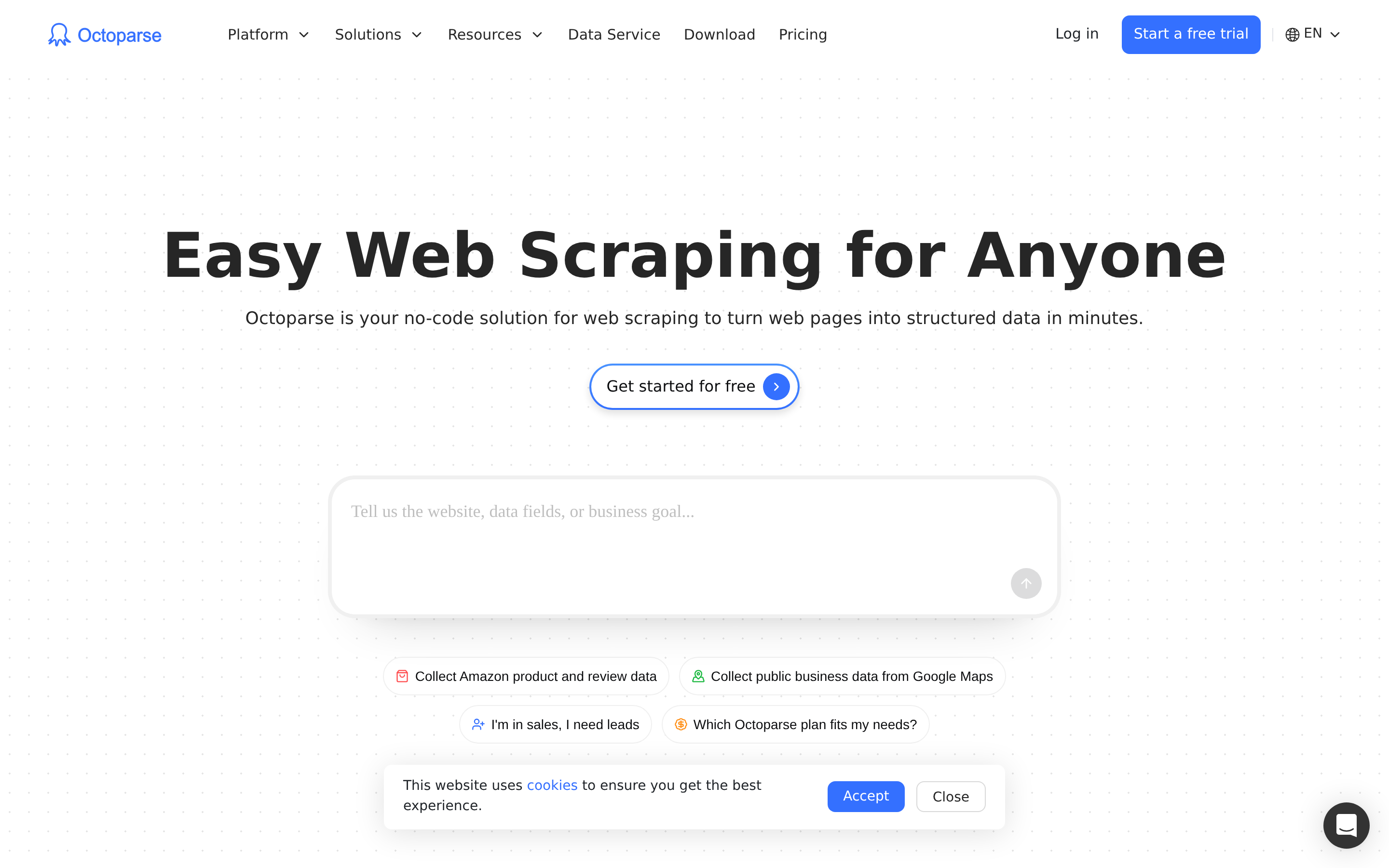
Octoparse is a full visual scraping IDE with a desktop app, auto-detect mode, a template library for popular sites, and cloud execution with IP rotation. It handles AJAX, infinite scroll, dropdowns, and login flows much better than extension-only tools.
It has a free plan. Standard plans start at roughly $83/mo, and pricing is based on tasks rather than rows.
Best for: ops and research teams who scrape the same large sites repeatedly and need cloud reliability. Watch out for: a steeper learning curve and a heavier interface than Listly. Expect to spend an afternoon learning it.
4. Web Scraper.io: the best free point-and-click builder#
Web Scraper.io is a Chrome extension where you build a "sitemap" that tells it which links to follow and which elements to capture. It handles multi-level navigation (category, then listing, then detail page) and JavaScript pages. The extension is free. The paid Cloud Scraper adds scheduling, proxies, and API access.
Best for: people willing to learn selectors in exchange for precise, repeatable extractions without paying. Watch out for: sitemaps are fragile when HTML changes, and the local extension is slow for thousands of pages.
5. Thunderbit: the best AI-first extension#

Thunderbit asks an AI model to "suggest columns" on any page, then extracts them, including from subpages. It can clean, translate, or categorize values as it scrapes, which saves a post-processing step. Pricing is credit-based per row, with the extension starting around $15/mo and a separate API tier.
Best for: non-technical users scraping inconsistent pages where fixed selectors break. Watch out for: per-row billing adds up at volume, and AI-inferred fields need a spot check before you trust them.
6. Apify: the best for developers and scale#
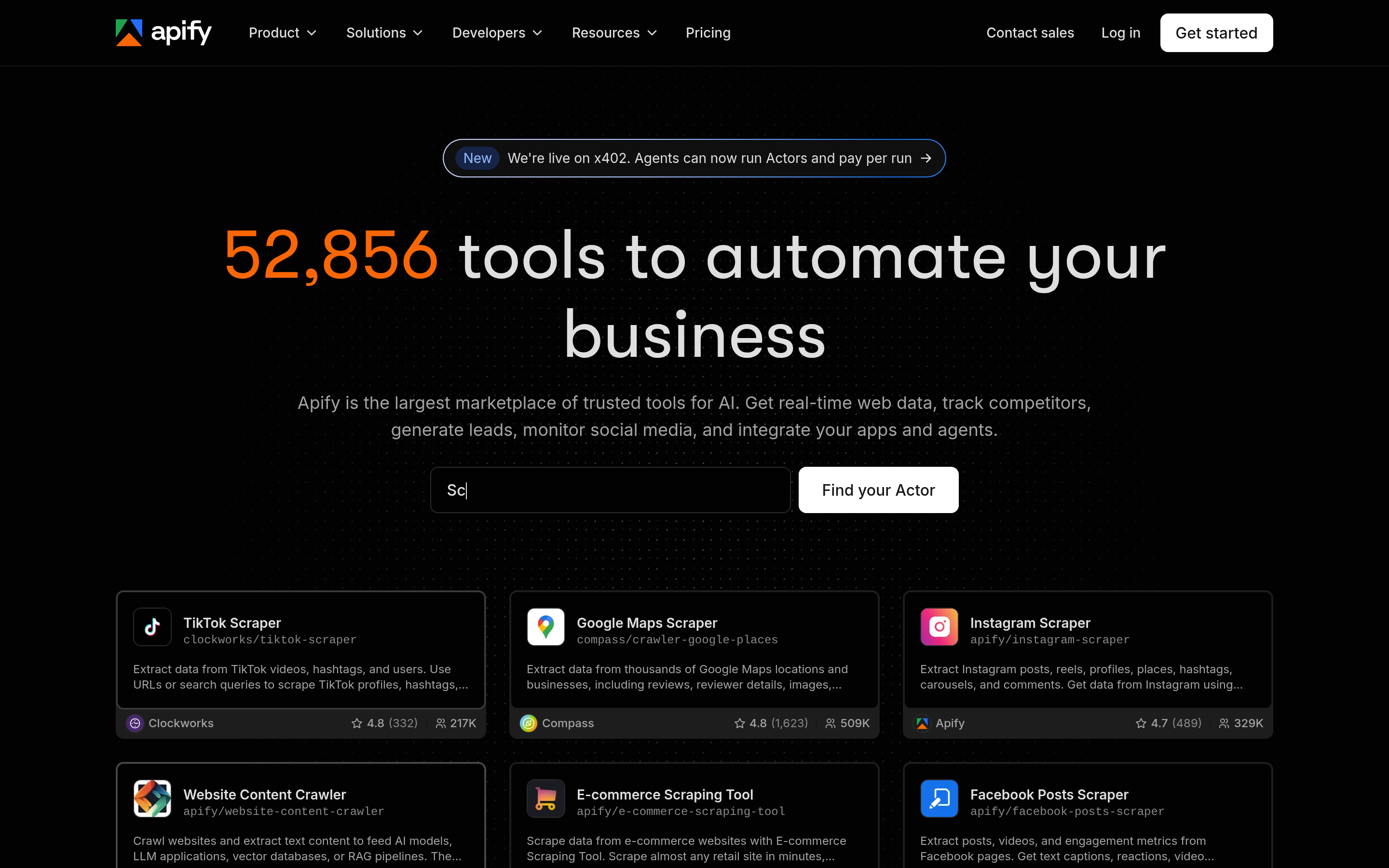
Apify is a cloud platform with thousands of pre-built "Actors" (scrapers for Google Maps, LinkedIn-adjacent public data, e-commerce sites, and more), plus an SDK to write your own in JavaScript or Python. It includes proxies, scheduling, storage, and an API. You pay for compute usage, and a small monthly free credit lets you test.
Best for: technical teams or agencies that need tens of thousands of pages, custom logic, or pipelines feeding a warehouse. Watch out for: it's more than most Listly users need, and costs depend on how efficient the Actor is.
7. ParseHub: a solid desktop scraper for complex navigation#
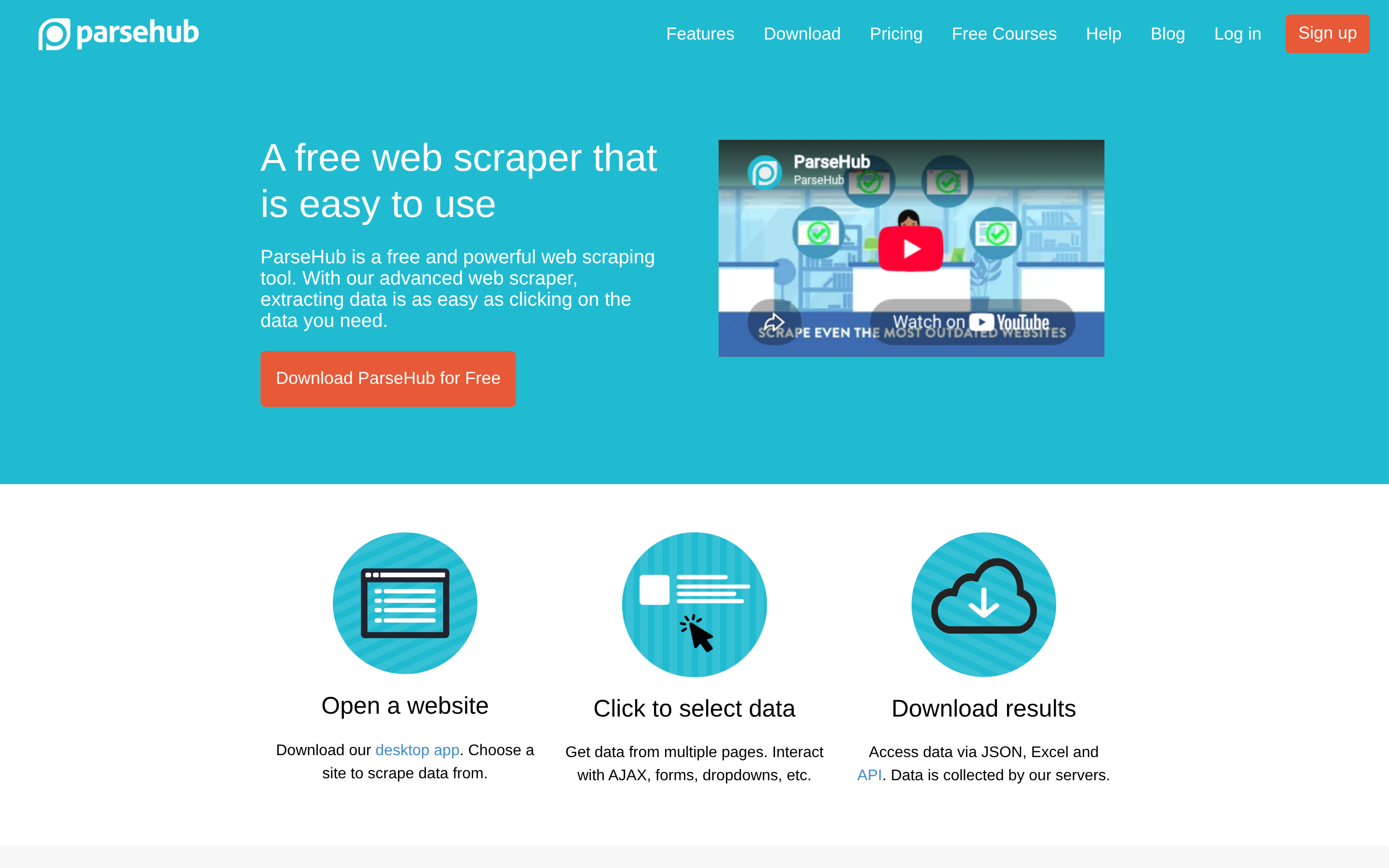
ParseHub is a desktop app that clicks through forms, dropdowns, tabs, and maps, which makes it a good fit for sites where the data only appears after interaction. The free plan caps projects and pages per run. Paid plans are priced for teams and get expensive quickly.
Best for: interaction-heavy sites that Listly and Instant Data Scraper can't handle. Watch out for: the interface feels dated, and the paid tiers cost much more than extension tools.
8. Bardeen: the best when scraping is part of a workflow#
Bardeen is a browser automation tool. Scraping is one action in a "playbook" that can also write to your CRM, post to Slack, or update a Sheet. It has built-in scrapers for common sites and a custom scraper builder.
Best for: GTM teams who want "scrape this list, then push to HubSpot" in one click. Watch out for: it's an automation tool first. For pure bulk extraction, dedicated scrapers are faster.
How do the Listly alternatives compare side by side?#
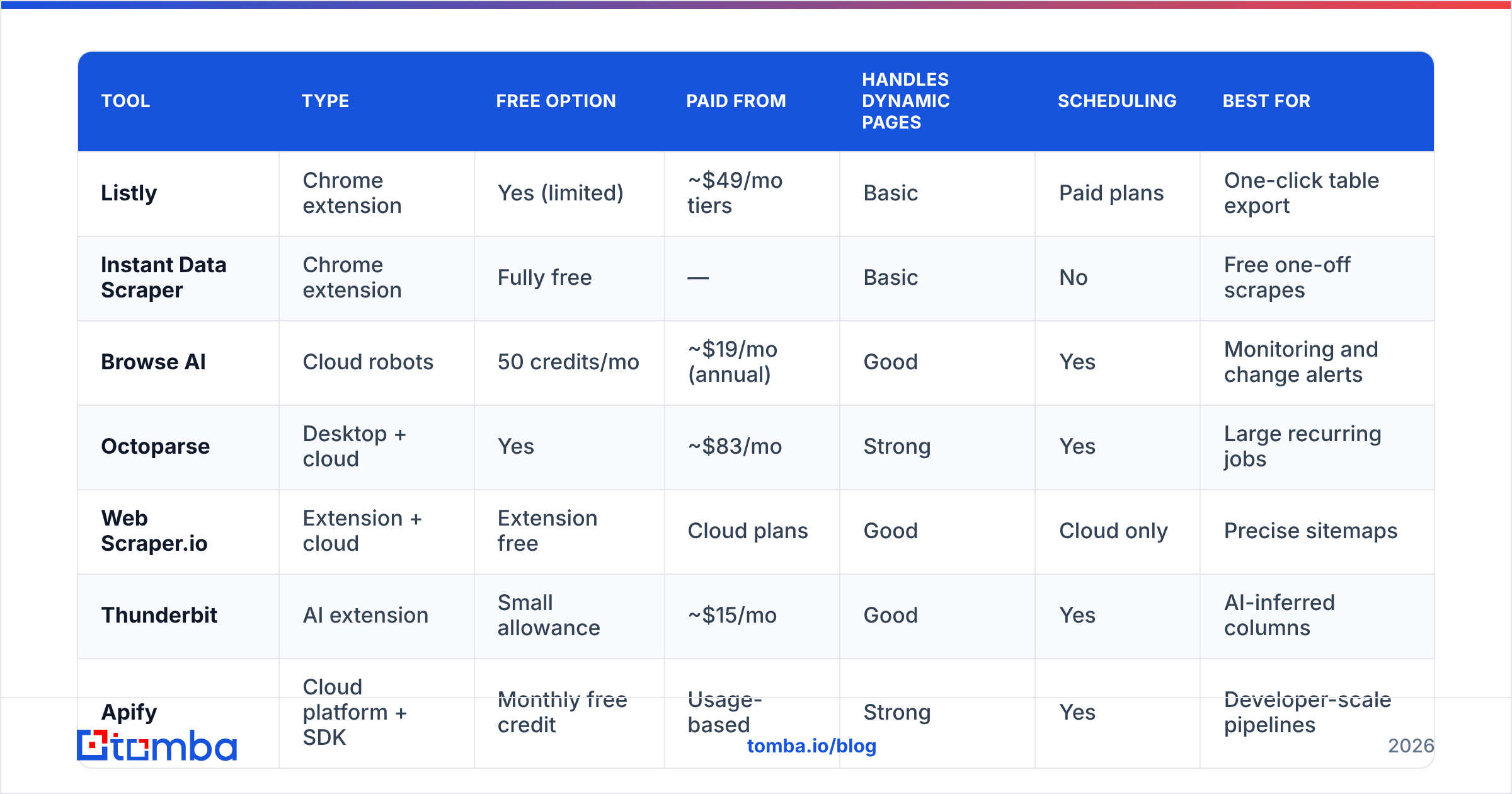
Prices below are starting points taken from vendor pages and review sites at the time of writing. They change often, so check them before you buy.
| Tool | Type | Free option | Paid from | Handles dynamic pages | Scheduling | Best for |
|---|---|---|---|---|---|---|
| Listly | Chrome extension | Yes (limited) | ~$49/mo tiers | Basic | Paid plans | One-click table export |
| Instant Data Scraper | Chrome extension | Fully free | — | Basic | No | Free one-off scrapes |
| Browse AI | Cloud robots | 50 credits/mo | ~$19/mo (annual) | Good | Yes | Monitoring and change alerts |
| Octoparse | Desktop + cloud | Yes | ~$83/mo | Strong | Yes | Large recurring jobs |
| Web Scraper.io | Extension + cloud | Extension free | Cloud plans | Good | Cloud only | Precise sitemaps |
| Thunderbit | AI extension | Small allowance | ~$15/mo | Good | Yes | AI-inferred columns |
| Apify | Cloud platform + SDK | Monthly free credit | Usage-based | Strong | Yes | Developer-scale pipelines |
| ParseHub | Desktop app | Yes (capped) | Team plans | Strong | Paid plans | Form/click-heavy sites |
| Bardeen | Automation extension | Yes | Paid tiers | Good | Yes | Scrape-to-CRM workflows |
Here's the table in plain terms. If Listly's one-click model works for you and you only want it free, use Instant Data Scraper. If your problem is recurring runs, use Browse AI or Octoparse. If your problem is scale or custom logic, use Apify. If you keep hitting sites where selectors break, try Thunderbit.
Which Listly alternative should you pick for your use case?#
Match the tool to the job you run most often:
- "I grab a list once or twice a week." Instant Data Scraper, or stay on Listly's free plan.
- "I need the same page checked every day." Browse AI for no-code setup, Octoparse if the sites are heavy.
- "I need 50,000 pages and an API." Apify.
- "I scrape, then paste into HubSpot or Sheets by hand." Bardeen or Browse AI with a Sheets/Zapier sync.
- "The data is behind search filters and clicks." ParseHub or Octoparse.
- "The pages are messy and inconsistent." Thunderbit.
Budget matters less than people expect. A $19 tool that breaks every week costs more in rework than an $83 tool that runs unattended. Start with a free tier on your hardest target site, not the easiest one. If it handles your worst page, it will handle the rest.
Why does your scraped lead list still have no emails?#
This is the problem most sales teams discover about a week after switching scrapers. You pull 1,000 rows from a conference exhibitor page, a SaaS directory, or a marketplace, and you get company names, websites, maybe a city and a category. You get almost no named contacts and almost no working emails.
It happens for three reasons:
- Directories don't publish personal emails. At best you'll scrape
info@orcontact@, which rarely reach a buyer. - The emails you do scrape are unverified. Addresses copied from old pages bounce, and bounces hurt your sender reputation.
- Scraping personal data has rules. Collecting emails from pages at scale raises GDPR and site terms-of-service questions. Getting professional contacts from a dedicated provider is usually cleaner.
The practical fix is a two-step pipeline: scrape the accounts, then enrich the contacts. Your scraper (any of the eight above) gives you a list of domains. You then run those domains through a domain search to see the professional emails tied to each company, or use an email finder with first name, last name, and domain when you've scraped named people (speaker lists, team pages, author bylines). Before you send anything, run the list through an email verifier so catch-alls and dead mailboxes don't wreck your deliverability.
If what you actually scraped is a messy block of text or a PDF with addresses buried in it, a lightweight email extractor will pull them out faster than setting up a full scraper.
Is it worth leaving Listly at all?#
Not always. Stay on Listly if:
- Your targets are static list pages that export cleanly.
- You run a handful of extractions a week, by hand.
- The team already knows it and the output lands in Sheets without cleanup.
Switch if:
- You're re-running the same scrape on a schedule and babysitting it.
- More than one in five runs returns partial or empty rows.
- You need logins, clicks, or thousands of URLs.
- Someone downstream (sales, RevOps) keeps asking "where are the contacts?"
Most mature teams end up with two tools: a light extension for ad-hoc grabs and one cloud tool for anything recurring. Adding an enrichment layer on top of those makes a scraped list usable for outreach.
What's the bottom line on Listly alternatives?#
Listly still does its original job well: one click from web page to spreadsheet. The alternatives are better at the jobs it doesn't do. Instant Data Scraper is the free drop-in. Browse AI and Octoparse handle scheduled, reliable runs. Thunderbit brings AI field detection. Apify covers developer-scale pipelines. ParseHub handles click-heavy sites. Bardeen connects scraping to the rest of your workflow.
Choose based on how often you scrape and how hostile your target sites are. Then plan for the step no scraper covers: turning companies into people you can actually email.
If your scraping ends in outreach, pair whichever tool you pick with Tomba Email Finder. Drop in the domains or names you scraped, get professional email addresses with confidence scores, and verify them before you hit send. The free tier includes 25 searches a month so you can test it on your last export, and paid plans start at $49/mo when you're ready to run full lists. See the Tomba pricing page for details.
Related guides#
// get started
Find, verify and enrich your first contacts today
Start on the free plan with 25 searches a month, then scale when your team is ready.
Free plan · No credit card required · GDPR & CCPA
// about the author